Repository navigation
Windows panels sessions and the Workboard
Basics · Hrvatski
Arrange windows and panels, save workspaces as sessions, use the clipboard panel and Workboard addons.
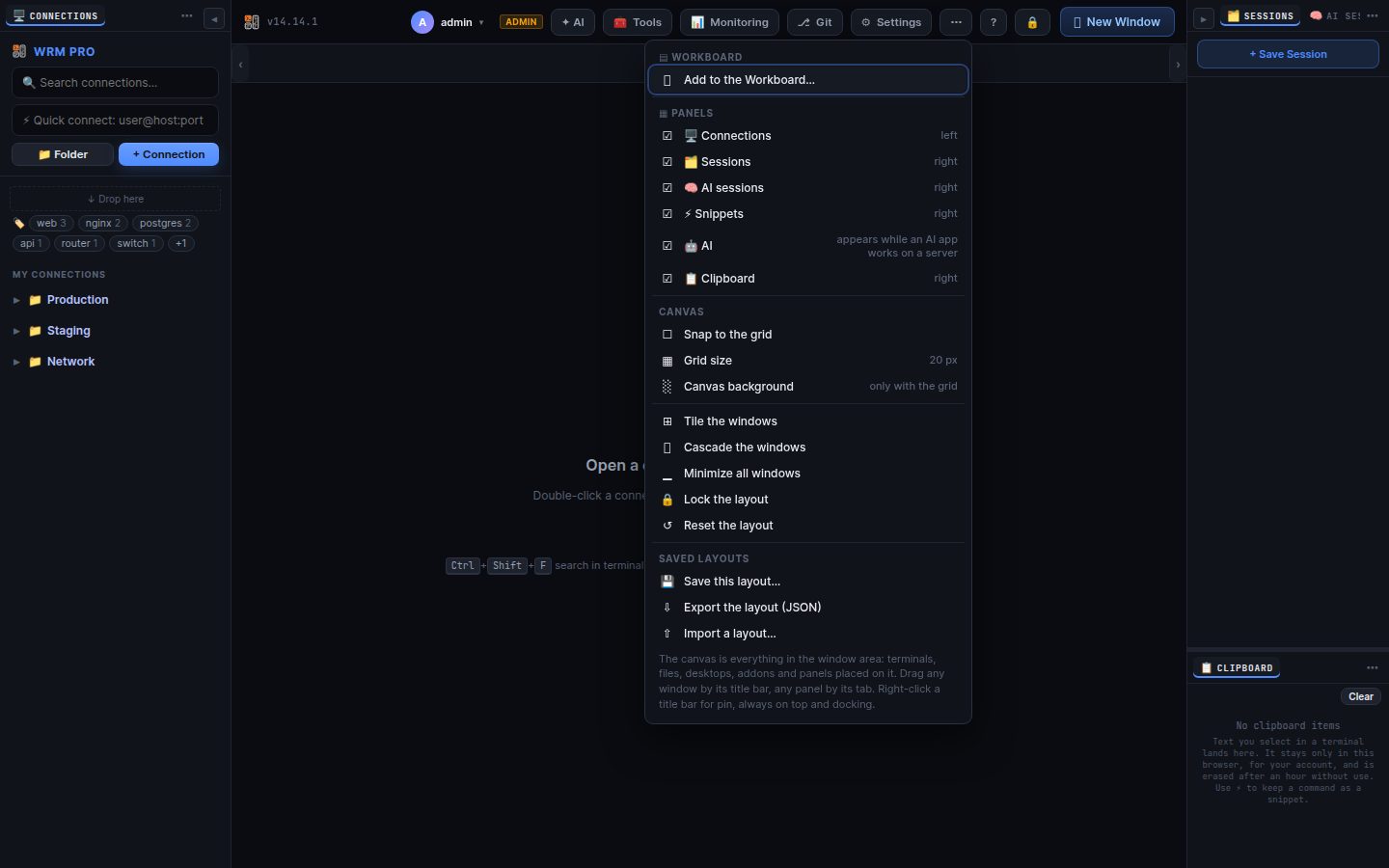
Every opened connection is a window with a tab. Drag the title bar to move it, double-click to maximise, drag it to a screen edge to snap (or use the snap button for layouts). + New Window (Alt+N) opens an empty window with your connections and saved sessions. Right-click a title bar for Pin in place and Always on top.
Connections, Sessions, Snippets, Clipboard, AI sessions and docked addons are panels. ▦ Panels in the top bar shows or hides them. Drag a panel by its tab: onto another tab bar to stack them, onto the top or bottom of a panel to split, to a screen edge to dock, or onto the canvas to float. Lock layout stops accidental moves; Reset brings the default back. The layout is stored with your account.
The window area is one canvas. ▤ Workboard → + Add addon places small tools on it (server metrics, notes, clocks, checks…); each is a window you can move, resize, dock as a panel or remove. Only what you add is shown.
+ Save Session in the Sessions panel saves all open windows with their places; click a session to open it again (Replace or Add). Right-click to update, rename, lock or delete it.
The Clipboard panel keeps the last 20 texts copied from terminals in this browser; click to copy again, Paste to send to the focused terminal. Signing out clears it.
Search terms: window, tab, snap, maximize, minimize, layout, panel, dock, stack, float, lock layout, workboard, canvas, session, save session, clipboard, workspace
The same article is in WRM: ? in the top bar (or F1) opens Help, where you can search it and ask the help AI.
← Previous: Remote desktop, consoles and BMC · Home · Next: SSH keys, credentials and Bitwarden →