Repository navigation
Sharing and collaboration
Access · Hrvatski
Share connections or folders with roles and links, work together in a live room with chat, voice and shared terminals.
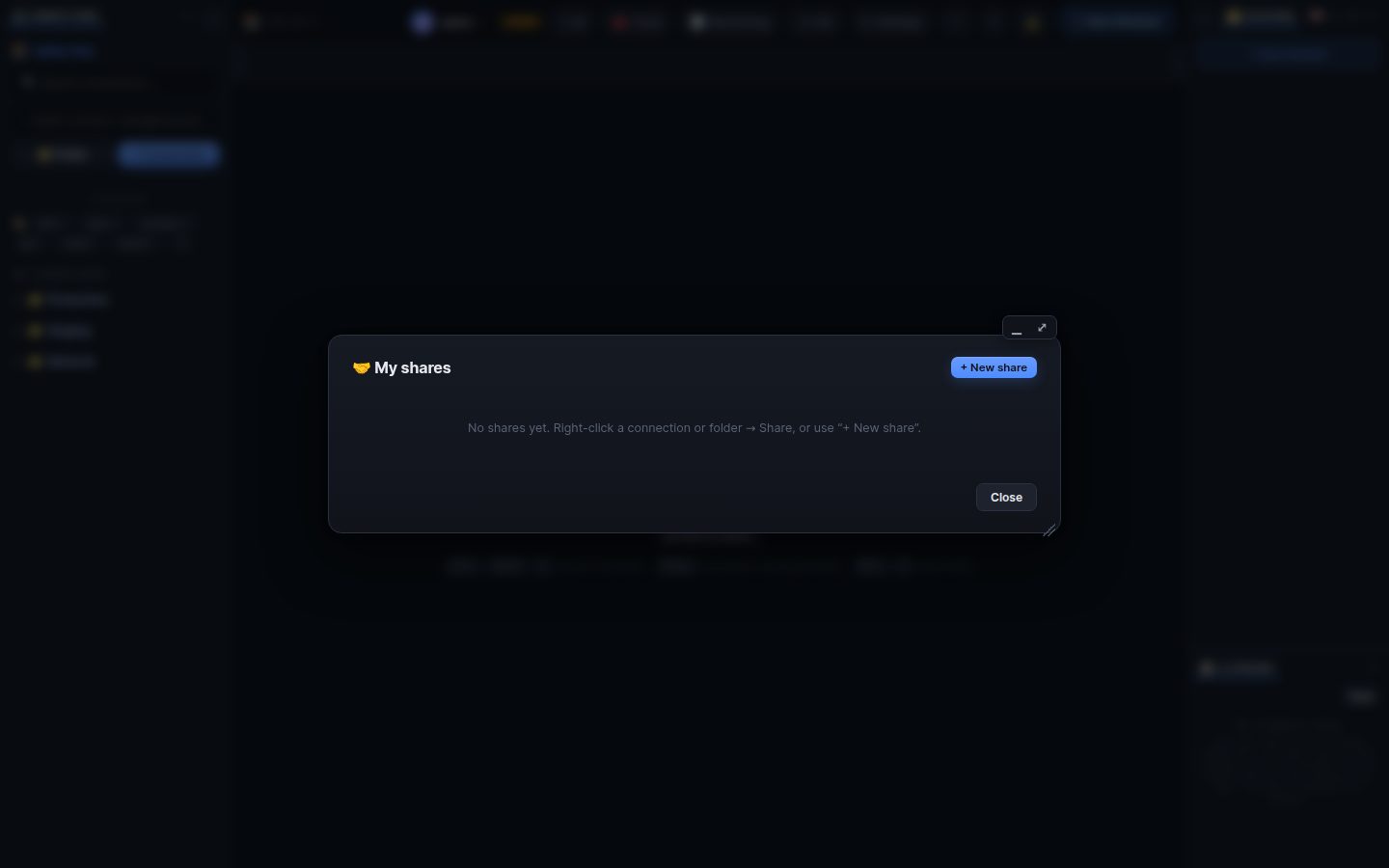
Recipients use shared connections with your stored login without ever seeing it.
- Right-click a connection → 🤝 Share (a folder → Share Folder, or select several and use 🤝).
- Tick connections and folders (a folder also includes connections added later).
- Choose who may open the link: chosen WRM users or teams, anyone with the link (guests), with an optional password and expiry.
- Choose the role: Observer (watches), Viewer (reads files), Operator (terminals and files), Moderator (also manages the room).
- Create, then copy the link. 🤝 in the top bar lists your shares: pause, edit, see who used them, delete.
Everybody who opens the same link joins its room: the bar at the top shows who is online. 💬 Chat (with history and files), 🎙 Join voice (push-to-talk, noise suppression), 📡 share a terminal so others watch, and request control to let someone type. Moderators can mute, remove or ban.
Everything people do through a share is in the audit log of the owner and the administrators.
Search terms: share, sharing, link, guest, role, observer, viewer, operator, moderator, collaboration, room, chat, voice, call, people, raise hand, together
The same article is in WRM: ? in the top bar (or F1) opens Help, where you can search it and ask the help AI.
← Previous: SSH tunnels and web interfaces · Home · Next: Monitoring and server status →