Repository navigation
Updates backups and installation
Administration · Hrvatski · Administrators only
One-click signed updates, what to back up, running WRM as a service, in Docker and behind a reverse proxy.
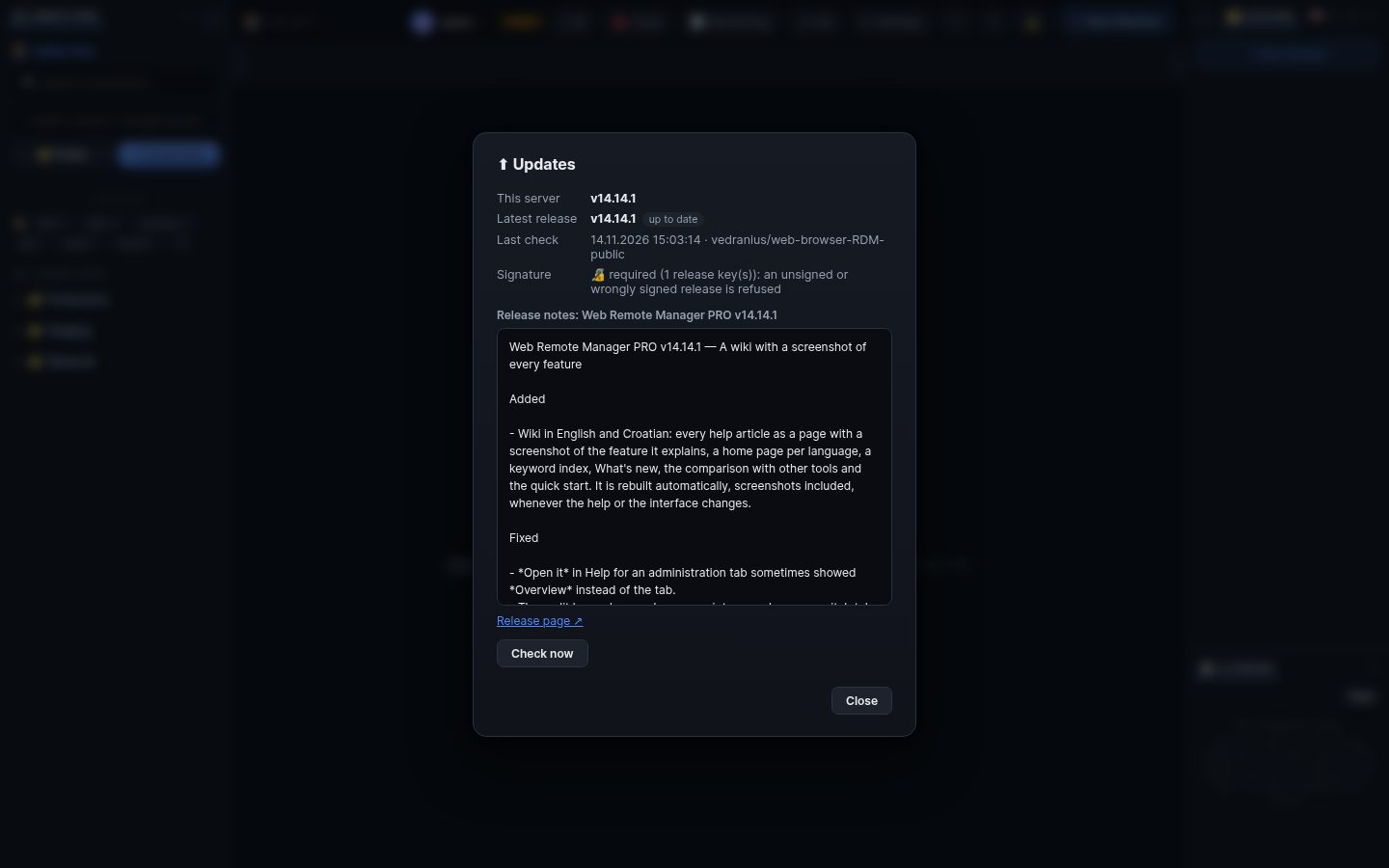
Click the version in the top bar. WRM shows what is new; administrators press Update: the release is downloaded, its signature checked, and WRM restarts with it. A Docker install is updated by pulling the new image.
Keep copies of both files next to each other:
-
remote_manager.db(everything: connections, users, settings, history), -
remote_manager.db.key(the key that decrypts stored passwords and keys). Without it stored secrets are lost. Copy them while WRM is stopped, or use the SQLite backup of your choice. A previous version still starts on a newer database.
-
As a service:
wrm -install-service(systemd, launchd, rc.d or a Windows service). -
Docker:
docker compose up -dwith the file from the repository (includes guacd). -
Reverse proxy: pass WebSockets through; set
ai_mcp_public_urlwhen the outside address differs. The README on GitHub has every option (PORT,DB_PATH, TLS, environment variables).
Search terms: update, upgrade, version, release, self-update, signature, backup, restore, database, key, service, systemd, windows service, docker, reverse proxy, nginx, https, certificate, port, install
The same article is in WRM: ? in the top bar (or F1) opens Help, where you can search it and ask the help AI.
← Previous: Audit log, recordings, SIEM and lockdown · Home · Next: Phones and tablets →