Repository navigation
Files editor and transfers
Basics · Hrvatski
The SFTP/FTP file manager, search in files, the text editor with AI, previews and server-to-server copy.
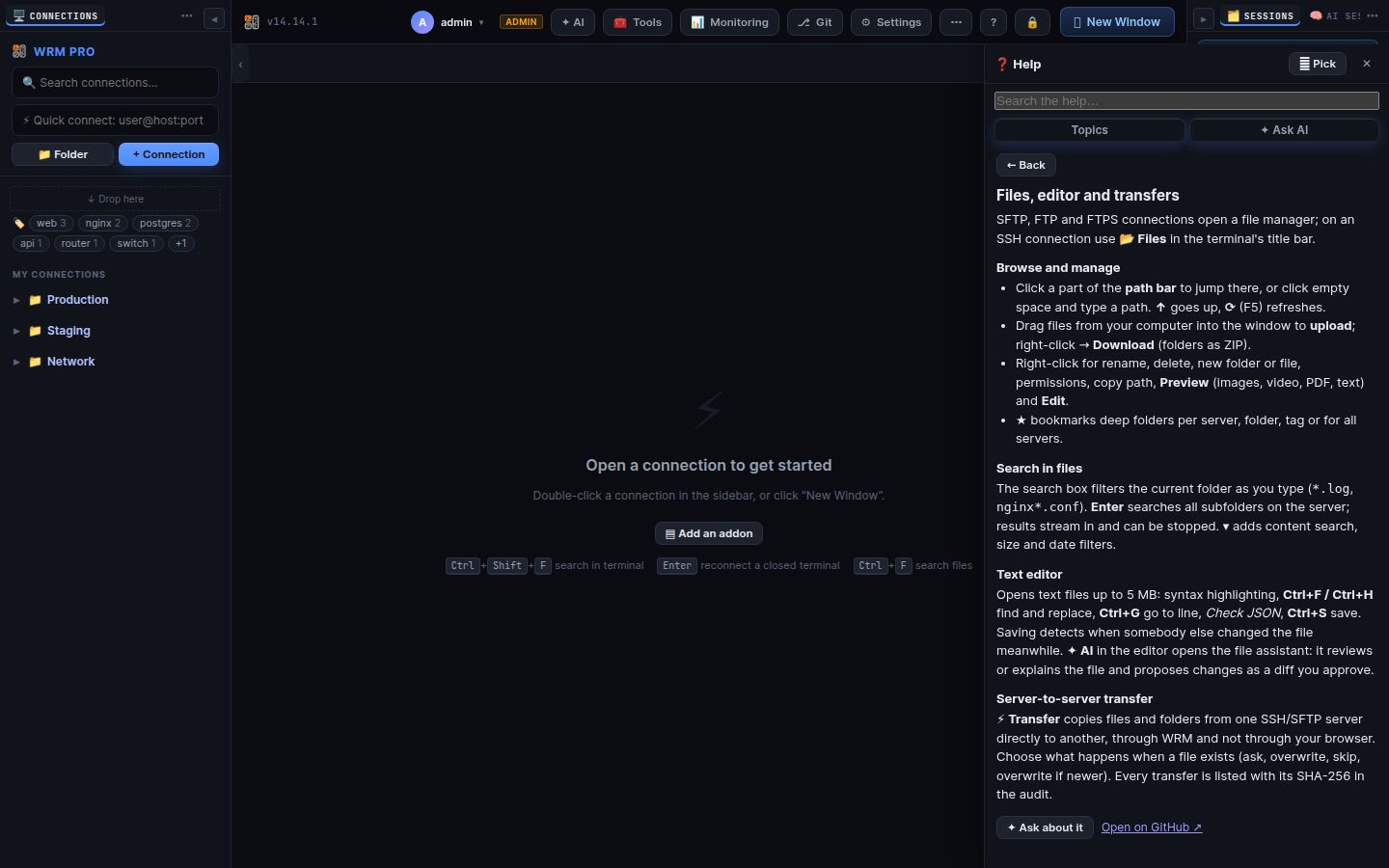
SFTP, FTP and FTPS connections open a file manager; on an SSH connection use 📂 Files in the terminal's title bar.
- Click a part of the path bar to jump there, or click empty space and type a path. ↑ goes up, ⟳ (F5) refreshes.
- Drag files from your computer into the window to upload; right-click → Download (folders as ZIP).
- Right-click for rename, delete, new folder or file, permissions, copy path, Preview (images, video, PDF, text) and Edit.
- ★ bookmarks deep folders per server, folder, tag or for all servers.
The search box filters the current folder as you type (*.log, nginx*.conf). Enter searches all subfolders on the server; results stream in and can be stopped. ▾ adds content search, size and date filters.
Opens text files up to 5 MB: syntax highlighting, Ctrl+F / Ctrl+H find and replace, Ctrl+G go to line, Check JSON, Ctrl+S save. Saving detects when somebody else changed the file meanwhile. ✦ AI in the editor opens the file assistant: it reviews or explains the file and proposes changes as a diff you approve.
⚡ Transfer copies files and folders from one SSH/SFTP server directly to another, through WRM and not through your browser. Choose what happens when a file exists (ask, overwrite, skip, overwrite if newer). Every transfer is listed with its SHA-256 in the audit.
Search terms: files, sftp, ftp, ftps, upload, download, editor, edit, search, find, transfer, copy, server to server, preview, permissions, chmod, bookmark
The same article is in WRM: ? in the top bar (or F1) opens Help, where you can search it and ask the help AI.
← Previous: SSH terminal, snippets and broadcast · Home · Next: Remote desktop, consoles and BMC →