Repository navigation
Git workspace
Operations · Hrvatski
See which version of which service runs where, compare servers with GitLab/GitHub/Gitea, update, deploy and roll back safely.
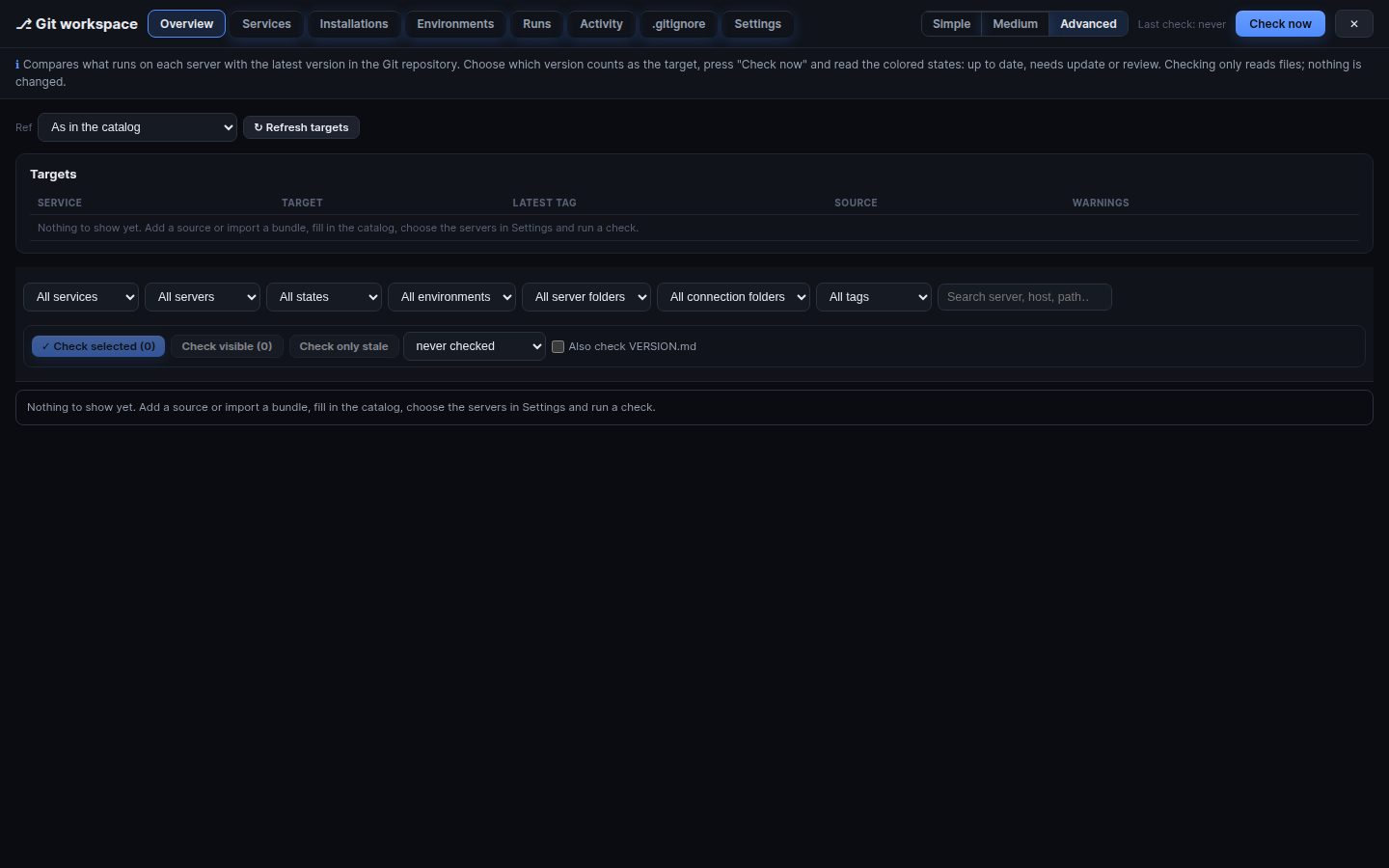
⎇ Git in the top bar opens the workspace. Servers need no git: WRM reads the Git provider's API and works over its SSH connections.
- Add a Git source: GitLab, GitHub or Gitea with a read-only token. Test lists the projects it sees.
- Catalog: which projects are services, which folder they live in on servers, which files are tracked or protected (per-host files).
- WRM finds the installations on your SSH servers and compares them file by file.
- Simple: one card per service and environment: what runs on each server, what is newest on the branch, and one Update button with a preview.
- Advanced: Overview, Services, Installations, Environments, Runs, Activity, .gitignore and Settings. Every tab has a short explanation under its header.
-
Update / Upgrade… / Rollback…: runs work one installation after another and stop at the first failure. Old and missing files are ticked; files changed by hand are written only if you tick them; protected files never. Backups go to
.deploy-bak/. -
Production (
env:prod) asks you to type the server name. - Environments: an ordered list of servers with rules; a deploy is a reviewed plan, a dry run, a server-side lock, history and rollback.
- Install… / Transfer… set a service up on a new server.
Offline bundles (.tar.gz) work without reaching Git. Optional webhooks from GitLab/GitHub trigger an immediate check.
Medium (a deploy-config based deploy tool) has its own article.
Search terms: git, gitlab, github, gitea, version, deploy, update, upgrade, rollback, compare, diff, service, catalog, installation, environment, release, bundle, gitignore, ci, webhook, simple mode
The same article is in WRM: ? in the top bar (or F1) opens Help, where you can search it and ask the help AI.
← Previous: Chains · Home · Next: Medium deploys →