Repository navigation
Troubleshooting
Help · Hrvatski
What to do when a connection, a desktop, the AI, an import or WRM itself does not work.
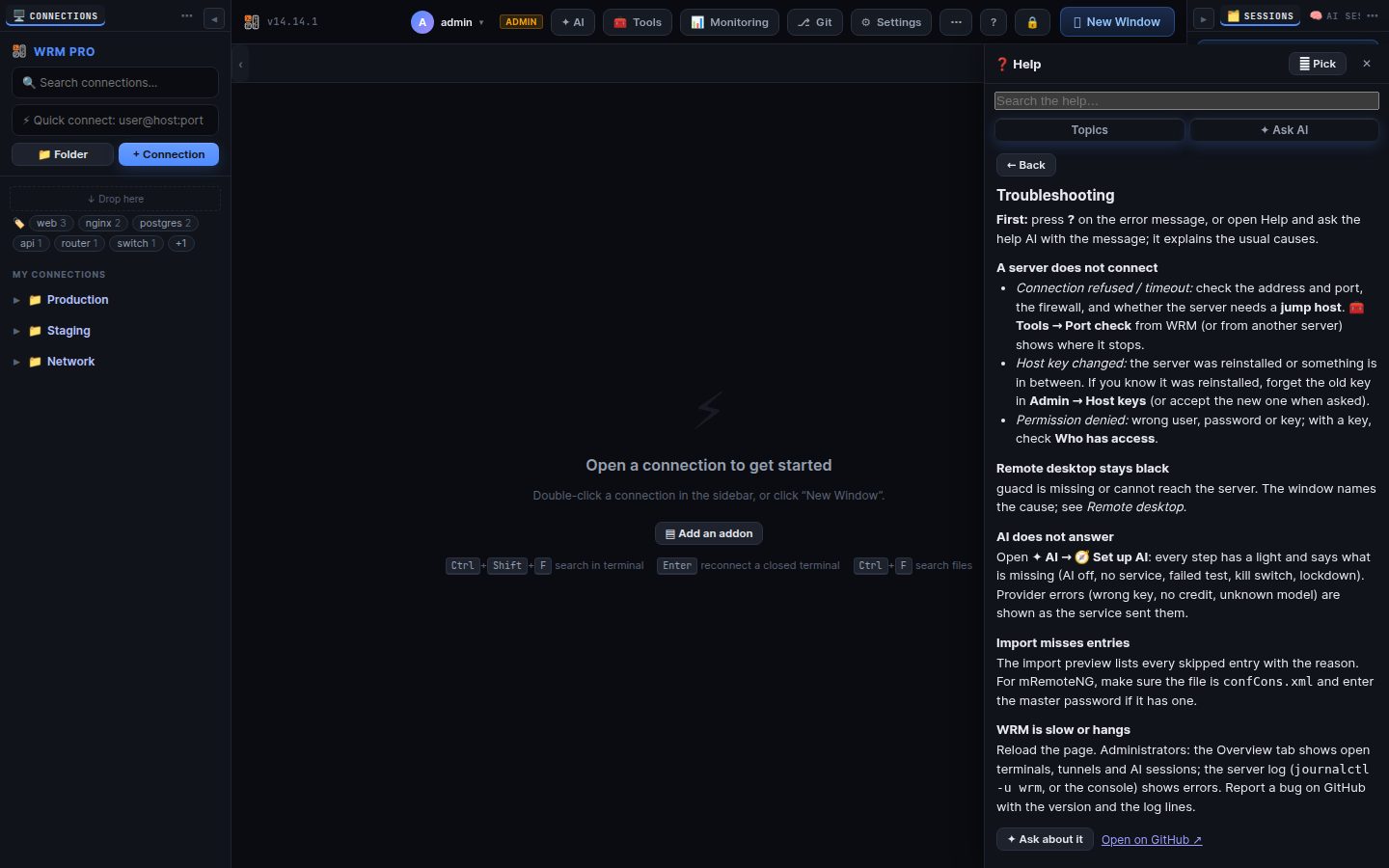
First: press ? on the error message, or open Help and ask the help AI with the message; it explains the usual causes.
- Connection refused / timeout: check the address and port, the firewall, and whether the server needs a jump host. 🧰 Tools → Port check from WRM (or from another server) shows where it stops.
- Host key changed: the server was reinstalled or something is in between. If you know it was reinstalled, forget the old key in Admin → Host keys (or accept the new one when asked).
- Permission denied: wrong user, password or key; with a key, check Who has access.
guacd is missing or cannot reach the server. The window names the cause; see Remote desktop.
Open ✦ AI → 🧭 Set up AI: every step has a light and says what is missing (AI off, no service, failed test, kill switch, lockdown). Provider errors (wrong key, no credit, unknown model) are shown as the service sent them.
The import preview lists every skipped entry with the reason. For mRemoteNG, make sure the file is confCons.xml and enter the master password if it has one.
Reload the page. Administrators: the Overview tab shows open terminals, tunnels and AI sessions; the server log (journalctl -u wrm, or the console) shows errors. Report a bug on GitHub with the version and the log lines.
Search terms: problem, error, fails, not working, broken, cannot connect, timeout, refused, host key, permission denied, slow, freeze, crash, log, debug, help
The same article is in WRM: ? in the top bar (or F1) opens Help, where you can search it and ask the help AI.
← Previous: Phones and tablets · Home