Repository navigation
SSH tunnels and web interfaces
Access · Hrvatski
Local, remote and SOCKS port forwarding, the Tunnels panel and web interface connections behind servers.
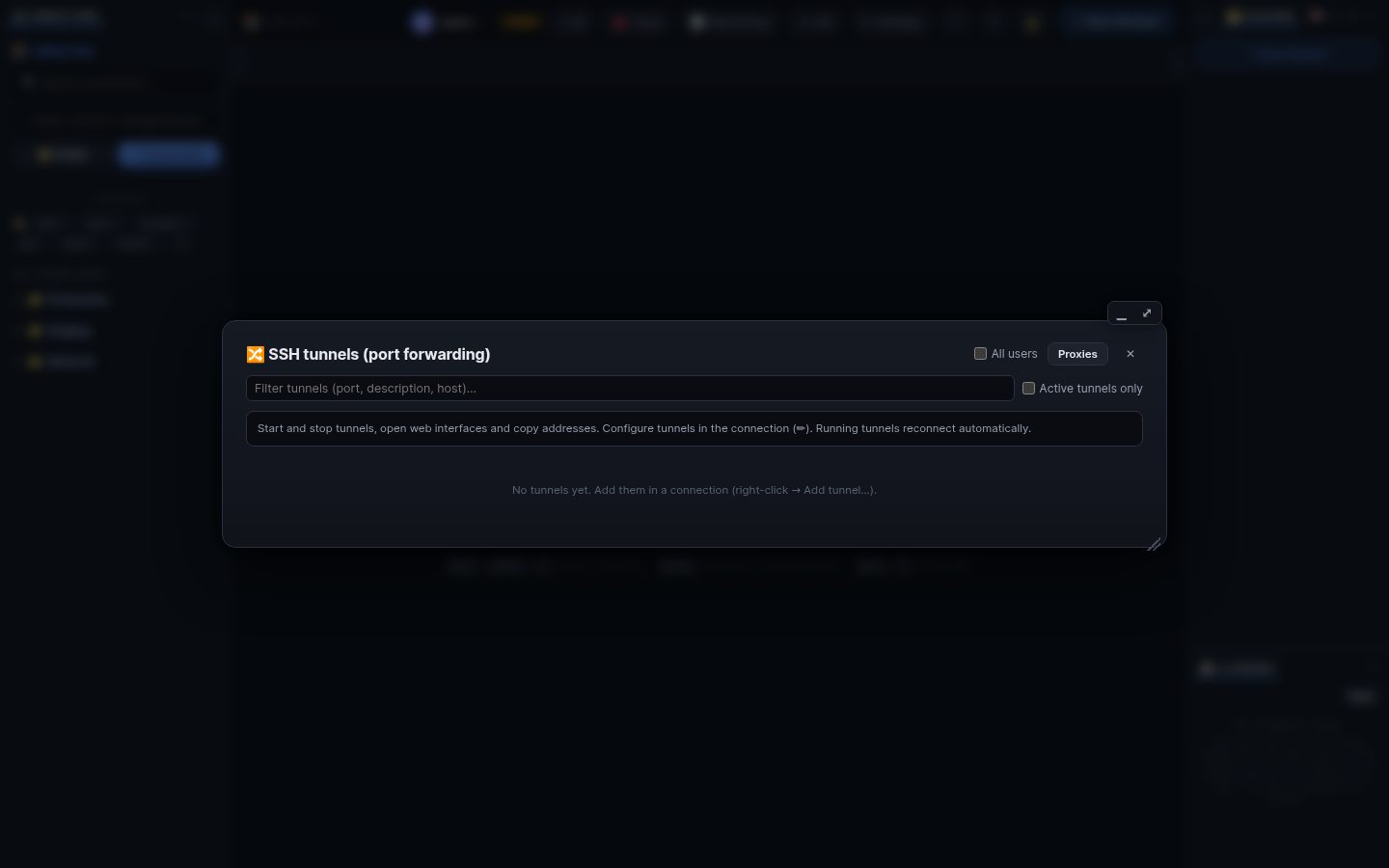
-
Local (-L): a port on the WRM machine leads to
host:portas seen from the server. Example:127.0.0.1:2443 → 10.0.0.5:443opens a switch's web page behind the server. - SOCKS (-D): a proxy for your browser or tools that reaches everything the server reaches.
-
Remote (-R): a port on the server leads back to something WRM reaches (needs the policy
tunnel_remote_forward).
- Edit connection → 🔀 SSH tunnels → Add (or right-click → Add tunnel…).
- Start and stop them in 🔀 Tunnels in the top bar. Running tunnels reconnect by themselves.
- Open opens a web tunnel in a new browser tab; the copy button copies the address.
The listen address 127.0.0.1 (default) keeps the tunnel to the WRM machine. A network address (0.0.0.0, a LAN IP) lets other computers use it; only administrators may set one unless the policy tunnel_bind_any allows it. Leave the port empty to get a free one.
A connection with protocol Web interface (HTTPS/HTTP) opens that page with a double-click. With a jump host WRM opens a temporary tunnel itself and stops it after 30 minutes without traffic.
Search terms: tunnel, port forwarding, ssh -L, ssh -R, ssh -D, socks, local, remote, dynamic, web interface, https, idrac web, switch web ui, browser
The same article is in WRM: ? in the top bar (or F1) opens Help, where you can search it and ask the help AI.
← Previous: Jump hosts and proxies · Home · Next: Sharing and collaboration →