Repository navigation
Phones and tablets
Personalise · Hrvatski
Use WRM on a phone or tablet; drawers, touch gestures and installing it on the home screen.
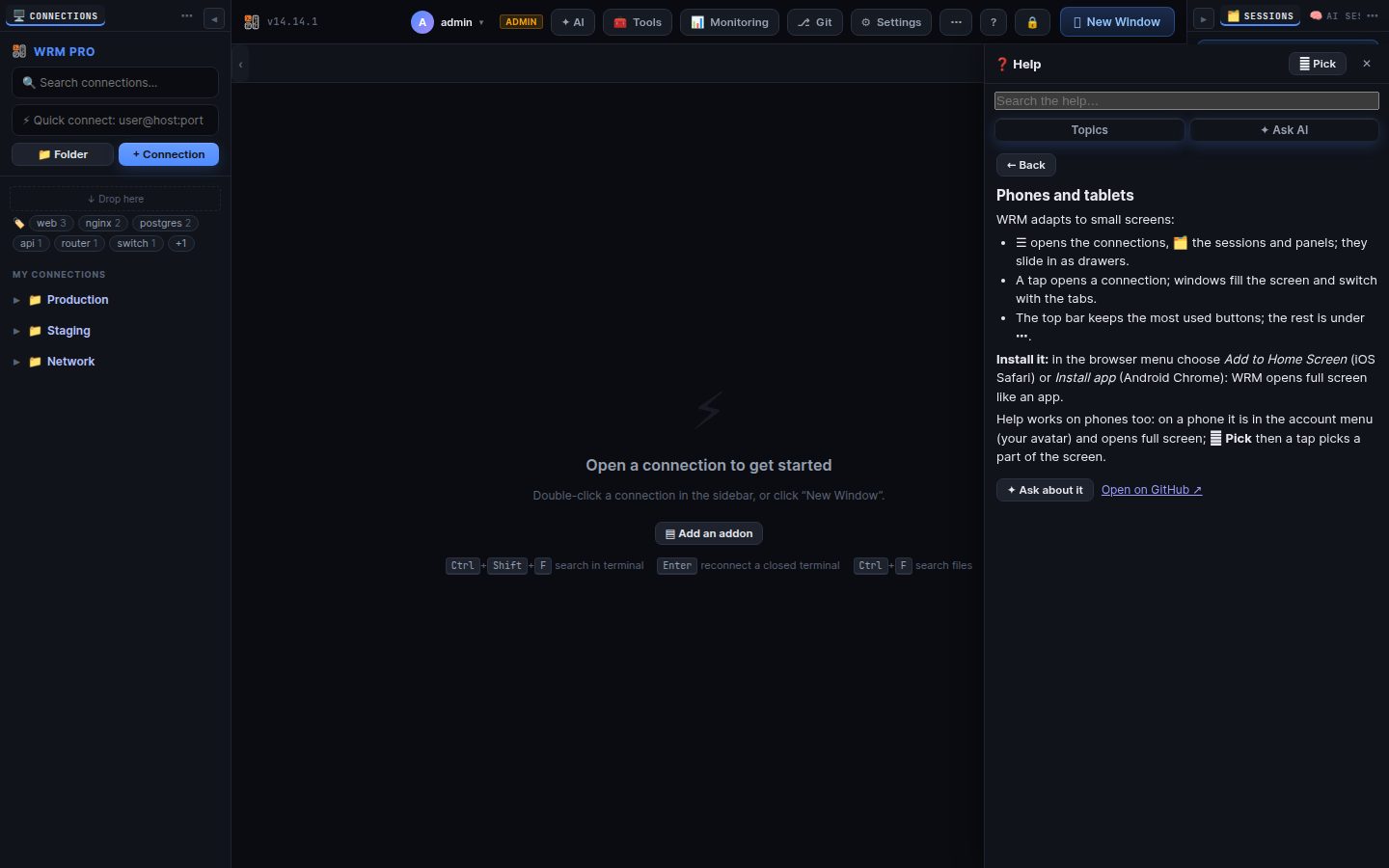
WRM adapts to small screens:
- ☰ opens the connections, 🗂 the sessions and panels; they slide in as drawers.
- A tap opens a connection; windows fill the screen and switch with the tabs.
- The top bar keeps the most used buttons; the rest is under ⋯.
Install it: in the browser menu choose Add to Home Screen (iOS Safari) or Install app (Android Chrome): WRM opens full screen like an app.
Help works on phones too: on a phone it is in the account menu (your avatar) and opens full screen; ⌖ Pick then a tap picks a part of the screen.
Search terms: mobile, phone, tablet, ipad, android, iphone, touch, small screen, drawer, responsive, home screen
The same article is in WRM: ? in the top bar (or F1) opens Help, where you can search it and ask the help AI.
← Previous: Updates, backups and installation · Home · Next: Troubleshooting →