Repository navigation
Storages S3
Operations · Hrvatski
Browse S3-compatible buckets next to your servers, with request-cost information per provider.
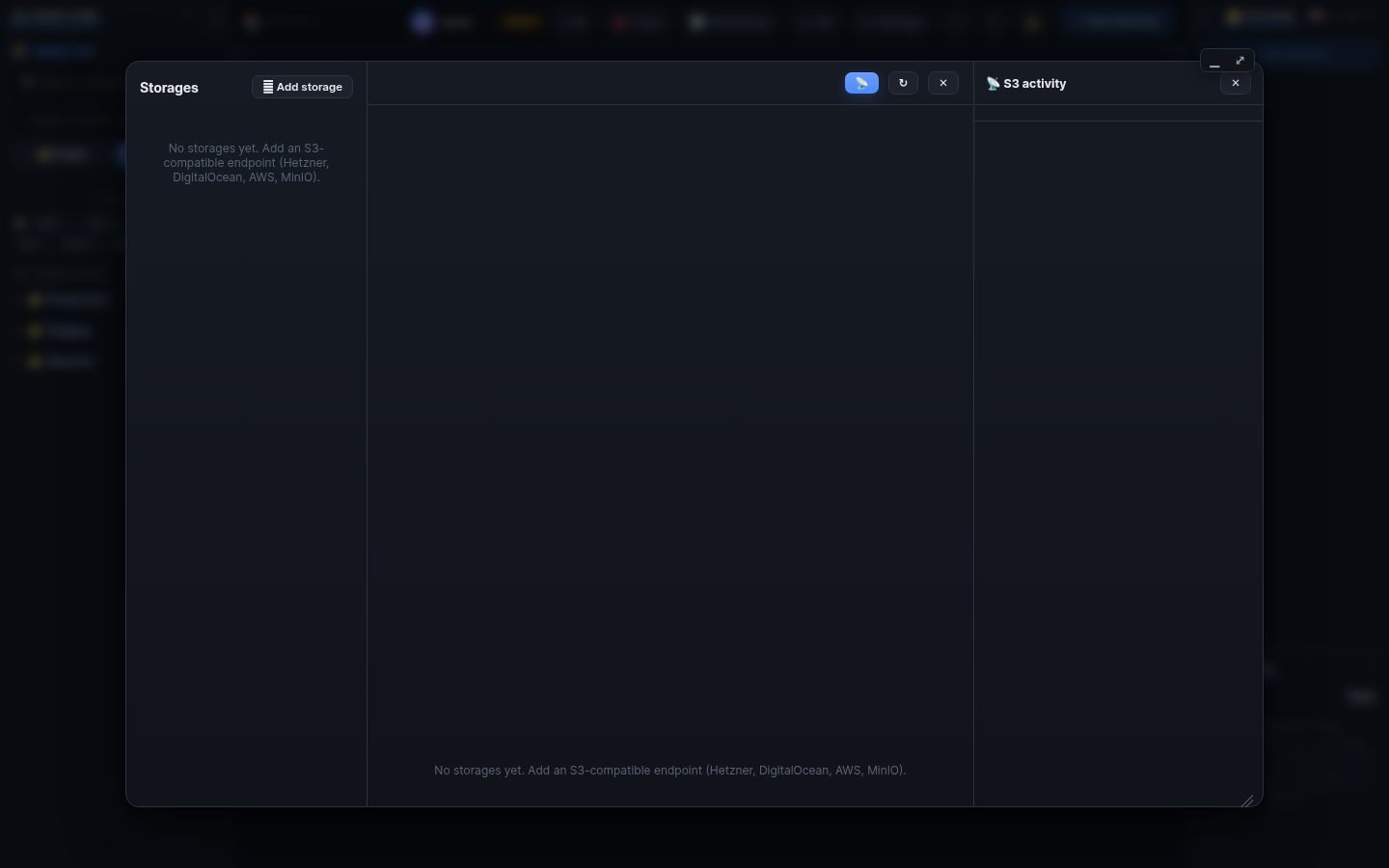
🗄 Storages in the top bar keeps S3-compatible buckets next to the servers.
- + Add, choose the Provider (Hetzner, DigitalOcean Spaces, Amazon S3, Backblaze B2, Cloudflare R2, MinIO or other). It fills in the endpoint and says whether that provider bills the requests WRM sends.
- Bucket, region, optional prefix (WRM stays inside it), access key and secret (stored encrypted, never shown again).
- Switches for write, upload and delete, and a size limit. Test connection.
Folders load completely (with object count and total size); search, sort by name, size or date, select and bulk delete, upload, download, preview. 📡 shows the S3 requests WRM made, so you can see what each click cost.
Listing and reading are requests. Providers such as Hetzner and DigitalOcean include requests in their price; AWS S3 and others bill per request and for traffic. The provider picker shows the current rule and links to the price page.
AI apps connected over MCP can read and (if allowed) write storages too, with the same switches.
Search terms: s3, storage, bucket, minio, hetzner, digitalocean, spaces, aws, backblaze, r2, object, upload, download, cost, prefix
The same article is in WRM: ? in the top bar (or F1) opens Help, where you can search it and ask the help AI.
← Previous: Medium deploys · Home · Next: Network tools →