Network Statistics
Network Statistics reports your current network throughput in the chatbox — download and upload rates, peaks, totals, and how much of your connection you are actually using.
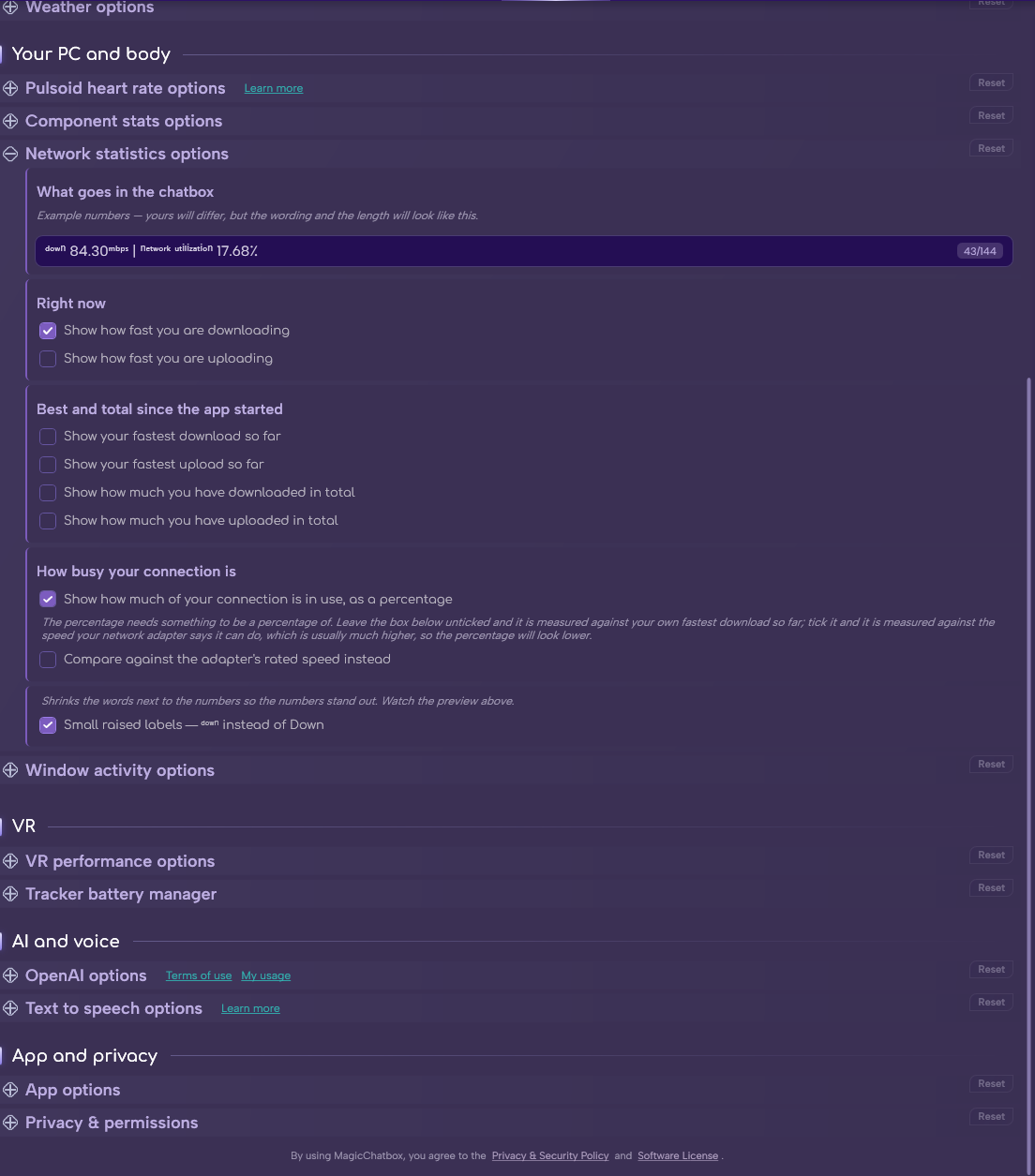
The Network statistics section in Options.
- The 📶 Network Statistics permission, which MagicChatbox asks for when you enable the integration.
- Nothing else — the counters are read locally from your network adapter.
Important
This integration needs the 📶 Network Statistics permission. Decline it and the integration switches itself back off. You can grant it later under Options → Privacy.
- Show how fast you are downloading.
- Show how fast you are uploading.
- These reset every time MagicChatbox restarts — they are a session record, not a monthly data counter.
- Show your fastest download so far.
- Show your fastest upload so far.
- Show how much you have downloaded in total.
- Show how much you have uploaded in total.
- Show how much of your connection is in use, as a percentage.
- Compare against the adapter's rated speed instead — measure that percentage against the adapter's reported link speed rather than against the fastest rate you have actually reached.
Note
A gigabit adapter reports 1000 Mbps no matter what your actual internet connection provides. On a 100 Mbps line that makes the percentage look permanently tiny. Leave the second setting off and the percentage is measured against what you have really achieved, which is usually the more meaningful number.
-
Small raised labels —
ᵈᵒʷⁿinstead ofDown. On by default.
Tip
Each value you add costs characters, and network figures are wide — ↓ 842 Mbps is eleven of your 144 before any label. Turning on all six is usually enough to push another integration out of the line entirely.
- You can find help in our Discord Server by creating a ticket.