TikTok Live
The TikTok Live integration has two halves. The profile half shows your follower count and updates when it changes. The live half connects to an ongoing TikTok live stream and announces follows, gifts, comments and viewer milestones as they arrive.
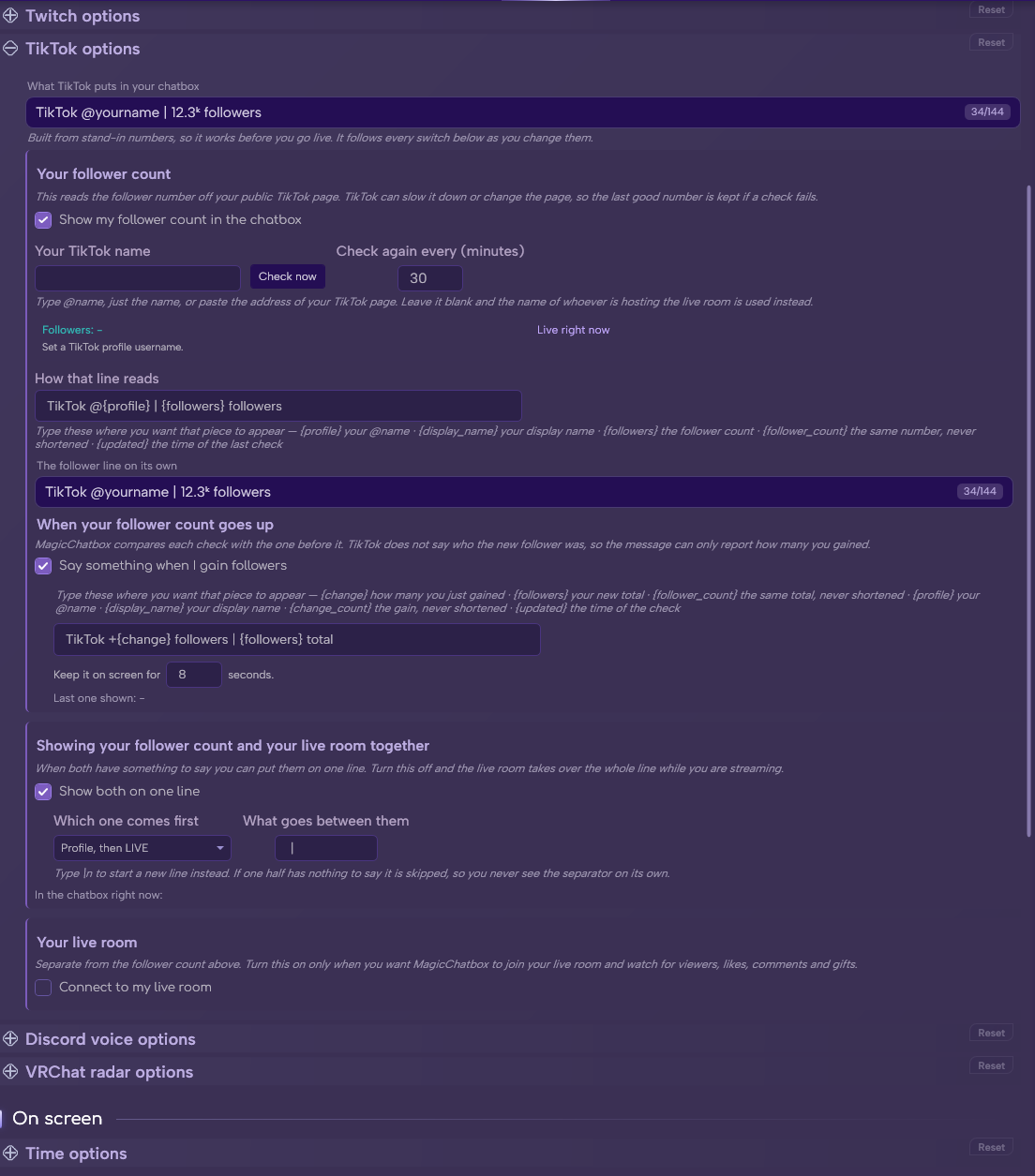
The TikTok section in Options.
See the rest of this section
- A TikTok username for the profile half.
- A live stream in progress for the live half.
- The 🌐 Internet Access permission, which MagicChatbox asks for when you enable the integration.
Important
TikTok Live needs the 🌐 Internet Access permission. Decline it and the integration switches itself back off. You can grant it later under Options → Privacy.
-
The lightweight half. It needs only a username and polls occasionally.
- Profile username — whose profile to show.
- Show profile summary — on by default.
-
Profile template — default
TikTok @{profile} | {followers} followers. - Refresh interval — how often to check, in minutes. Default 30.
-
And when your follower count moves:
- Show follower change events — on by default.
-
Follower change template — default
TikTok +{change} followers | {followers} total. - Event duration — how long it stays up. Default 8 seconds.
-
The live half connects to an active broadcast.
- Connect to my live room — off by default.
- I understand this may break at any time — a second, separate confirmation. Both must be ticked before anything connects.
- Name of the live room host — whose stream to follow.
- Give up after (seconds) — connection timeout, 5 to 60. Default 15.
- Try again after (seconds) — retry delay, 3 to 60. Default 6.
- Connect to the live room as soon as MagicChatbox starts — on by default.
Caution
The live half is experimental, and that is why it asks twice. It reaches into TikTok live rooms through a route TikTok does not officially offer, so it can stop working without warning whenever TikTok changes something. That is a limitation of the approach, not a bug we can fix.
Note
No TikTok password is ever asked for or stored — only your public username is used.
Note
The live connector only works while a stream is actually live. Outside a broadcast there is nothing to connect to, and only the profile half produces output.
-
Summary template — default
LIVE @{host} | {viewers} viewers | {likes} likes. - Compact viewer count and compact like count — shorten large numbers. Both on by default.
- Each event type can be turned on independently and has its own template.
| Event | Default | Default template |
|---|---|---|
| Follow | On | ➕ {user} followed |
| Gift | On | 🎁 {user} sent {gift} x{count} |
| Comment | Off | 💬 {user}: {message} |
| Like | Off | ❤️ {user} +{count} likes |
| Viewer milestone | Off | 👀 {viewers} viewers |
- Event duration — how long an event stays up. Default 6 seconds.
- Viewer milestone duration — default 4 seconds.
- Like burst threshold — how many likes must arrive together before a like event fires. Default 25.
- Viewer milestone step — announce every this many viewers. Default 100.
Caution
Comment events are off by default for a reason. Your viewers' comments would be printed into a VRChat instance, in front of people who never agreed to that and cannot see the context. Turn it on only if you understand that.
Tip
The like burst threshold exists because likes arrive in floods. Without it, a busy stream would fill your chatbox with nothing else.
-
What the live room puts in the chatbox — three choices:
- LIVE summary only — just the running viewer and like counts.
- LIVE events, then summary — pop-ups for follows and gifts, falling back to the summary. The default.
- LIVE events only — nothing between events.
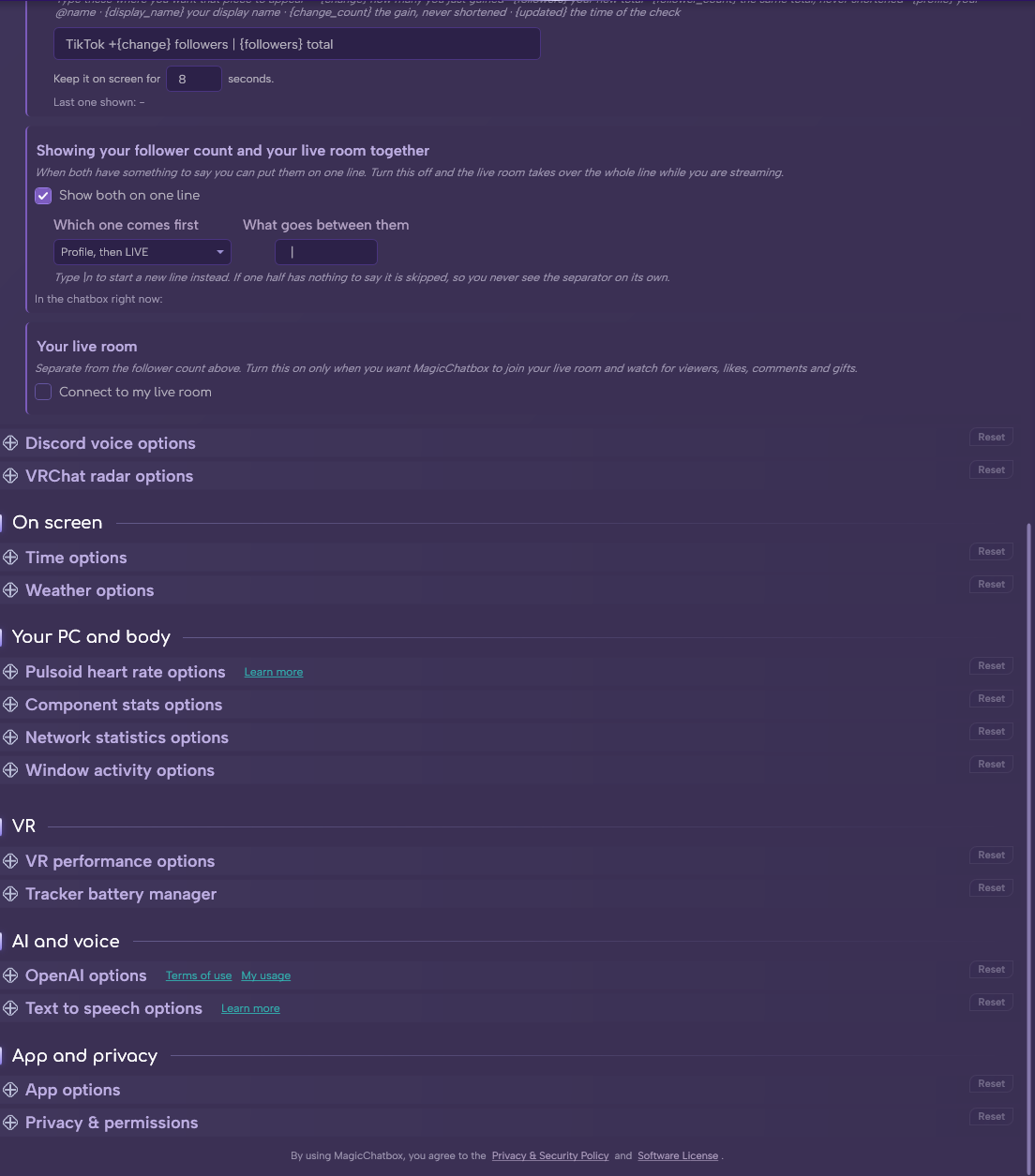
- Show both on one line — combine the follower count and the live room. On by default.
- Which one comes first — profile then LIVE, or the reverse.
-
What goes between them — default
|.
- Reconnect delay — how long before retrying a lost connection. Default 6 seconds.
- Connection timeout — how long to wait when connecting. Default 15 seconds.
- You can find help in our Discord Server by creating a ticket.