Repository navigation
Home
OSD/OS makes a TV, preferably a CRT, a smart TV with the look of a VCR. On a Raspberry Pi it is the whole system: flash it, plug the Pi into the TV, and it starts straight into its menus. These pages cover all of it: getting it running, using it, every setting and module, making it look the way you want, and how it works inside.
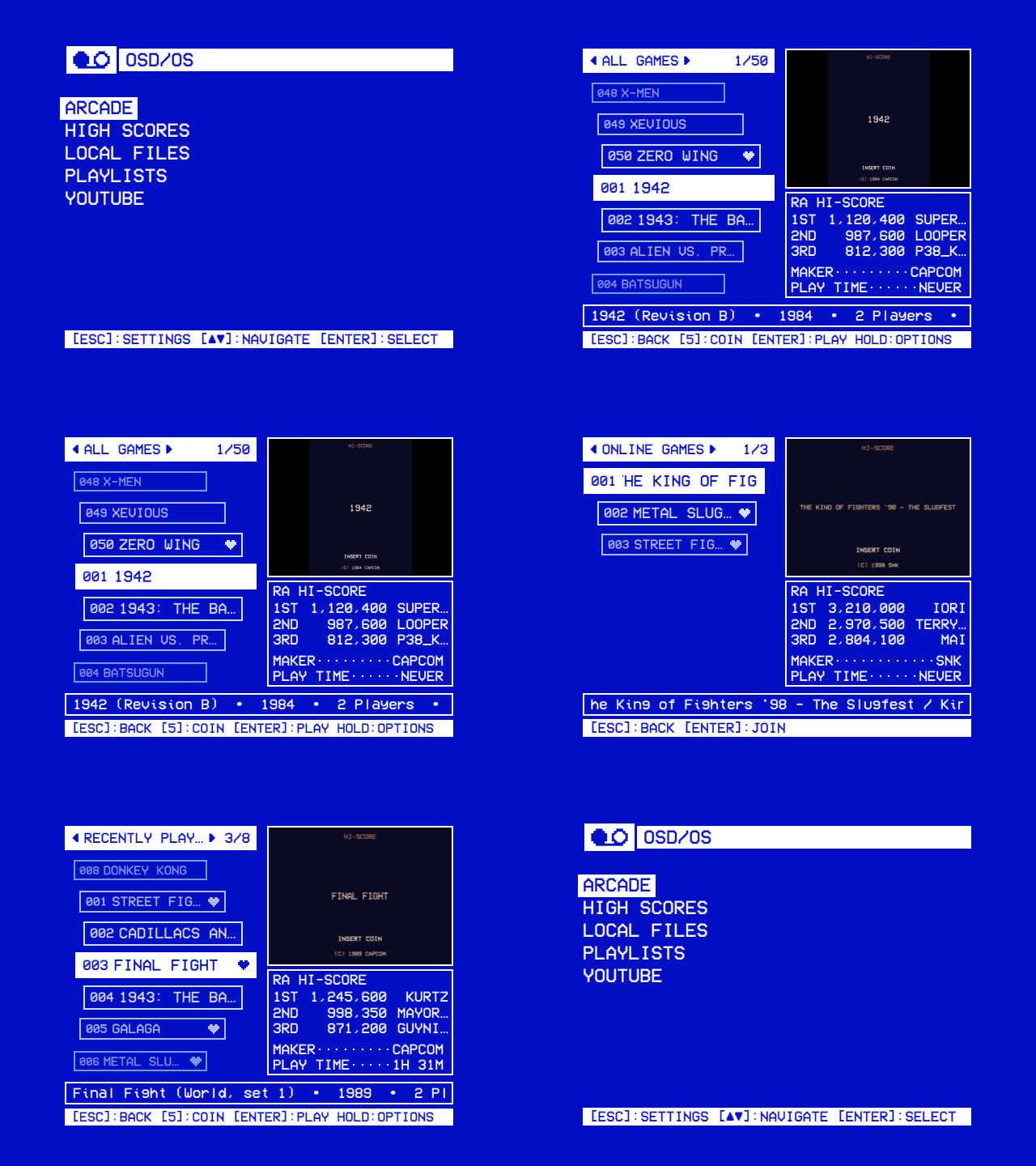
| Page | What is in it |
|---|---|
| Installation | The OSD/OS image for a Raspberry Pi, or OSD/OS as an app on Raspberry Pi OS, macOS and SteamOS; updating; supported hardware |
| Using OSD/OS | Every screen: the main menu, the tree, search, info screens, options, playing a video, the menus over a video, quitting |
| Controls | Keyboards, remotes, gamepads and the mouse; remapping buttons; pairing Bluetooth devices |
| Features | Everything it does, at a glance |
| Page | What is in it |
|---|---|
| The OSD/OS image | What the image changes in Raspberry Pi OS: the boot, the services, the films partition, USB drives, SSH, logs, building it yourself |
| Display Output | HDMI, composite and SCART RGB on a Pi 4 and a Pi 5, the cables, and what each choice writes |
| Audio Output | The AV jack, HDMI or a USB sound card |
| How it works | The shell and its modules, the display path, playback, the effects, settings and logs |
| Page | What is in it |
|---|---|
| Modules | All of them at a glance, and turning them on |
| Local Files · Plex · Jellyfin · Emby · YouTube · Netflix and Prime Video · Playlists · NFC Reader · Weather · Arcade · High Scores · Scripts · Ambient:Mode | One page each: setting it up, using it, its settings, examples |
| Page | What is in it |
|---|---|
| Settings | Every row of Settings: what it does, its choices and where it is saved |
| Themes | The whole look at once: the eight that come with it, and making your own |
| Skins | The window's shapes and icons, and drawing your own |
| Effects | Text, background, selector and screen effects, and the transitions between windows |
| Shaders | Writing a background or screen effect of your own for the GPU |
| Menu music | The tune under the menus: recordings, tracker modules and MIDI files |
| Configuration files | The data folder, config.json and the other files OSD/OS keeps |
| Playback and mpv | How videos play, mpv's options, scaling, subtitles and resume |
| Page | What is in it |
|---|---|
| Troubleshooting | Reading the log, and problems by symptom |
| FAQ | Kodi, other Raspberry Pis, 240p, RGB, HDMI, Bluetooth and the name |
| Writing a module | A module of your own, step by step, with working code |
| Building from source | Building the app, the tests and the image; CI and releases |
| Credits and license | Who made it, what it stands on, and its license |
Every screen is also in the screen tour.
These pages are kept in the repository, in docs/wiki, and published here whenever they change there. To change one, open a pull request: an edit made here is replaced at the next publish.