Repository navigation
Home
Open-source construction planning with a native IFC file format.
Open Planner Studio is a free, open-source scheduling application for the construction industry: interactive Gantt charts, Critical Path Method (CPM) scheduling, a Work Breakdown Structure, resource management and reporting — with IFC 4.3 (buildingSMART) as its native planning format. Combine the planning file with a building model in another IFC tool; the app currently refuses building-model IFC files because it cannot preserve their objects. It runs as a desktop app on Windows, macOS and Linux, and directly in your browser.
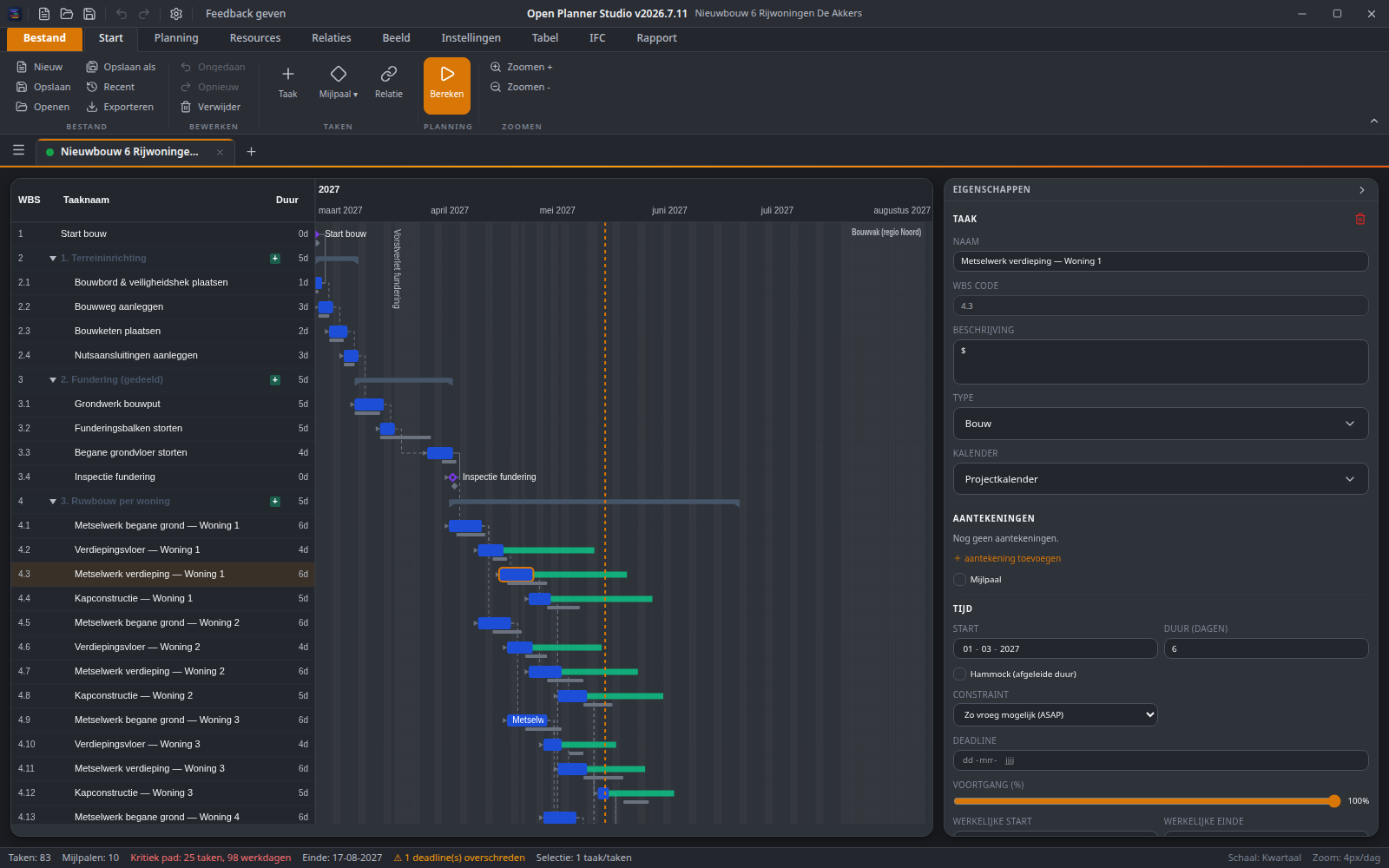
- Install & download — desktop builds for Windows, macOS and Linux, or use it straight in the browser.
- Tutorials — seven step-by-step tutorials that build one small project (an extension to a house) in the app itself. Install them from the app: Help › Tutorials › Install tutorials.
- Features — a complete overview of what the application can do.
The manual is organised by what you want to do at that moment:
- How-to guides — get one task done, step by step. Start with Adding tasks and milestones, Adding relations, Creating and assigning a calendar, Managing resources, Updating progress and Making and printing a report; the sidebar lists them all.
- Explanation — understand why the schedule comes out the way it does: Planning well, Critical path and float, Relations and lag, Calendars and working days, Work rules: duration, units and work, Resource leveling, Progress, status date and baseline and more.
- Reference — look something up: The ribbon, tab by tab, Task dialog and properties panel, Settings, Keyboard shortcuts, Import and export formats and more.
- Changelog — notable changes per release.
The same manual is built into the app (Help, or F1), in all 28 interface languages. English and Dutch are the sources; an article that is not yet translated shows the English text with a short notice.
Open Planner Studio is LGPL-3.0 licensed and part of the OpenAEC-Foundation family. See Contributing to build from source, and Extensions Authoring to extend the app with your own importers, ribbon buttons and more.