Repository navigation
Gallery
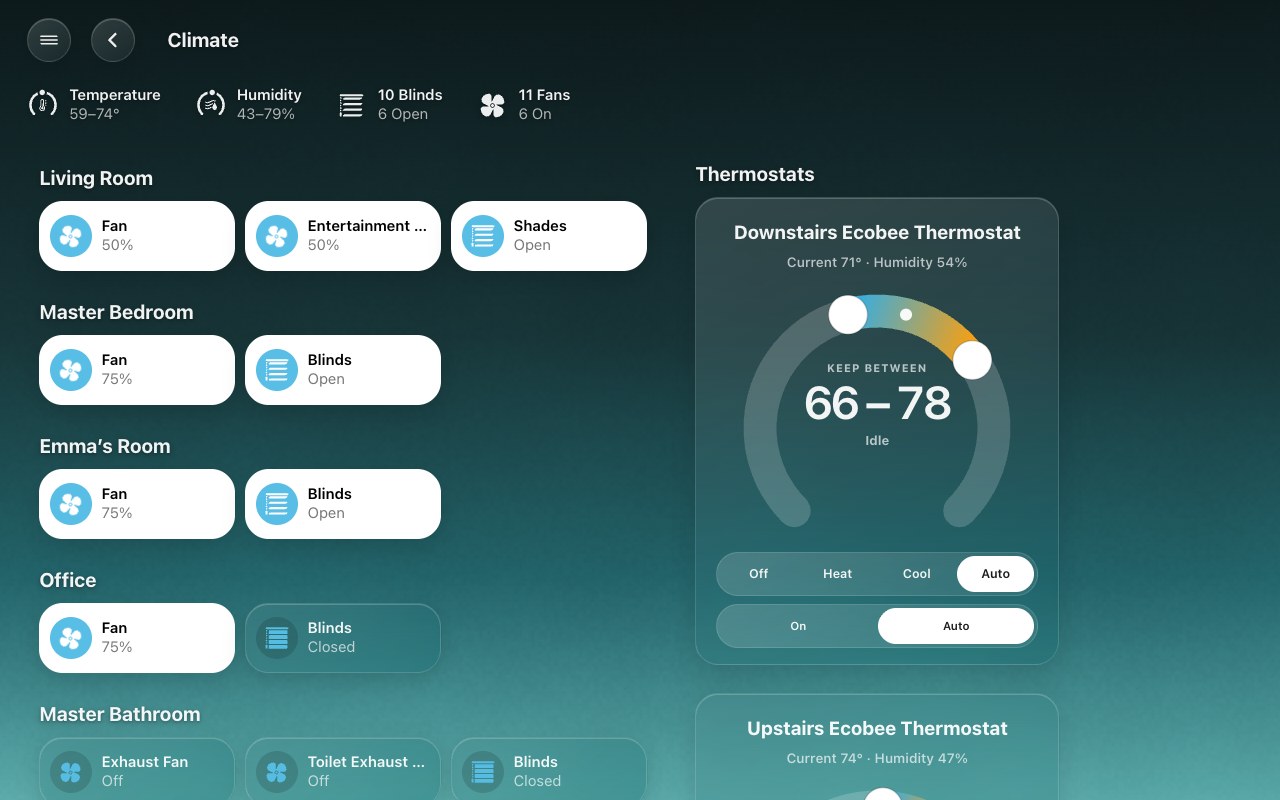
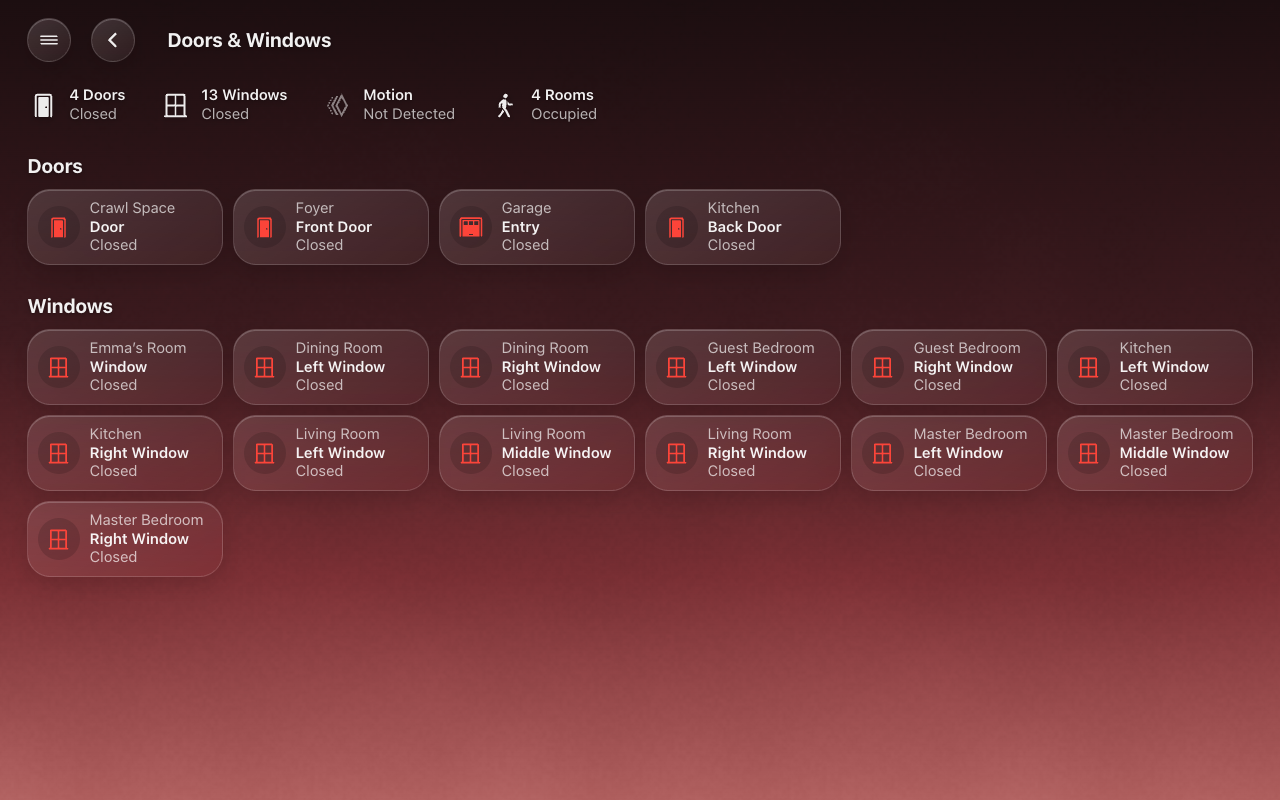
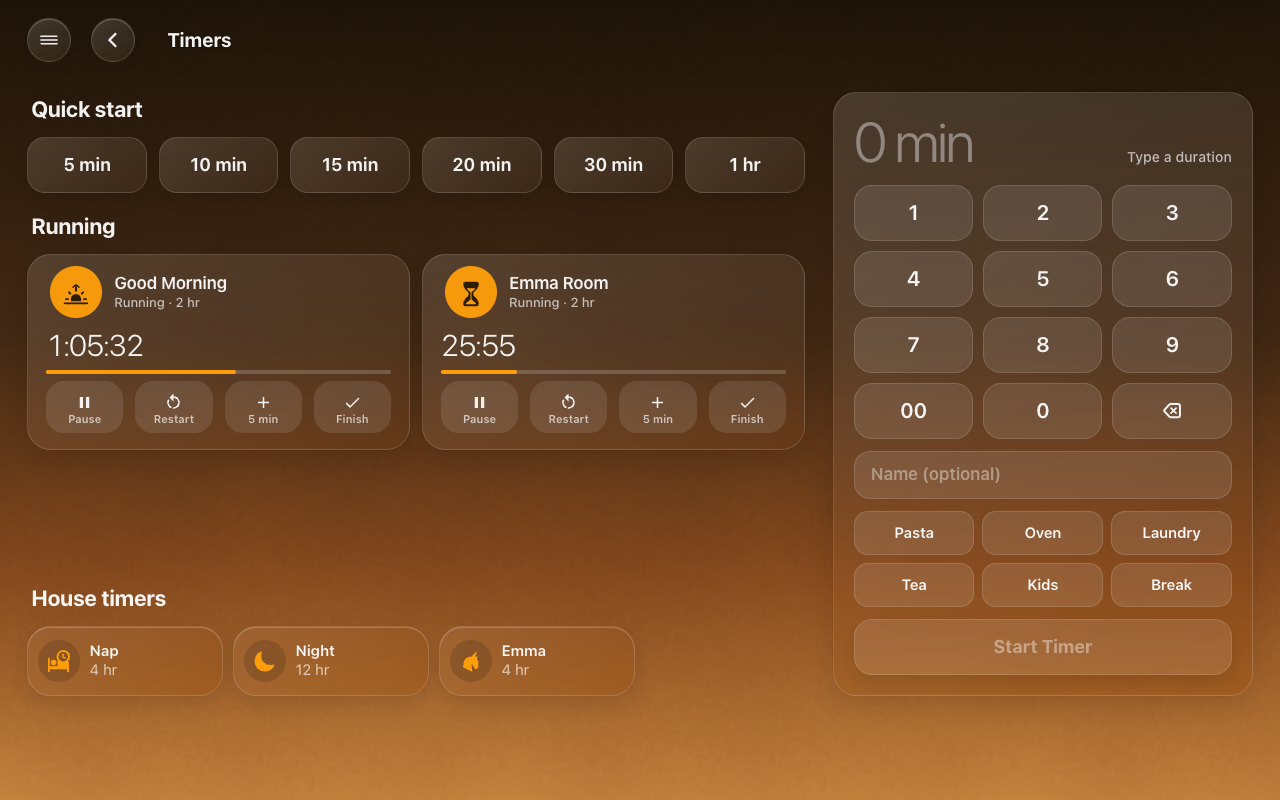
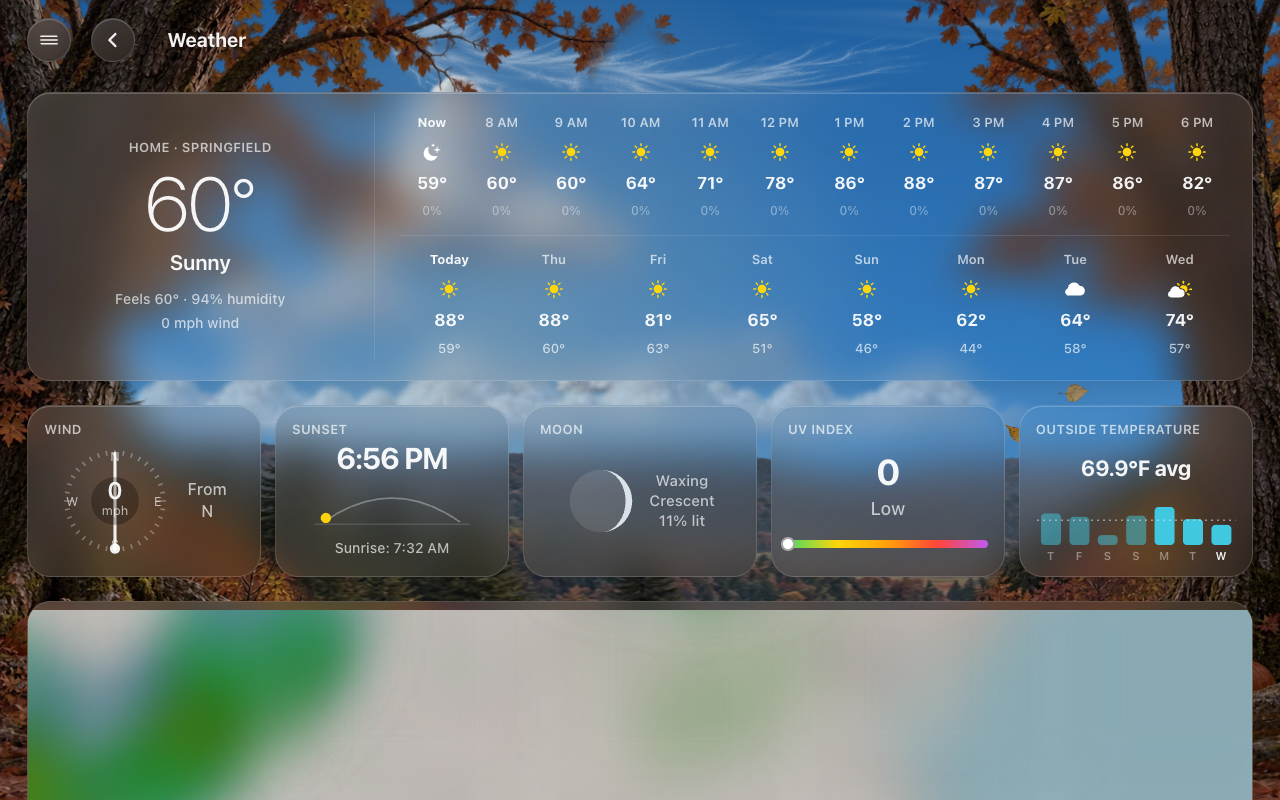
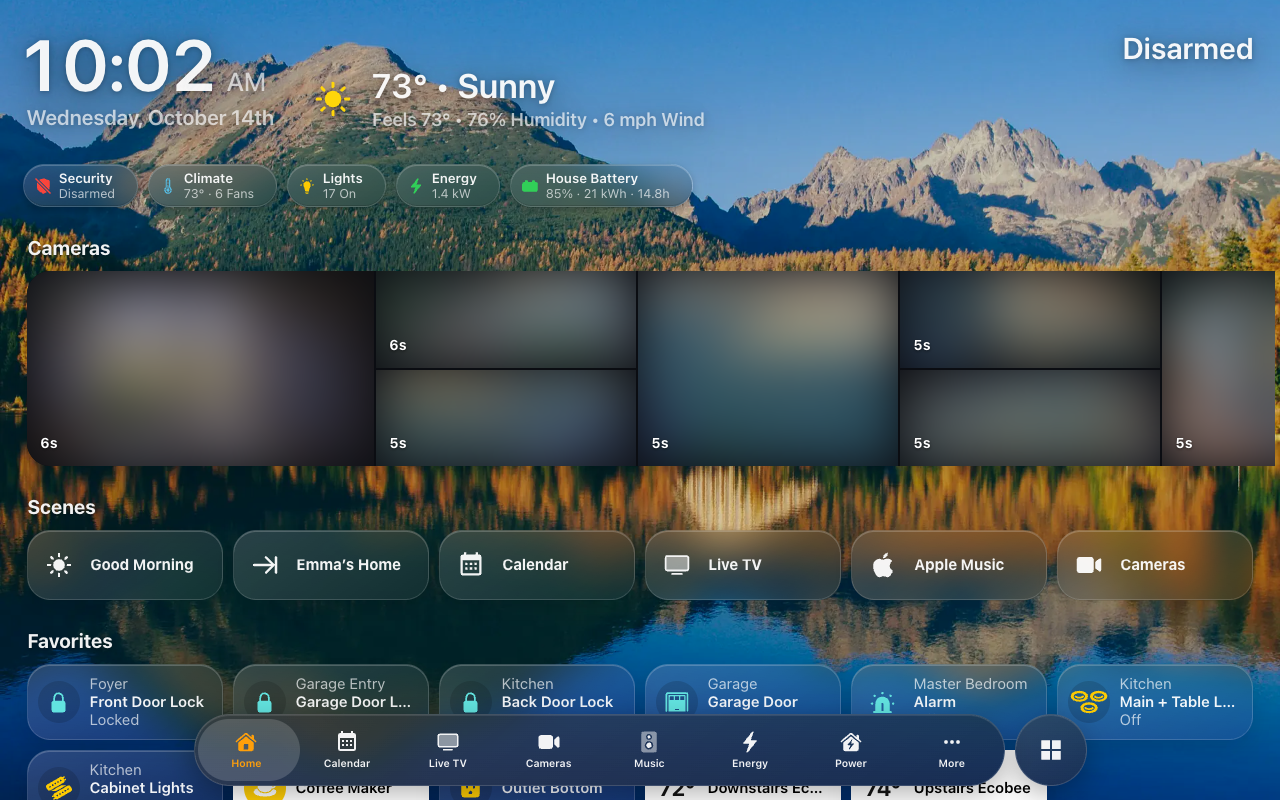
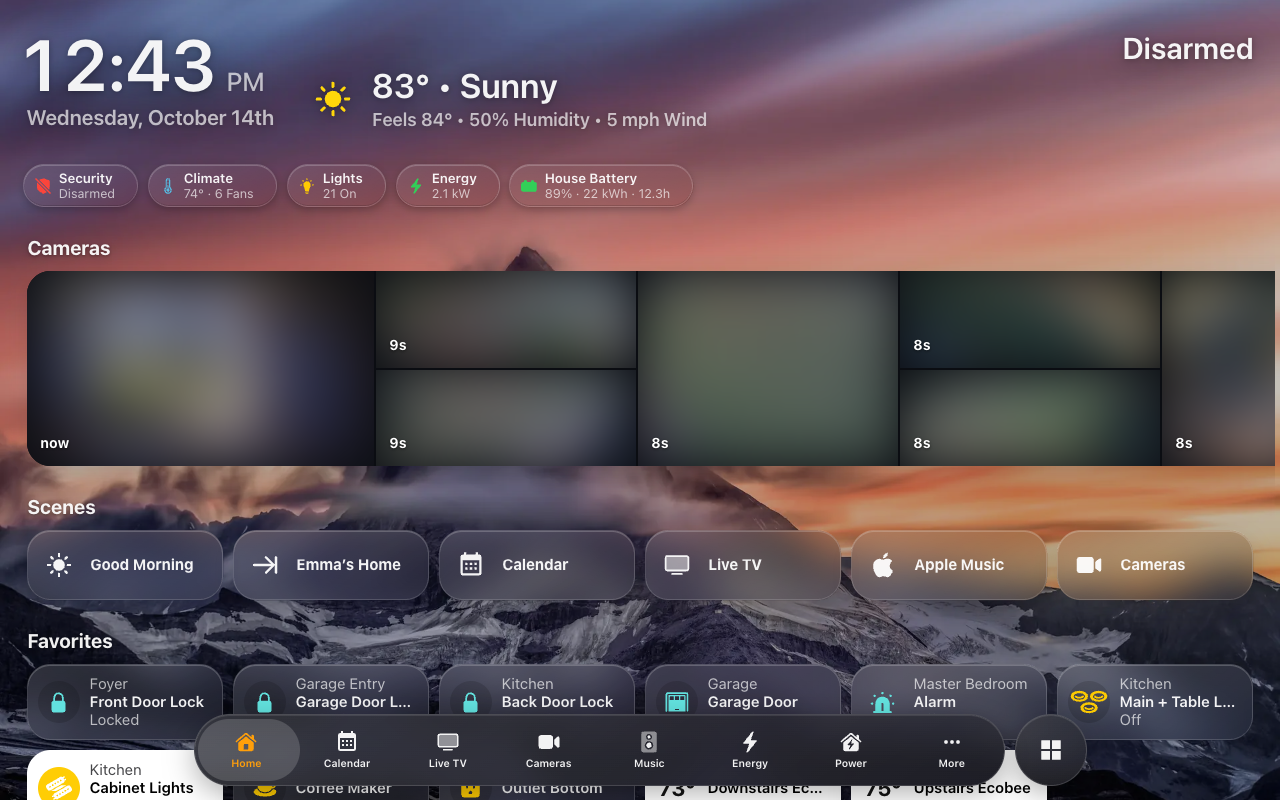
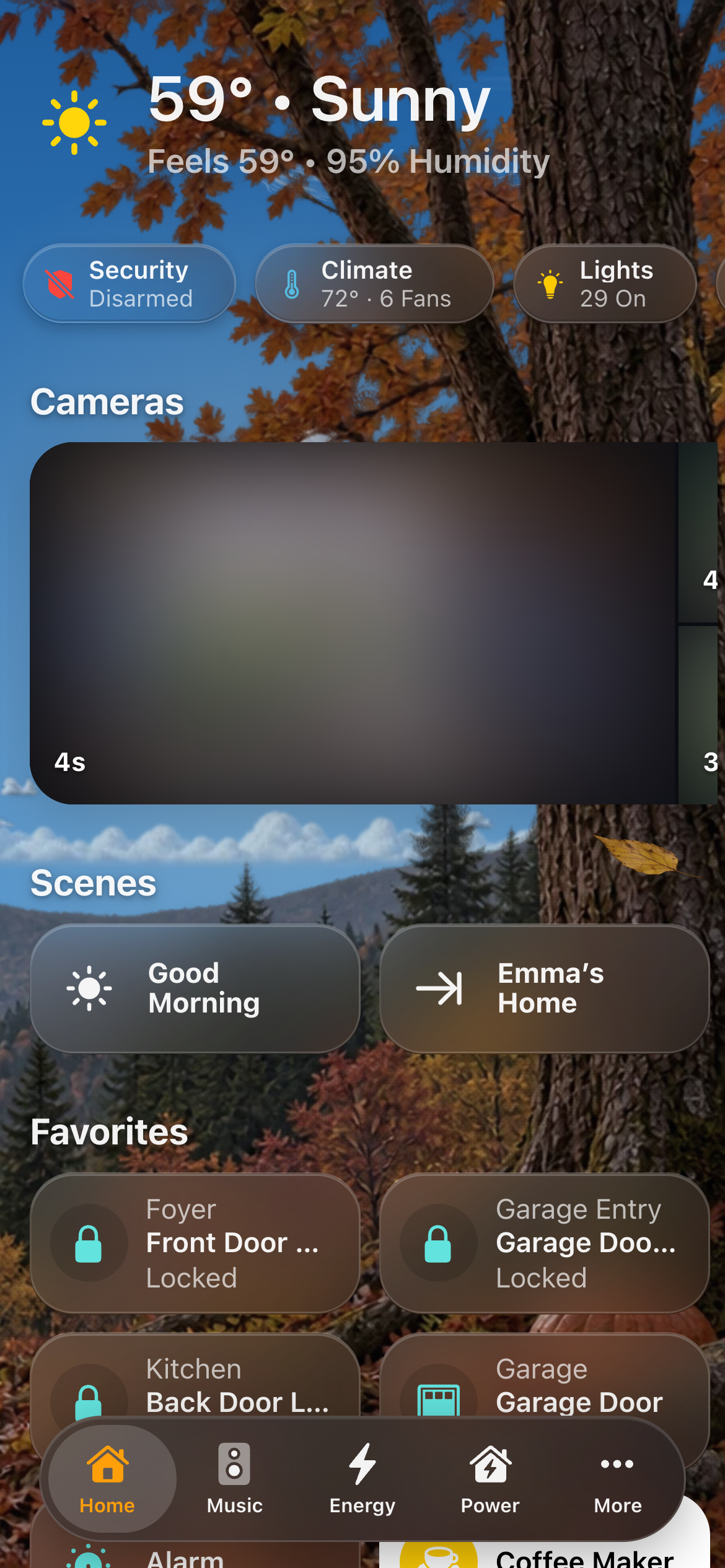
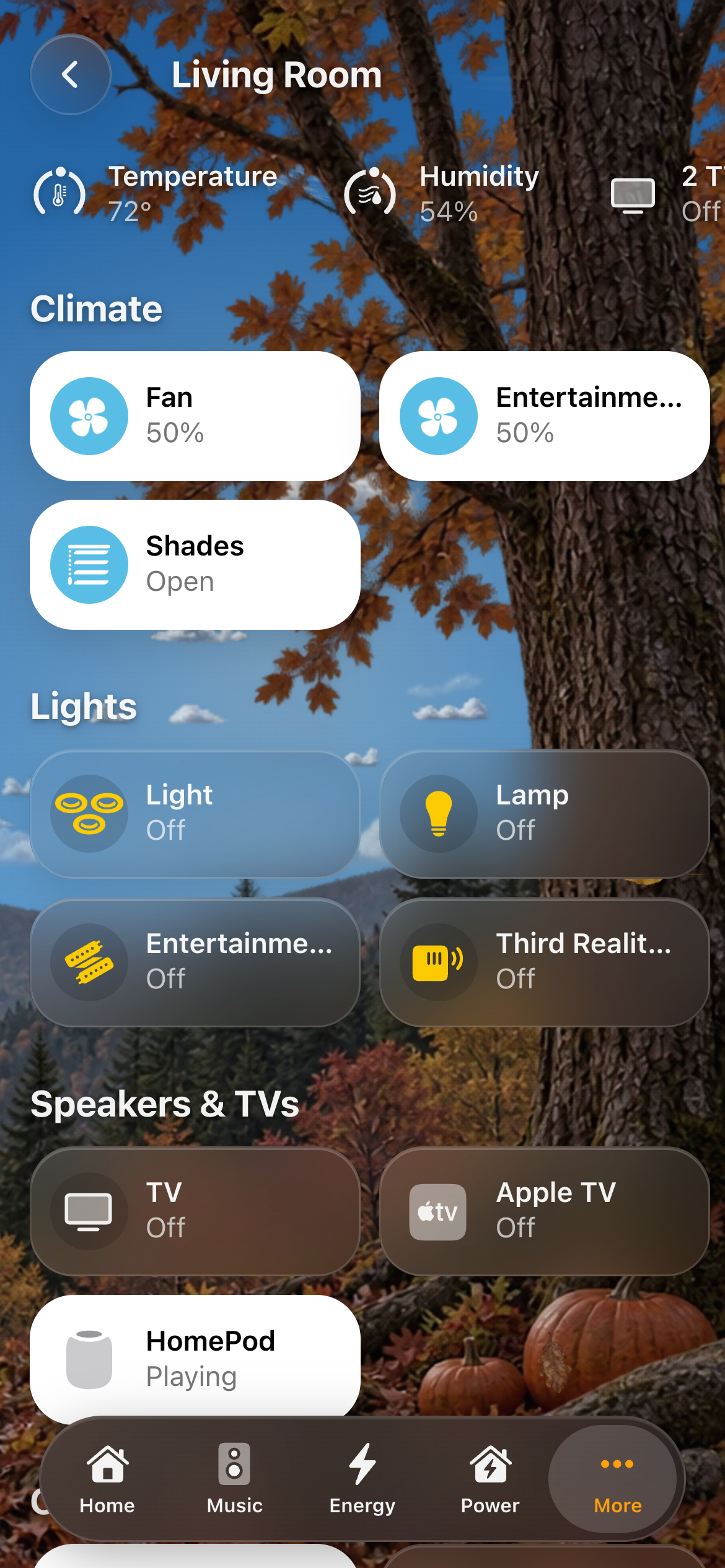
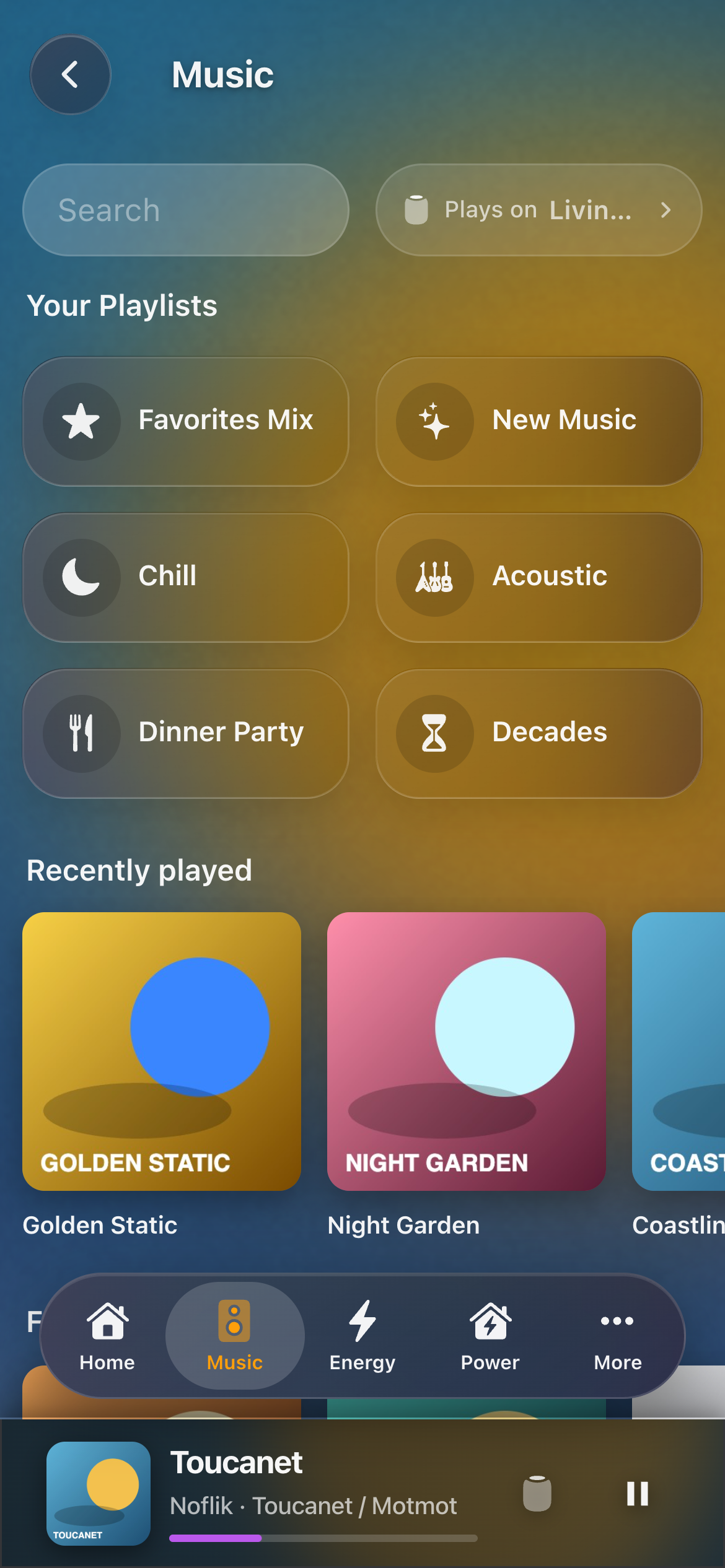
Every screen of HK Frontend, as it looks in one home. The screenshots are of a home that has added Apple’s font and glyphs (Your files); camera pictures are blurred on purpose.
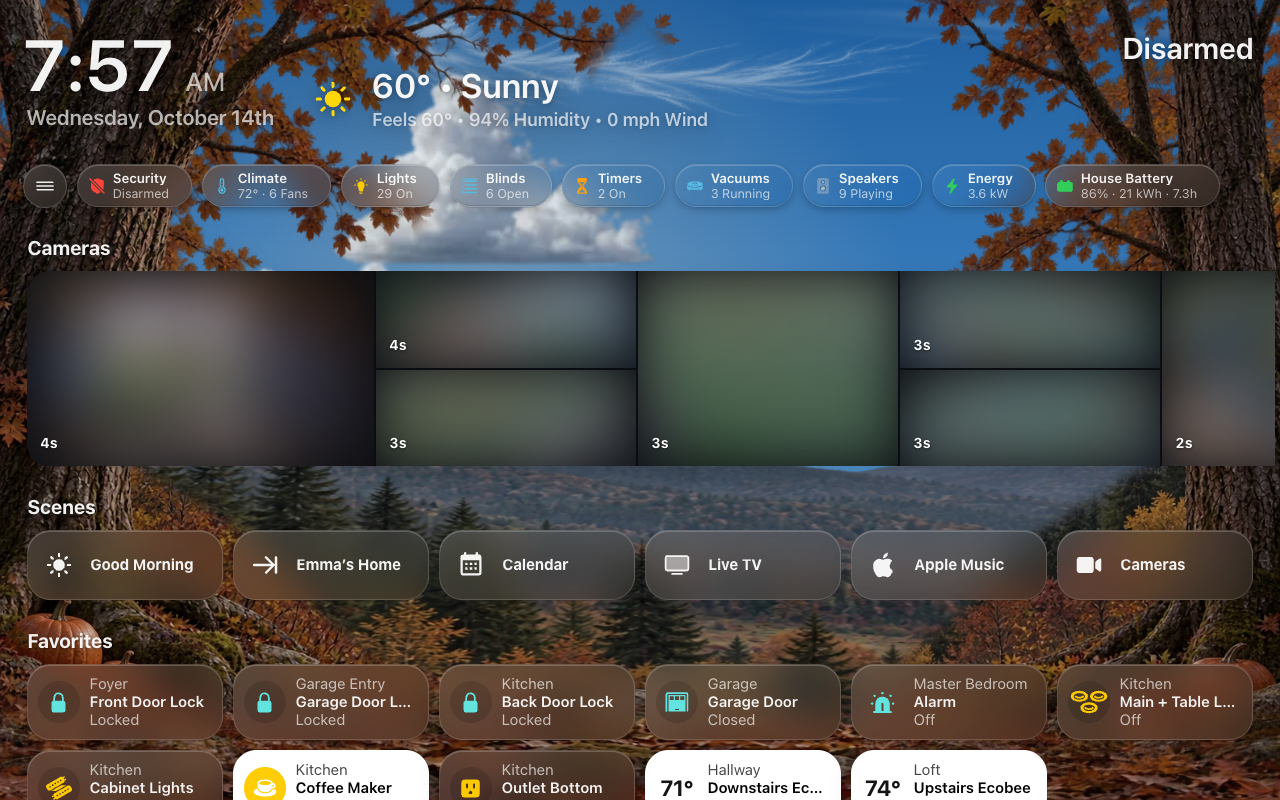
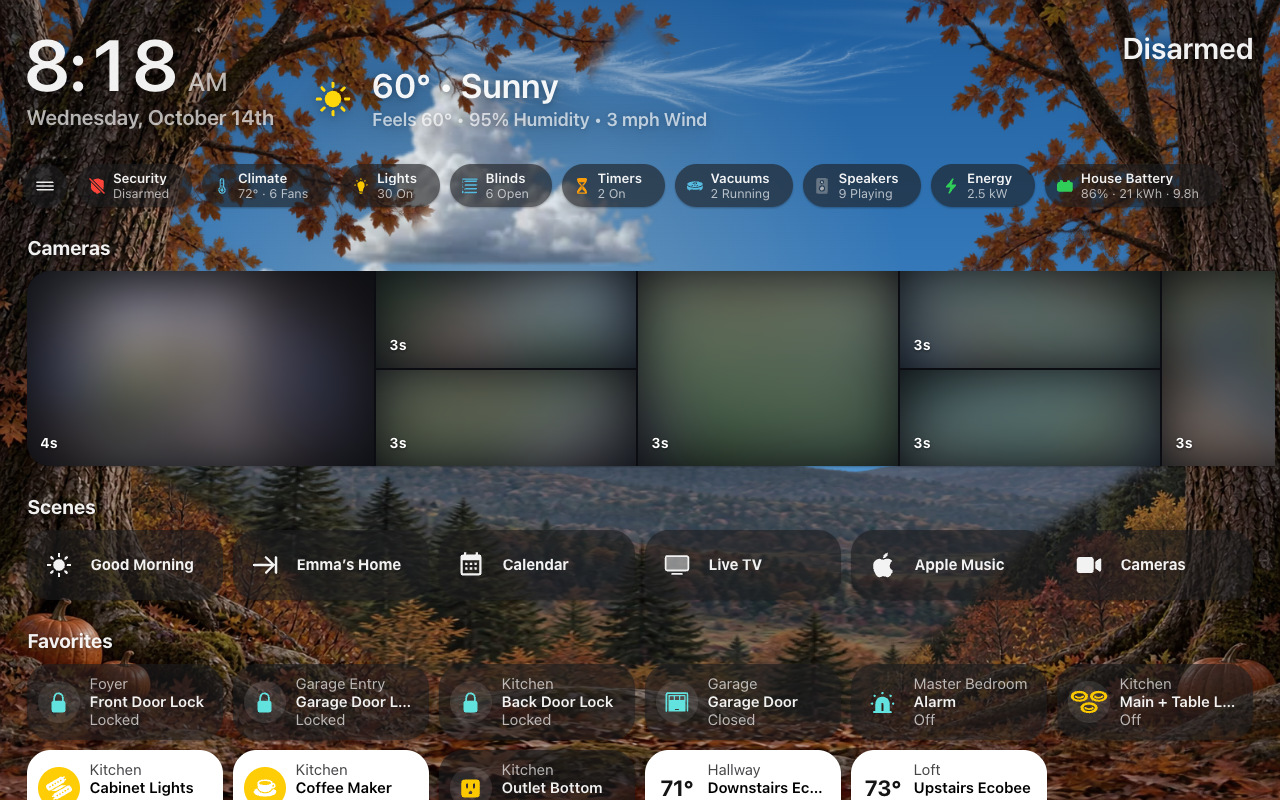
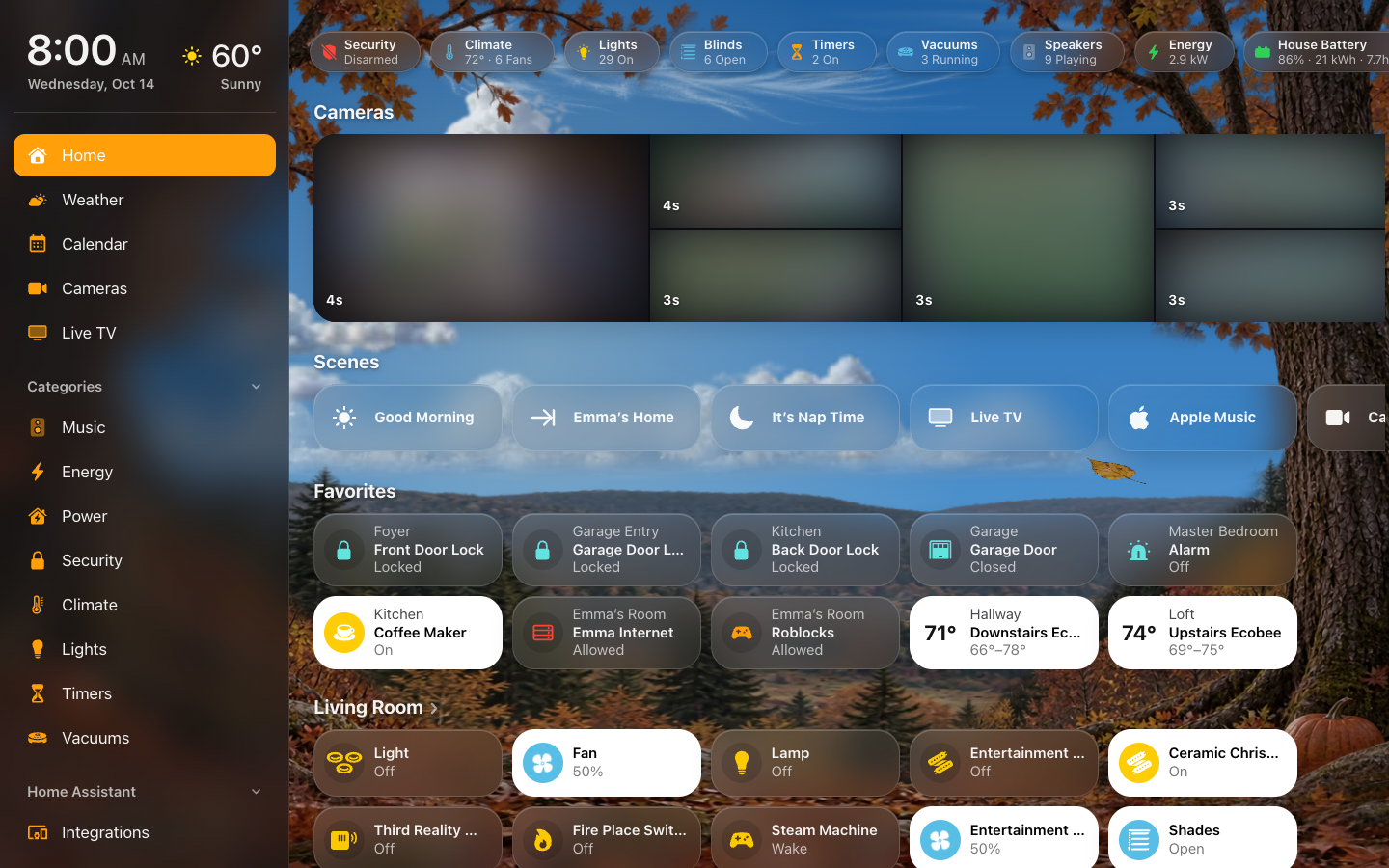
Home in the Tinted look: the Home app’s flat dark plates, nothing blurred.
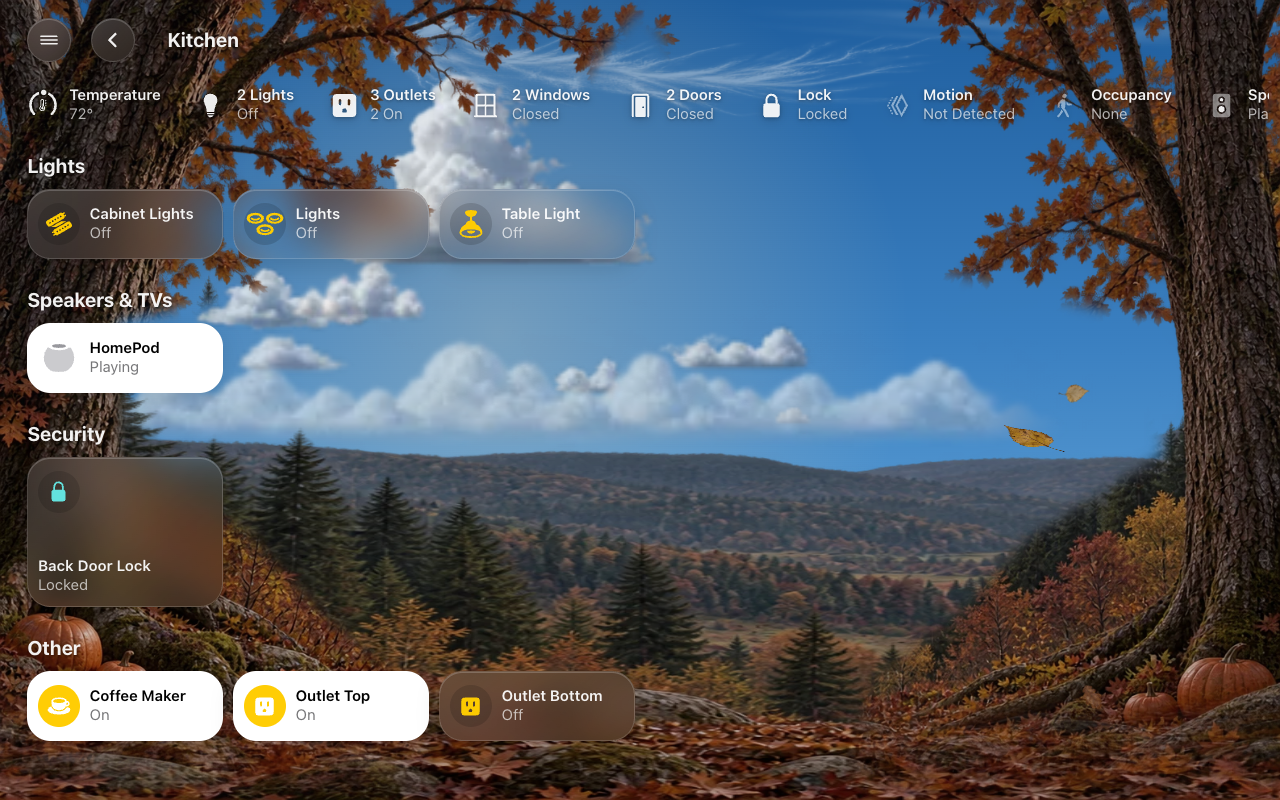 |
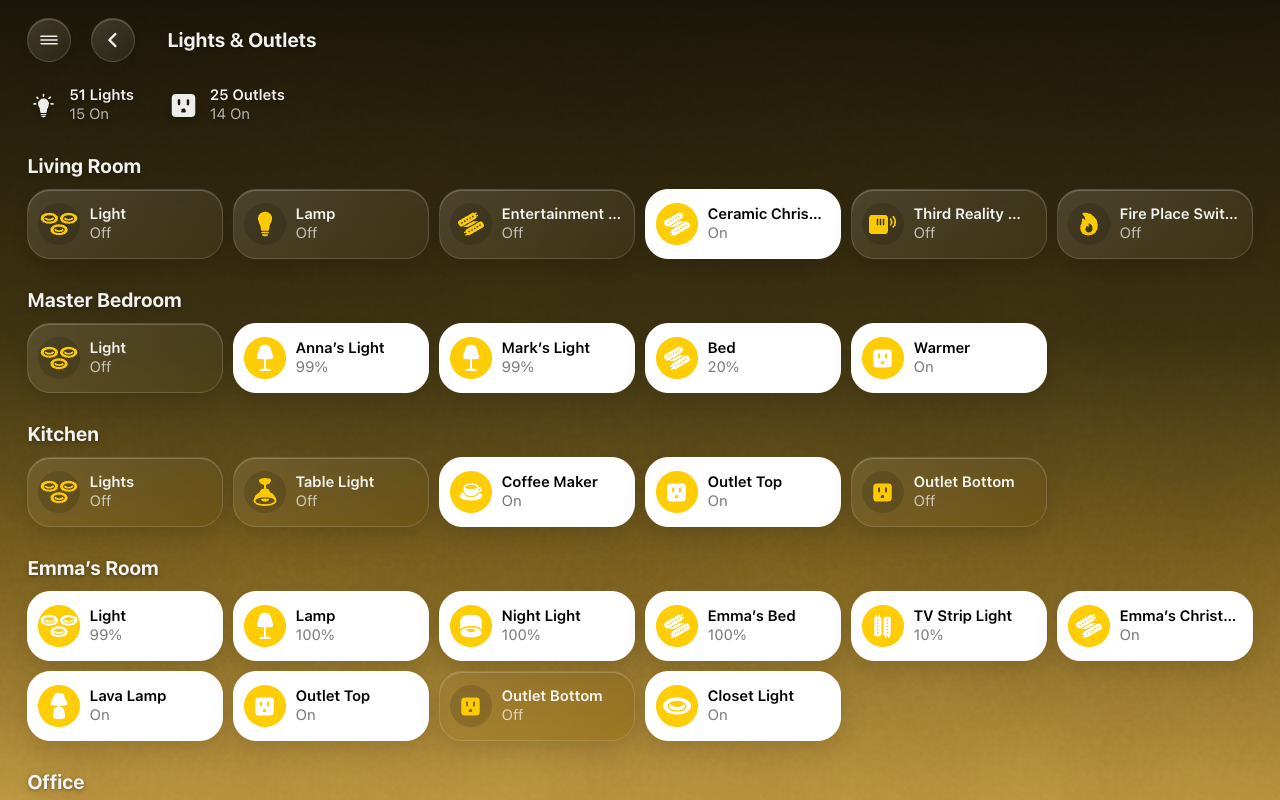 |
| A room | Lights |
 |
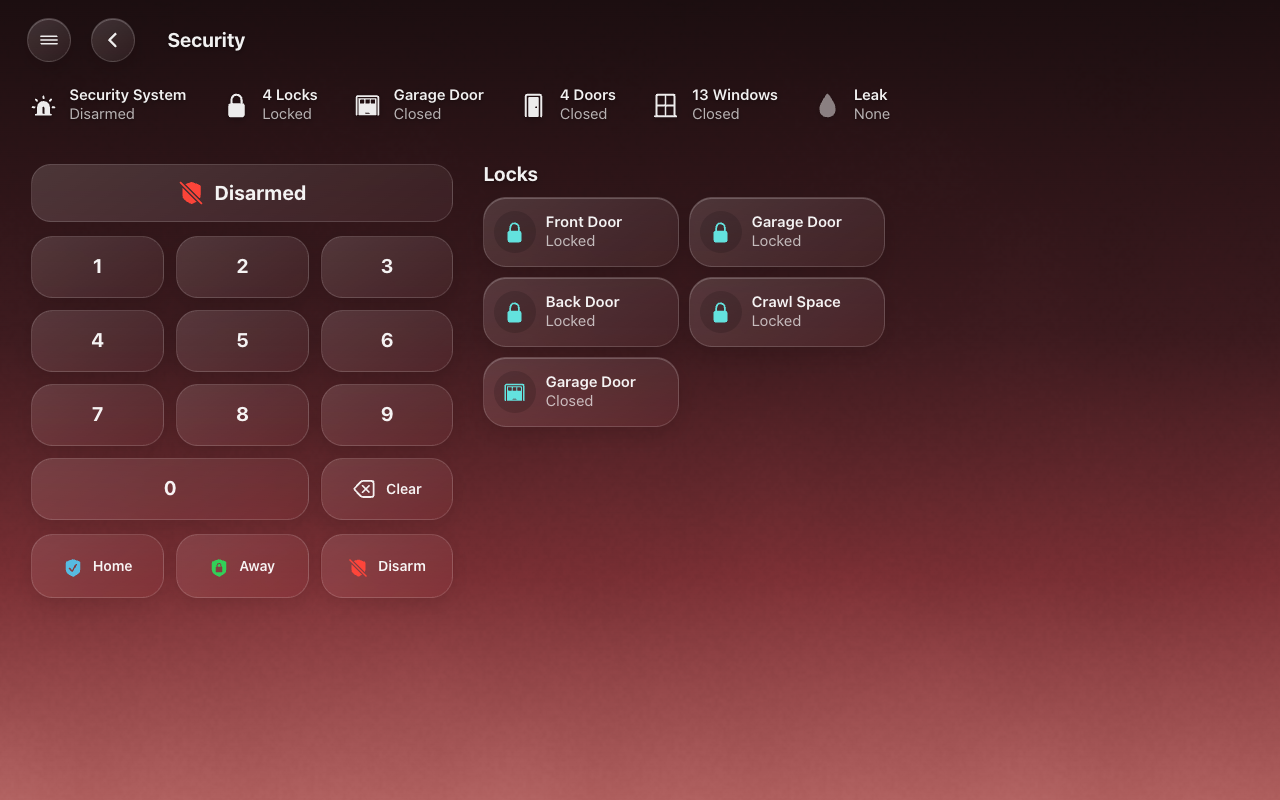 |
| Climate | Security |
 |
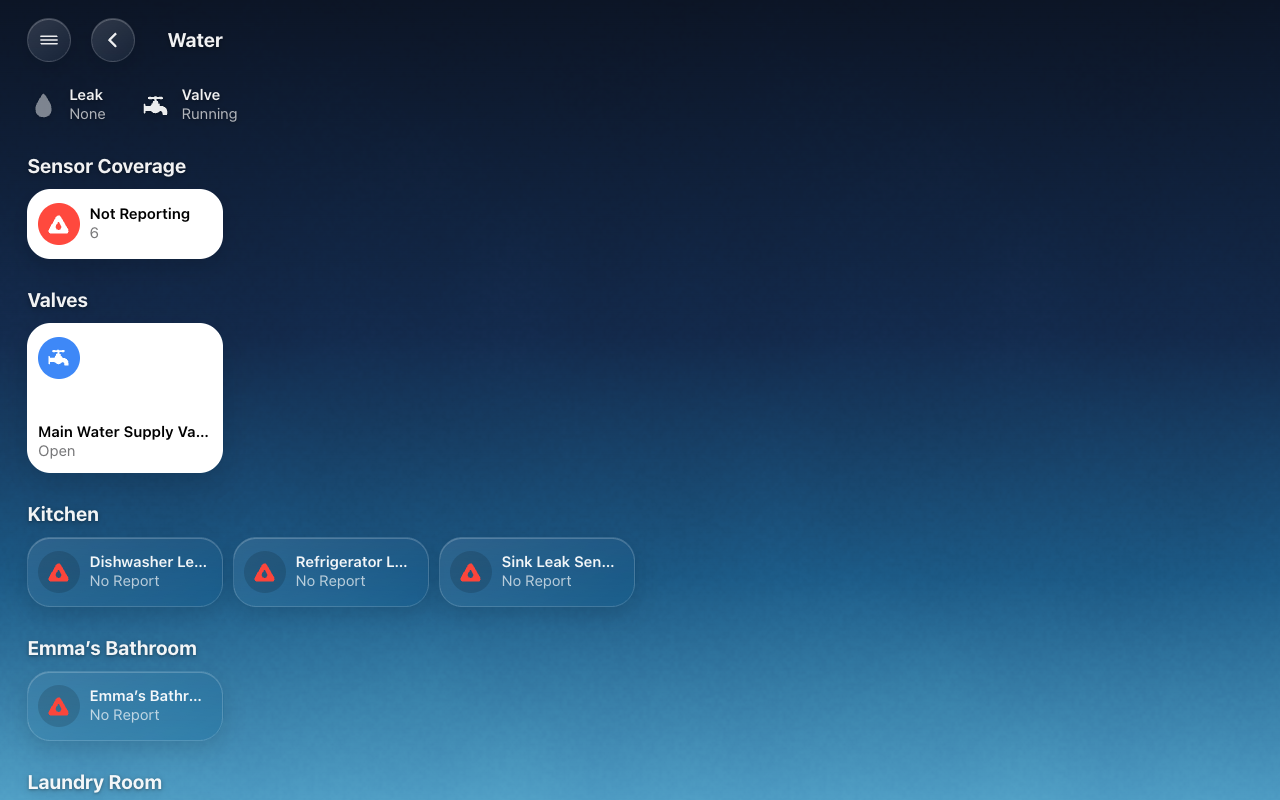 |
| Doors & Windows | Water |
 |
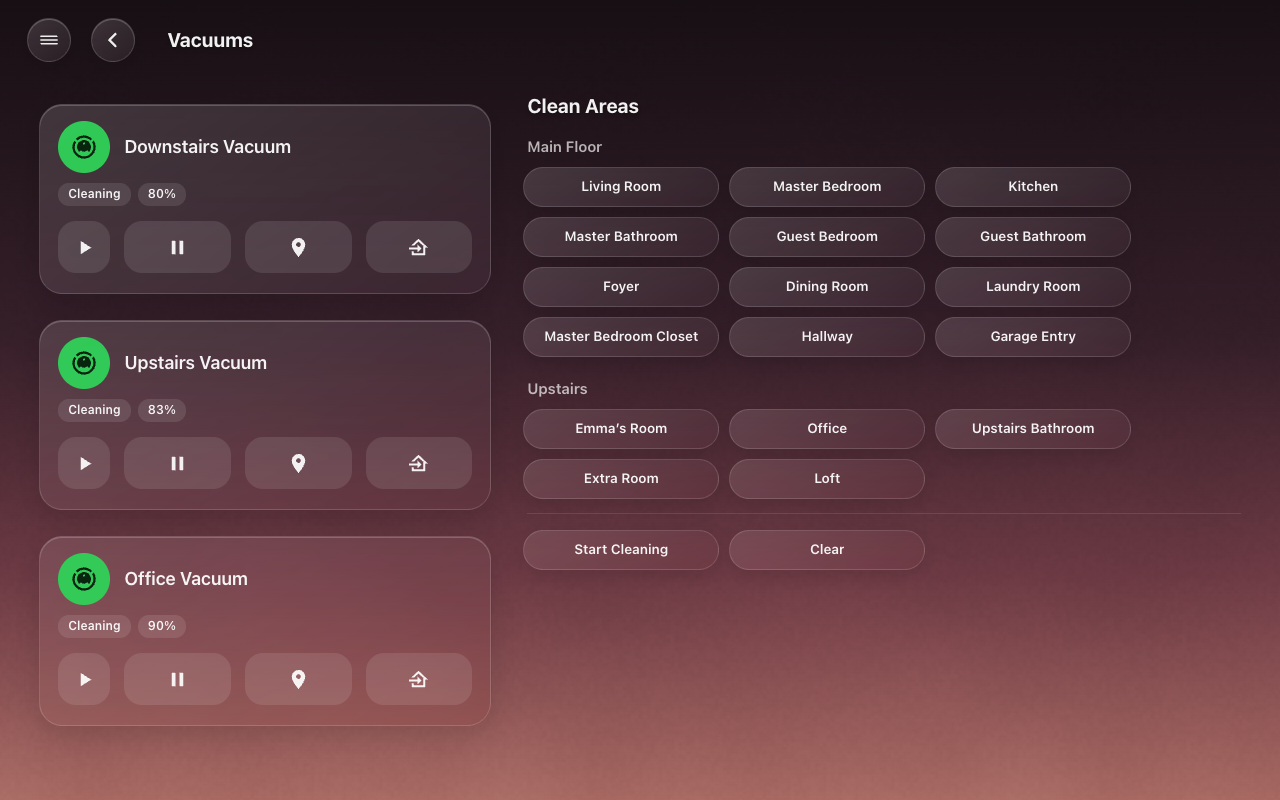 |
| Timers | Vacuums |
 |
 |
| Weather | Cameras |
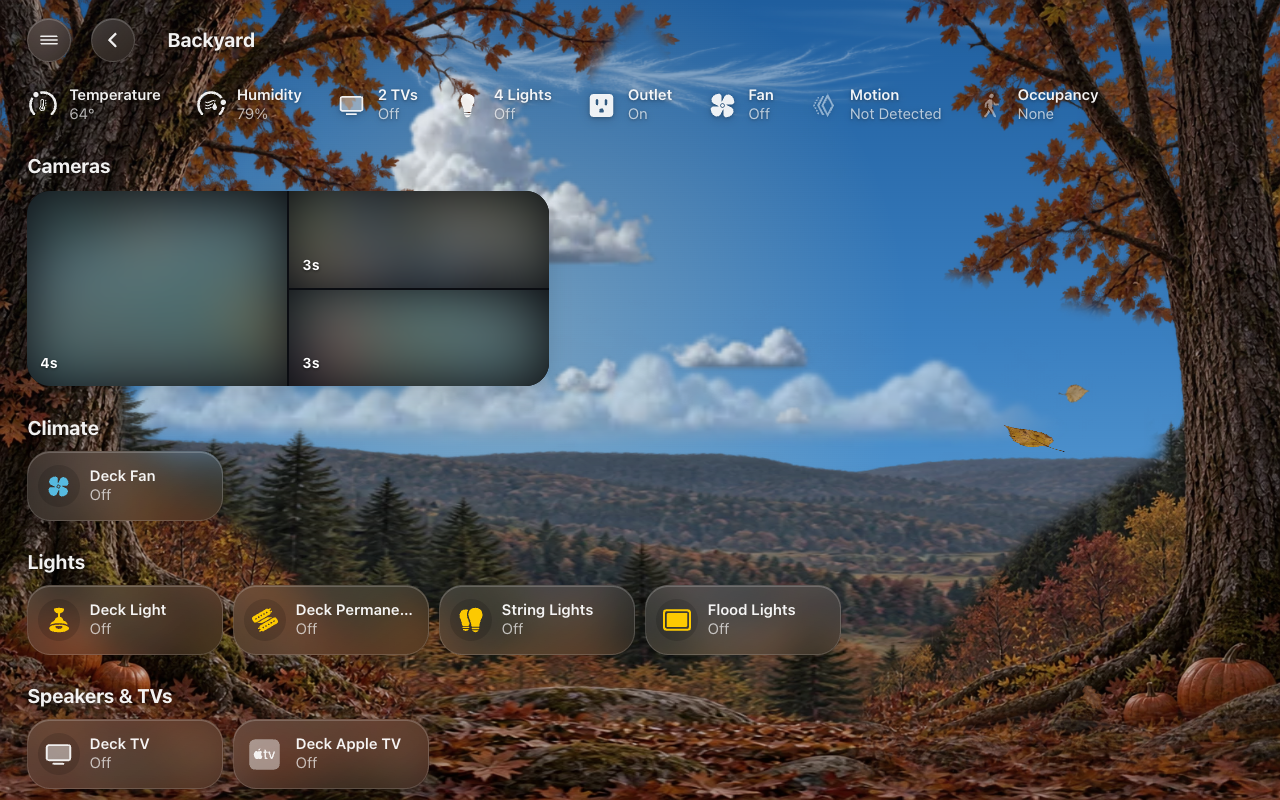 |
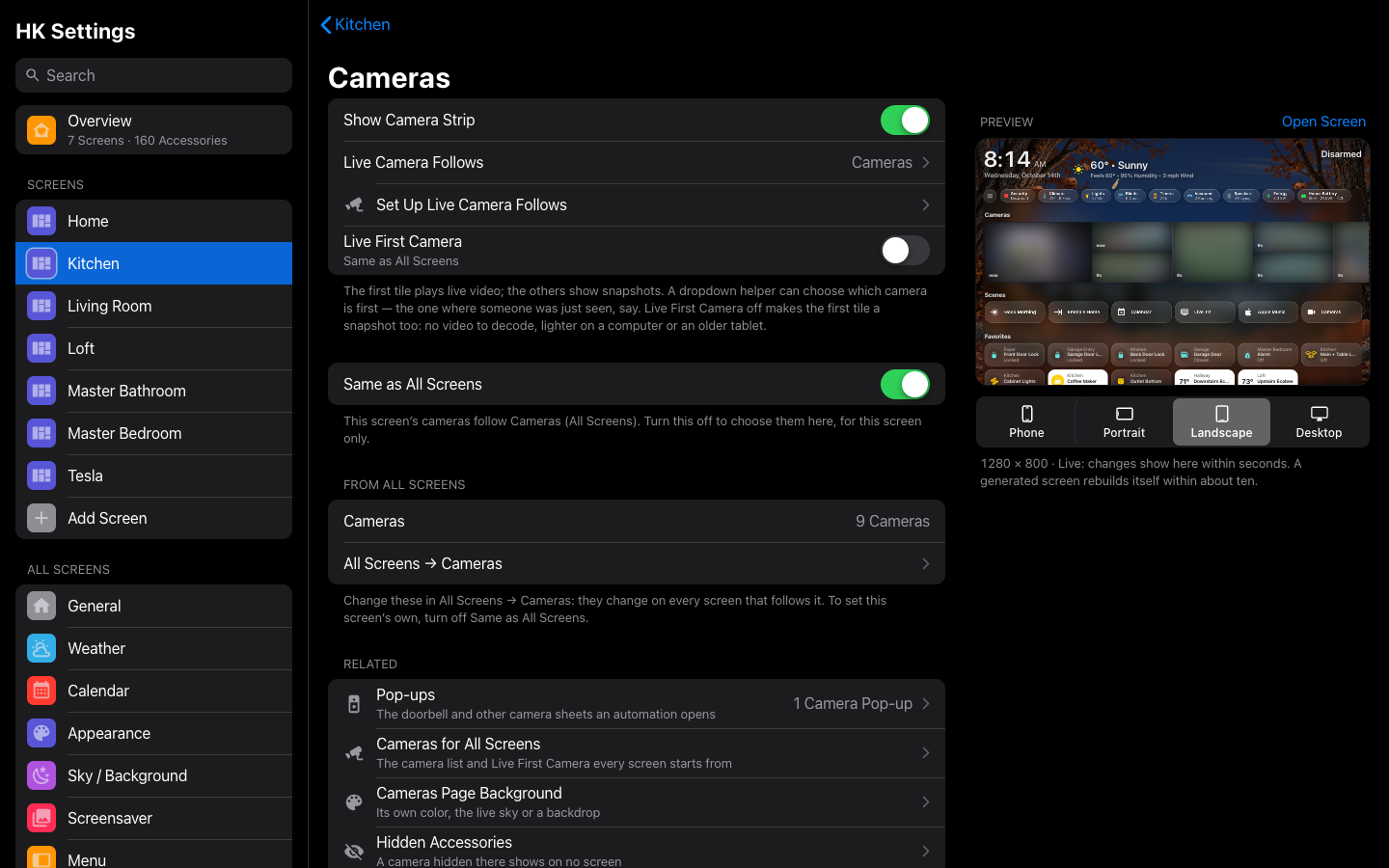 |
| A room’s cameras | A screen’s Cameras settings |
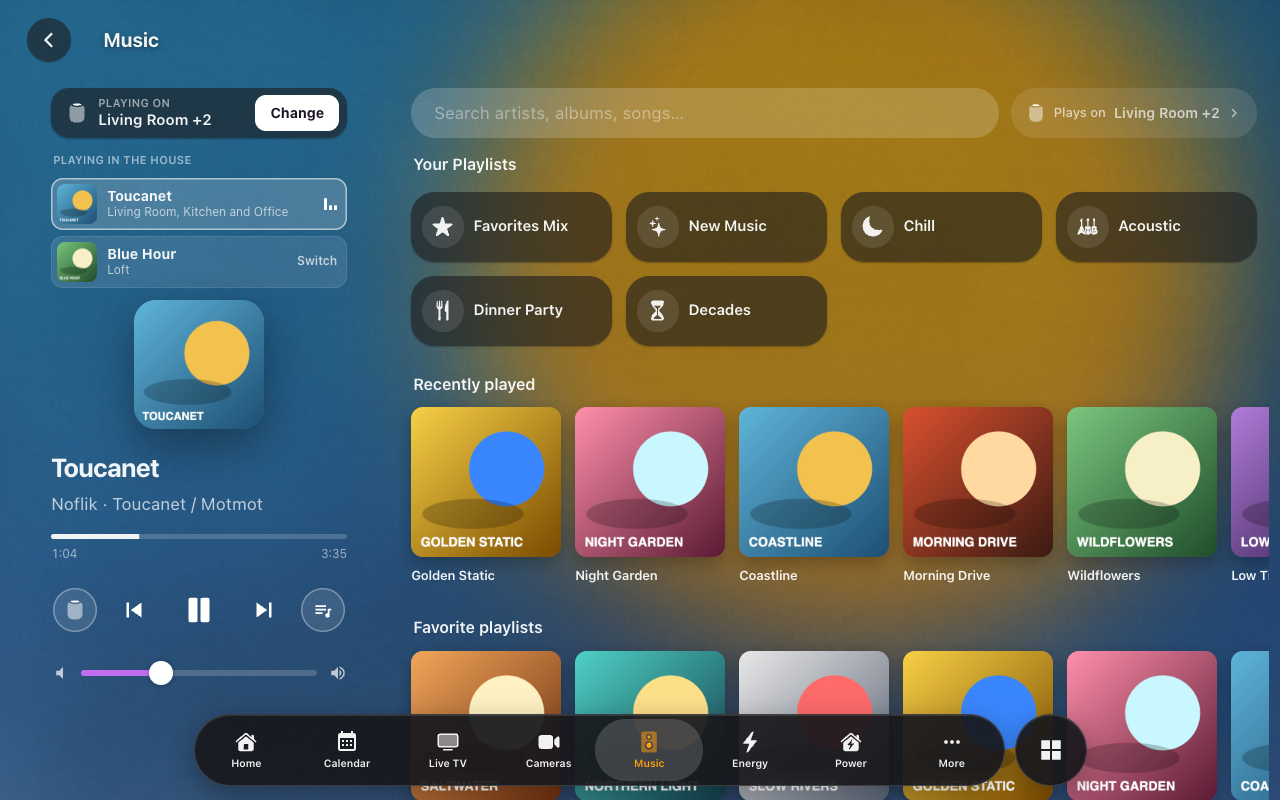 |
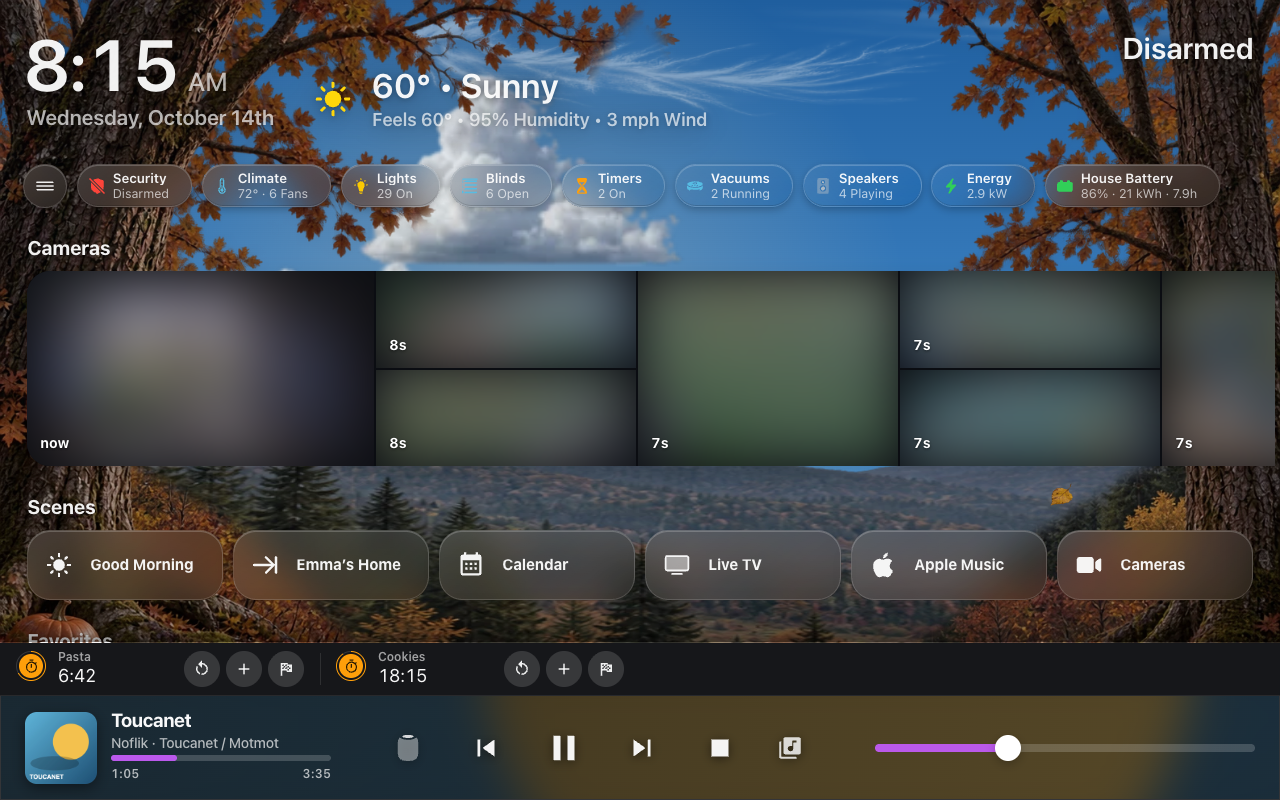 |
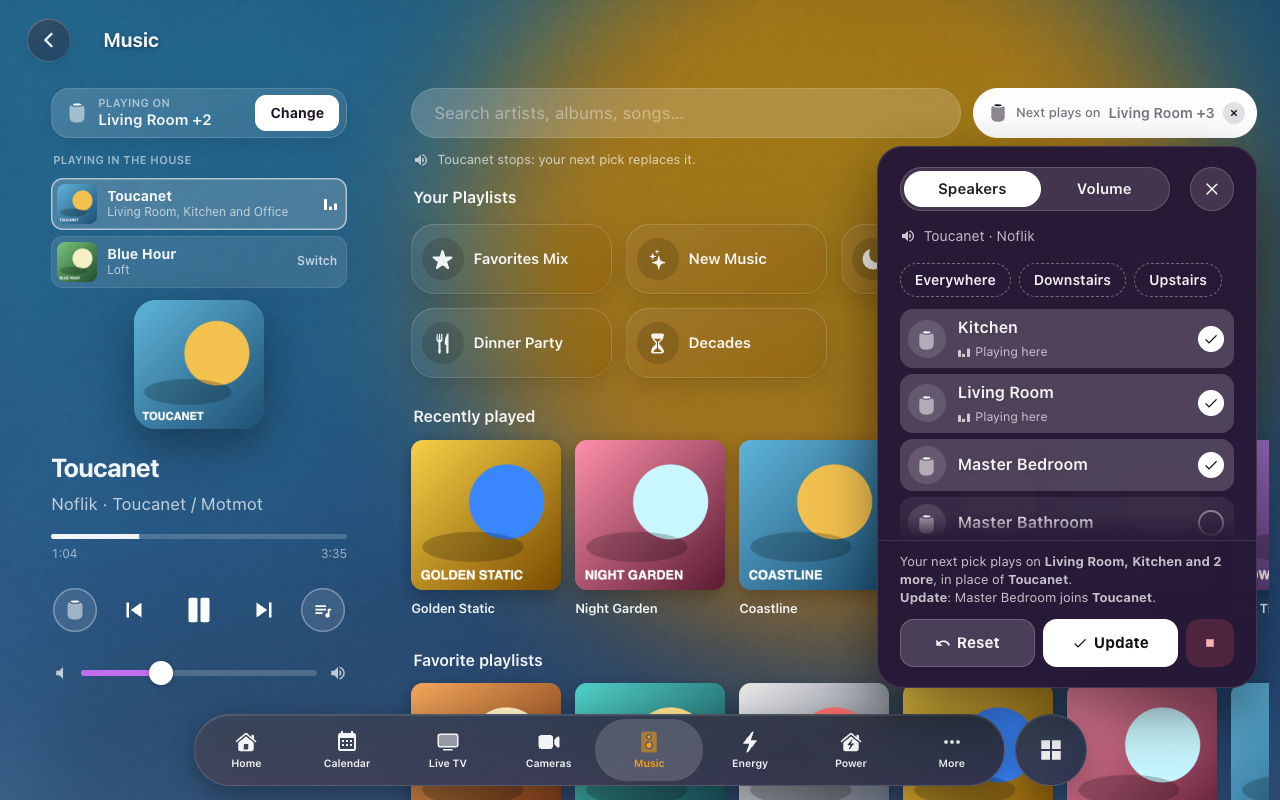
| Music | The Now Playing bar and Timer Bar |
 |
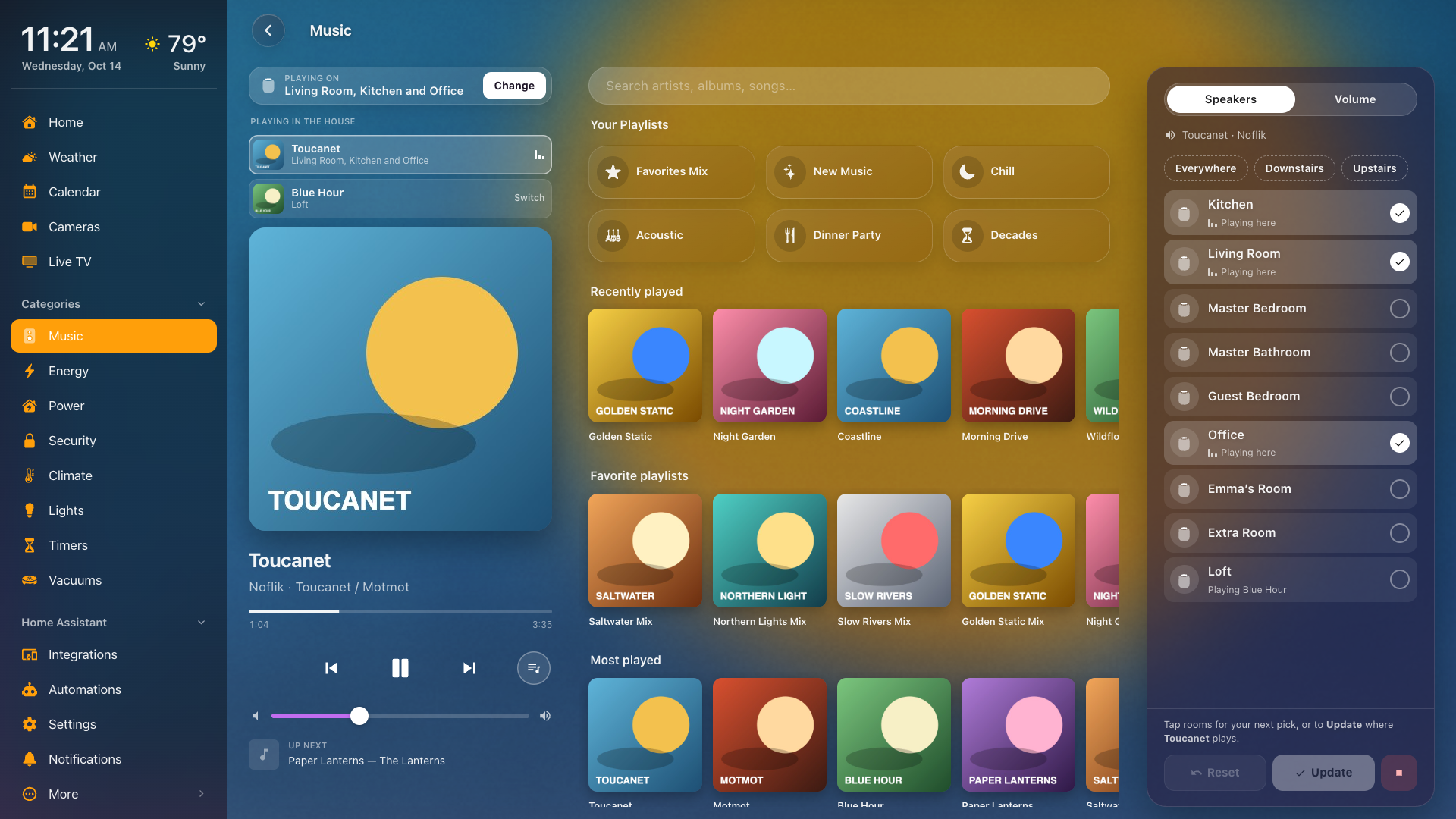 |
| Plays on: what's ticked is where it plays | The Speakers column on a wide desk |
 |
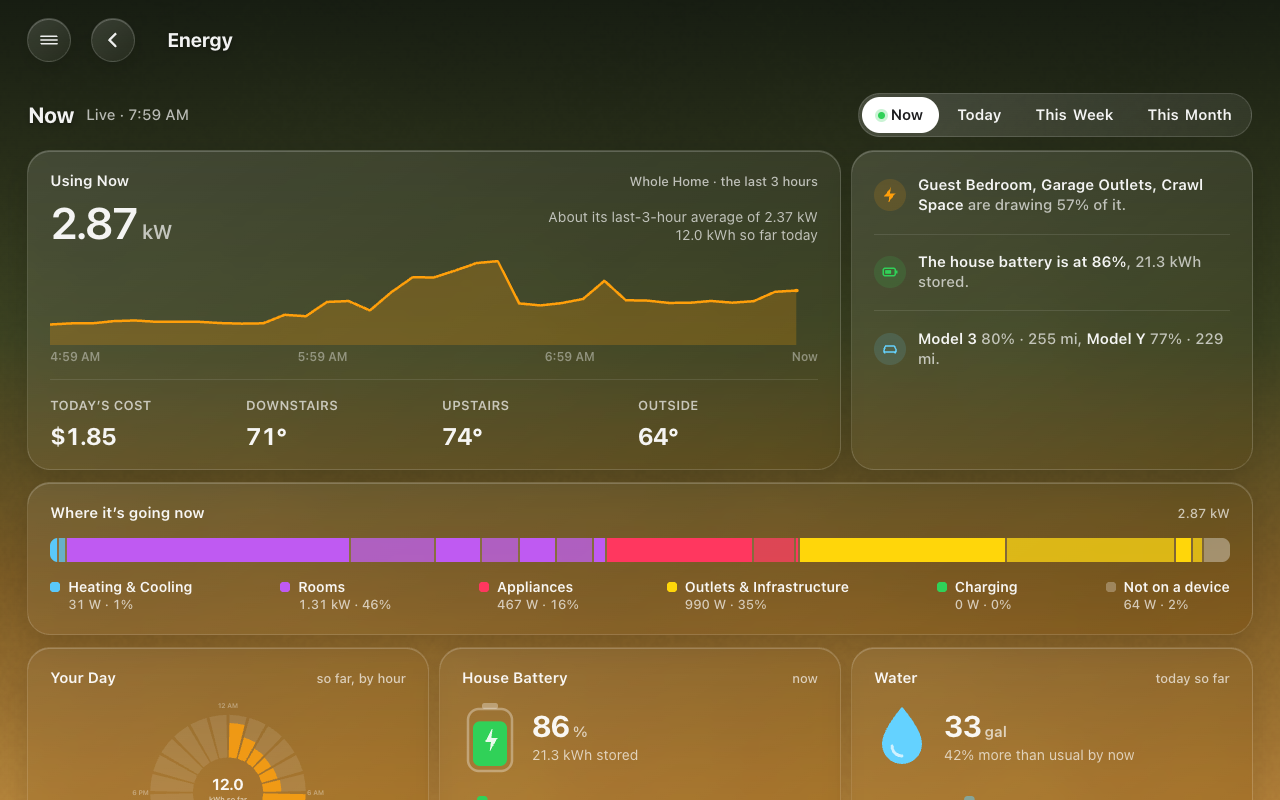 |
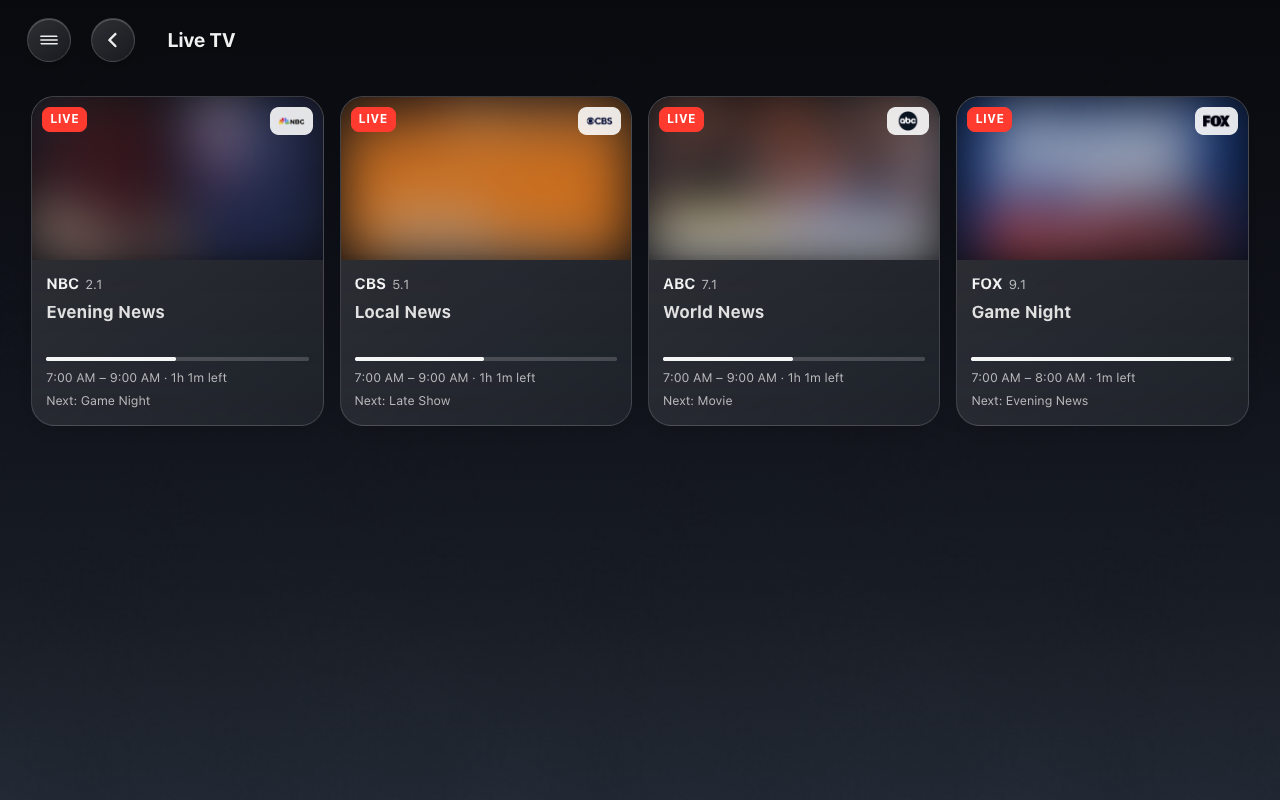
| Live TV (Live TV) | Energy: Now |
 |
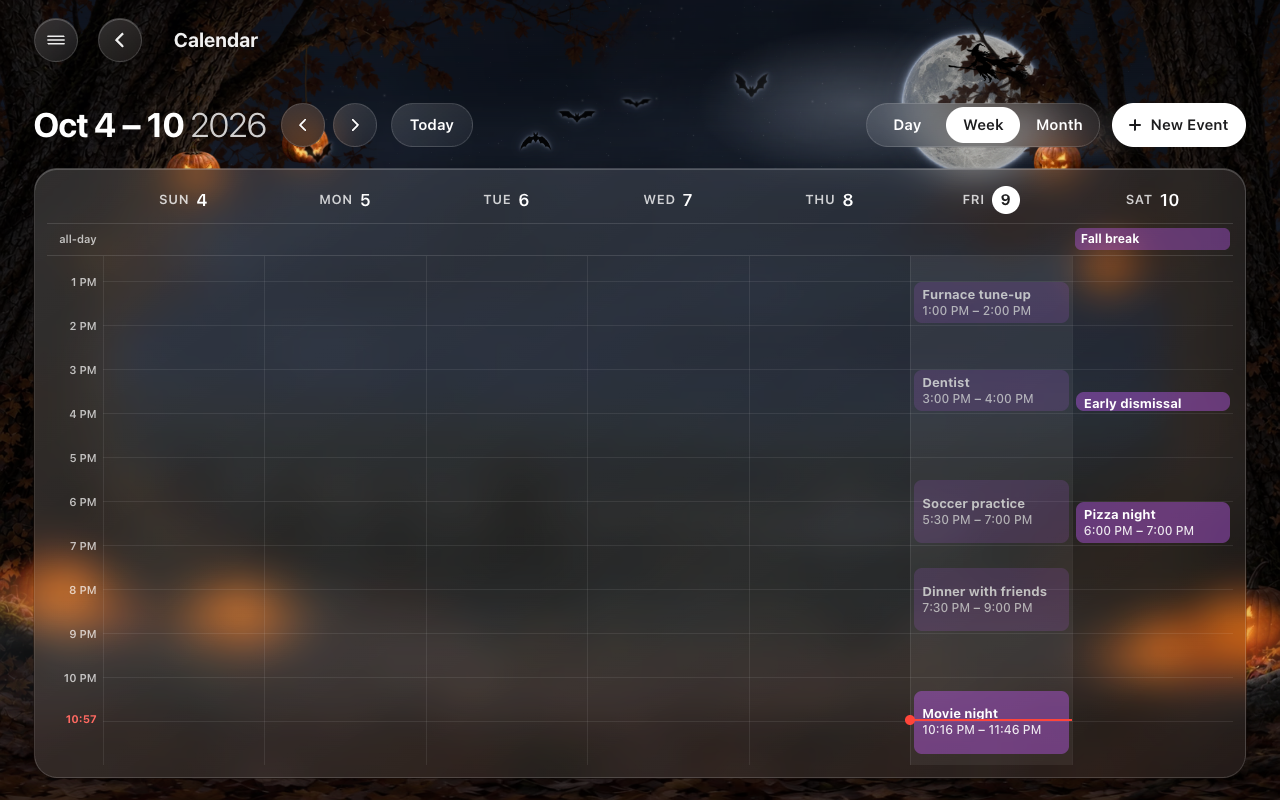 |
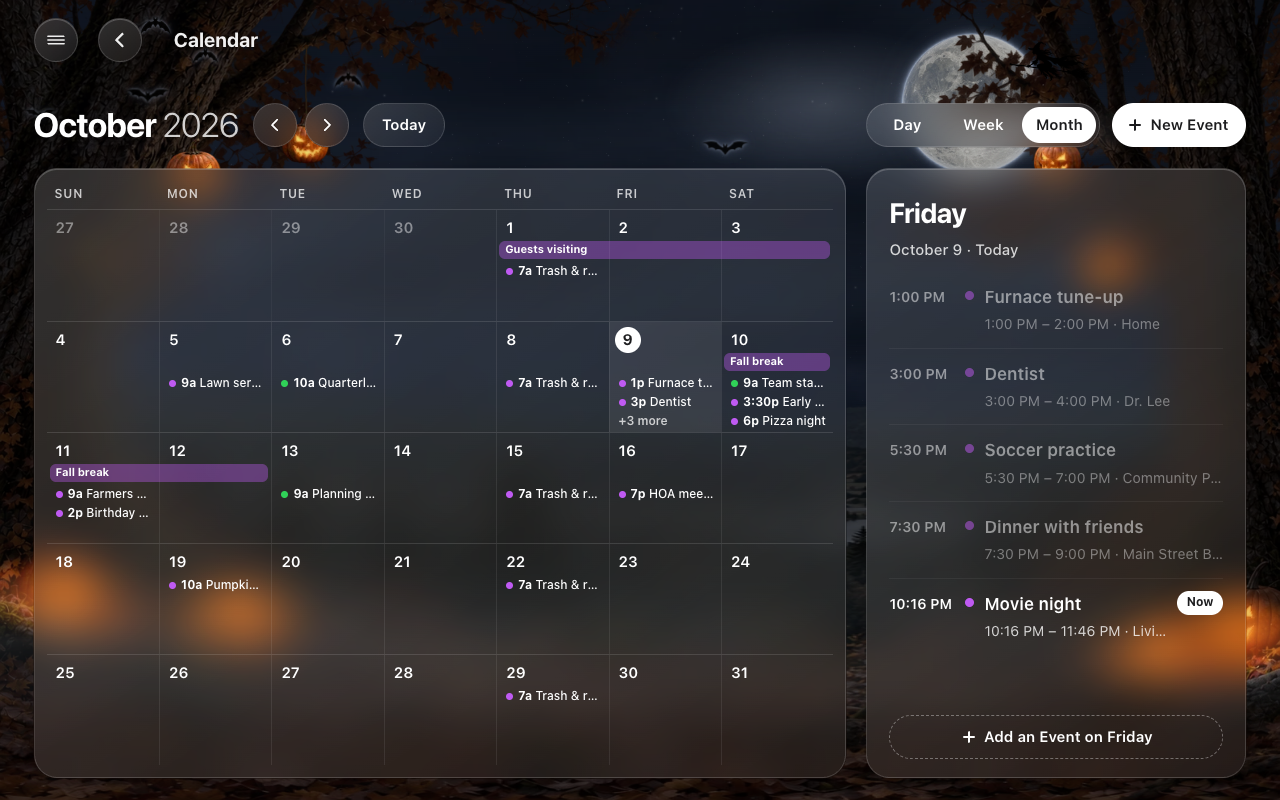
| Calendar: the month | The week |
 |
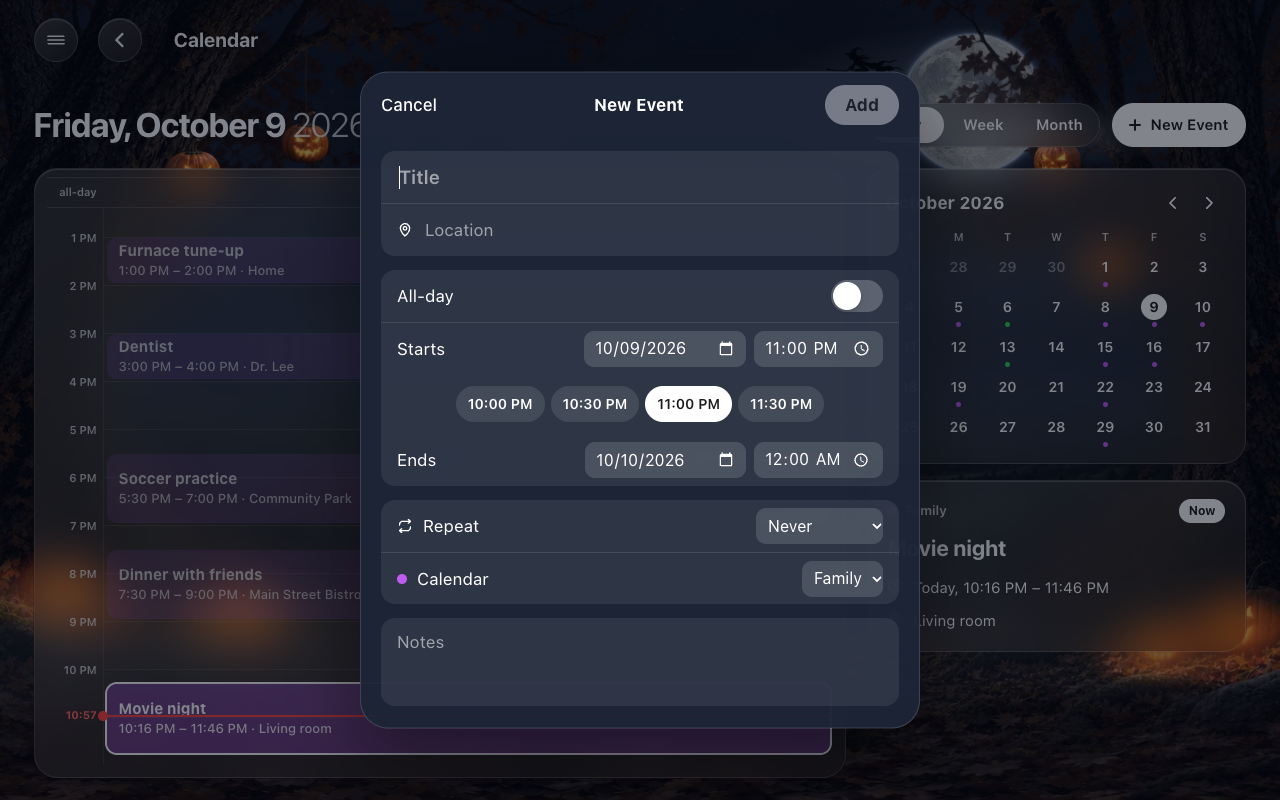 |
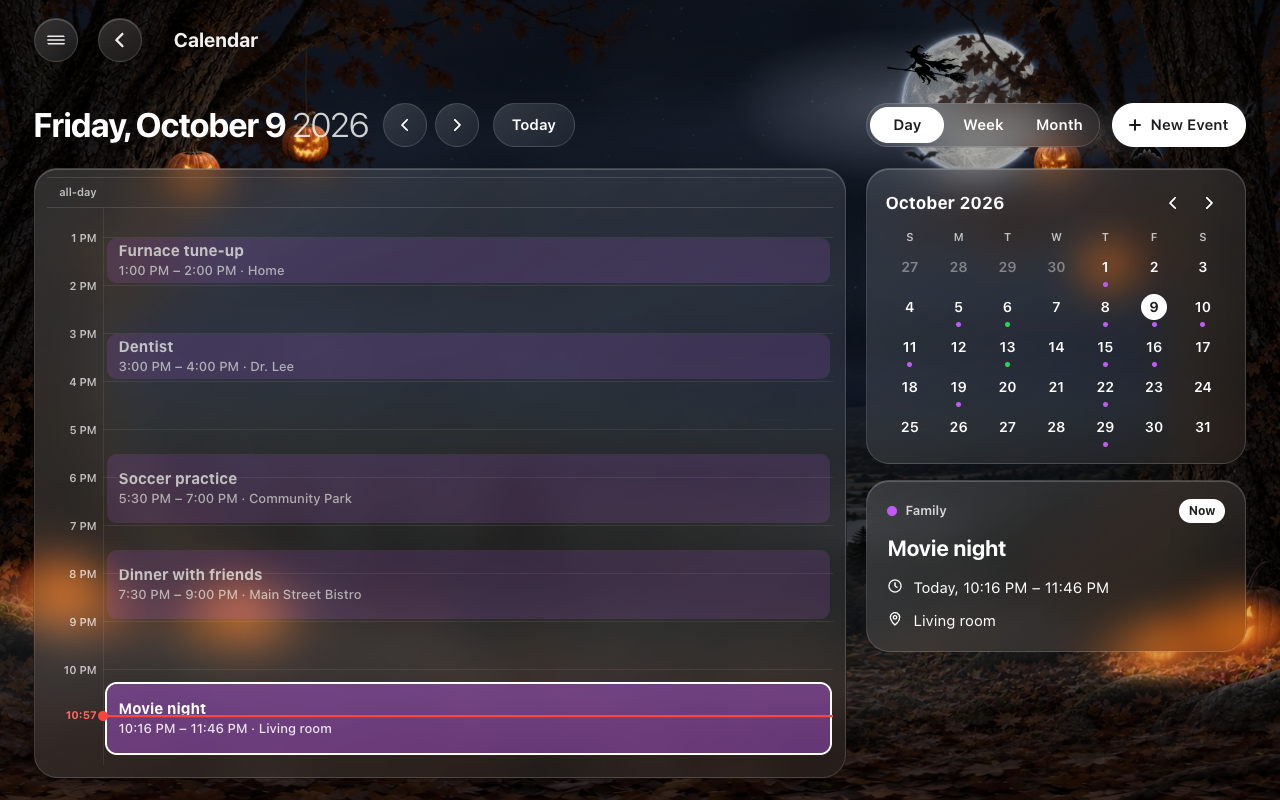
| The day | A new event |
 |
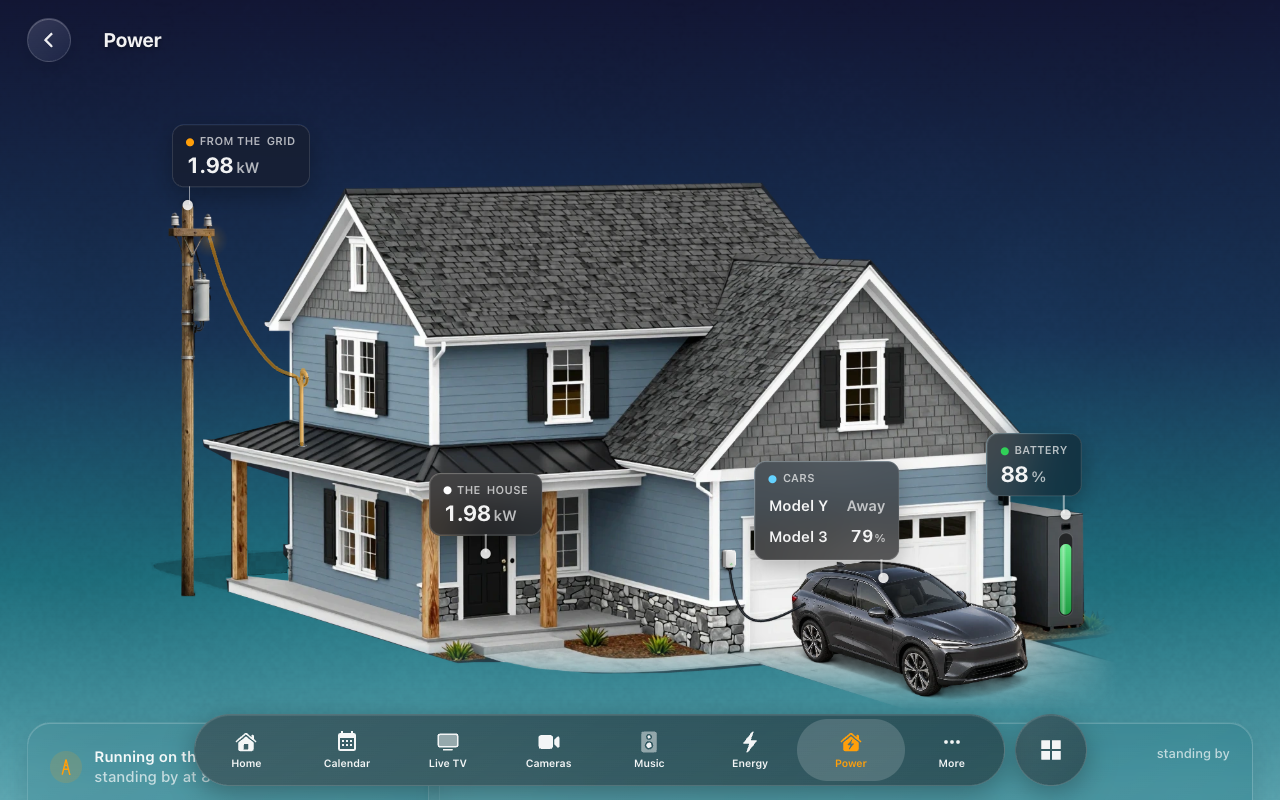 |
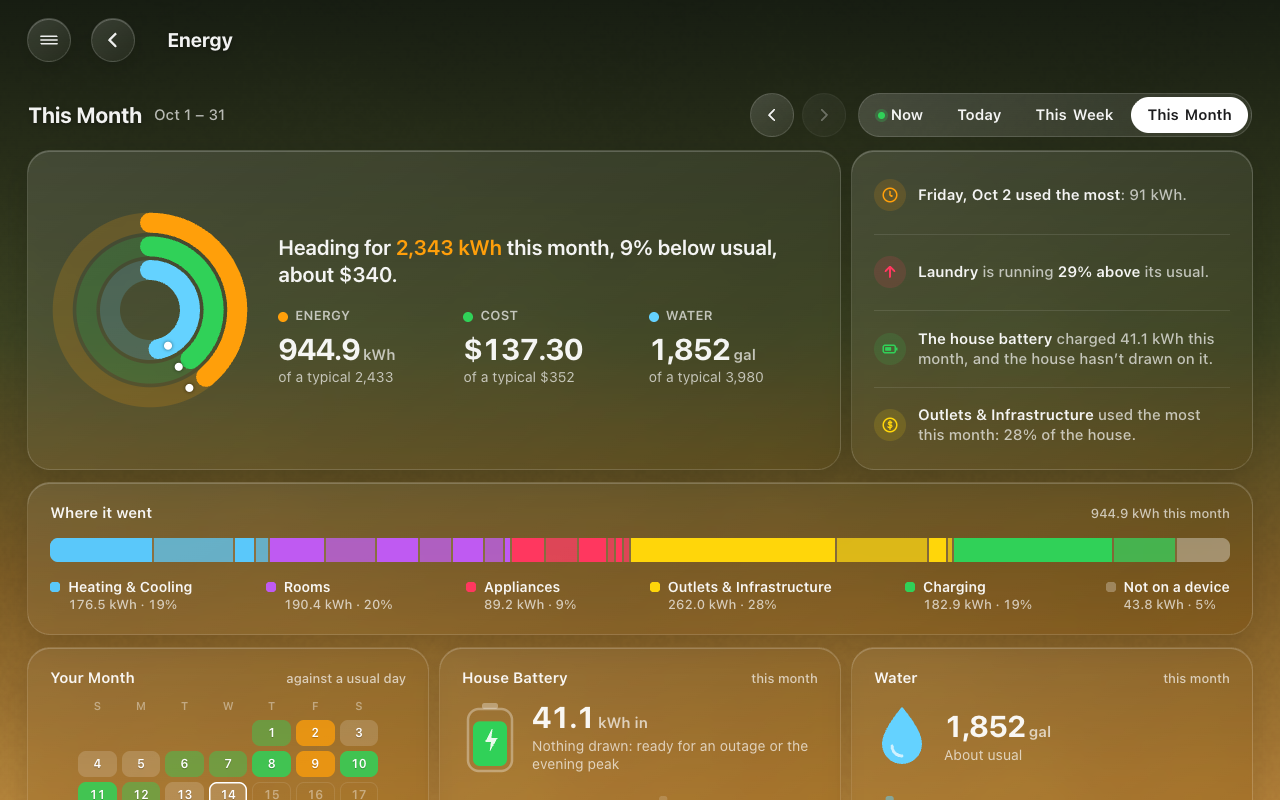
| Energy: This Month | The Power page |
 |
 |
| A Photo background | Landscapes as the background |
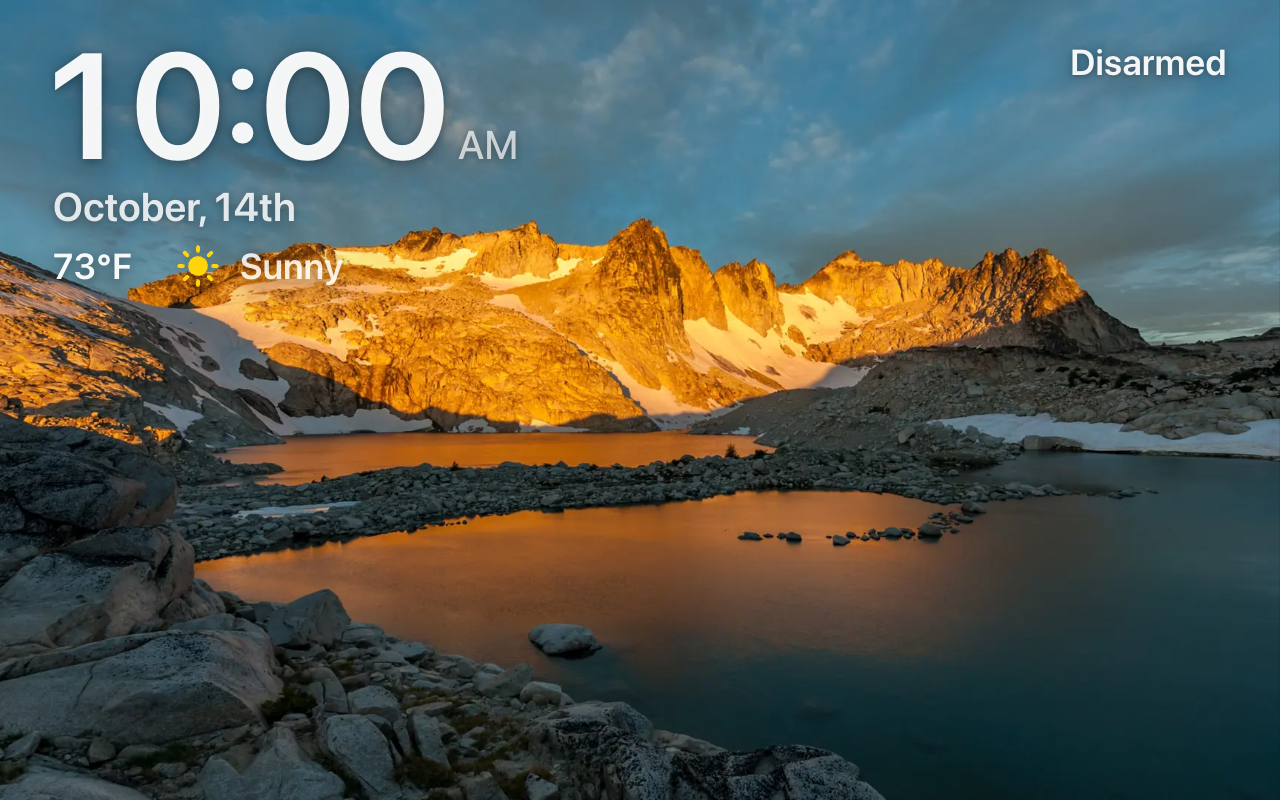
The photo screensaver (one of HK Frontend’s own Landscapes standing in for a photo).
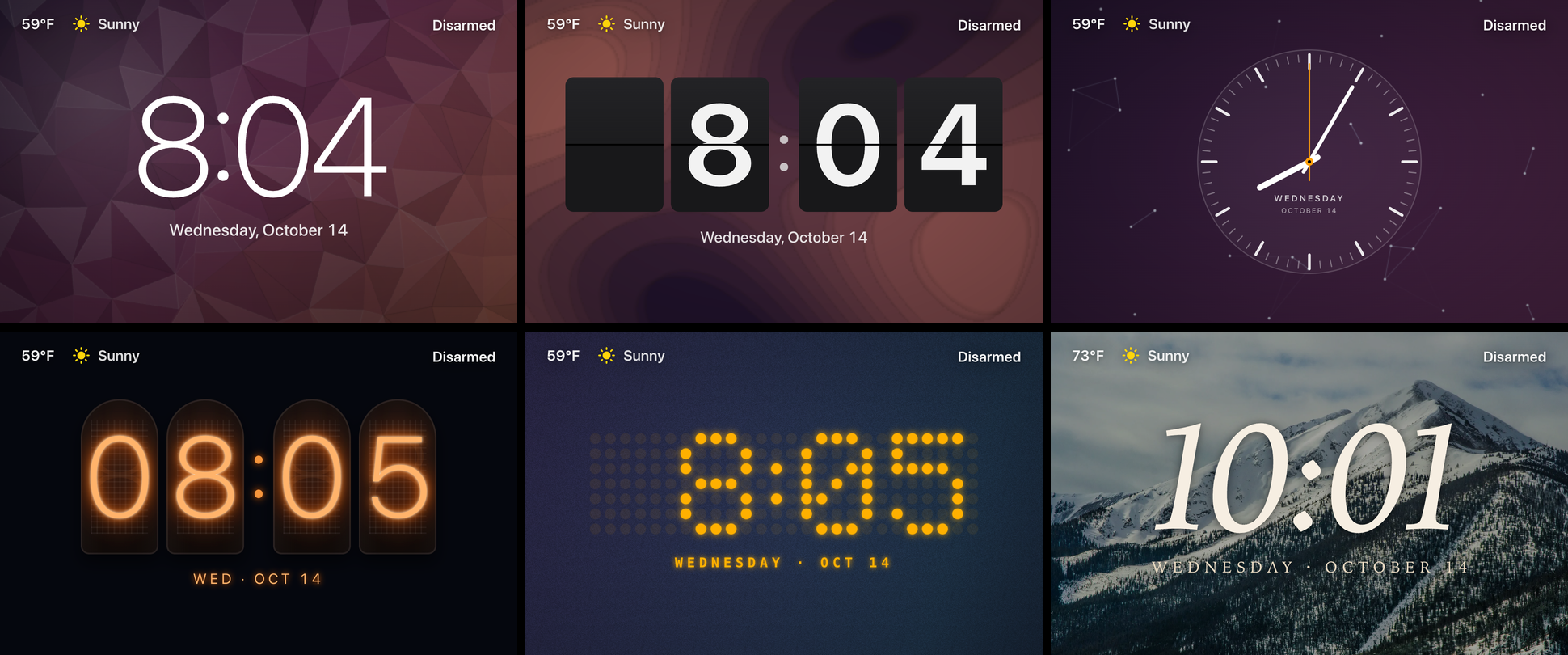
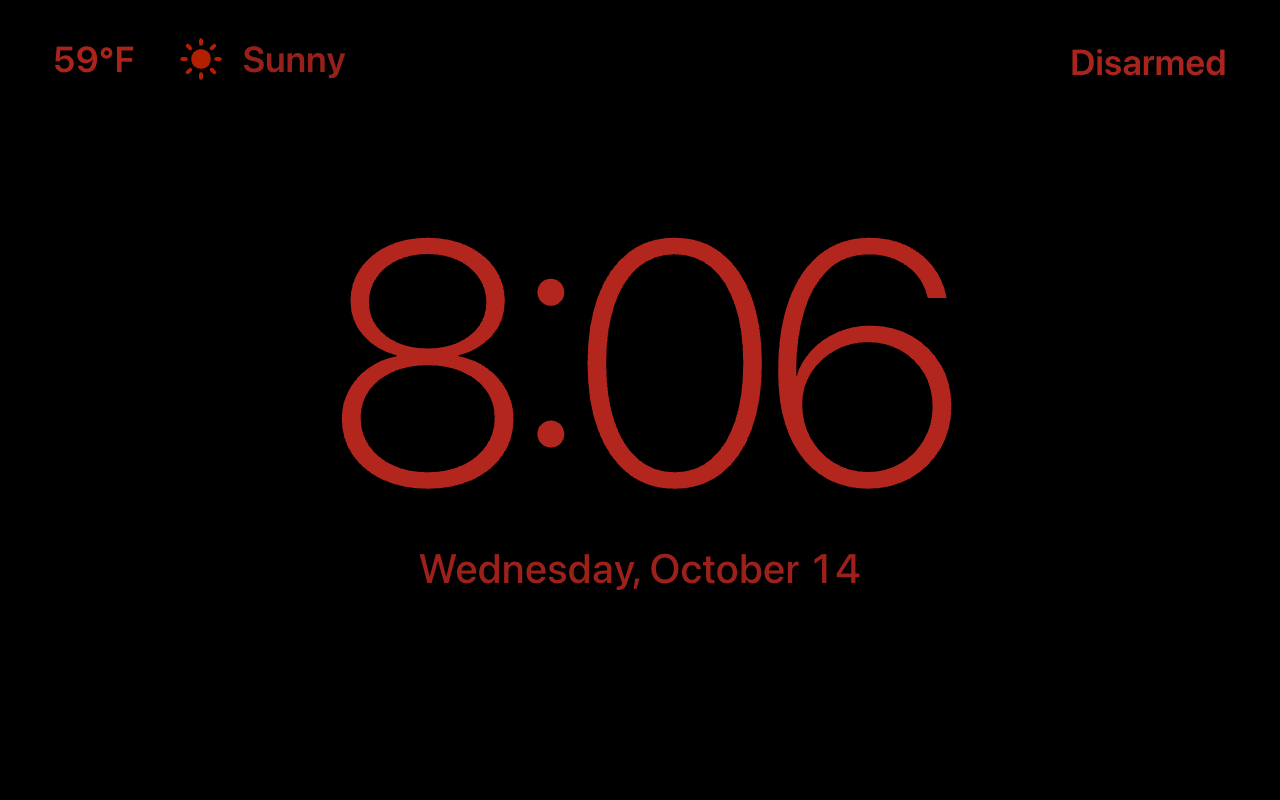
A clock in place of the photos: six of its fifteen styles.
 |
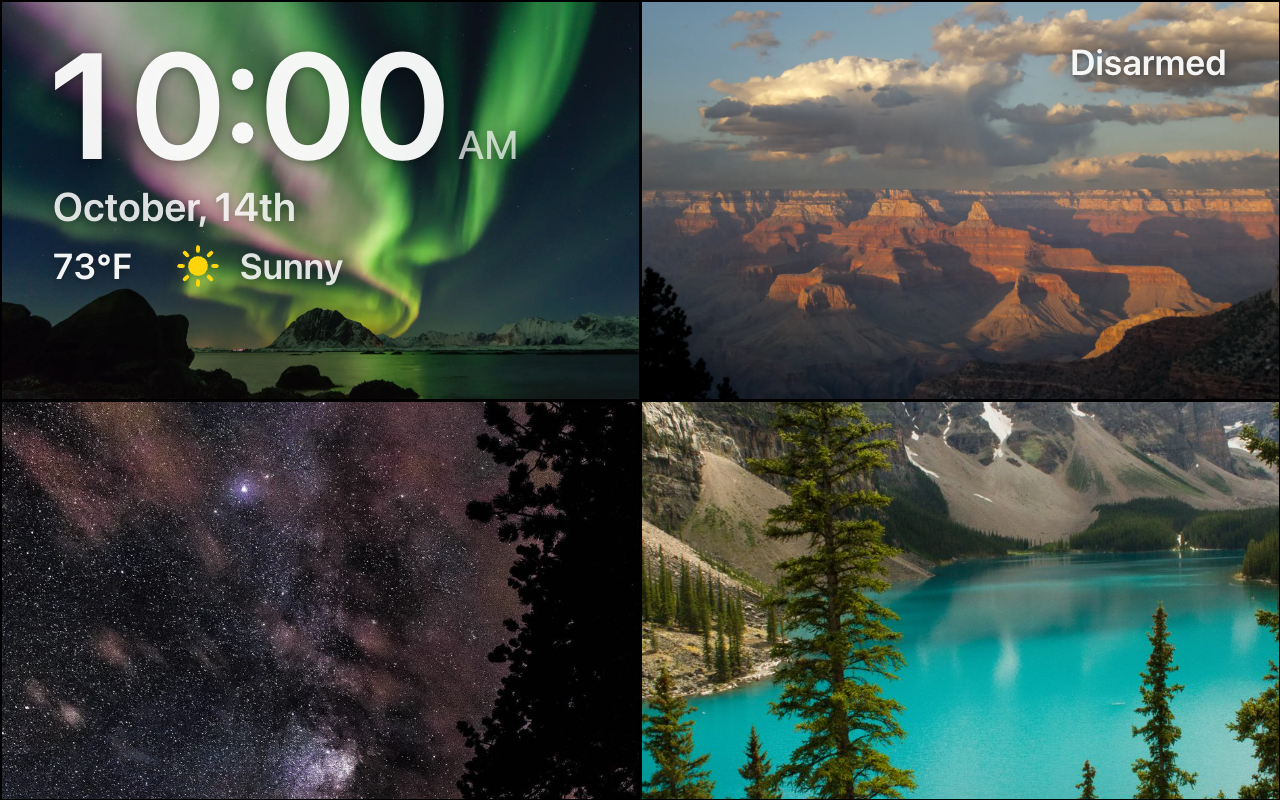 |
| Night Mode | A mosaic (public-domain photos standing in for yours) |
 |
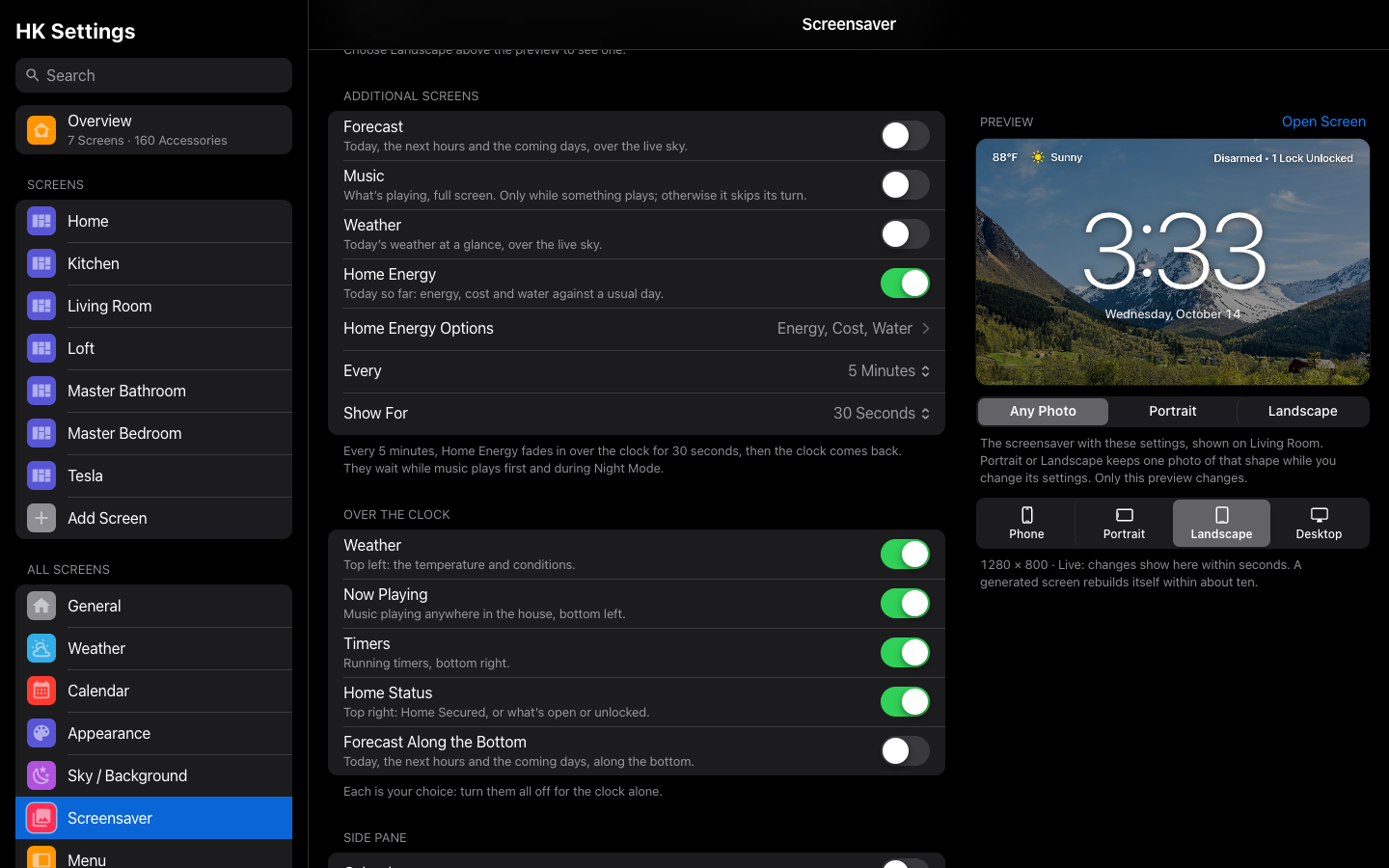 |
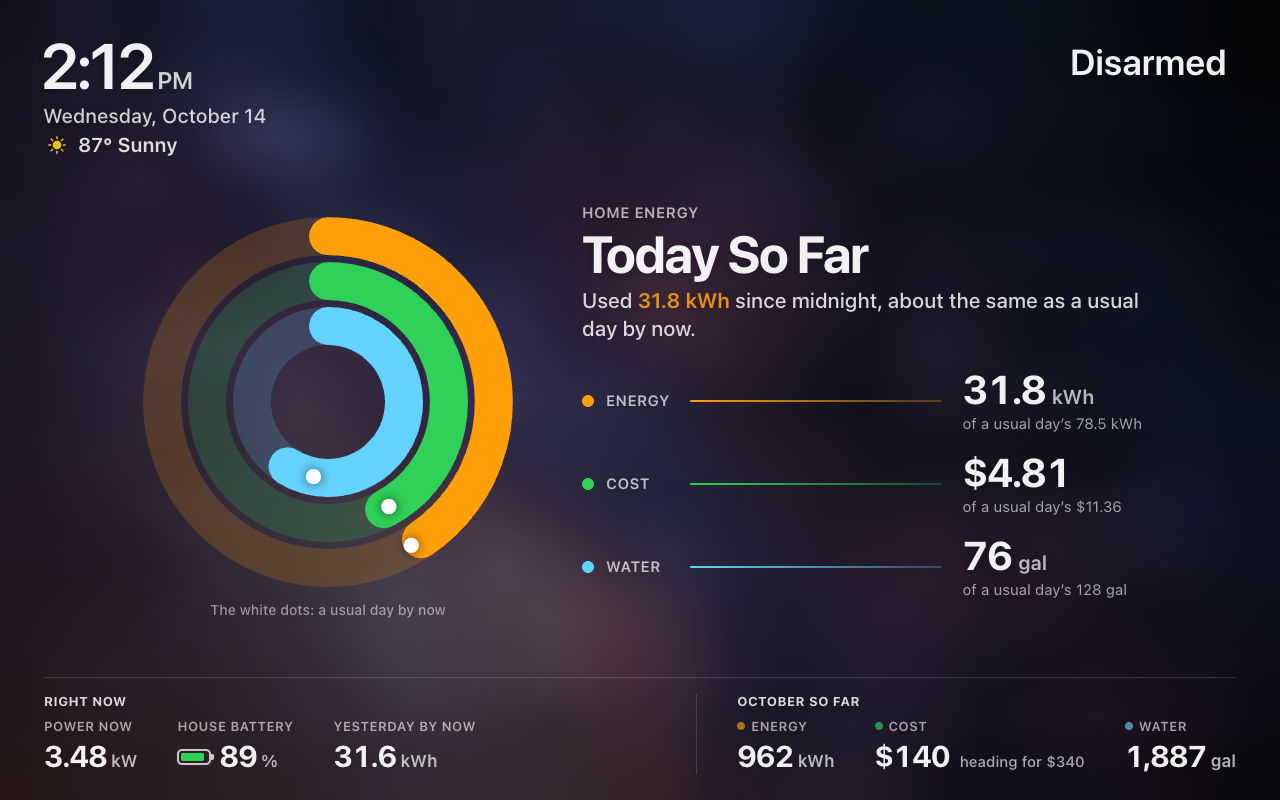
| Home Energy | Additional Screens |
 |
|
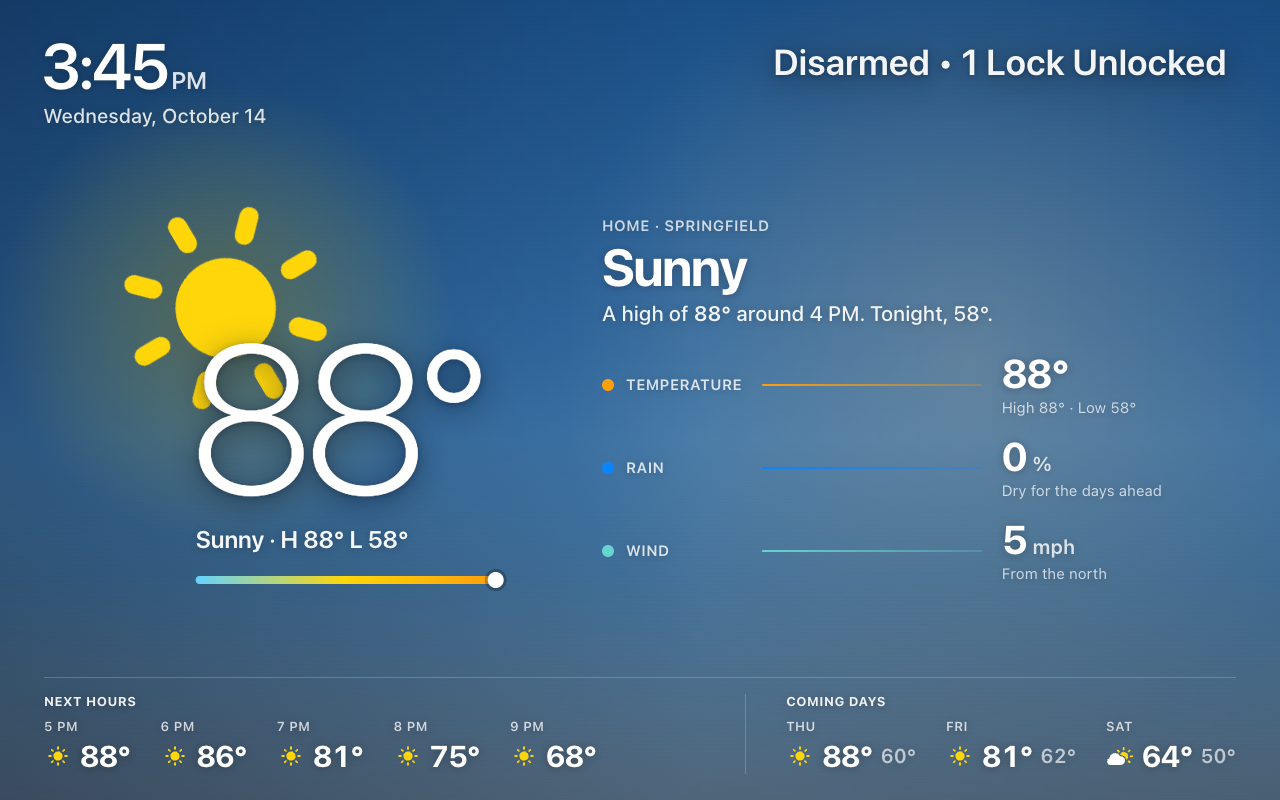
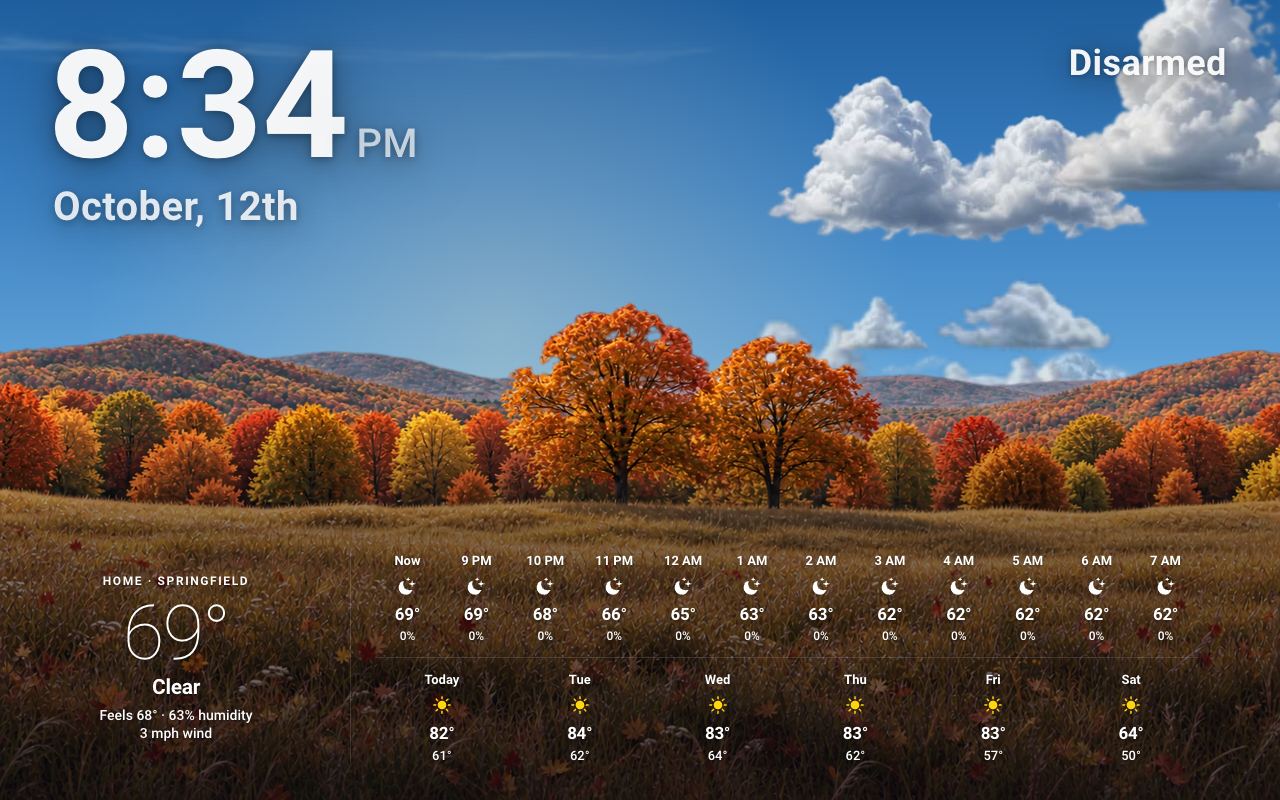
| Weather on the screensaver |
 |
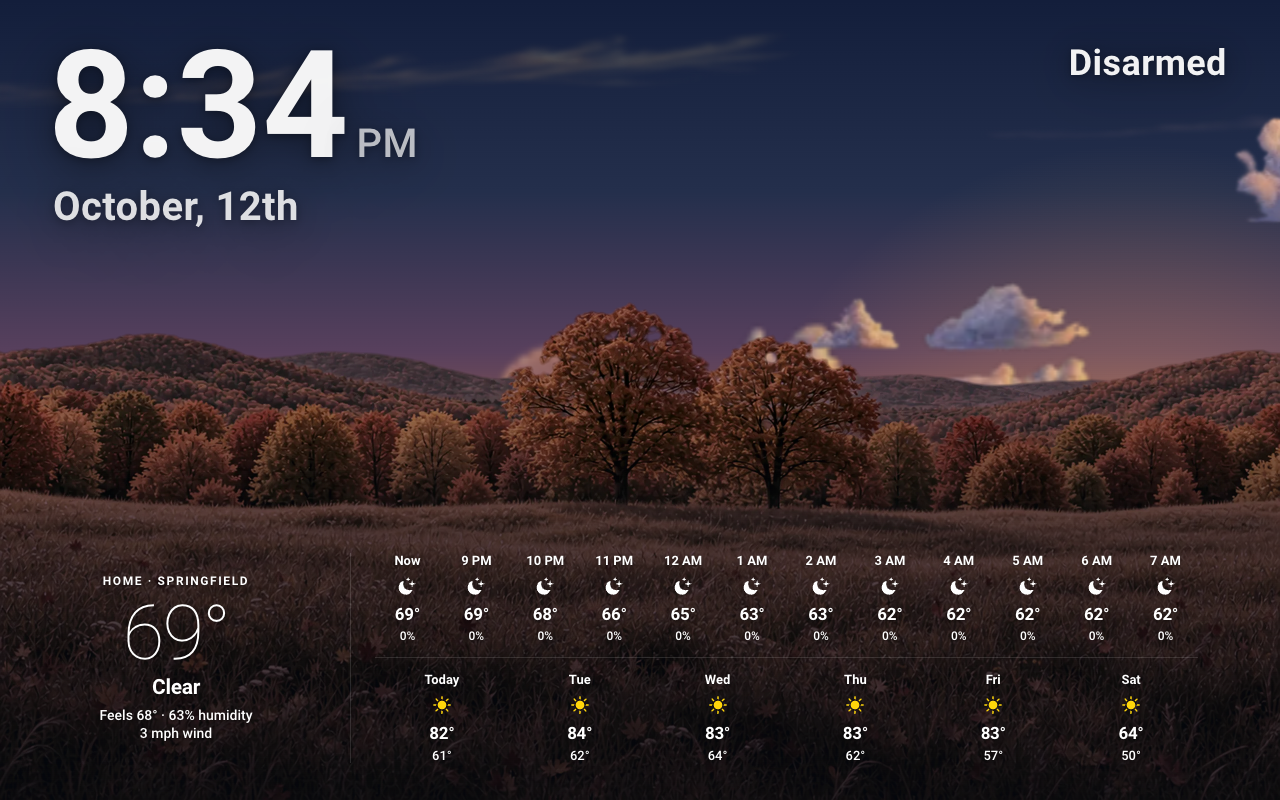 |
| The forecast by day | At dusk |
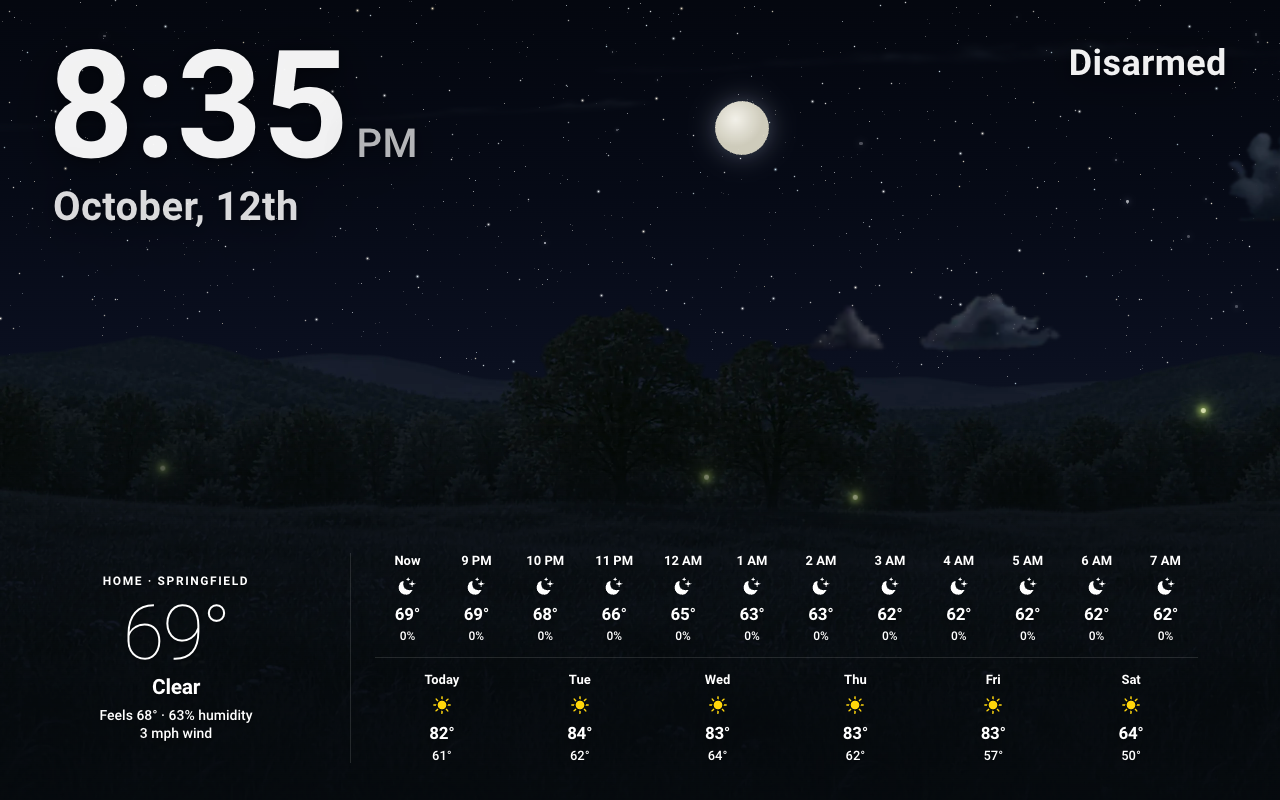
By night: a shooting star, and fireflies in summer.
 |
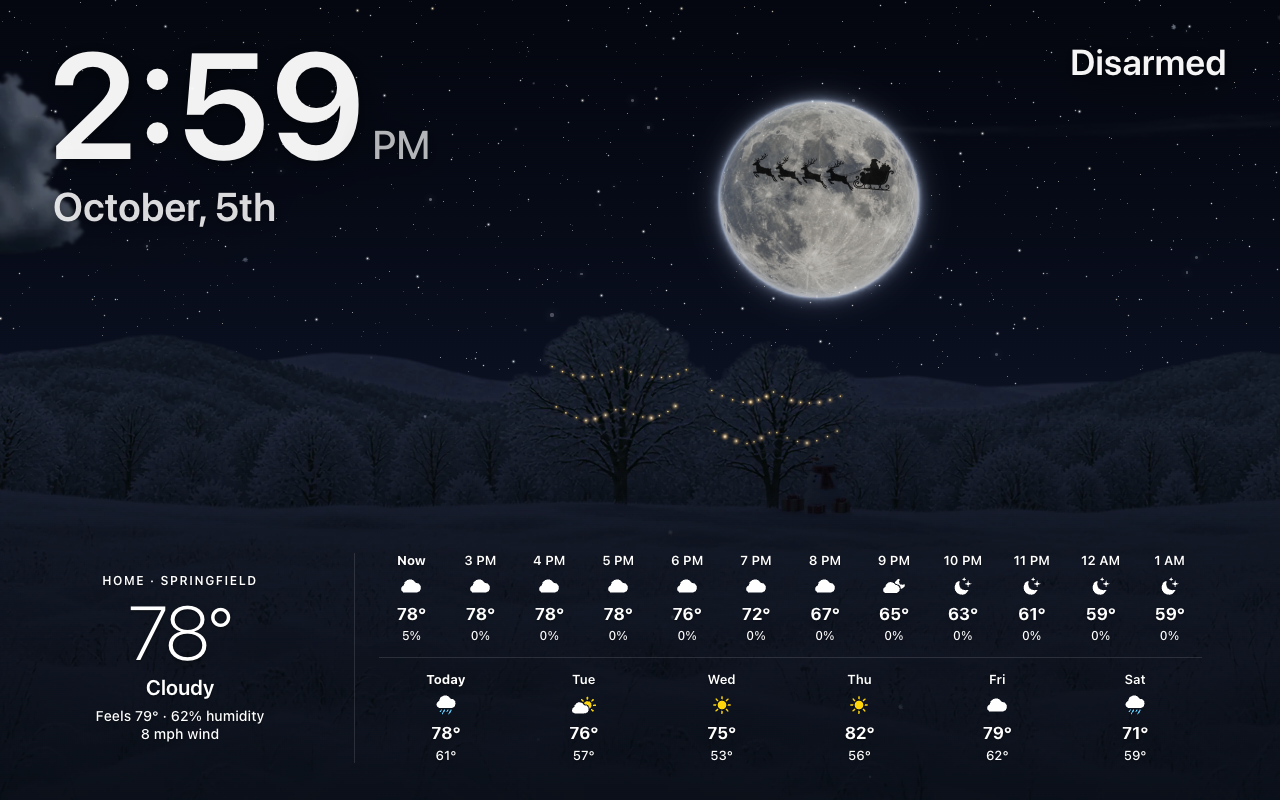 |
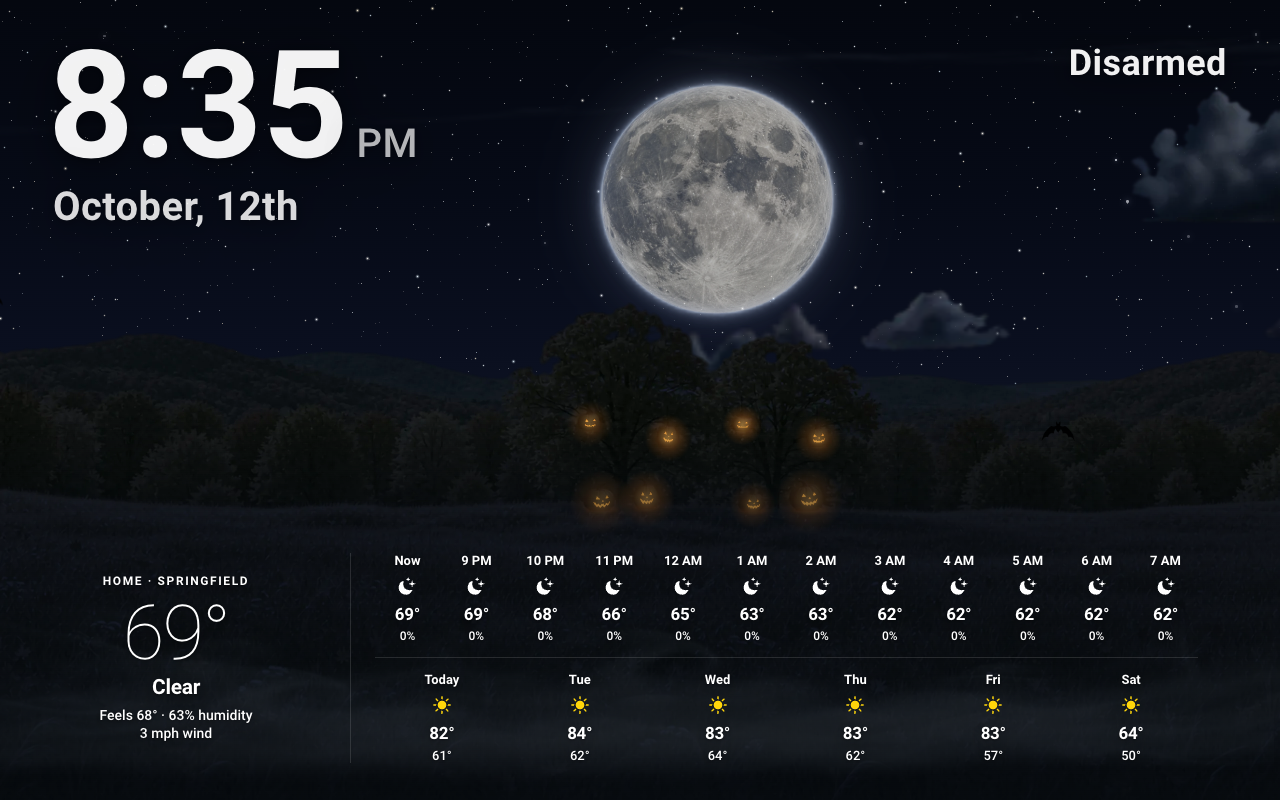
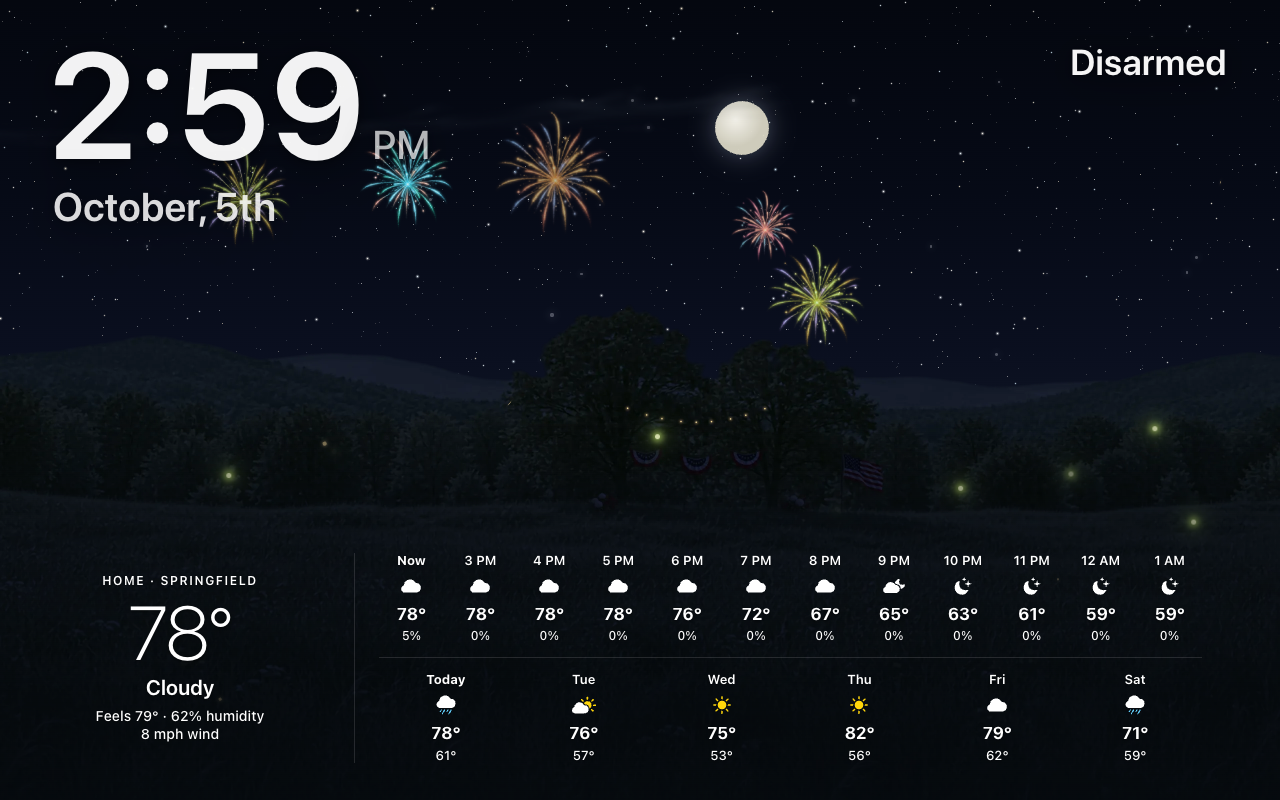
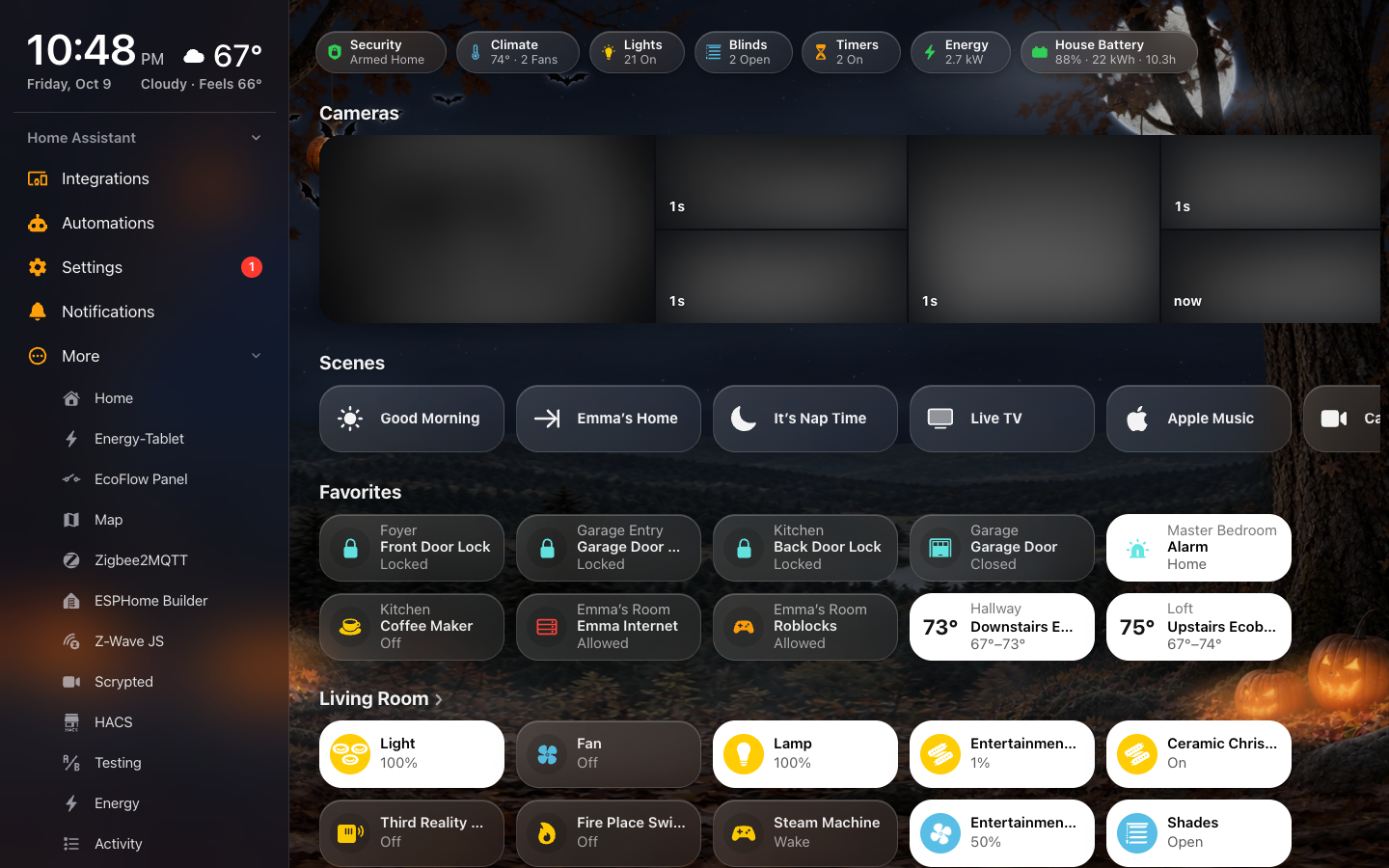
| Halloween | Christmas |
 |
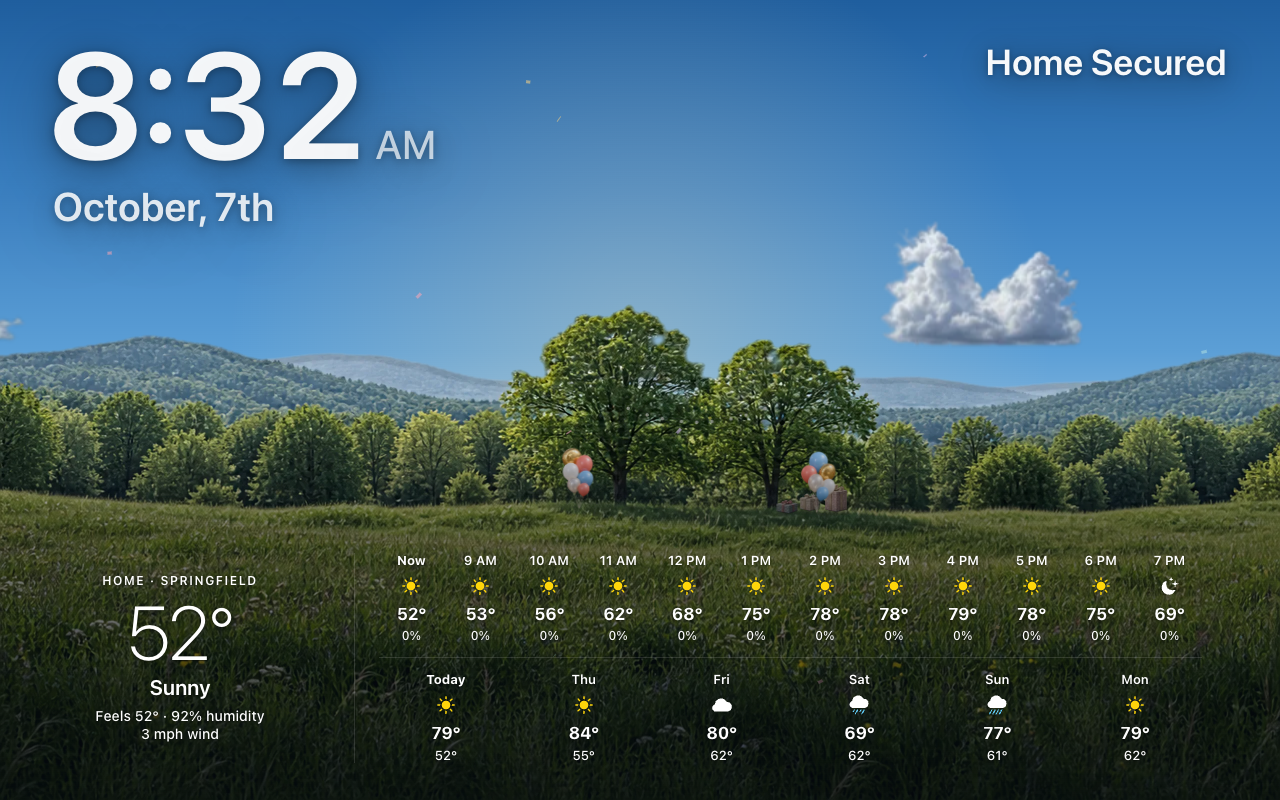 |
| The Fourth of July | A birthday |
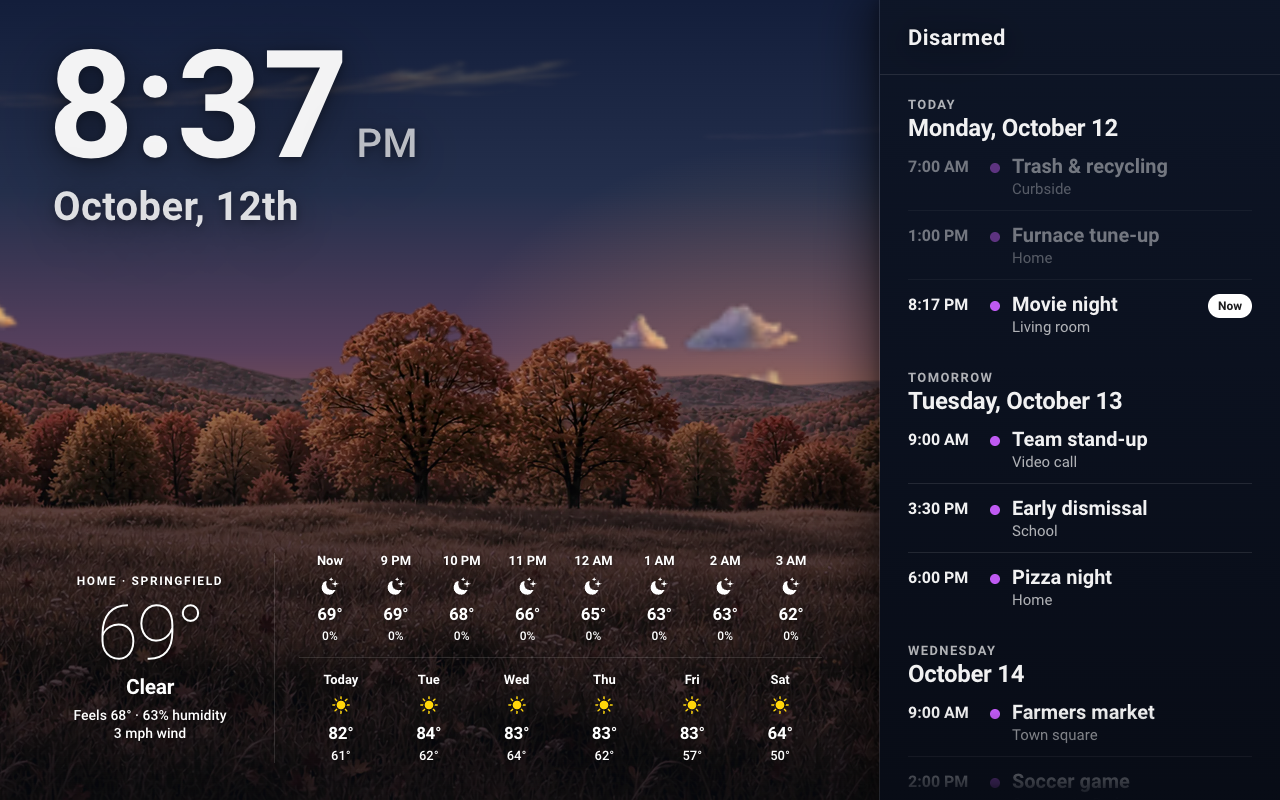
The calendar pane beside the photo (sample events).
 |
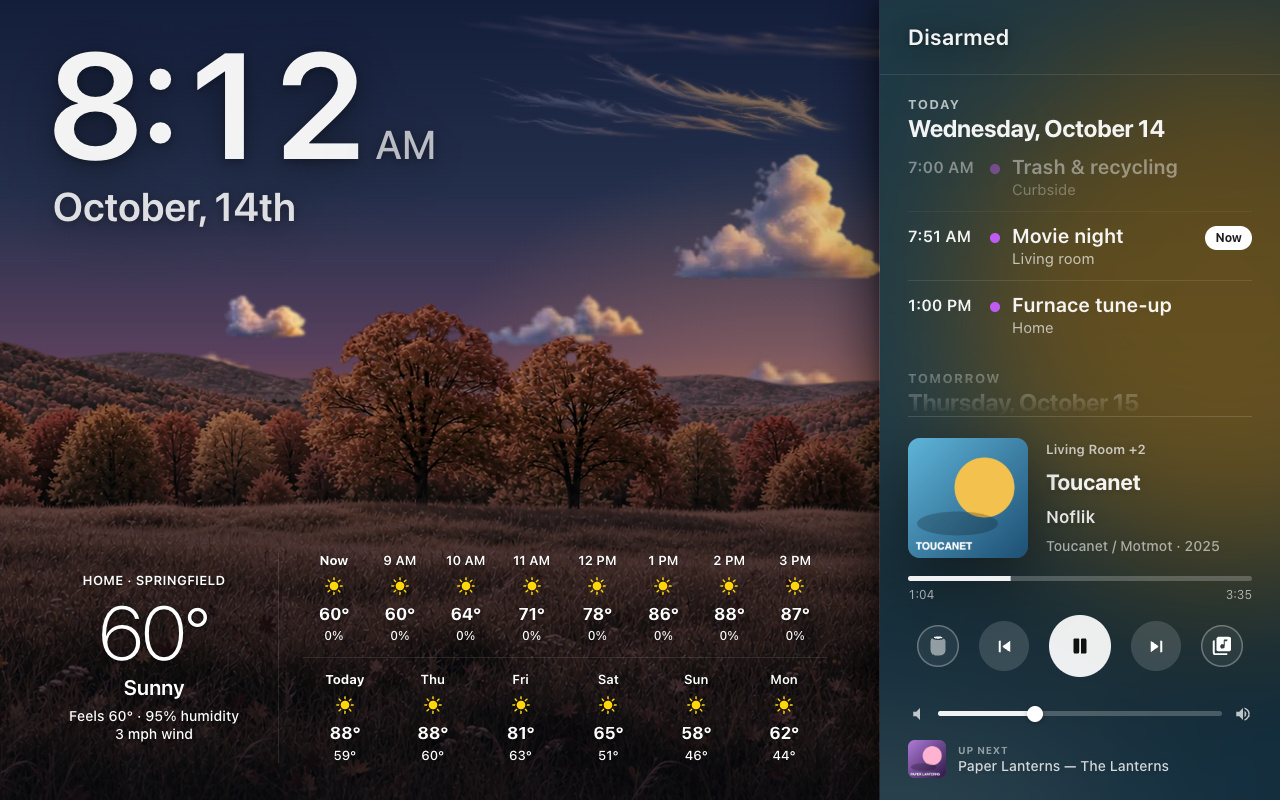 |
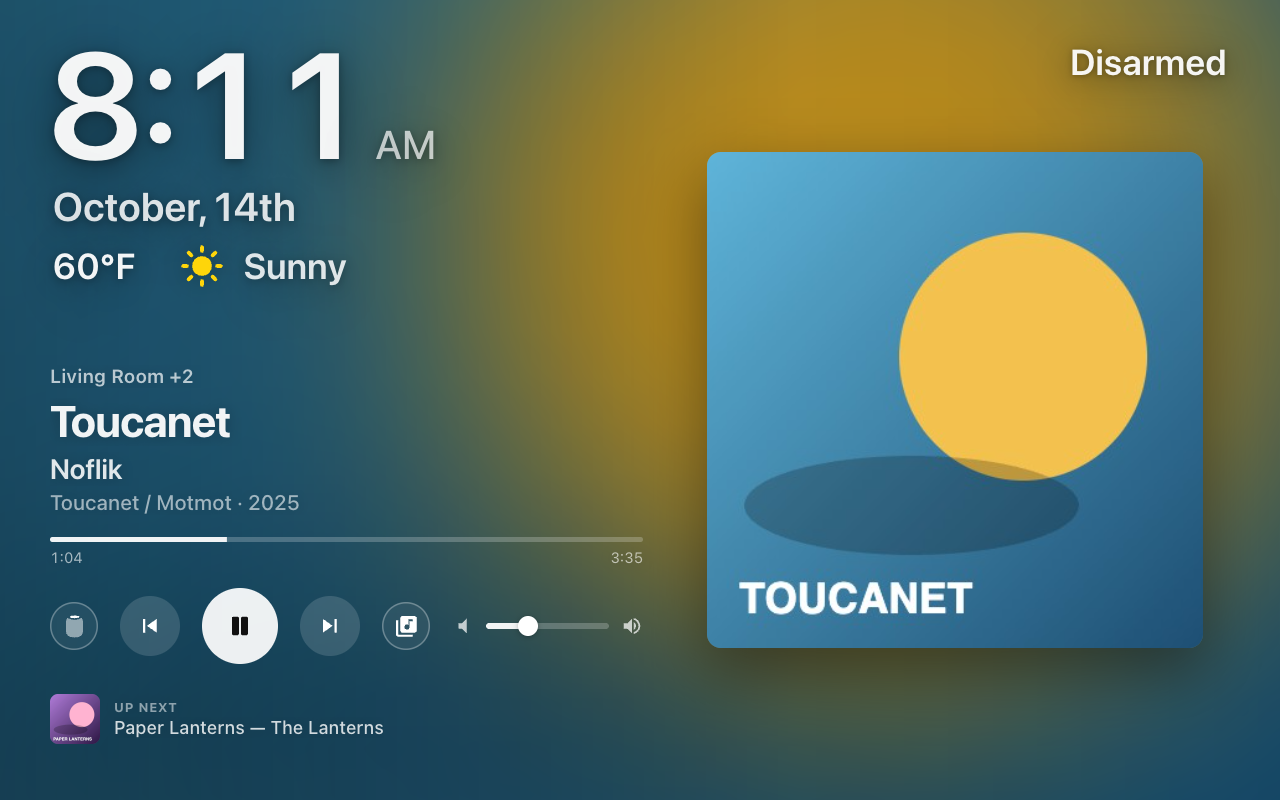
| The Music slide | Calendar and music in the side pane |
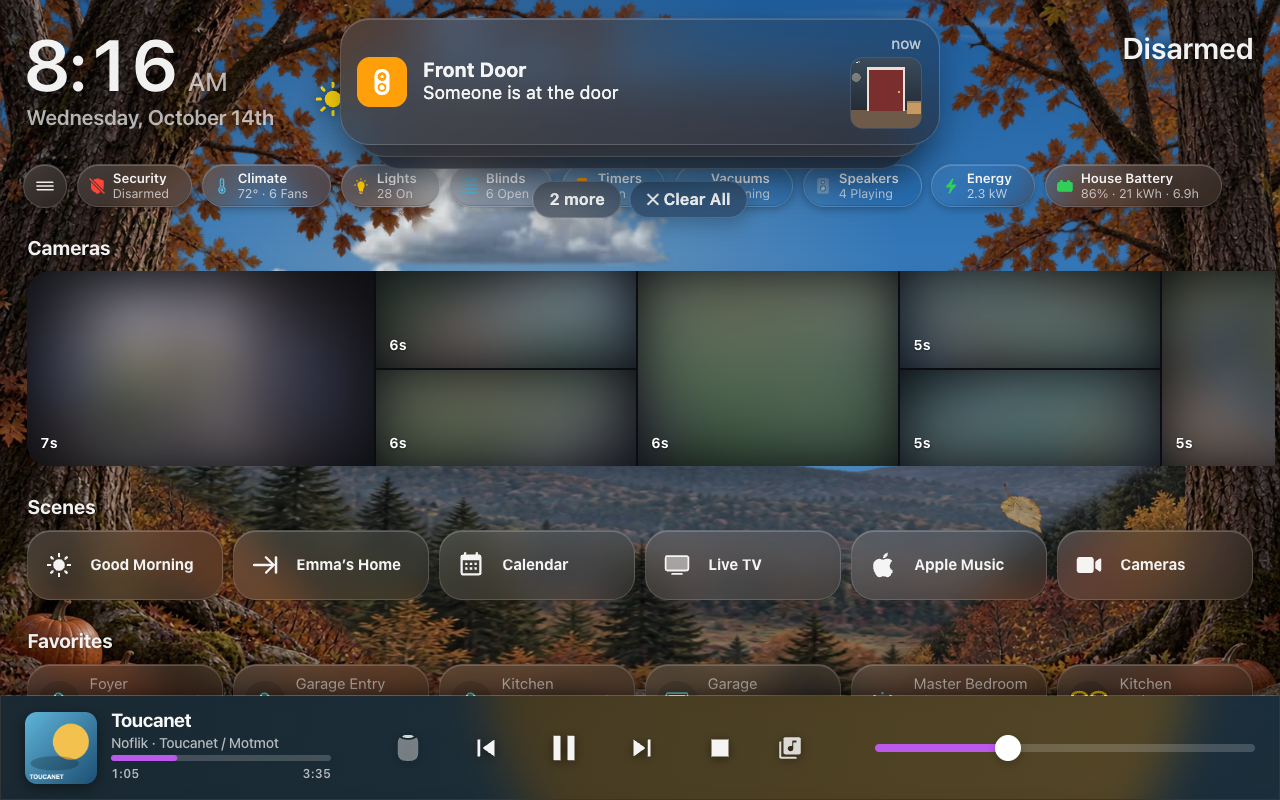
A notification at the top of the screen.
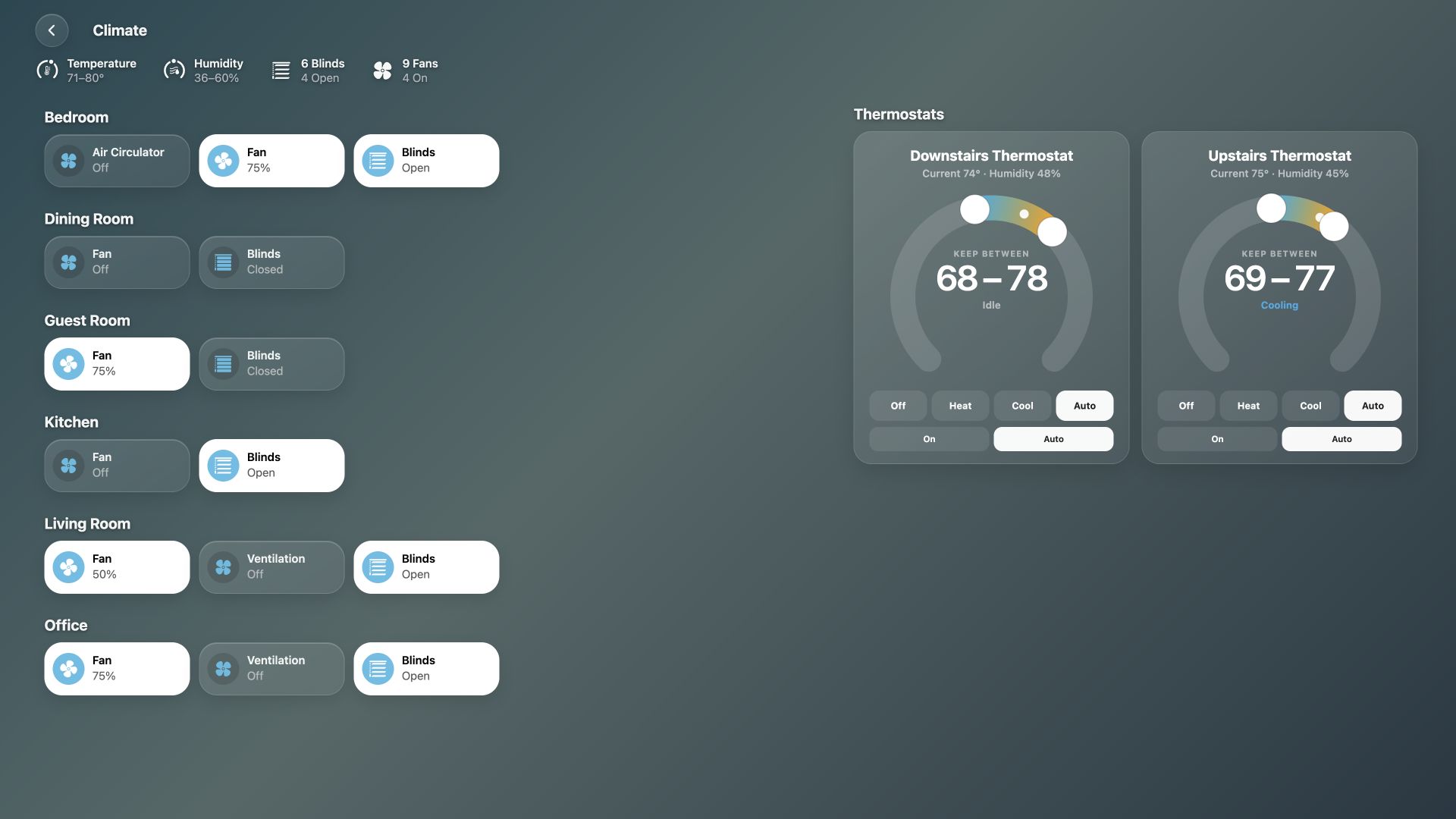
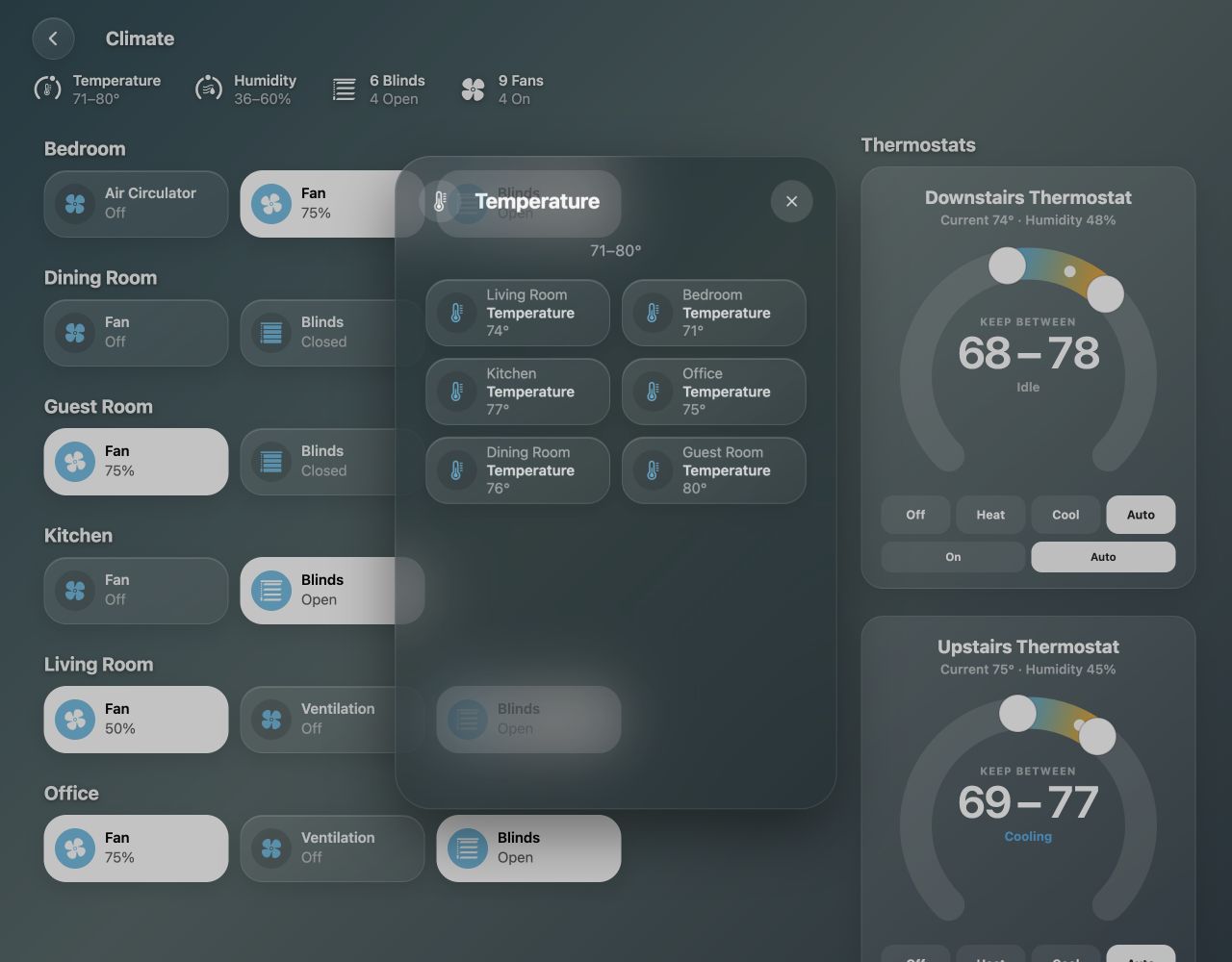
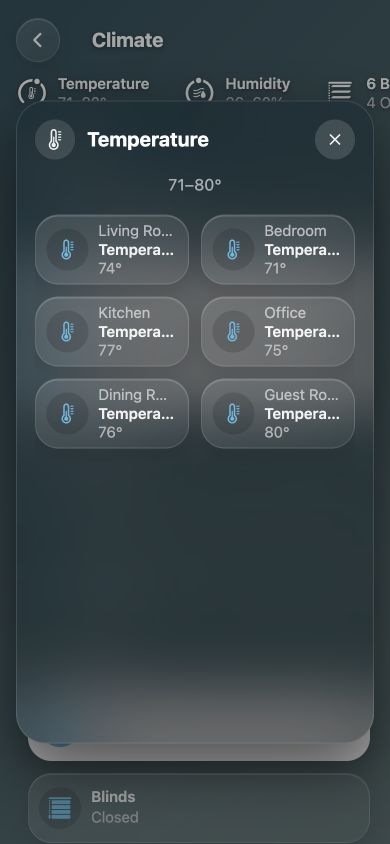
These Climate screenshots use fictional rooms, devices and readings.
 |
 |
| Room-labeled sources | The same list on a phone |
Source selection and exclusions: Climate.
 |
 |
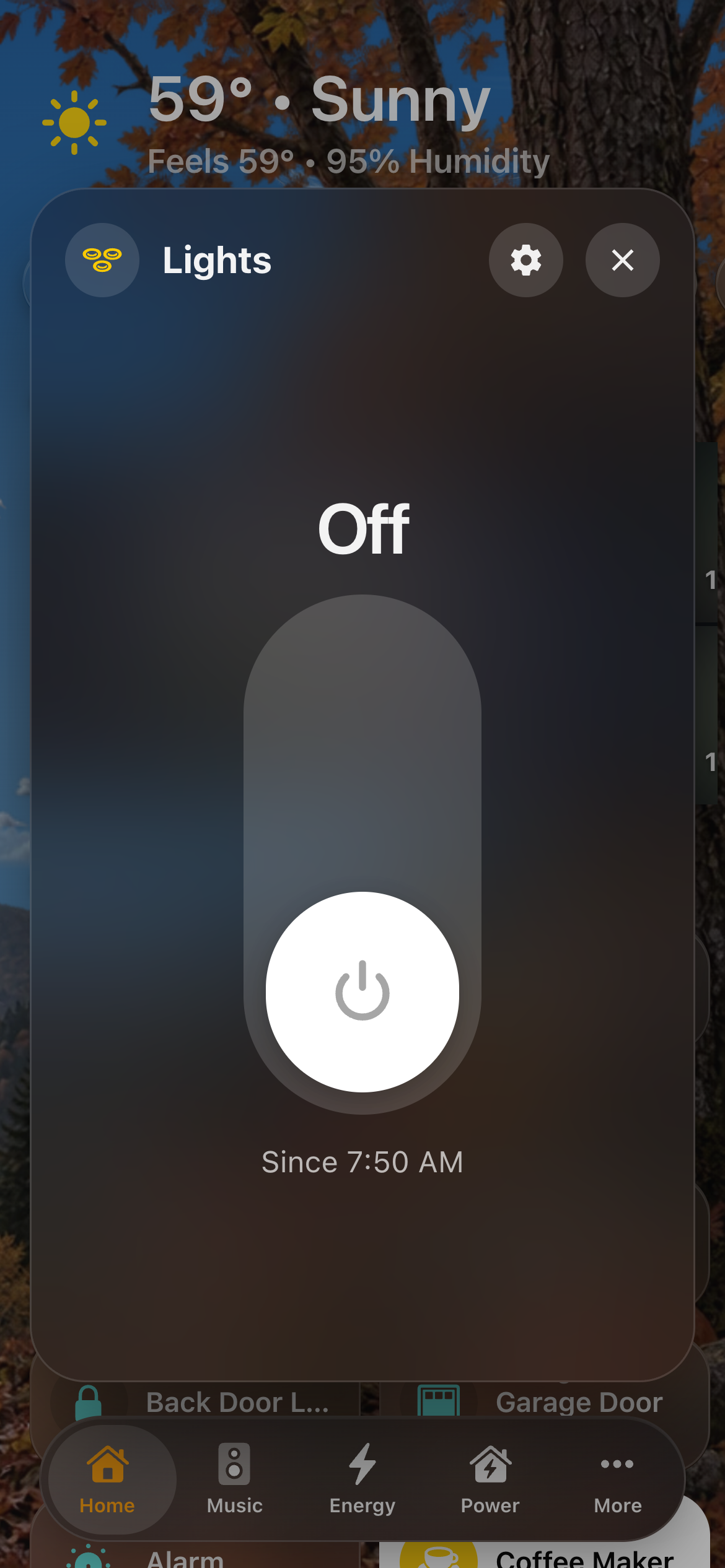 |
| Home | A room | A detail sheet |
 |
 |
|
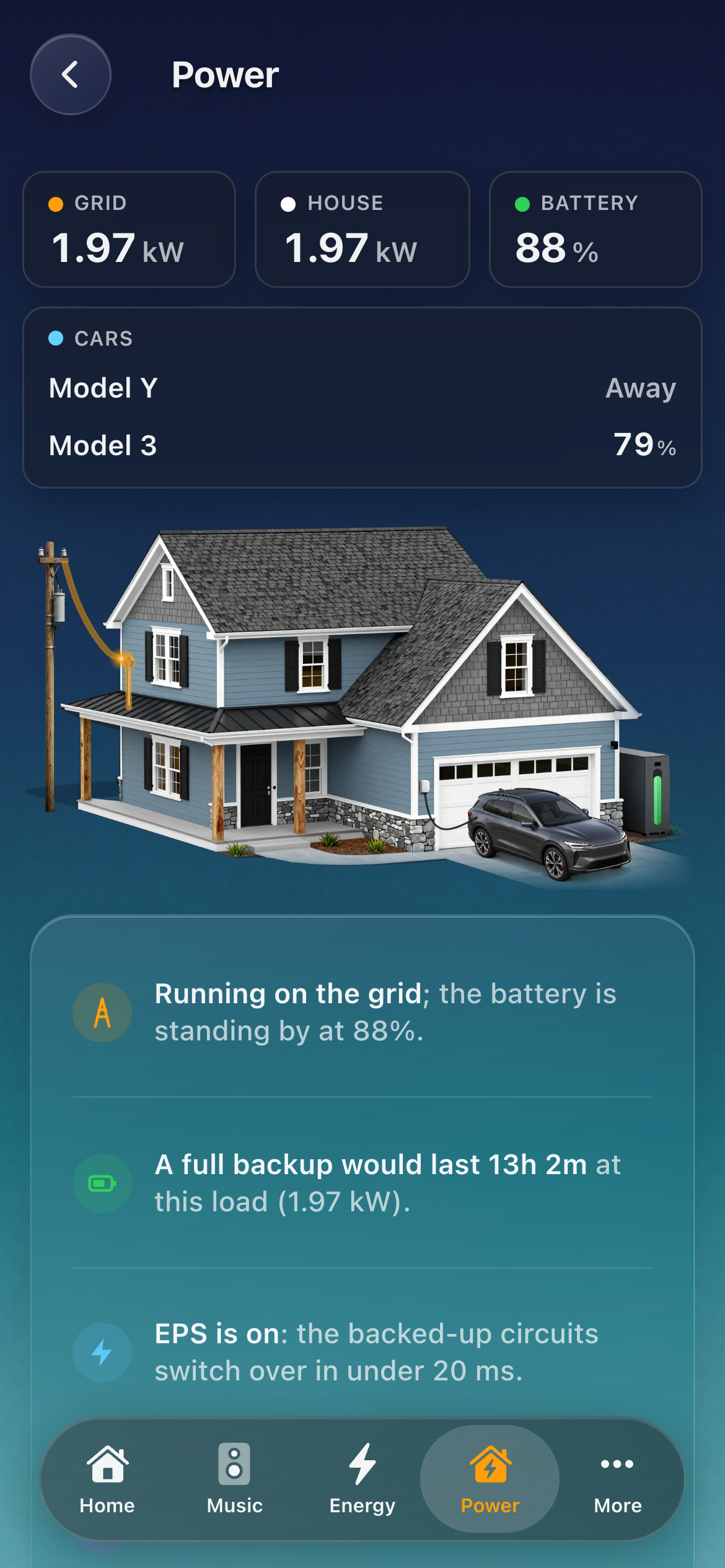
| Music | Power |
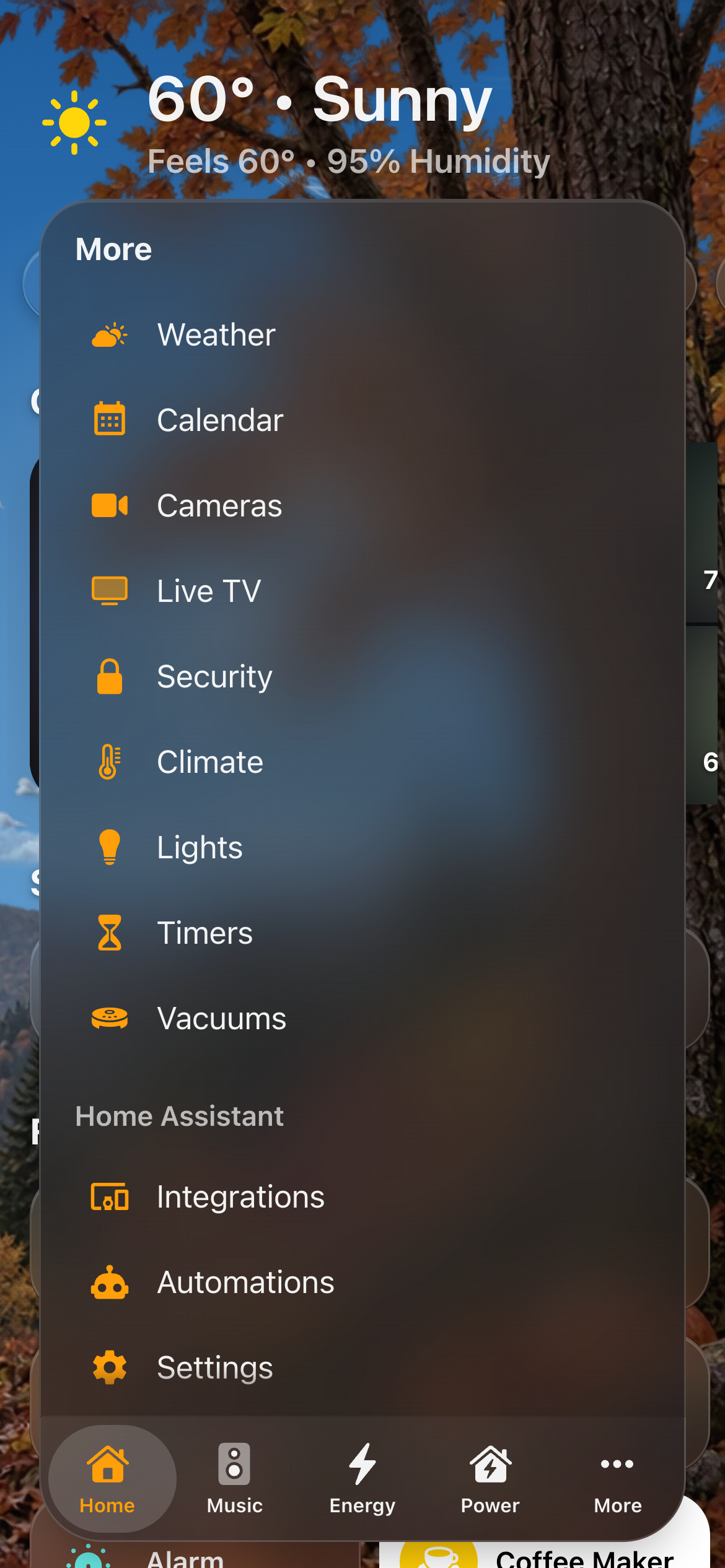
The tab bar: More holds the pages that don't fit and every room; scrolled, the bar folds into one small button.
 |
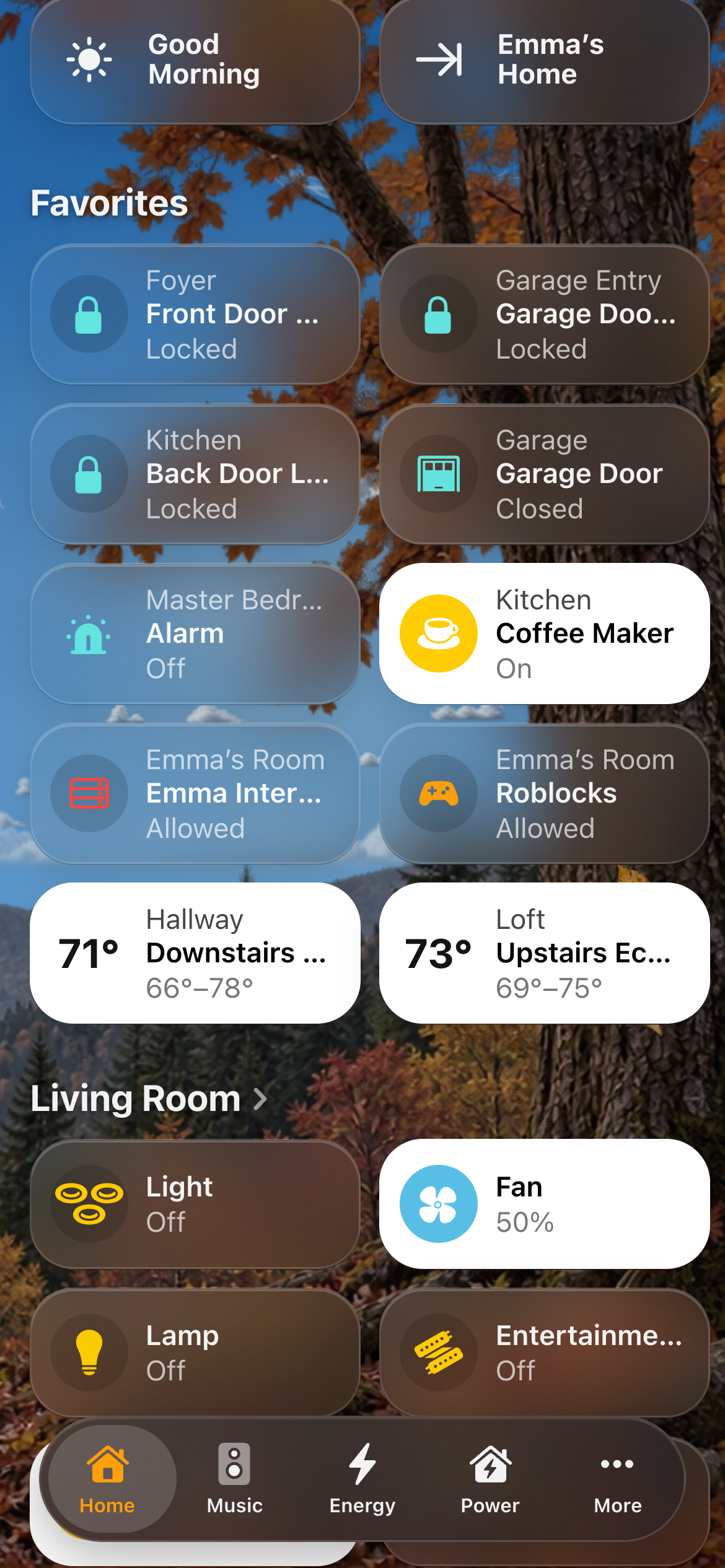 |
| More | Folded while scrolling |
 |
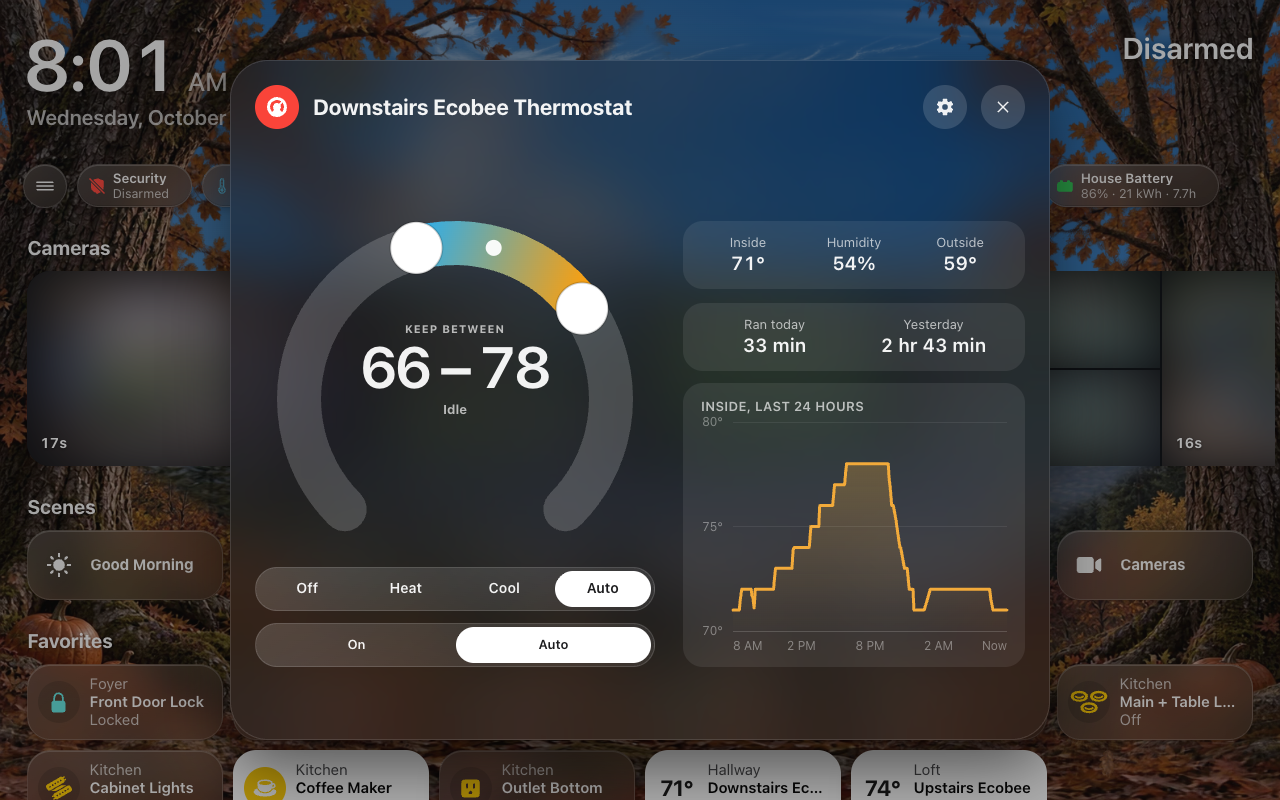 |
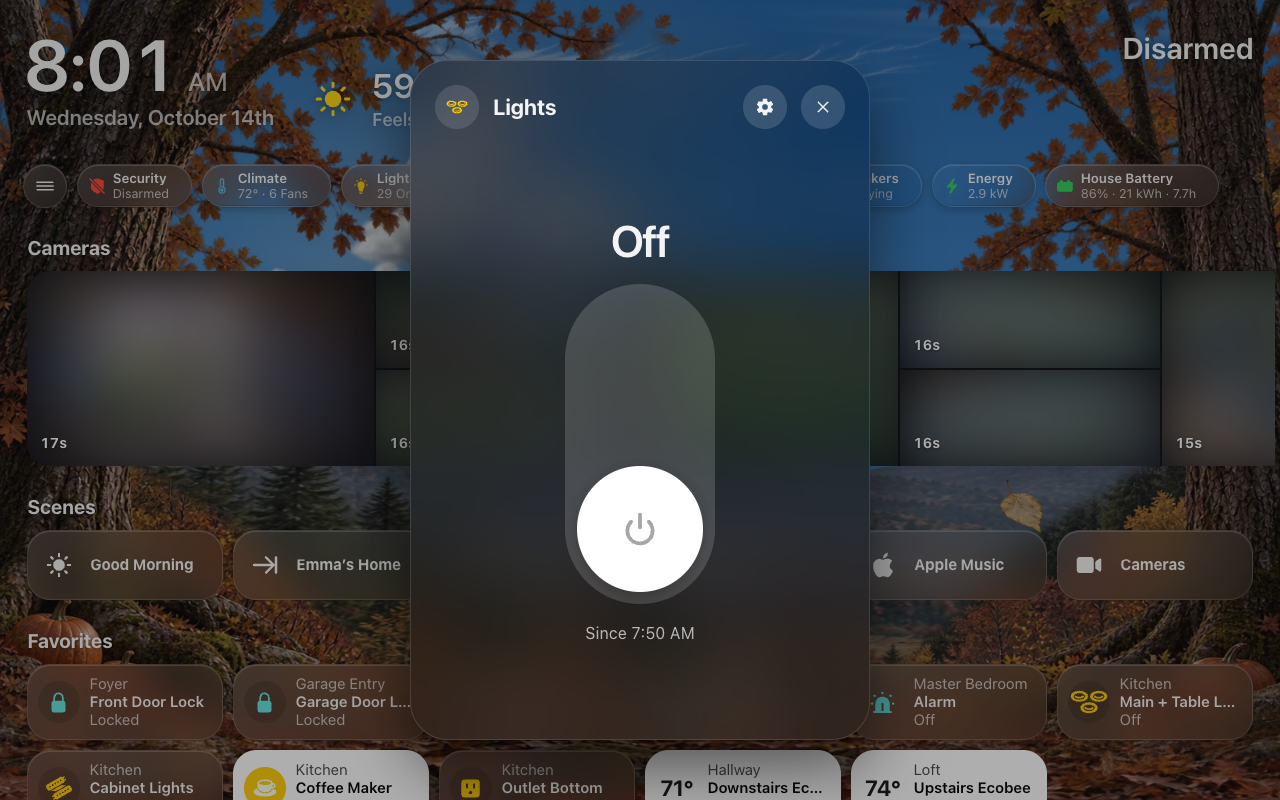
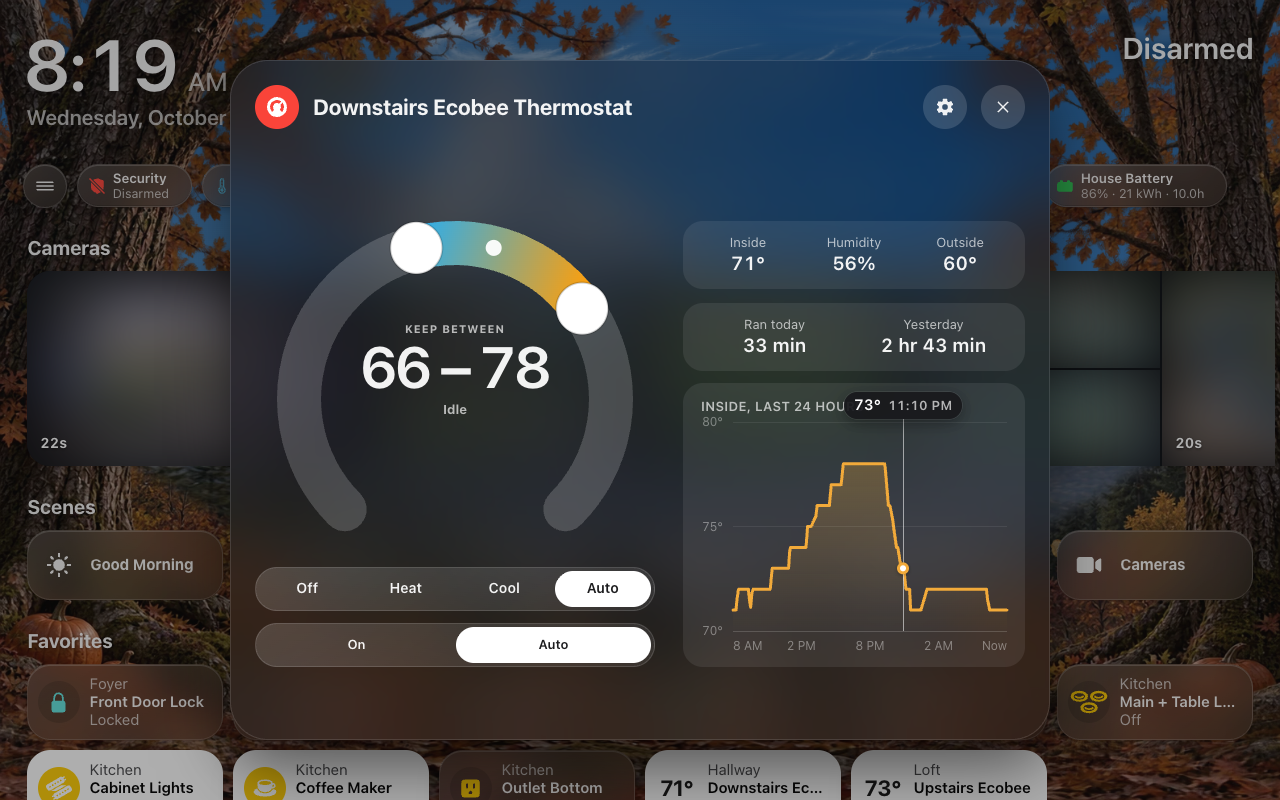
| Light | Thermostat |
 |
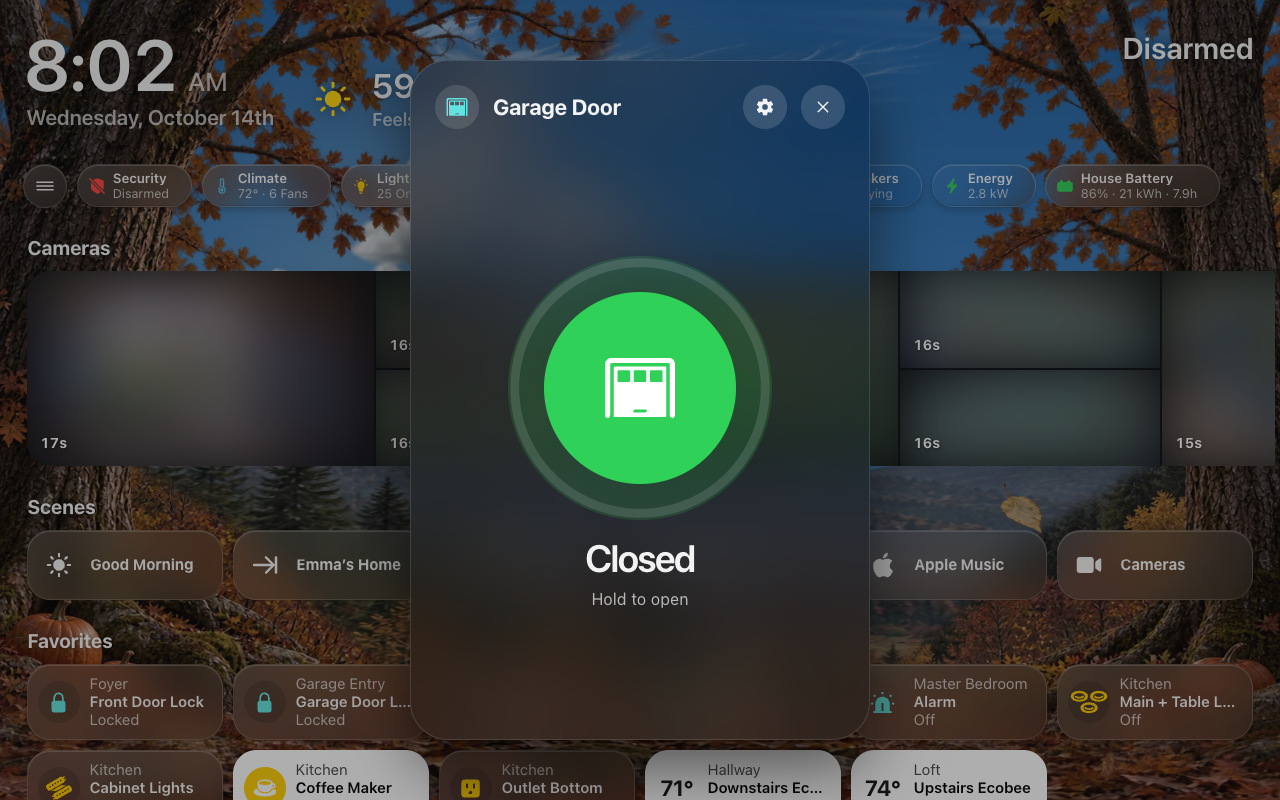 |
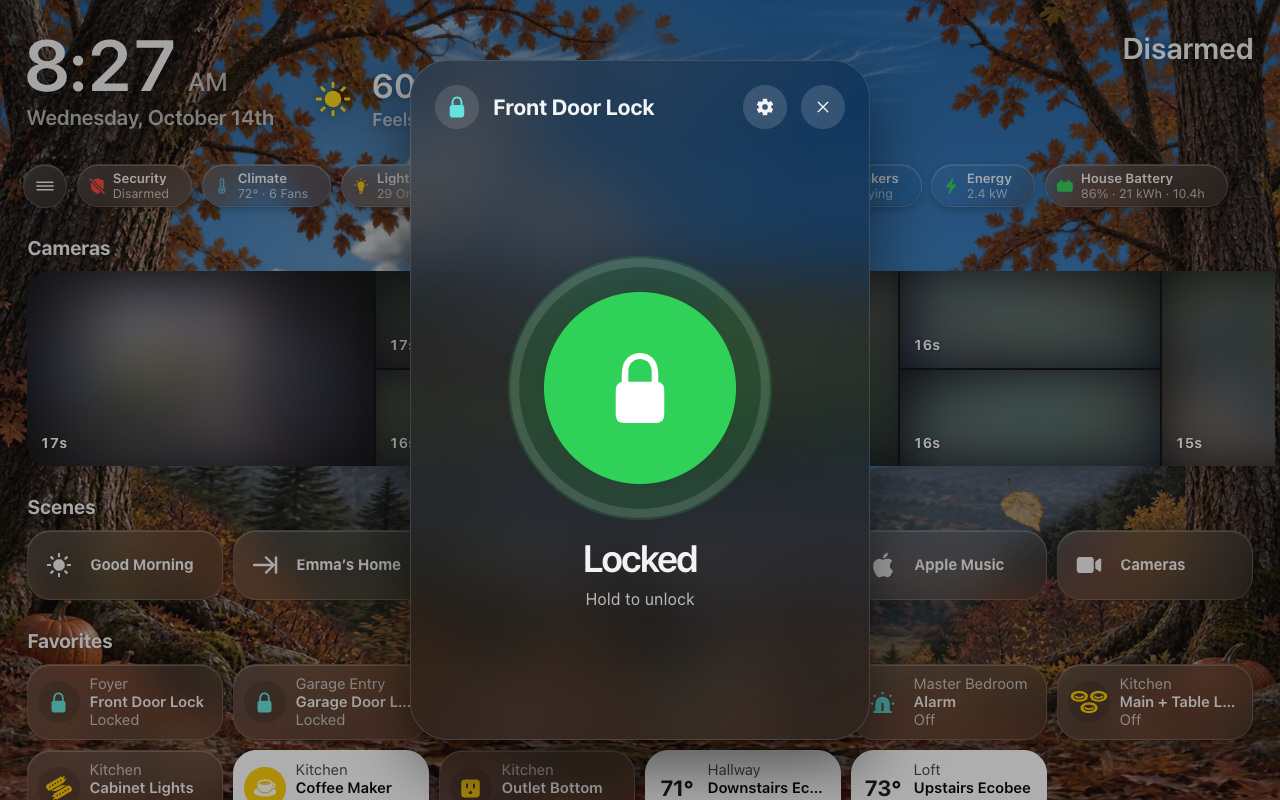
| Lock | Garage door |
 |
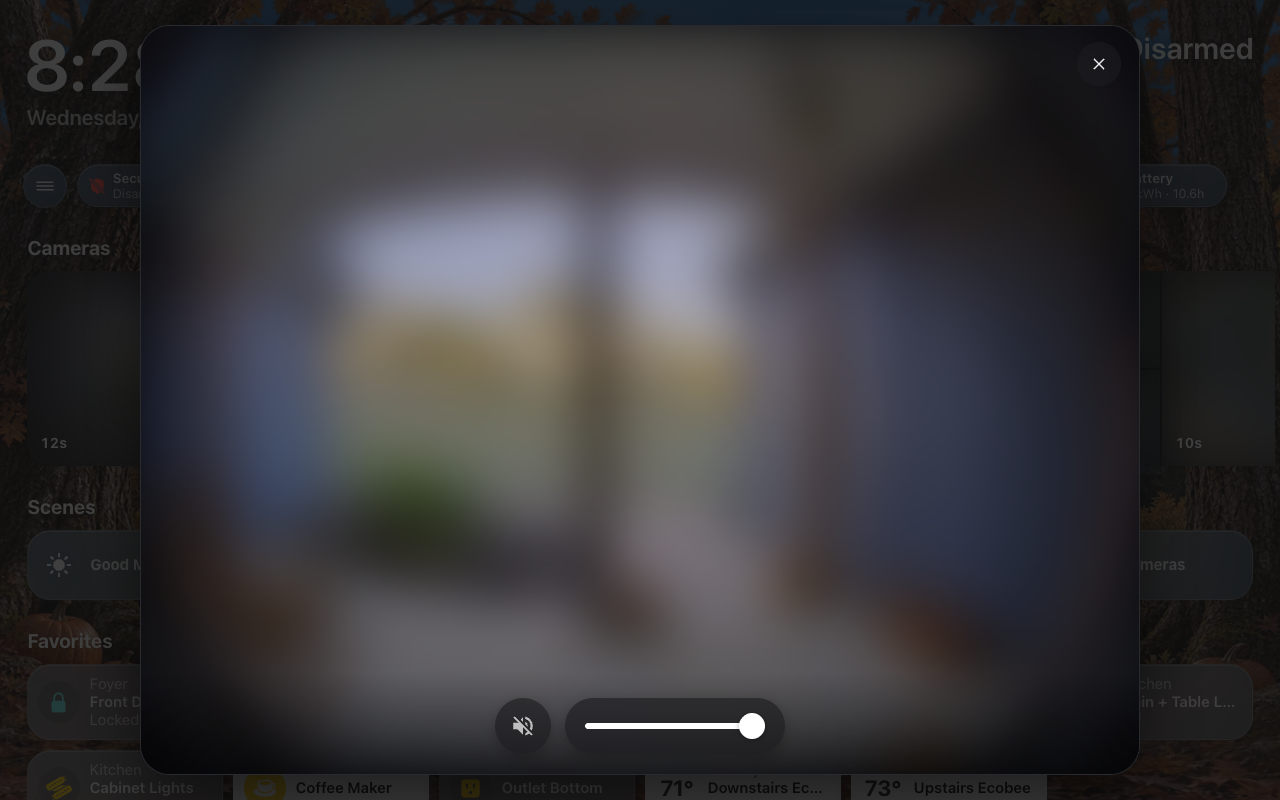 |
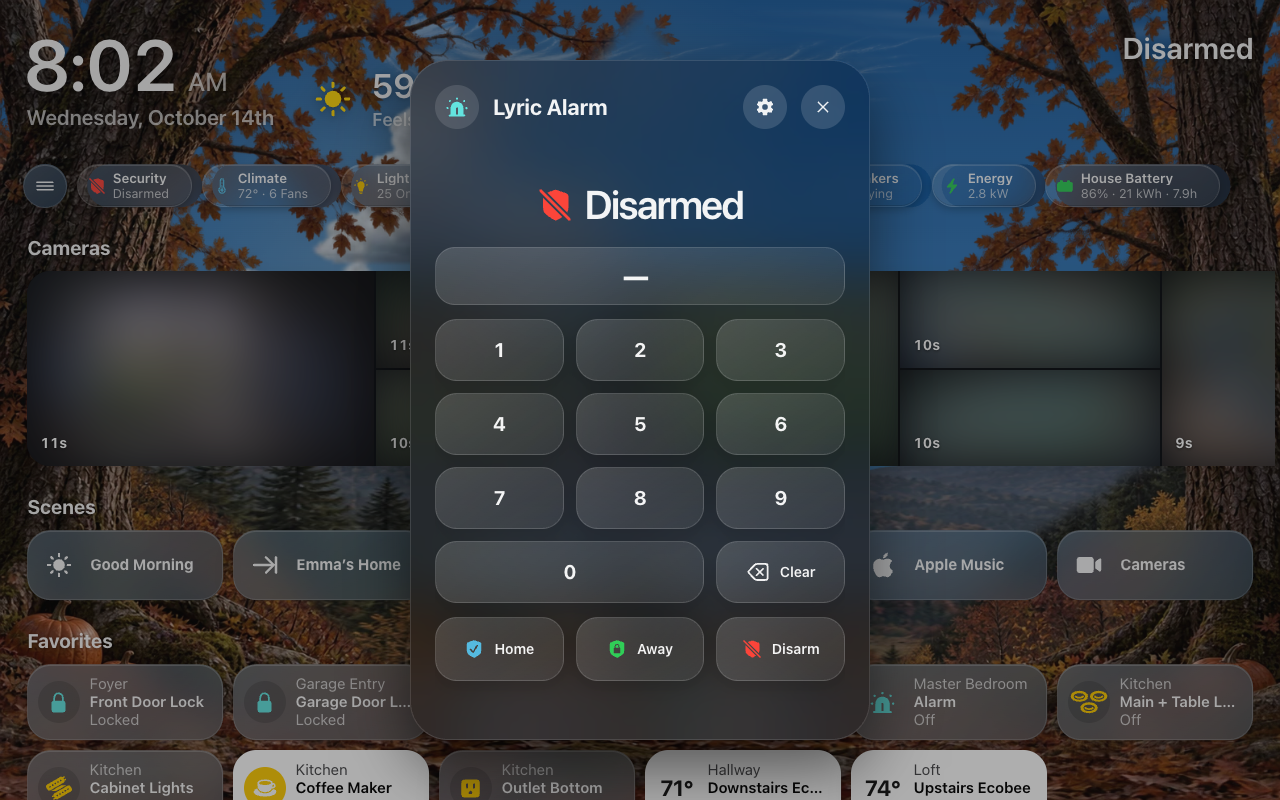
| Alarm keypad | Doorbell |
 |
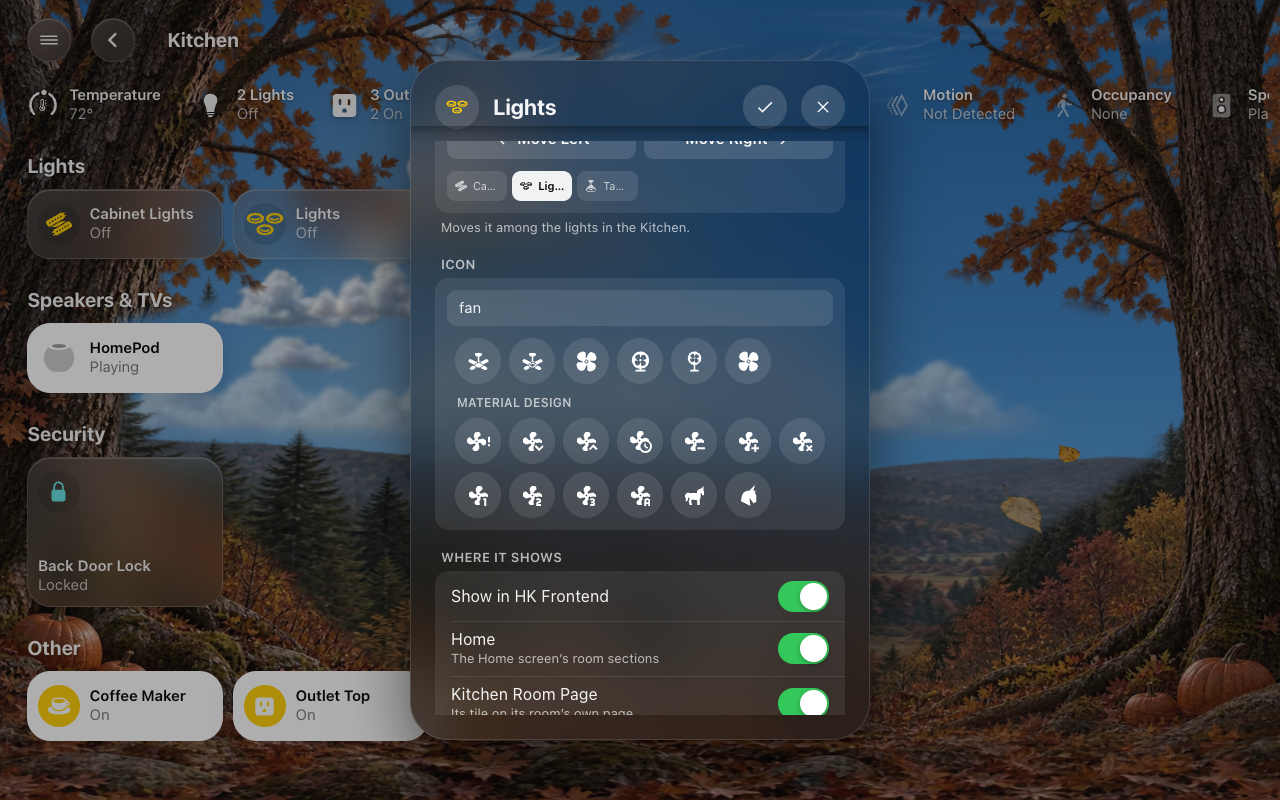 |
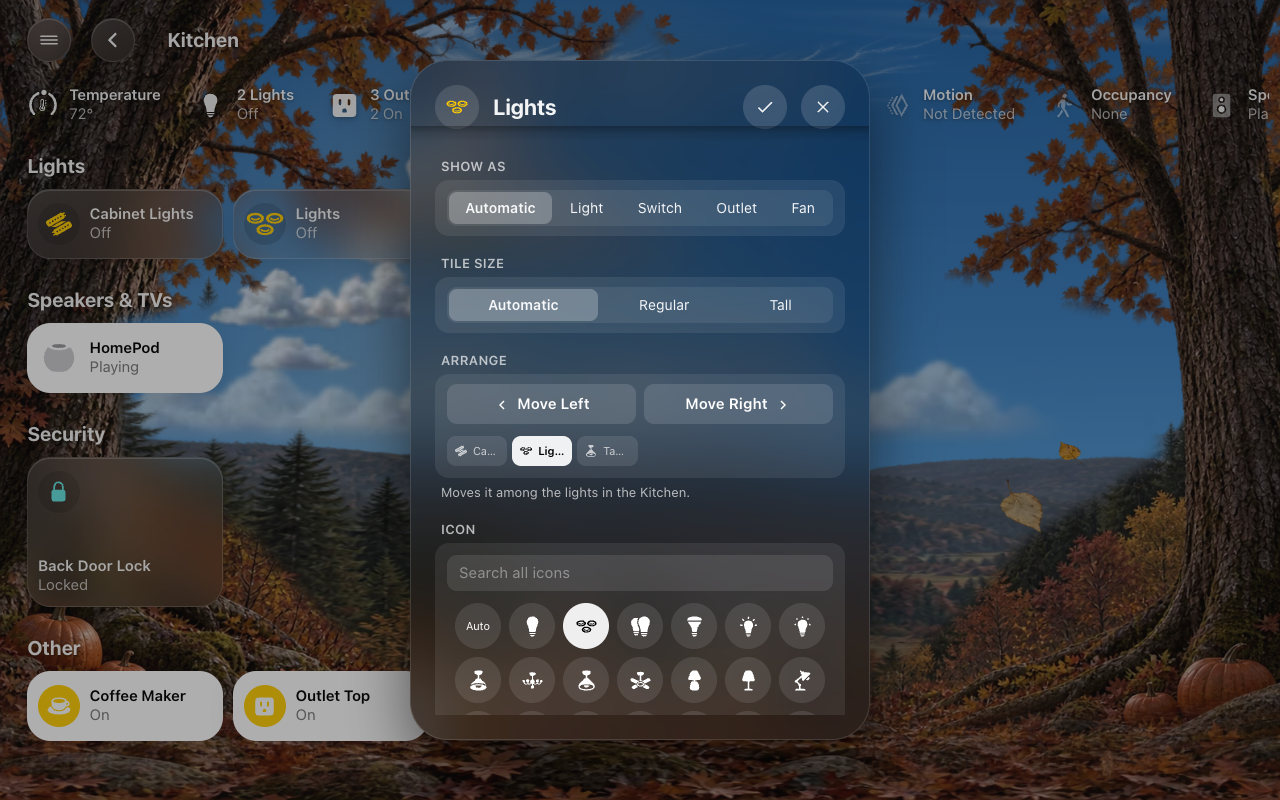
| Arrange | Search all icons |
 |
|
| A graph’s value under your finger |
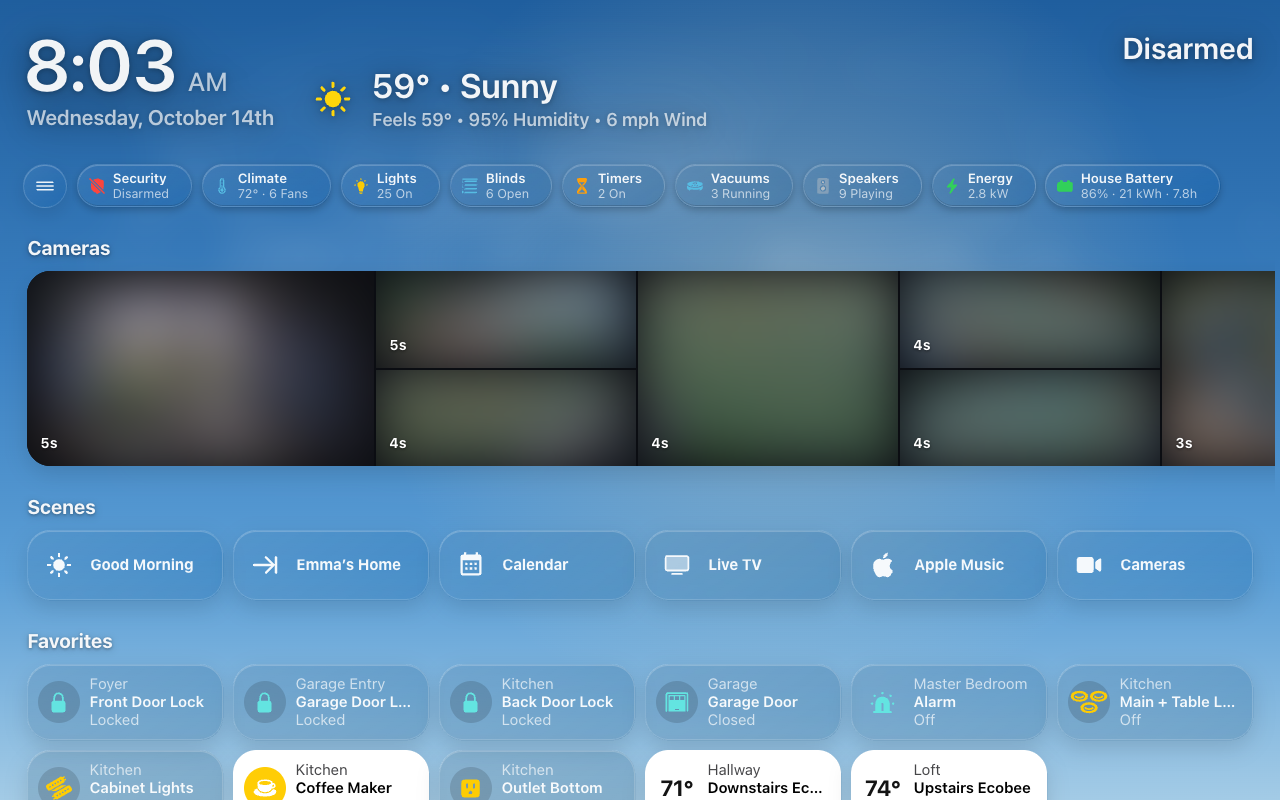 |
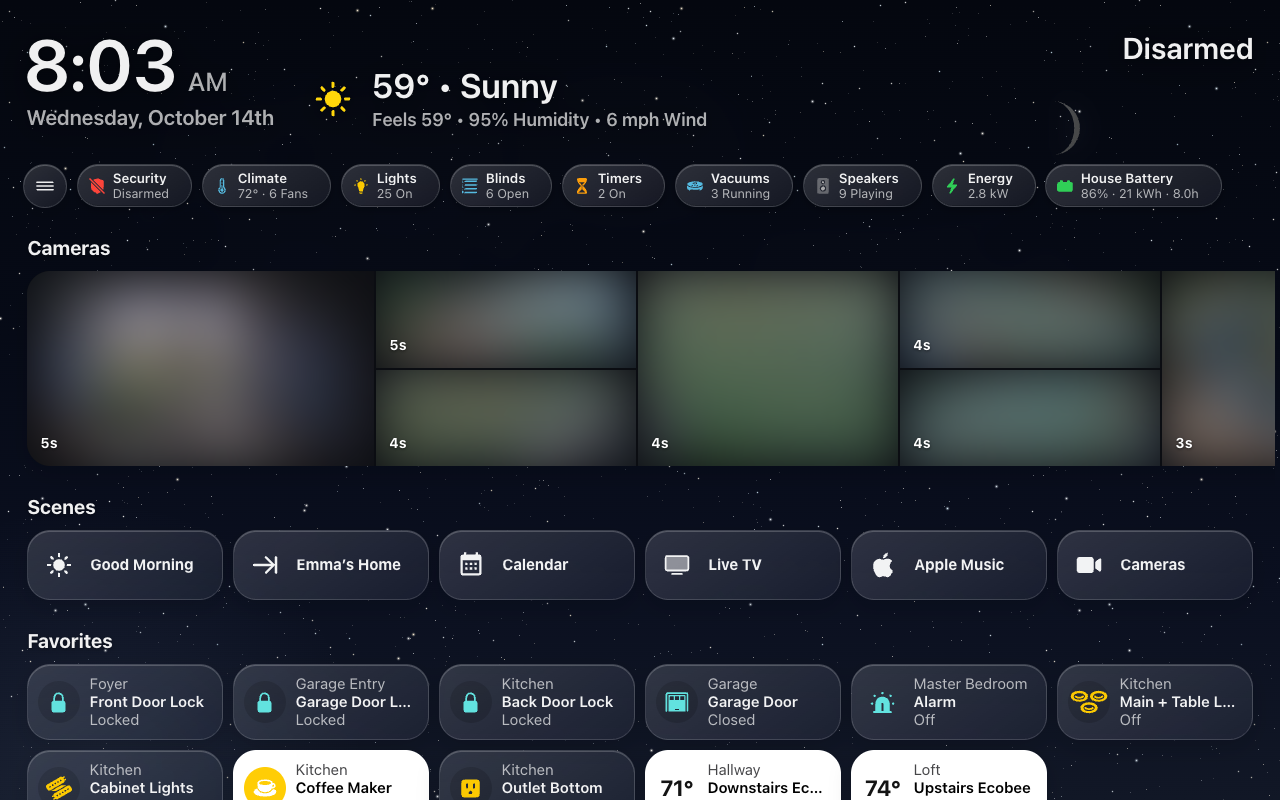 |
| A clear day | Night |
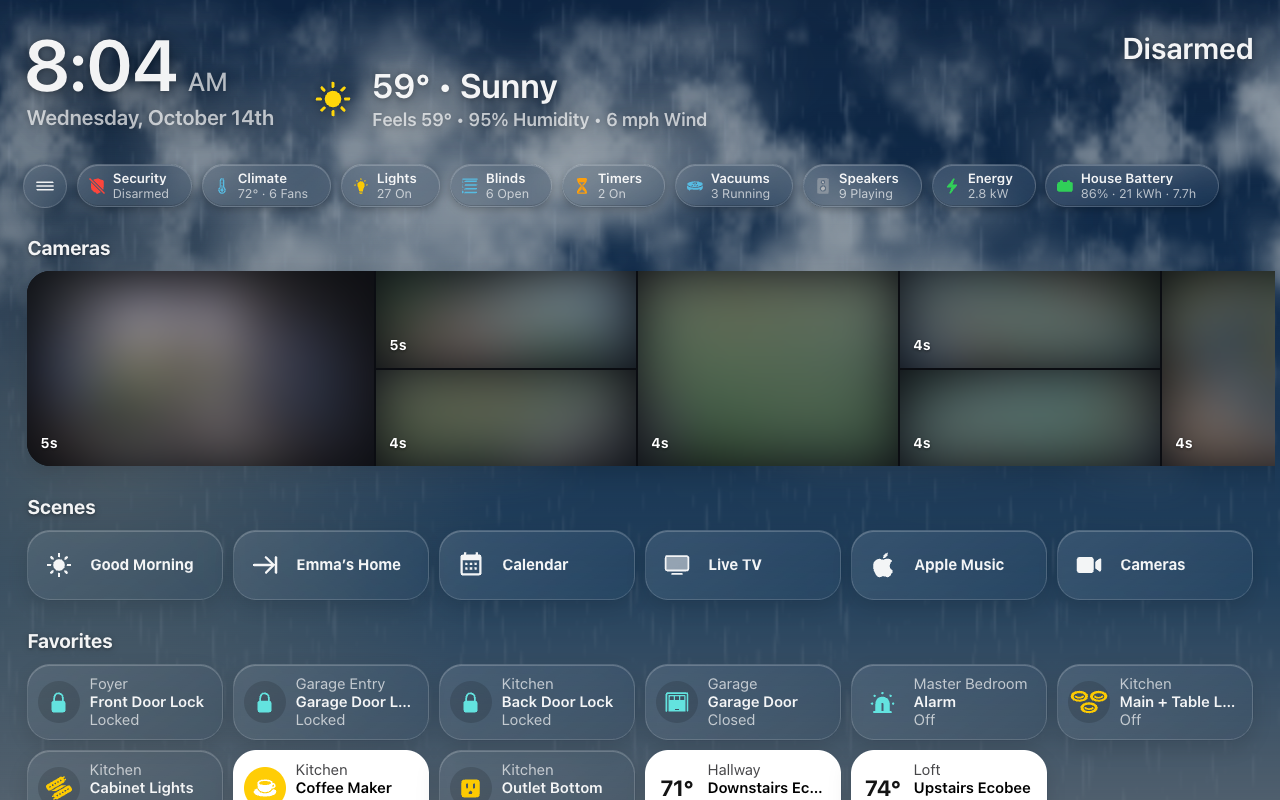 |
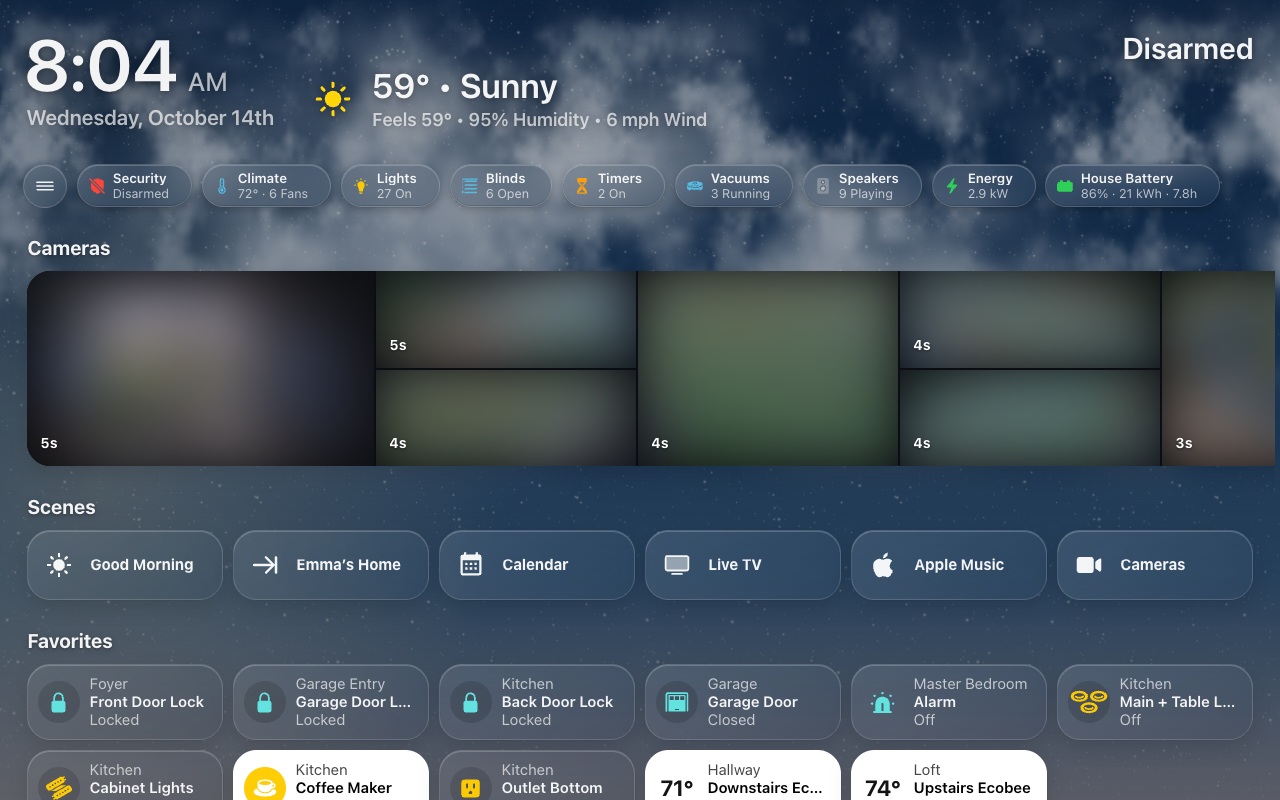 |
| Rain | Snow |
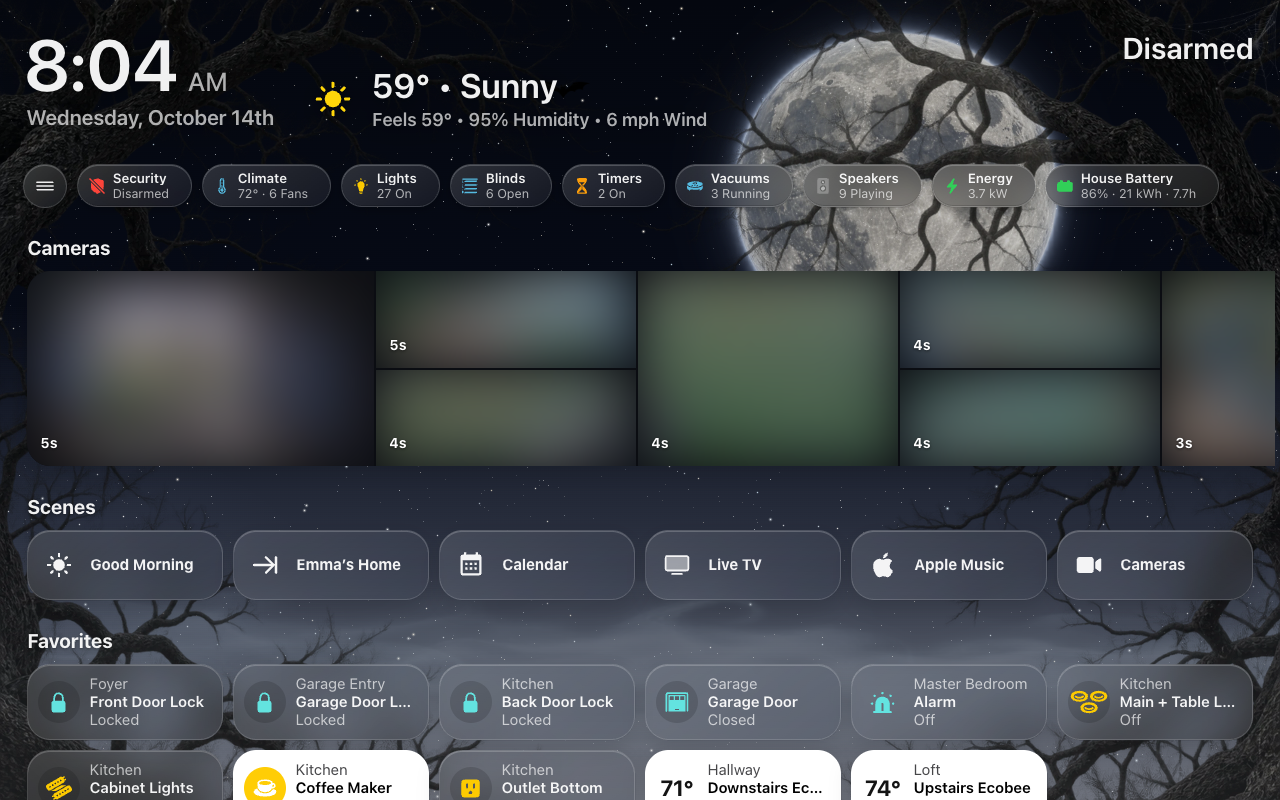
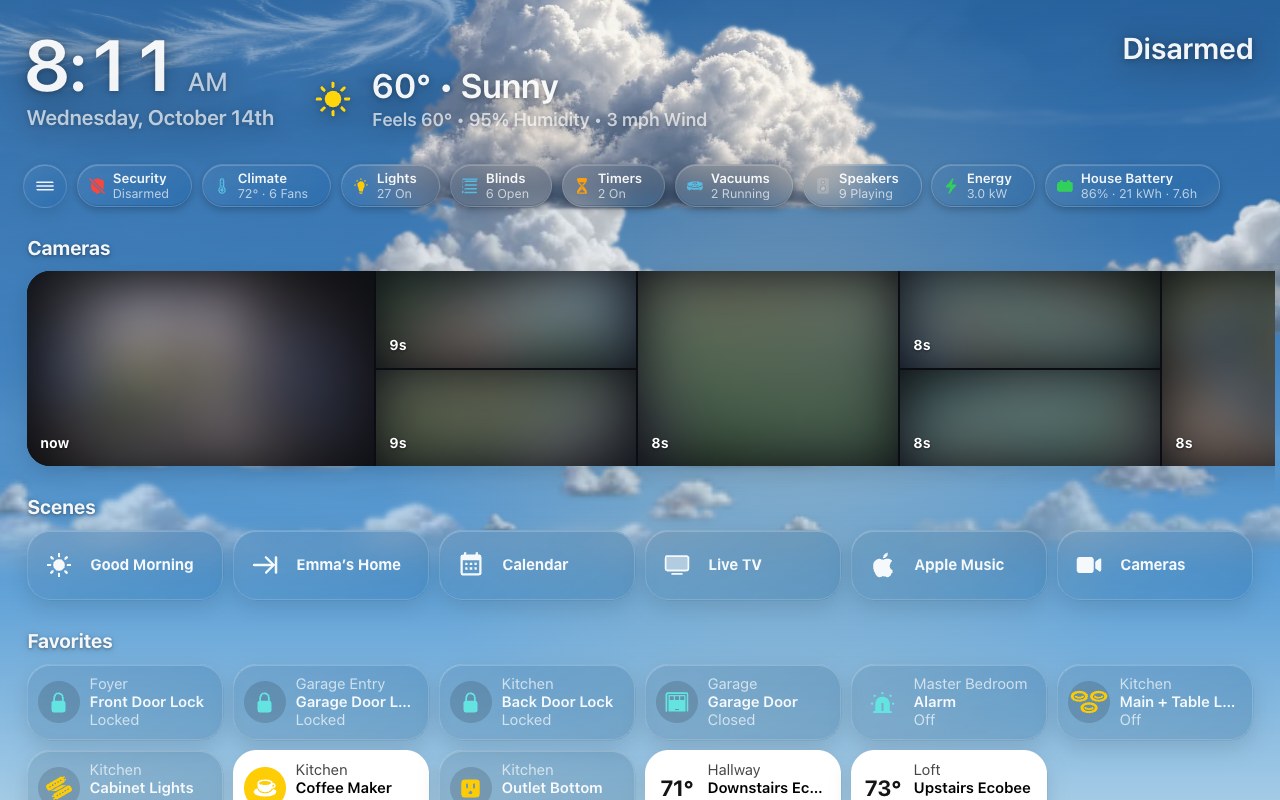
Realistic clouds (every weather is on the Live Sky page):
 |
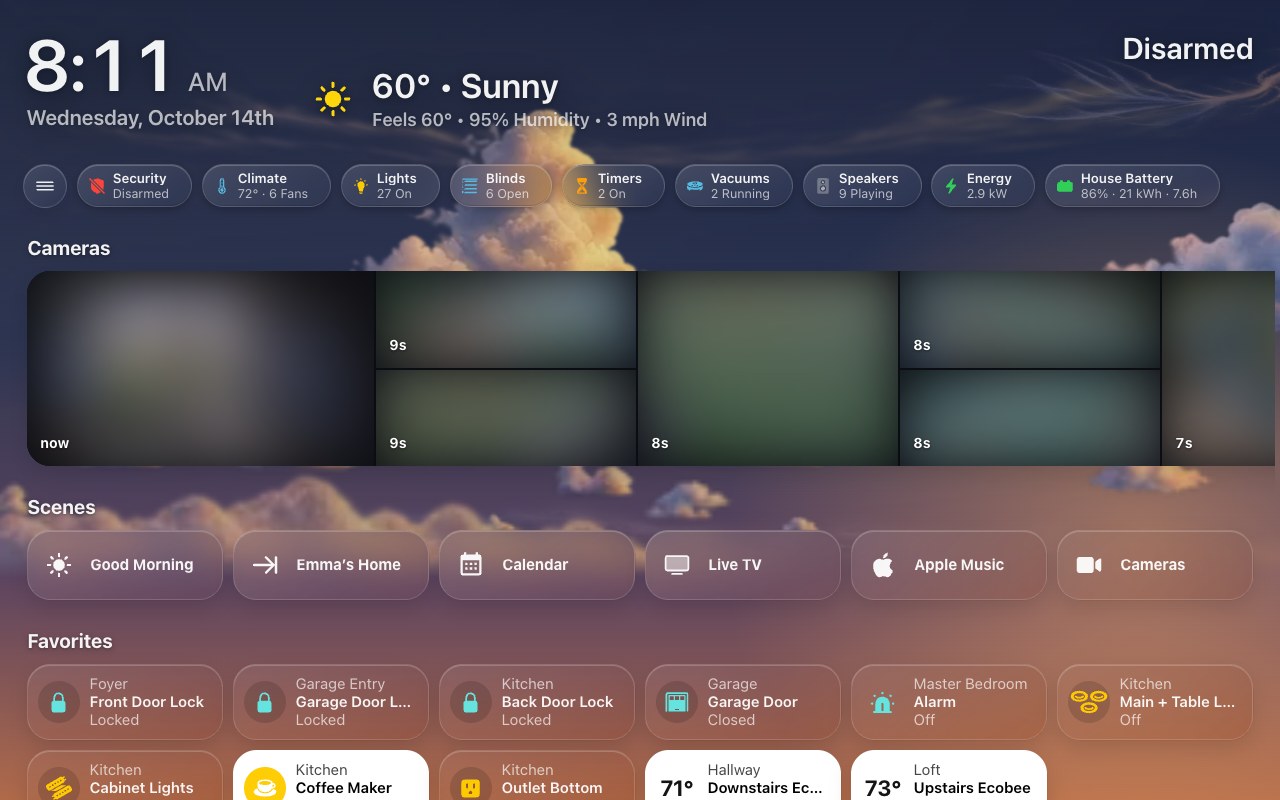 |
| A partly cloudy afternoon | Near sunset |
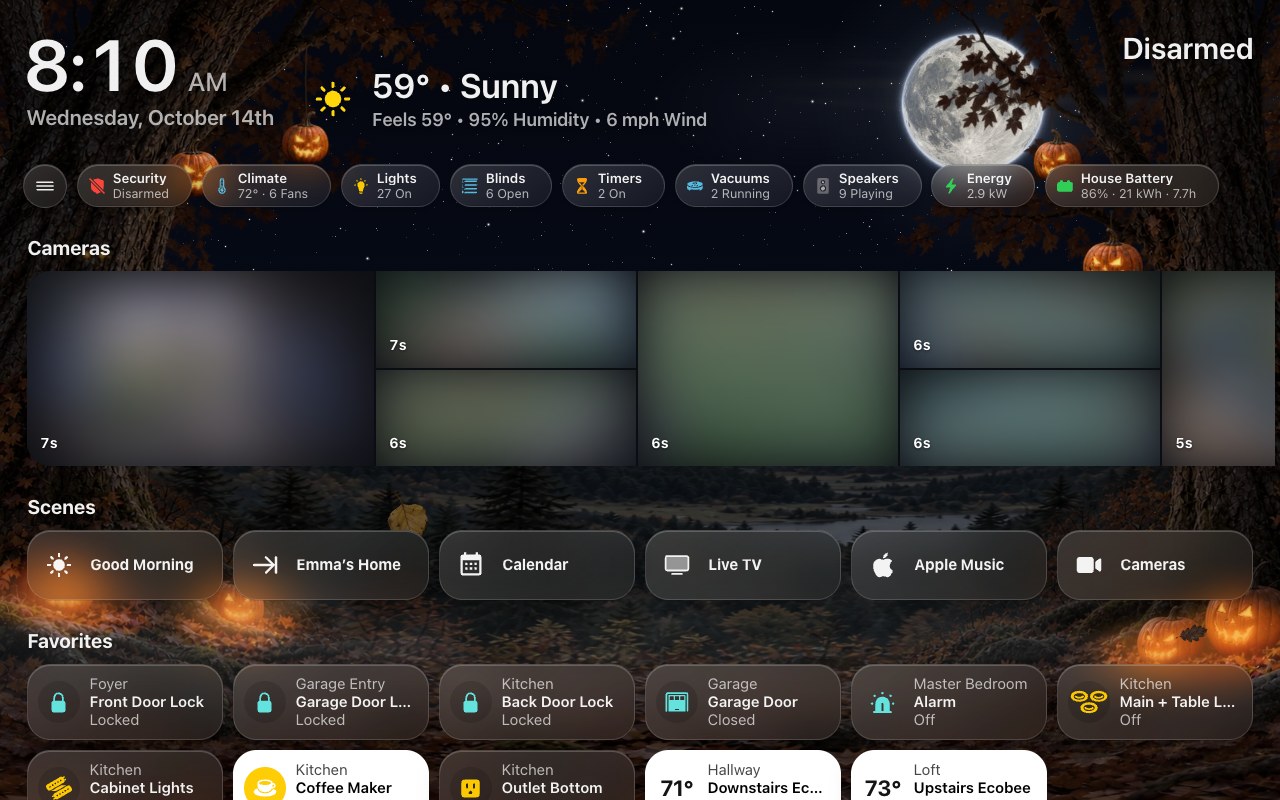
New Decorations, woodland scenery for the seasons and holidays:
 |
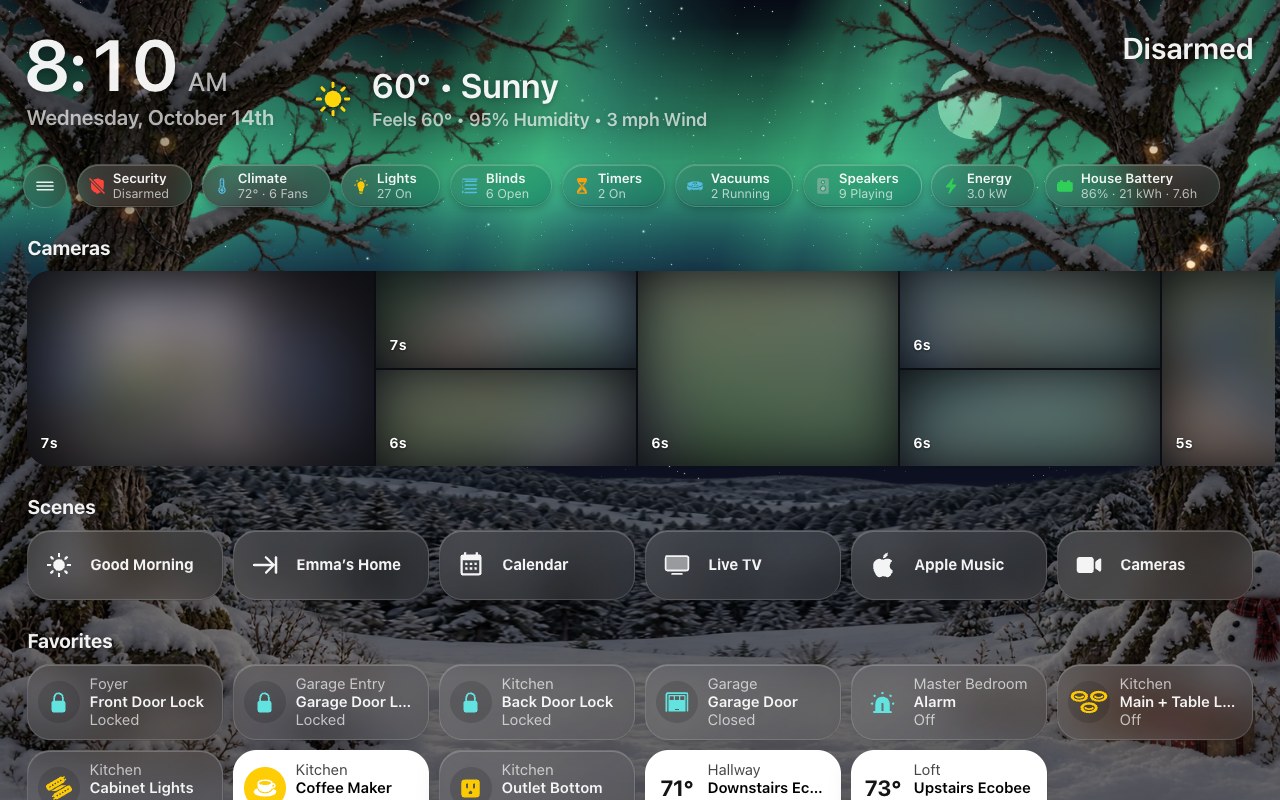 |
| Halloween | Christmas |
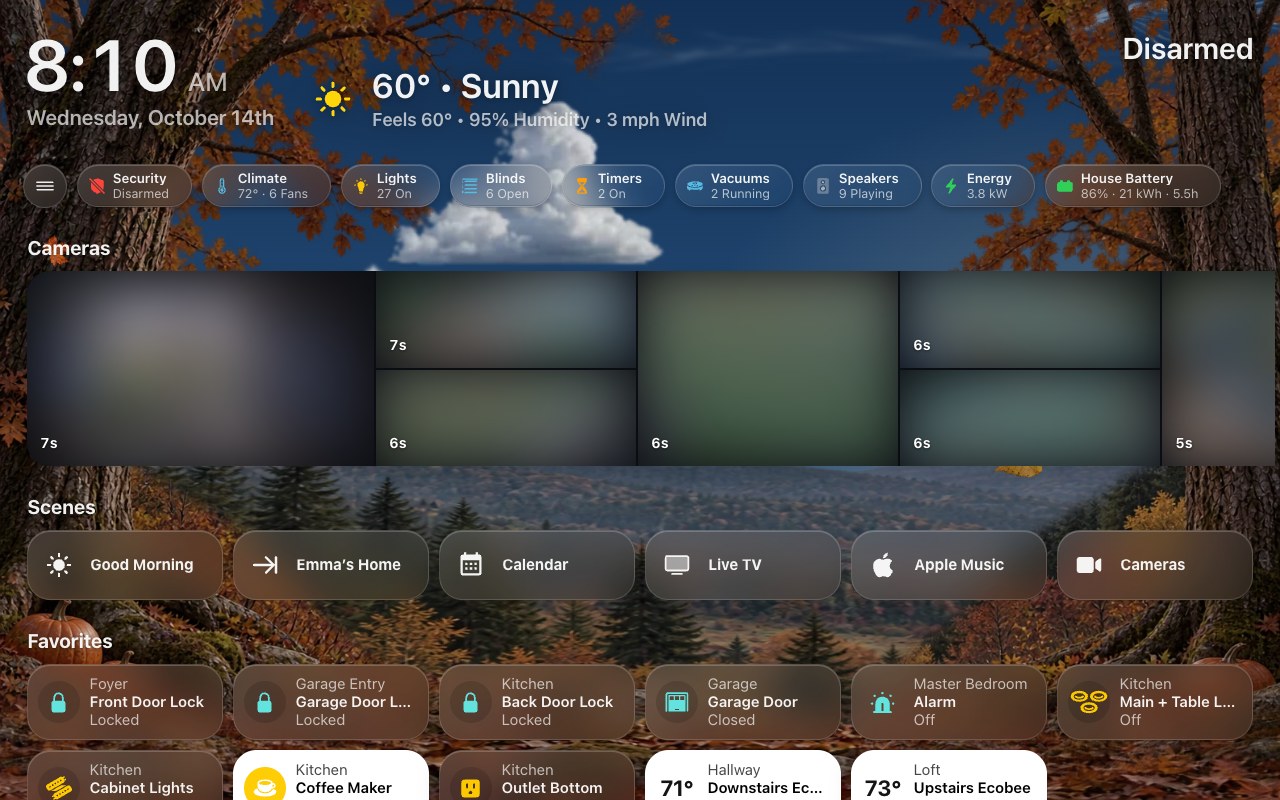 |
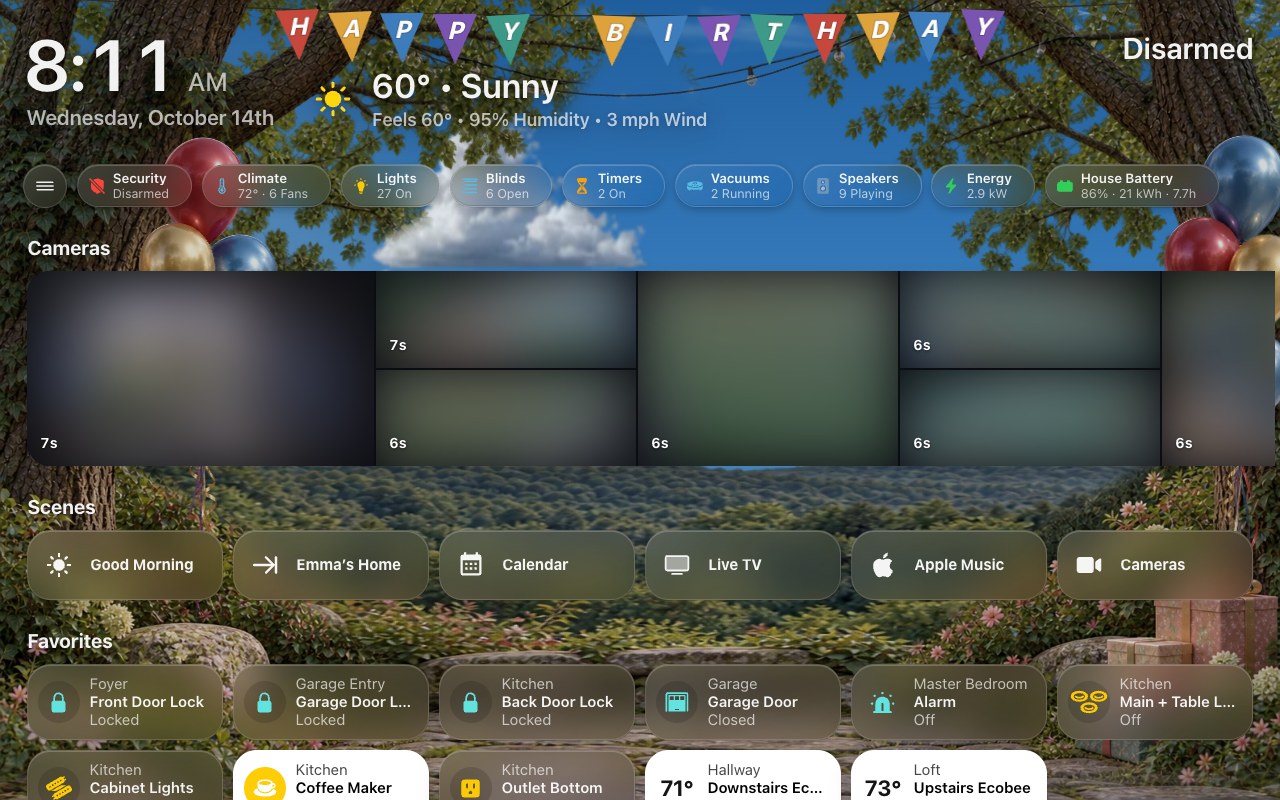 |
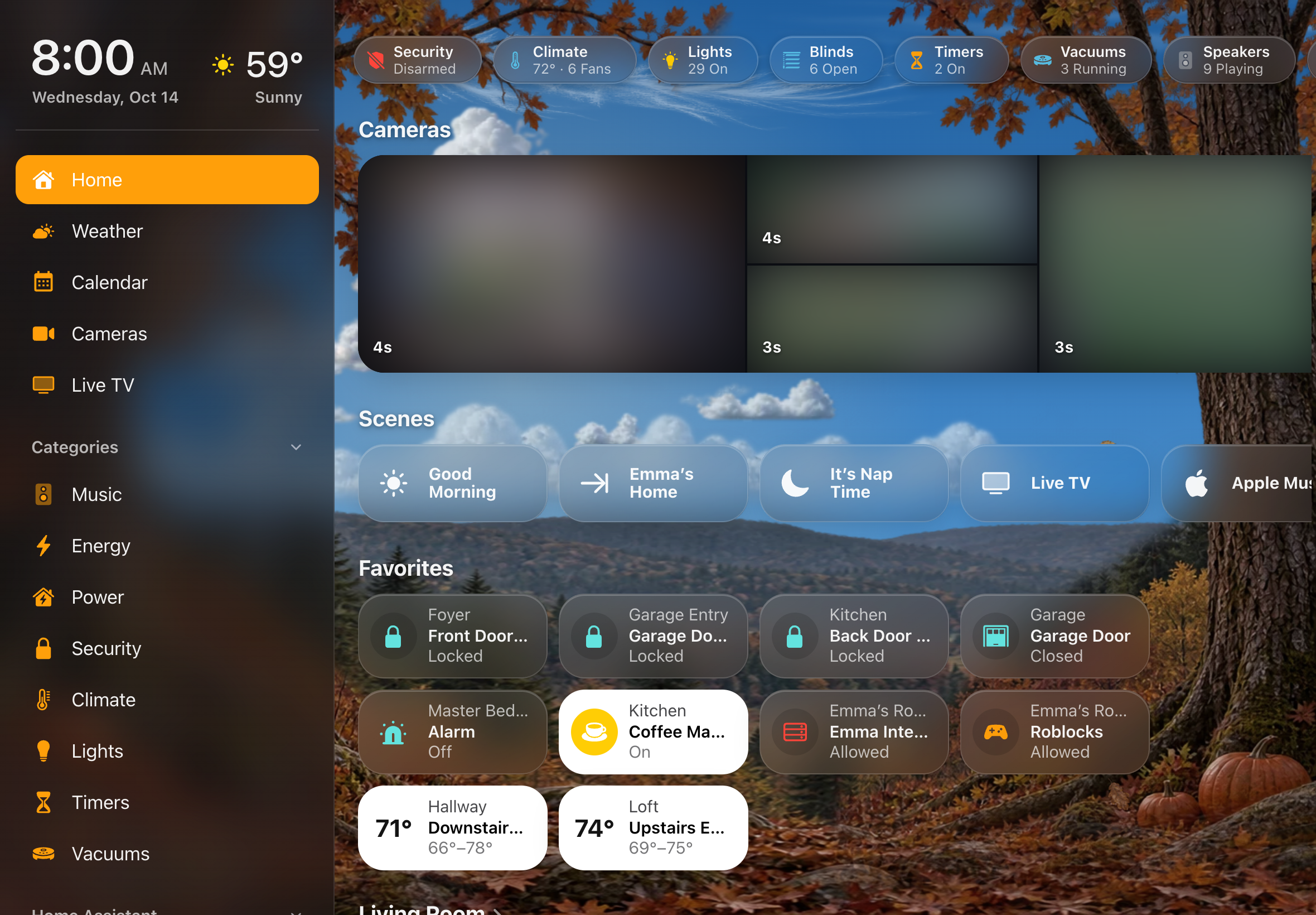
| Autumn | A birthday |
More: Live Sky.
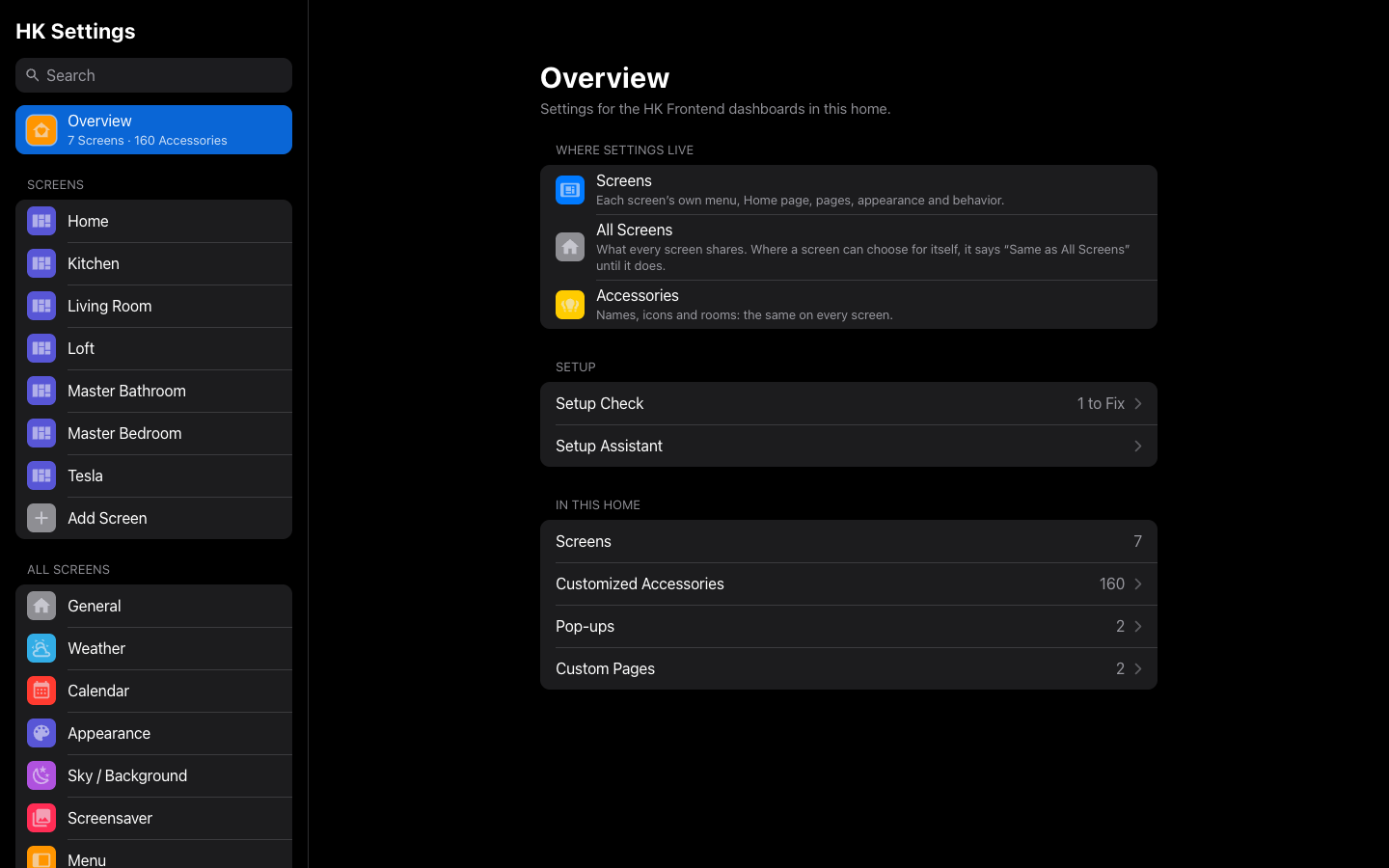 |
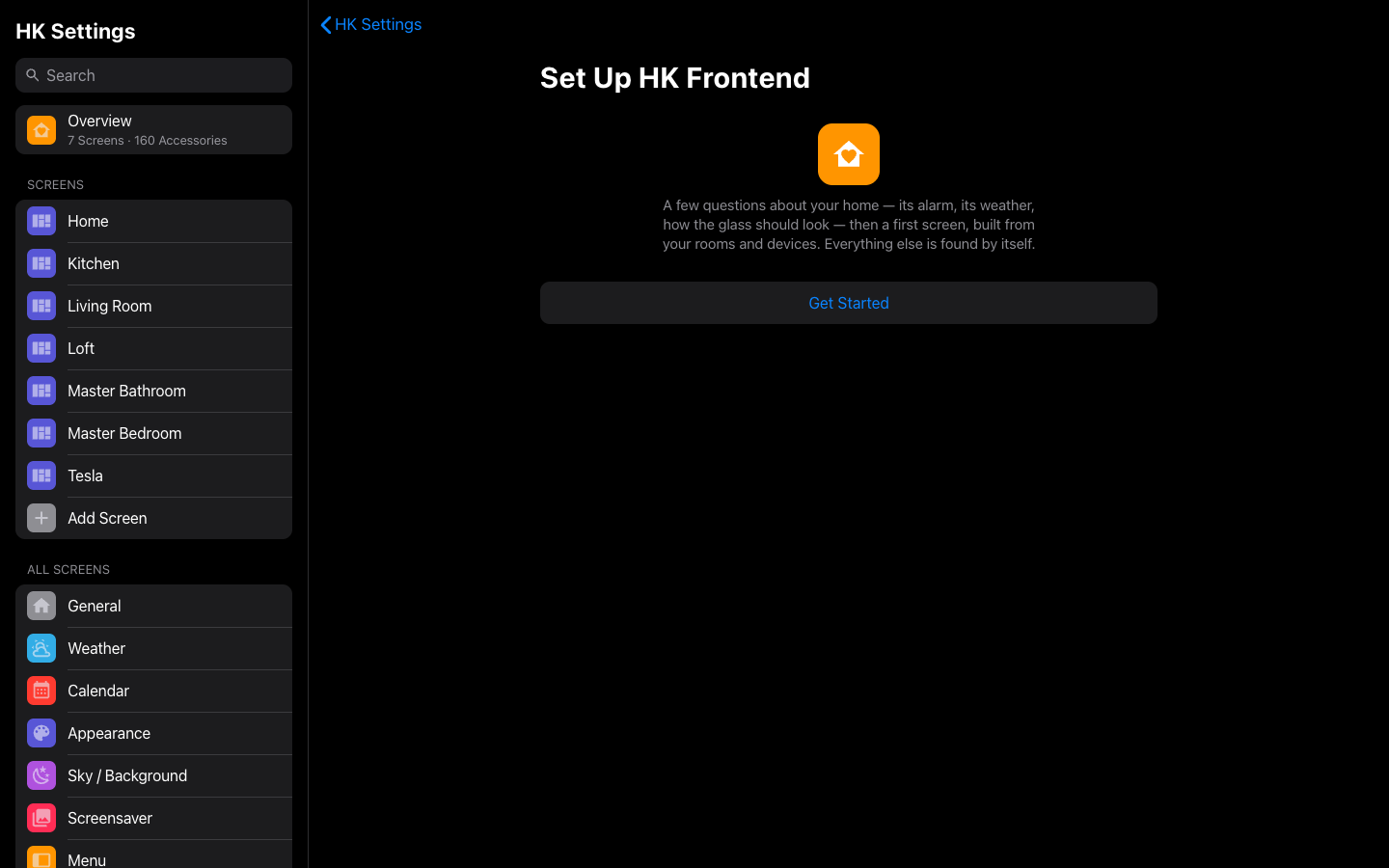 |
| Overview | Setup Assistant |
 |
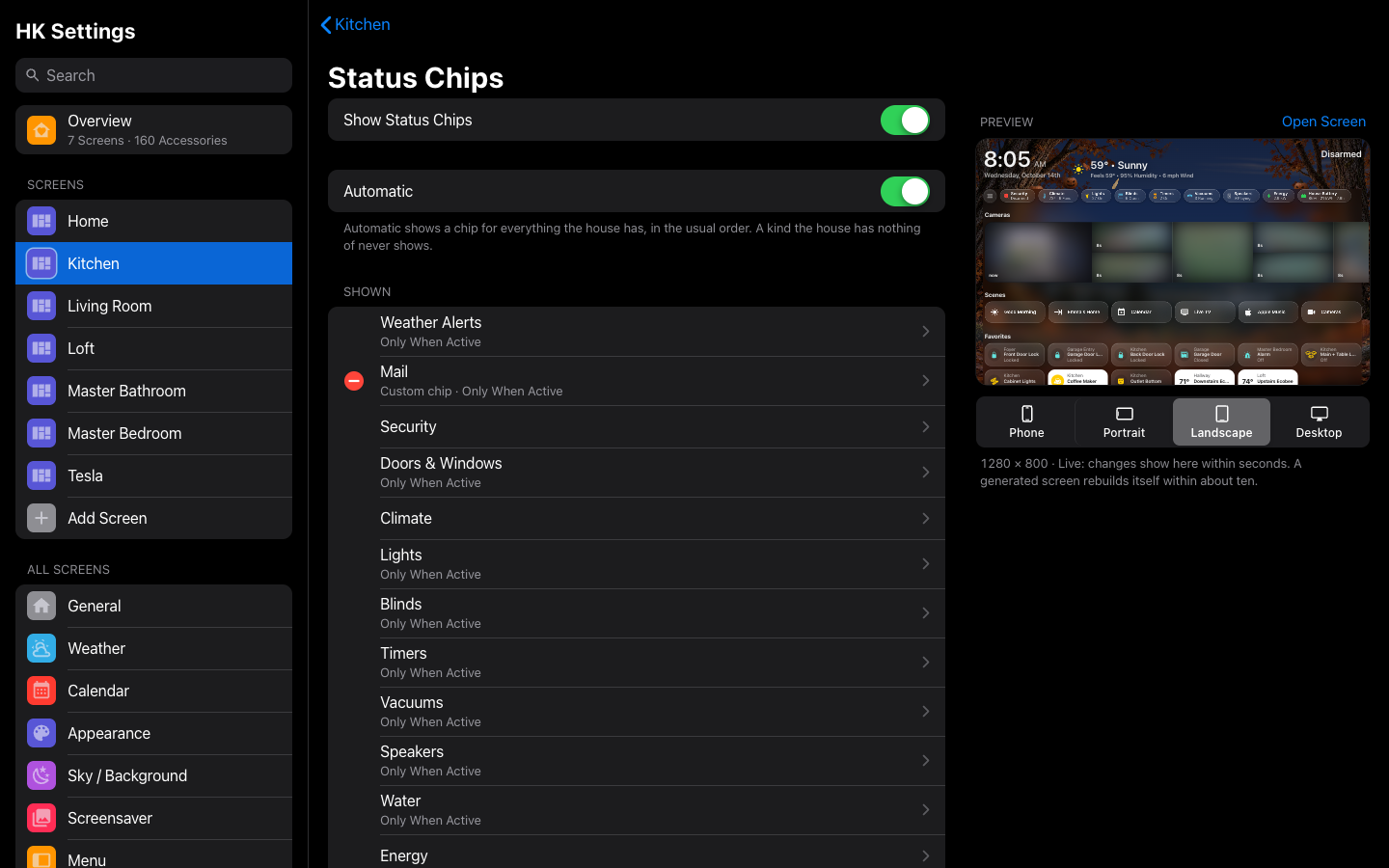 |
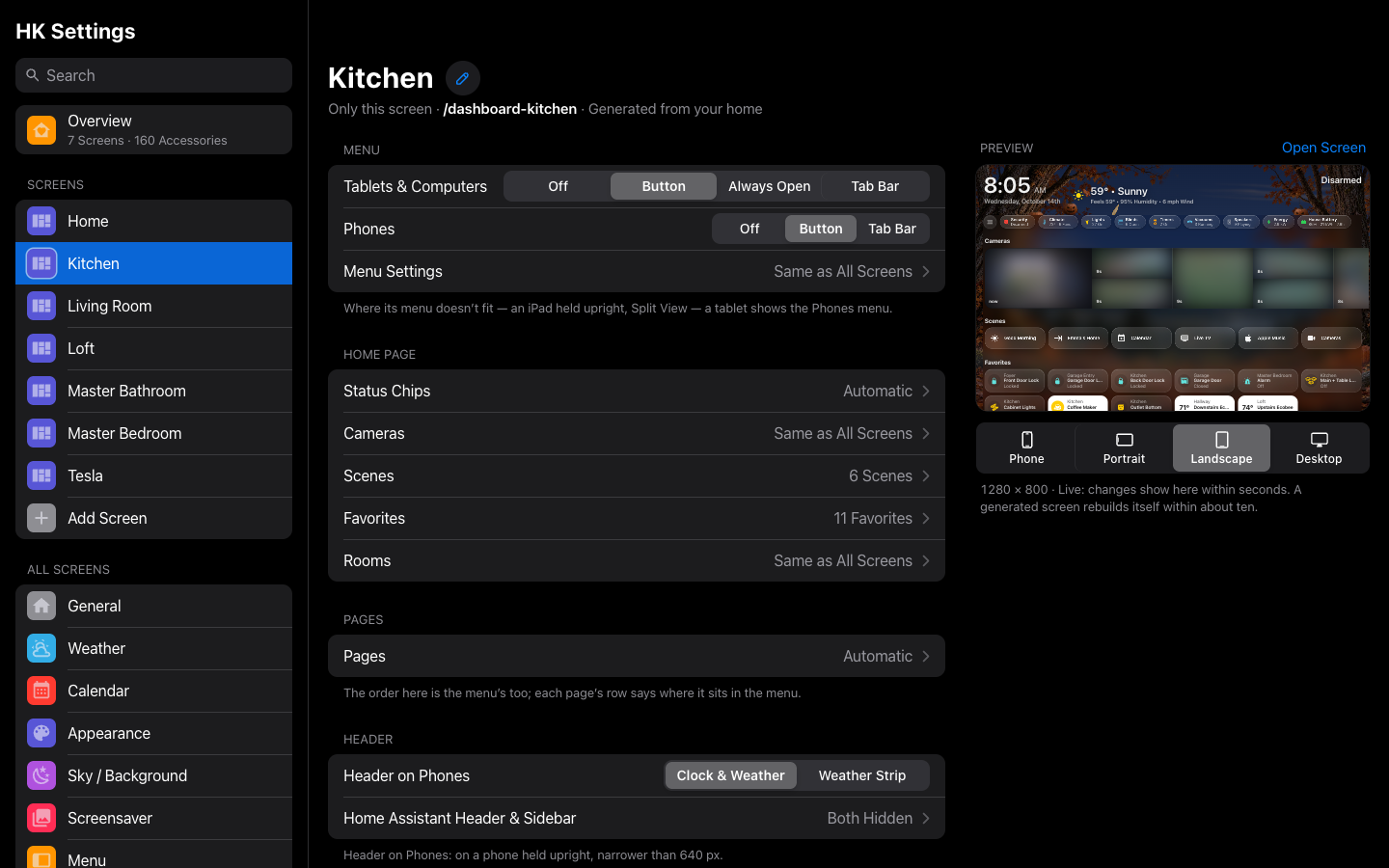
| A screen | Status chips |
 |
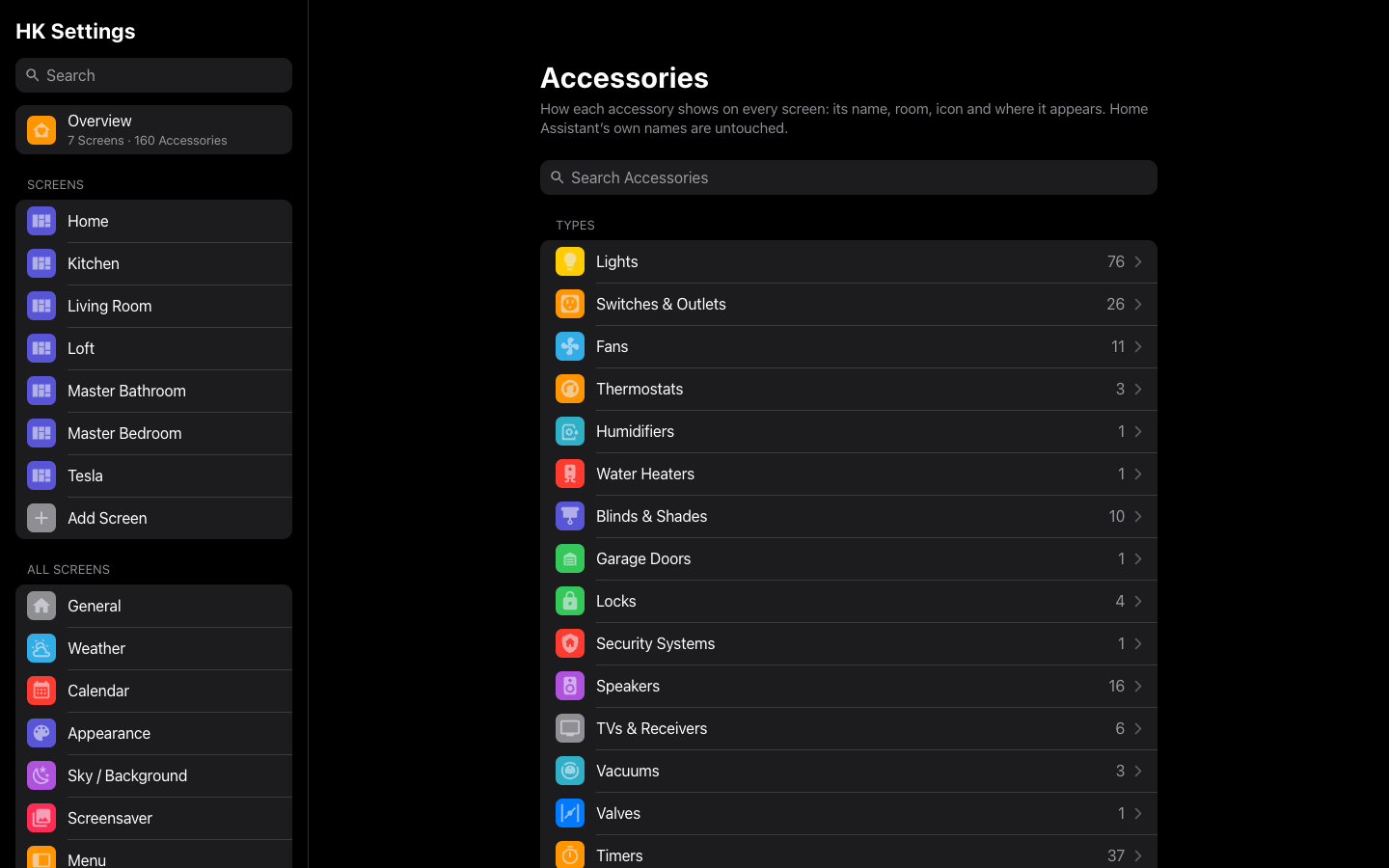 |
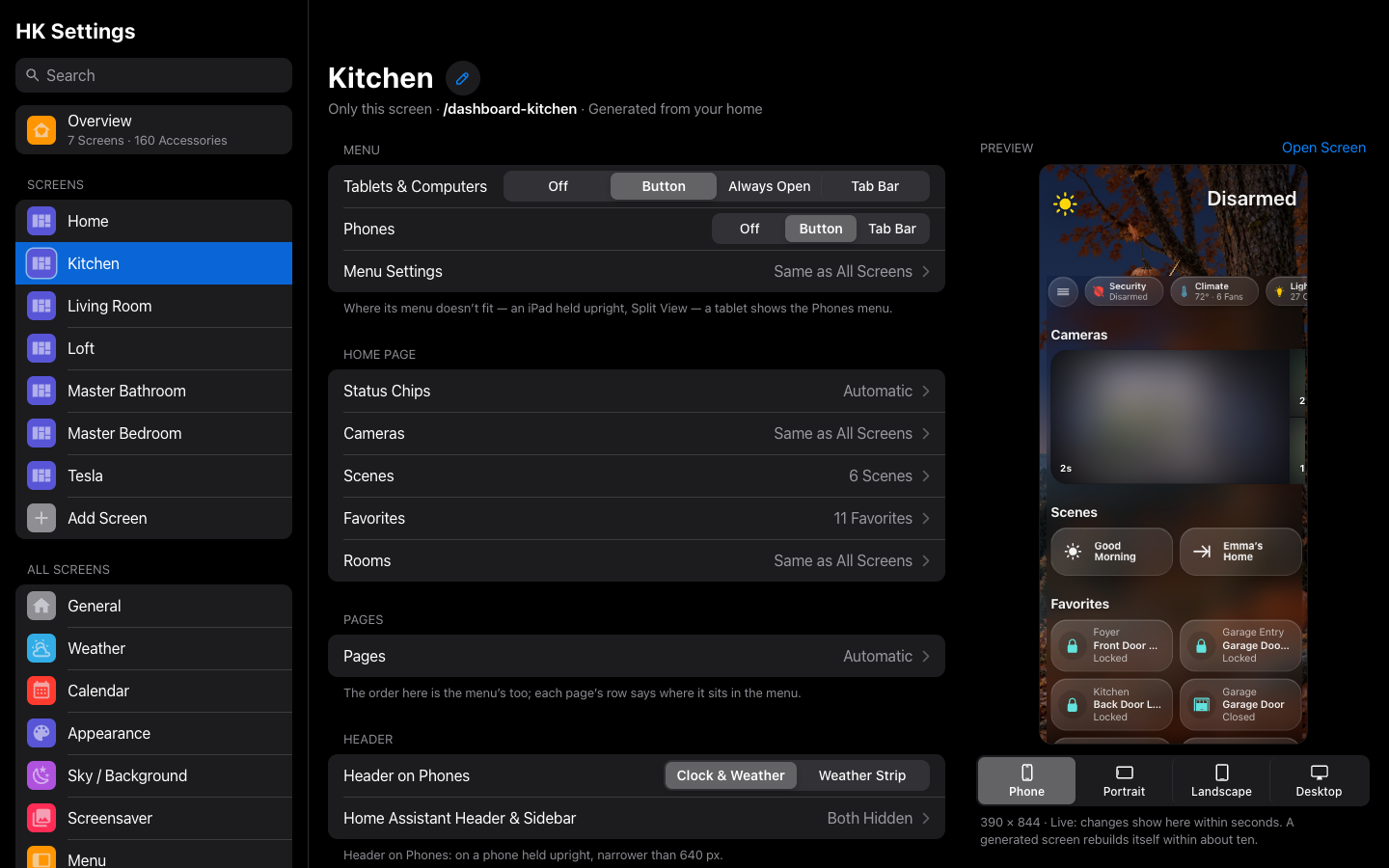
| The preview at phone size | Accessories |
 |
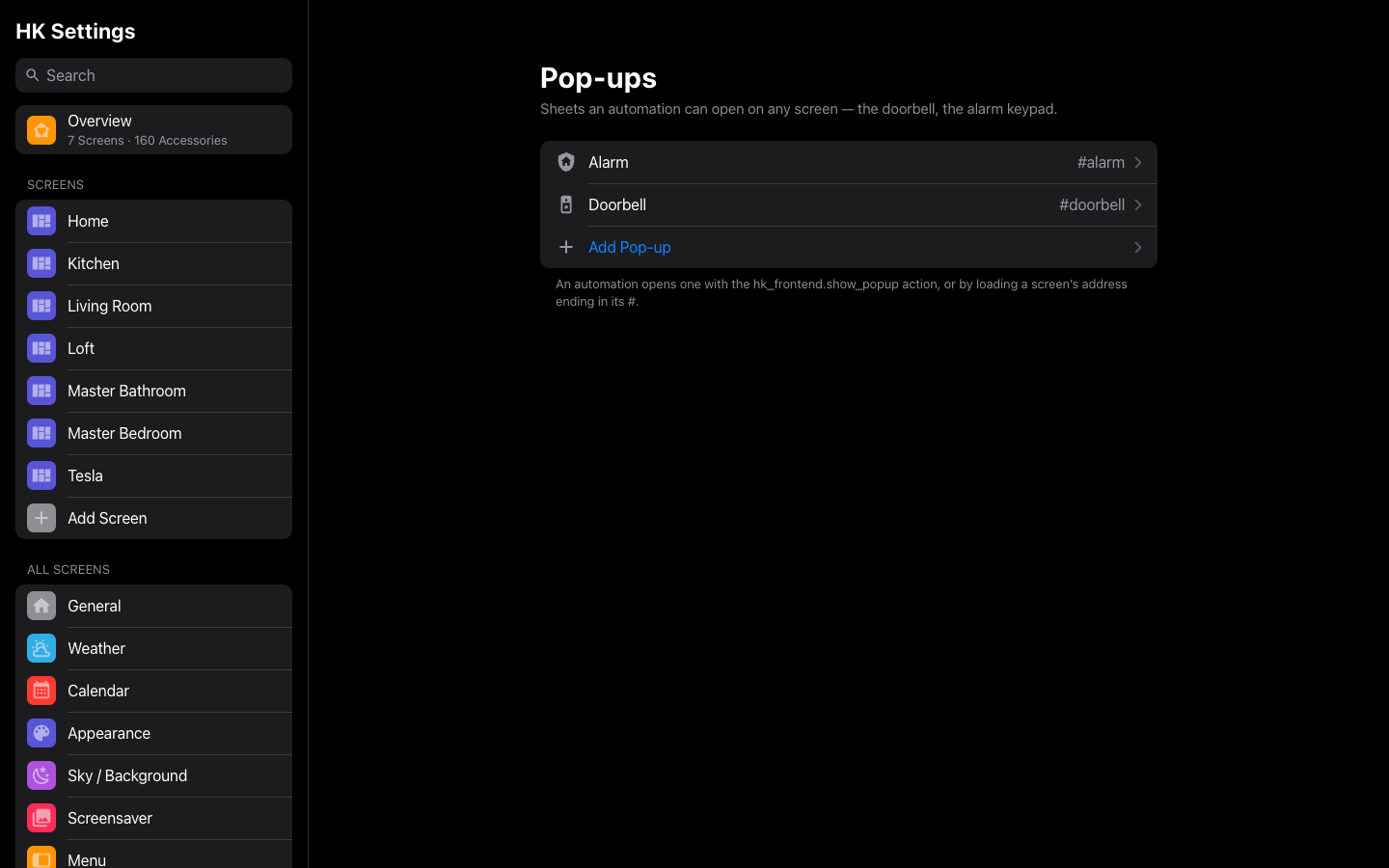 |
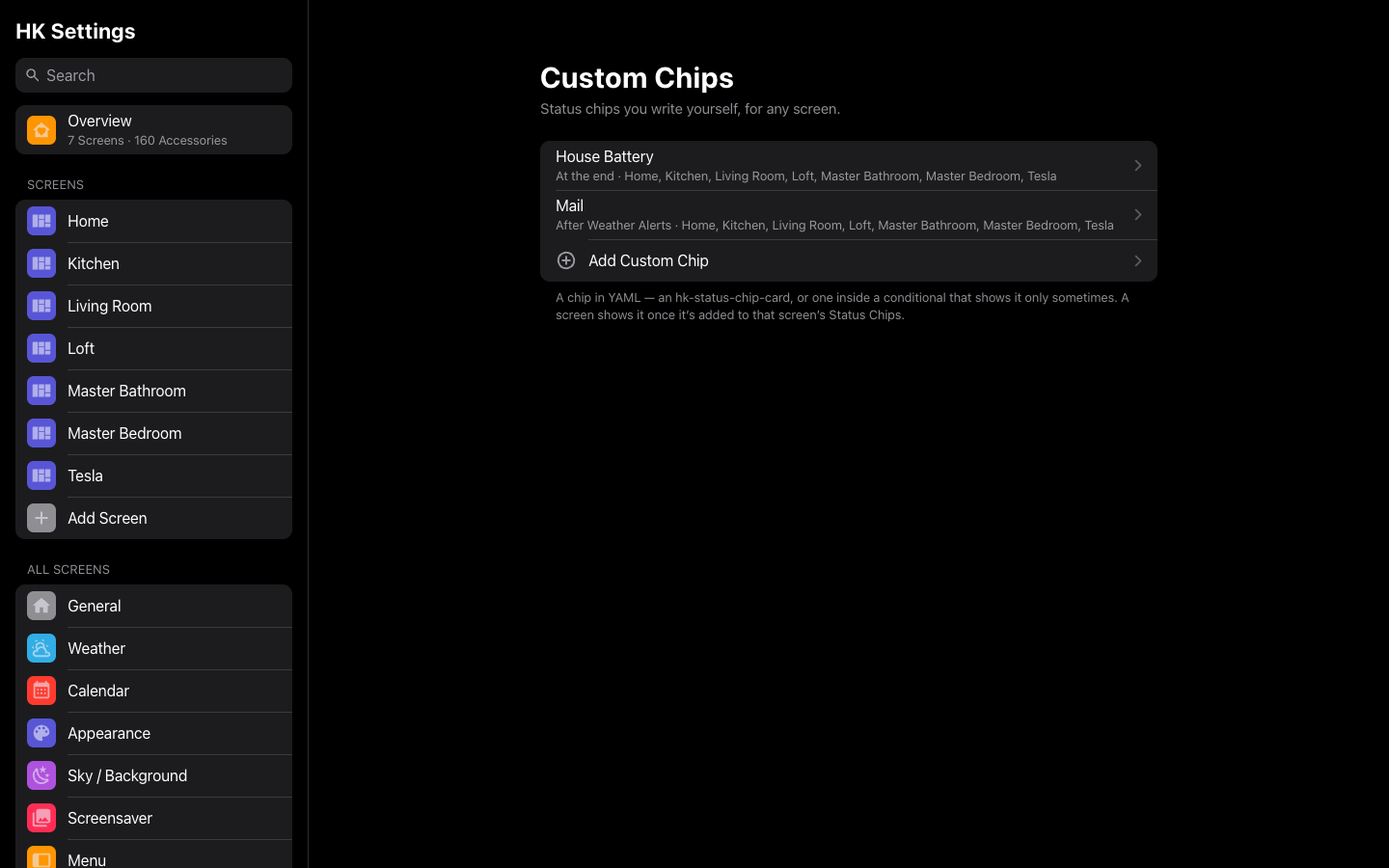
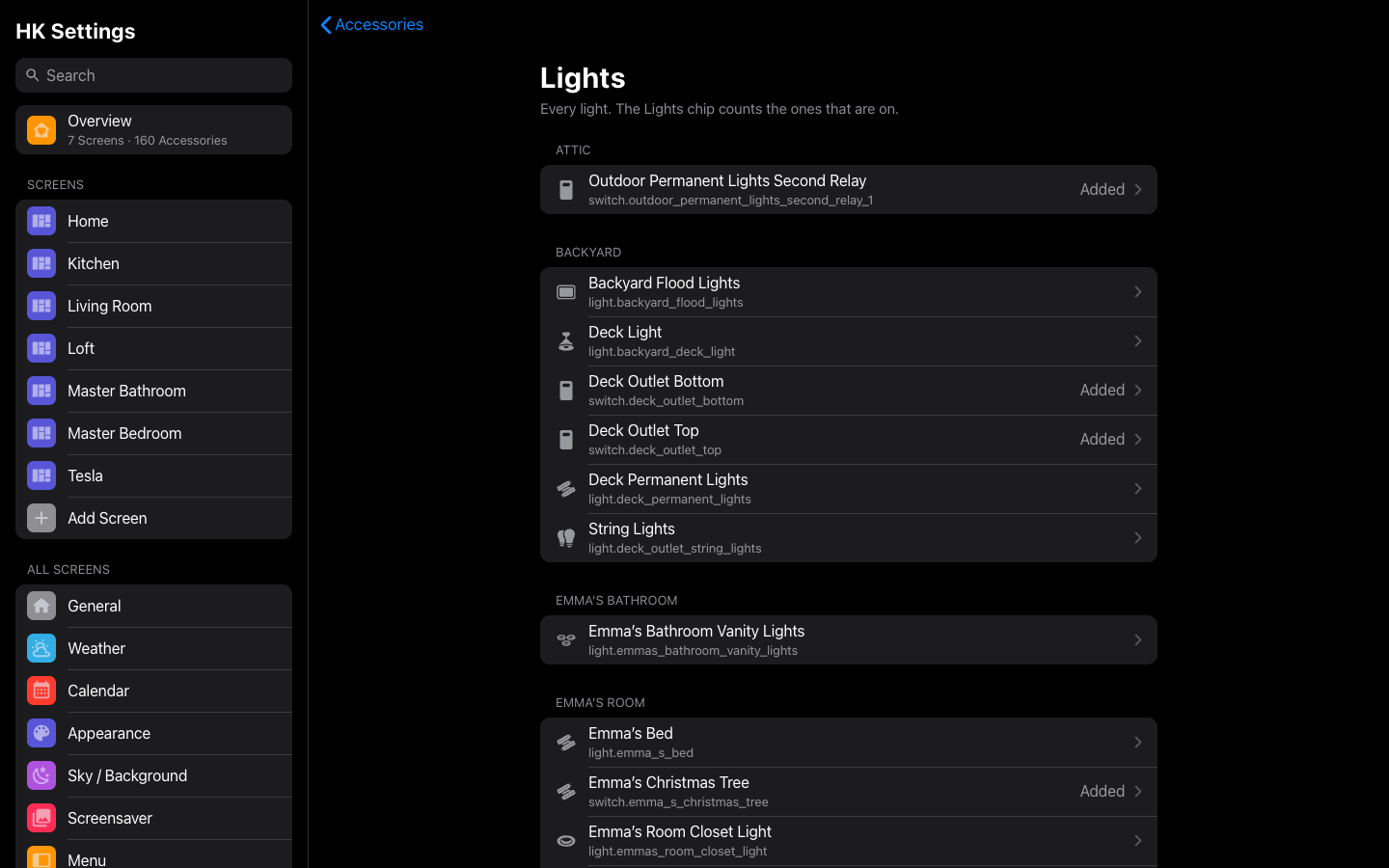
| Custom chips | Pop-ups |
 |
 |
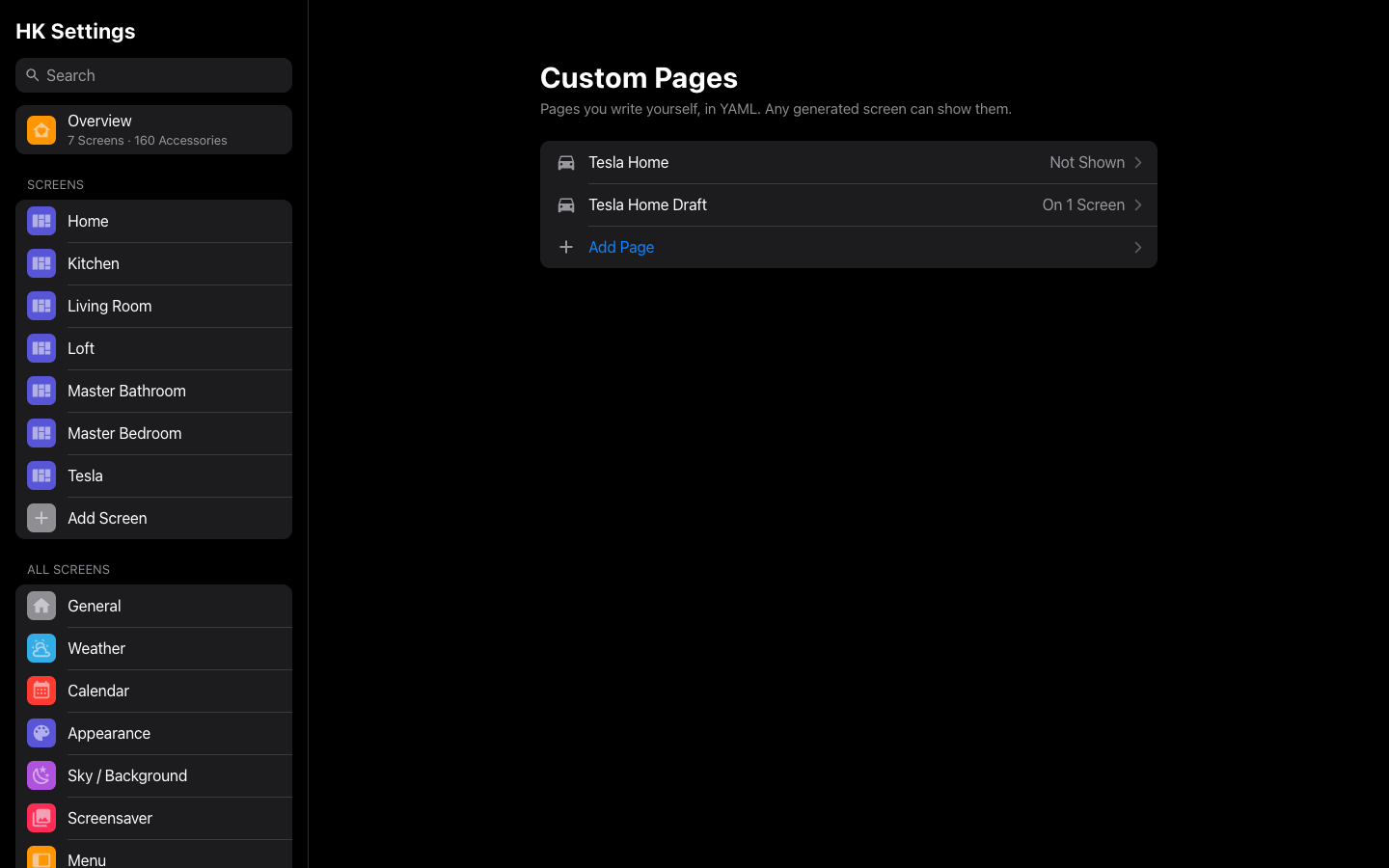
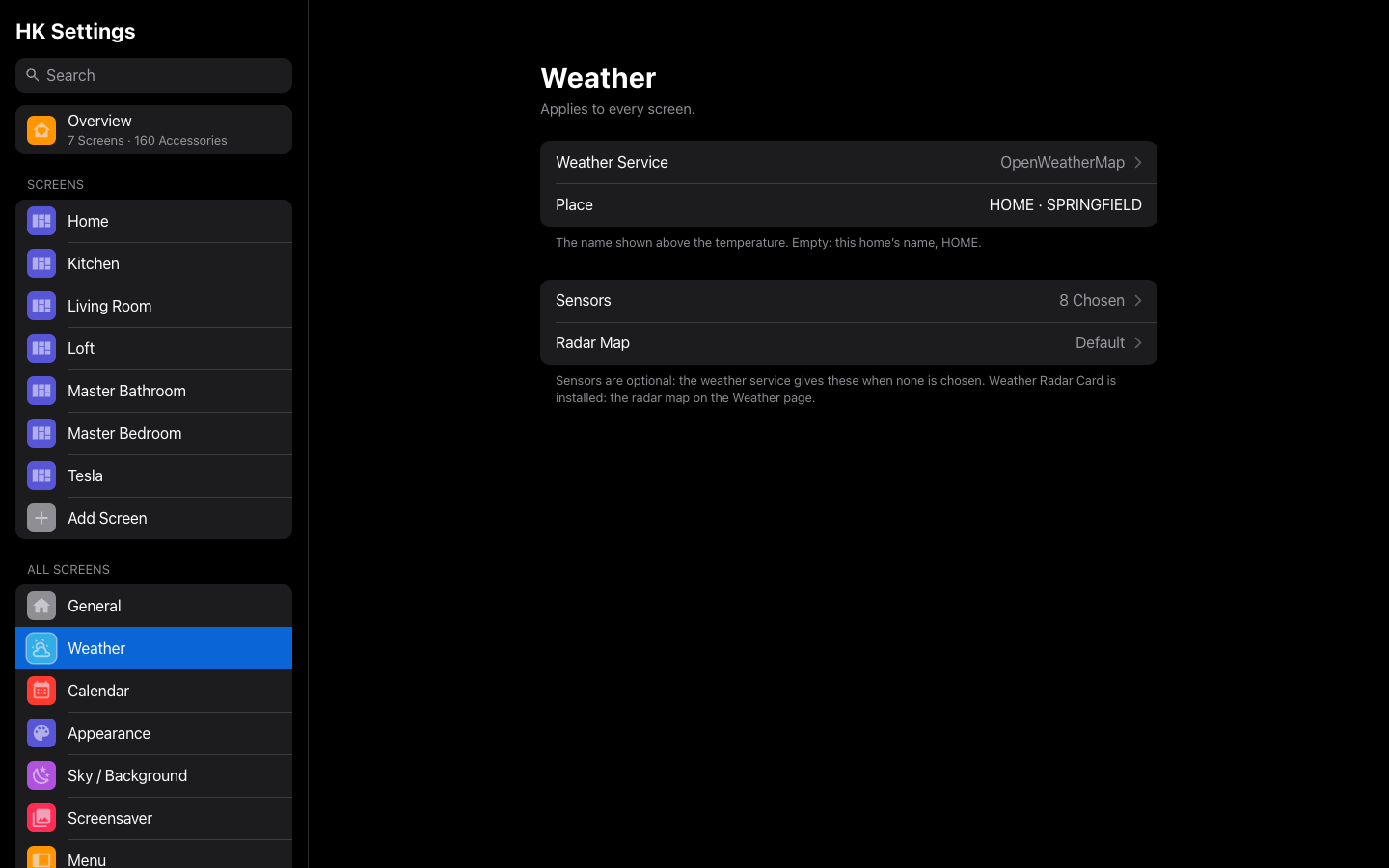
| Custom pages | A type’s page |
 |
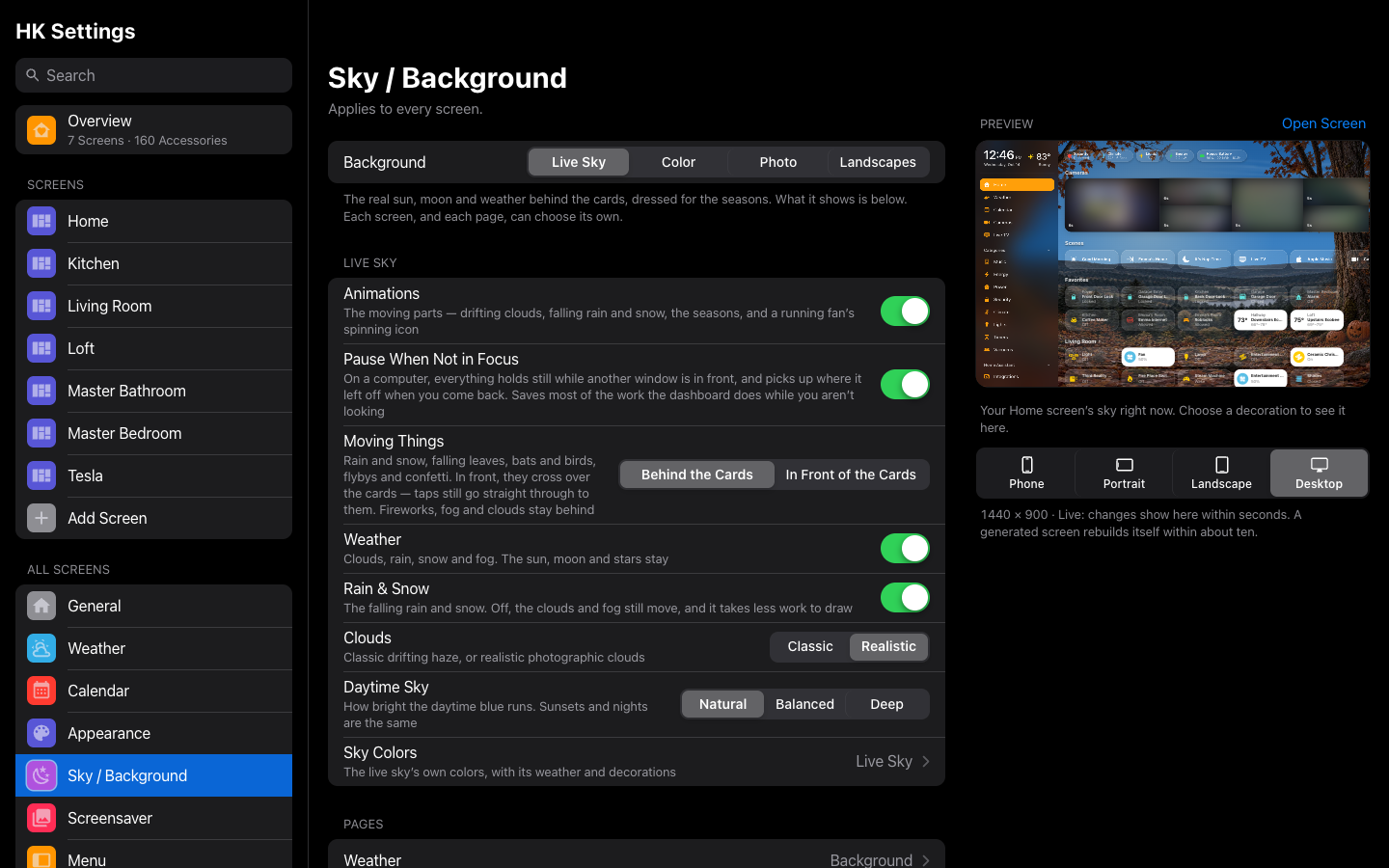 |
| Weather | Sky |
 |
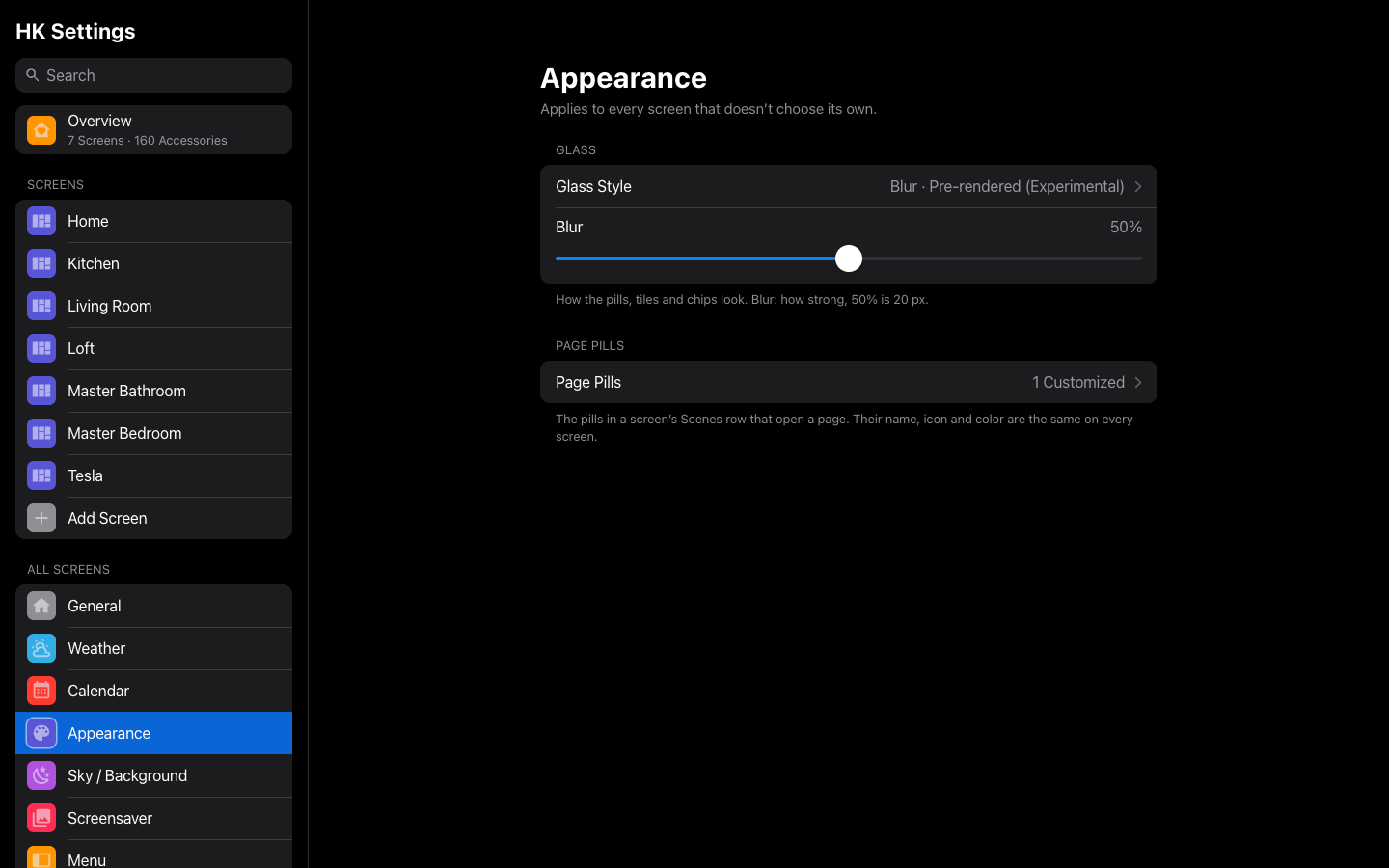 |
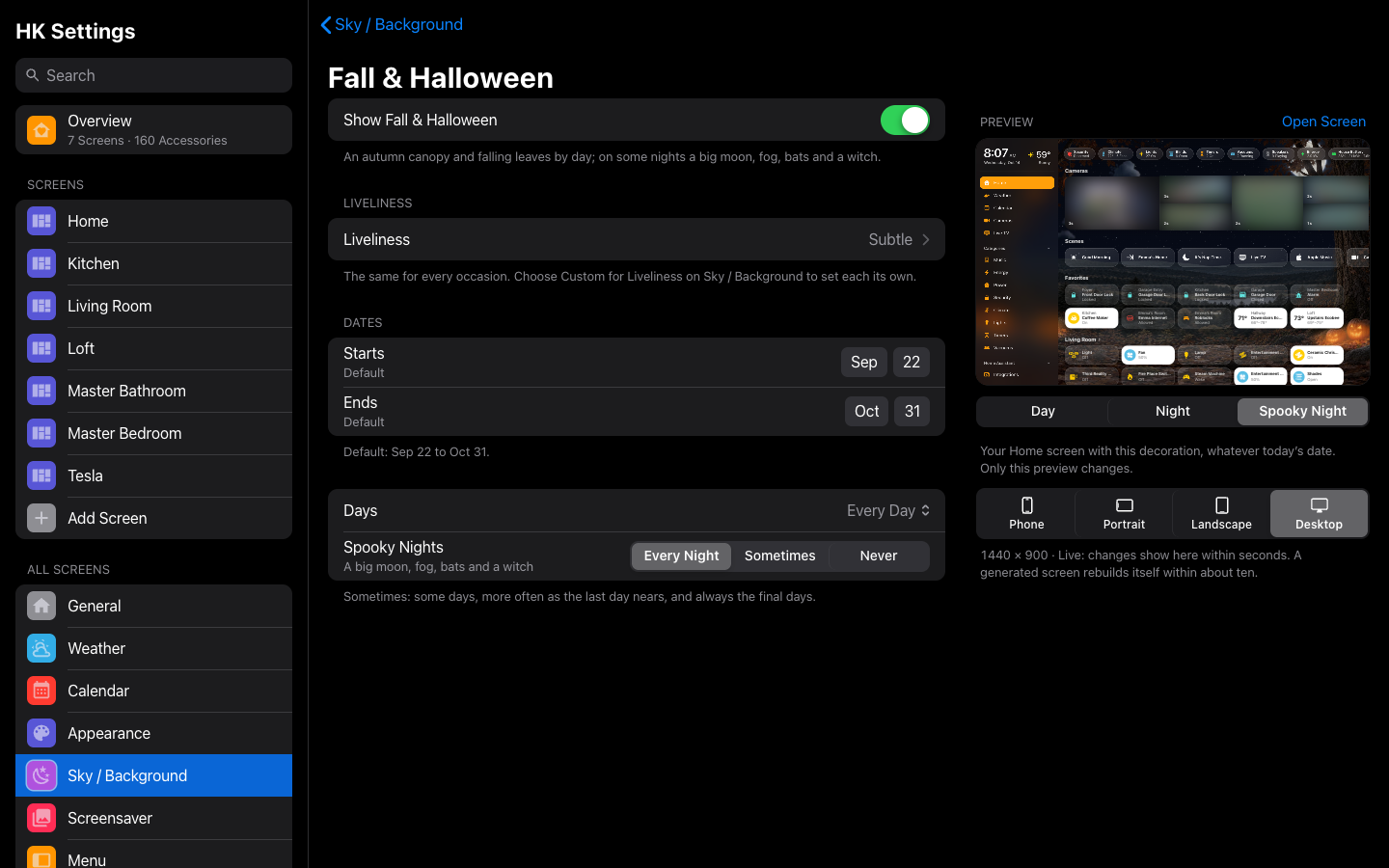
| A decoration’s preview | Appearance |
 |
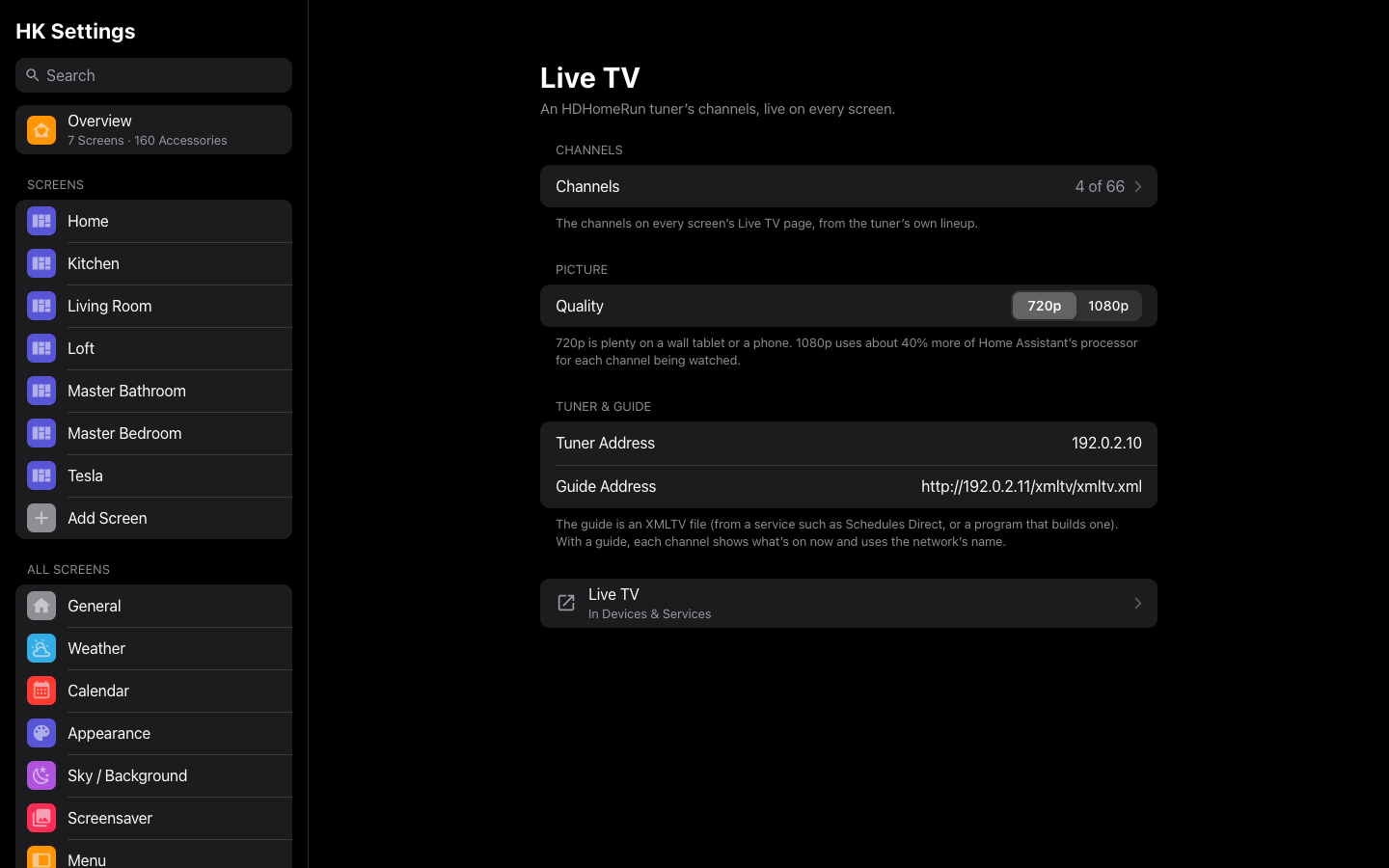 |
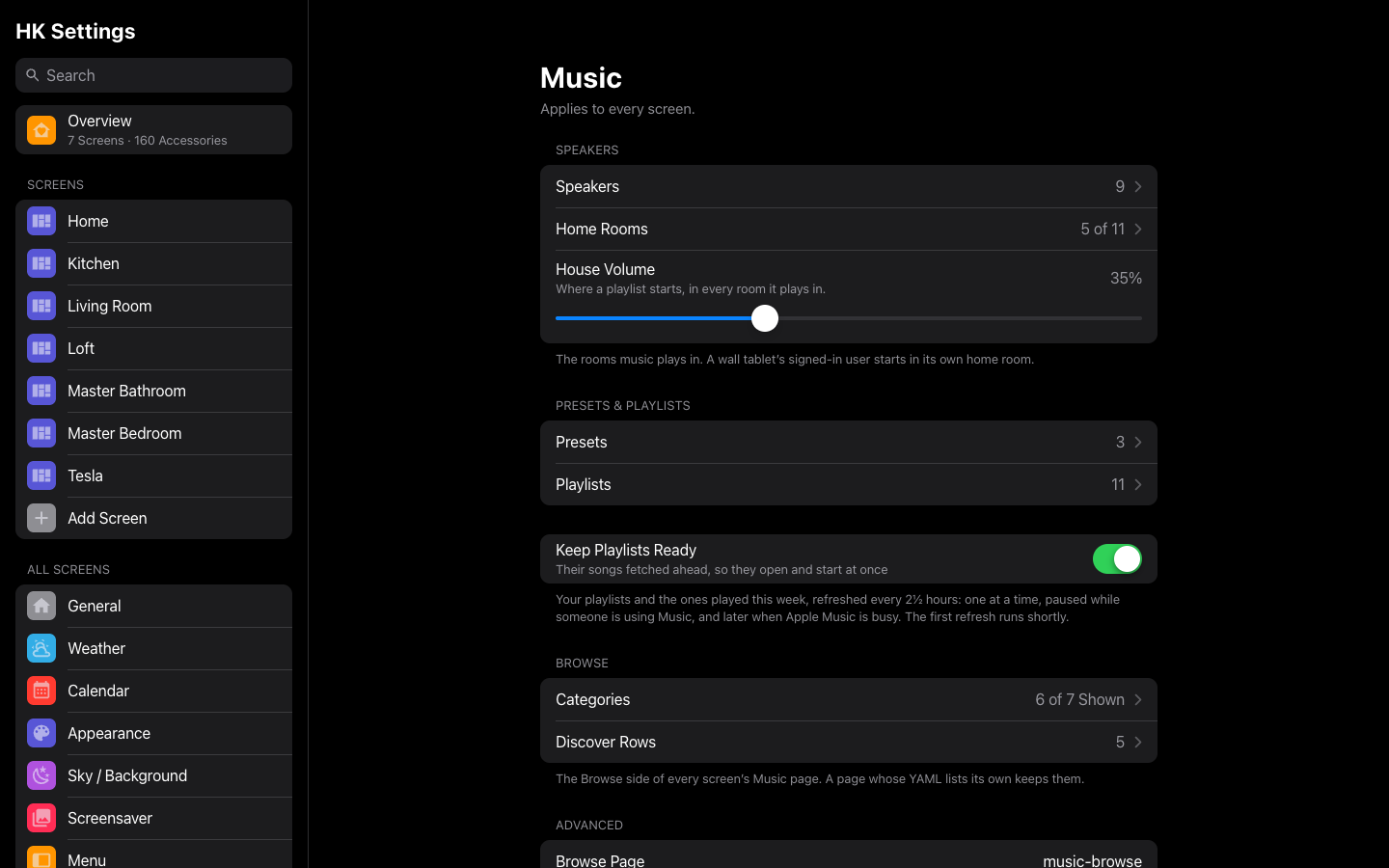
| Music | Live TV |
 |
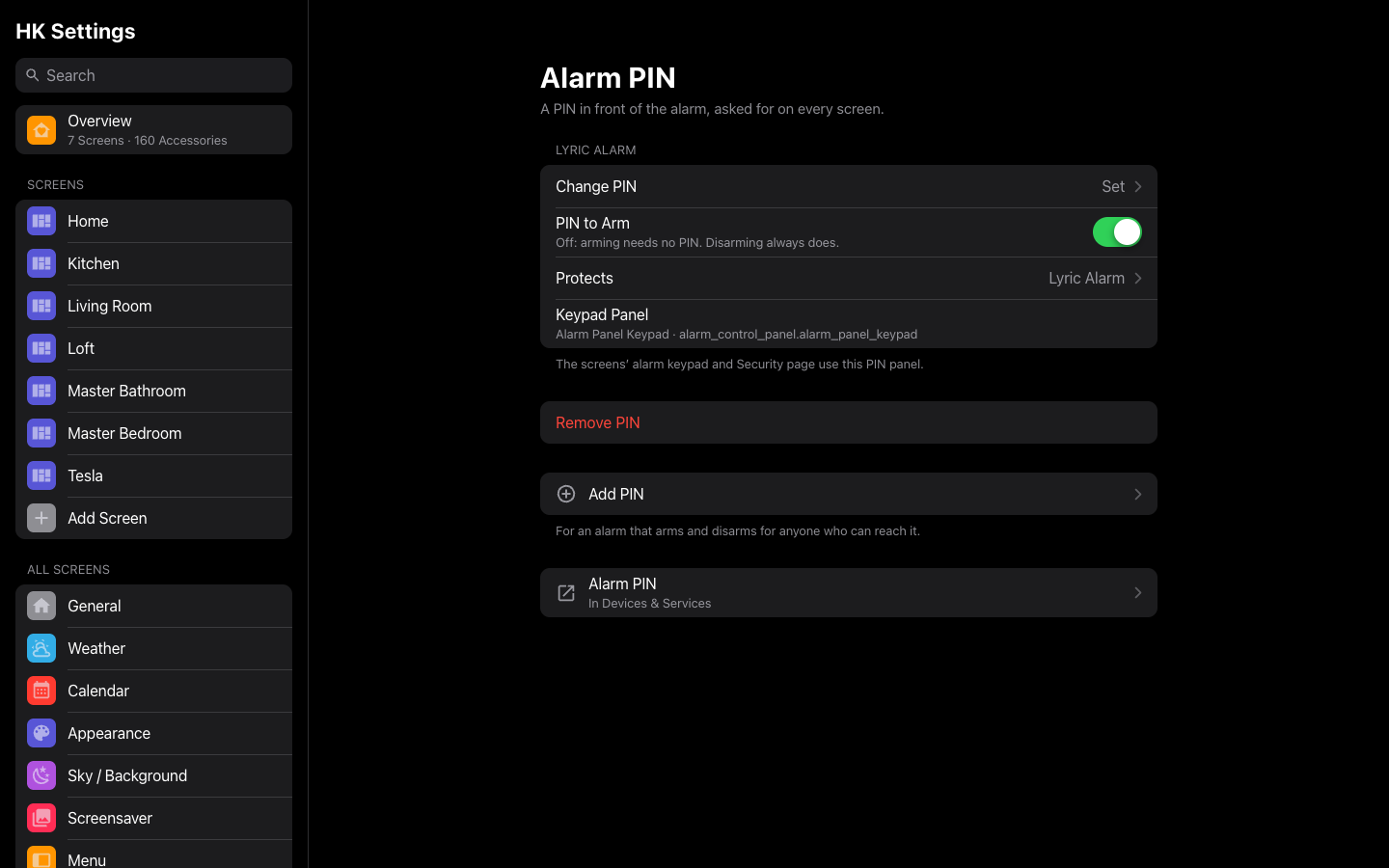 |
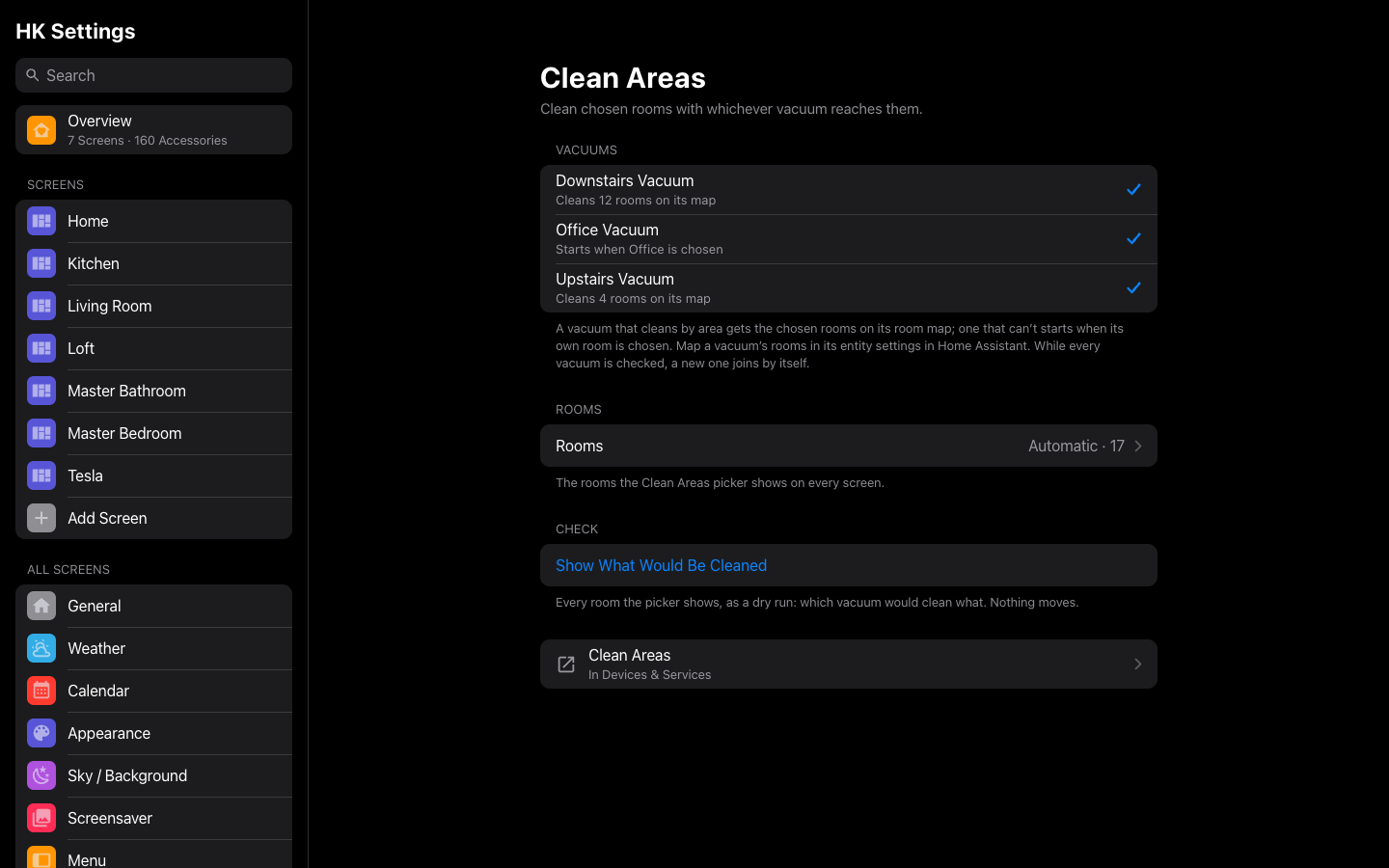
| Clean Areas | Alarm PIN |
 |
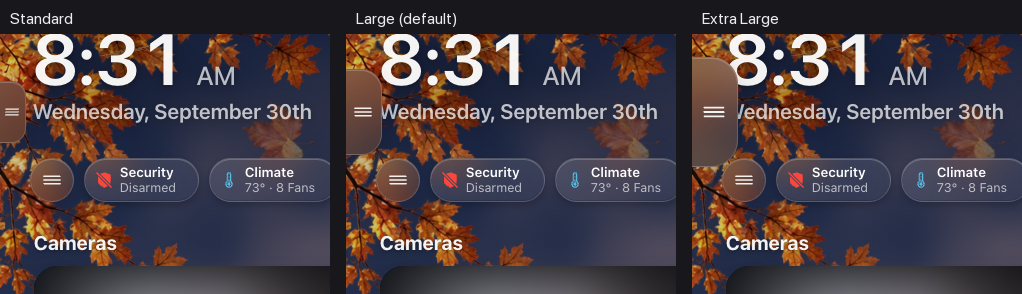 |
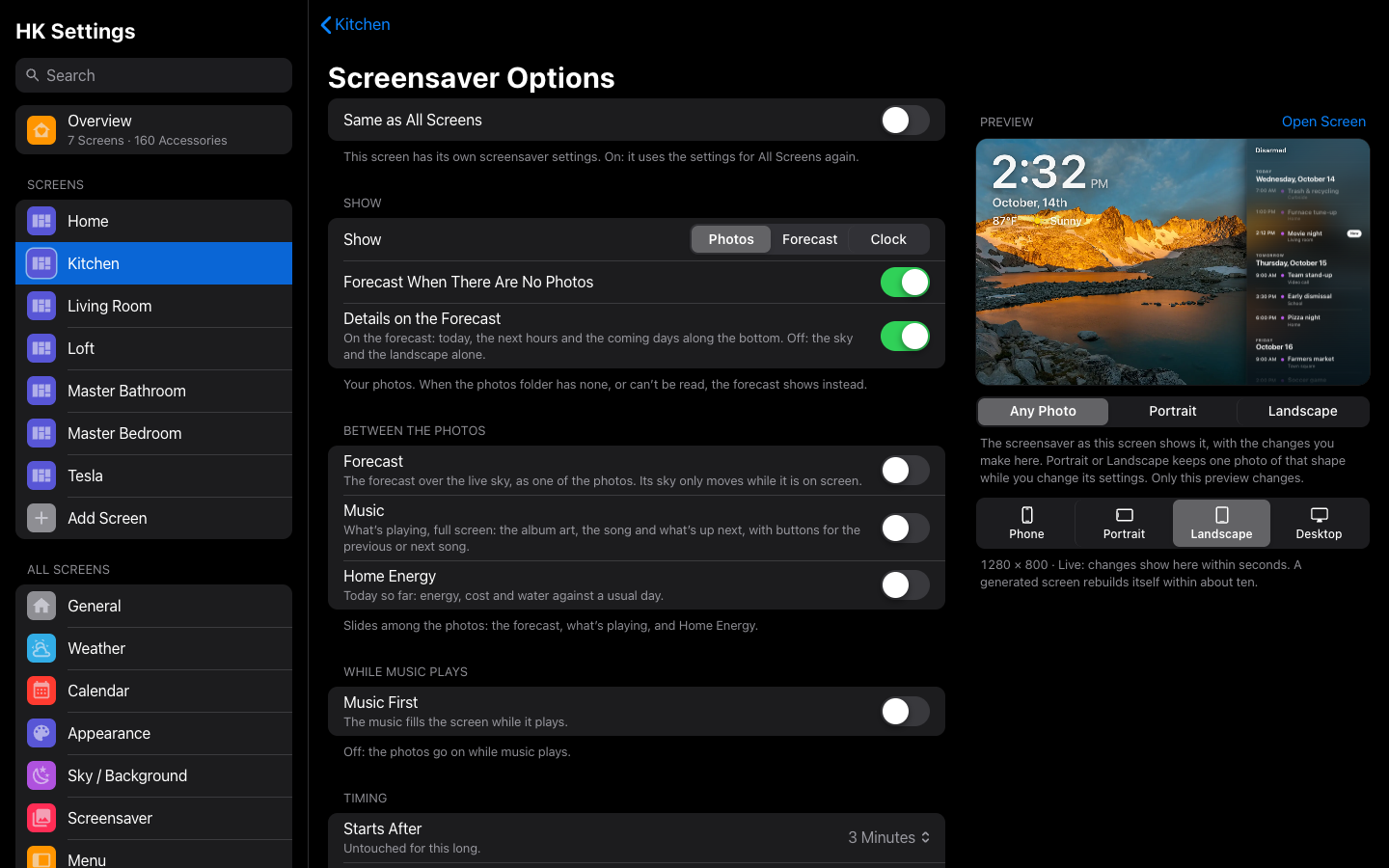
| Screensaver Options | Menu Tab Size |
 |
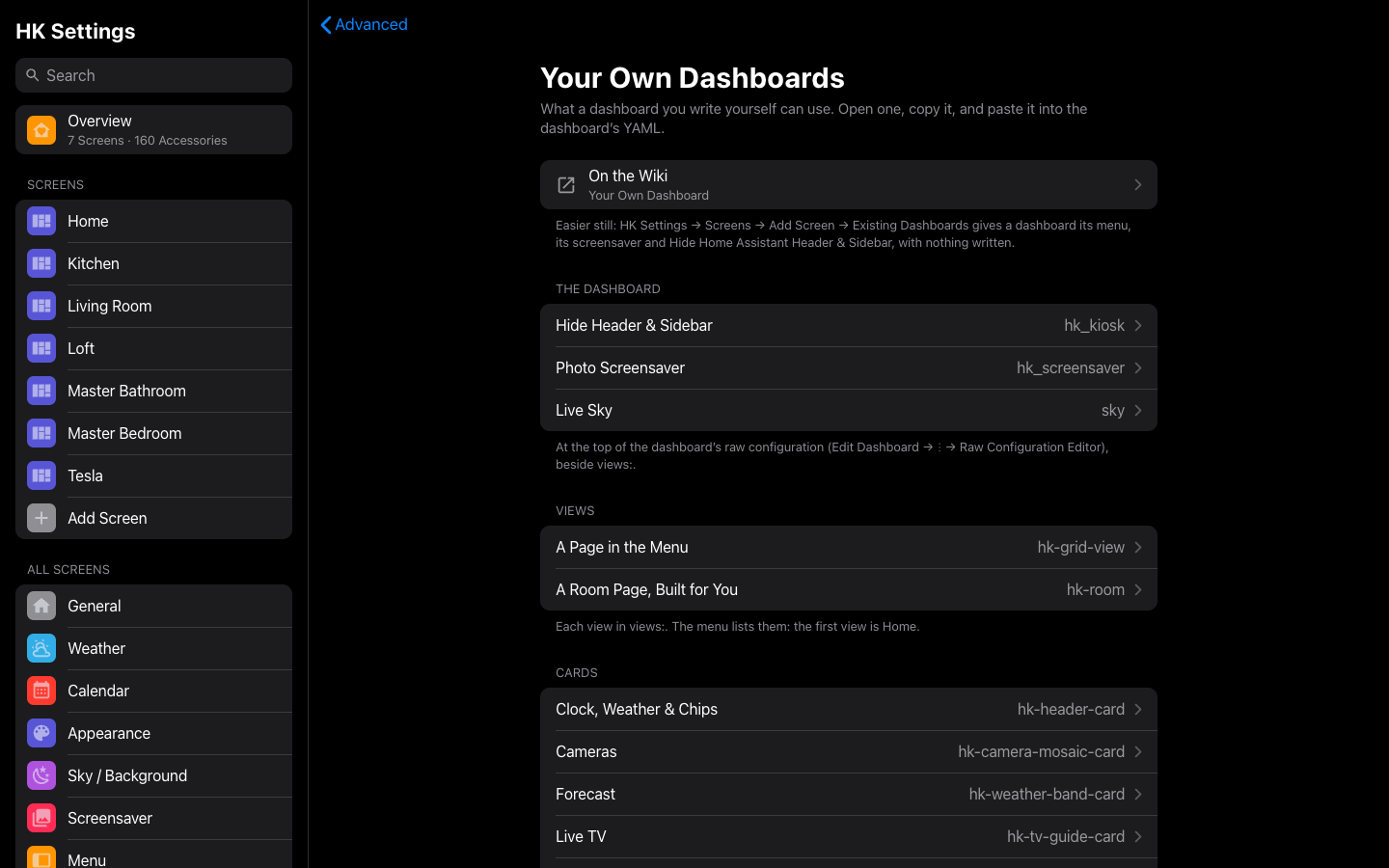 |
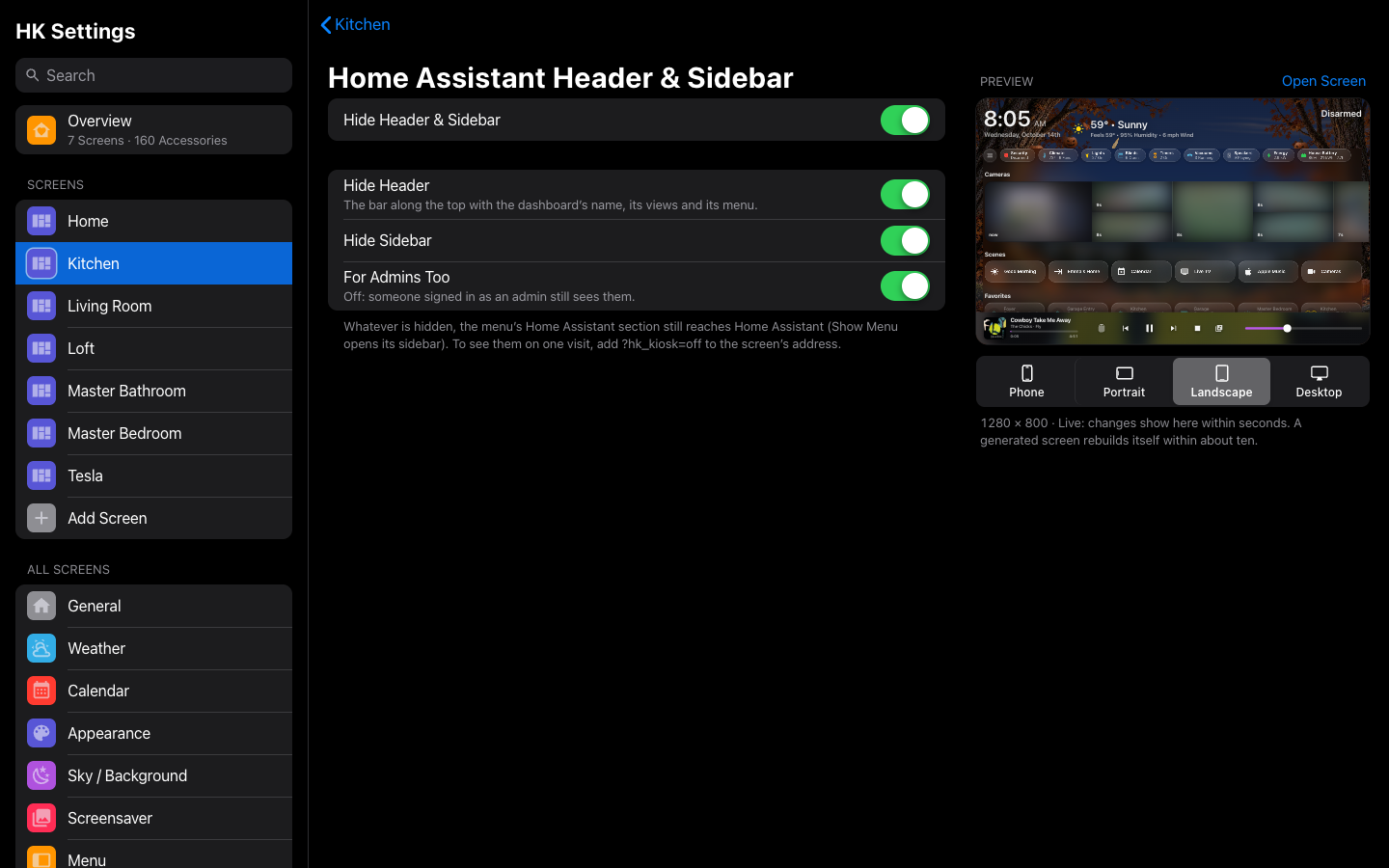
| Home Assistant Header & Sidebar | Your Own Dashboards |
 |
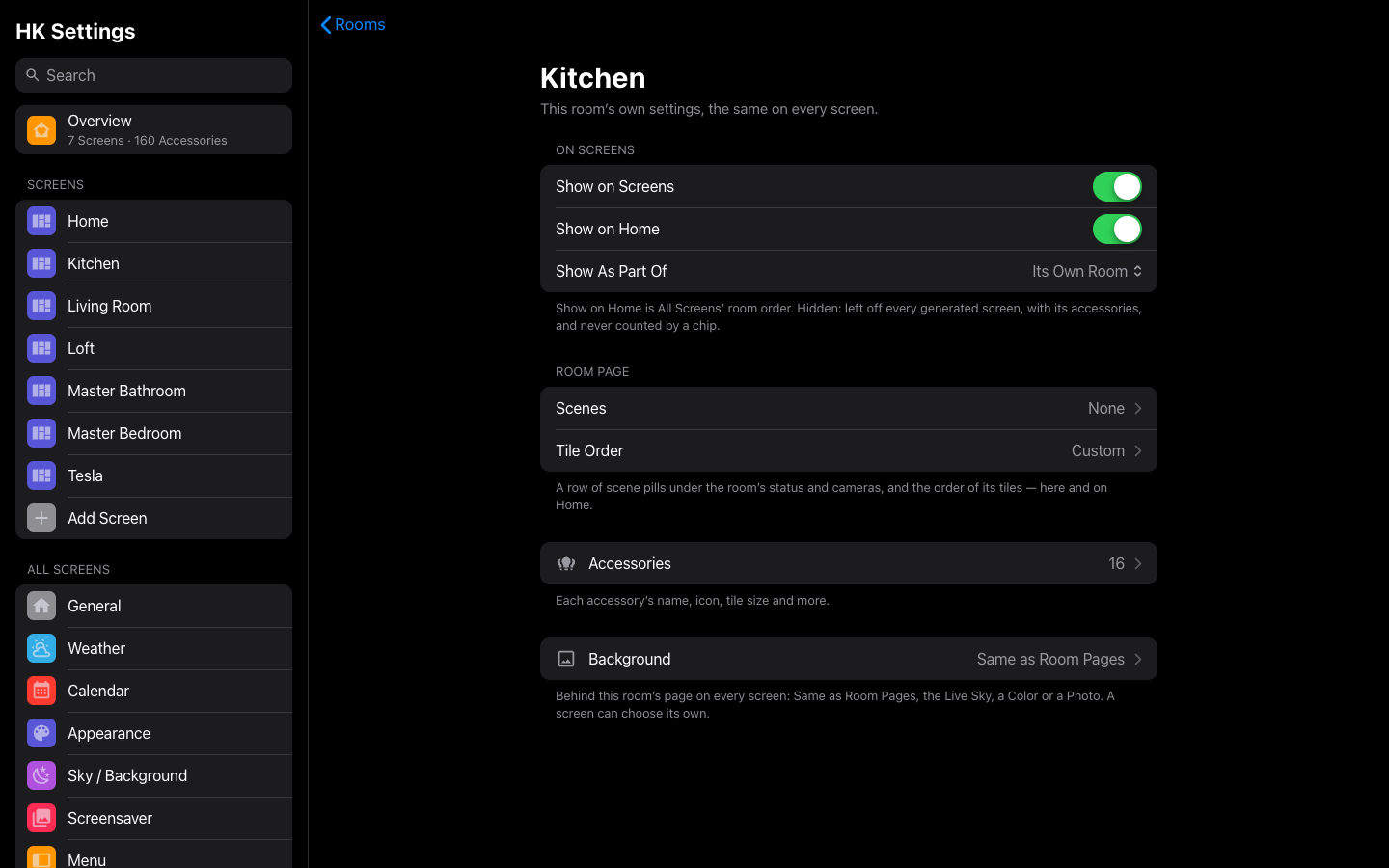 |
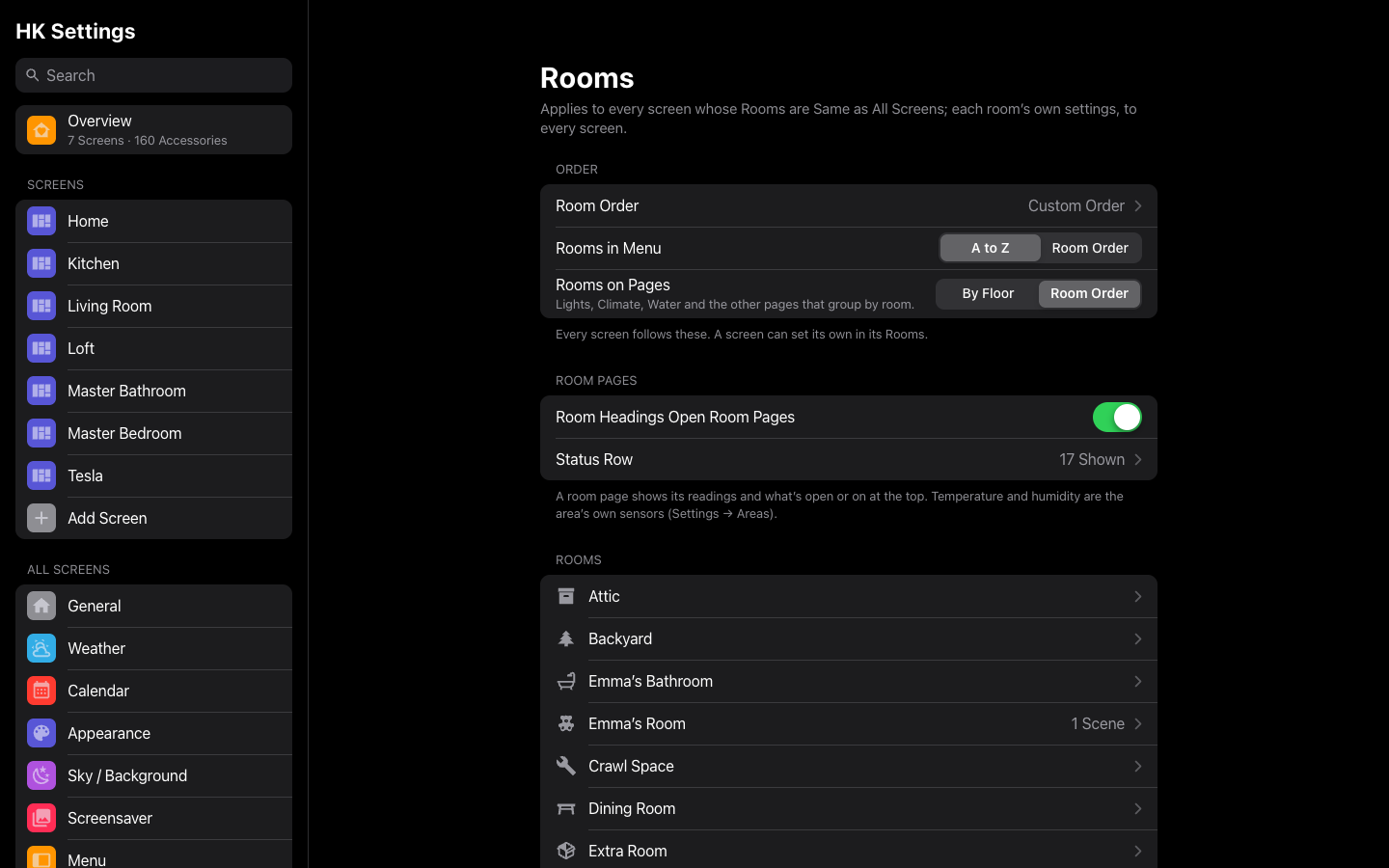
| Rooms | A room |
 |
|
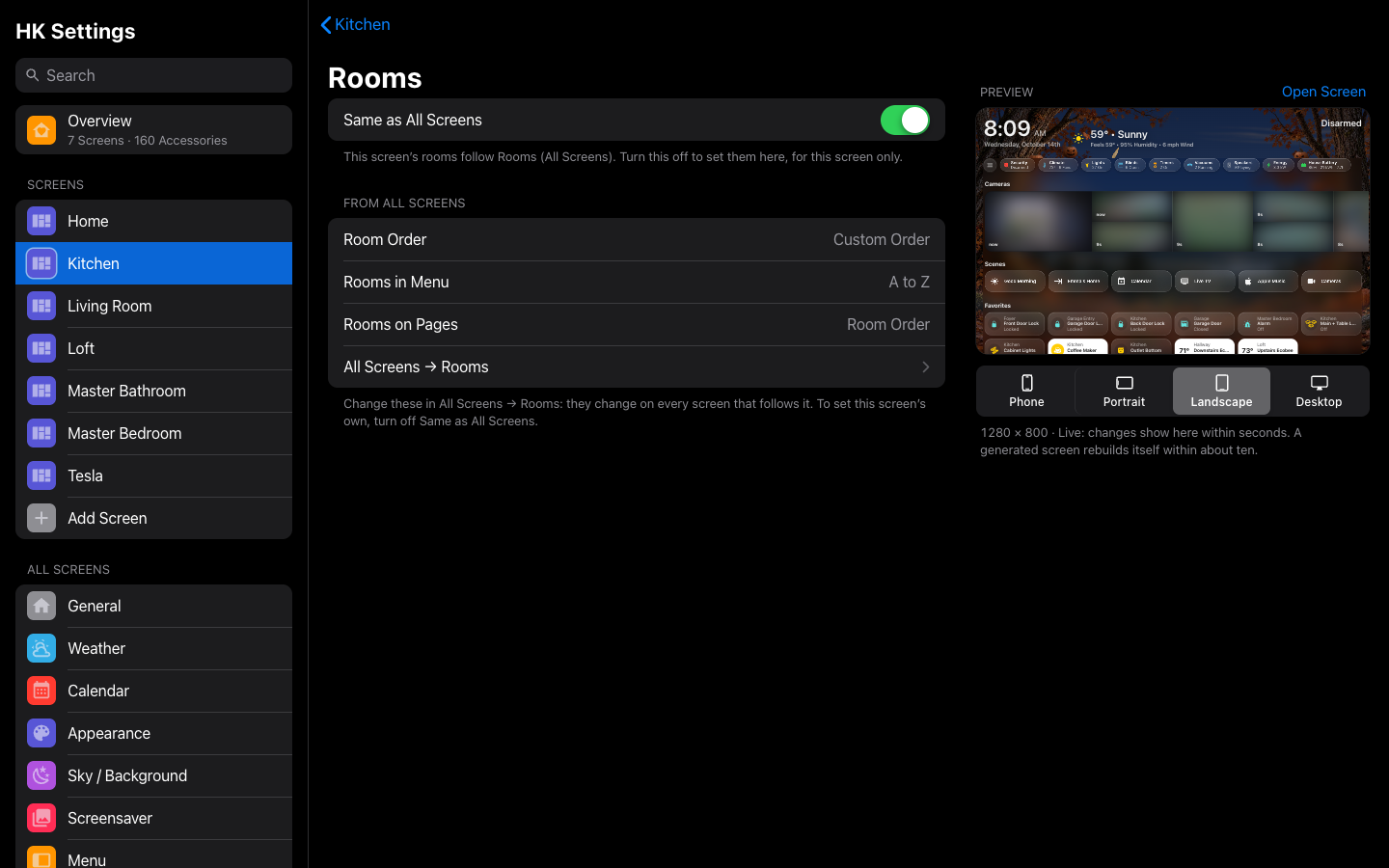
| A screen’s Rooms | Arrange |
 |
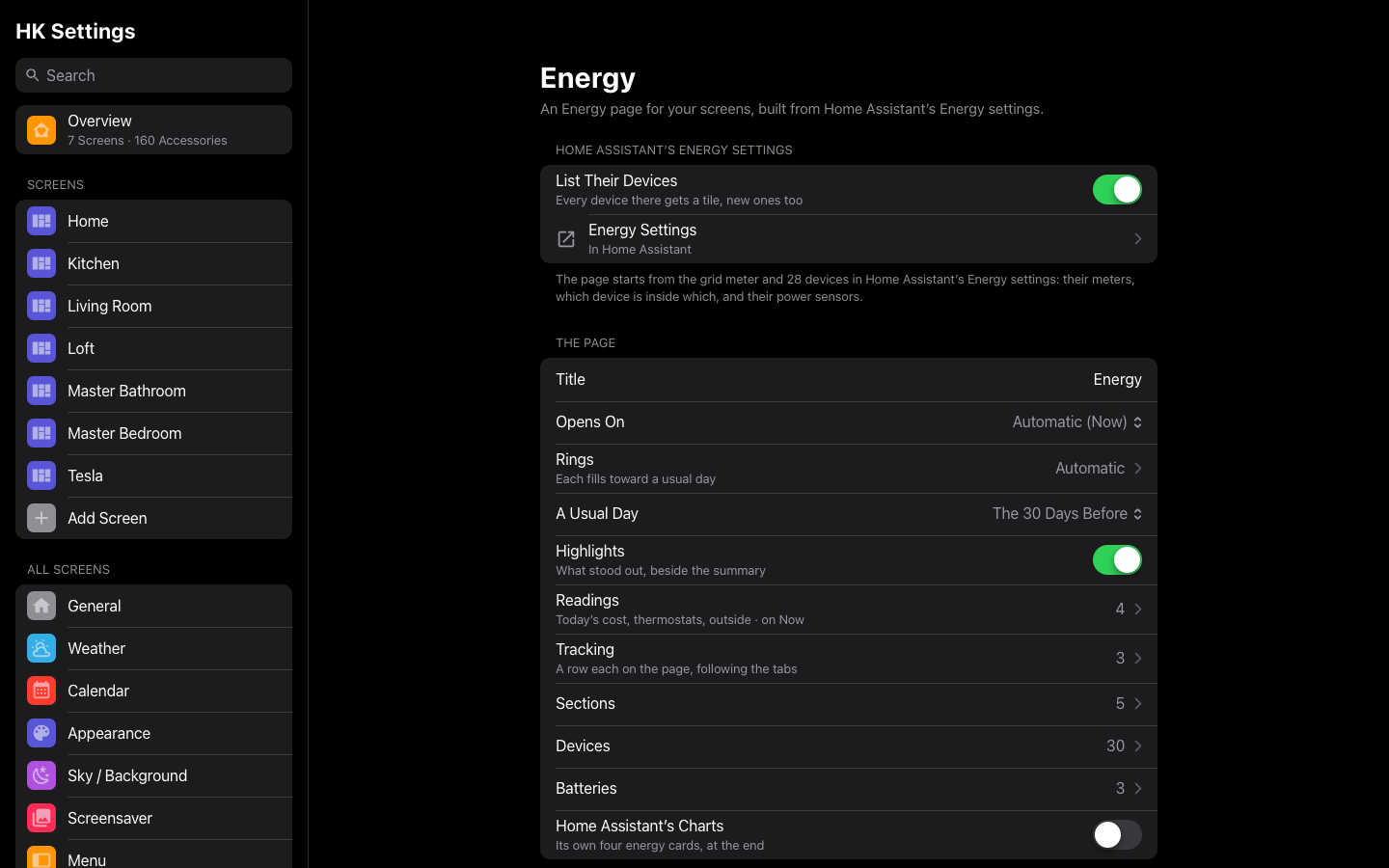 |
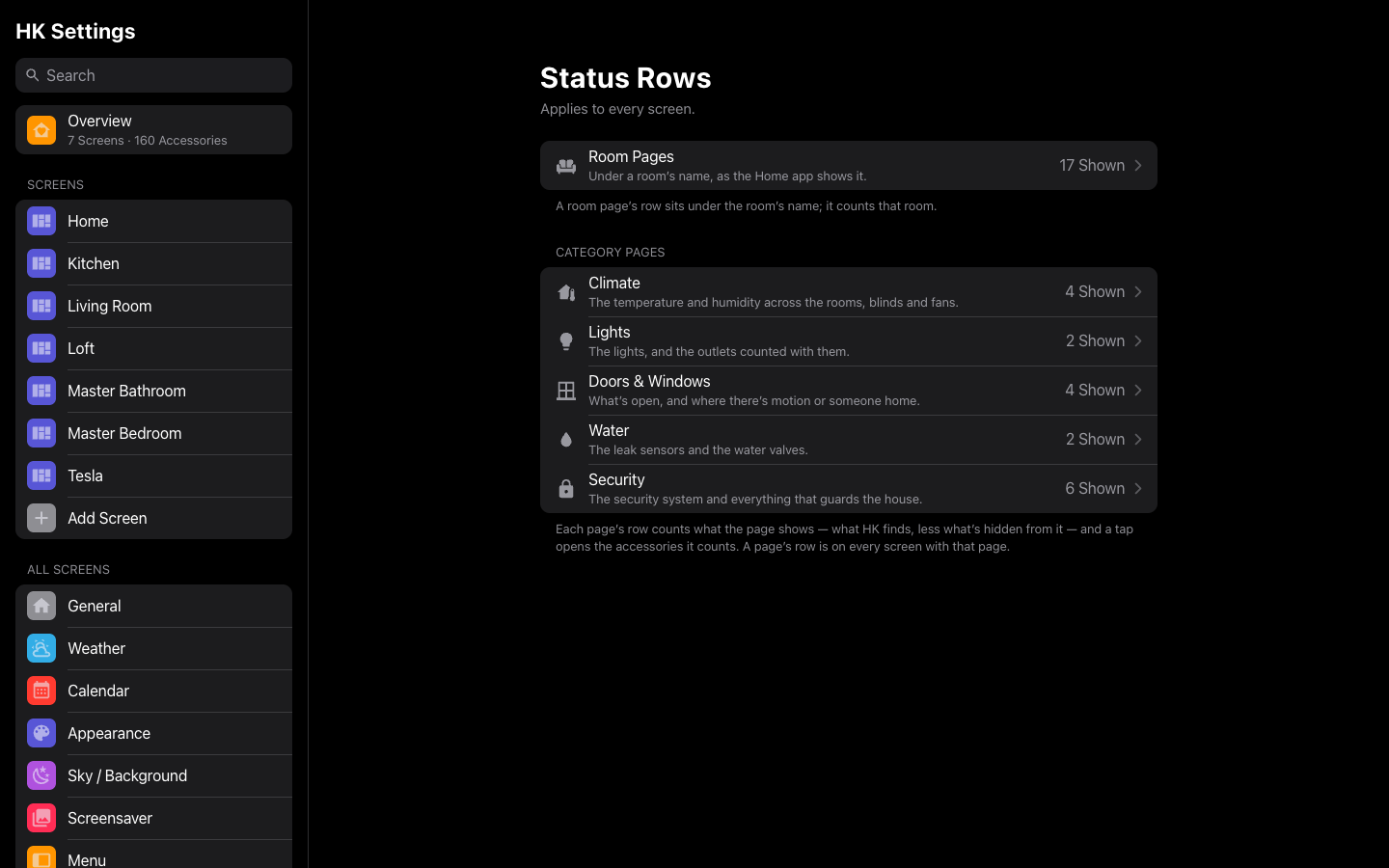
| Status Rows | Energy |
 |
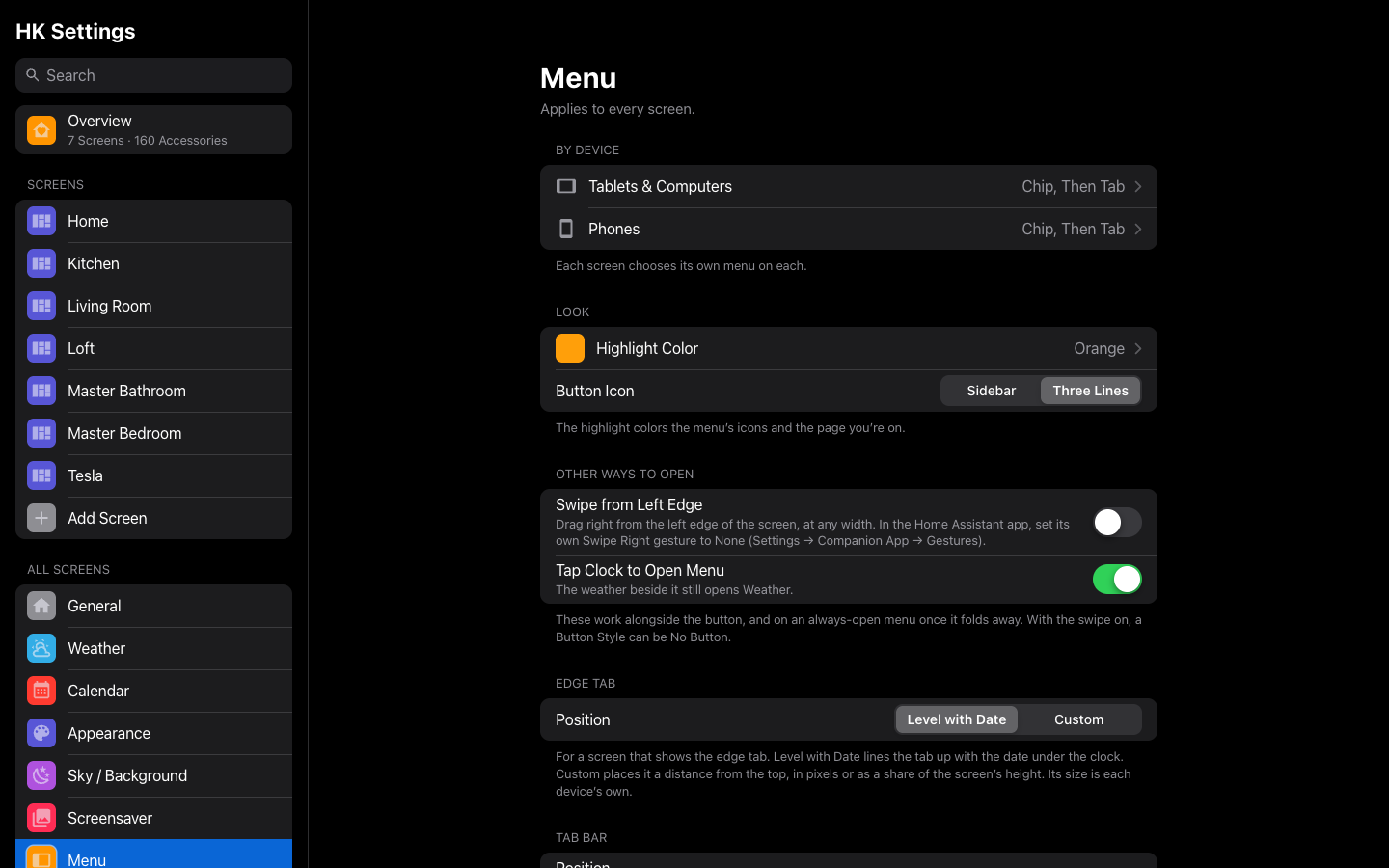 |
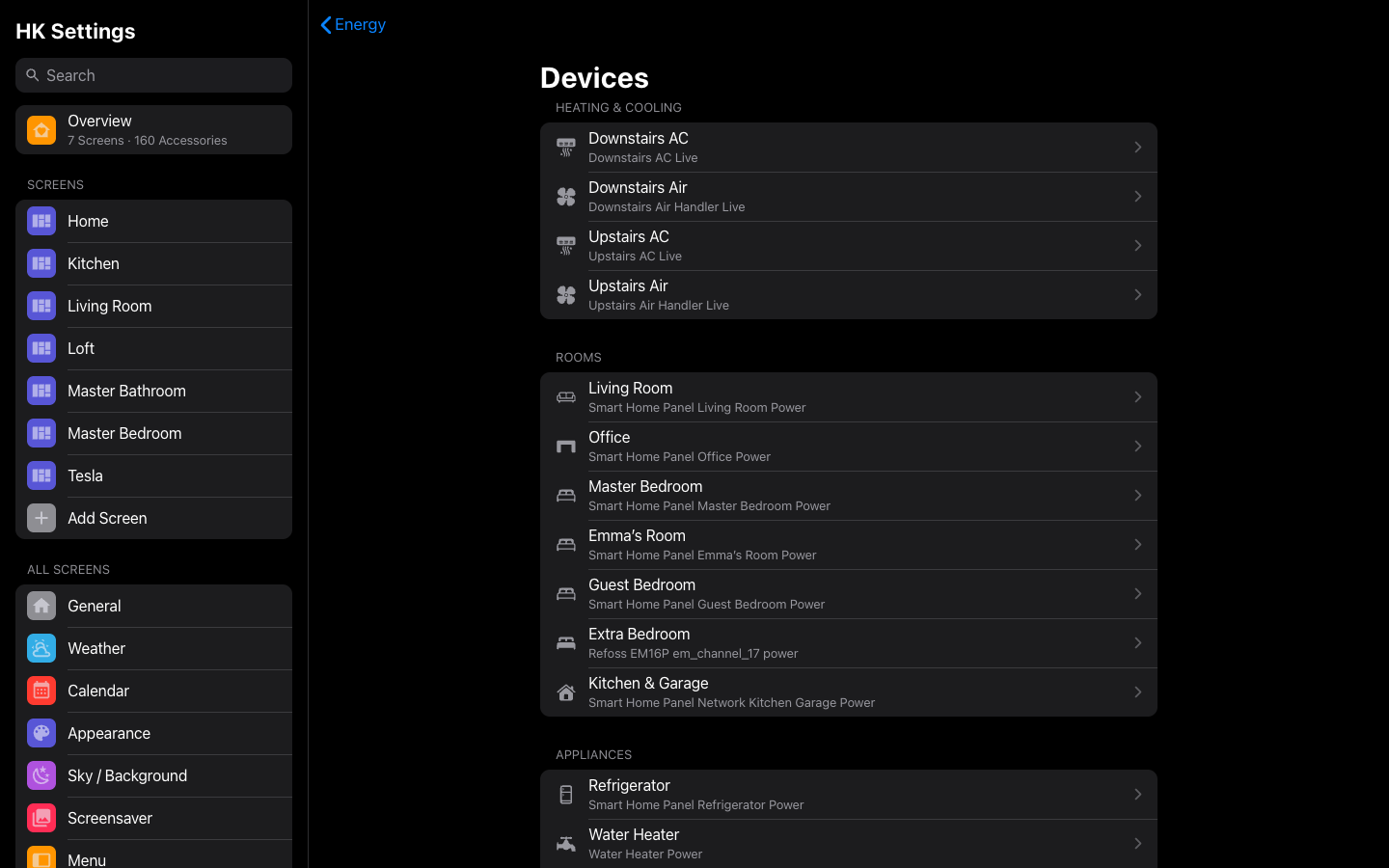
| Energy’s devices | The menu |
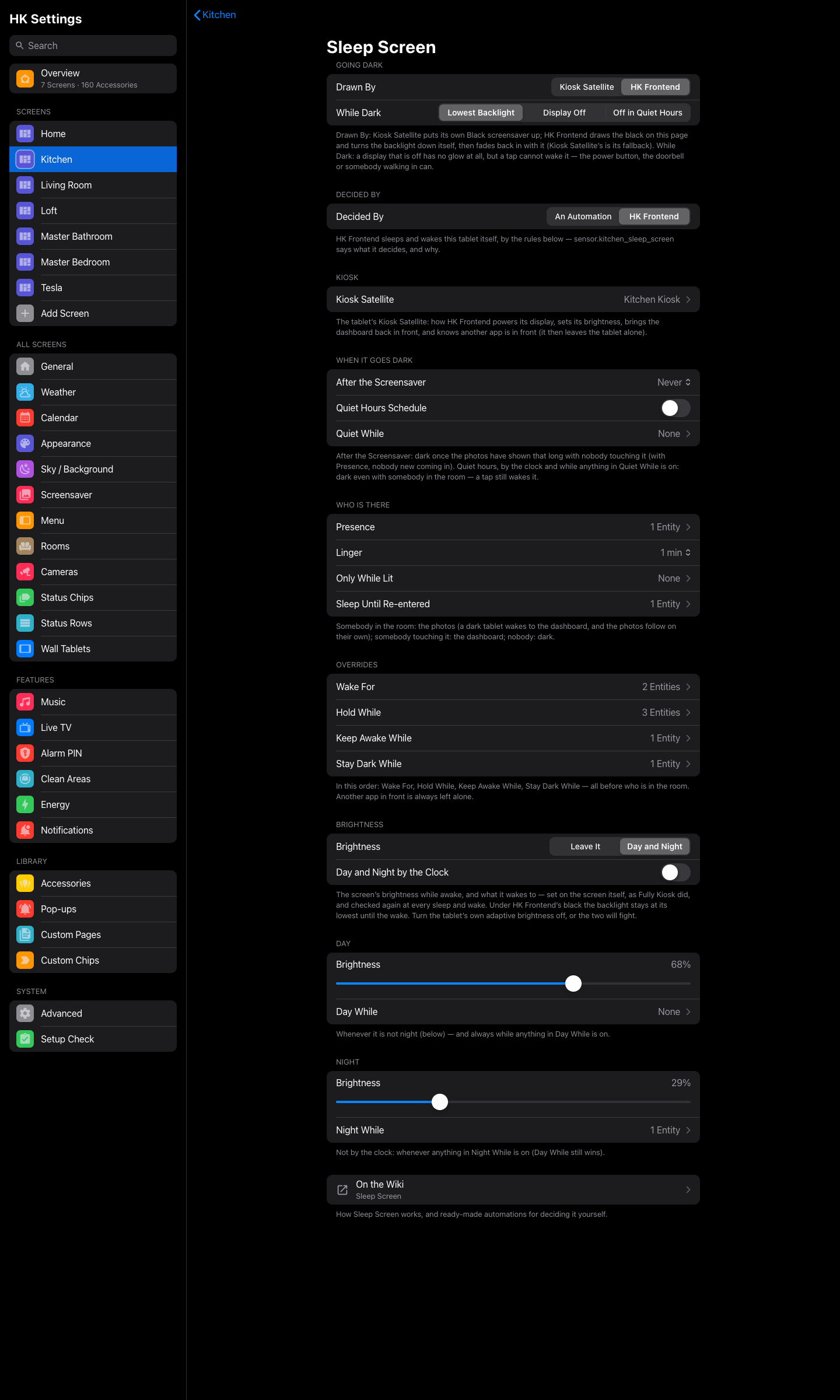 |
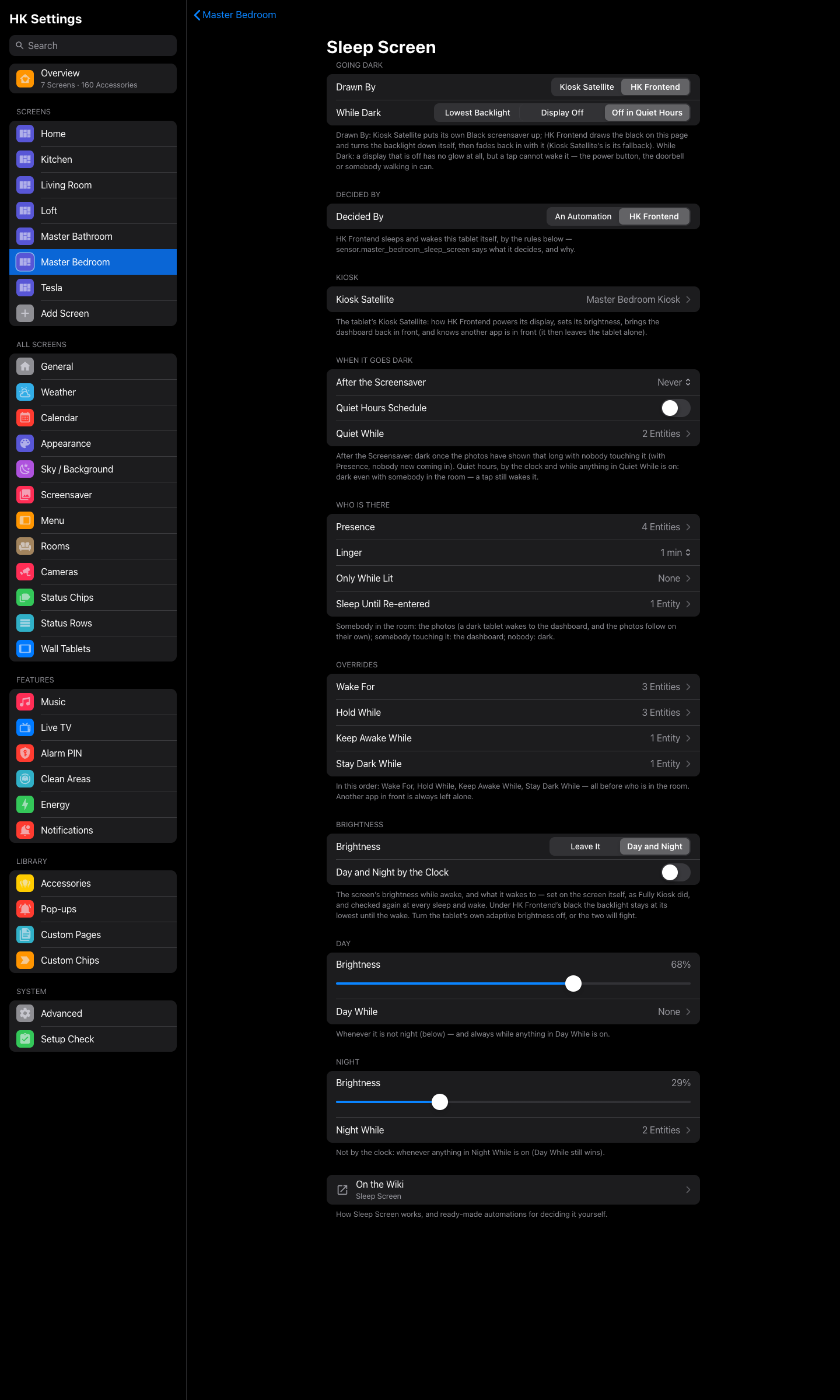 |
| Sleep Screen | A bedroom’s Sleep Screen |
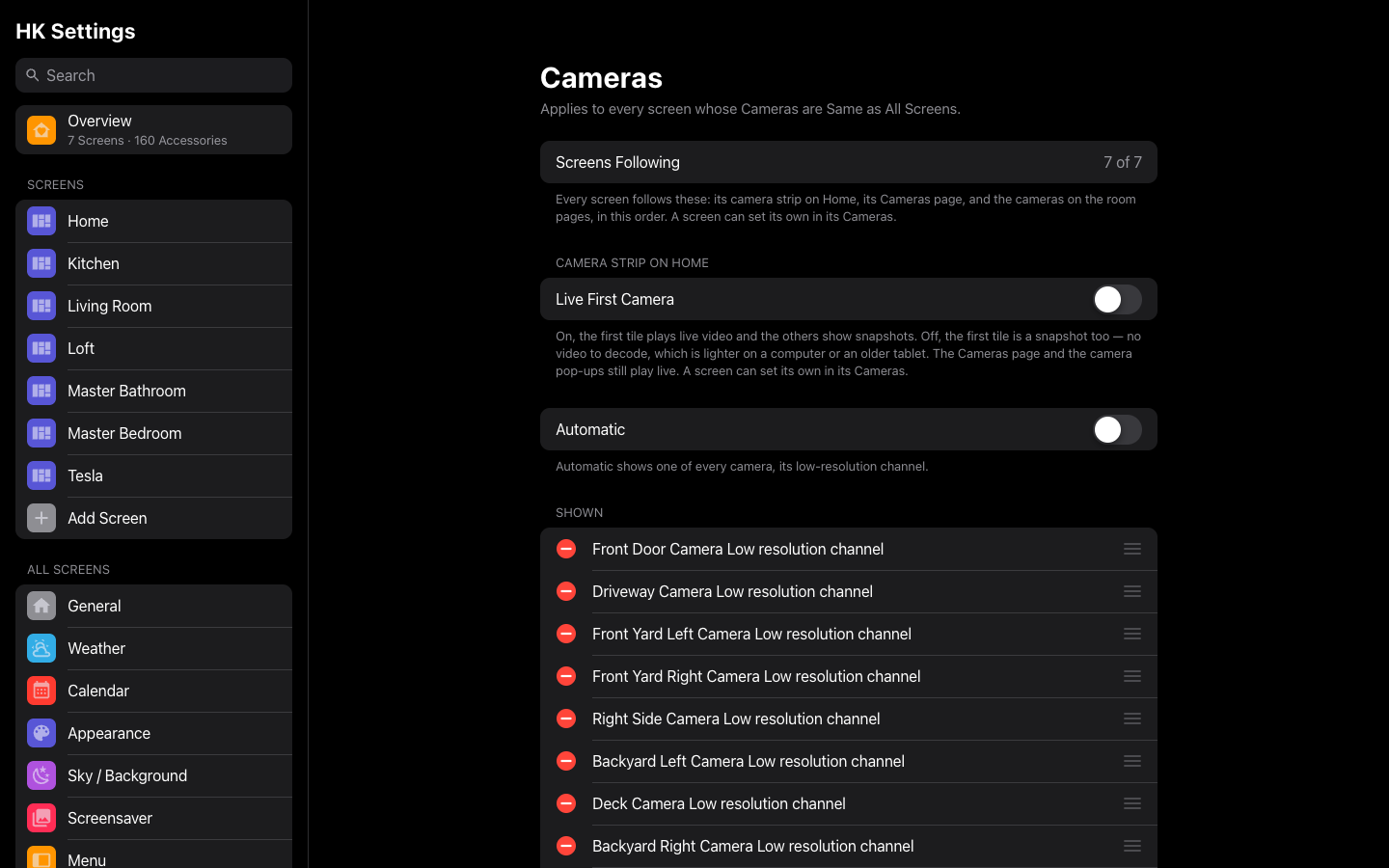 |
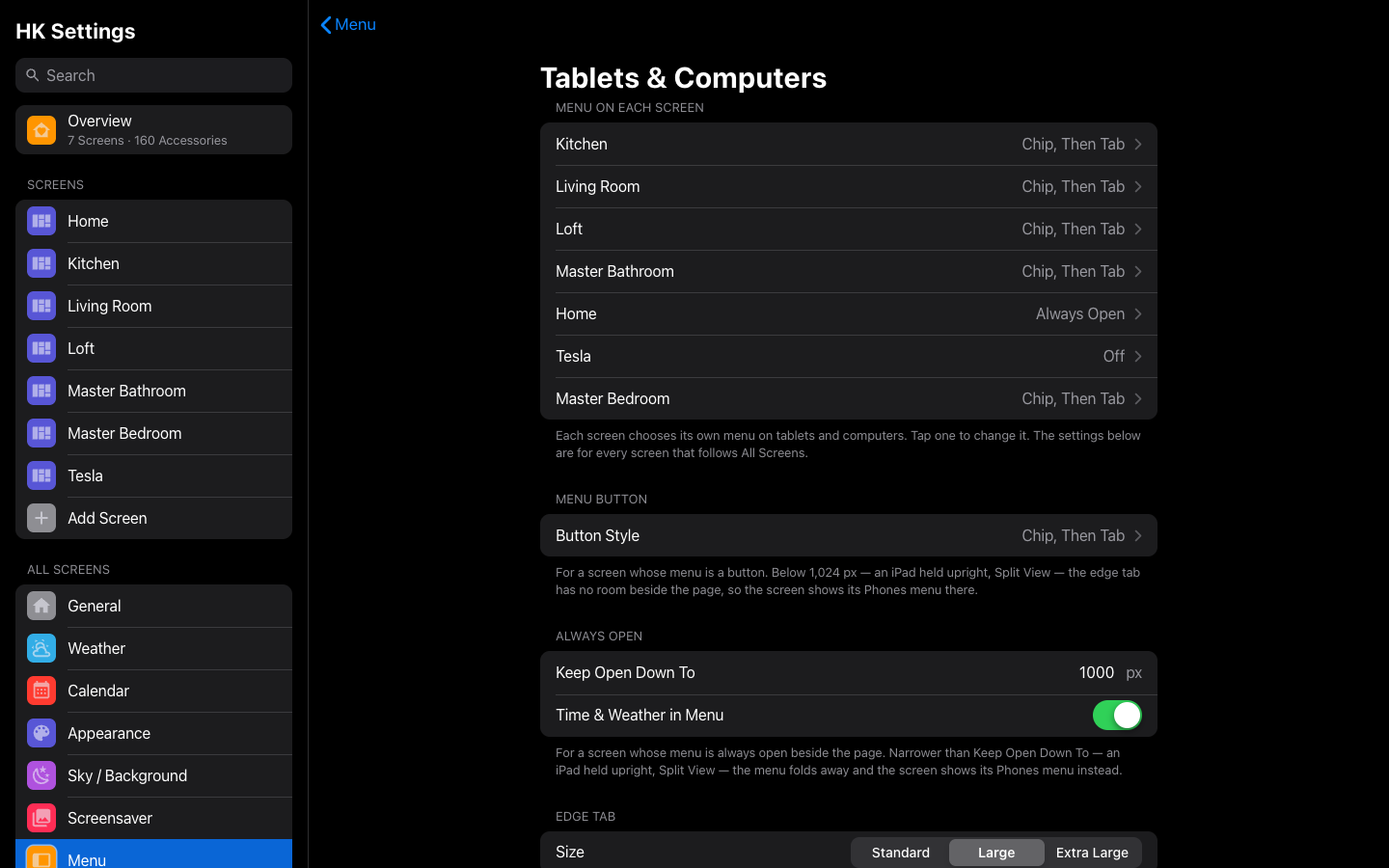 |
| Cameras, for all screens | The menu by device |
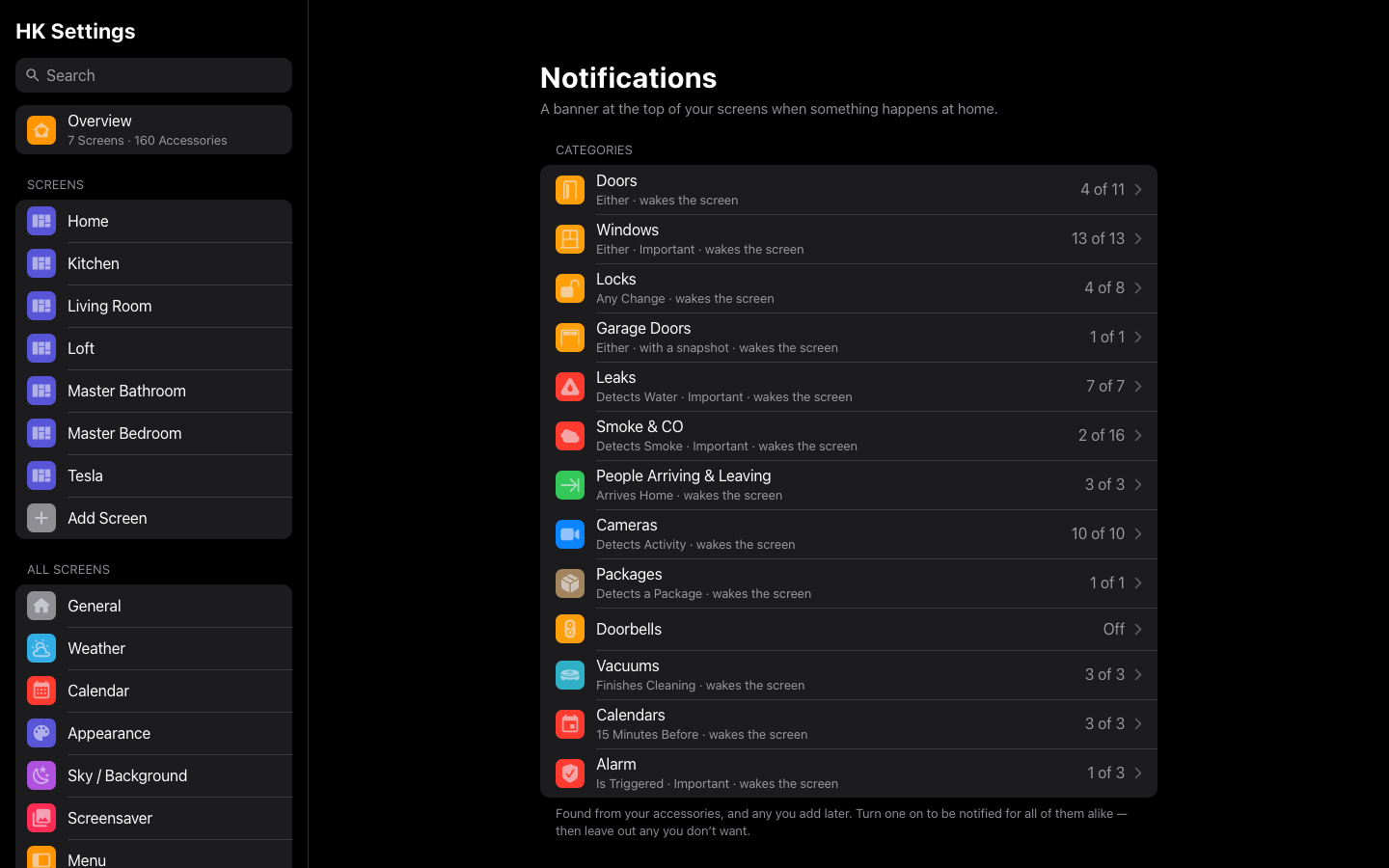 |
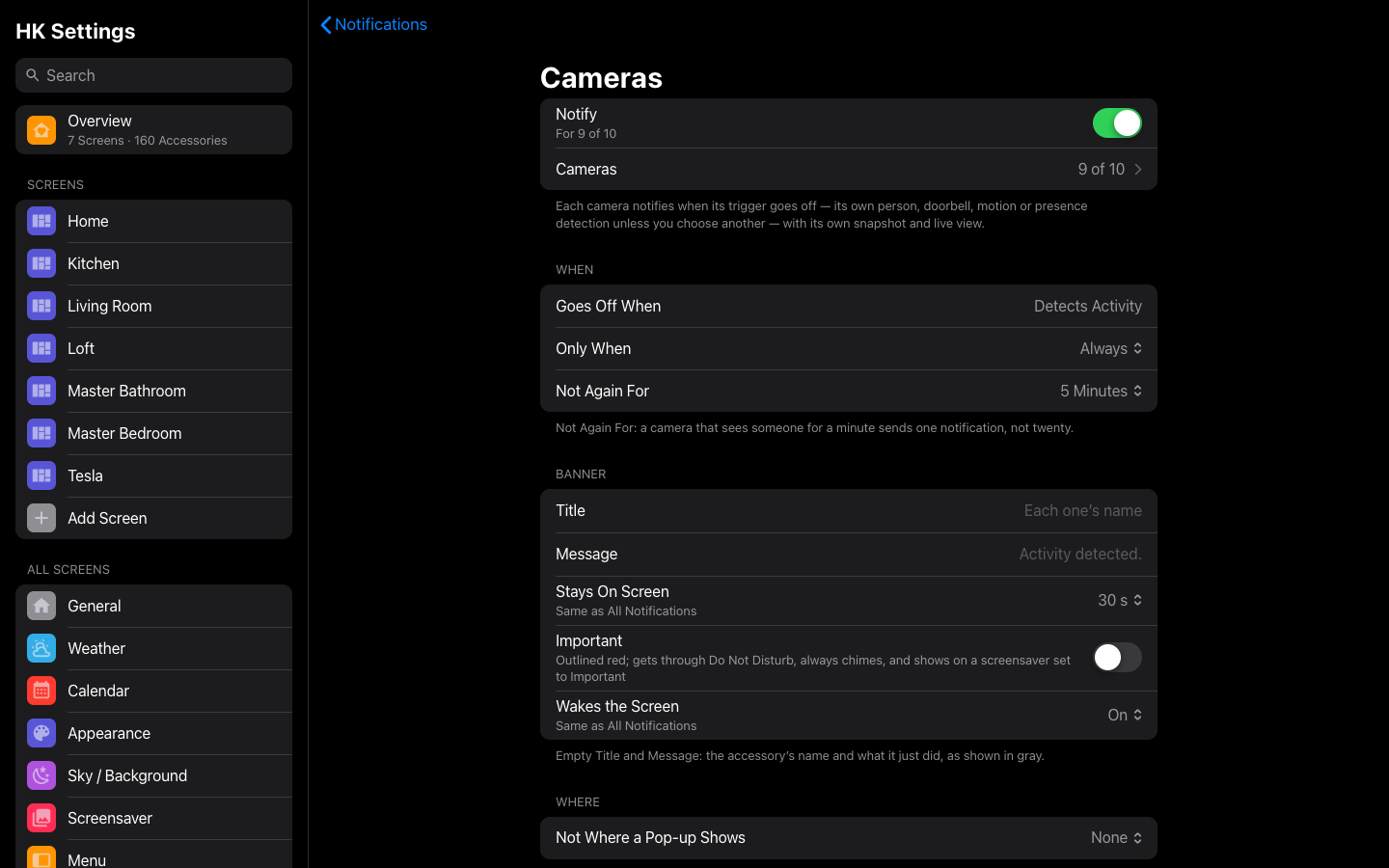 |
| Notifications | A category |
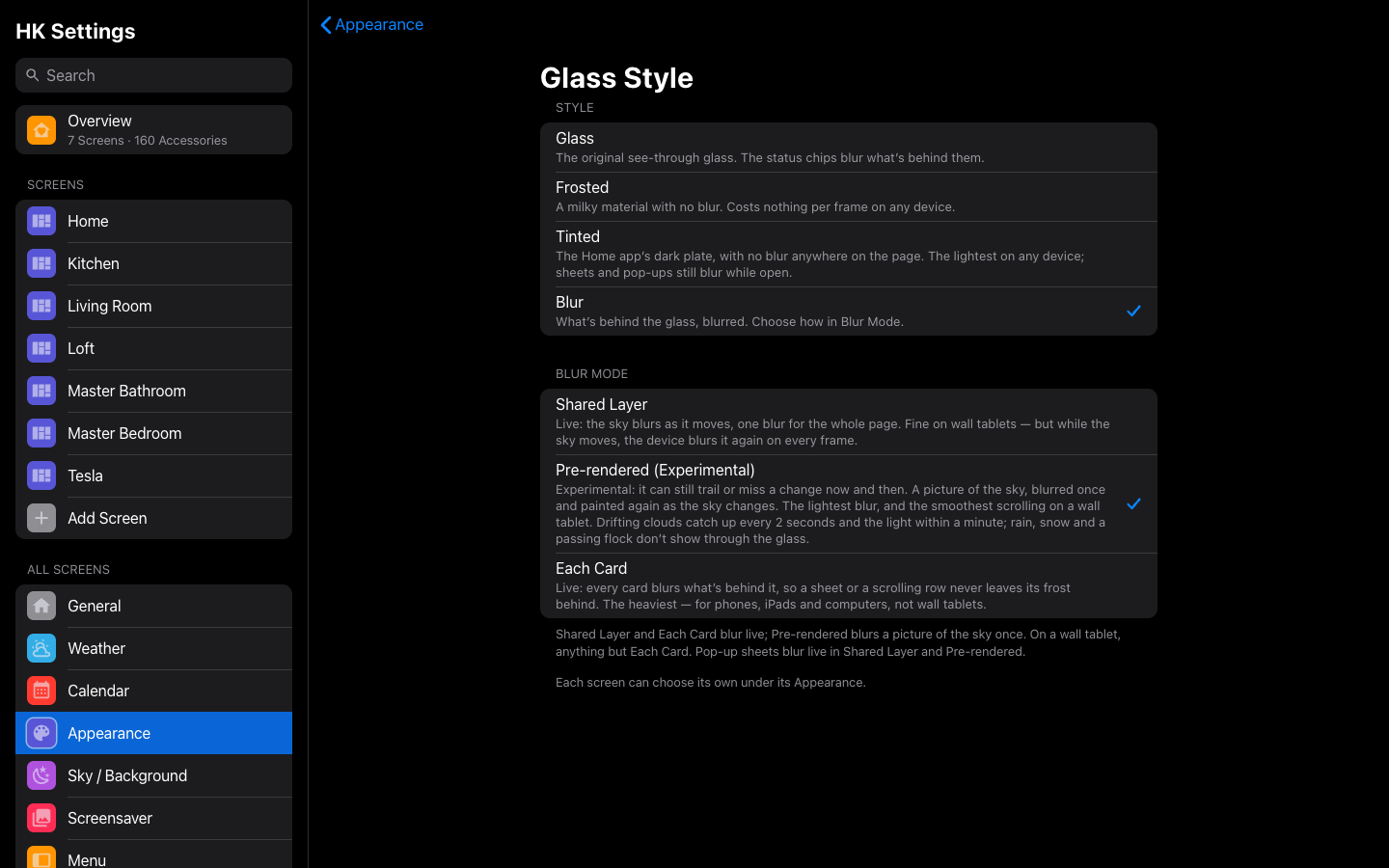 |
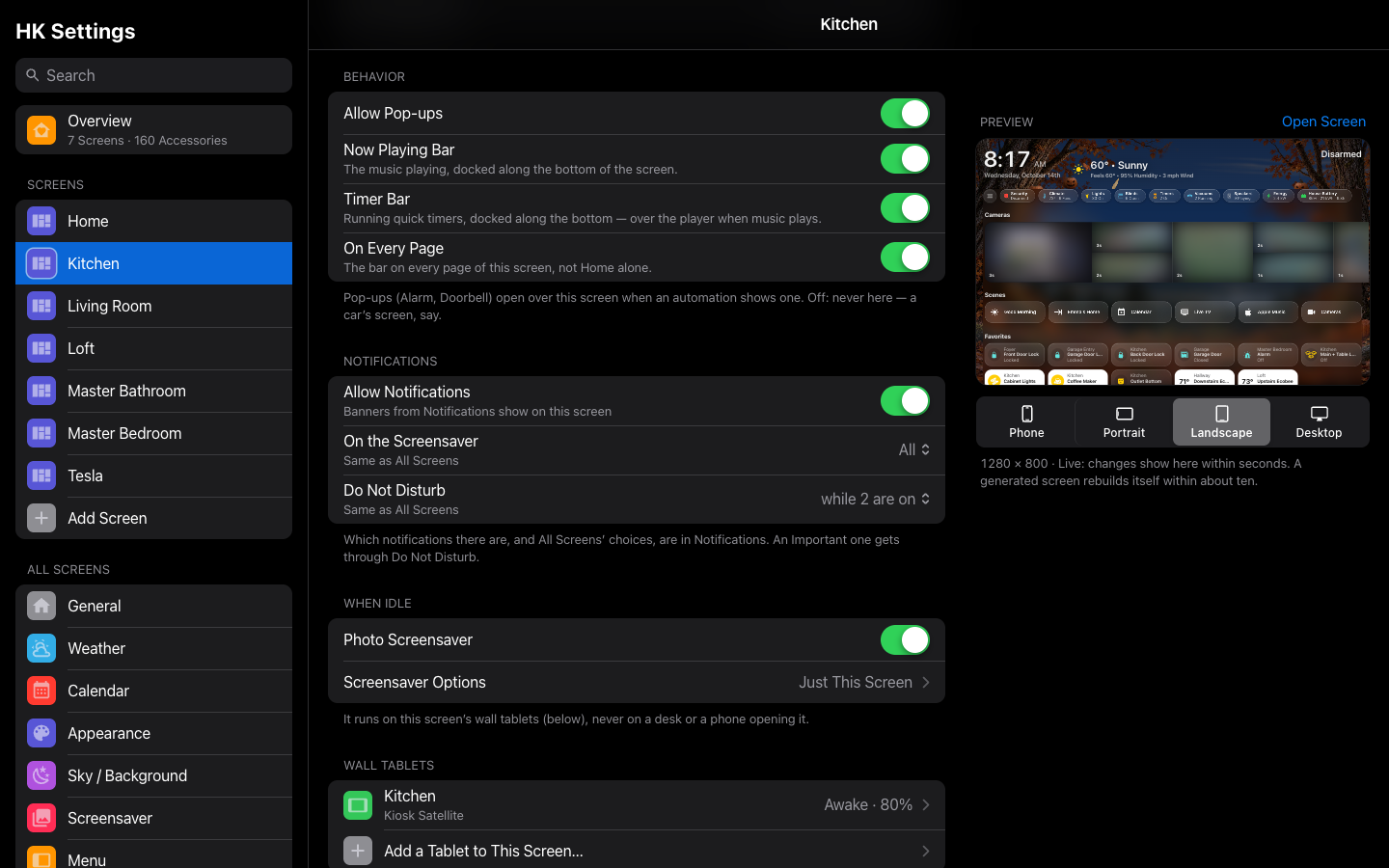 |
| Glass Style | A screen’s Behavior |
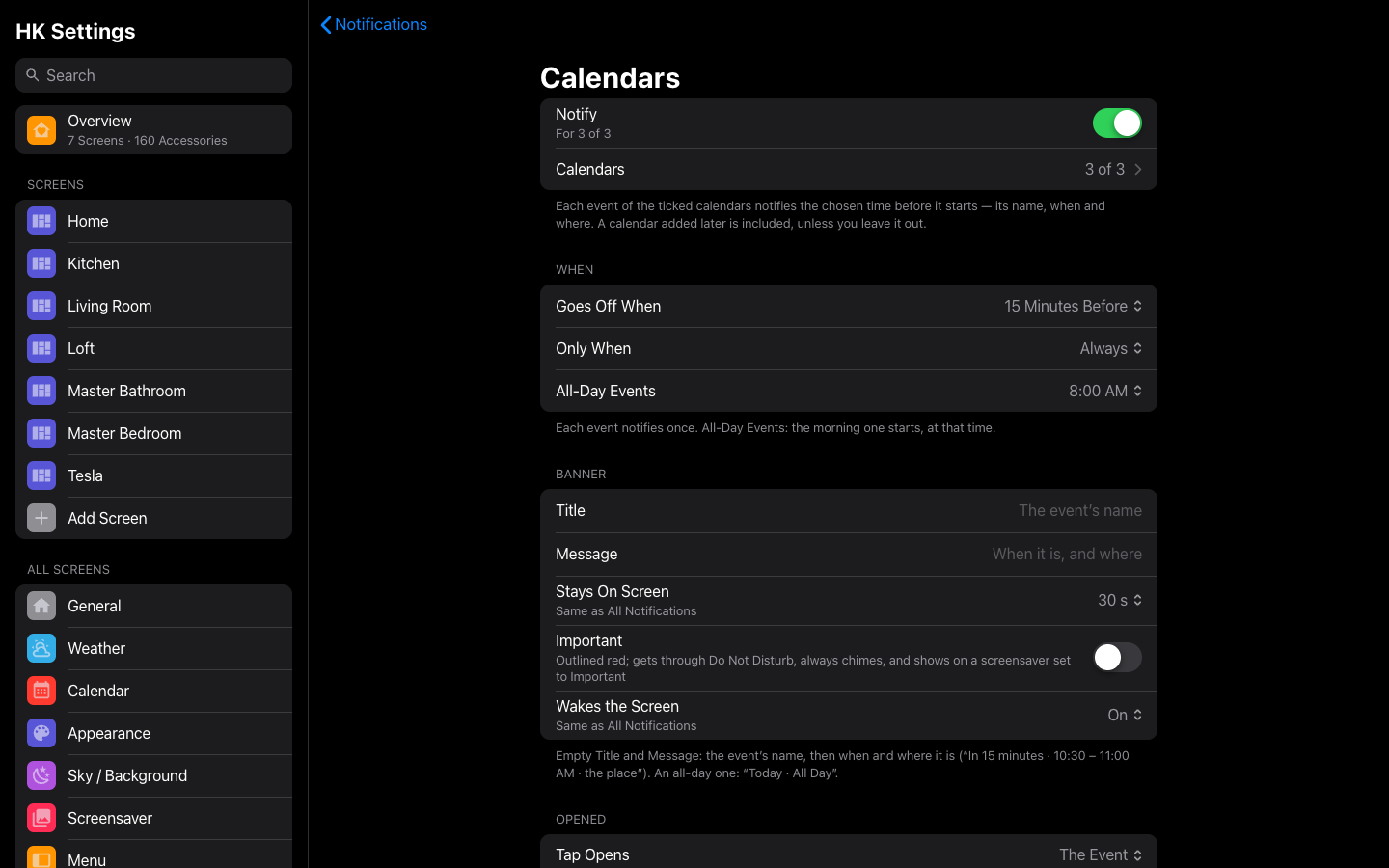 |
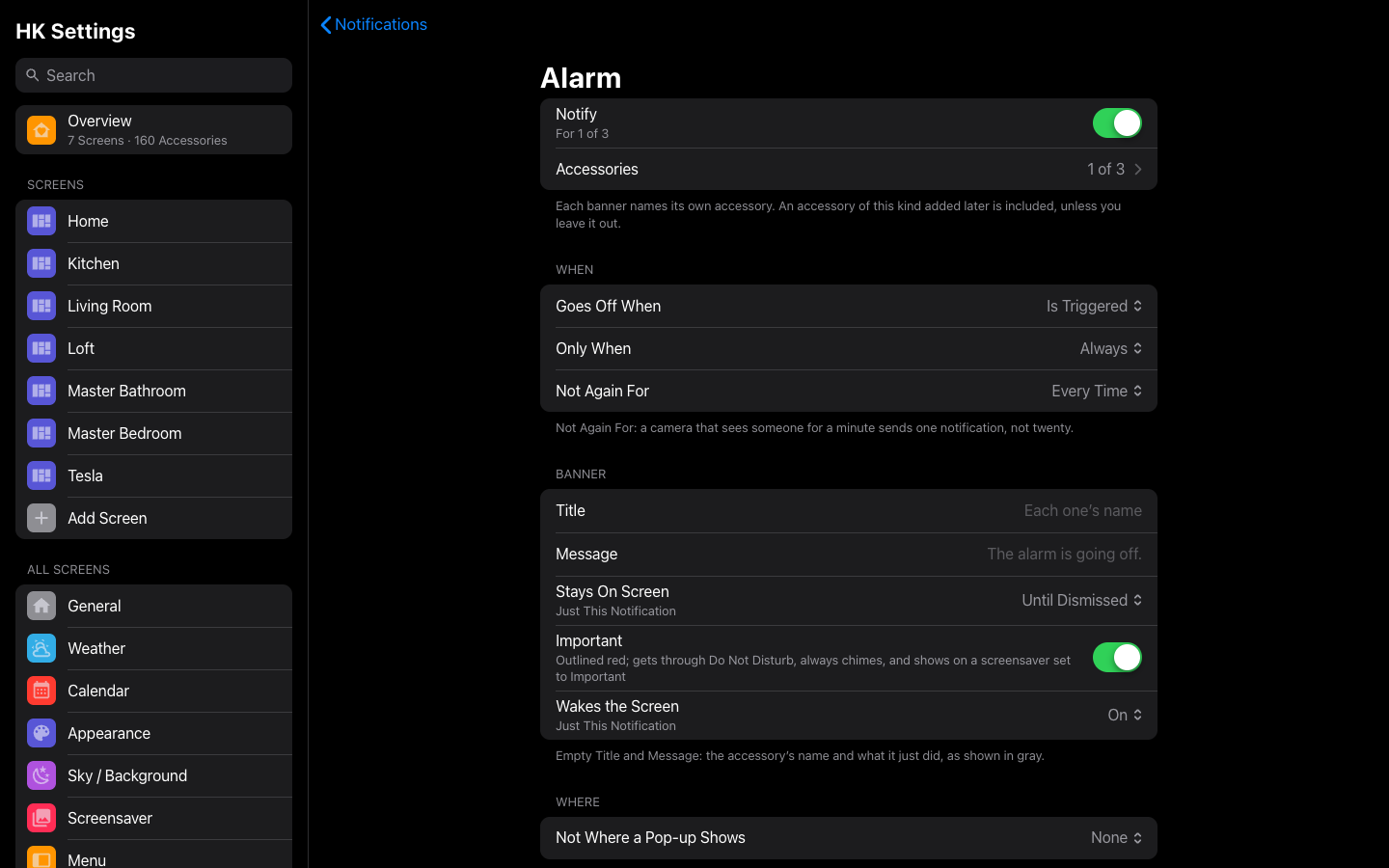 |
| Calendars notifications | Alarm notifications |
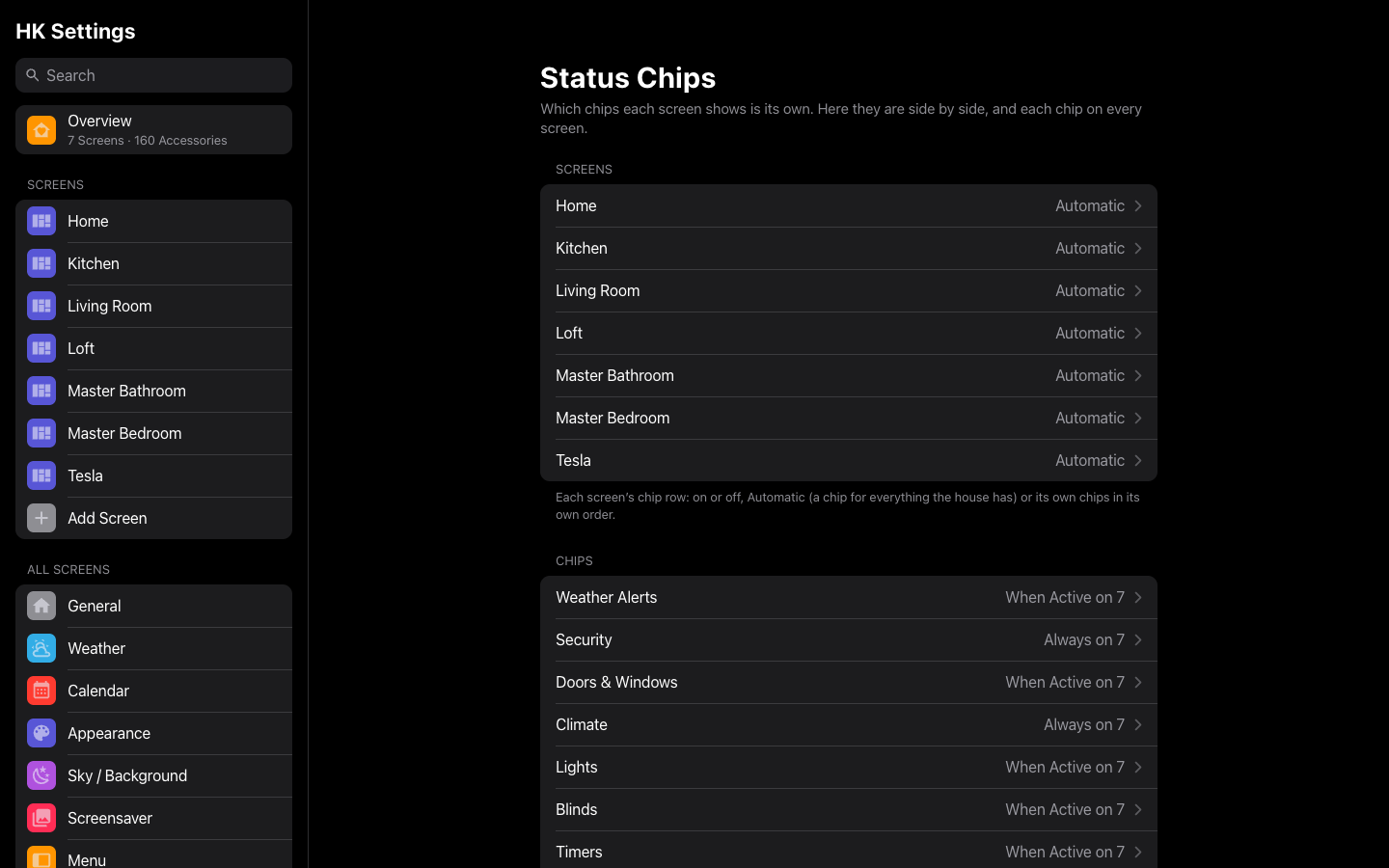 |
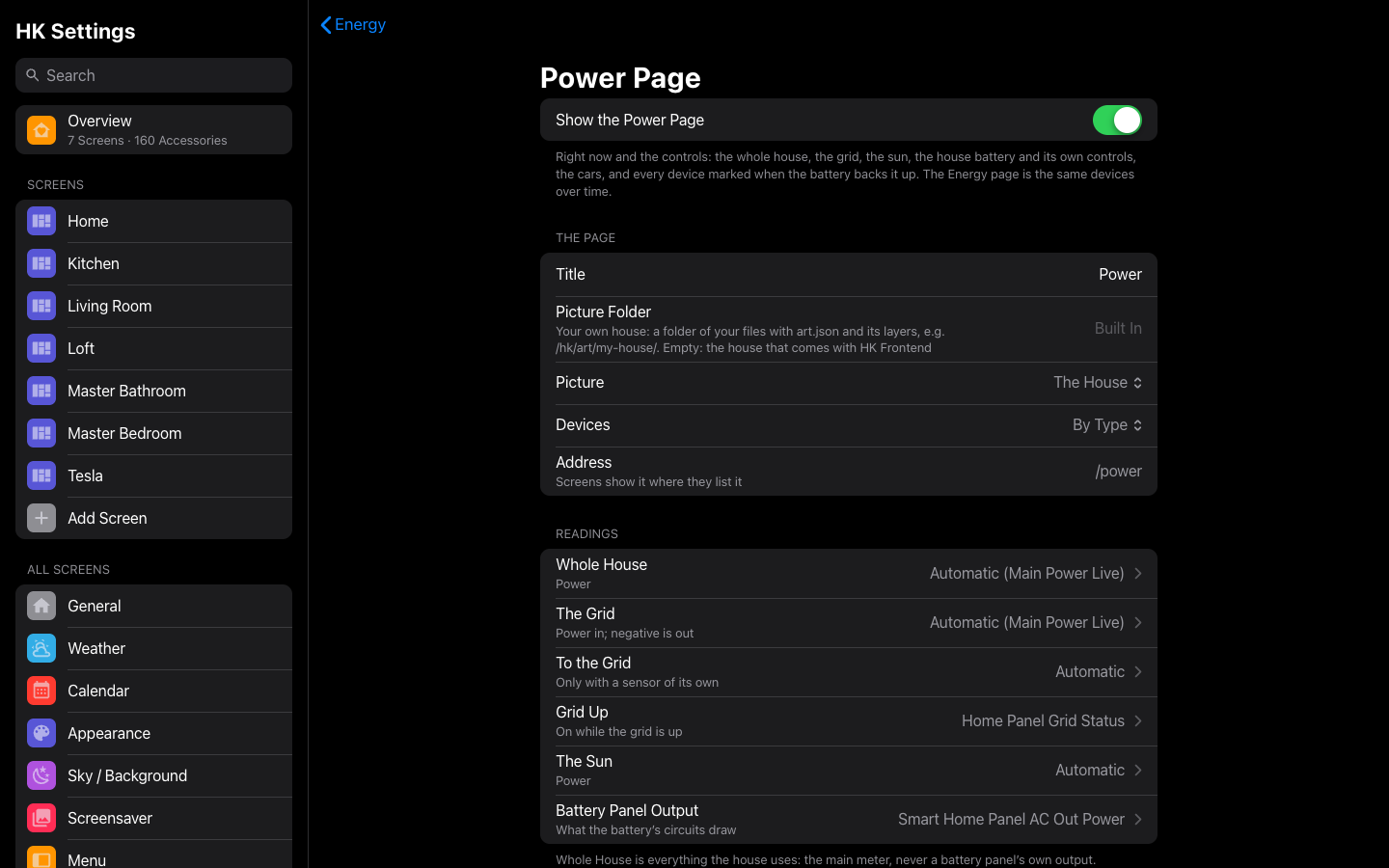 |
| Status Chips | Power Page |
 |
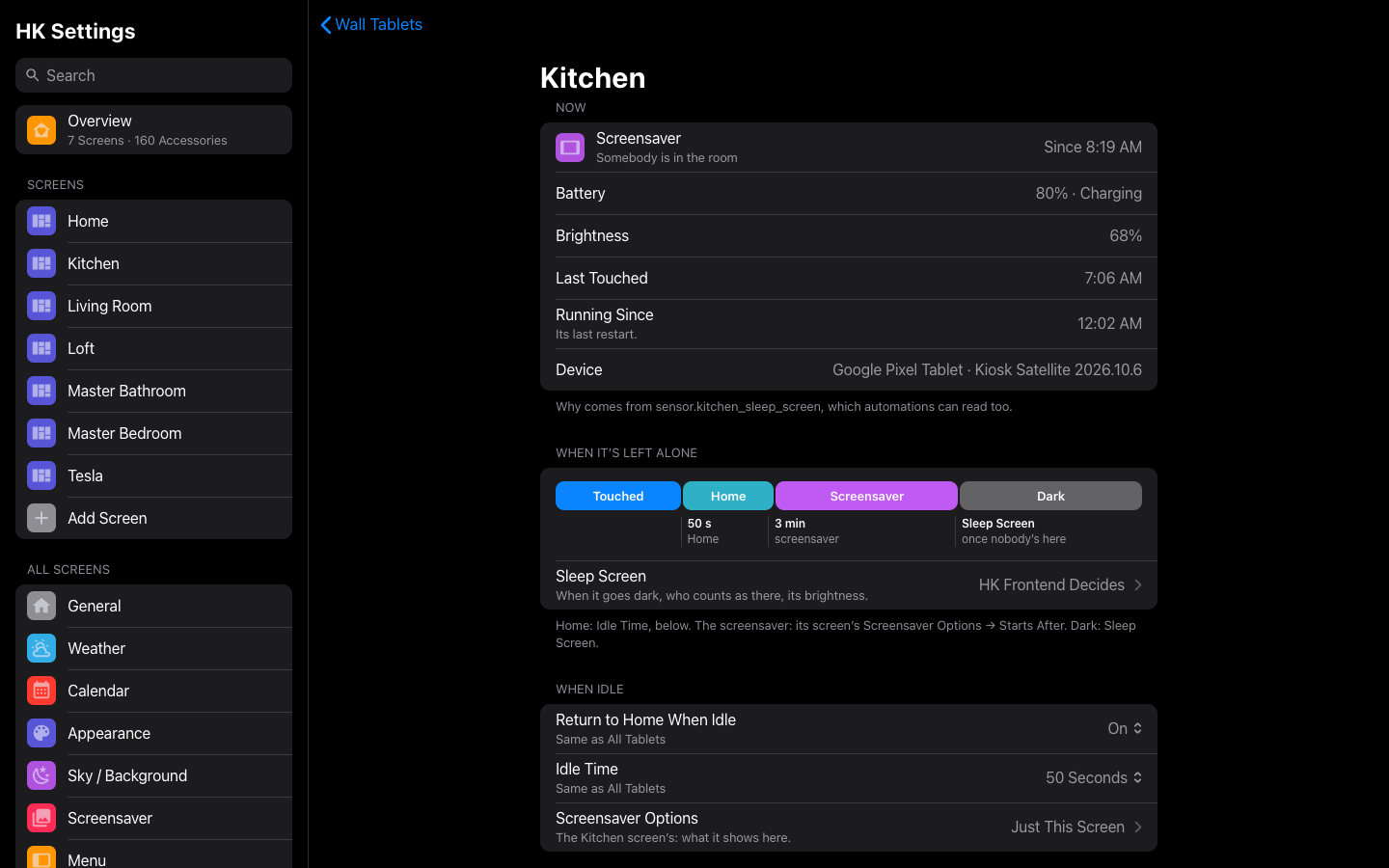 |
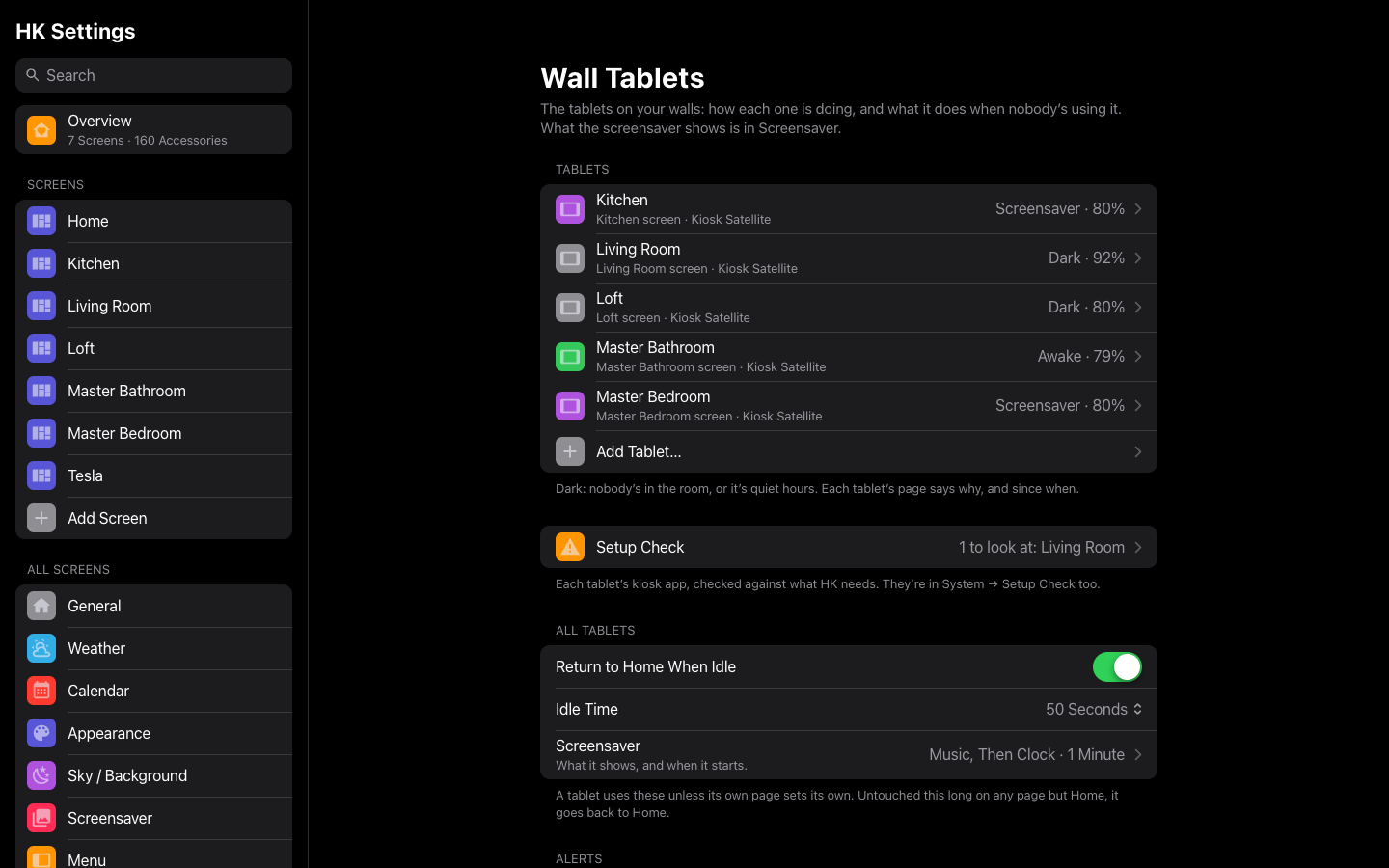
| Wall Tablets | A tablet’s page |
 |
|
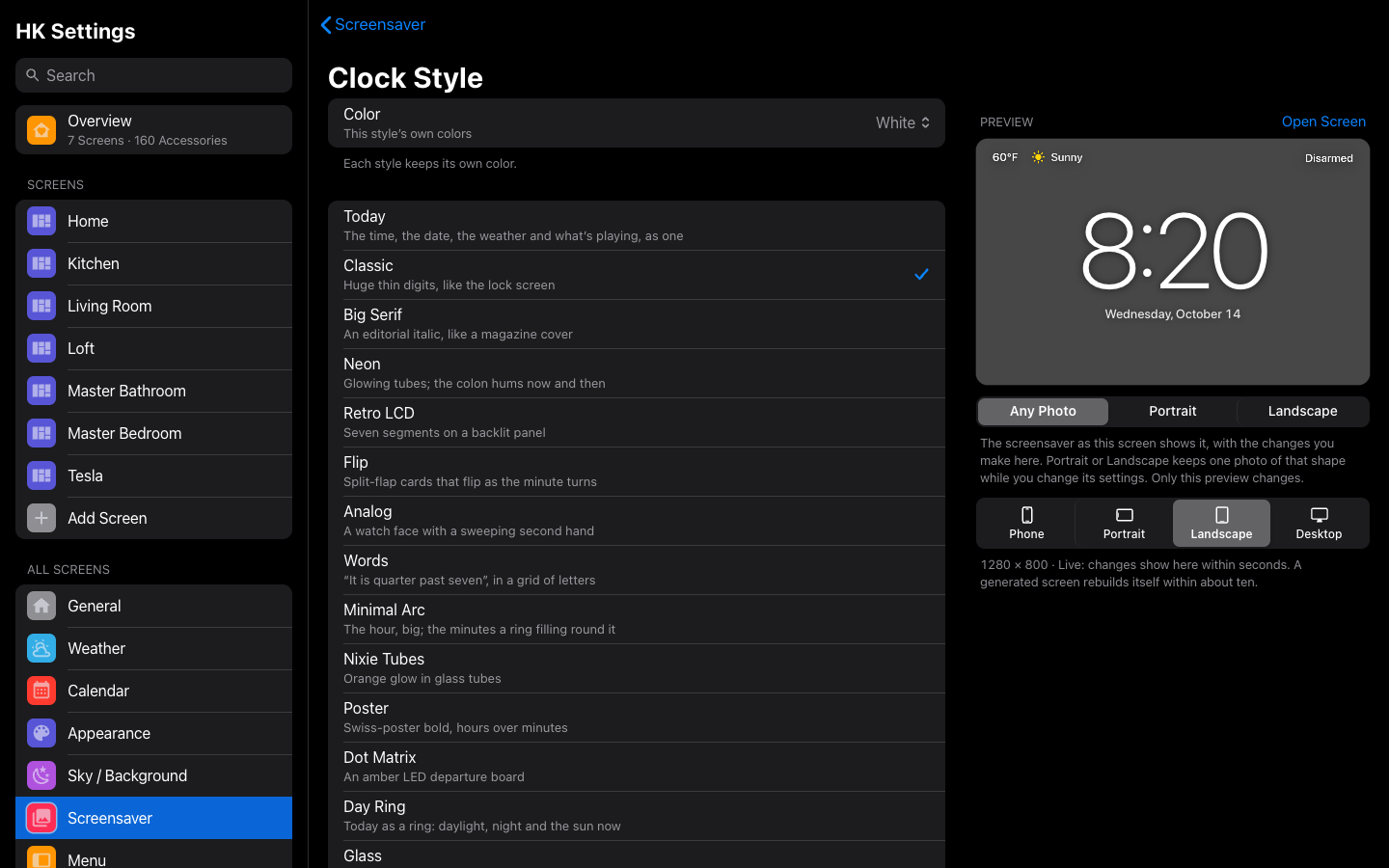
| Clock Style |
More: HK Settings.