Repository navigation
Home
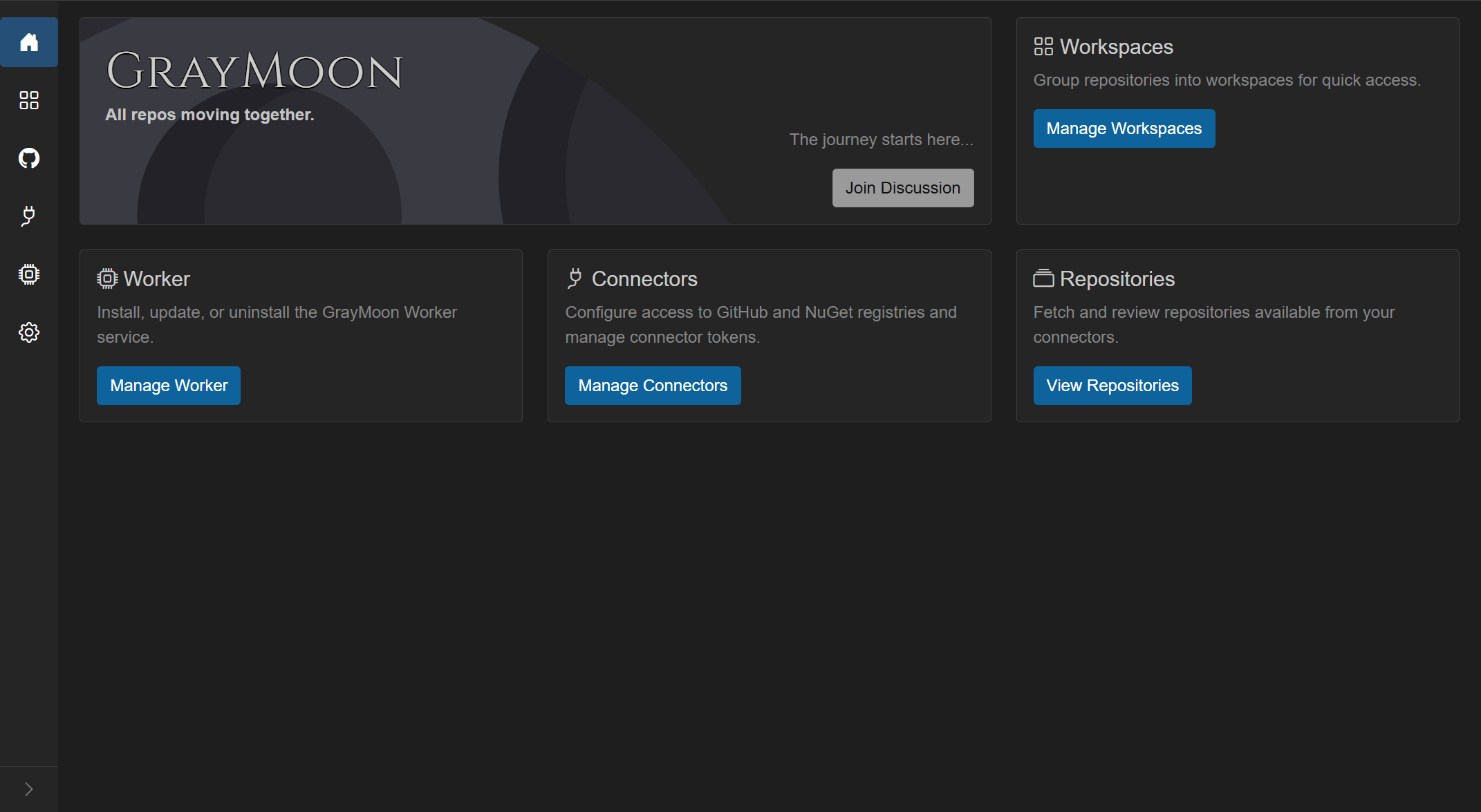
Welcome to the GrayMoon user guide. GrayMoon helps .NET teams work across many repositories as one coordinated workspace: clone related services and packages together, branch across all of them at once, roll out shared package updates safely, and push in dependency order so CI does not fail waiting on a package that is not published yet.
| If you want to... | Go to |
|---|---|
| Understand what GrayMoon does | What is GrayMoon? |
| Run the App in Docker (web only), or choose Docker vs Desktop | Install the App |
| Go from a clean install to a cloned workspace | Getting Started |
| Learn the shared UI (sidebar, search, overlays, notifications) | Layout and Shared Chrome |
| Work inside a workspace (branches, updates, push, pull requests, Actions) | Workspace Overview |
| Follow a complete real-world example | Walkthrough: Tape Density or Walkthrough: Library Update |
A workspace groups related repositories, clones them side by side on disk, and sorts them into dependency levels so updates and pushes happen in the right order:

GrayMoon is two parts. Keep both running for full functionality.
-
GrayMoon App - the web UI and orchestration engine. Either the web-only Docker image on port
8384(used from a browser), or the copy that GrayMoon Desktop starts alongside itself. Desktop never connects to a Docker App. - GrayMoon Worker - a small service on your machine that does the actual git and filesystem work. The App itself never touches your disk.
You also need working connectors (GitHub, and NuGet if you publish packages). Each one must be Active with status OK before fetch, clone, push, package checks, or GitHub Actions will work.
- Install the Worker (Administrator PowerShell; a Windows user password is required once).
- Add connectors, turn them Active, and confirm OK.
- Fetch repositories from GitHub into the catalog.
- Create a workspace and pick the repositories you need, or restore one from a repository that already contains
graymoon.json, or import a folder that is already on this computer. - Sync to clone them all under your workspace root path.
- Create or switch a feature branch across every selected repository.
- Run dependency or version updates when packages drift.
- Keep working in your IDE - GrayMoon keeps tracking commits, pushes, and merges through the Worker even when the browser is closed.
Outside a workspace (first-level sidebar): Home - Workspaces - Repository Catalog - Connectors - Worker - Settings
Inside a workspace: Repositories - Changes - Projects - Packages - Files - Dependencies - Actions
Common workflows: Features - New Branch - Switch Branch - Prepare Workspace - Return to Default - Restore Packages - Undo Push Commits - AI commit and pull request text
Use the sidebar on the right to jump straight to any page. Every page includes real screenshots from a running GrayMoon instance.