Repository navigation
Workspace Projects
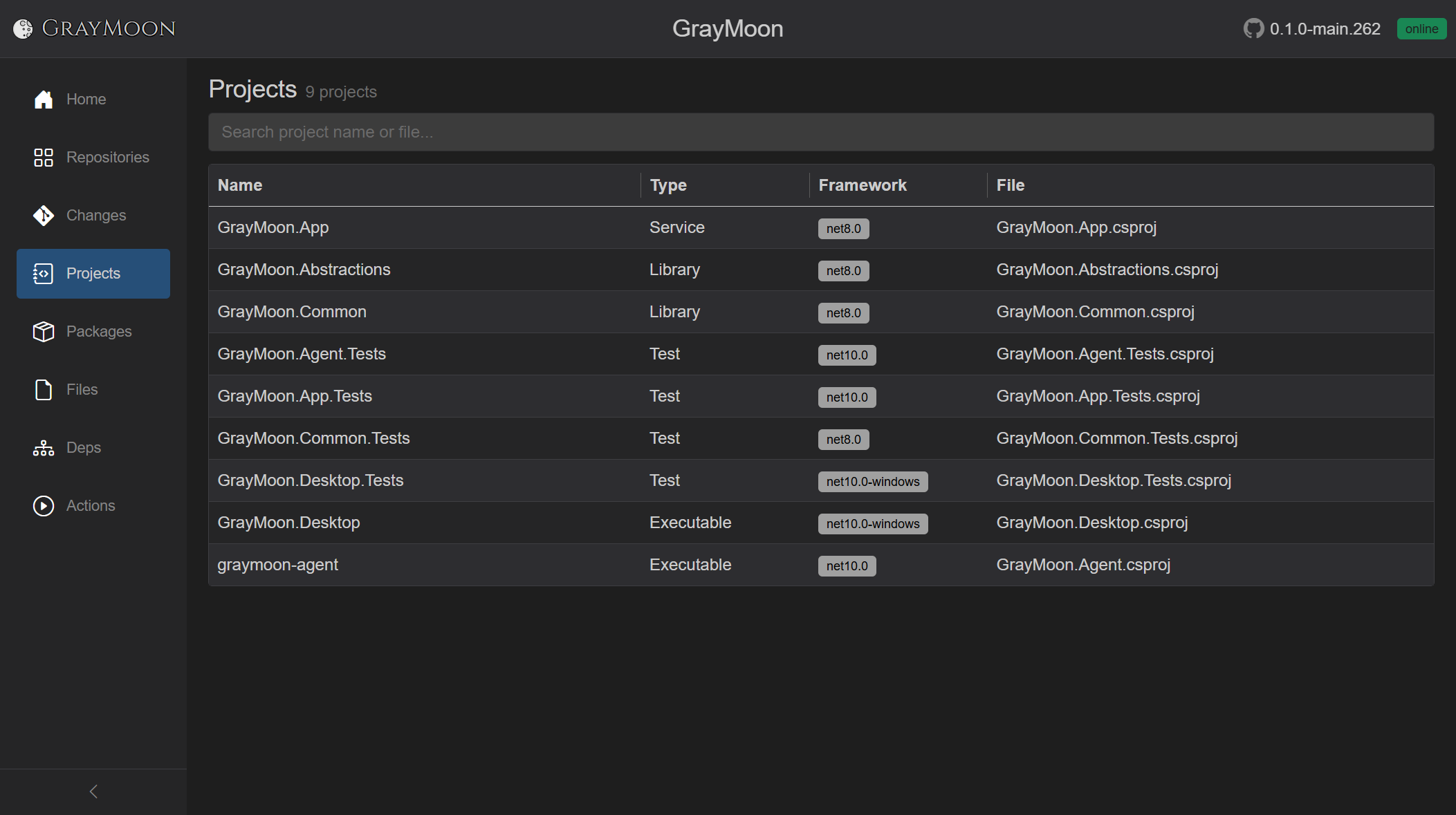
GrayMoon's workspace is mostly the app itself. MezzoRecovery shows the mix: services, libraries, packable libraries, tests, and standalone executables (tools) in one catalog of 20 .csproj files.
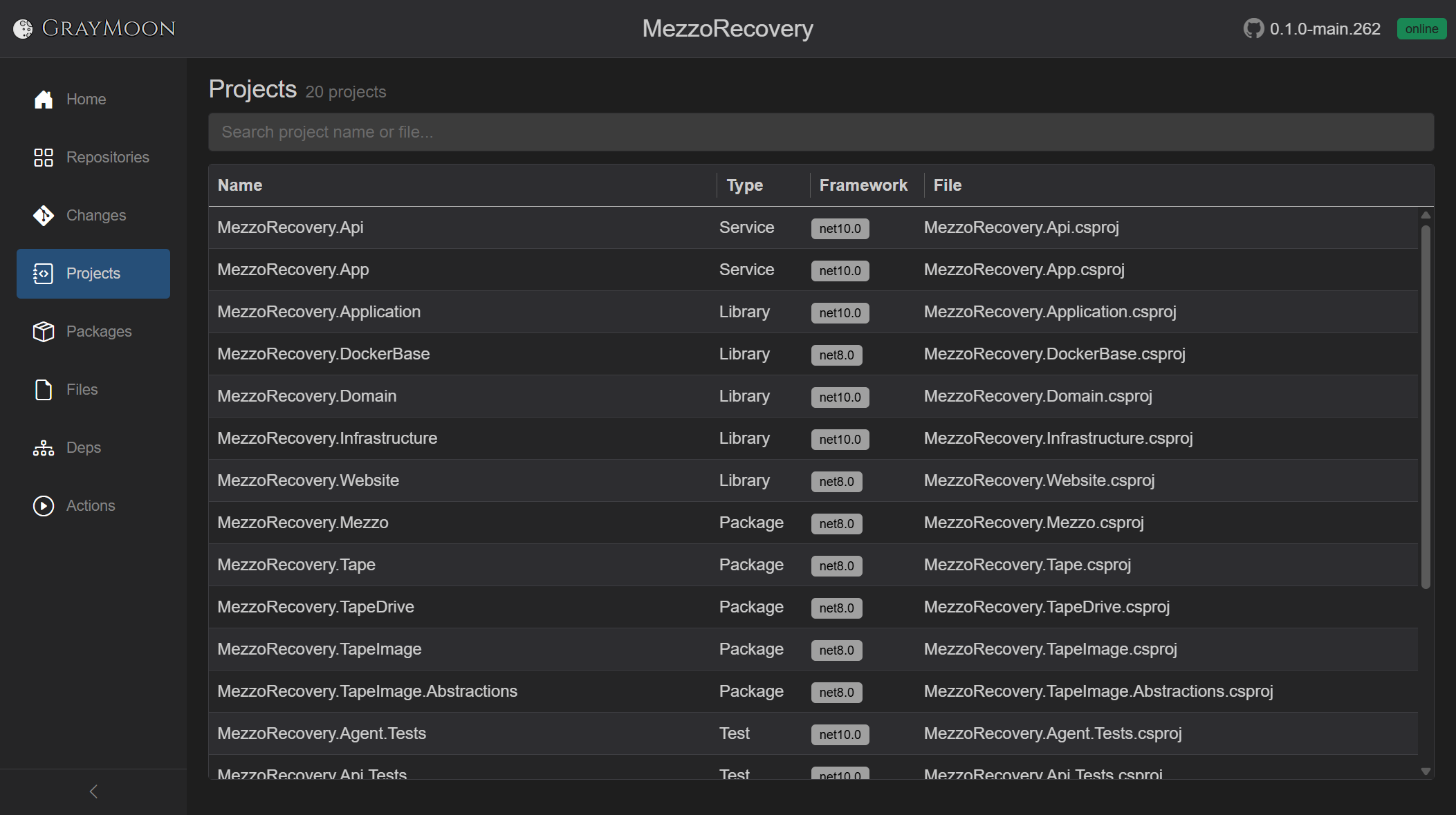
Sort puts Service first (MezzoRecovery.Api, MezzoRecovery.App), then Library, Package (the five NuGet ids on Packages), Test, then Executable (mra / Agent, mrmc / MezzoCopy, mrtc / TapeCopy). Tools and the API consume the Package rows; those package ids are what the dependency graph edges represent.
Read-only catalog of .csproj projects discovered when workspace repositories were synced.
- Title: Projects
- Subtitle:
N project(s)orN project(s) found - Filter search - "Search project name or file..."
Empty: "No projects in this workspace. Sync repositories to discover .csproj projects."
No match: "No projects match your search."
First open uses the loading overlay ("Loading projects...").
Plain terms match project name, file path, project type, and target framework.
Field prefixes:
-
type:- Service, Library, Package, Test, Executable, ... -
framework:- e.g.net10.0
Virtual-scrolled. Resizable.
| Column | What it shows |
|---|---|
| Name | Project name |
| Type | ProjectType enum text (Service, Library, Package, Test, Executable, ...) |
| Framework | Target TFM as a gray badge, or -
|
| File | File name of the .csproj (full path in the cell tooltip) |
Rows are not clickable. Sort on the server prefers Service, then Library, Package, Test, then others.
Projects are kept apart by their .csproj path, so two projects with the same name both stay. If two projects publish the same package id, GrayMoon links neither and the Worker logs both paths.