Repository navigation
Import Workspace
Open this from Workspaces: the arrow next to Add Workspace, then Import from disk.
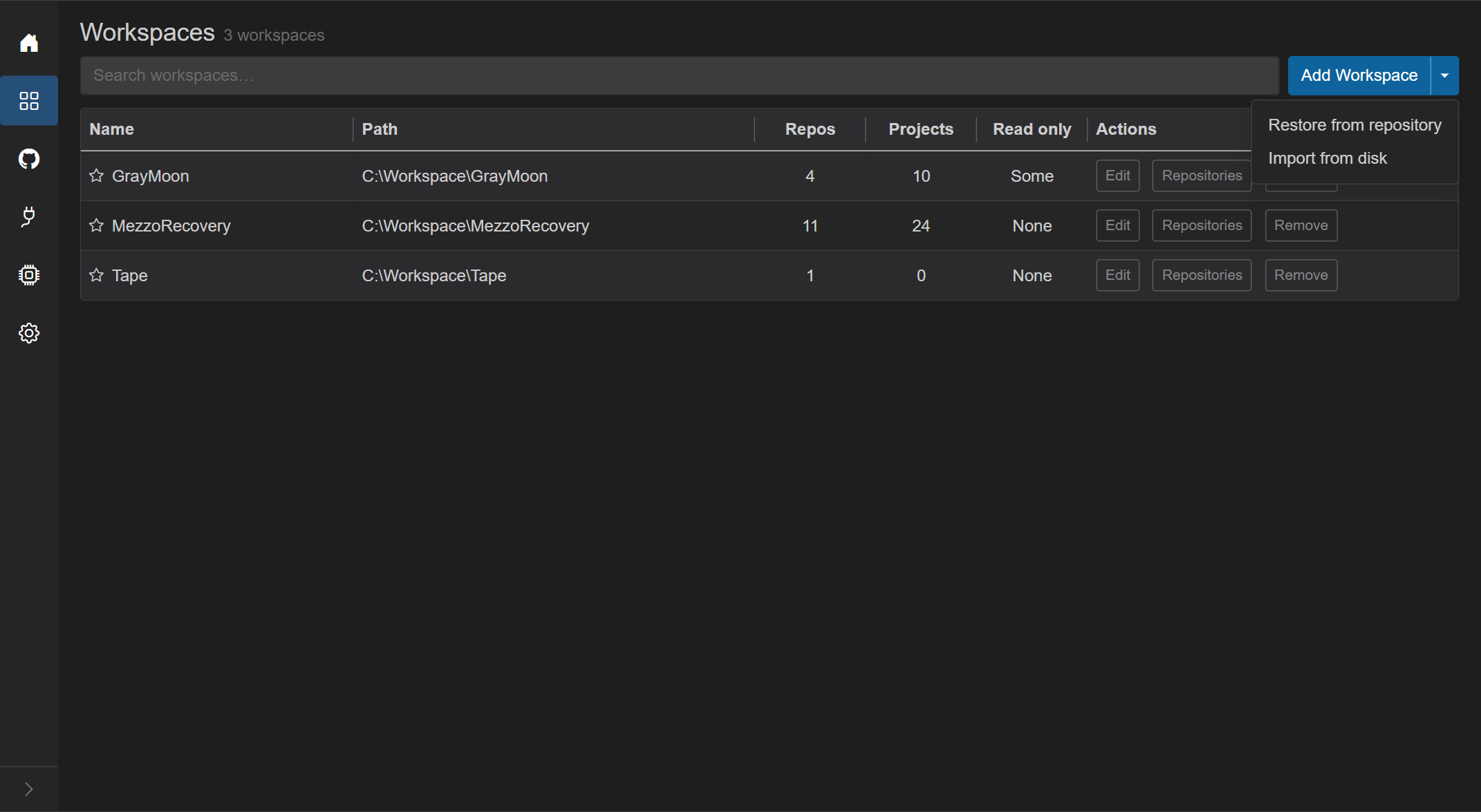
Use it when the folder is already on this computer: a workspace you used before, a folder you cloned by hand, or a workspace folder copied from another machine. GrayMoon reads the folder and adds it as a workspace. Nothing in the folder is deleted, reset, checked out or pulled.
For a new, empty workspace use Add Workspace. When nothing is on this computer yet and a repository holds graymoon.json, use Restore from repository.
Title: Import Workspace. Cancel closes it. The import button stays disabled until a folder is selected and the check of that folder has succeeded.
- Intro: "Import a folder that is already on this computer as a GrayMoon Workspace. Nothing in the folder is deleted or reset."
- Folder - picker of the folders under the Settings root path that are not a workspace yet. Placeholder Select a folder. Search inside the picker.
- The workspace gets the name of its folder. The line under the picker shows the name and the location.
- If the Worker is offline: "Worker is not available. Start the GrayMoon Worker to import a Workspace."
- If the Worker version does not match the App: "Update the GrayMoon Worker before importing a Workspace." with the App and Worker versions and Update Worker.
After a folder is selected, GrayMoon reads it and shows what the import will do before anything is created:
| Label | What it shows |
|---|---|
| Folder | What kind of folder it is: Workspace repository with a definition, Git repository without a definition, or Folder with repositories (see the table below) |
| Workspace repository | The repository that holds the definition, when the folder has one |
| Profile, Versioning, CI | Taken from graymoon.json. When the folder has no definition, you choose the workspace type in the dialog |
| Linked as they are | Repositories found on disk that become part of the workspace, on the branch they are on |
| Cloned by the Sync | Repositories the definition lists that are not on disk yet |
| Read only | How many repositories the definition marks as read only |
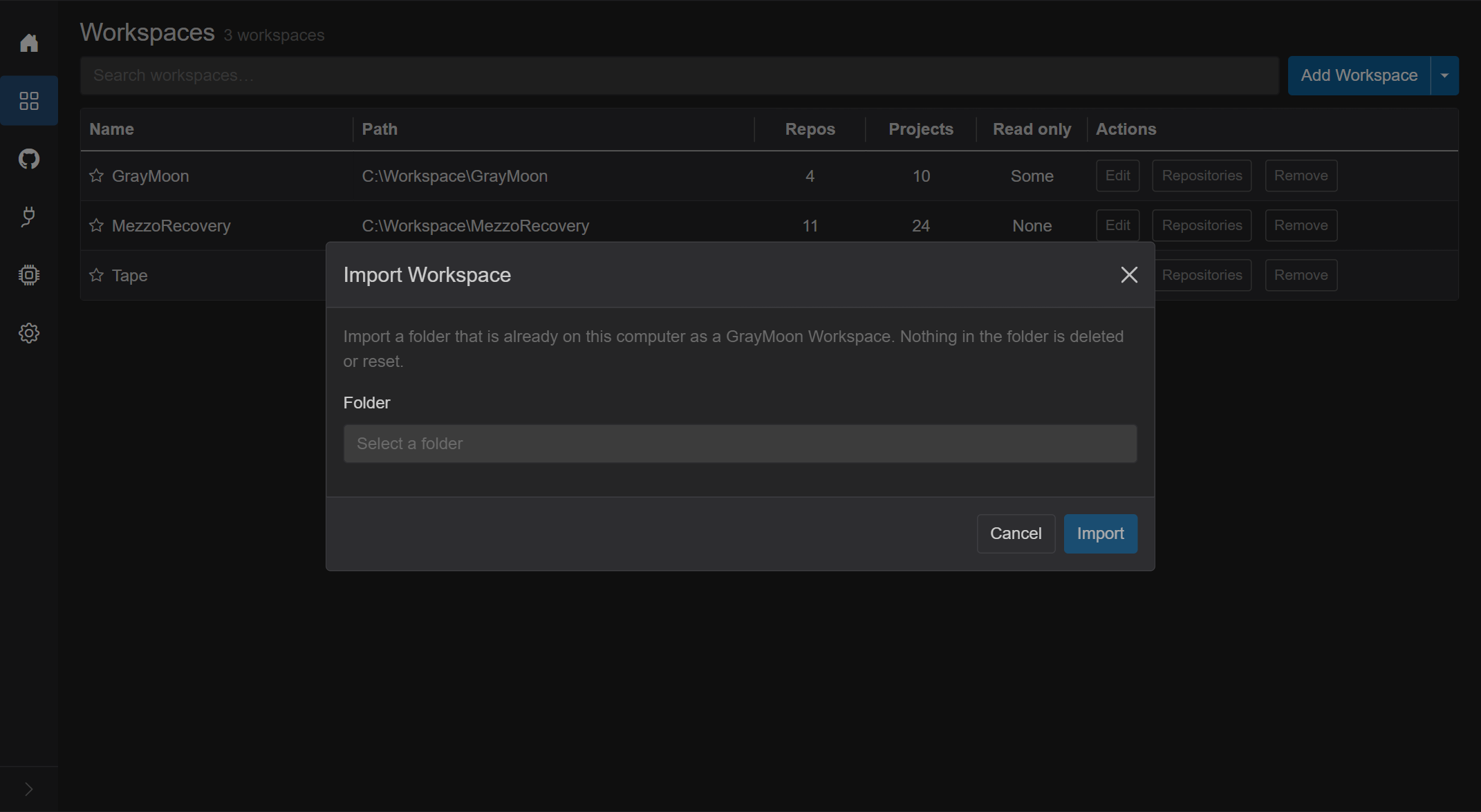
When no folder under the root path is free, the dialog says "There is no folder under the workspace root that is not a workspace already."
Repositories on disk are matched to the repositories GrayMoon knows by their origin URL, so the connector must have fetched them first. A repository that cannot be matched is listed and is not linked. If the definition lists repositories or connectors that are not available on this computer, the dialog says so; the workspace can still be imported, and Open Connectors takes you to the place to fix it.
| Folder | Import |
|---|---|
Git repository with a valid graymoon.json
|
The file decides the profile, the repositories, which of them are read only, and the version files. The folder itself becomes the Workspace repository; it is not cloned again. Repositories on disk are linked as they are. Listed repositories that are missing are cloned by the first Sync. Repositories on disk that the file does not list stay outside the workspace and are shown. |
| Folder that is not a Git repository | You choose the workspace type. Repositories in the folder whose origin matches a known repository are linked. Nothing is written into the folder. |
Git repository without graymoon.json
|
The same as above for the repositories inside it. The folder itself is not linked as the Workspace repository, and nothing is written into it. You can choose it as the Workspace repository in the workspace settings afterwards. |
The import creates the workspace and runs the normal Sync. When it finishes, the dialog shows a result summary and Open Workspace. A warning is shown for anything that needs attention, for example a repository that would have started read only but has commits that were never pushed: it is imported as writable.
If the Sync fails, the workspace is still there and the dialog says "The Workspace was imported, but the first Sync did not finish. Open the Workspace and press Sync."
If the import itself fails, it is rolled back: the workspace is not created, and the Git hooks GrayMoon installed during the attempt are removed again.