Repository navigation
Workspace Undo Push Commits
Open this from Repositories.
Undo Push Commits rolls back local commits that have not been pushed to origin yet. A branch that is on the remote resets to origin/<branch>. A branch that was never pushed (a new Feature branch, for example) has no such ref: it goes back to the commit where it left its base branch, which is the Feature's parent branch or otherwise the default branch. Remote history is unchanged, and nothing is pushed. Use this when you committed on the wrong branch (for example main), do not want those commits on origin, or cannot push because the default branch is protected.
Full protected-branch scenario (commit on main -> failed Push -> undo keep changes -> single-repo feature branch -> PR): Protected branch and push failure.
This walkthrough uses MezzoRecovery, a real multi-repo project. MezzoRecovery.Agent is on main with one outgoing commit: a dependency update that rewrote MezzoRecovery.Agent.csproj to pin MezzoRecovery.TapeDrive at tag 0.2.0.
Undo Push Commits is in the split menu of the yellow header button when any workspace repo has outgoing commits (or no upstream yet):
| Header button | Split menu also includes |
|---|---|
| Push Updated | Level N Only, Update Only, Update Files, Push Only, Undo Push Commits |
| Push (yellow, no deps to update) | Undo Push Commits |
The same item appears on the Branch caret push section and on workspace notification cards (Push / Push Updated caret).
Pinned tags and repos with zero outgoing commits are skipped automatically.
MezzoRecovery.Agent shows:
- Branch main
- Divergence 0 | 1 (one commit ahead of default, nothing behind)
- Commits badge yellow ↑1 ↓0
- PR badge yellow create
- Dependencies green 2 (the local commit aligned
.csprojwith current package versions)
Other Level 2 / 3 rows may already show red N of M deps badges (for example after a tag upgrade). Agent was fixed locally but not pushed.
Header is yellow Push Updated (unmatched deps elsewhere plus outgoing commits on Agent).
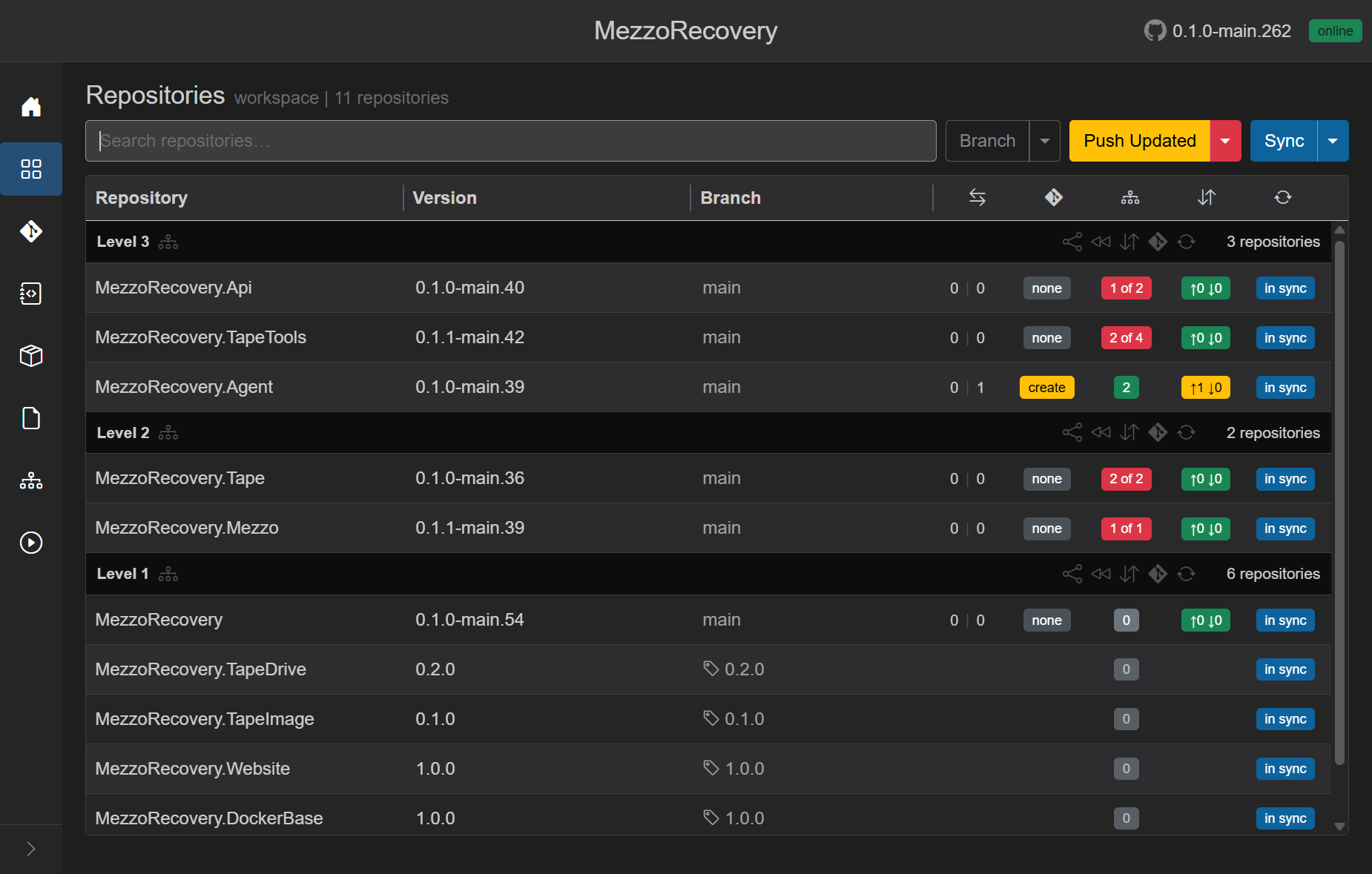
Click the Push Updated caret. Undo Push Commits is the last item.
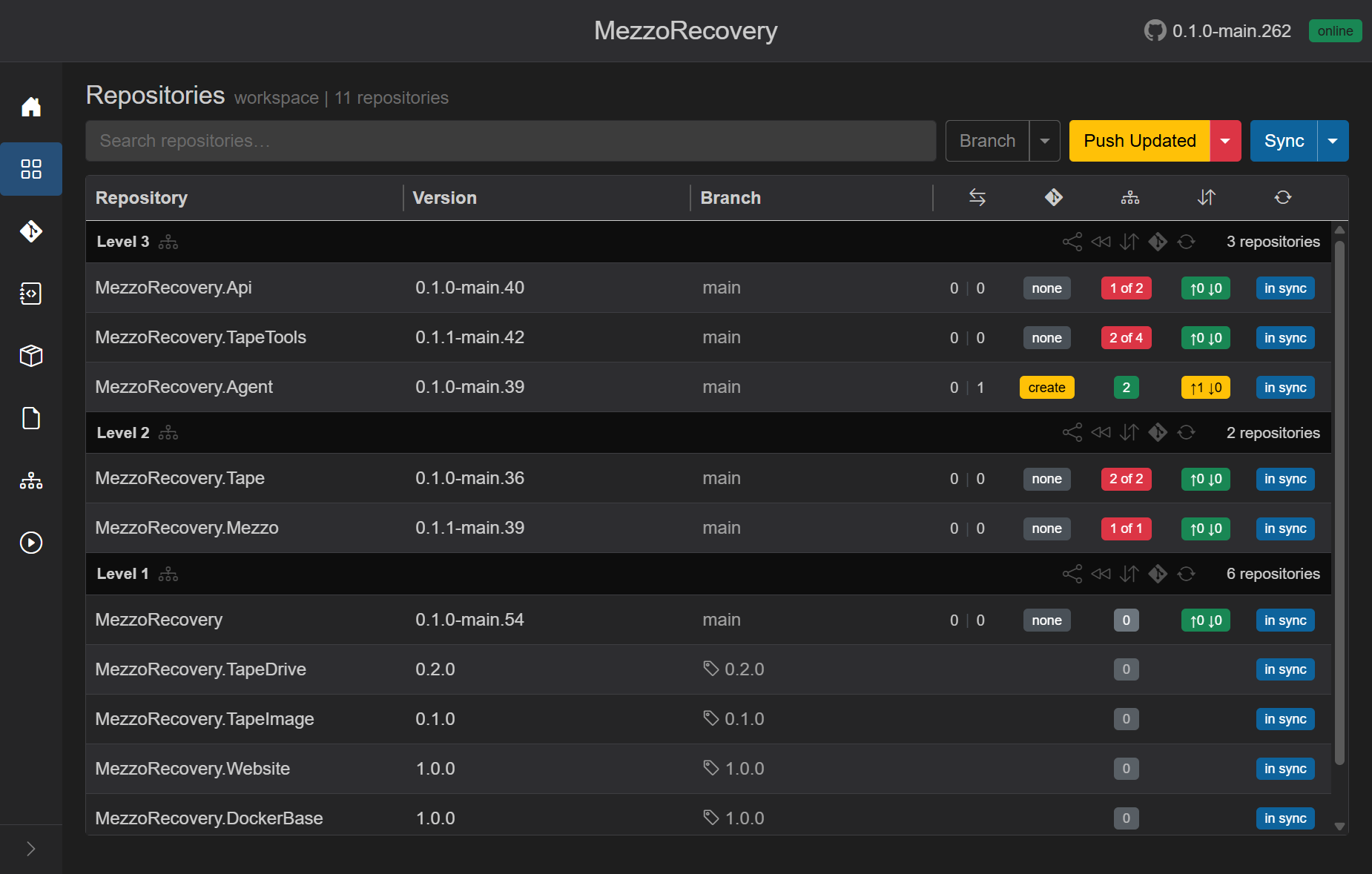
| Menu item | What it does |
|---|---|
| Level N Only / Update Only / Update Files / Push Only | Normal update and push workflow |
| Undo Push Commits | Take the outgoing commits off every repo that has them (local only; nothing is pushed) |
Primary Push Updated still runs update-then-push. Use the caret when you need to undo instead.
The modal lists each affected repository and its outgoing commit count.
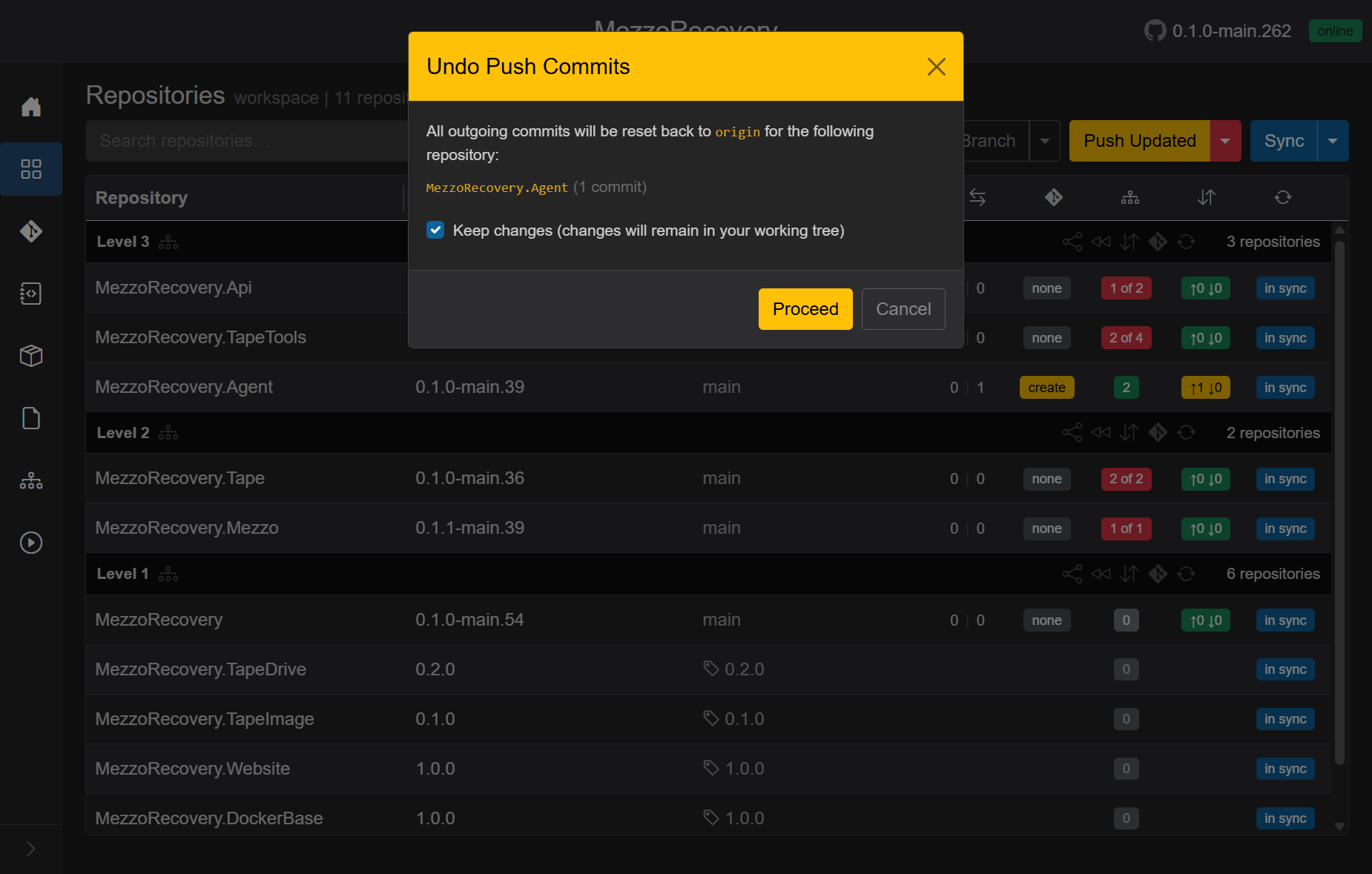
- The text says: all outgoing commits will be undone; a branch that is on the remote goes back to its
originbranch, a branch that was never pushed goes back to where it left its base branch, and nothing is pushed. -
Reset target:
originfor the current branch (hereorigin/main). For a branch that was never pushed, the commit where it left its base branch. If no base branch can be found, the undo fails for that repository and changes nothing. - Keep changes (checked by default): mixed reset - commits removed, file edits stay in the working tree as unstaged changes. Use this to move the work onto a feature branch via Changes without losing edits.
- Keep changes unchecked: hard reset - commits and edits are discarded. A red warning is shown.
- Proceed runs resets in parallel under the loading overlay. Each repo sends a sync notification when done so commits badges update without a manual Sync.
Nothing in this flow contacts GitHub to push or delete remote commits.
On MezzoRecovery.Agent after Proceed:
- Commits badge green ↑0 ↓0 (matches
origin/main) - Divergence 0 | 0
- PR badge none
- Version string drops back (GitVersion no longer includes the removed commit)
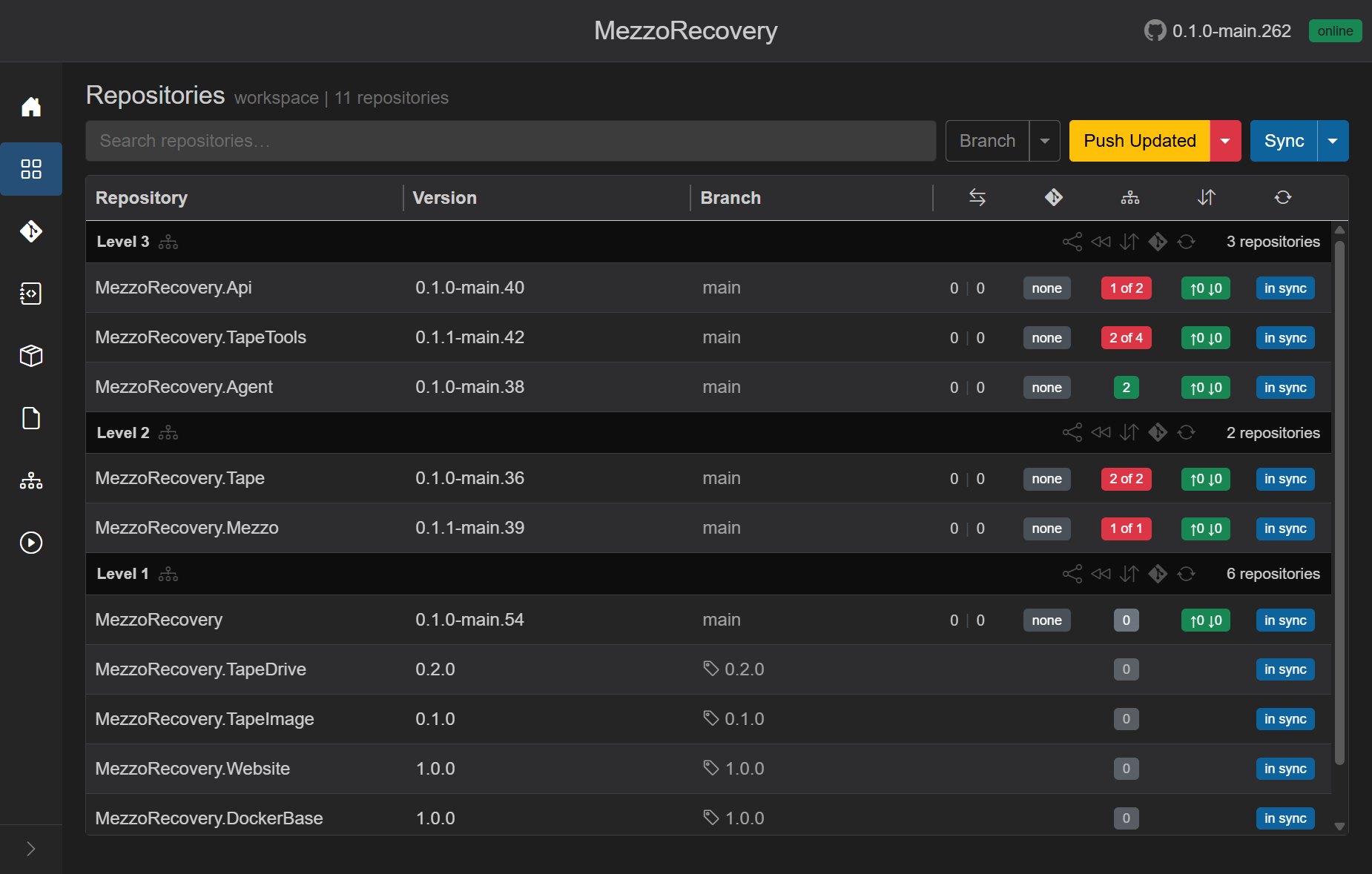
Git on disk: main...origin/main with no unpushed commits. If Keep changes was left checked, MezzoRecovery.Agent.csproj may still show local edits until you commit on another branch or discard them.
The undone commit changed PackageReference versions in .csproj. Removing it puts HEAD back to the pins on origin/main (for example MezzoRecovery.TapeDrive at 0.1.1-main.15) while MezzoRecovery.TapeDrive is published at tag 0.2.0 on Level 1.
GrayMoon compares committed .csproj pins to current workspace package versions. After a hard reset (or after discarding kept working-tree edits), Agent shows a red 1 of 2 badge again.

Fix paths (same as any unmatched-deps state):
- Header Push Updated or Update Only on a feature branch (not protected main)
- Click the red badge on one repo to update that repo only
- See tag-upgrade.md - out-of-date dependencies for tooltip details (
current -> expected)
If main (or your default) is protected on GitHub:
- Push / Push Updated will fail or be blocked even when the grid shows yellow ↑N.
-
Undo Push Commits is still available - it only runs
git resetlocally and never pushes. - Create a feature branch, cherry-pick or recommit your work, then push from there.
- Repositories - Pull / Push
- Repositories - Push Updated menu
- Changes - stage and commit kept working-tree edits on a new branch
- Return to Default - different operation (checkout default and delete feature branch)