Repository navigation
Kururi Support
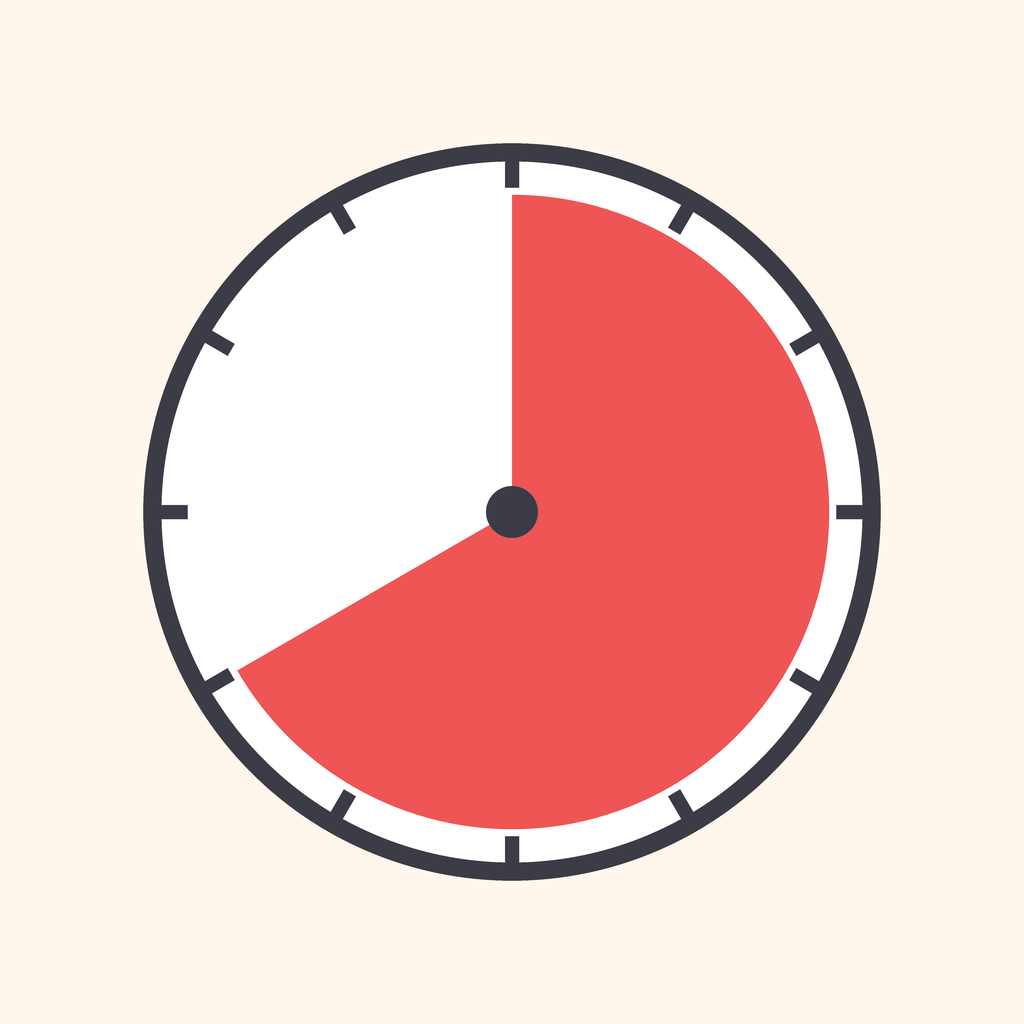
See time instead of reading it. A visual timer that shows time left as a shrinking red disc, so even children who can't read a clock know how much is left.
Slide your finger around the dial to set the time, tap Start, and watch the color disappear. When it's gone, a gentle chime plays. No ads, no account, no subscription — nothing leaves your device.
Slide your finger around the dial to choose 1 to 60 minutes, or tap one of the quick buttons. Then tap Start. You can pause, resume, or reset at any time.
The remaining time in numbers is hidden by default, so children focus on the color. You can turn the numbers on in Settings.
Check that "Sound when finished" is on in Settings, and that your device's volume is up. On iPhone, the silent switch (or Silent mode) mutes the chime; a short haptic tap still plays on iPhone.
Yes. Turn on "Notify when finished while in another app" in Settings and allow notifications. If you denied notifications before, allow them in iOS Settings › Kururi › Notifications.
Use iOS Guided Access (Settings › Accessibility › Guided Access). Start it with a triple-click of the side or Home button while Kururi is open, and the device stays locked inside the app.
- Free: the red disc timer (1–60 min), sound and haptics, numbers on/off, iPhone and iPad, portrait and landscape
- Kururi Pro (one-time purchase): 7 colors and 3 shapes (disc, ring, bar), presets with emoji like "🪥 Brush teeth 3 min", and routines that run steps one after another (get dressed → breakfast → brush teeth). Buy once, keep forever
From Settings, use "Restore Purchases" to restore purchases made with the same Apple Account.
Your presets, routines, and settings are stored on your device only. Deleting the app deletes them.
For bug reports and requests, please let us know via Issues.
When reporting, it helps to include:
- Your device (e.g., iPhone 15, iPad Air) and iOS / iPadOS version
- The app version
- What you did and what happened