Repository navigation
Home
🌐 English · Переключиться на русский →
Occular-OCR is an all-in-one OCR toolkit built specifically for document processing.
Read scans and document photos into reusable text; recover page order and table cells when you need them.
Install 0.5.1 and get the sample files.
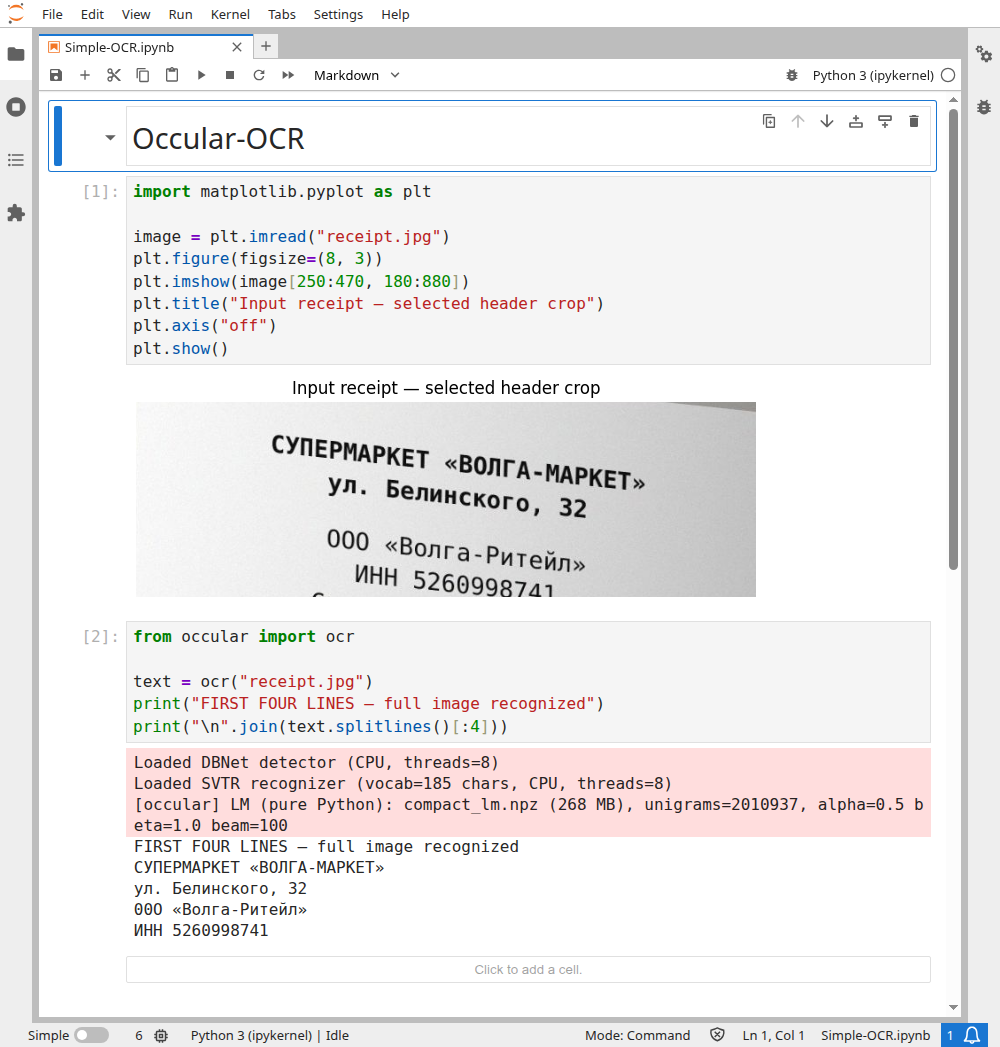
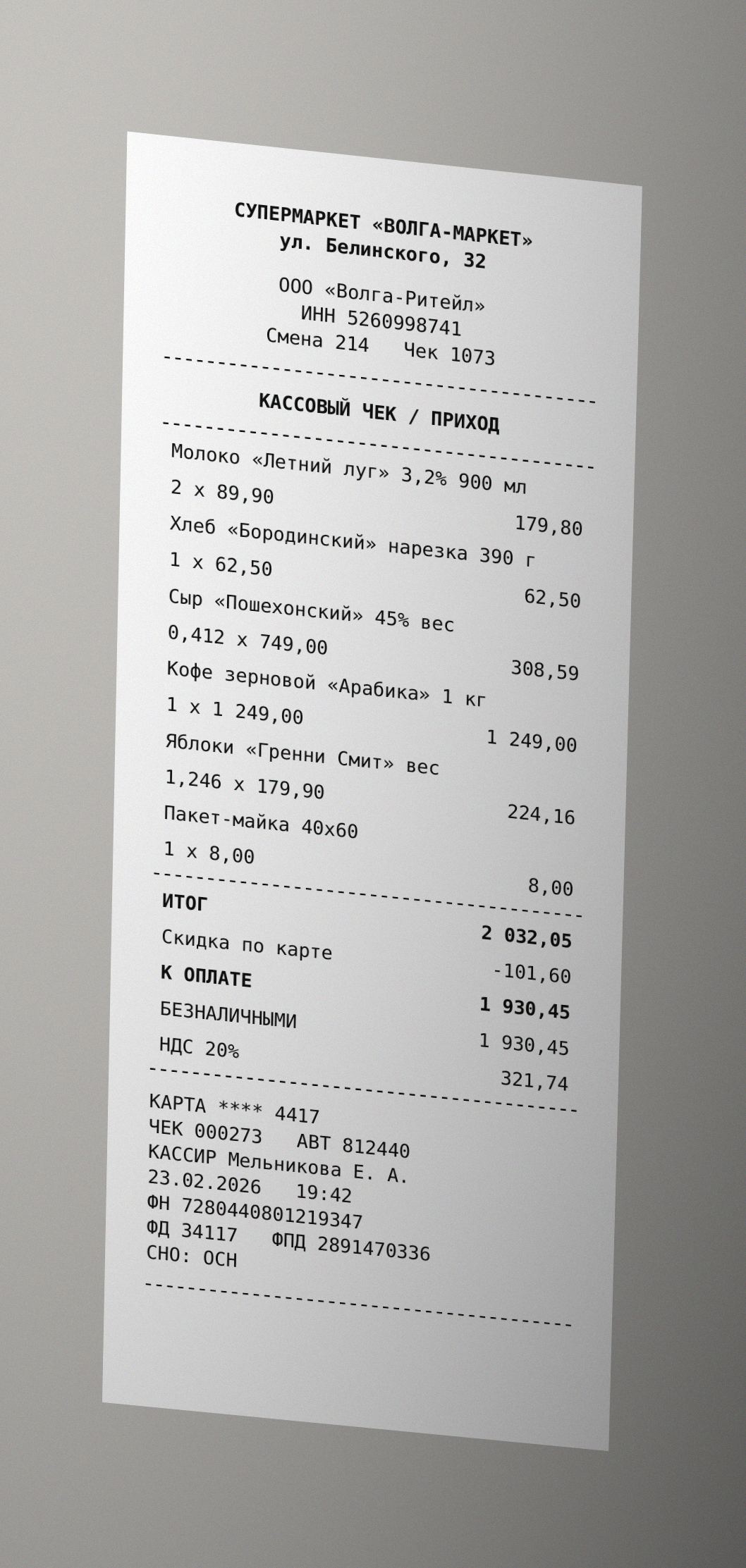
The notebook recognizes the whole synthetic receipt. To make the comparison readable, Matplotlib shows only its header, and print() selects the first four OCR lines:
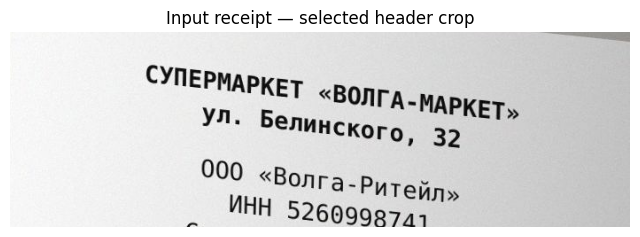
from occular import ocr

text = ocr("receipt.jpg")
print("FIRST FOUR LINES — full image recognized")
print("\n".join(text.splitlines()[:4]))
Actual selected text (the notebook also prints the excerpt label):
СУПЕРМАРКЕТ «ВОЛГА-МАРКЕТ»
ул. Белинского, 32
00О «Волга-Ритейл»
ИНН 5260998741
The third line contains 00О instead of ООО: OCR output needs review. Run the complete image-to-text example, or open the receipt notebook below.
Open the real Jupyter run (all code visible)
Download the notebook · Receipt image
Run these commands in your terminal.
Install once:
python -m pip install "occular-ocr==0.5.1"Read a document:
ocr scan.png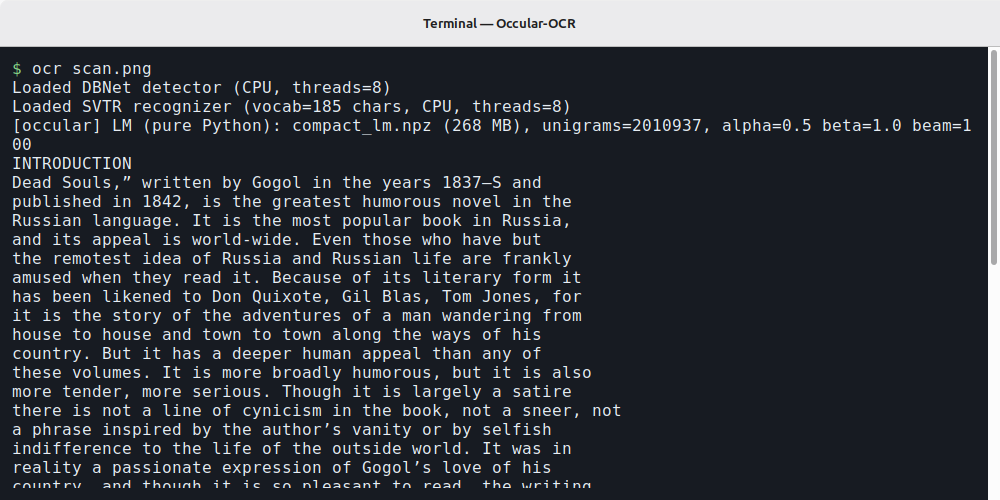
The text appears in your terminal. You can use scan.pdf instead. The first run downloads the models, so it takes longer.
Using Python or Jupyter? Start with this three-line example →
- Fix a tilted or sideways photo → Straighten the page
- Read a page with two columns → Keep the right reading order
- Get a table out of an invoice → Recognize tables
- Read a PDF with an old or broken text layer → Work with PDFs
- Read Ukrainian, Kazakh or another supported language → Choose a language
- Process a folder of scans → Use the command line
Something looks wrong? Find your symptom here →