Repository navigation
How OCR works
🌐 English · Русский
Install 0.5.1 and get the sample files.
Imagine reading an invoice. You find the lines, read the words, then decide which paragraph or column comes next. Occular follows the same broad steps:
- Find text. Locate the text lines on the page.
- Read it. Turn each line image into characters.
- Put it in order. Arrange the lines into readable text.
For a normal scan, all of this happens with one call:
from occular import ocr

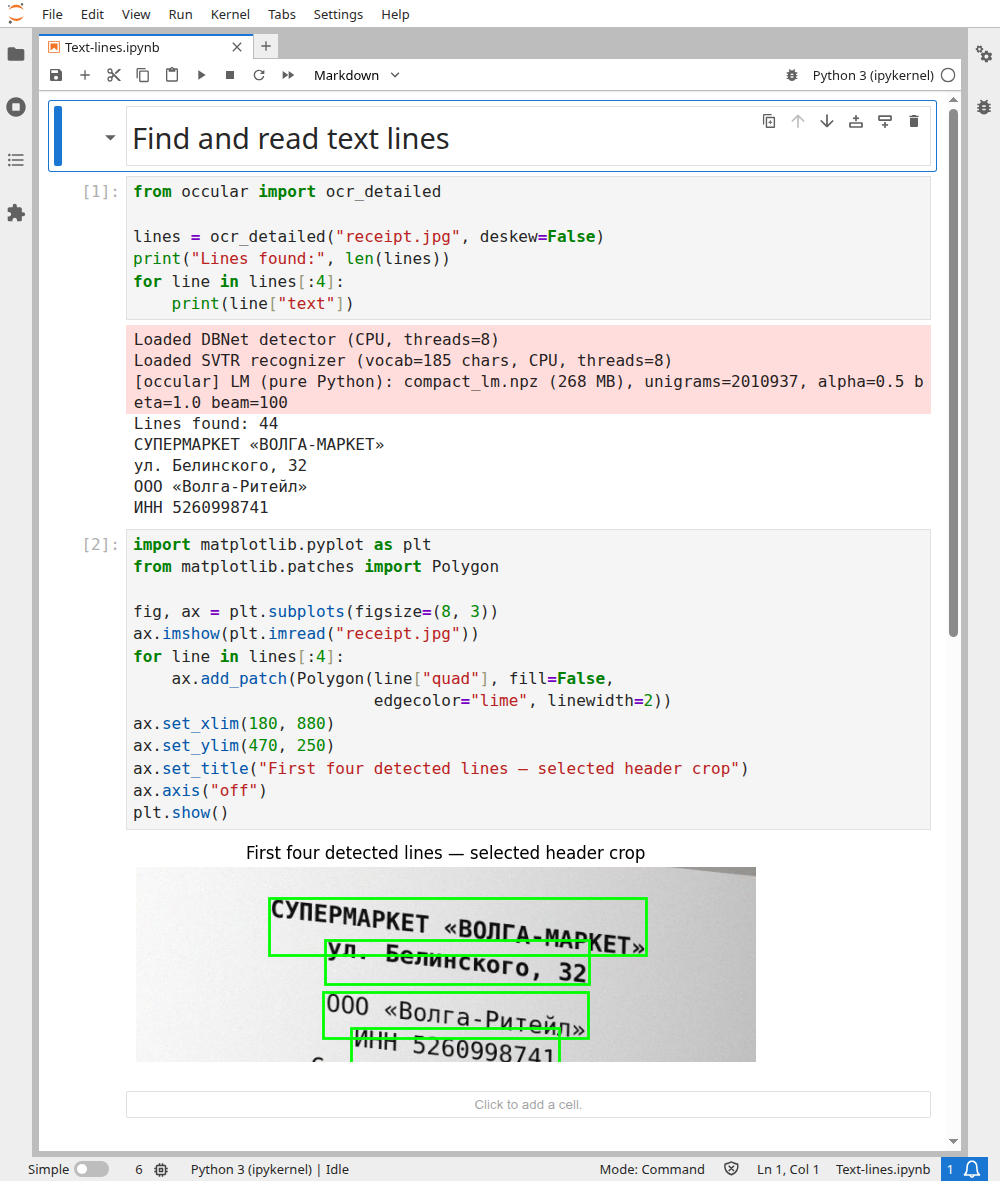
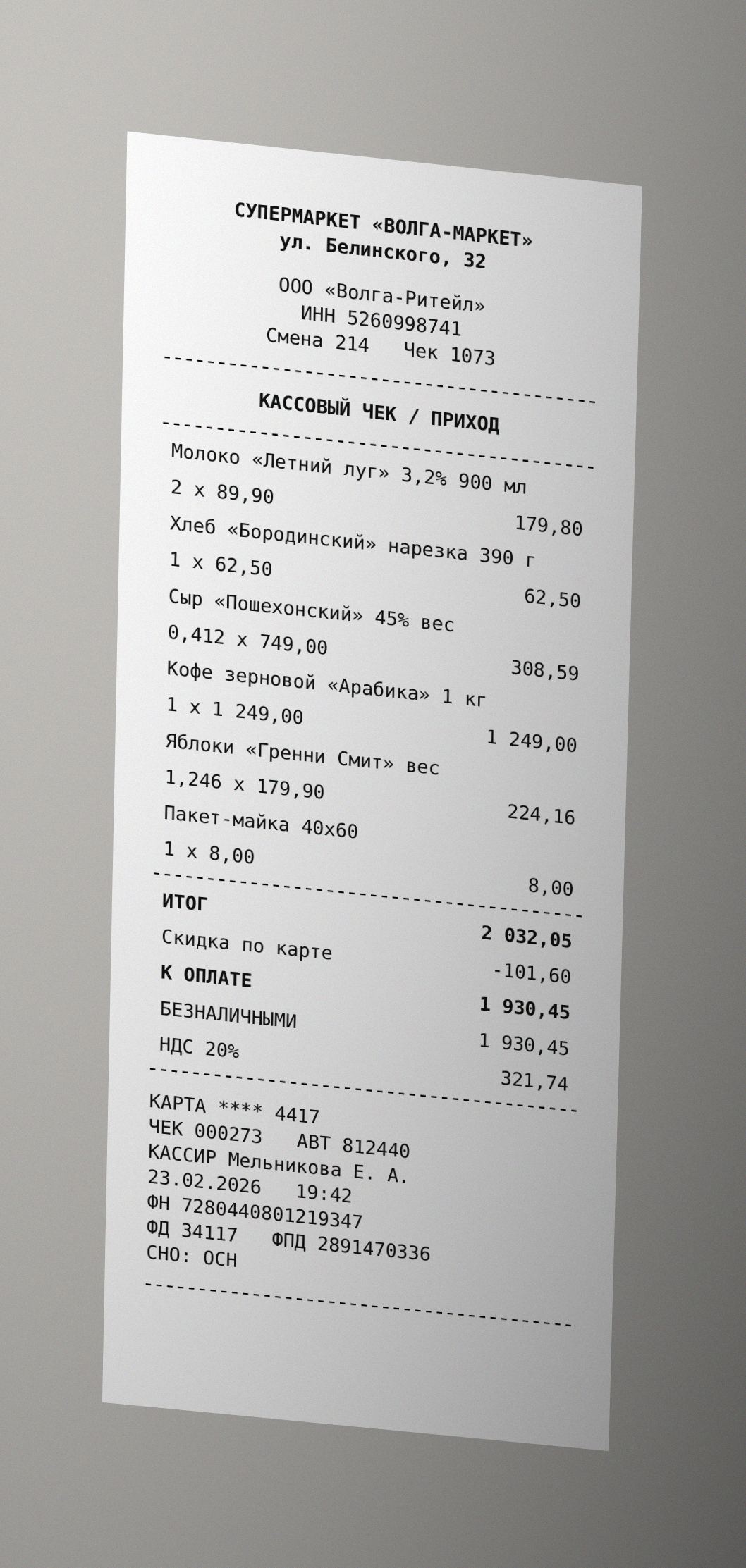
print(ocr("receipt.jpg"))Use detection boxes to distinguish a missed line from a recognition mistake. This example disables deskew so boxes can be drawn over the original input:
from occular import ocr_detailed

lines = ocr_detailed("receipt.jpg", deskew=False)
print("Lines found:", len(lines))
for line in lines[:4]:
    print(line["text"])
Actual output:
Lines found: 44
СУПЕРМАРКЕТ «ВОЛГА-МАРКЕТ»
ул. Белинского, 32
ООО «Волга-Ритейл»
ИНН 5260998741
The notebook's second cell draws the first four outlines with Matplotlib, zoomed to the header. All drawing code is visible in the run below.
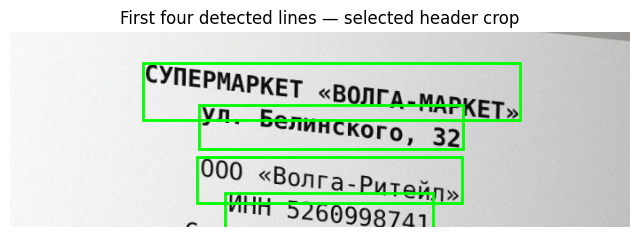
Detection finds image locations; recognition assigns text to each location. Good boxes can still contain wrong words.
Open the real Jupyter run (all code visible)
Download notebook · receipt.jpg
| Feature | Example of when it helps |
|---|---|
| Deskew | A scan leans a few degrees |
| Orientation | A photo is sideways or upside down |
| Dewarp | Lines bend around the spine of a book |
| Reading order | A page has two columns |
| Tables | You need to keep invoice items in their cells |
| Language model | Some letters are blurry and word context helps |
Layout analysis finds larger areas such as paragraphs, tables and pictures. It helps organize the page. You can also get these areas yourself.
A missing line, a misspelled word and mixed-up columns are different problems. Look at the troubleshooting page to choose what to change first.