Repository navigation
Performance and GPU
🌐 English · Русский
Install 0.5.1 and get the sample files.
Start by processing a few representative pages. The first run includes model setup, so measure later runs too.
If your app handles many images, create the pipeline once:
from occular import OCRPipeline

reader = OCRPipeline()
for filename in ["page1.png", "page2.png"]:
print(reader.get_text(filename))This measures a second call after an explicit warm-up, using the supplied receipt:
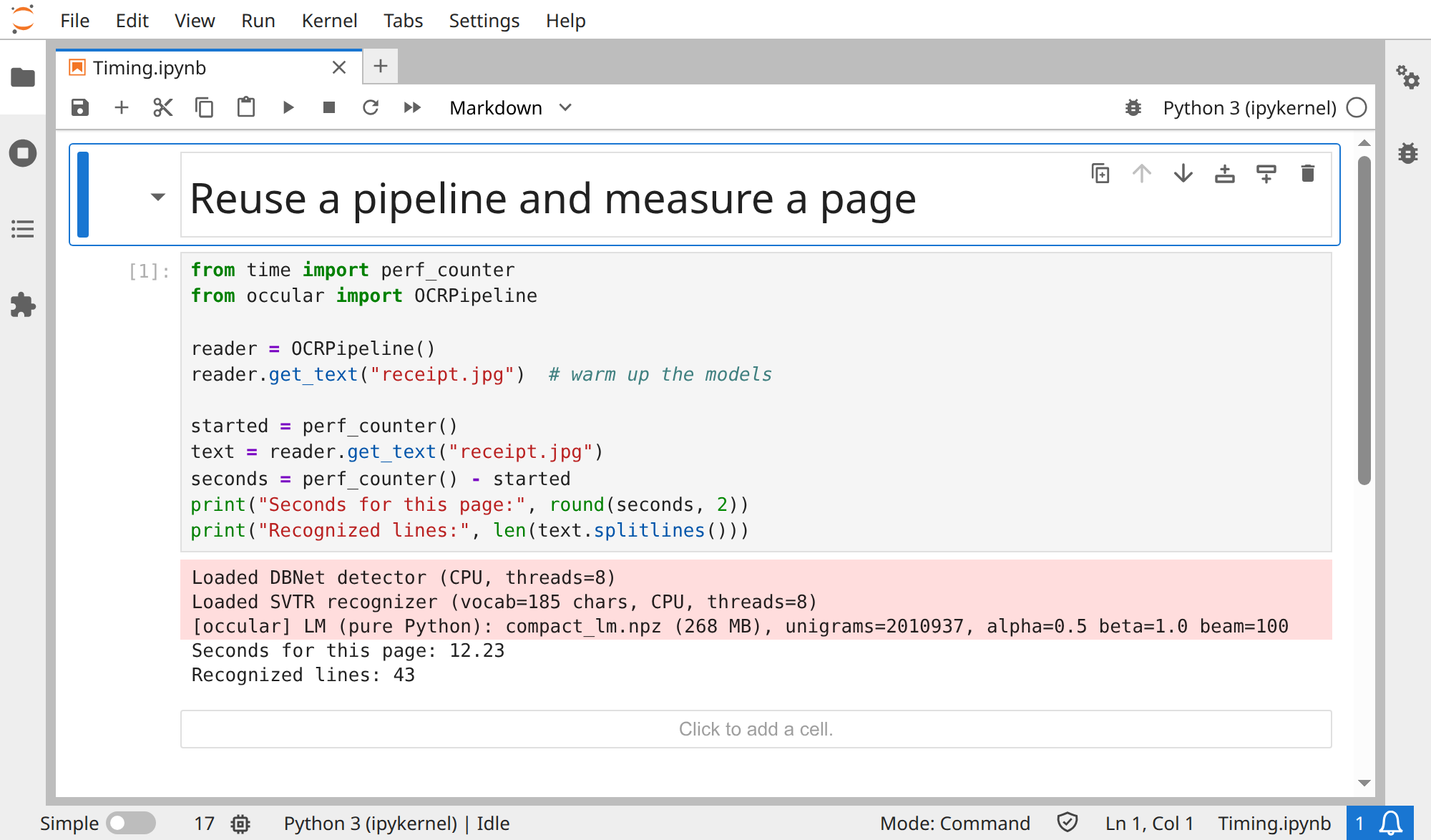
from time import perf_counter
from occular import OCRPipeline

reader = OCRPipeline()
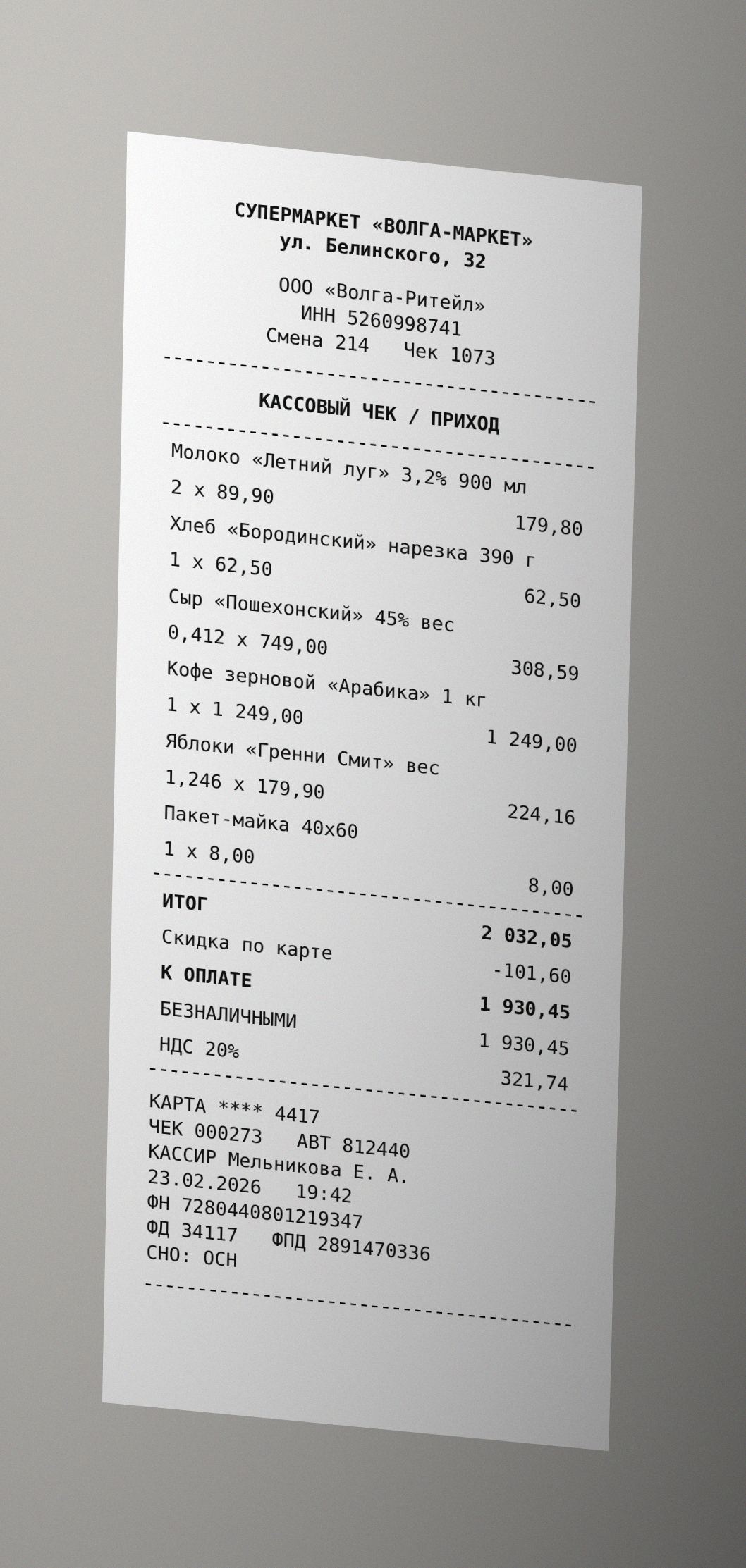
reader.get_text("receipt.jpg")  # warm up the models

started = perf_counter()
text = reader.get_text("receipt.jpg")
seconds = perf_counter() - started
print("Seconds for this page:", round(seconds, 2))
print("Recognized lines:", len(text.splitlines()))
Actual output from one CPU run:
Seconds for this page: 12.23
Recognized lines: 43
This is a reproducible measurement method, not a speed promise or a comparison with GPU. Your timing depends on document, hardware and cached models.
Open the real Jupyter run (all code visible)
Download notebook · receipt.jpg
ocr document.pdf --workers 2Try 1, 2 and 4 workers. More workers need more memory, so a higher number can make things worse. Using workers from Python →
Install the CUDA dependencies:
python -m pip install "occular-ocr[gpu]==0.5.1"Then request GPU execution:
from occular import ocr

text = ocr("scan.png", gpu=True)Use a GPU-enabled environment for this complete check:
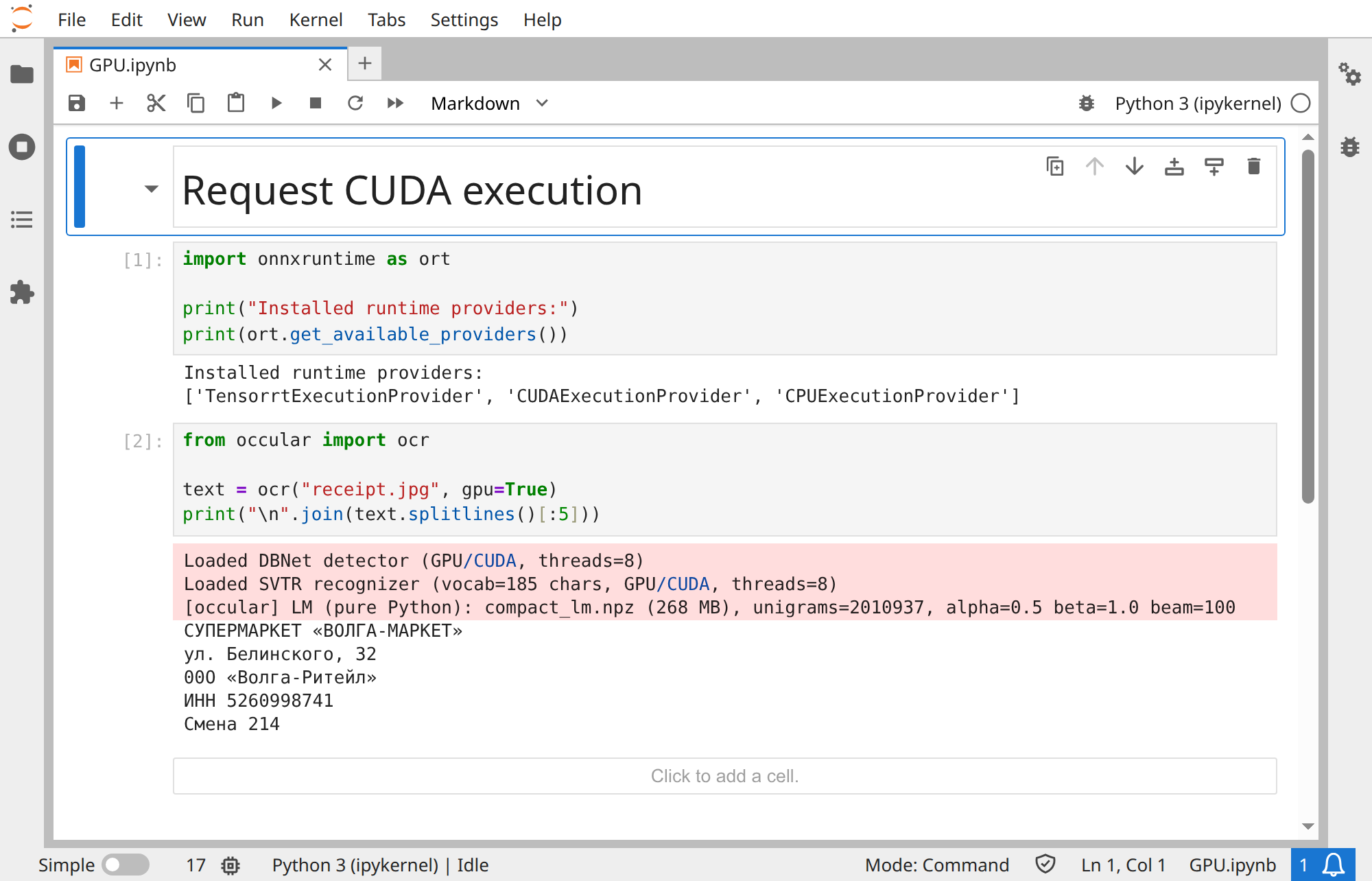
import onnxruntime as ort

print("Installed runtime providers:")
print(ort.get_available_providers())
from occular import ocr
text = ocr("receipt.jpg", gpu=True)
print("\n".join(text.splitlines()[:5]))Selected actual startup messages from the shown run:
Loaded DBNet detector (GPU/CUDA, threads=8)
Loaded SVTR recognizer (vocab=185 chars, GPU/CUDA, threads=8)
Both detector and recognizer reported GPU/CUDA. The provider list alone cannot confirm that sessions initialized on CUDA. On another machine, CPU fallback may be reported.
Open the real Jupyter run (all code visible)
Download notebook · receipt.jpg
You need a compatible NVIDIA driver and platform. Read the startup messages: if CUDA can't load, Occular can fall back to CPU.
What else can I tune?
-
num_threadscontrols work within a page;workerscontrols parallel tasks. - The default recognizer is the lightweight
svtr_lcnet. Tryrecognizer="svtr_t"when comparing accuracy, with a higher inference cost. -
reading_order=Falseskips layout ordering if your app doesn't need it. -
lm=Falseskips language-model decoding. Check quality before keeping it off. - For GPU PDF processing, start with one worker and monitor GPU memory.