Repository navigation
First setup
First setup is a short guide that helps you find the most useful preferences when you start Tagcast for the first time. It only offers settings that already exist in Settings. It does not change your music metadata.
- New installations. Welcome opens once, after startup has finished, when Tagcast finds no earlier settings folder or browser profile.
- Existing installations. Tagcast never starts it automatically if it already finds settings, sign-in data, a library cache or an update cache. A later failed connection, disconnect or app update does not start it again.
- On request. Open Settings → Interface → First setup at any time. You cannot open it while an editor, Settings or theme draft is unsaved.
| Step | What you can do |
|---|---|
| Welcome | Connect with the normal iBroadcast sign-in, or try the sample library without connecting. After a successful sign-in, setup continues without another login or library download. |
| Playback | Choose streaming quality and the optional, experimental Gapless playback. Free accounts stay at MP3 128 kbps. |
| Lyrics | Choose where Now playing lyrics come from: iBroadcast only, iBroadcast first, or Unison and LRCLIB first. The online options include the usual LRCLIB fallback and its consent. |
| Workspace | Choose the language, appearance, built-in colour palette, continuous browsing or page size, and how the expanded player opens. |
| Optional services | Turn on play reporting or device control. Extra iBroadcast permissions still need the usual reconnect and approval. |
| Summary | Shows what you chose and links to all settings. |
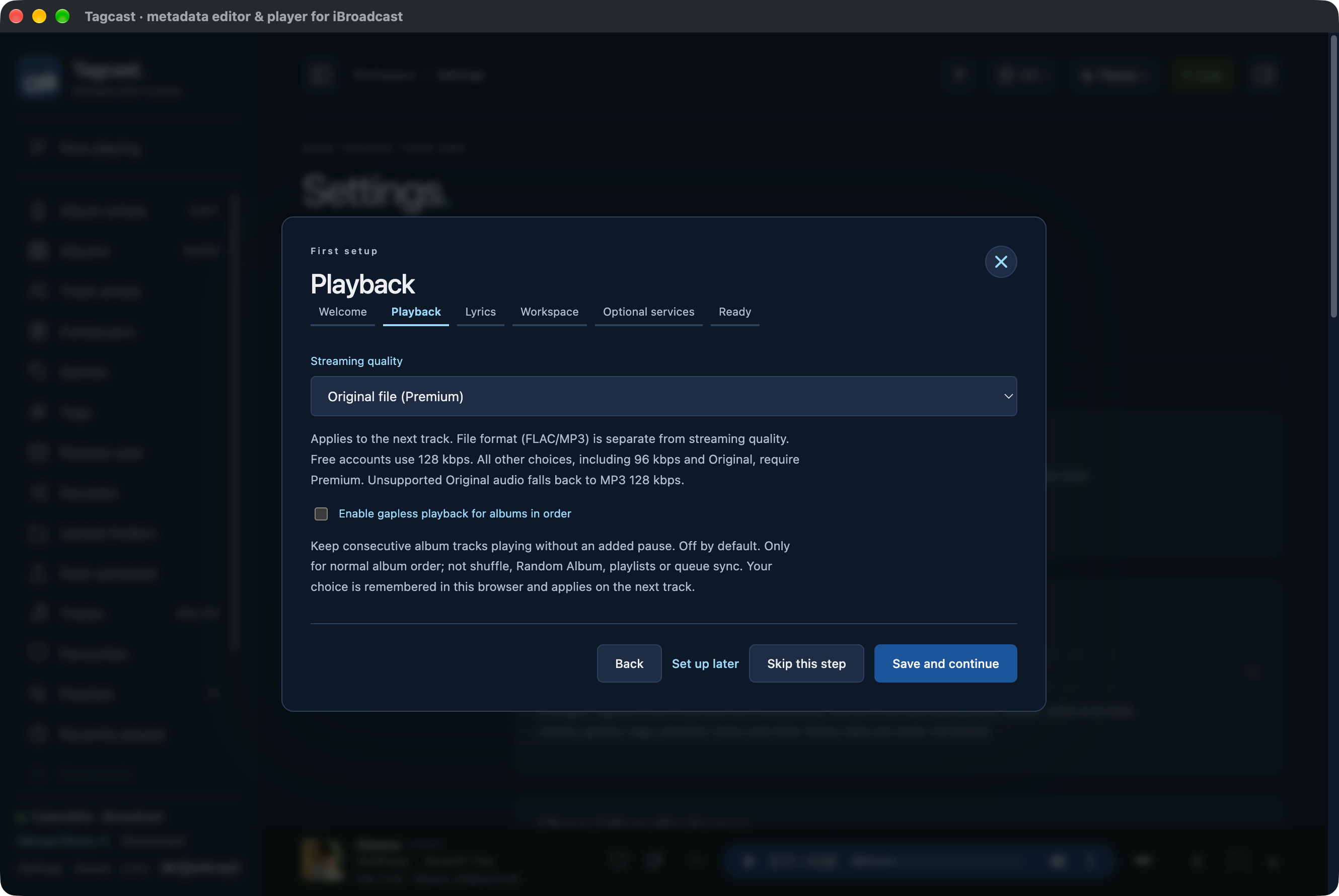
Tagcast 1.9.0, 13 November 2026. The Playback step exposes streaming quality and the optional Gapless setting. Free accounts remain limited to MP3 128 kbps.
- A step applies only when you choose Save and continue. Opening, skipping or finishing setup does not turn on any optional service.
- Choosing Gapless or a lyrics source has exactly the same effect as choosing it in Settings.
- Tagcast saves only the settings you changed. It never copies source keys or unrelated preferences into the setup form.
- If a save fails, the step and its inputs stay available, and the later choices are not applied. If the language cannot be saved, the previous language is restored.
- If your account or its capabilities change during setup, Tagcast blocks the stale save so that nothing is applied to the wrong account.
- Back and Set up later keep your unapplied inputs for the current session. Skip discards that step's unapplied choices.
After a restart, a paused setup is reopened from Settings. It starts from your current saved preferences; unapplied choices from the earlier session are not kept. If the app closes in the middle of a step, setup resumes at that step. Tagcast stores only the progress, version and status of setup, never account data, credentials or drafts.
See also Settings and help and the 1.8.0 release notes.