Repository navigation
Overview and metadata health
Home › Cleaning and organising
Overview is the read-only starting point for looking after your library. It shows how big your collection is, where metadata is missing and what iBroadcast's public service-status feed reports. Nothing on this page changes your library.
Overview shows library totals, collection size, playing time, formats, uploads per year and iBroadcast's existing play counts. Your account and iBroadcast settings, such as Combine Multi-Disc Album Sets, also appear here. Those settings are changed in iBroadcast, not in Tagcast.
Metadata health counts what is still missing: albums without a year, tracks without a genre or a cover, tracks whose genres are combined in one text such as Pop;Rock, and album artists without an image. Open a row to work through the matching albums or album artists one by one. You can then:
- fix a single album in the metadata editor,
- choose Clean up metadata… to review and process many albums with reviewed Cleanup, or
- compare copies and move chosen tracks to trash.
Choose Artist cleanup… to check for possible missing guest credits by album. Open a result in the existing track editor to review it. See Artist cleanup.
More filters, such as Missing composer or Duplicate tracks, are available under Albums → Filters; see Browsing and discovery. Overview does not start a Cleanup or change metadata by itself.
Totals can differ. Overview uses iBroadcast's own album totals, while the sidebar and browsing cards count the grouped albums that Tagcast displays. With multi-disc albums these numbers can differ; see Multi-disc albums. For failed loads or confusing results, see Troubleshooting.
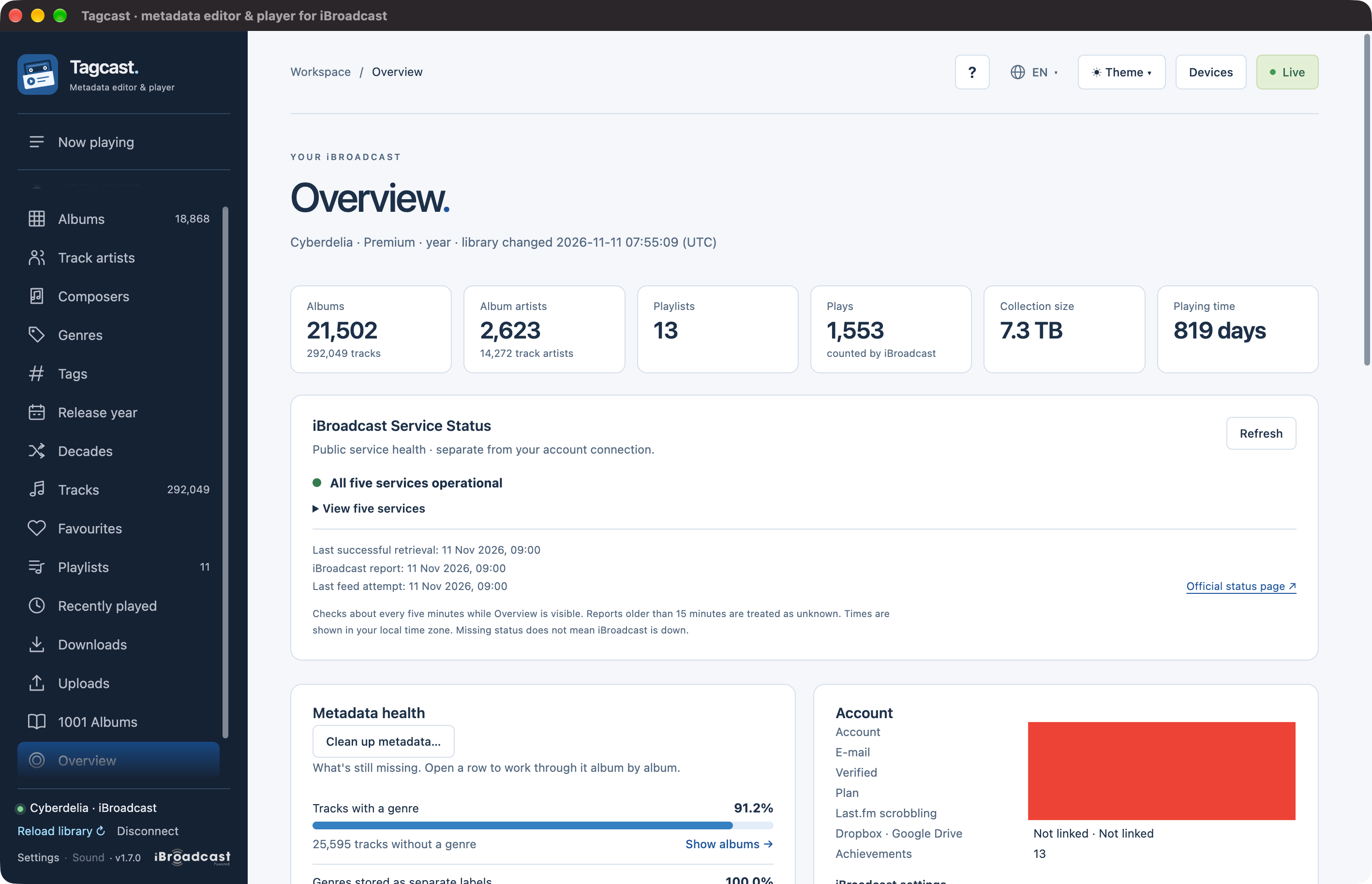
Tagcast 1.7.0 guide capture, 11 November 2026. Overview totals, service status and metadata health; the maintainer's existing redaction of account details is preserved unchanged.
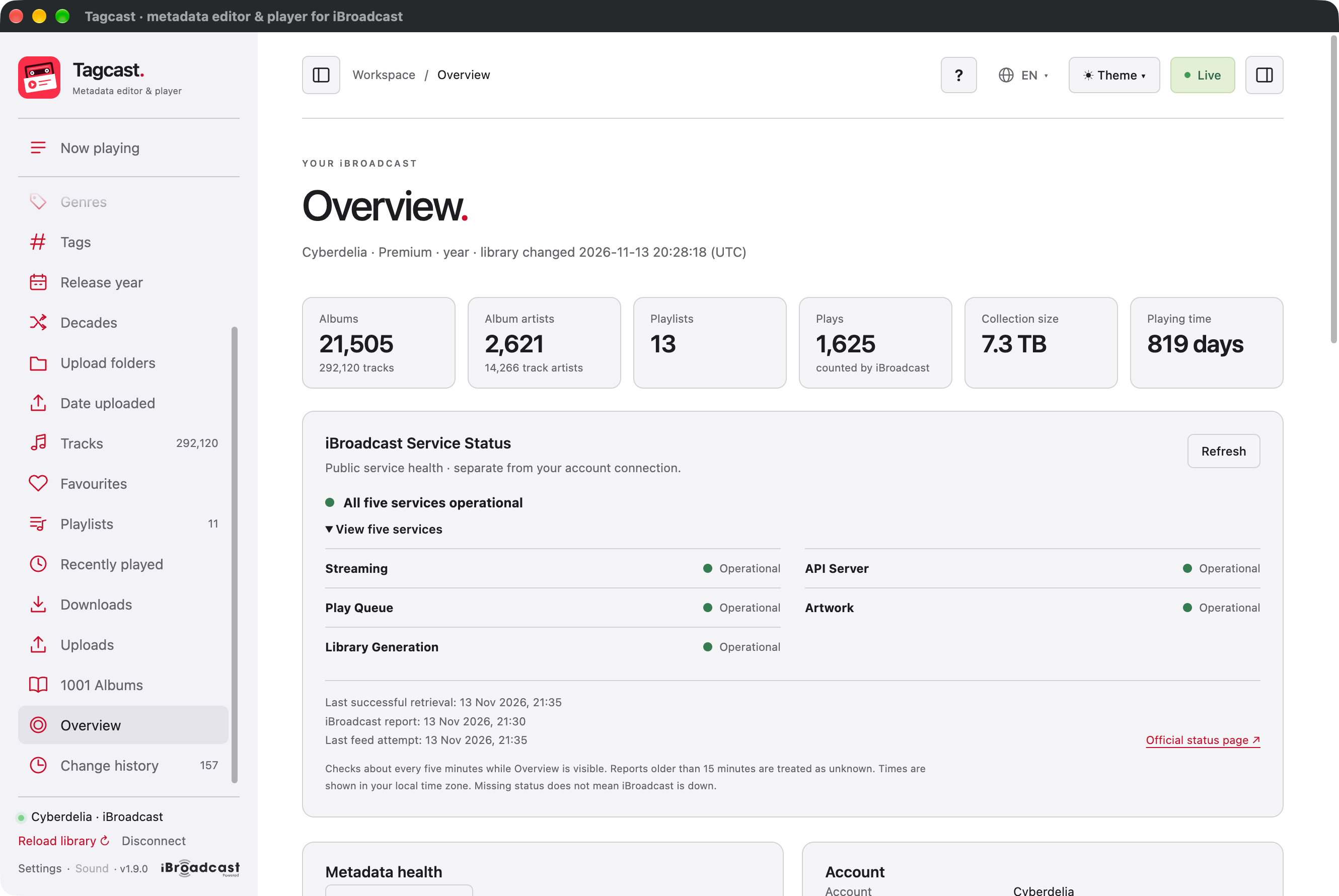
Tagcast 1.9.0, 13 November 2026. Service values show the public report at capture time, not a guarantee for an account or track.
Overview includes public status for Streaming, API Server, Play Queue, Artwork and Library Generation, taken from the official status feed. Operational, Degraded performance, Service disruption and Unknown states have readable labels as well as colours. Open the service details to see each status and any reported issues.
The panel refreshes about every five minutes while Overview is visible. It shows the time of the last successful retrieval, the provider's report time when available, and stale or unavailable information. Missing or stale information is never shown as a confirmed current Operational status. A failed status check does not by itself mean iBroadcast is down.
This is global service health, separate from your account connection or any single track. It needs no account credentials and does not start a library reload, queue operation or playback request. Use the Official status page link for the provider's own report. If you use an older Tagcast version, update to the latest stable release. Earlier status-feed fixes are recorded in Release history.