Repository navigation
Getting Started
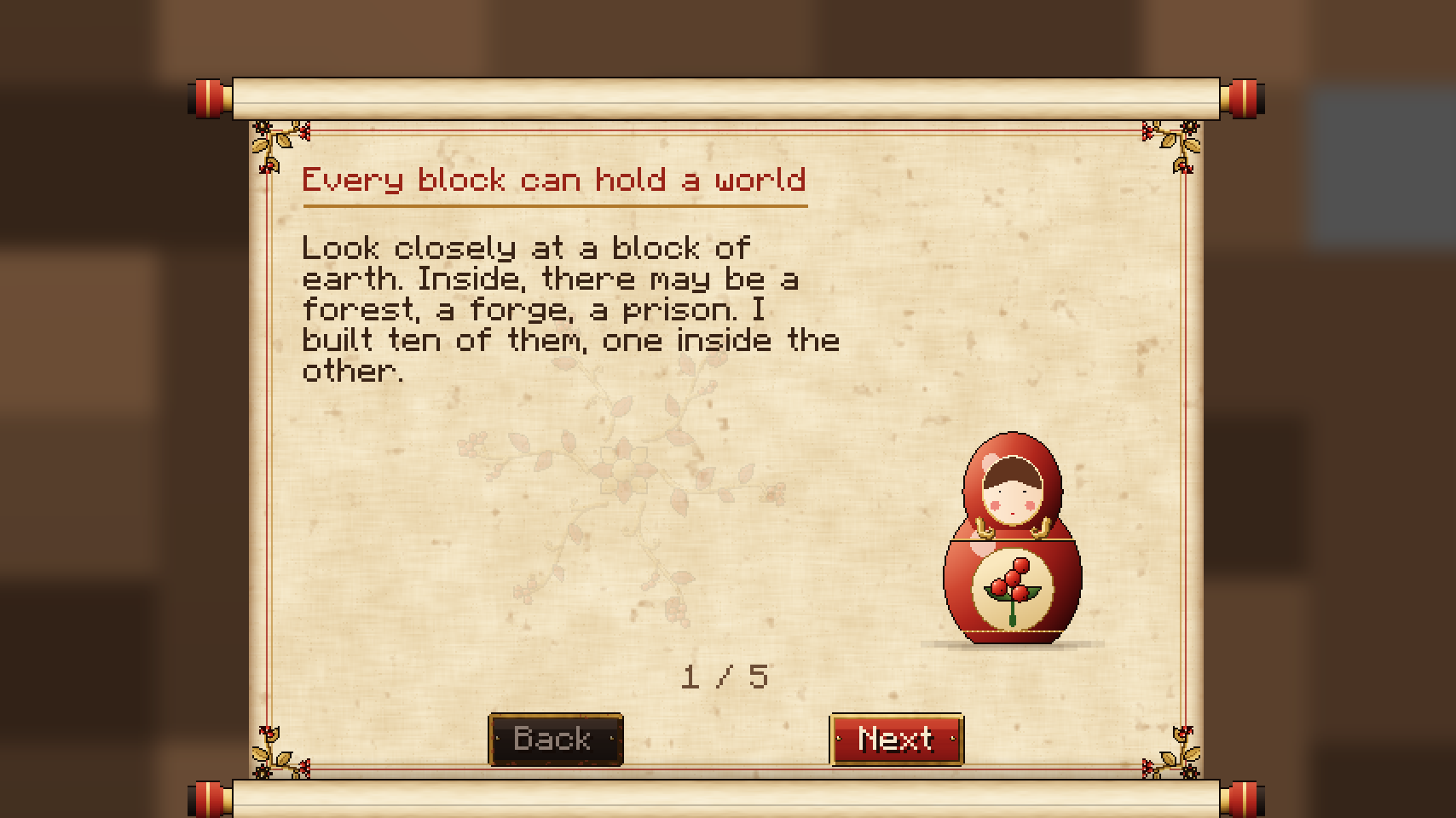
This page covers installation and your first half hour: from waking up with the Artisan's Scroll to standing in front of the World 1 Seed.
| Requirement | Version |
|---|---|
| Minecraft Java Edition | 26.3 |
| Fabric Loader | 0.20 or newer |
| Fabric API | any build for 26.3 |
| GeckoLib | 5.5.7 or newer |
| Java | 25 |
| Just Enough Items (optional) | any build for 26.3: every station gets a recipe page |
| Mod Menu (optional) | any build for 26.3: an info screen with links and the comfort options |
Sodium, Iris, the usual map mods and Traveler's Backpack work alongside; see Compatibility.
The mod must be installed on the server and on every client. Singleplayer works the same way, since the logic runs on the integrated server.
The easiest way: every GitHub release carries a Modrinth modpack (.mrpack) with the mod, its dependencies and client performance mods, in a normal and a hard version. Import it in the Modrinth App, Prism Launcher or any launcher that reads .mrpack files. See Modpack.
- Install Fabric Loader 0.20 or newer for Minecraft 26.3 with the official Fabric installer.
- Download the Matriochka jar from the GitHub releases, or from Modrinth or CurseForge once it is listed there.
- Download Fabric API and GeckoLib 5.5.7 (or newer) for 26.3.
- Put the three jars in the
modsfolder of your game directory and start the Fabric profile.
Create a Fabric 26.3 instance, add Matriochka, and let the app pull Fabric API and GeckoLib as dependencies. If it does not, add them by hand.
Lunar Client loads Fabric mods through its Fabric profile. Select the 26.3 Fabric profile, add Matriochka, Fabric API and GeckoLib to it, then launch. Lunar Client support for each Minecraft version depends on Lunar itself, so check that 26.3 Fabric is offered before installing.
Install the Fabric server launcher for 26.3, drop the three jars in the server mods folder and start it once. A config/matriochka.json file is created (see Configuration).
Until you enter World 1, a small lacquered card (new in 0.4.0) under the HUD plaque (top left) shows your next step: the step's item, its name, a one-line hint and ten pips for the ten steps. Each step is detected from what you really do, and the card slides in again with the next one. Your progress is kept per player, on the server.
| Step | What to do | Done when |
|---|---|---|
| 1 | Read the Artisan's Scroll | You turn to its second page, "Your objective" |
| 2 | Find the Guardian's Sanctuary | You stand in a sanctuary. The card has a compass needle toward the nearest one and its distance in blocks |
| 3 | Wake the Guardian | You use the Guardian's Altar and the Block Guardian rises |
| 4 | Defeat the Guardian | Your group has beaten it |
| 5 | Place the Matrix Workbench | A Matrix Workbench stands within 6 blocks of you |
| 6 | Craft the World 1 Seed | You carry a World 1 Seed (Guardian's core, 16 iron ingots, 16 oak logs at the Workbench) |
| 7 | Till World Soil | A tilled World Soil (from the Guardian) is within 6 blocks of you |
| 8 | Plant the Seed by water | A World 1 Seed is planted within 8 blocks of you. It needs water within 4 blocks to grow |
| 9 | Wait for it to hatch | Your group's World 1 Block has formed (about ten seconds once the water is there) |
| 10 | Enter World 1 | You use the World Block and arrive in the Toxic Jungle |
- If you do a later step first (a friend placed the Workbench, you already carry a Seed), the card skips ahead.
- Players who already got further before this card existed skip straight to their step, or past the end.
- After the last step, the card says farewell for a few seconds; the Journal's Objective page takes over.
- Hide or show it: the Guide button on the Scroll (bottom left) and on the Journal's Objective page. Its pip is gold while the card shows. The choice is kept per player.
- The card sits under the HUD plaque and follows it.
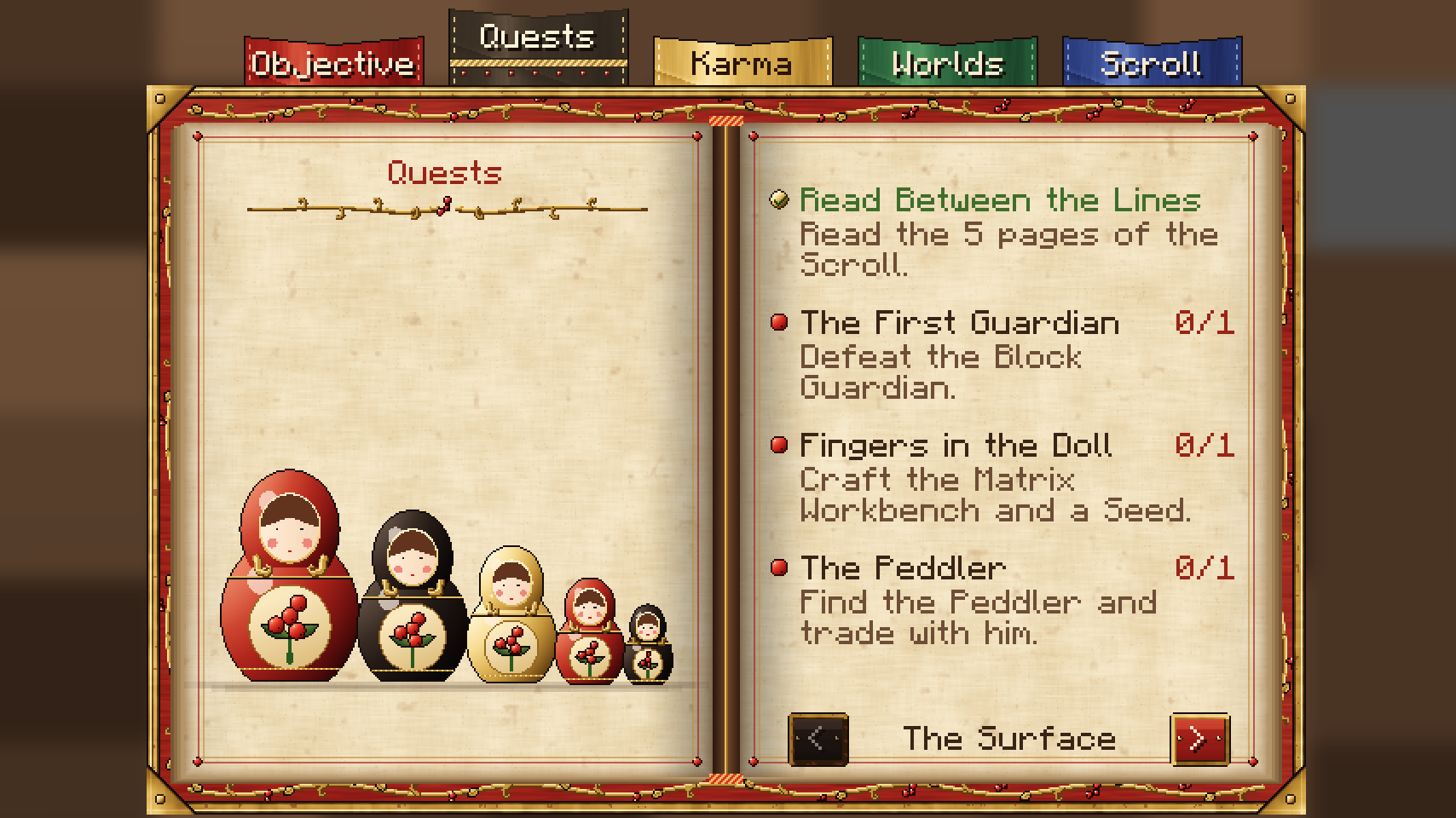
- Read the Scroll. On your first join you receive the Artisan's Scroll and its five pages open once. You can reopen it at any time with a right-click. Opening it completes the quest "Read Between the Lines" (5 Return Threads).
- Gather iron and wood. The first Seed needs 16 Iron Ingots and 16 Oak Logs. Diamond ore does not generate on the Surface (see Progression gates).
- Find the Guardian's Sanctuary. It is a disc of polished deepslate with a ring of eight stone pillars around an altar. It generates in the overworld about once every 24 x 24 chunks, so the nearest one is usually a few hundred blocks away.
- Wake the Block Guardian. Use the Guardian's Altar. The boss has 300 health and teaches the attack pattern of every boss: announce, execute, opening (see Bosses).
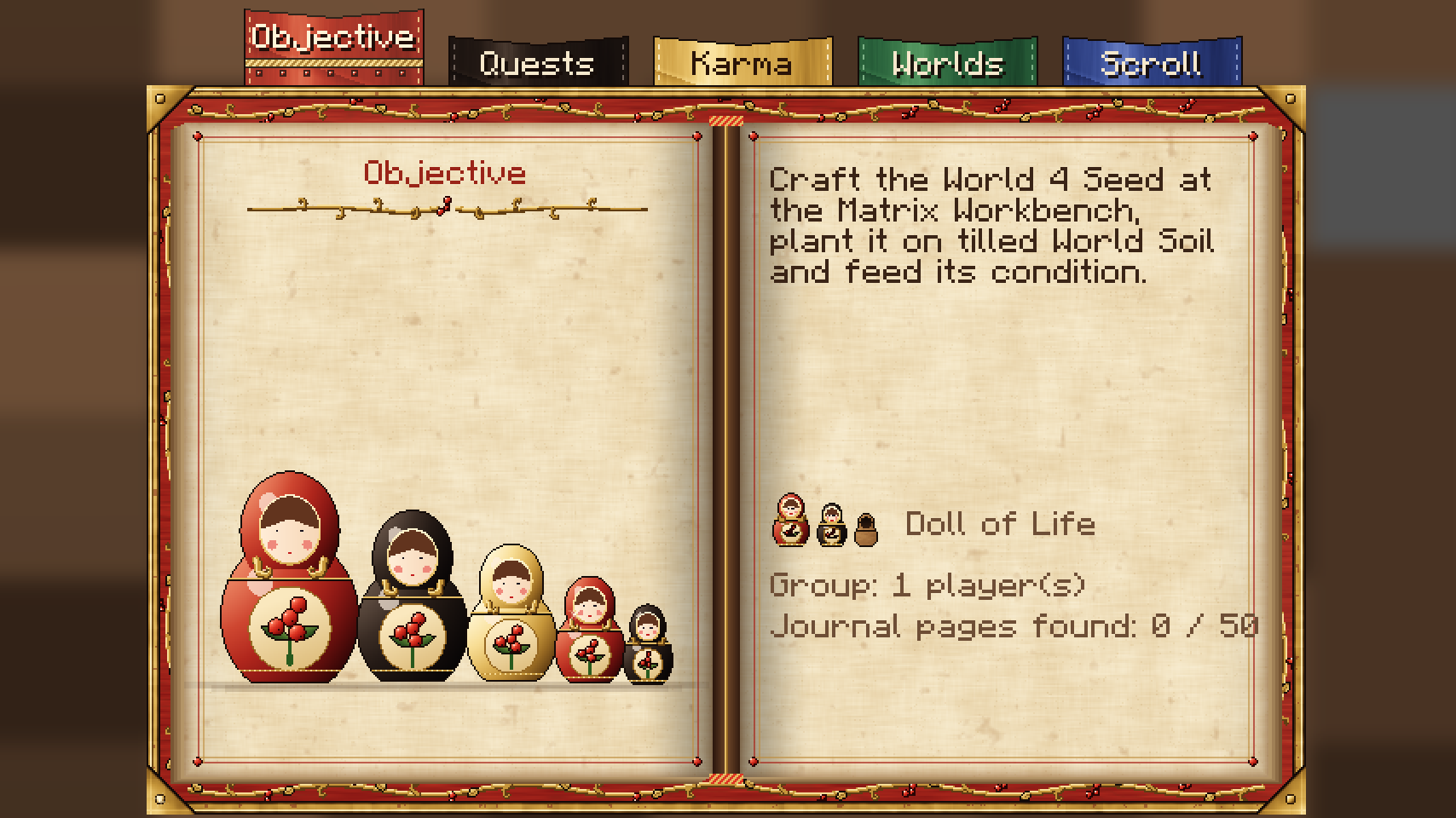
- Collect the rewards. The Guardian drops its Guardian Core, a Matrix Workbench and 4 World Soil 0. Everyone in the fight gets 100 souls, and your Scroll becomes the Artisan's Journal, which holds the quest book.
- Craft the World 1 Seed at the Matrix Workbench: Guardian Core, 16 Iron Ingots, 16 Oak Logs. The Workbench is a 3 x 3 crafting table: press the Seed's drawer to lay its pattern out on the grid from your inventory, then take the result (or shift-click it).
- Plant it. Place World Soil 0, till it with a hoe, and use the Seed on it. The World 1 Seed needs water within 4 blocks. When the condition is met it charges for 10 seconds, then becomes a World Block. What you feed the planted Seed and what lies around it decide its variant, calm or wild (see World variants), and where you plant it matters: a World Block stays linked to the 8 blocks around it (see Effects between the scales).
- Enter. Use the World Block. You arrive on a Threshold platform inside World 1. Use the Threshold (or a Return Thread) to come back.
Matriochka is played in English, French, Spanish, German and Brazilian Portuguese: pick the language in Minecraft's own Language screen. See Translations.
Screen shake, flashes, Nausea and Darkness, cinematics, particles, the HUD plaque and each kind of music can be softened or turned off from the Journal's Comfort button. See Accessibility.
- Toxin rises all the time in World 1, except in water or rain. Bring the Filter Mask as soon as you can (Spore Vat: 2 Chitin, 8 Spores, 2 String) and carry Antidotes.
- The boss arena is 160 blocks south (positive Z) of the Threshold. A path of lanterns leads to it.
- Craft a Soul Cradle (4 Oak Planks, 1 Wool Thread, 2 Roots) and place it inside the world, so a death sends you back in rather than out.
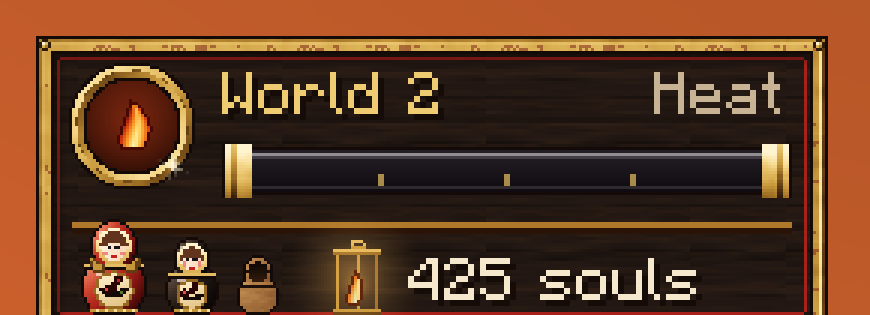
- You have no Doll of Life layer yet. Your first layer comes from the World 1 boss.
- Keep the Journal pages you find in structure chests: they are read in the Journal's Pages tab, and they tell the story (see The Artisan's Journal).
- Water placed around the World 1 Block slows the toxin inside for 5 minutes.
Only World 1 grows from a Seed. Every later world opens with its own object, crafted at the Matrix Workbench from the core of the boss before it, and its own rite: an Ember Heart by lava, a Jailer's Key against an iron door, a Storm Rod on a lightning rod, and so on. See The way into each world.
Next: Core loop.