Core Concepts
Almost everything in Gubbins is built on four ideas: items, locations, stock, and tracking modes. Understand these and the rest of the app falls into place.
An item is a kind of thing you're tracking — "M3 × 10 socket screws", "Cordless drill", "PLA filament". It is not one physical unit but the record that represents that thing: its name, photo, category, price, custom fields, and how many you have.
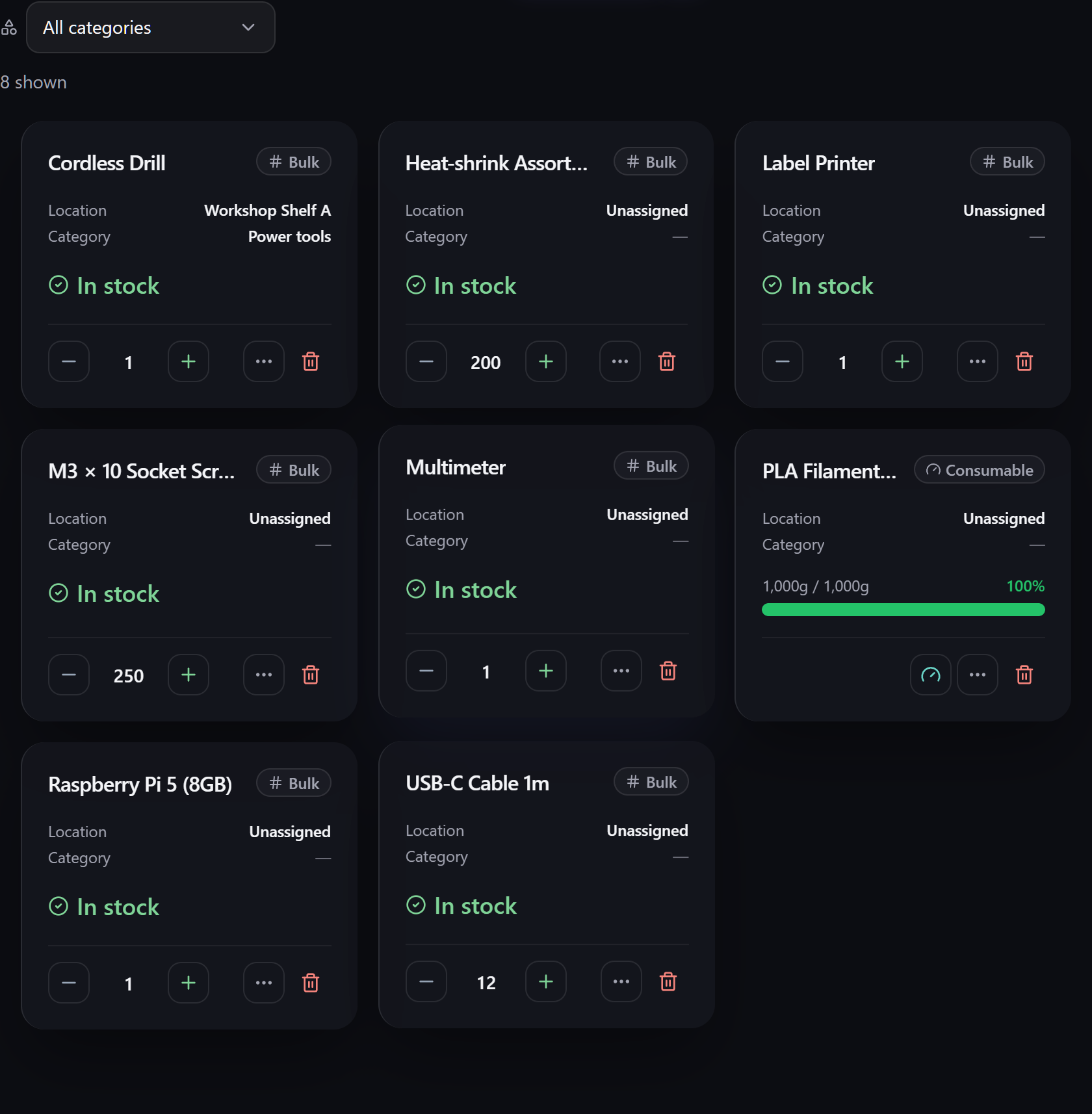
Each item is shown as a card (or a row, in denser views — see Inventory views). A card carries the item's name, its tracking style, where it lives, its stock status, and a quick way to adjust the count.
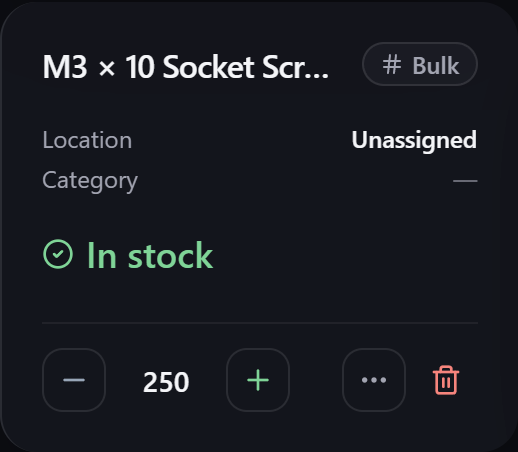
There's a lot an item can hold — categories, custom fields & capabilities, tags & attachments, warranty, maintenance schedules — but none of it is required. Start with a name and add depth only where it earns its keep. The full field list is on the Items page.
A location is where an item lives — a room, a shelf, a drawer, a toolbox. Locations are hierarchical: a Garage can contain Shelf A, which can contain Bin 3. They can be colour-coded and described, and each shows how many items it holds.
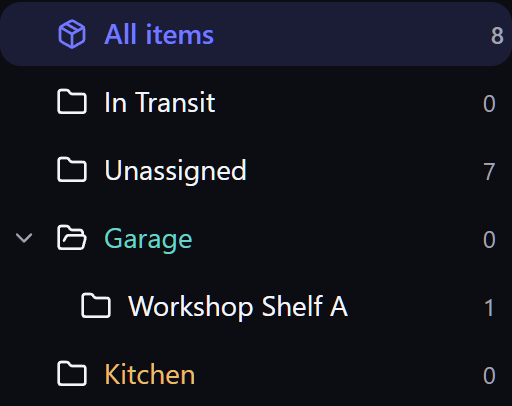
Selecting a location filters the inventory to just what's in it (and everything nested beneath it). All items clears the filter.
Stock is how many of an item you have. The important idea is that stock is tracked per location: 200 screws on Shelf A and 50 in the Kitchen are the same item with a combined on-hand of 250, but Gubbins remembers the split. Transfers move quantity from one location to another without changing the total.
ℹ️ Note An item's total quantity is always the sum of its per-location stock. You adjust stock where it physically is, and the total keeps itself correct.
For finer tracking, stock can be broken down further into batches & lots (with expiry dates) beneath each location.
Not everything is counted the same way. An item's tracking mode decides how its quantity behaves:
| Mode | Best for | How it counts |
|---|---|---|
| Bulk | Loose, interchangeable stock (screws, cable, resistors) | A single number you increase and decrease. |
| Serialised | Individually identified units (tools, devices) | Each unit is tracked separately, by serial number. |
| Consumable | Things measured by how full they are (filament, solder, liquids) | A gauge between empty (tare) and full capacity. |
| Untracked | Things you list but don't count | No quantity at all. |
The full explanation, with when to use each, is on Tracking modes.
An item is tracked using a tracking mode; its stock sits in one or more locations (optionally split into batches); and everything you do to it — adjusting a count, moving it, lending it out — is recorded in its activity log.
From here you can go deeper on any concept:
- Items — every field an item can hold.
- Tracking modes — Bulk vs Serialised vs Consumable vs Untracked.
- Locations & stock — hierarchy, transfers and the ledger.
- Glossary — a quick reference for every term used in the app.