Repository navigation
Core Concepts
Three ideas explain almost everything about how PlotWeave behaves. Read this page before the feature pages.
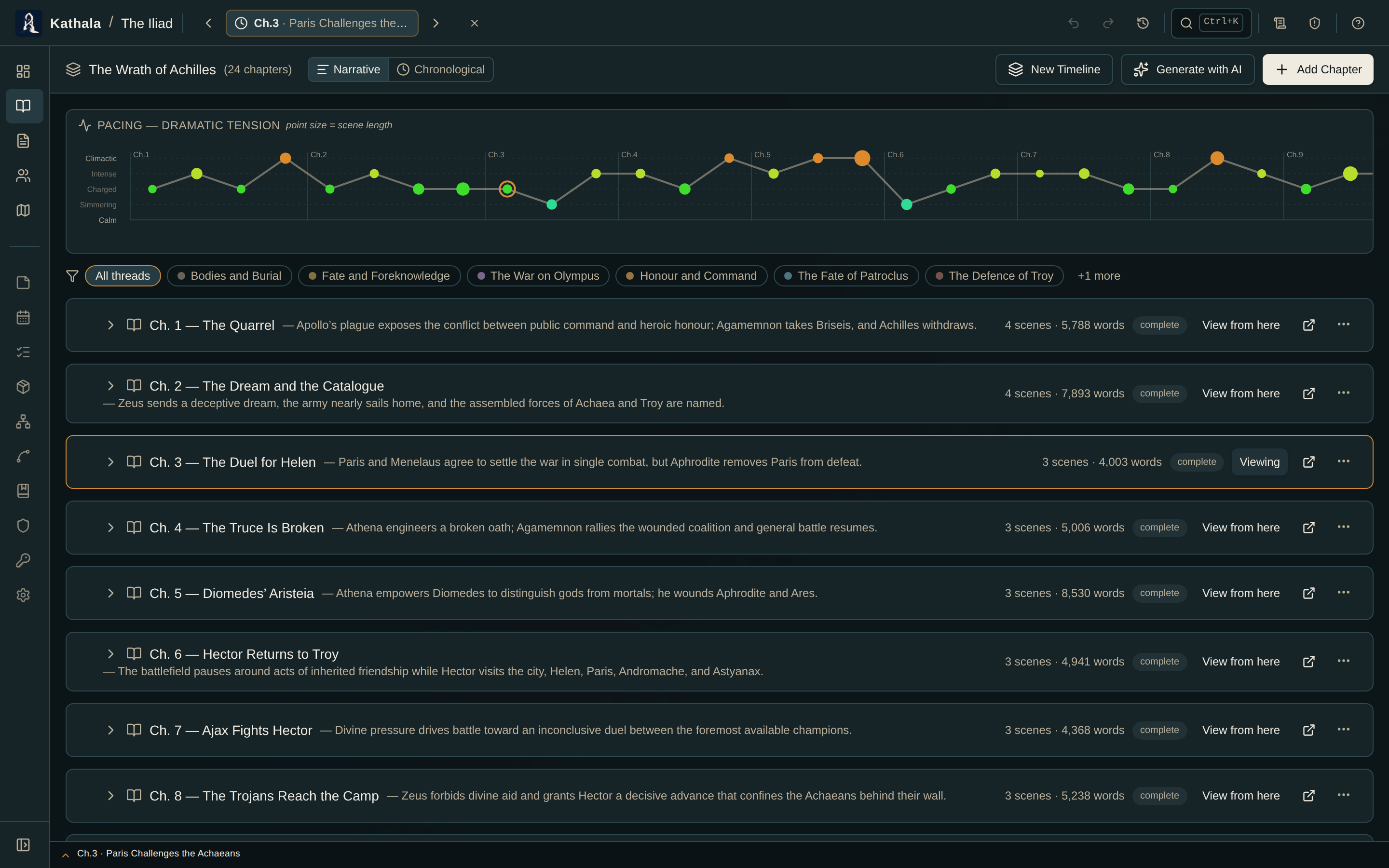
Events are the true units of story time; chapters group those events for structure and reading order. The active event is the time cursor, and every view — maps, character state, relationships, items, lore — shows the world as it stands at that event.
You move the cursor from either of two places, which are two views of the same thing:
- The pill next to the world name in the top bar. It reads All chapters until you choose a moment.
- The event bar along the bottom of every screen. Click a chapter segment or an event tick.
What the cursor controls:
- Which characters are alive or dead
- Where each character is, and what they carry
- The state of every relationship
- The condition of every item and the status of every location and region
- Which lore pages and knowledge facts have been revealed
Changing the cursor never edits your story. It only changes the moment you are viewing. Selecting All chapters clears it and shows unfiltered lists.
PlotWeave stores state as explicit snapshot records, not computed values. Setting a character's location at Event 5 writes a CharacterSnapshot for that character at that event.
This matters because state never drifts: you see exactly what you recorded.
| Snapshot | Tracks |
|---|---|
| Character Snapshot | Alive status, location, inventory, travel mode, status notes |
| Item Placement | Which location or inventory an item is in |
| Item Snapshot | Condition and notes |
| Location Snapshot | Status and notes for a location marker |
| Map Region Snapshot | Status of a polygon region (active, occupied, contested…) |
| Relationship Snapshot | Label, strength, sentiment, and active/inactive state |
You do not create a snapshot at every event. When PlotWeave looks up state at an event and finds no snapshot, it carries forward the most recent earlier one in that timeline.
- You record a snapshot at Event 1 — the character is in City A, alive.
- You record nothing at Events 2, 3, or 4.
- Events 2–4 display the Event 1 state automatically.
- At Event 5 you record City B.
- Events 2–4 still show City A; Event 5 onward shows City B.
Practical rule: only record a change. Unchanged state carries forward for free, and screens that show inherited state mark it as carried forward so you can tell the difference.
New chapters are seeded from the end of the preceding chapter on the same timeline, so a chapter starts wherever the last one left off.
- A World contains everything for one story or universe.
- A world can hold multiple Timelines ("Main Story", "Flashbacks", "Alternate History").
- Each timeline holds Chapters; each chapter holds Events.
- Characters, items, maps, lore, and factions are shared across every timeline in the world.
- Snapshots are per event, so the same character can stand in different places in different timelines.
Two timelines can be linked to describe how they connect — Frame Narrative, Historical Echo, Embedded Fiction, or Alternate. A frame narrative gets a two-track bottom bar (outer and inner) with optional sync points pairing an inner event to an outer one.
See Timeline & Events for setup.
| Goal | Page |
|---|---|
| Build your first world | Getting Started |
| See everything true at one moment | Writer's Brief |
| Audit the whole book at once | Character Arc Grid |
| Find contradictions | Continuity Checker |