Repository navigation
Story Playback
Press play in the chapter bar and the map becomes a playback stage: as the story advances event by event, character pins glide between locations along their routes, so you can watch your cast move through the world.
Use it to review pacing, spot continuity problems visually, or just see the shape of the book.
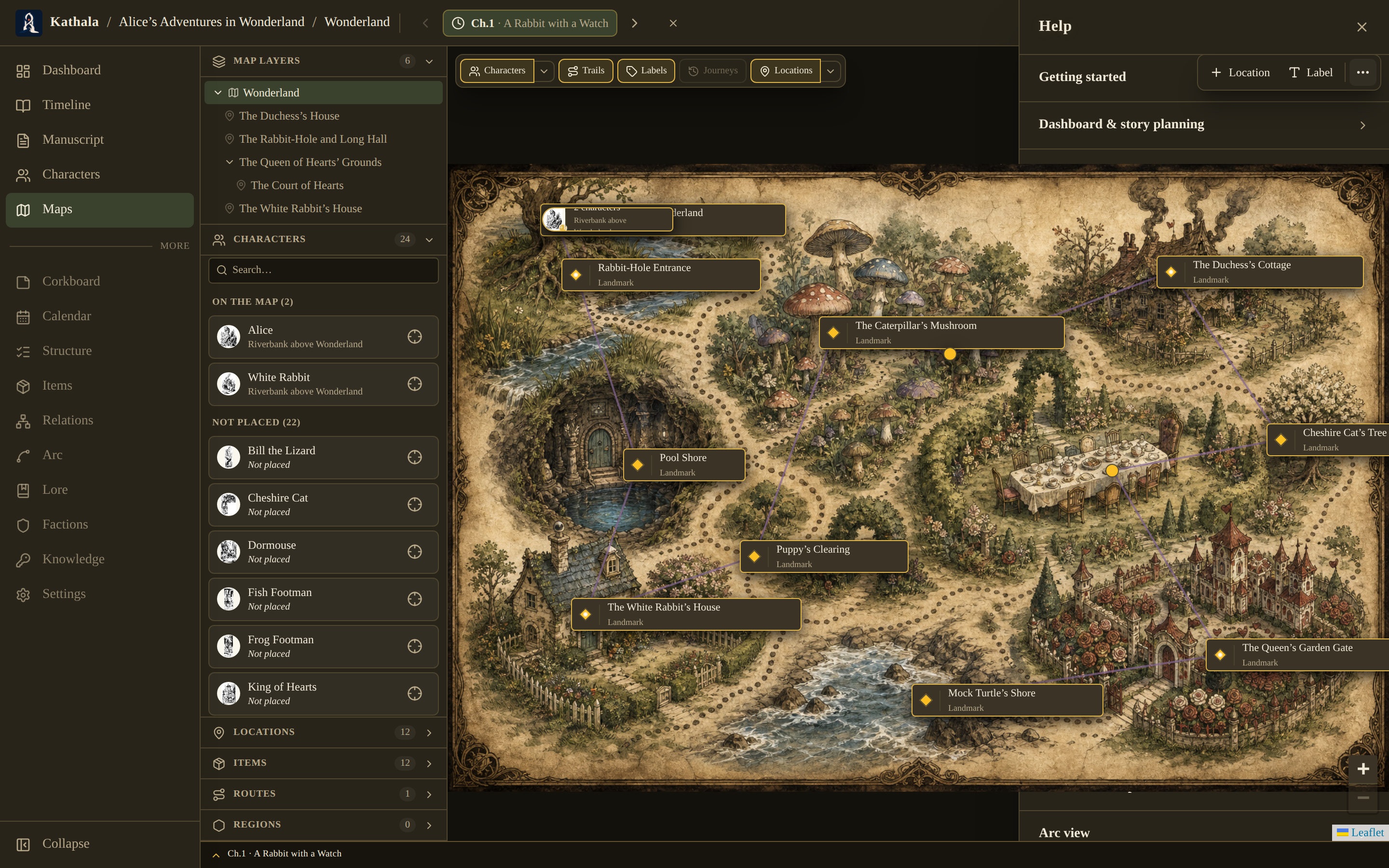
- A map with location markers.
- Characters with location snapshots across several events.
| Control | Effect |
|---|---|
| Play | Start from the active event, or the first |
| Pause | Hold position |
| Stop | End playback |
| Speed | Cycle the animation and hold durations |
Change the speed at any time during playback.
While playing, an overlay shows the current chapter, its synopsis, and the relevant character status notes for that moment — so the map reads as narration rather than as dots moving.
- With waypoints, a character follows their recorded trail through each stop in order.
- Without waypoints, they move directly from their previous location to the new one.
- No location change, and the pin stays put.
Playback follows the cast through the world's structure.
- If a character's path crosses into a sub-map, the view drills in, animates, and comes back out.
- On a levelled map, as the story reaches a chapter where a character has crossed to another floor, the map switches to that floor and lands their pin at the right spot.
Play works in every bottom-bar scope.
- On a single timeline, it's the usual animated run.
- In a merged view (All · Chapter order, or All · Chronological), it plays through the whole sequence and the map follows each event's own timeline — as the cursor crosses from one storyline into another, the map switches to that timeline's cast and animates their movement. Chronological order braids the storylines, so the map alternates between them as their scenes interleave.
With a frame narrative configured, the bottom bar shows two stacked tracks. Playback follows the active track while keeping the linked one available for context, and sync points keep the framing moment aligned.
The map can display outer-timeline characters as ghost pins; a historical-echo relationship marks shared places with echo rings.
Playback reads the world rather than editing it, so it stays available in reading mode — bounded, like everything else, by where your chapter cursor sits.
Nobody moves. Characters need location snapshots at more than one event. One snapshot, or the same location throughout, means nothing to animate.
Characters move in straight lines instead of following roads. That's the no-waypoints case. Record waypoints on the character's Current State tab for that event.