Repository navigation
Items
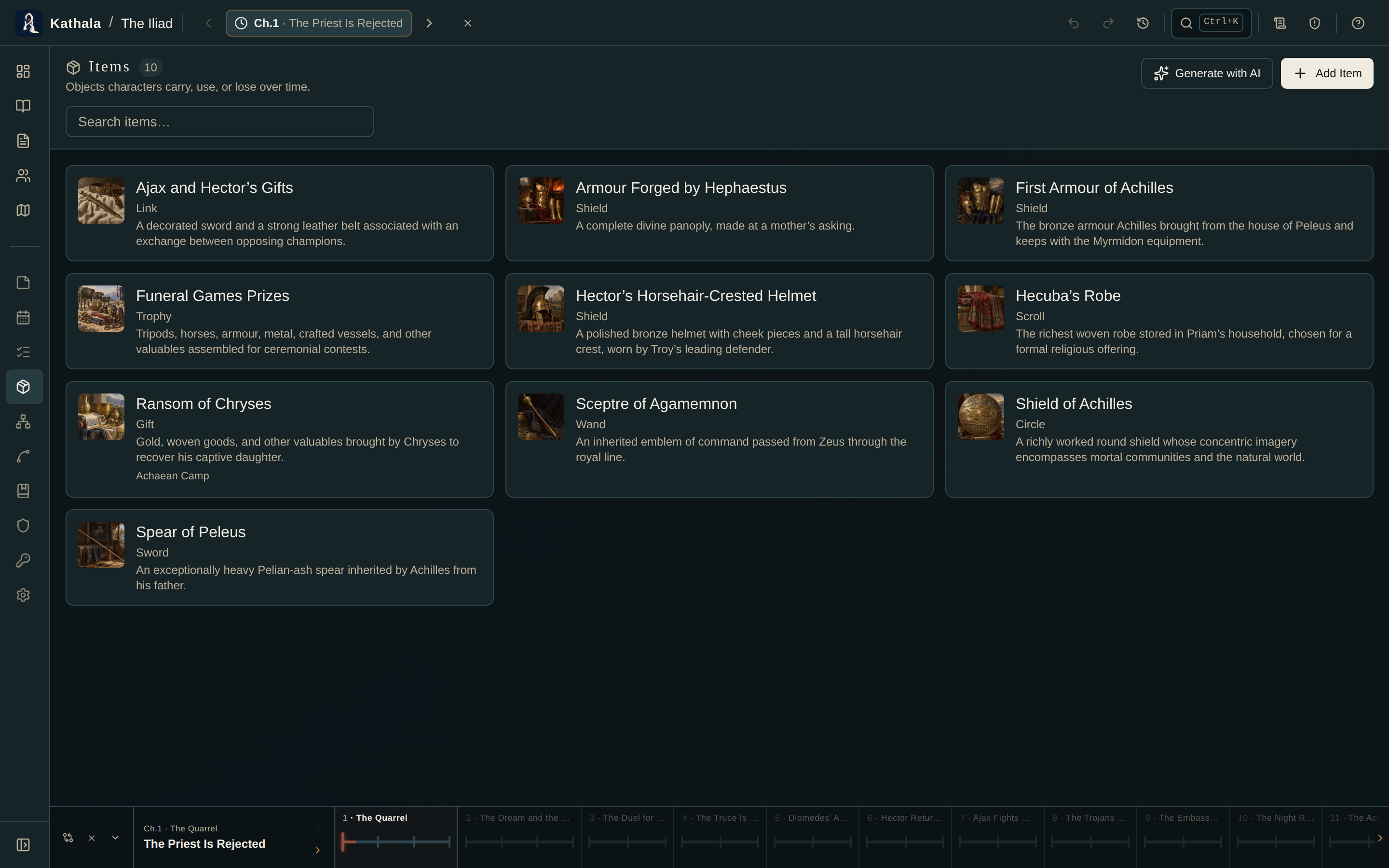
Track the objects that matter — weapons, artefacts, documents, consumables — with thumbnails, categories, and descriptions.
Like characters, items have per-event placements: who holds an item, or where it is, at any point in the story.
| Term | Definition |
|---|---|
| Item | A world-level catalogue entry |
| Item Placement | Where the item is at a given event — a location, or a character's inventory |
| Item Snapshot | The item's condition and notes at a given event |
- Go to Items and click Add Item.
- Fill in the name, description, category/icon, tags, and an image.
Generate with AI on the Items screen adds a batch to the current world: copy the prompt, describe your story, paste the JSON back. New items are created and items with a matching name are updated in place, so re-running never duplicates. See Generating with AI.
Placement is per event, like every other kind of state.
From the map: set the time cursor, open the Items panel in the map sidebar, and drag the item onto a location marker.
From a character: set the cursor, open the character → Current State → inventory, and add the item.
From the item's page: set the cursor and set its placement there.
- An item is in one place per event. Placing it somewhere new removes the old placement at that event.
- Placement inherits forward: place it at event 3 and it stays there through events 4, 5, 6… until you move it.
An Item Snapshot records condition and notes at an event — intact, damaged, broken, lost, used, depleted.
Set the cursor first: editing condition at event 5 does not change events 1–4.
Alongside its own fields, an item's page lists every lore page linked to it.
In a world with multiple timelines, Cross-Timeline Appearances records where an artefact originates, the timeline in which it is later found or encountered, and optional encounter notes.
Example: a letter written in the past timeline, found in a box in the present one.
An item's picture opens full size the same way a portrait does — click it on the detail page, and Esc, the backdrop, or ✕ to close. See Characters → Portraits and pictures.
An item appears in two places at one event. Placement is exclusive by design. If you see a conflict, run the Continuity Checker.
Condition isn't updating. Check the time cursor. Condition is per event.
An item vanished from an inventory. It was probably placed at a map location at a later event — placement moves it out of inventory.
- Core Concepts — placement and inheritance
- Maps · Characters · Continuity Checker