Repository navigation
Relationships
The Relationships graph visualises how your cast connects. Each edge is a labelled, colour-coded relationship — allies, rivals, family, lovers — and the graph is fully pannable and zoomable with a minimap.
Relationships are snapshot-aware: they change over the course of the story, and each change is tied to the event where it happens.
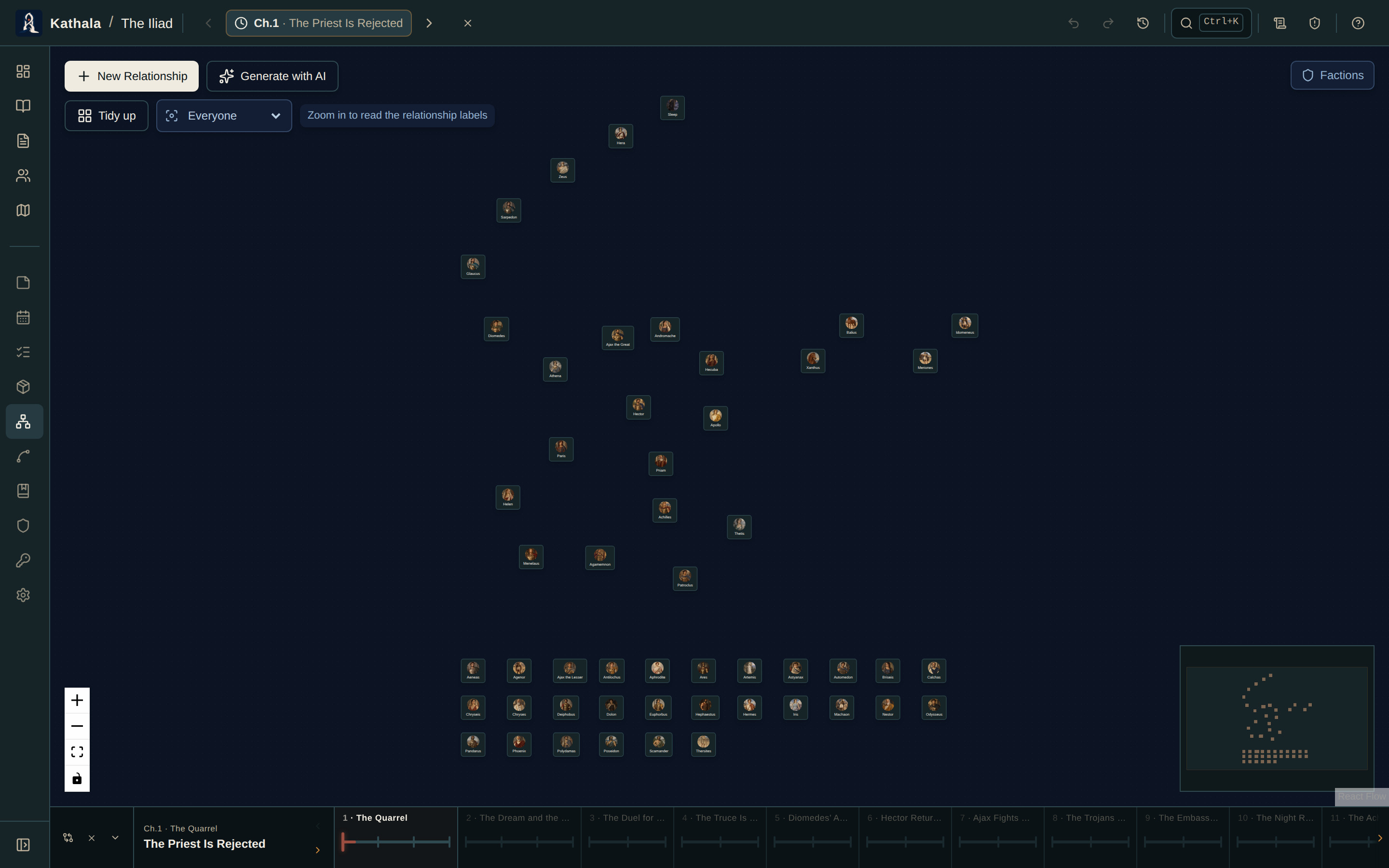
Use the form, or drag from one character node to another.
A relationship carries:
| Field | Notes |
|---|---|
| Label | What it is — "Allies", "Rivals", "Sworn to" |
| Strength | Weak → Moderate → Strong → Bond |
| Sentiment | Positive / Neutral / Negative / Complex — drives the edge colour |
| Direction | Bidirectional, or directed from A to B |
| Description | Freeform notes |
| Starts at event | Leave blank for a bond that exists from the beginning |
Selecting an edge opens its editor and an Evolution history of every event-based change.
Editing while the cursor sits at an event writes a snapshot at that event. Earlier events keep the earlier state; later events inherit the new one until something else changes. Move the cursor and the graph redraws as the relationship stood then.
To record that a relationship ended, set the cursor to that event and mark it inactive there. It stays active at every earlier event.
Deleting a relationship removes it and all its snapshots from every event — use it only when the relationship should never have existed. Undo restores the whole thing as one action.
| Element | Meaning |
|---|---|
| Node | A character, with portrait and name |
| Edge colour | Sentiment |
| Edge label | Relationship label and strength |
| Dashed edge | Inherited — no new snapshot at this event |
The faction overlay colours character nodes by their active memberships at the current moment.
Generate with AI (top-left of the graph) adds relationships in bulk.
Each relationship's two endpoints reference characters by name — only pairs where both already exist are imported; unknown names are ignored. A new pair is created; a pair that already has a relationship is updated in place.
The prompt also captures how a bond evolves: each relationship can carry a list of changes, each naming an existing event where the state shifts (allies → rivals → reconciled). Those become per-event snapshots.
Add your timeline events first. A change whose event doesn't exist yet is skipped.
See Generating with AI.
The Relationships tab on a character's profile lists their relationships at the active event. It's the quicker route when you only care about one person.
A relationship isn't visible. Check its starts at event — it stays hidden until the cursor reaches that moment.
Editing changed a prior event too. You edited a snapshot that was being inherited. Record the intended state at the earlier event first, then edit the later one.
Two characters have several overlapping edges. More than one relationship exists between them. Each is independent; click each edge separately.
The graph is sluggish in a very large world. Use the character page's Relationships tab to browse in list form instead.
- Characters · Factions · Chapter Diff
- Core Concepts — why editing at one event doesn't rewrite the others