Repository navigation
Lore
Lore is your world's reference wiki — history, rules, and mythology that don't change with time.
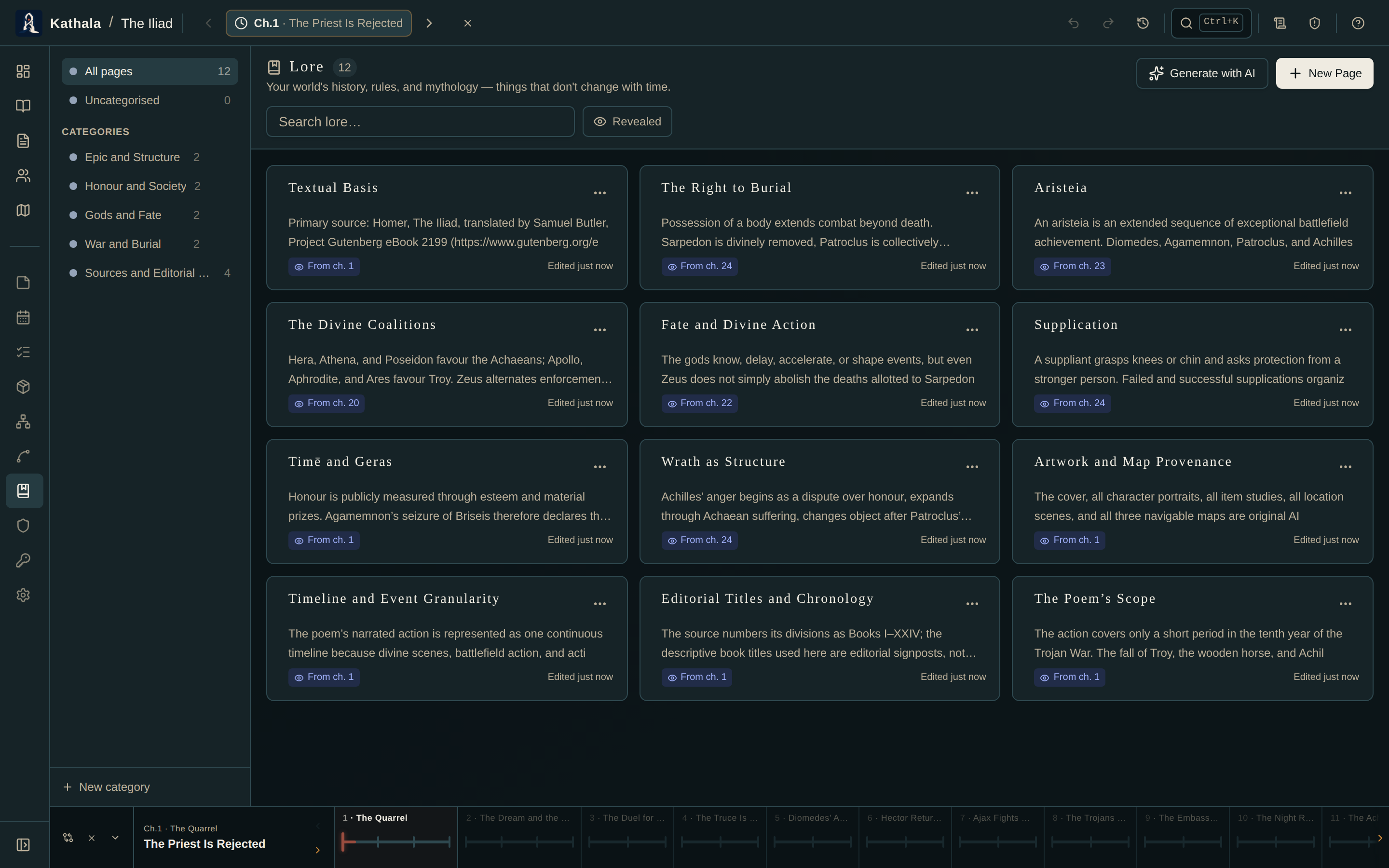
Pages live in categories (Artefacts, Peoples, Places…) and carry tags. Create a category, then add pages inside it.
Each page has a Markdown editor with an Edit / Preview toggle.
| Field | Purpose |
|---|---|
| Title | The article heading |
| Body | Markdown |
| Tags | Freeform labels |
| Linked entities | Characters, items, or locations this page is about |
| Revealed at | The first event at which the page becomes visible |
Link entities associates a page with characters, items, or locations. The page then appears:
- In those entities' Lore sections, on their own detail pages.
- In the Writer's Brief, when one of them is present at the current moment.
It's a two-way link — you never have to remember which side you made it from.
Revealed at chooses the first event at which a page becomes visible.
- A page with no reveal event is always available.
- A page with one appears from that event onward, and is marked NEW in the Writer's Brief at exactly that event.
Turn on the revealed-only filter in the Lore index to hide future knowledge at the current cursor — the writer's version of not spoiling yourself.
In reading mode this is enforced rather than optional: a lore page waits until the reader has met what it is about.
Generate with AI builds out your wiki in bulk. Pages are filed into categories by name, and categories are created automatically. A page with a matching title is updated in place rather than duplicated.
See Generating with AI.
A sequel can turn book one's chapters into a recap — one lore page per chapter, grouped in a Previously — {book one} category — and carry your world-building lore forward.
A page isn't in the Writer's Brief. It needs either a link to a character present at the active event, or a reveal event at or before it.
Markdown isn't rendering. Toggle Preview. The editor itself shows raw Markdown.
- Writer's Brief · Knowledge — the other half of "what does the reader know yet"
- Characters · Items · Maps — the things lore links to