Repository navigation
Themes
PlotWeave ships nine visual themes that change the colour palette, typography, and visual effects of the whole app.
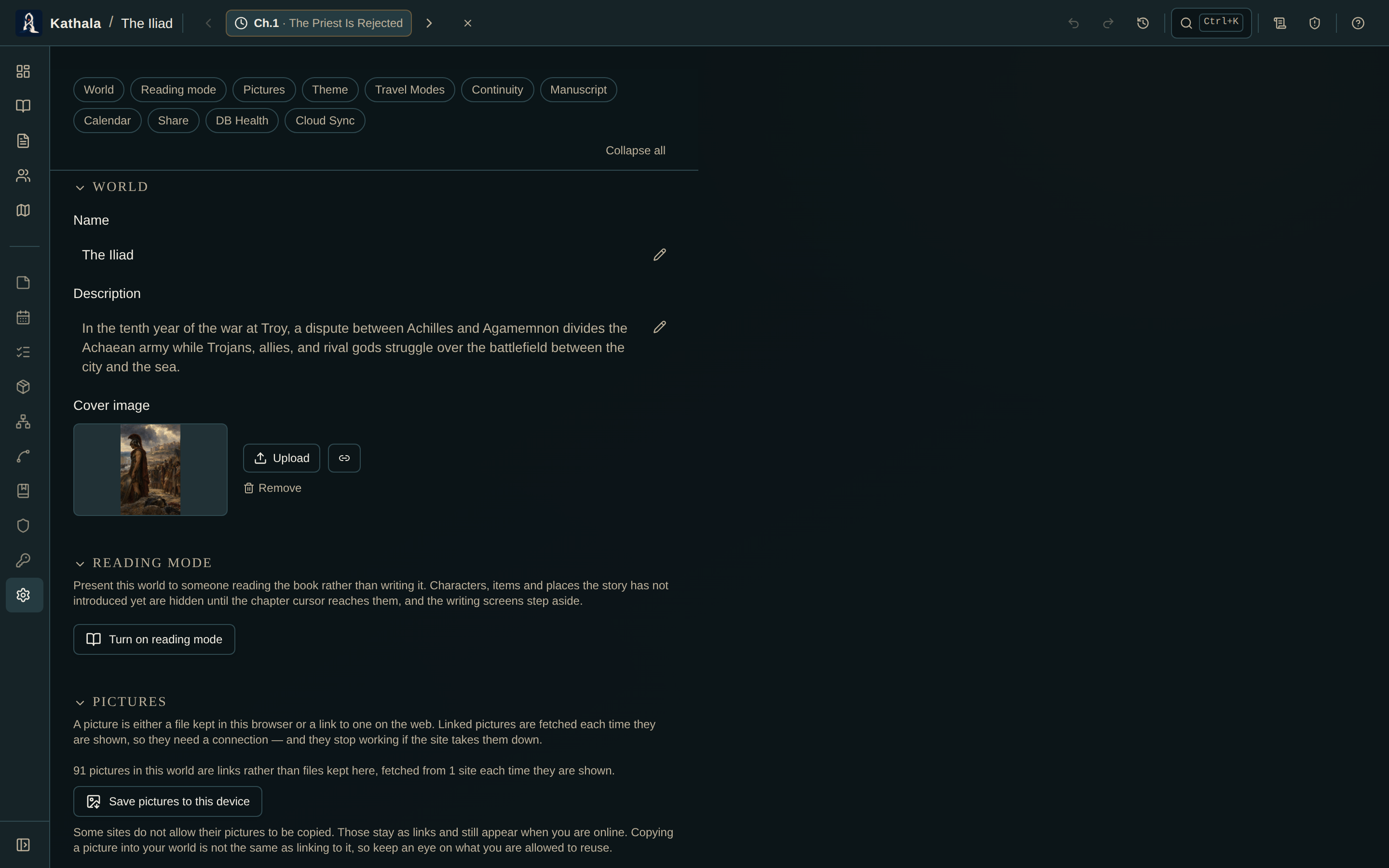
The theme is a per-world setting.
- Open Settings for the world.
- Pick a theme from the swatch list.
It applies immediately, and opening that world applies it again. Different worlds can look completely different — a noir mystery and a high-fantasy epic don't have to share a palette.
| Theme | Atmosphere |
|---|---|
| Dark Slate (default) | Quiet, neutral workspace |
| Fantasy | Vellum, forest ink, old gold |
| Sci-Fi | Star charts and cool telemetry |
| Cyberpunk | Electric violet and signal lime |
| Horror | Oxblood, bone, scratched film |
| Western | Leather, dust, sunset brass |
| Action | Gunmetal and warning orange |
| Noir | Silver gelatin and darkroom red |
| Romance | Plum ink, blush, candlelight |
Every theme covers the same set of UI elements: backgrounds, surfaces, borders, buttons, inputs, the chapter bar, and all overlay panels.
If a theme's contrast is uncomfortable on your display, Dark Slate and Noir are the two designed for maximum legibility.
The theme is one of the two things reading mode leaves you in control of — it describes how you want to look at the book, not what the book is.
The theme changed but some elements kept the old style. Reload the page. A reload resets all CSS custom properties.
A world isn't using the theme I picked. Confirm the Theme field in that world's Settings is set to a named theme rather than left blank.
- World Settings — where the theme lives, alongside everything else per-world