Repository navigation
Manuscript
The Manuscript view stitches every scene's prose into one continuous document, in reading order, so you can read and export your book without leaving PlotWeave.
Write a scene's prose on its event and it appears here automatically.
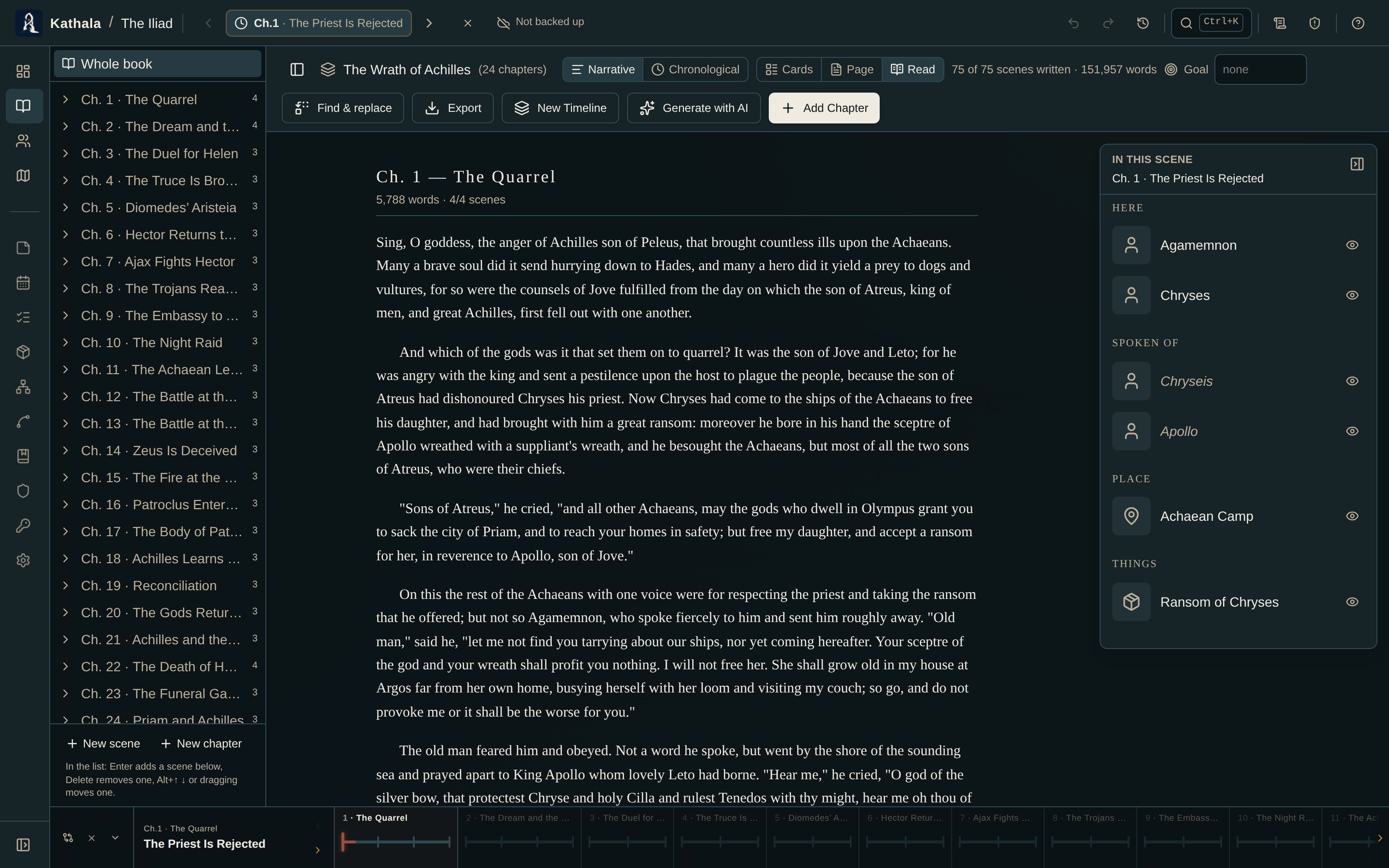
| Mode | Shows |
|---|---|
| Draft | Per-scene and per-chapter word counts, scene labels, and links back to each event |
| Reading | The scaffolding hidden, for a clean read-through of only the written scenes |
Empty scenes are flagged with a "write this scene" link, so the manuscript doubles as a checklist of what is left to draft.
- Set a target for the whole manuscript in the header (it also drives the burndown on the Dashboard).
- Set a per-chapter goal in Draft mode. Per-chapter goals are saved with the chapter.
A progress bar tracks words against each.
Download or copy the manuscript as Markdown, HTML, or plain text — or compile a finished book file:
| Format | What you get |
|---|---|
| Word (.docx) | Title page (with an optional author), each chapter on its own heading, scenes separated |
| EPUB | The same, plus a linked table of contents |
Both are generated right in the browser, so nothing leaves your device.
The Find & replace button in the Manuscript header searches across every scene's prose at once — for renaming a term or fixing a recurring tic without opening each scene.
Type a phrase to see every scene that contains it, with a match count and a highlighted preview.
- Case sensitive and whole word toggles refine the match.
- Replace one scene at a time, or Replace all across the manuscript.
- Character-rename aware — when your search exactly matches a character's name, PlotWeave offers to rename that character too, its name and aliases, so the cast list stays in sync with the prose.
Every scene changed by a replace is saved as a new version, so you can undo it from that scene's history.
Every scene keeps a revision history. As you revise, PlotWeave automatically saves earlier drafts — grouped so a burst of edits becomes one snapshot, and capped to the most recent 20. A History link appears above the scene draft once there are saved versions.
Open it to:
- Browse past versions with their timestamp and word count.
- Diff any version against the current prose — added words in green, removed in red.
- Restore one.
Restoring is non-destructive: the current draft is saved as a new version first, so you can always undo it. The full history travels with the world through export/import.
Above the scene draft, Focus opens a full-screen, distraction-free writing surface for that scene — no chrome, just your prose in a centred column.
- The caret stays vertically centred as you type (typewriter scrolling).
- A live word count and words this session sit in the slim header.
- If you've set a daily goal, a thin bar at the bottom fills toward it.
It autosaves as you write, so scene history and the writing log keep working. Press Esc or click the ✕ to drop back to the event.
Manuscript is a writing screen, so reading mode removes it and closes its address.
- Import a Manuscript — the reverse trip, bringing a draft in
- Dashboard — writing progress, streaks, deadline projection
- Corkboard — the same scenes as cards