Repository navigation
Undo and Redo
PlotWeave records every edit as you make it, so a mistake is a step backwards rather than a rebuild.
Undo is the left arrow in the top bar, and Ctrl/⌘+Z anywhere outside a text box.
Inside a text box, Ctrl/⌘+Z is your browser's own undo, working letter by letter. PlotWeave deliberately stays out of the way there.
Redo is the right arrow, Ctrl/⌘+Shift+Z, or Ctrl+Y. It puts back whatever you just undid, and you can walk forward through several undos in turn.
As in any editor, making a new edit clears the redo — putting the old change back at that point would land it on a story that has since moved on.
Each press takes back one action, which is not always one record:
| Action | What comes back |
|---|---|
| Deleting a character | Their relationships, goals, faction memberships, and per-chapter state, along with them |
| Reordering two events | Both events — never half the swap |
| Deleting a multi-event selection | The whole selection at once |
| A burst of typing in chapter notes or a lore page | One edit, not one per pause — so undo takes back what you just wrote rather than a fragment of a sentence |
Redo is as careful as undo about acting in whole steps: redoing a deleted character removes their relationships and goals again, and redoing a reorder moves both events.
When you delete something, a message appears at the bottom of the screen naming what went, with Undo beside it. It is the fastest way back, and on a phone it is right under your thumb.
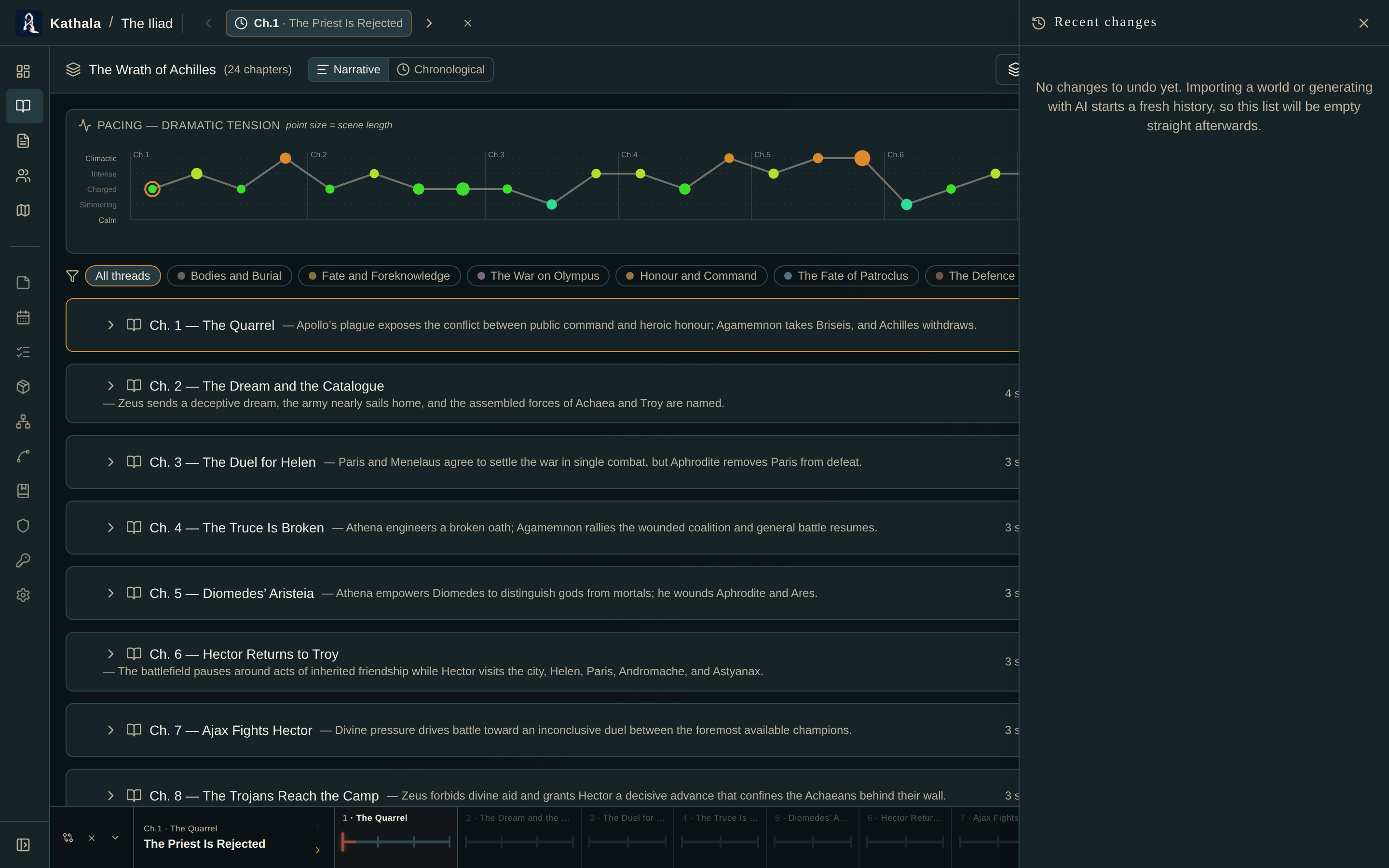
The clock icon in the top bar (or in the menu on a phone) lists your recent edits, newest first, with the time each happened.
Only the newest can be undone. History is a stack — taking one from the middle would leave the later edits resting on a state that never existed.
Importing a world, generating one from AI, or importing a manuscript starts a fresh history. Those are single large acts rather than hundreds of small ones, so undo is empty straight afterwards and the button is greyed out.
Your work is safe — it just can't be stepped back through. Export before a big import if you want a way back.
Reading mode removes undo, redo, and Recent changes from the top bar, and unbinds Ctrl/⌘+Z along with them.
- Export and Import — the other kind of way back
- Keyboard Shortcuts