Repository navigation
Factions
Factions are the organisations your characters belong to — kingdoms, guilds, cults, fellowships.
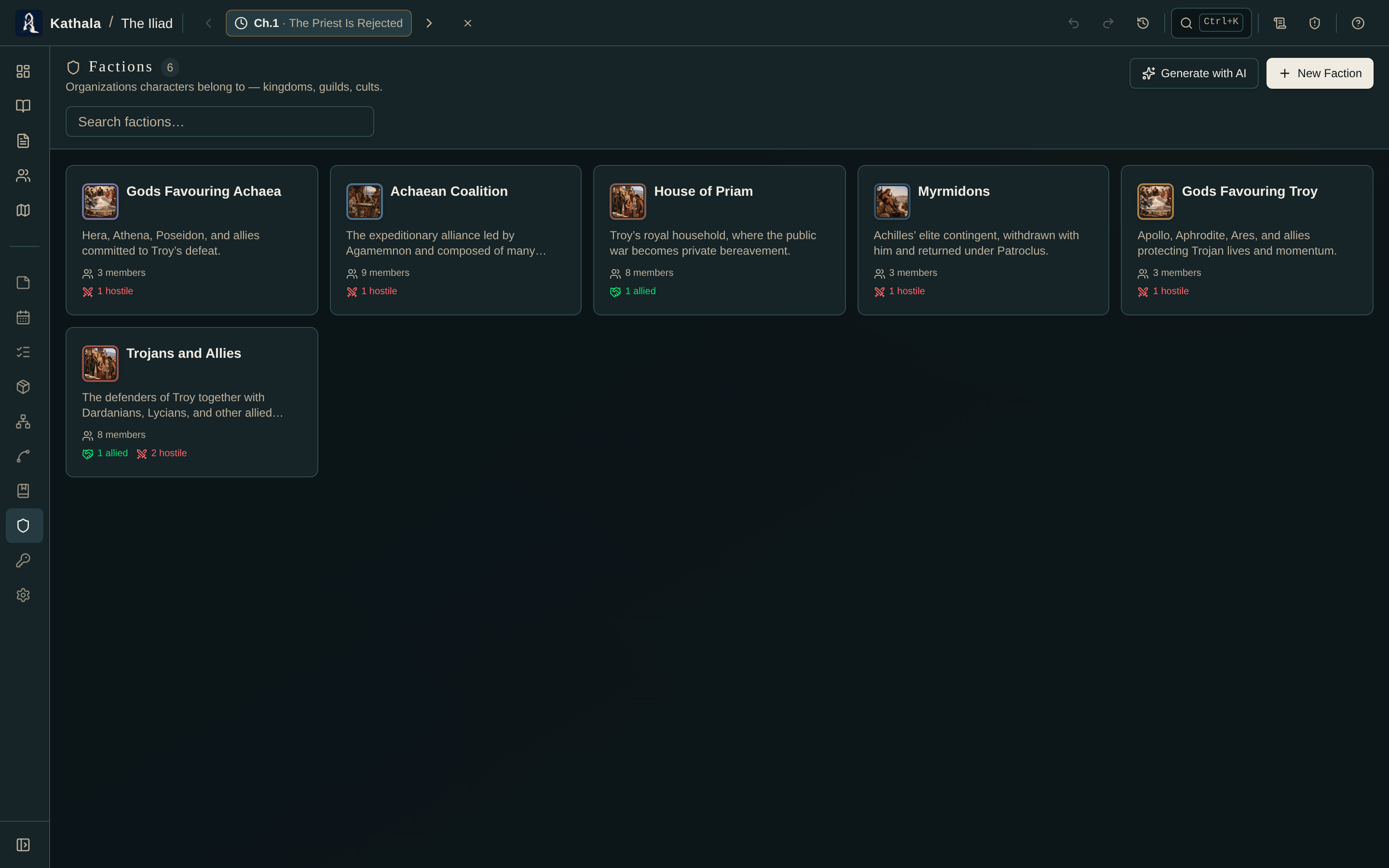
Each faction has a colour, a description, an image, and tags. The colour is what identifies it everywhere else in the app.
Add characters as members with:
| Field | Purpose |
|---|---|
| Role | Their position — Leader, Spy, Recruit |
| Start event | When the membership begins; blank means always |
| End event | When it ends; blank means ongoing |
| Notes | Freeform |
Scoped memberships are used by the Continuity Checker to catch a character acting as a member outside their window.
A character's own profile has a Factions tab listing their memberships with roles and event ranges.
Record the stance between two factions — allied, hostile, neutral, and so on — with optional notes.
Regions and location markers can name an owning faction. Those assignments appear under Territories on the faction's detail panel, so a faction's page tells you both who is in it and what it holds.
On the map, a marker or region assigned to a faction picks up that faction's colour.
Turn on the Factions overlay in the Relationships graph or the Character Arc grid to colour characters by their active membership at the selected event — so a defection or a merger reads visually, across the whole book.
Generate with AI creates new factions and updates matching ones in place, merging their members in rather than dropping them.
Members reference characters by name: only names that already exist are linked, unknown names are ignored, and no characters are created. Generate your cast first.
See Generating with AI.
A character still shows as a member after leaving. Set the membership's End event. Blank means ongoing.
Faction colours aren't on the map. Confirm the marker or region has the faction set, and that the faction has a colour.
- Characters · Relationships · Character Arc Grid
- Maps — regions and markers that carry an owner