Repository navigation
Accessibility
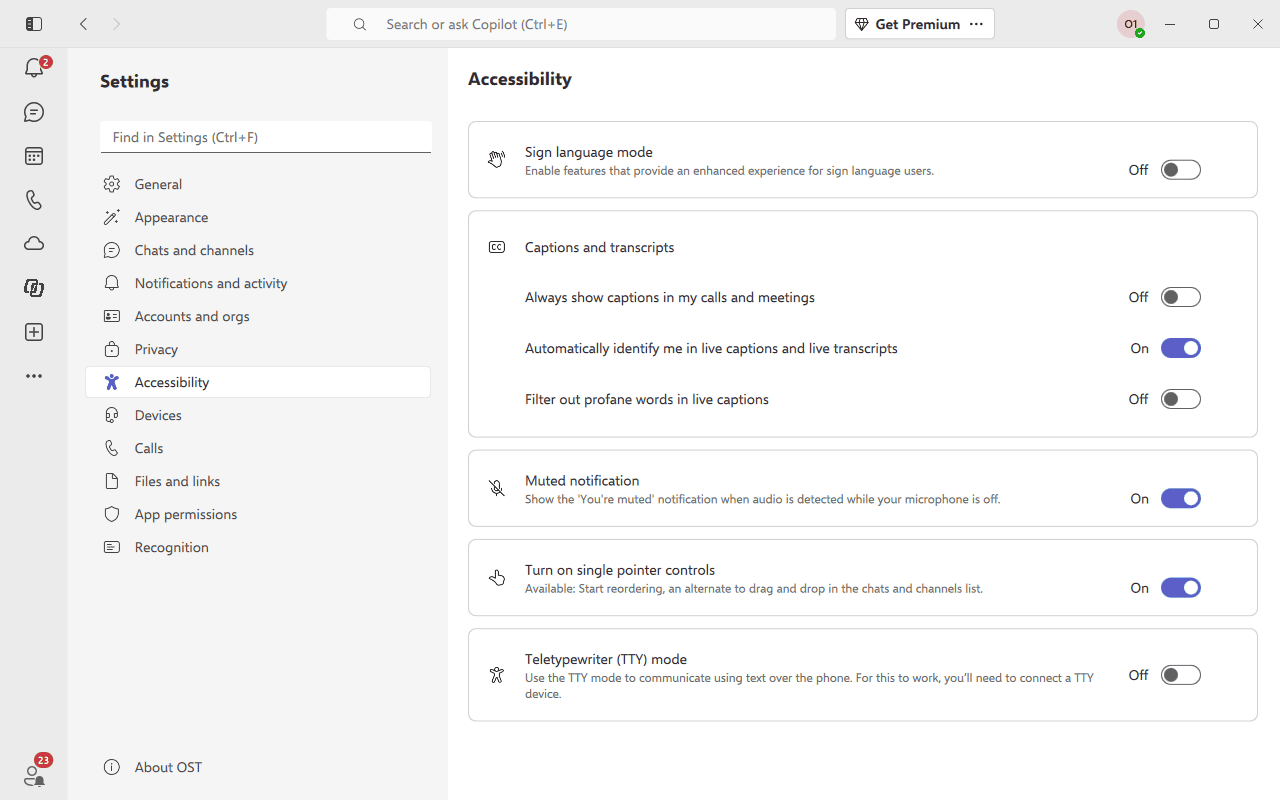
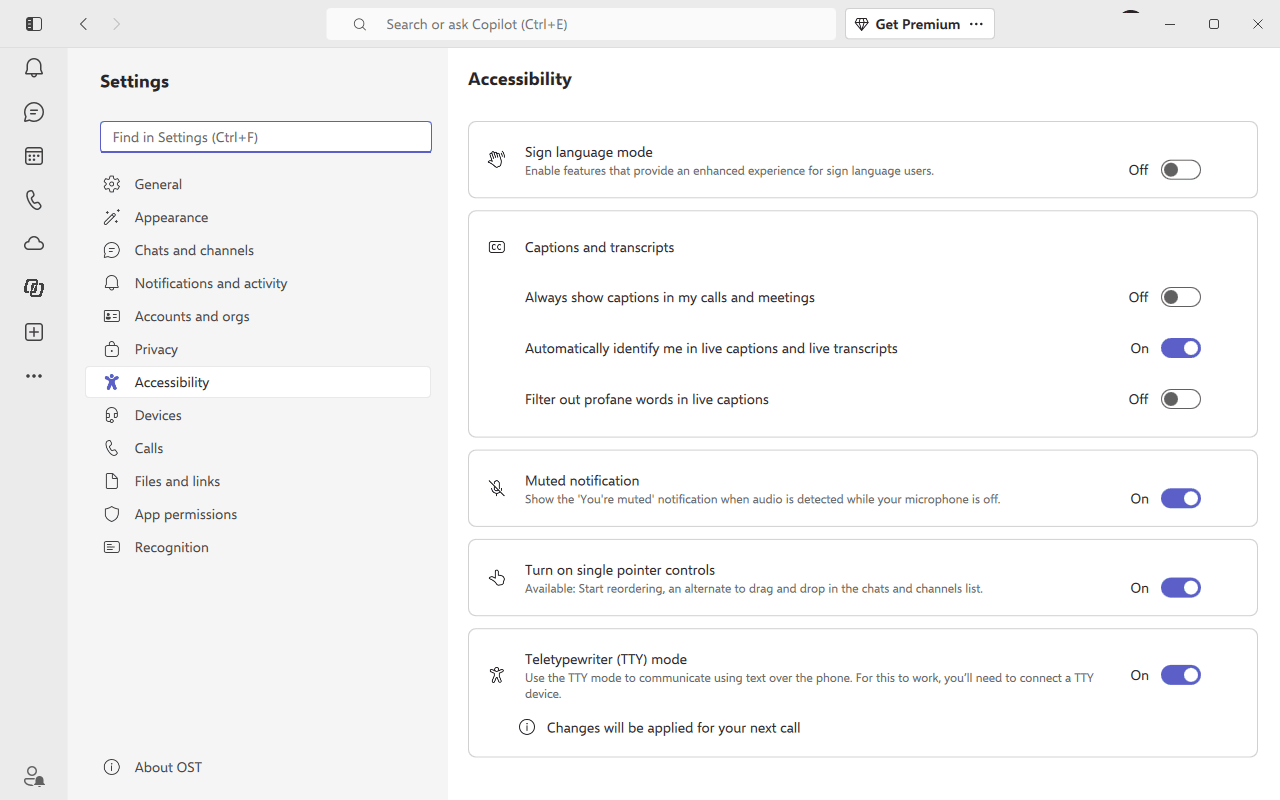
OST has Teams' accessibility features. Most are set in Settings ▸ Accessibility (see Settings).
- Everything works from the keyboard, with Teams' shortcuts (see Keyboard shortcuts); Tab and Shift+Tab move between regions and controls, and focus is drawn as in Teams.
- Lists: Up and Down move through Activity, @mentions, Followed threads, chats and channels. By default the item opens as you arrive; with Settings ▸ General ▸ Use Enter or Spacebar to show content on, the arrows only move and Enter or Spacebar opens the item.
- Screen readers: OST's controls carry Teams' accessible names, roles and states through Qt's accessibility bridge (AT-SPI), so Orca reads them. In a call, Ctrl+Alt+Shift+S announces the active speaker.
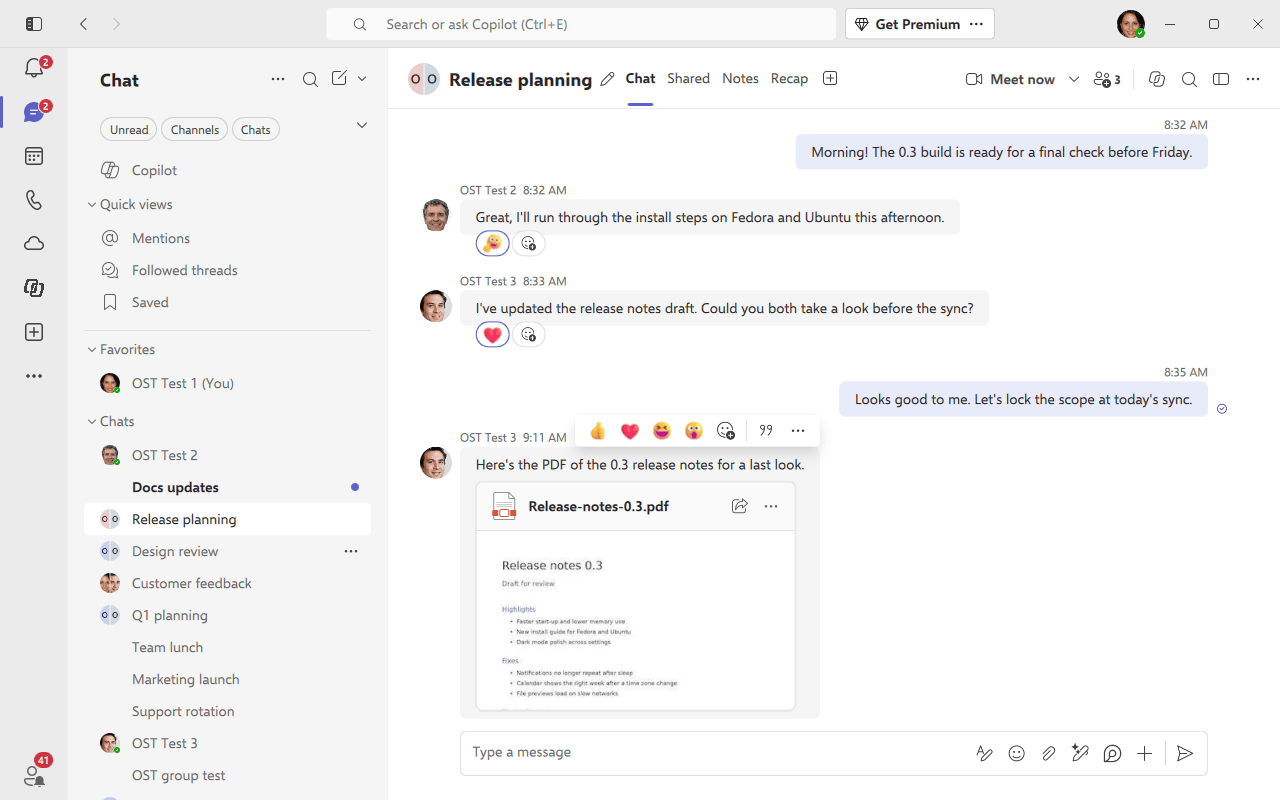
- Single pointer controls: Turn on single pointer controls adds Start reordering to the chat list's menus, so you can reorder chats, sections, teams and channels with the arrow keys instead of dragging.
- Zoom: Settings and more ▸ Zoom in (Ctrl+=), Zoom out (Ctrl+-) and Reset zoom (Ctrl+0) scale the whole window.
- Teletypewriter (TTY) mode: with a TTY device connected, turn this on to talk by text over a call. A call that starts in TTY mode sends the microphone unprocessed (no echo cancellation, noise suppression or gain control), so the TTY tones arrive intact, as Teams does. It applies from your next call ("Changes will be applied for your next call").
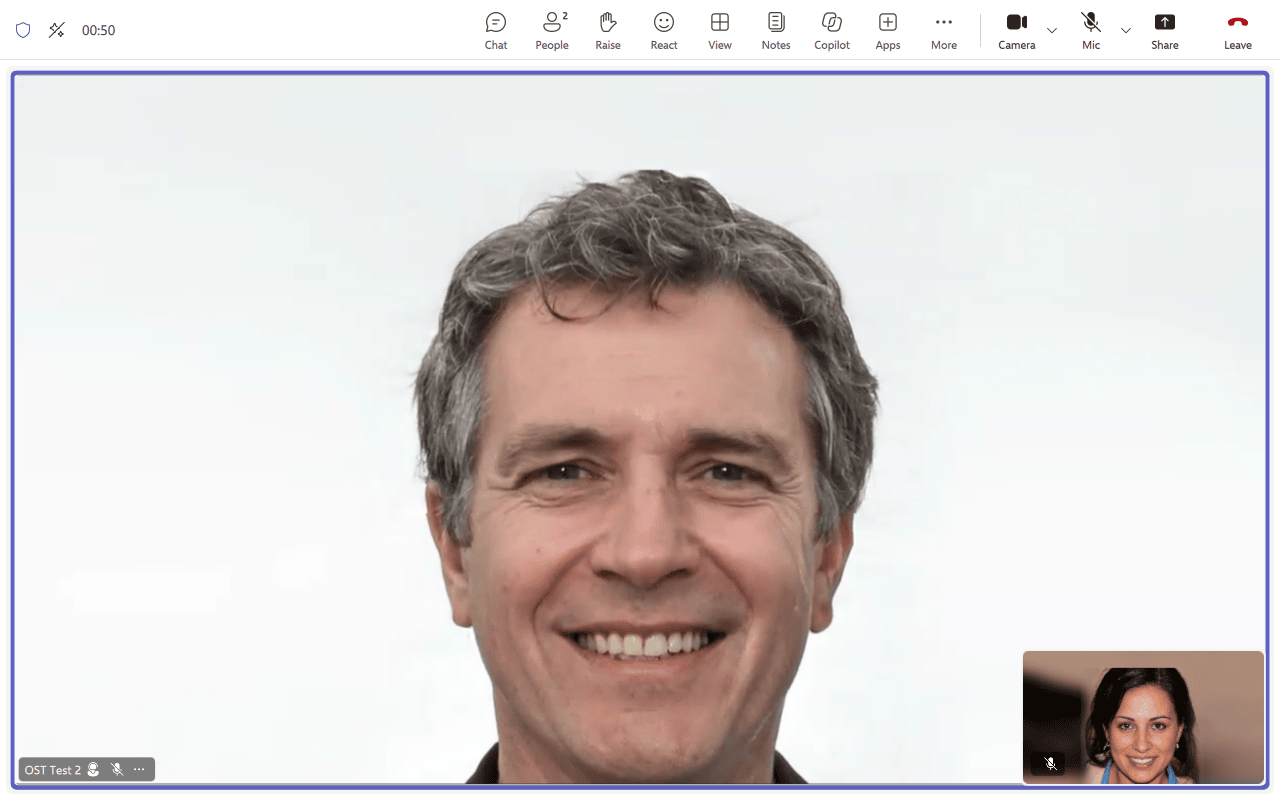
- Sign language mode: say you're a Signer or a Sign Language Interpreter and add your interpreters (Manage interpreters). In meetings your signers or interpreters come first, there's a Sign language view, tiles show signer icons and a live signing badge, and People says "Your Sign Language Interpreter" or "Paired to you". Up to 9 people fit in the pinned area.
- Muted notification: when OST hears you while your mic is off, it shows "You're muted" so you don't talk to nobody.
- Live captions, Always show captions and caption styles: see Captions and transcripts.
- Keyboard shortcut to unmute: press and hold Ctrl+Spacebar to talk while muted (Settings ▸ Privacy).
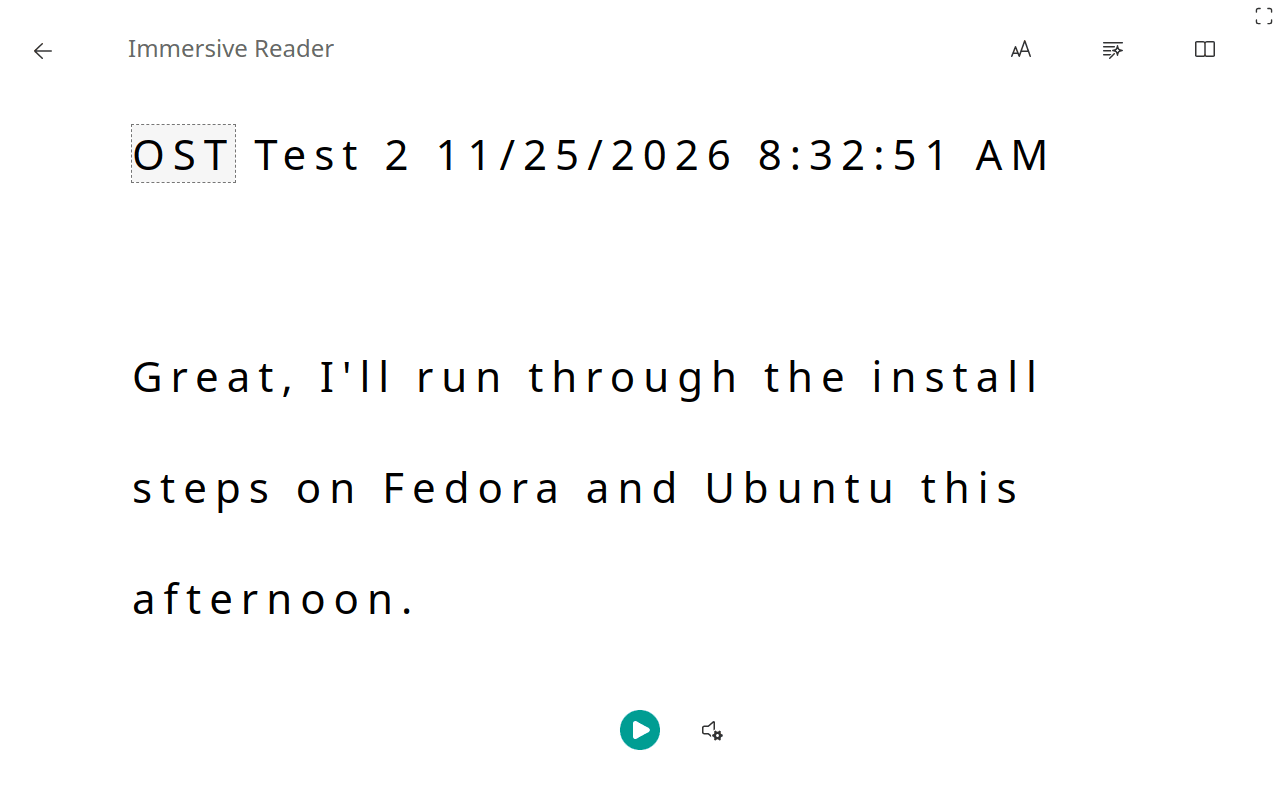
- Immersive Reader (a message's ··· ▸ More actions ▸ Immersive Reader) reads a message or a card's text aloud, with text size, spacing, line focus and syllables.
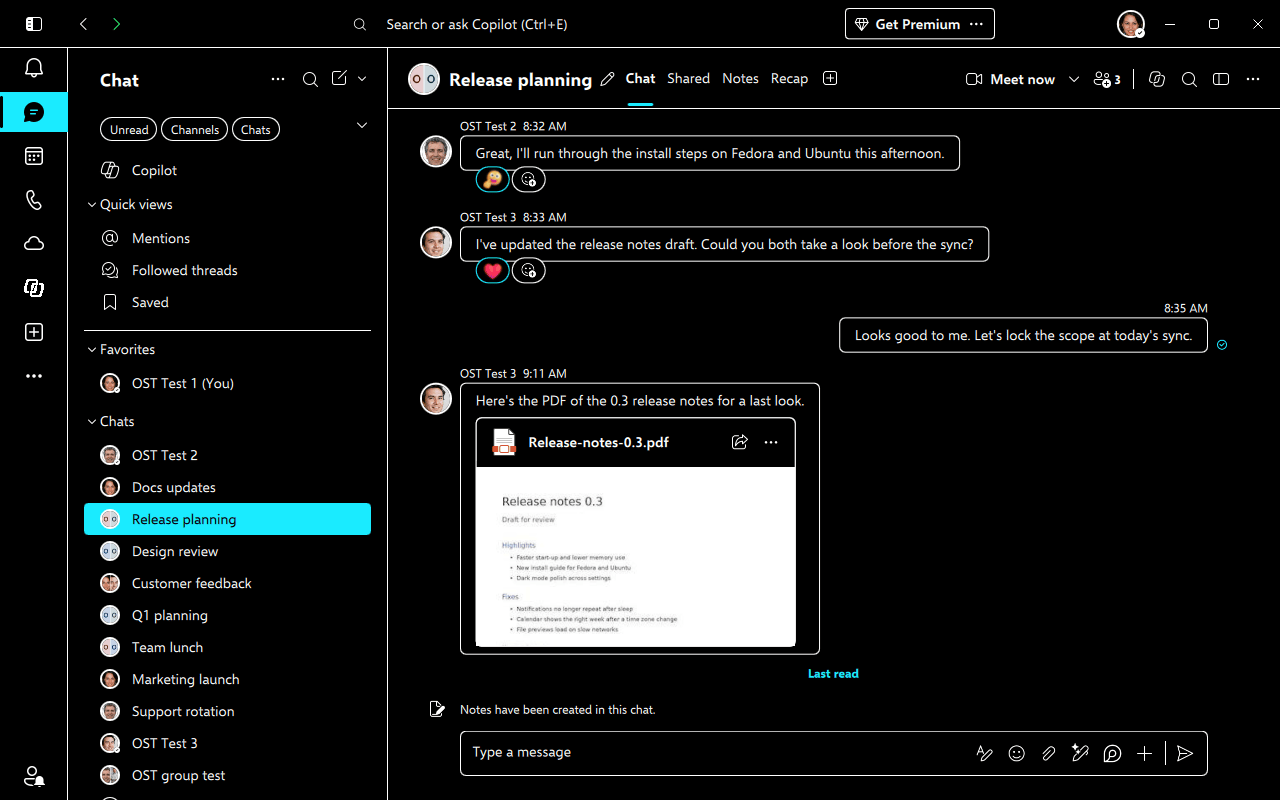
- High contrast: Settings ▸ Appearance ▸ Theme ▸ High contrast (see Themes).