Repository navigation
Town halls and webinars
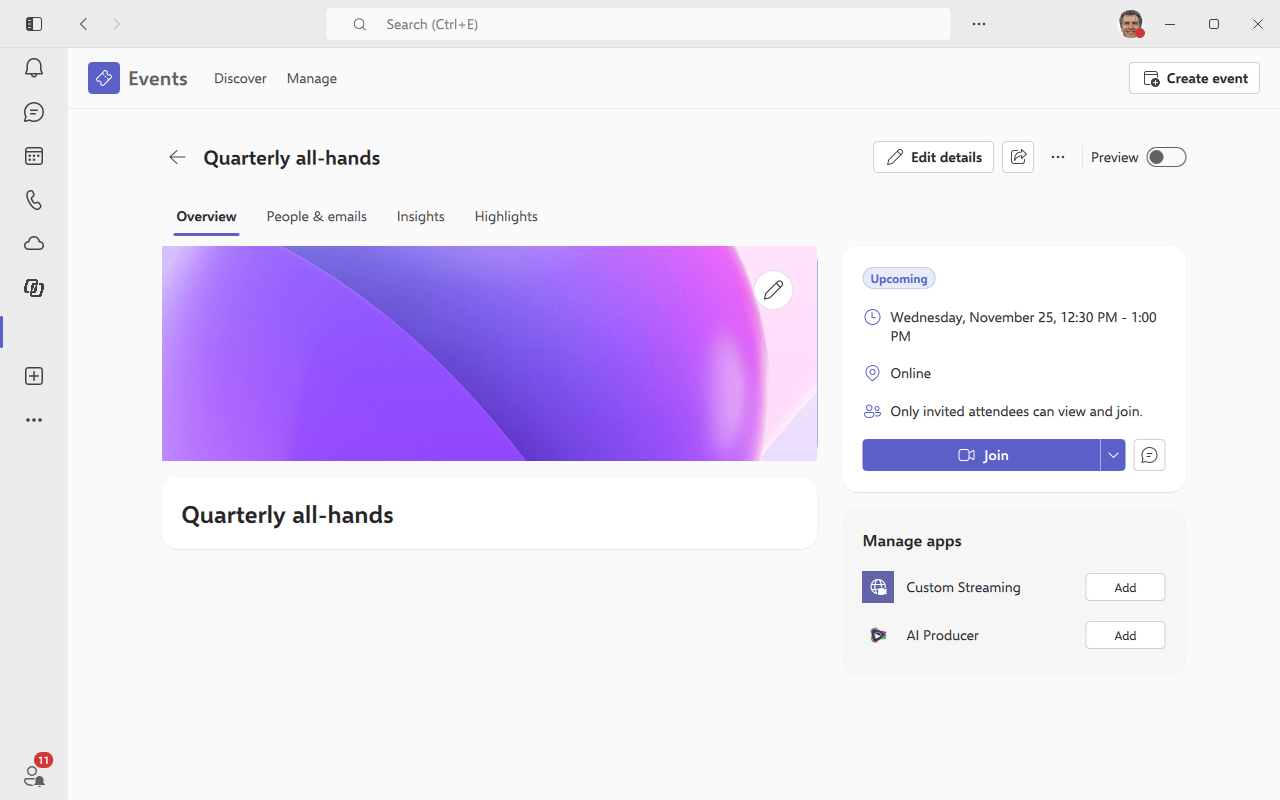
Teams' Events app (in View more apps, or Calendar ▸ New ▾ ▸ Event) plans and runs town halls and webinars, as Teams does.
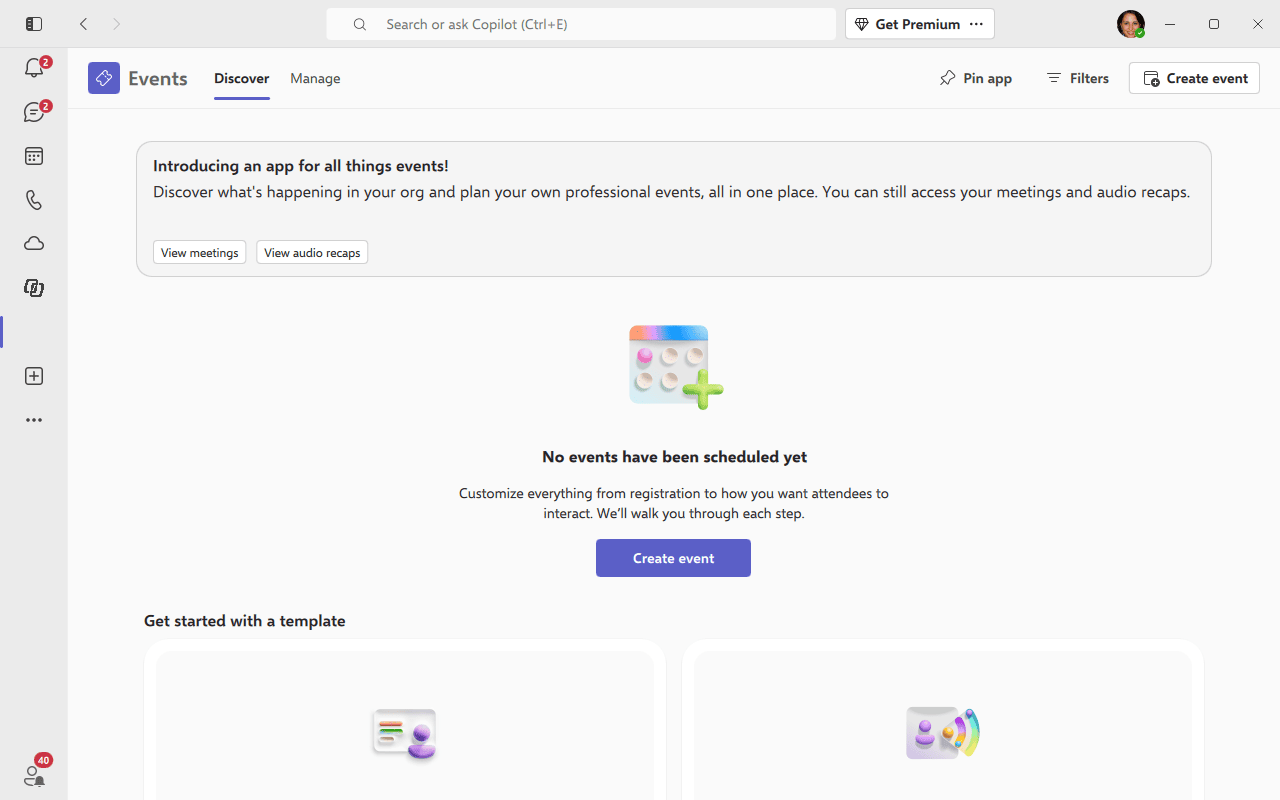
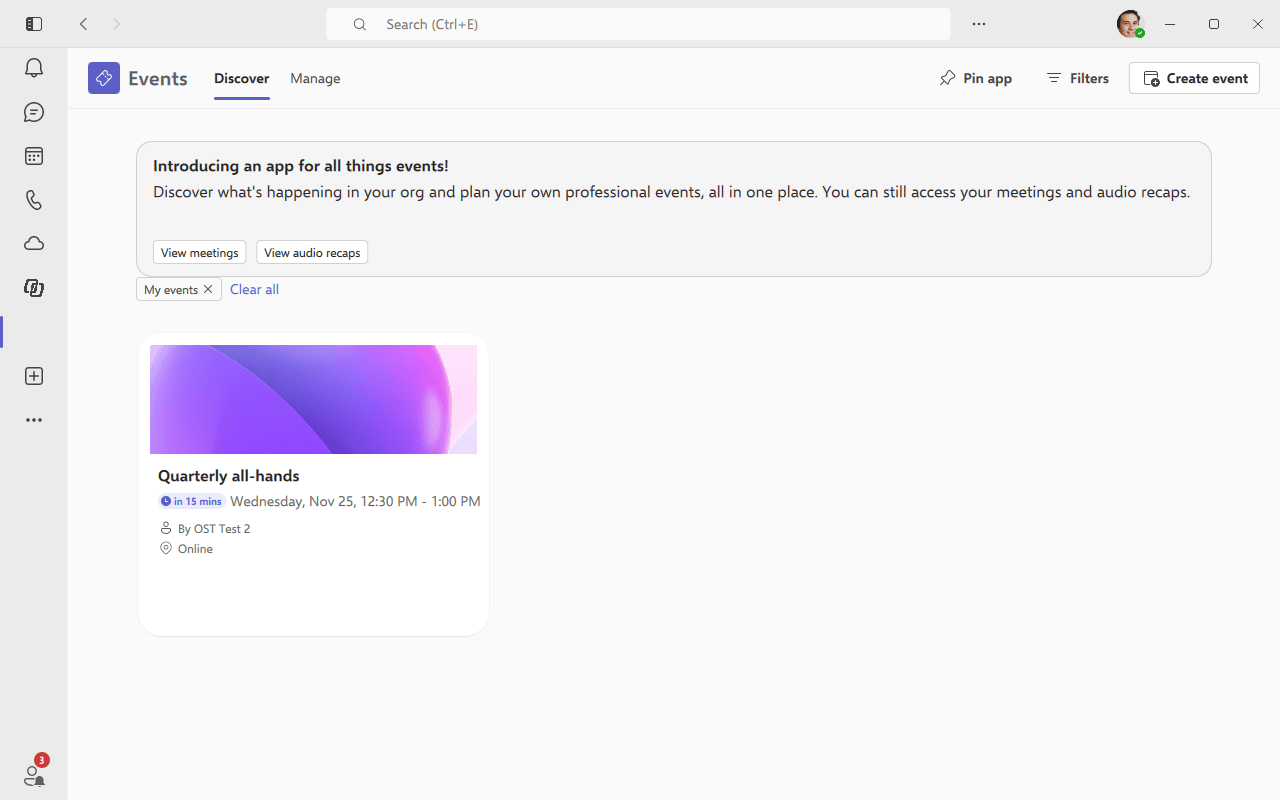
- Discover: upcoming events you can attend, as cards with Register or Add to calendar; My events shows only those you're invited to or registered for, and a date range filter.
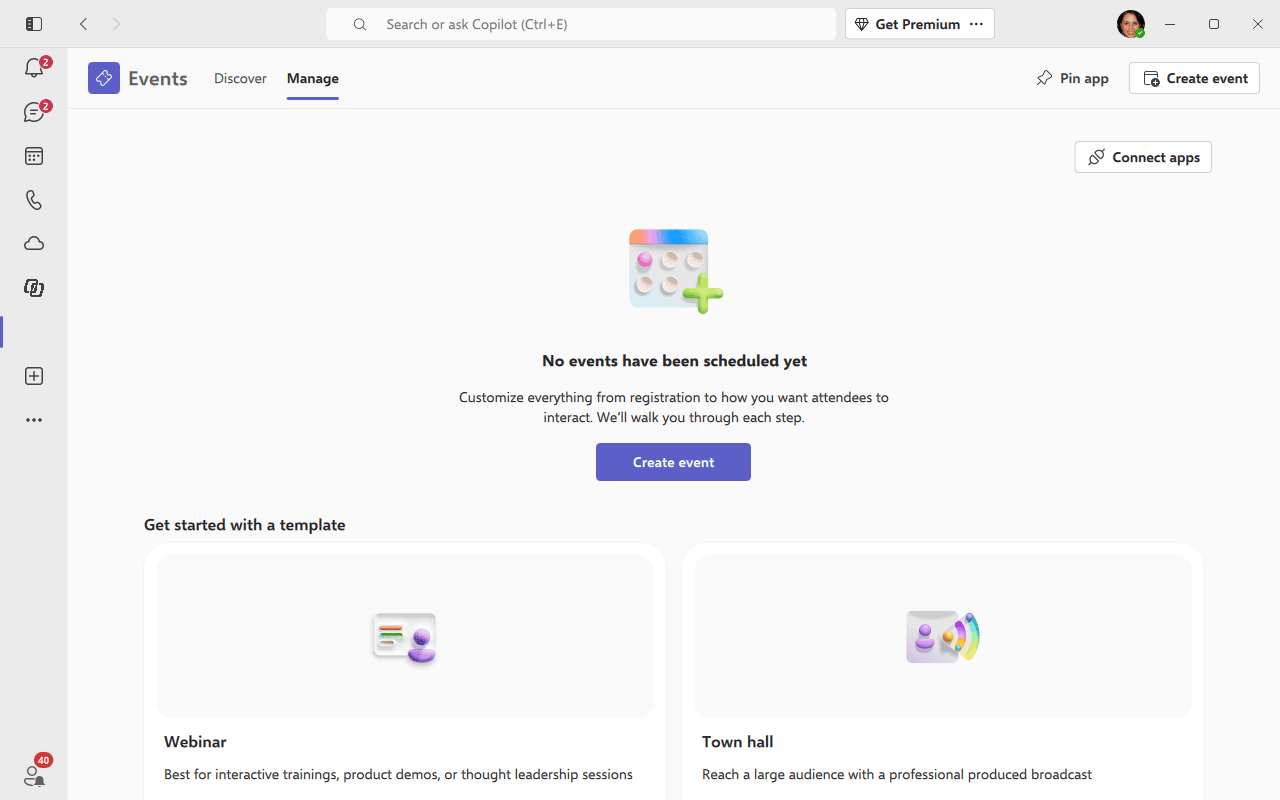
- Manage: the events you organize (drafts, upcoming, past) with their attendee counts; open one to manage it.
- Create event: pick a template (Town hall, Webinar, your organization's and your saved templates, All hands, Ask me anything and others) or start from scratch.
The form walks through Teams' three steps:
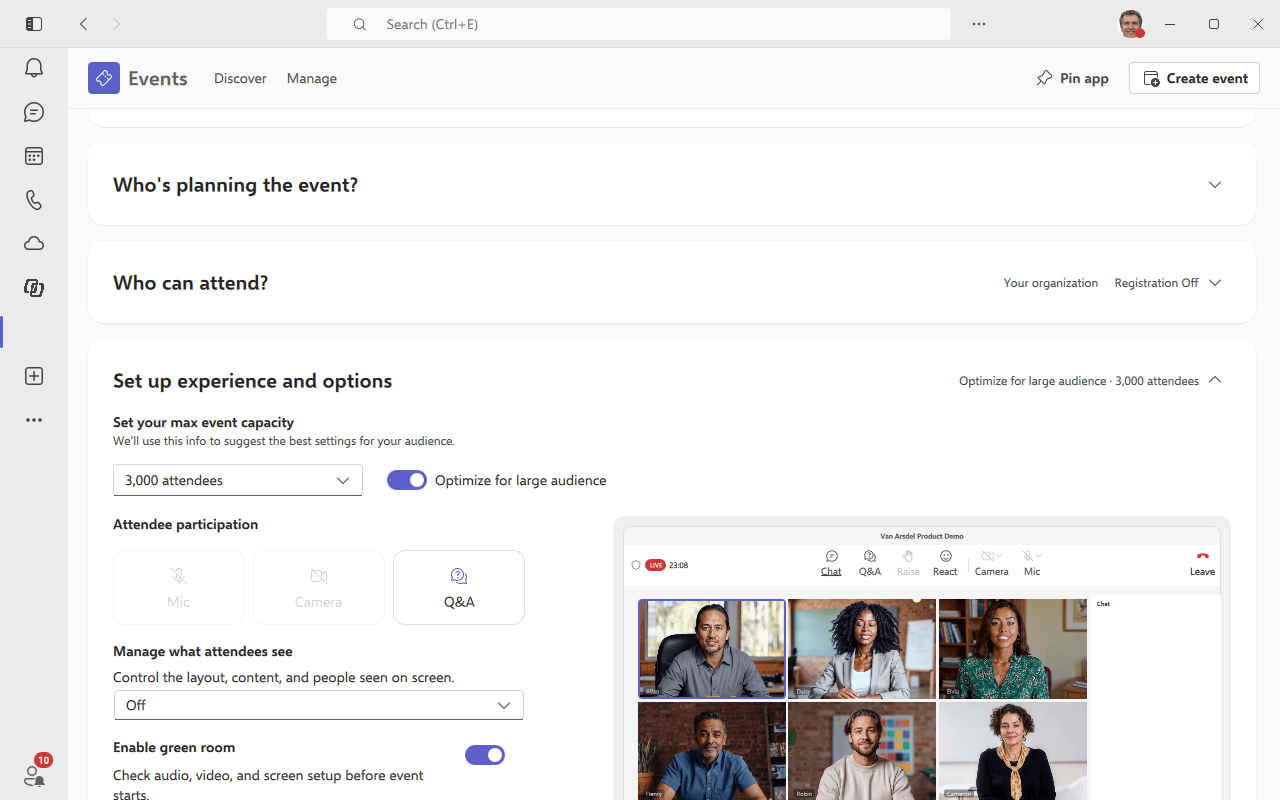
- Fill out details: title, date, time and time zone, Add a room or an address, the description, who can attend (Anyone can join, people in your organization, or specific people), and the event's options (recording, Q&A, attendee participation, Breakout rooms, green room).
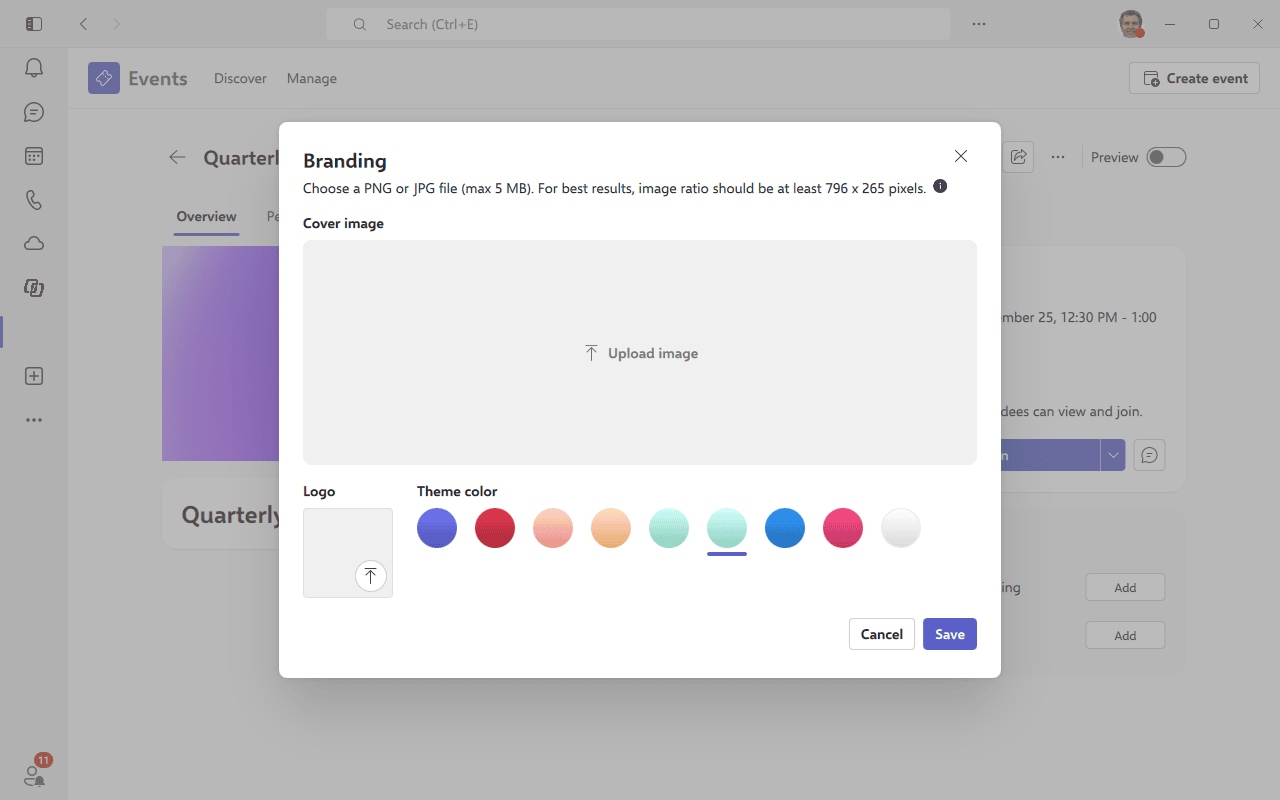
- Personalize event page: Branding (an event banner, a theme color, a logo) with a preview of what attendees see.
- Spread the word: People and e-mails.
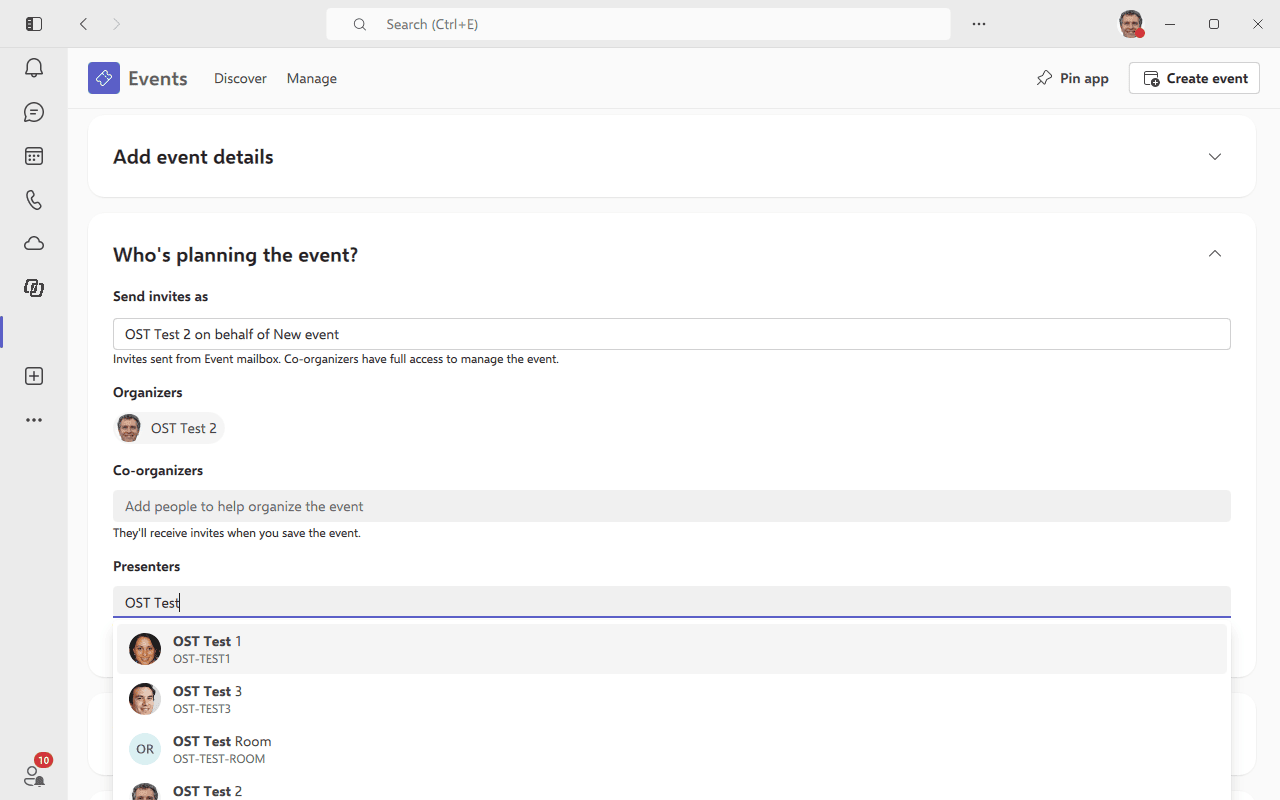
- Co-organizers, Presenters ("Add people to speak at the event") and Invitees ("Add people and groups who can attend the event") use a people picker with presence.
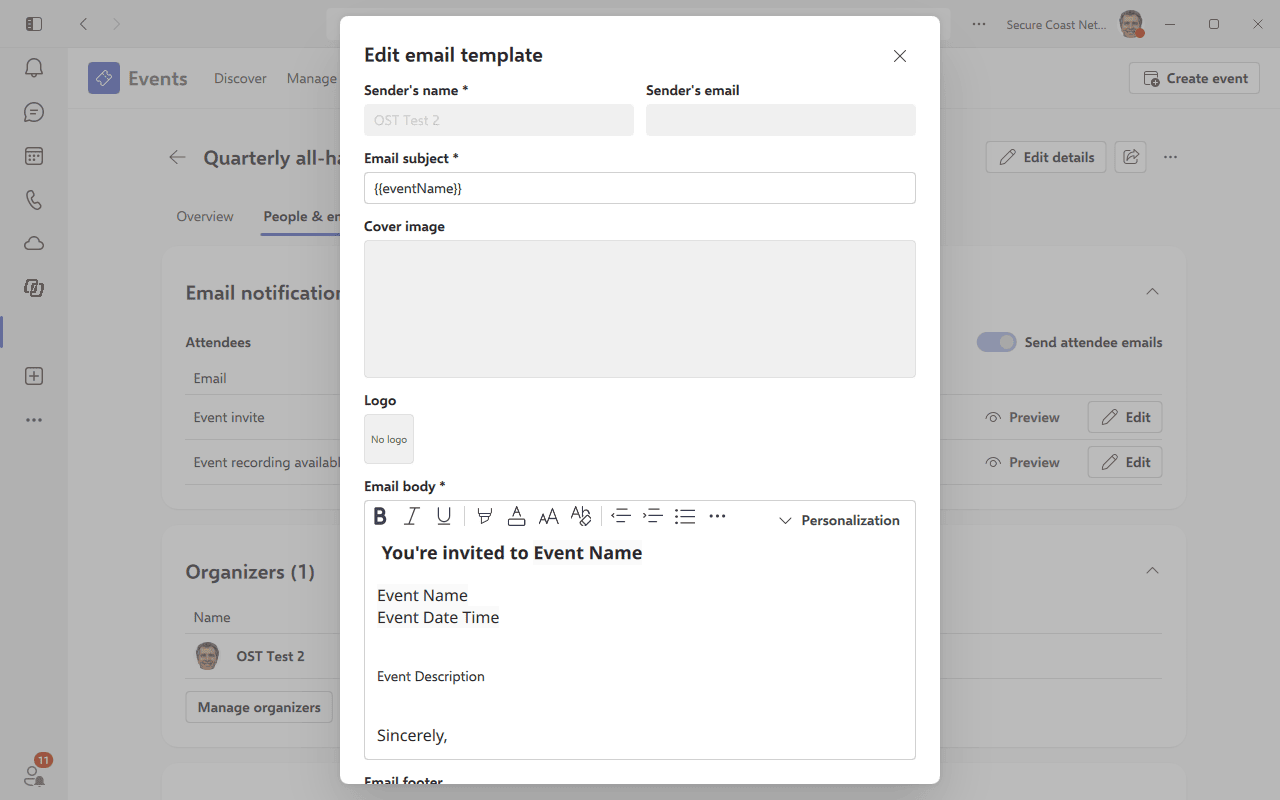
- People and e-mails: who gets which e-mail (invitations, "Attendee registers", "Attendee cancels registration", reminders "1 day before event"…); Edit opens the e-mail editor with formatting and fields such as Attendee First Name, then Preview.
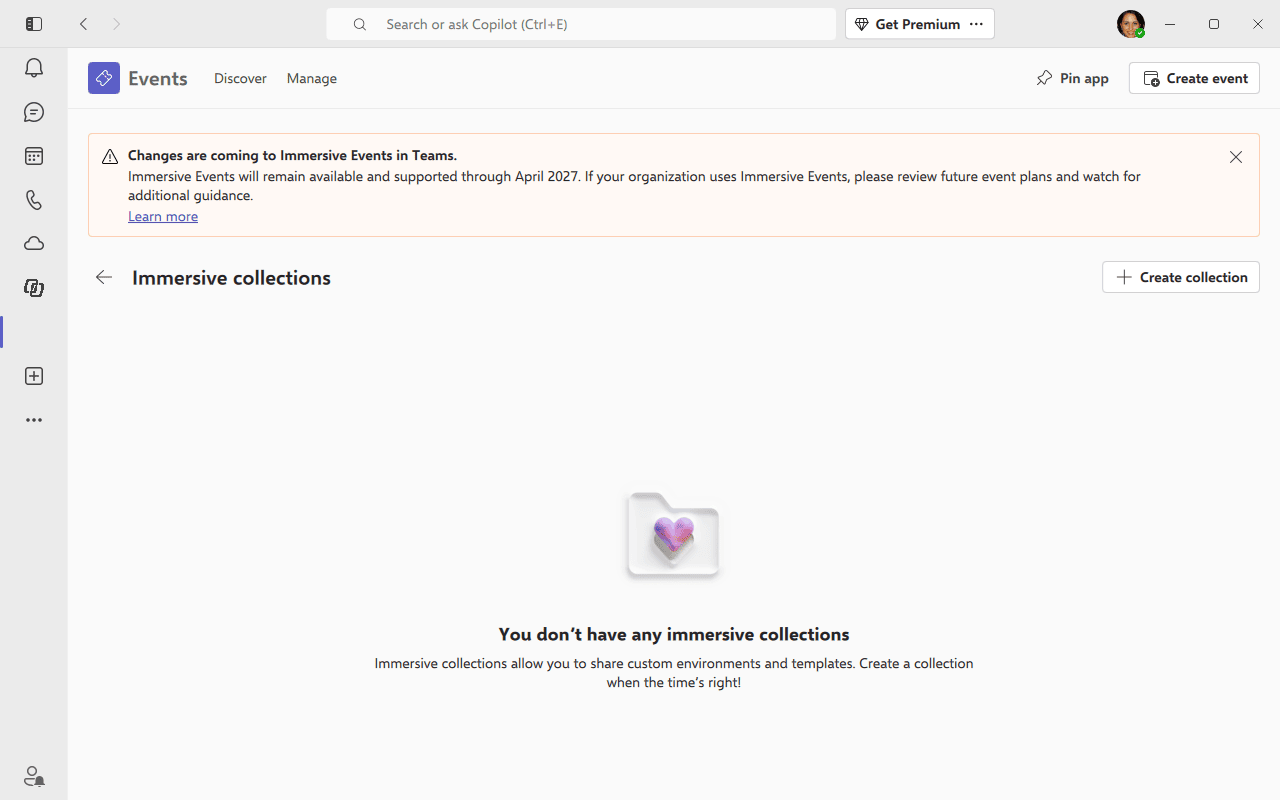
- Immersive collections: groups of people for immersive (Mesh) events; create a collection and Add people to this collection.
- Registration (webinars): the registration form with your own questions (text, choice, multiple choice, terms); attendees answer them when they register ("You're registered!").
- Save keeps a draft; Publish sends the invitations. Save as template, Duplicate and Cancel are in the event's menu.
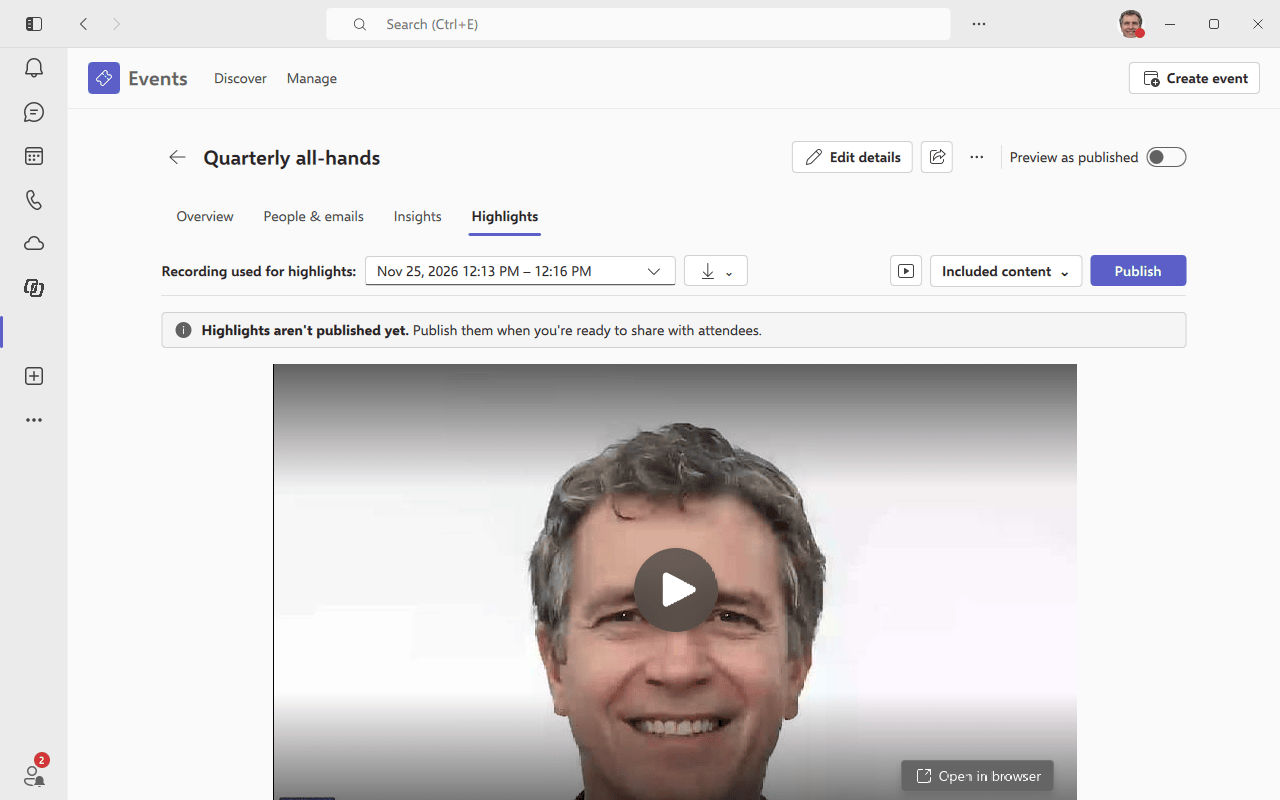
Highlights: the event's recording with AI-generated highlights (pick the recording, regenerate, Download the video or transcript, choose the included content, publish to attendees).
- Green room: organizers and presenters join before attendees, with the stage preview ("Approximate preview. Actual event experience may vary…") and Teams' notice that the event is recorded.
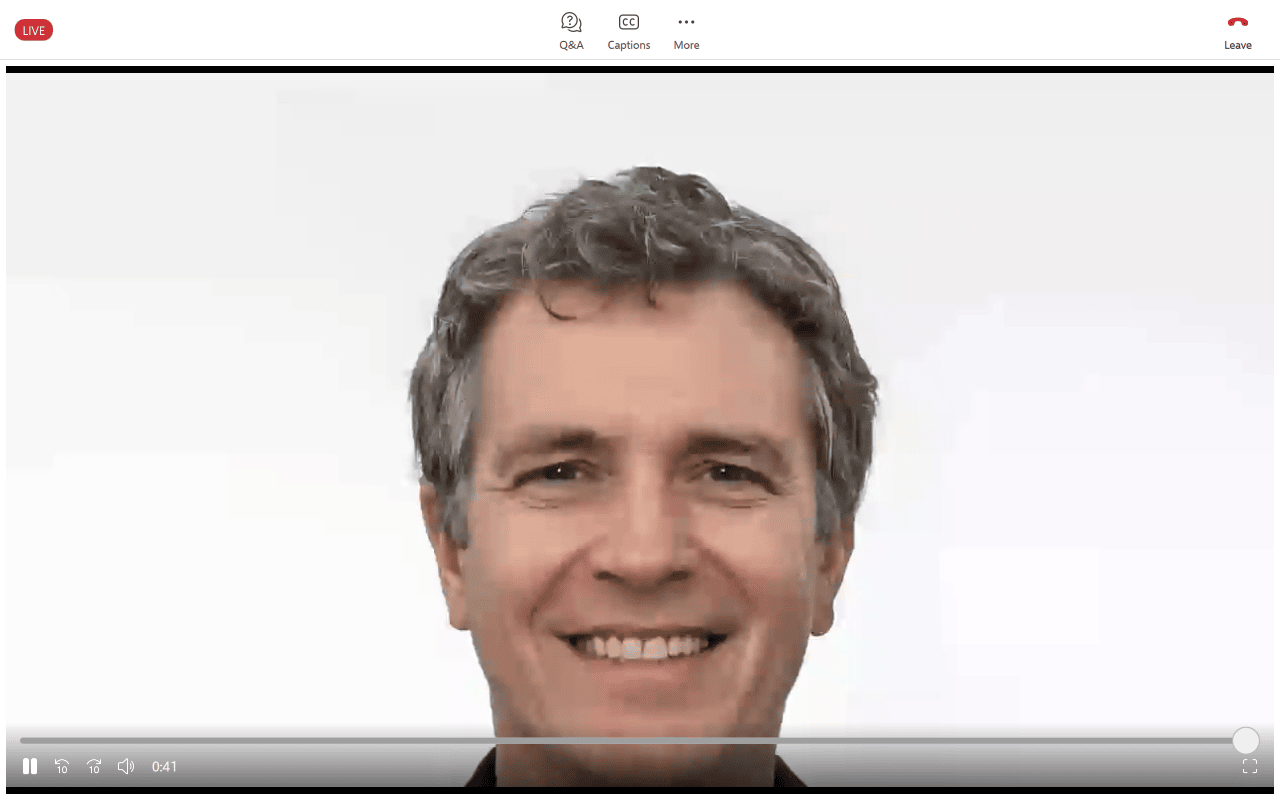
- Town hall attendees watch the live stream in Teams' stream player (Play / Pause Alt+K, Mute Alt+M, Full screen Alt+Enter, skip back and forward), with Q&A and reactions, as Teams shows them.
- Webinars join like meetings, with attendees' mics and cameras as the organizer allows.
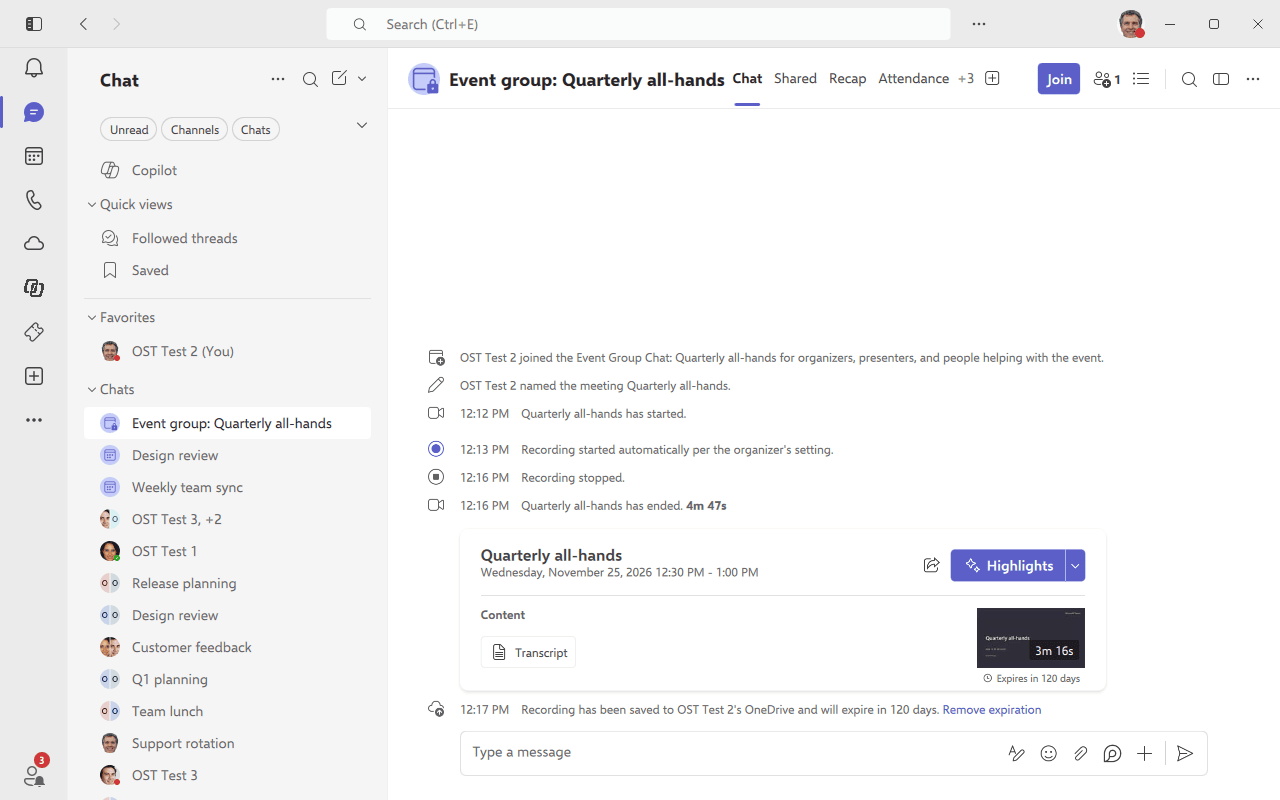
- Event group chat: the event's chat shows its title, a join line, and "Event has started." / "has ended." rows.
- Town hall apps and Q&A: the event's Q&A and the apps your organization allows for town halls (Add, Uninstall).
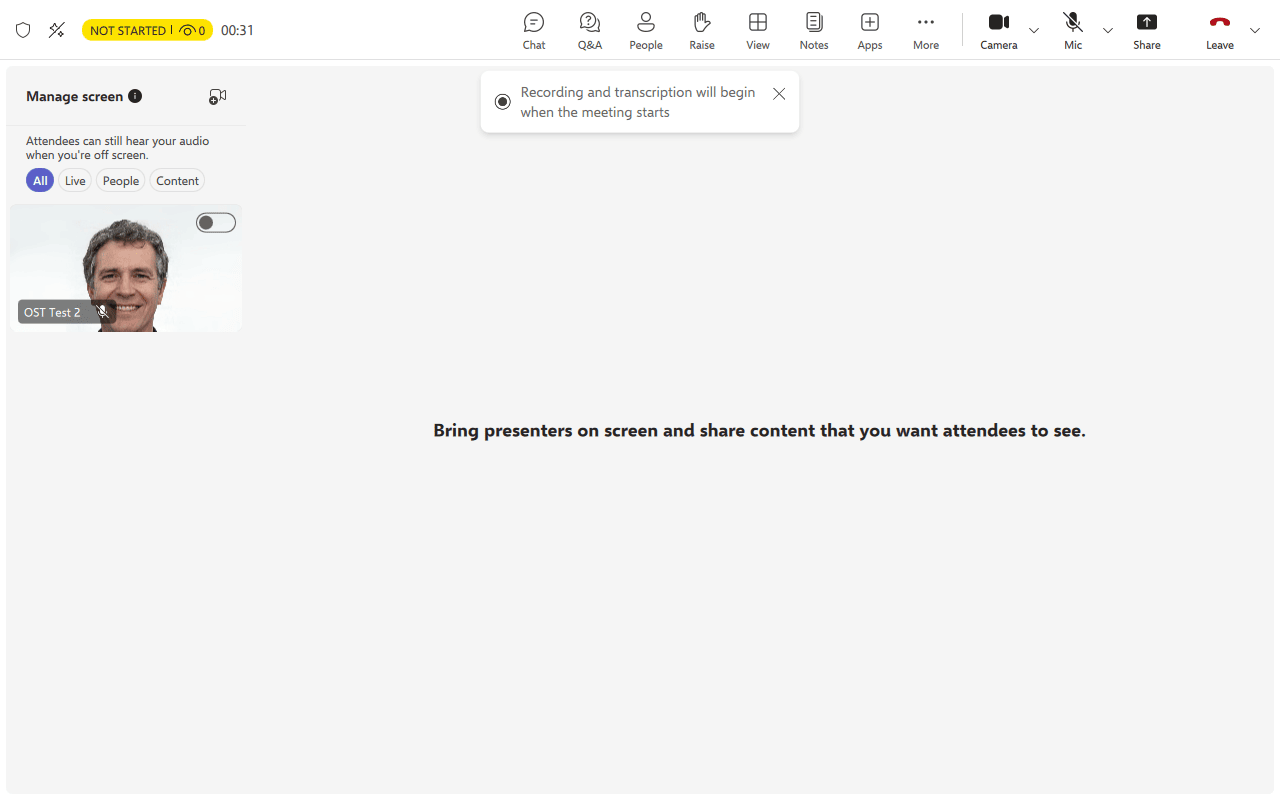
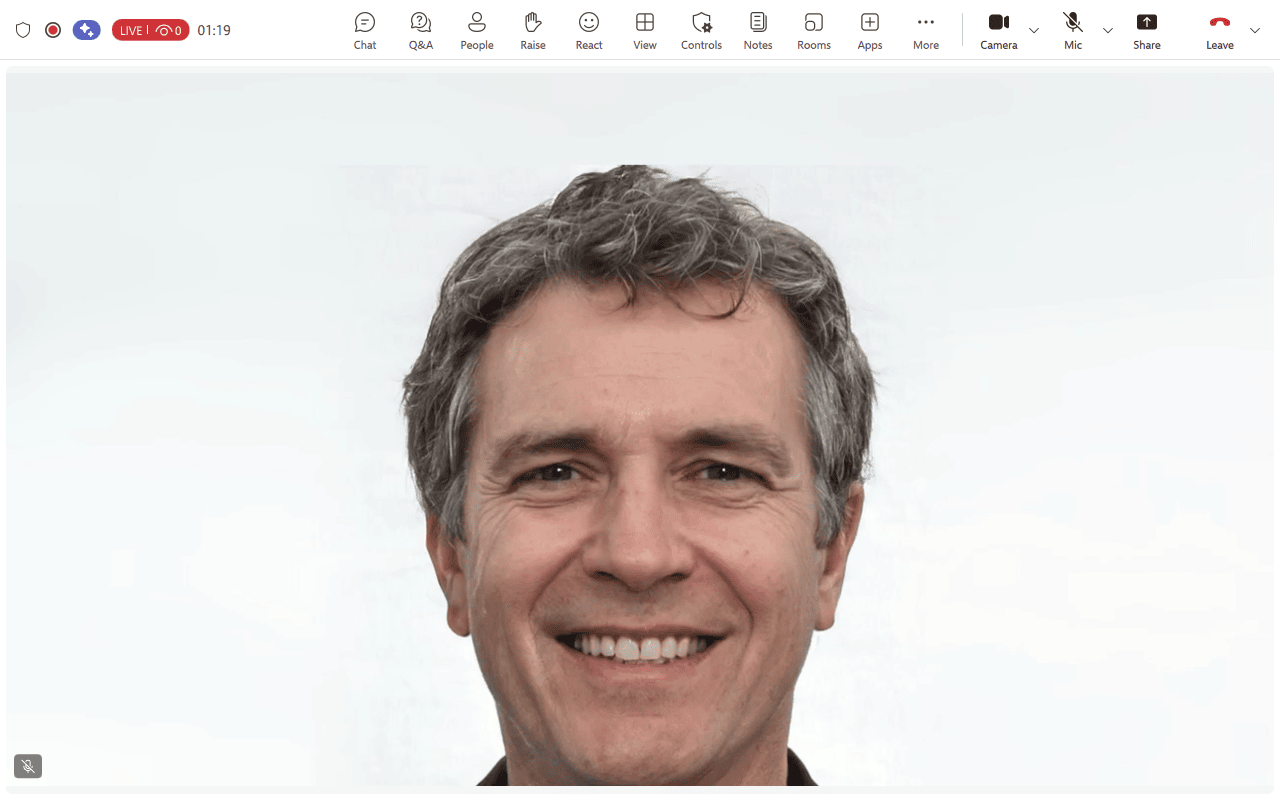
Teams' Run of Show for town halls and webinars is only switched on in Microsoft's internal builds, so OST, which matches released Teams, leaves it out.