Repository navigation
Translations
OST is written in English, and every string in it is keyed to the Teams string it matches. It shows Teams' own wording in any of Teams' app languages, but the OST repository and releases contain none of Microsoft's translations. OST fetches them at runtime instead.
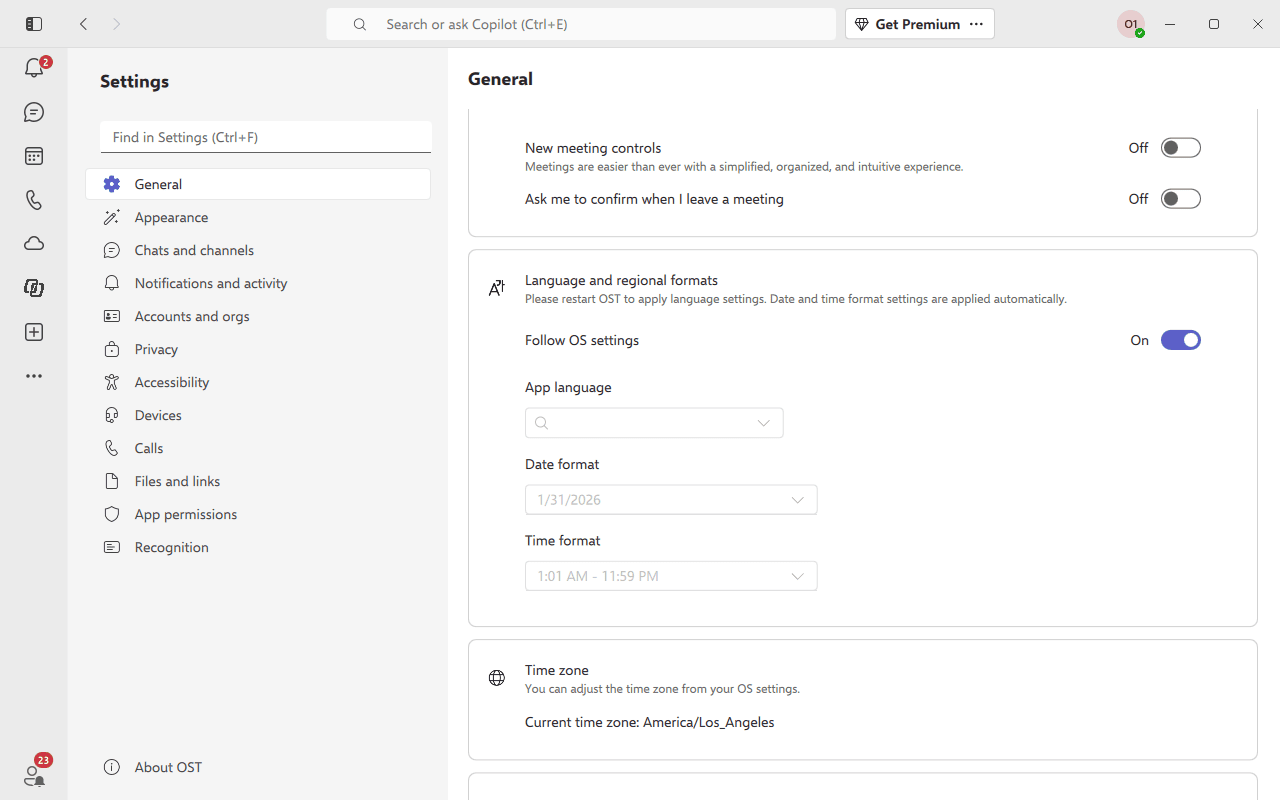
Settings ▸ General ▸ Language and regional formats:
- Follow OS settings (on by default) uses your desktop's language and formats (Manage OS settings opens your desktop's settings).
- Turn it off to pick an App language (any of Teams' languages), a Date format and a Time format.
- Save and restart applies a new language; date and time formats apply at once.
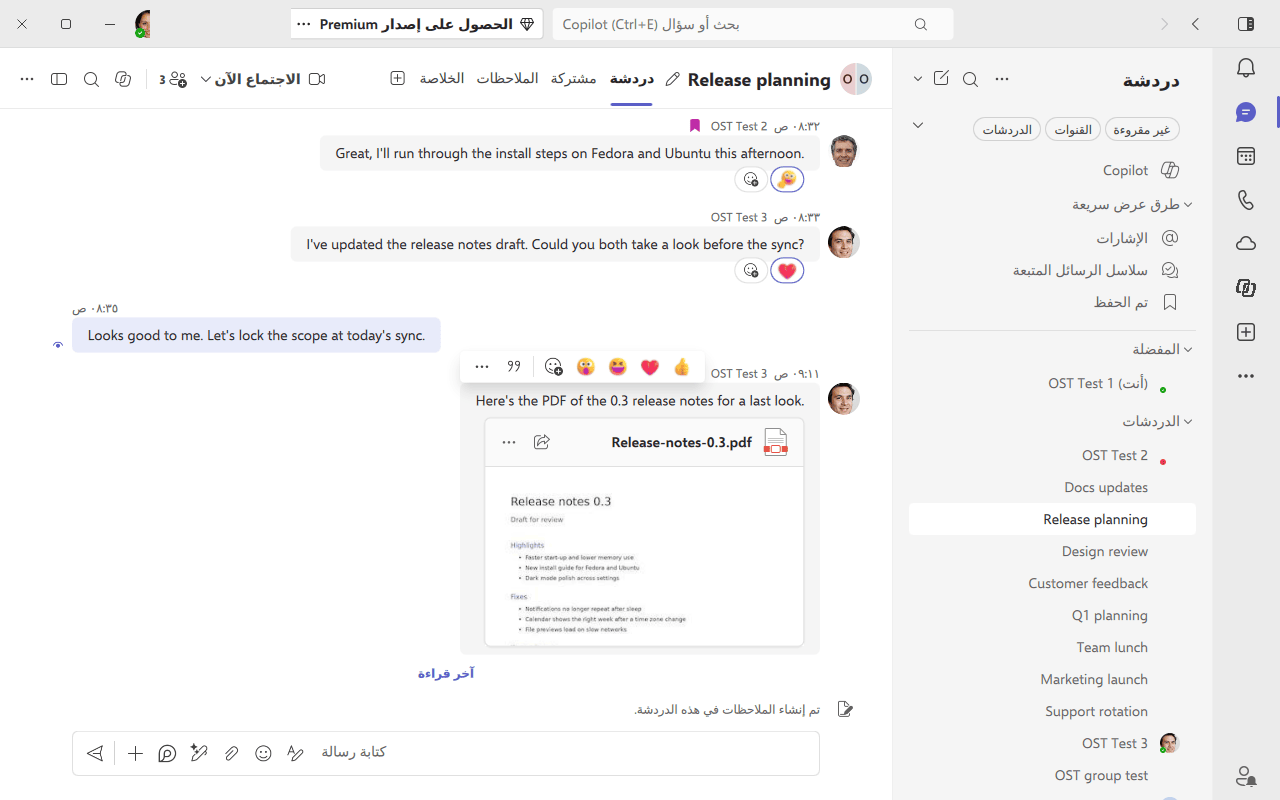
Right-to-left languages (Arabic, Hebrew and others) mirror the whole layout, as Teams does: the app bar on the right, lists and menus mirrored, text right-aligned.
- OST downloads that language's string resources from Microsoft's content delivery network: the same files Teams on the web loads, pinned to one Teams build.
- It also downloads the string tables of the parts Teams loads from other bundles (OneDrive, the video recorders, the Stream player, Outlook's calendar, Planner, the profile card, the Events app, meeting options, and the Teams Rooms remote). Each bundle's wording is used only on that bundle's screens, as in Teams.
- It builds a catalog of only the strings OST uses, on your computer,
and keeps it in
~/.cache/ost/i18n/<language>.json.
Until the catalog is there (for example while offline), OST shows English. Delete the cache folder to make OST fetch the language again.
Names OST makes up the way Teams does follow the language too: an unnamed group chat's generated name ("A, B and C", "+N") uses the app language's list format.
Large models are handled the same way: voice isolation's model, for
example, is downloaded to ~/.cache/ost/models/ the first time it's
needed and checked against a pinned SHA-256 hash before use.
teams-cli is English only.
OST's own Help articles (F1) are written for OST, in English, and built into the app. Corrections are welcome as pull requests to docs/help.