Repository navigation
Meeting recaps
After a meeting, OST shows Teams' recap: the recording, transcript, shared files, notes and (with Copilot or Intelligent recap) AI notes and tasks.
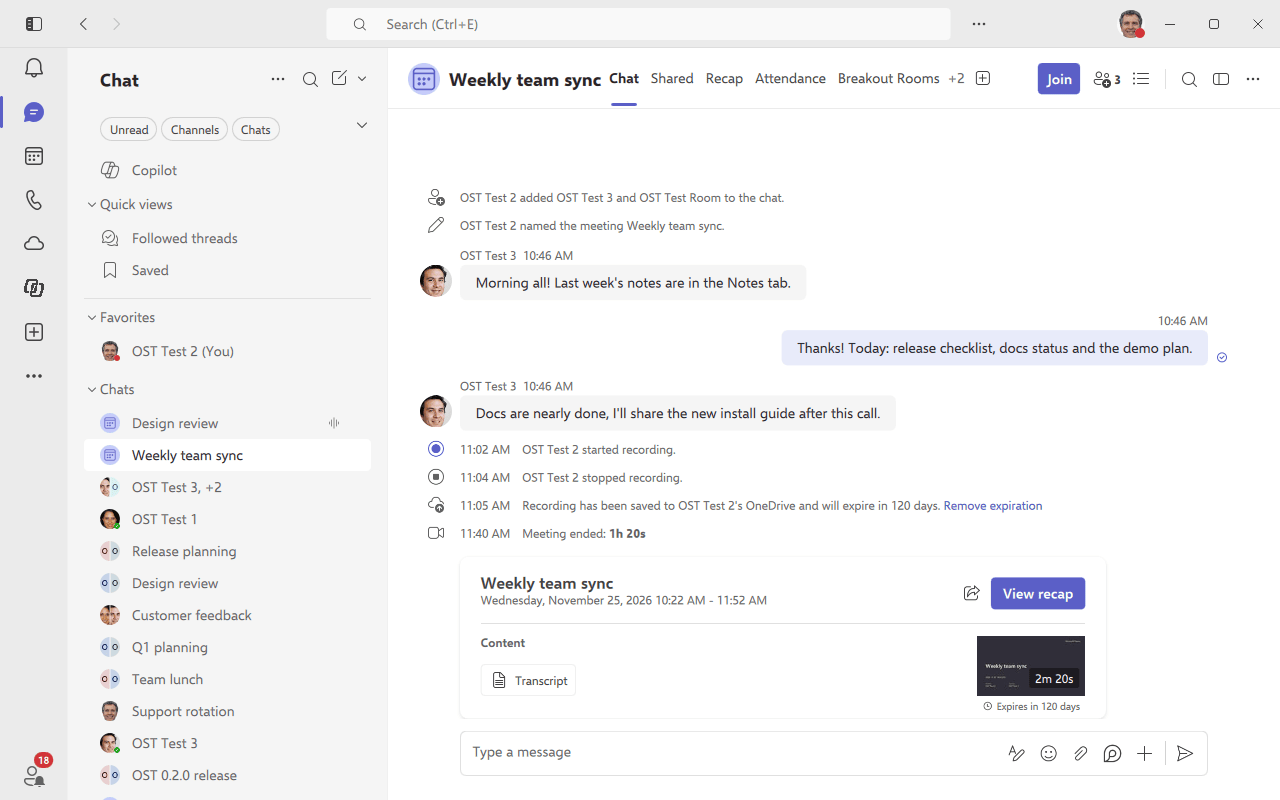
- Recap card: the meeting-ended row in the chat carries a card with the recording (or its thumbnail), Transcript, Content and View recap; organizers can Set to expire or extend it.
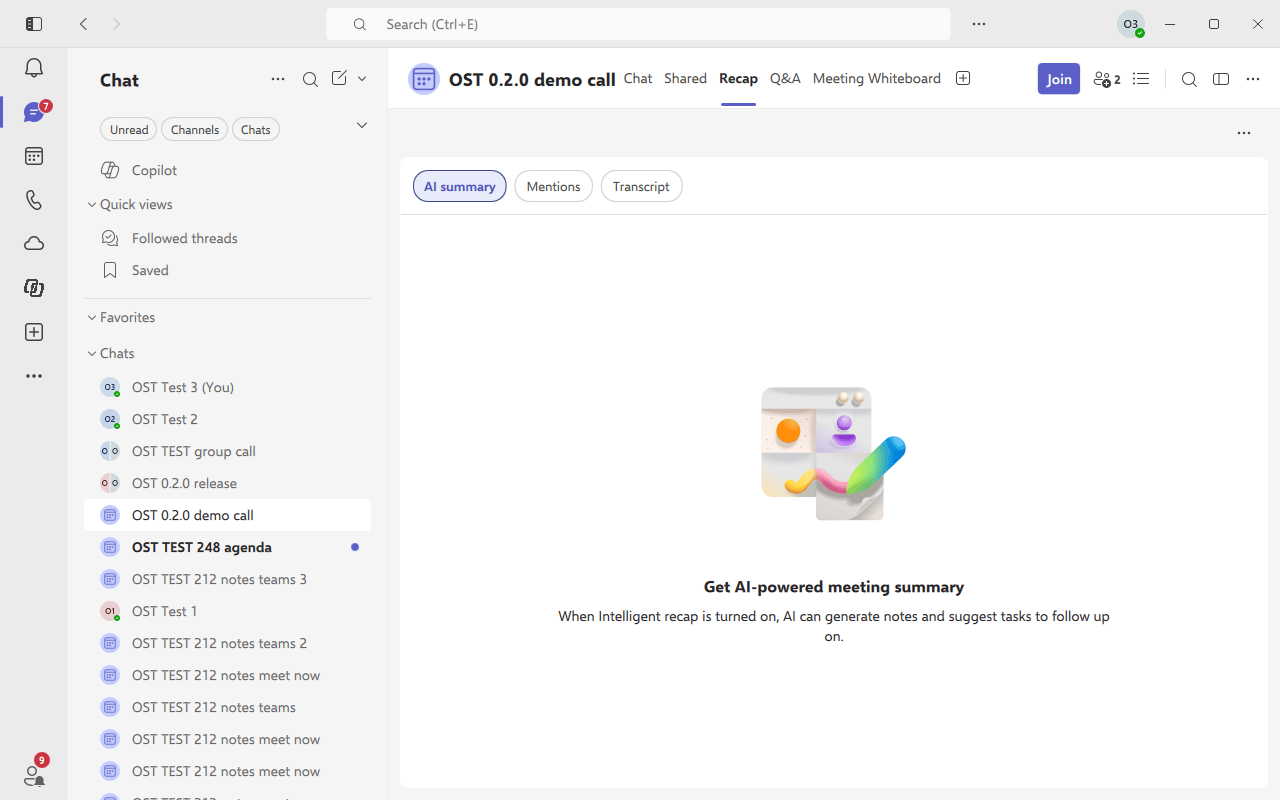
- Recap tab: the meeting chat's Recap tab has the recording player and tabs for AI summary (with Copilot or Intelligent recap), Transcript, Mentions ("Know if your name came up"), Shared files and Attendance, and Go to Meeting Recaps.
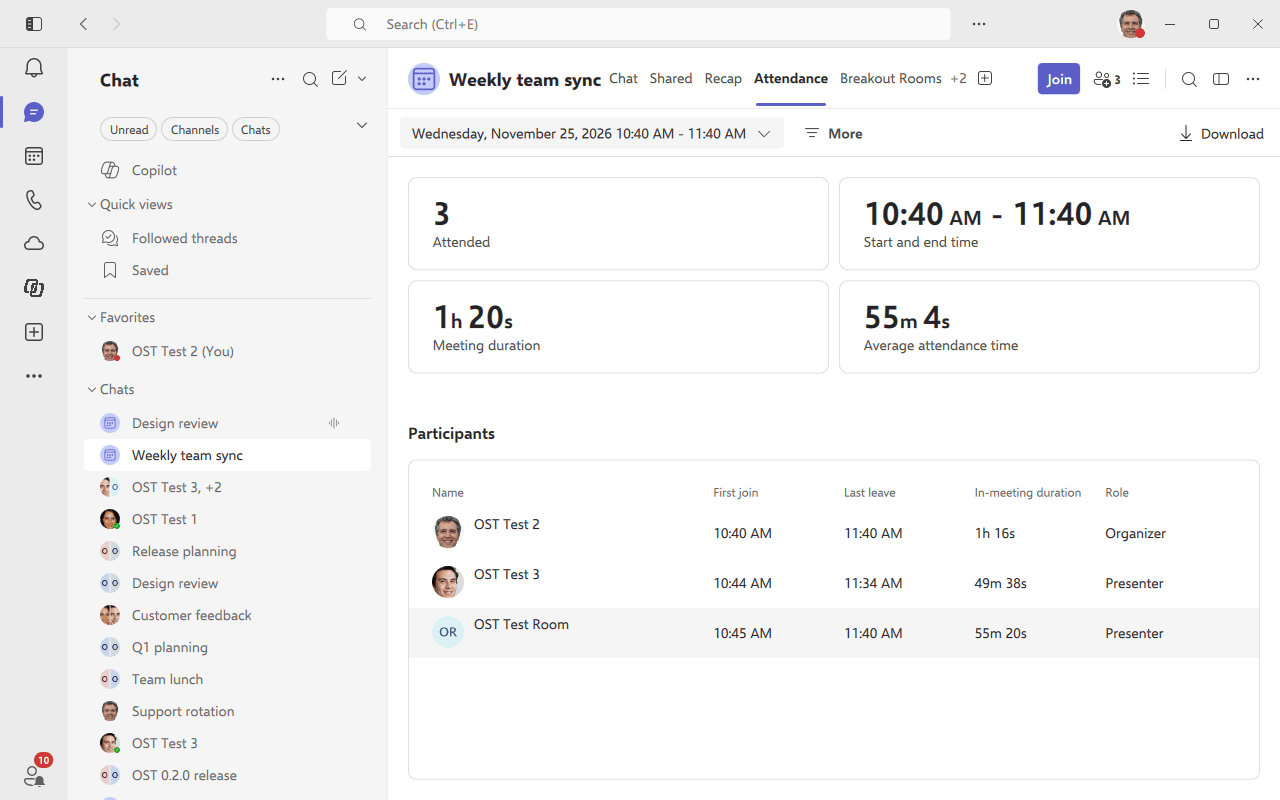
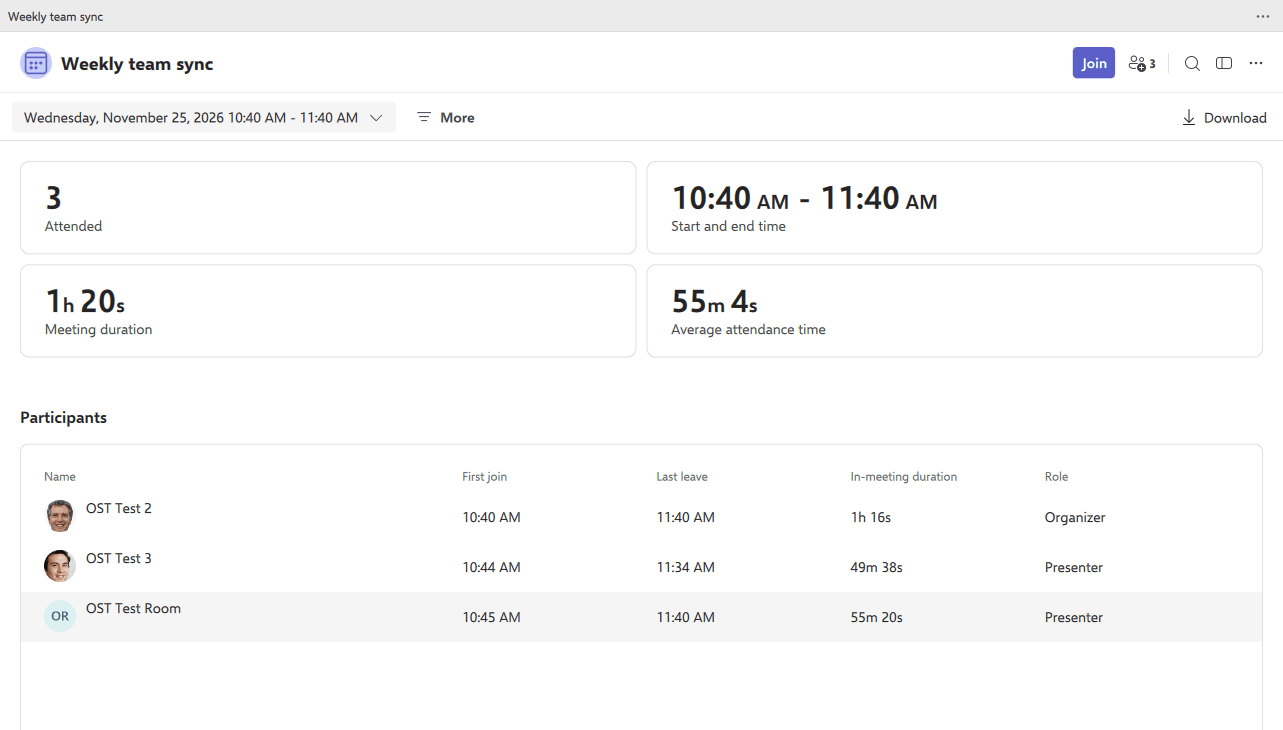
- Attendance: the attendance card in the chat (Download the attendance report) and the Attendance view: number of participants, meeting duration, average attendance time, and each person's first join, last leave, in-meeting duration and role, with Download.
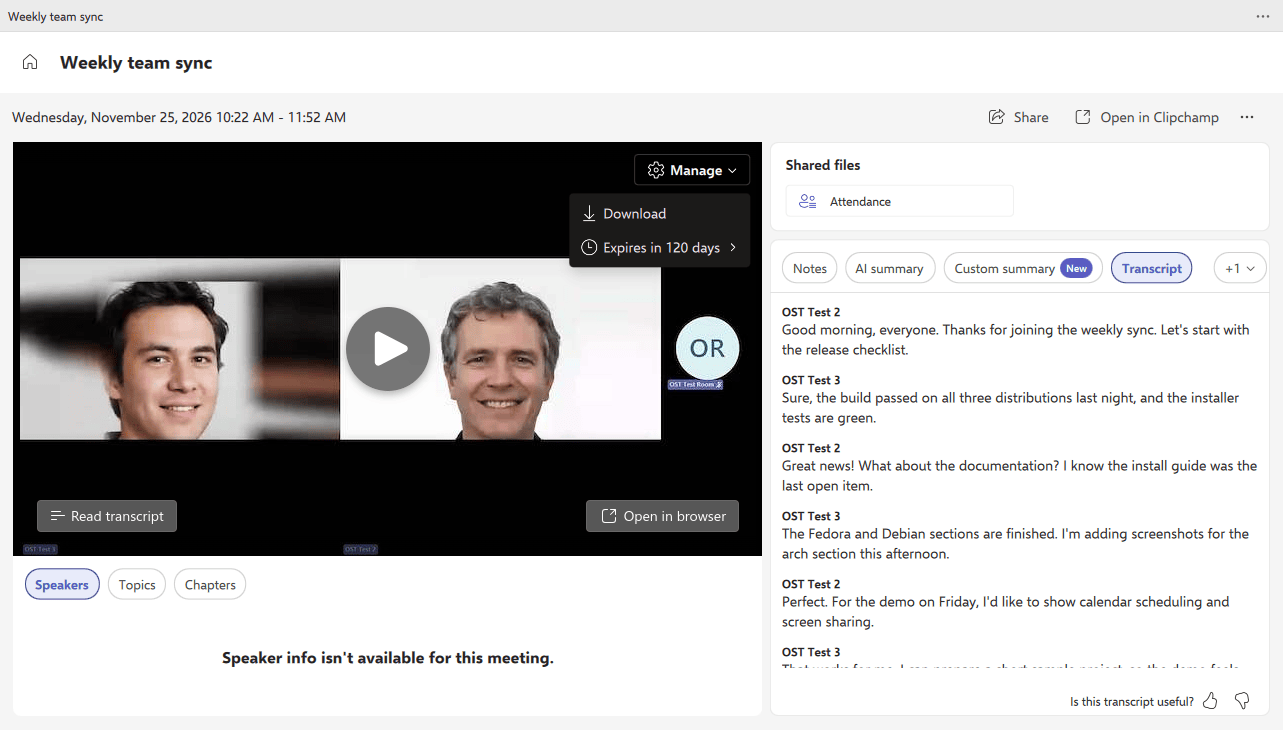
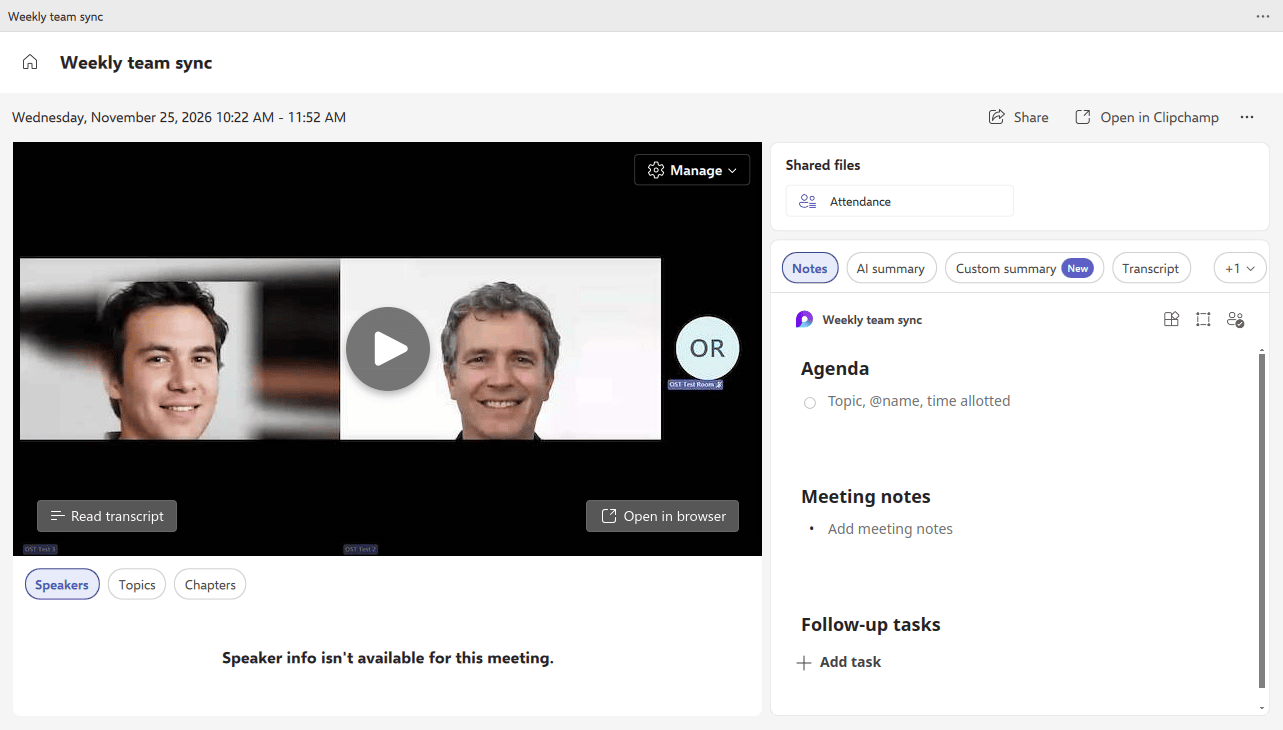
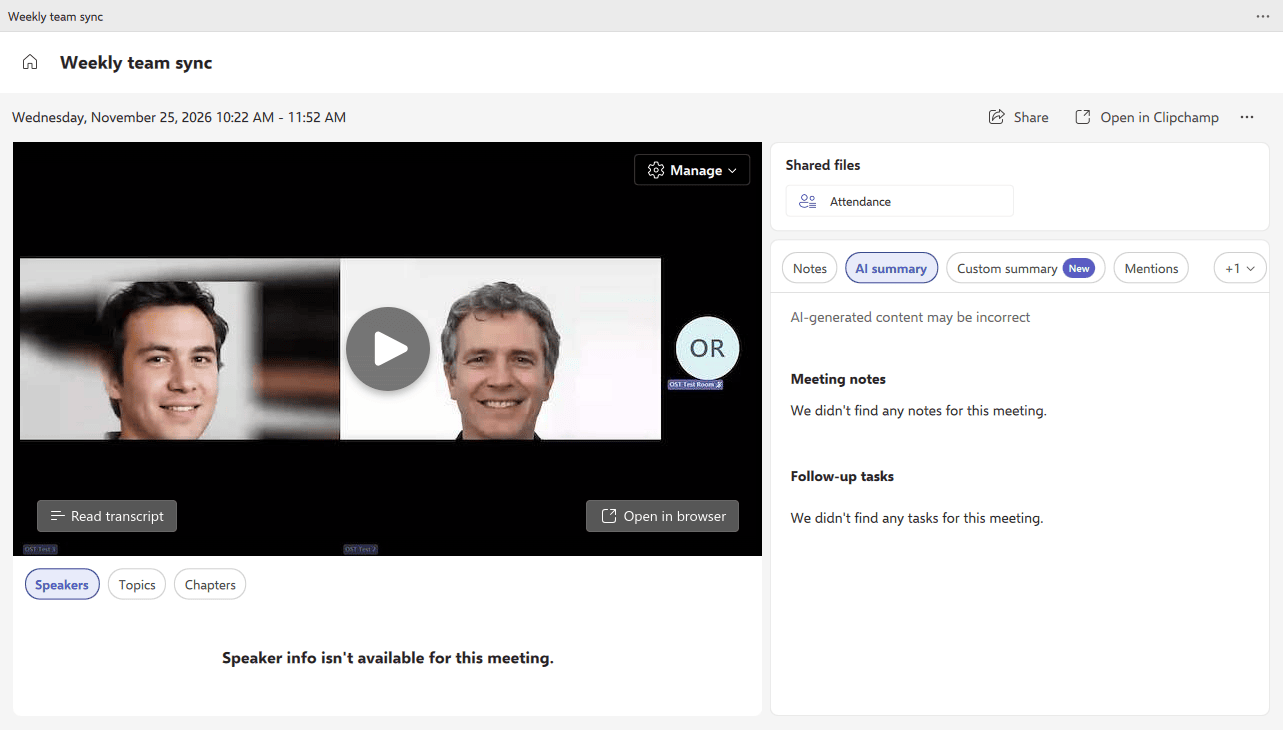
View recap opens the recap in its own window:
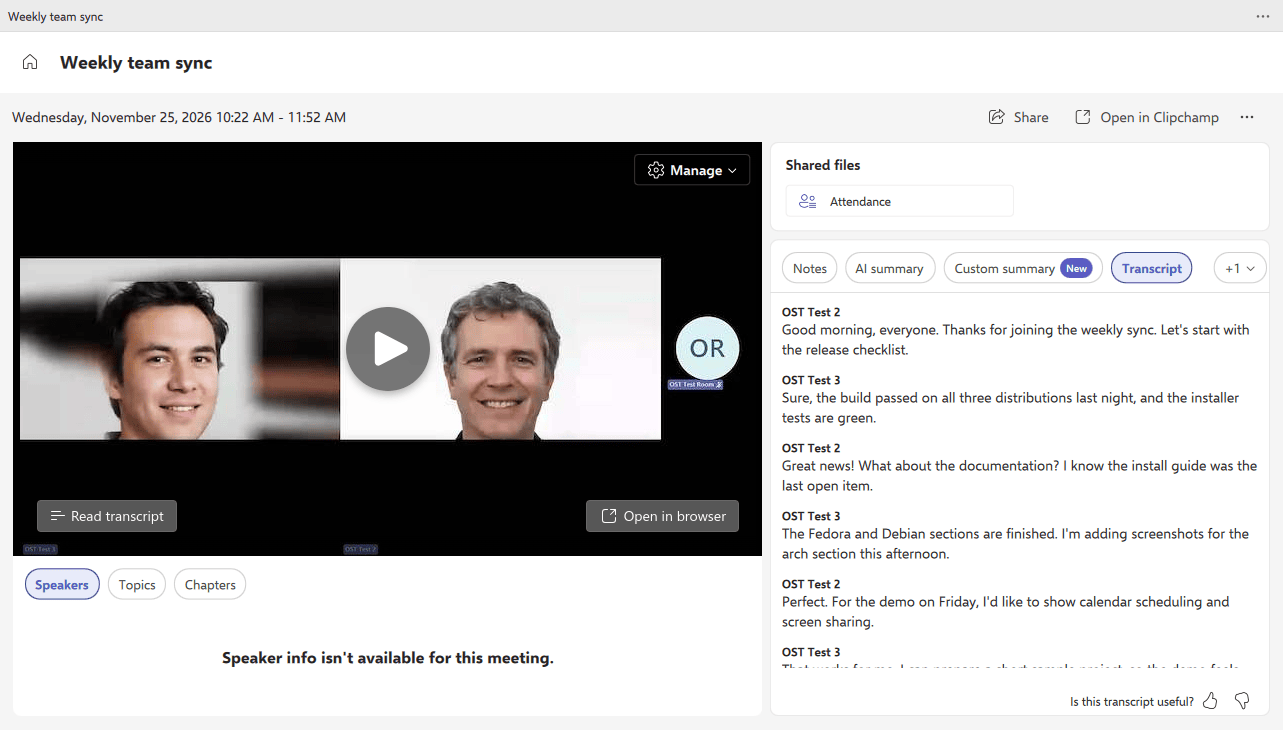
- The player with the recording, and beside it Speakers, Topics and Chapters (AI-generated where available).
- Notes: Meeting notes and Add notes ("Anyone can contribute to the notes, anytime."), Follow-up tasks.
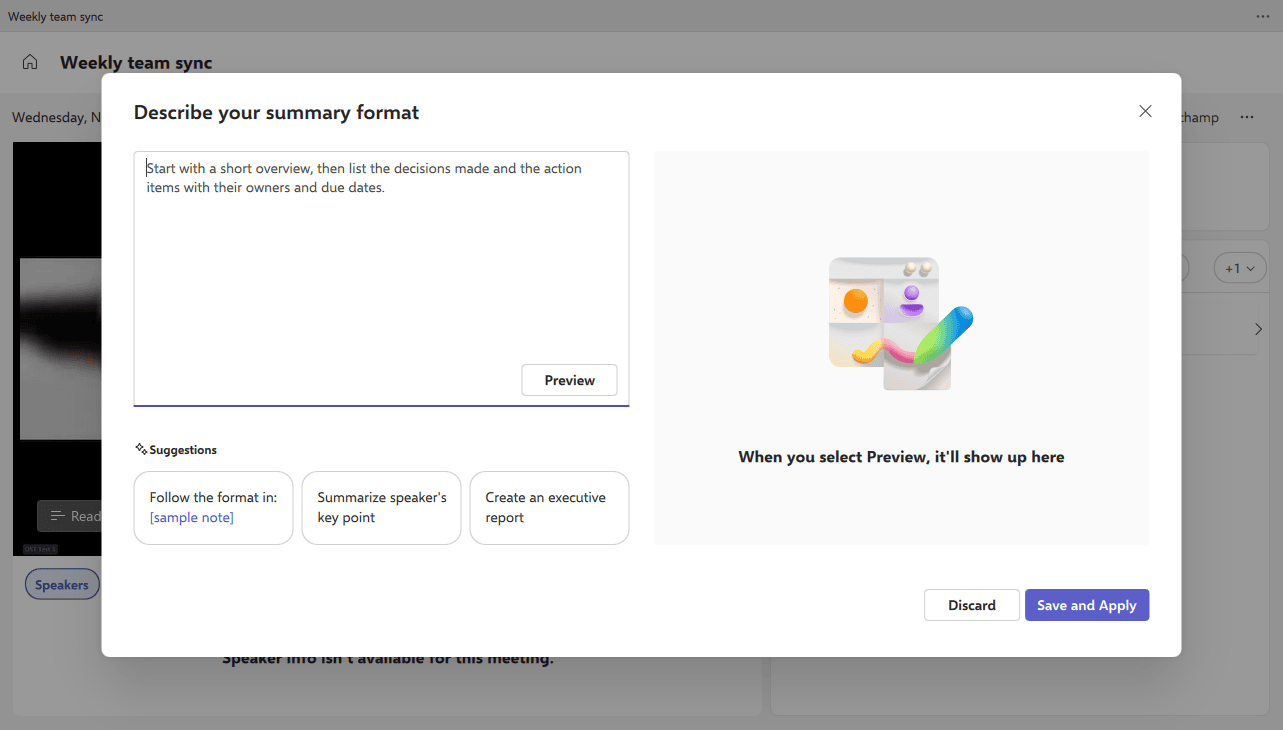
- AI summary (with Copilot): AI notes and suggested tasks, with Like / Dislike, Copy all. Custom summary picks a summary template (Executive report, Project update, Speaker summary, …) or Create template: describe the format, Preview and Save and Apply.
- Mentions, Shared files, Transcript and Attendance (in its own window).
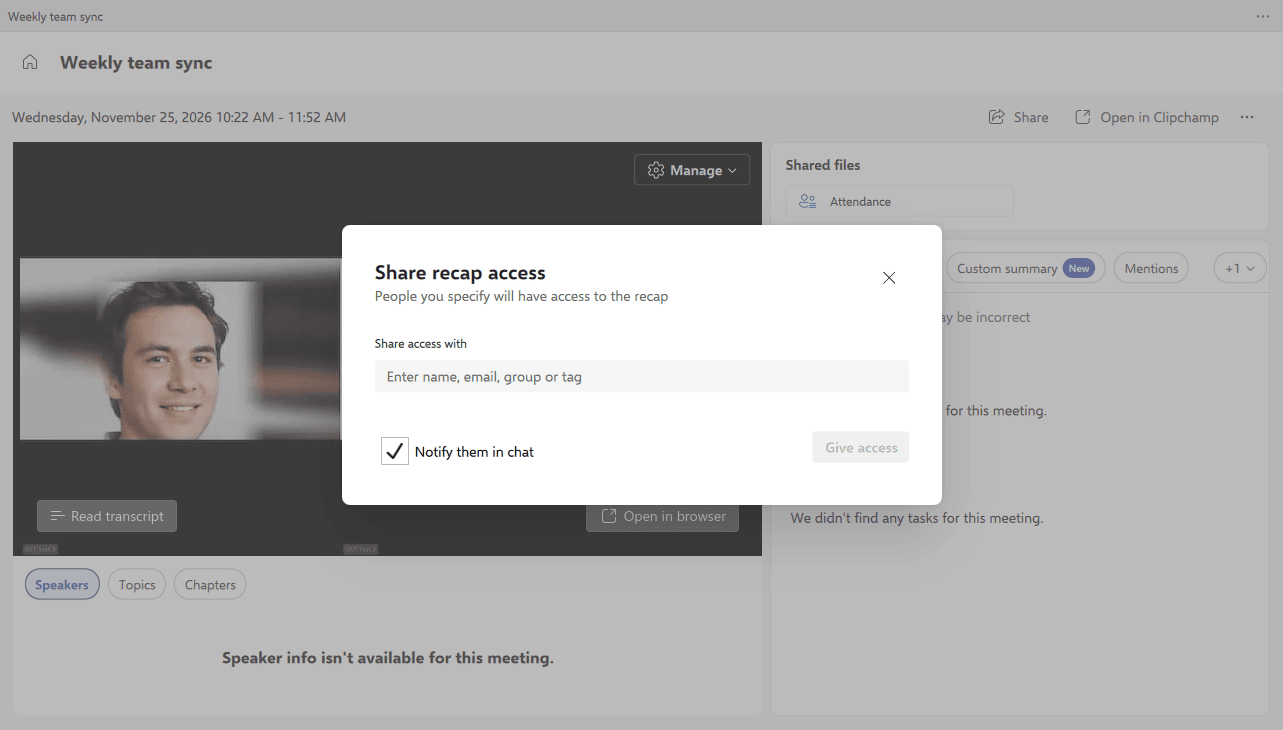
- Share (Share recap access with people, Notify them in chat) and Copy link; Open in Clipchamp to edit the recording; Manage (expiration: Extend by 60 days, Remove expiration); Open Copilot (with Copilot) to ask about the meeting.
Meeting Recaps (in View more apps, or Events ▸ View audio recaps):
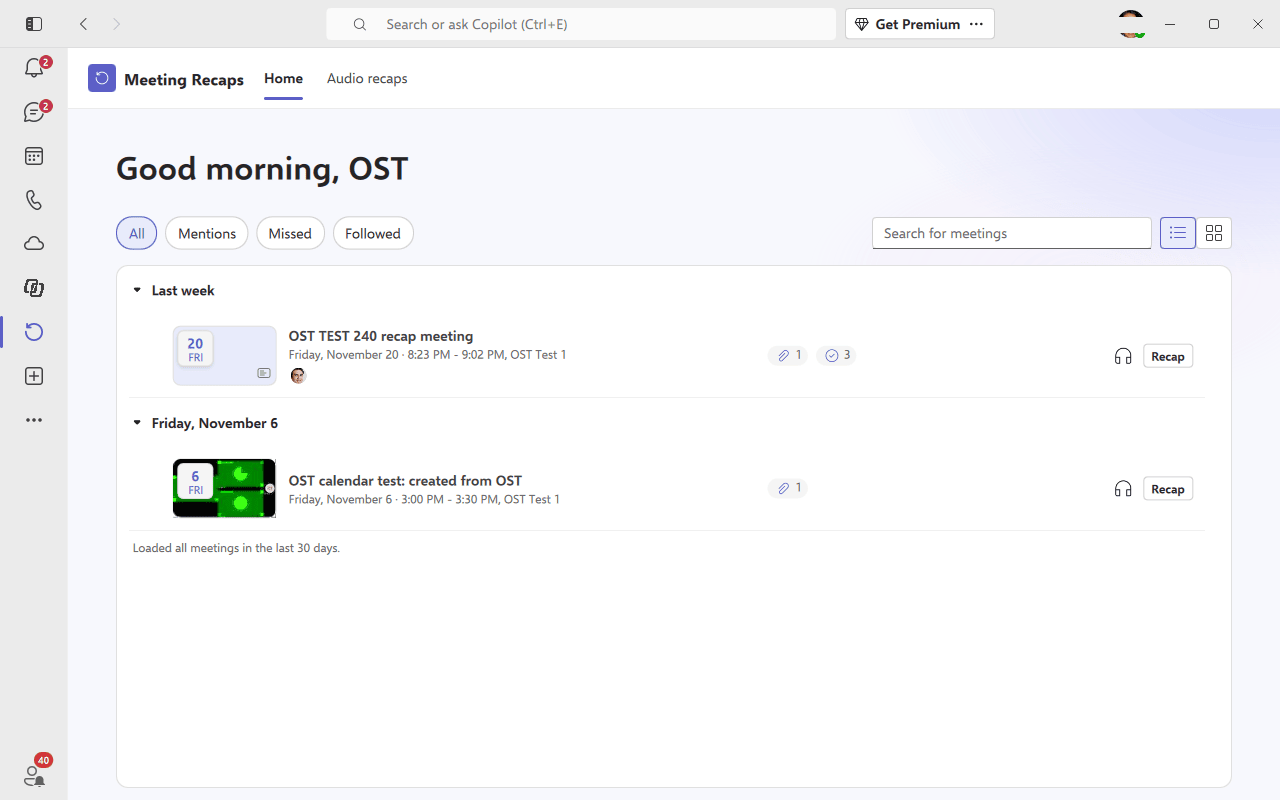
- Home: "Good morning, name", your recent meetings grouped by week, each with its speakers, shared files, mentions and tasks, and chips such as Mentions, Followed, Joined late and Left early; Grid view or List view.
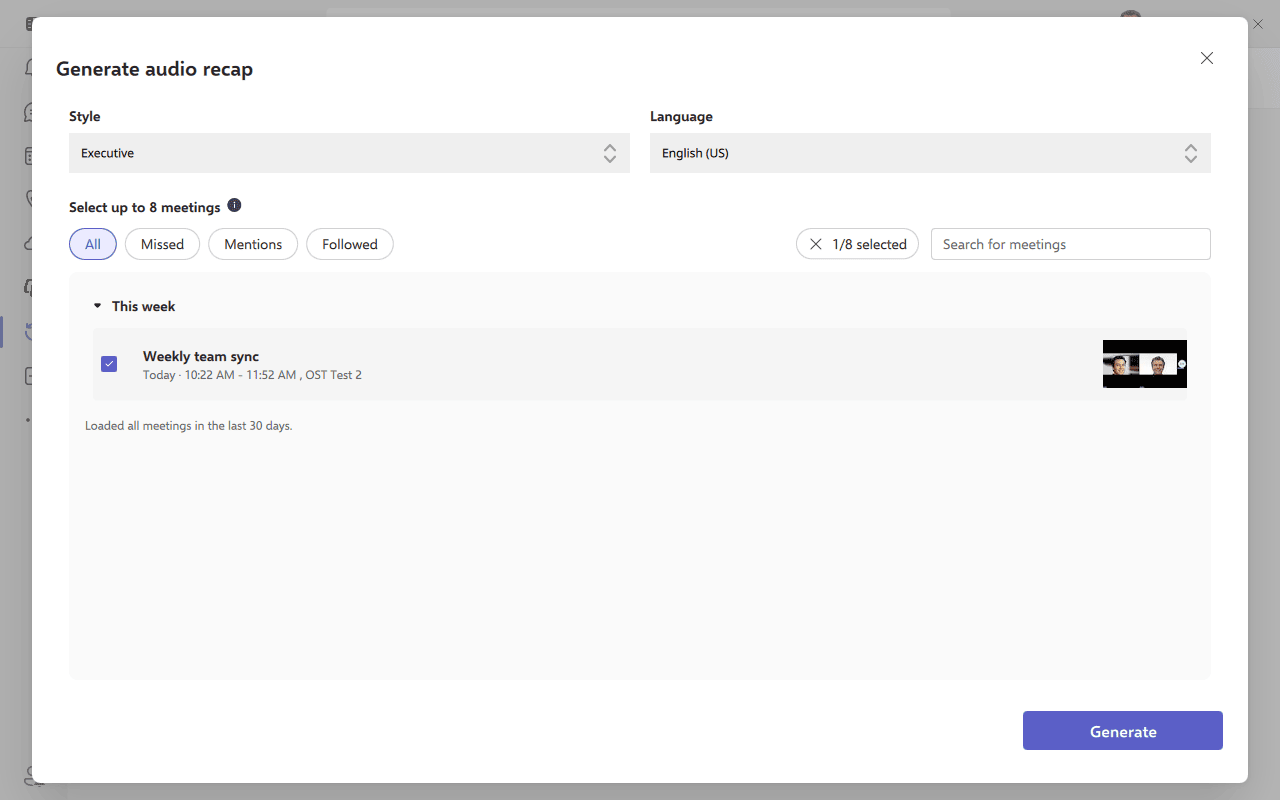
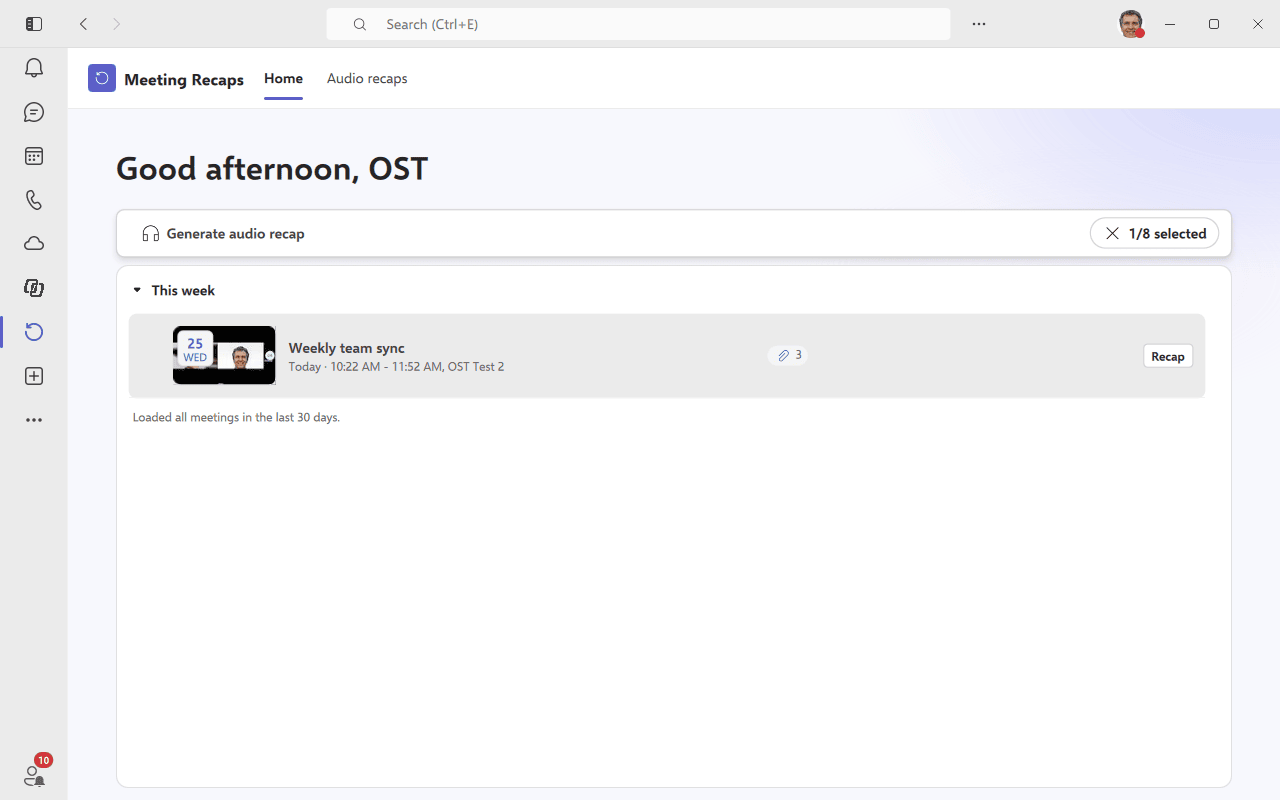
- Audio recaps (with Copilot): pick up to eight transcribed meetings on Home, then Generate audio recap (style Executive, Newscast or Casual, and the language). The audio recap plays in a mini player by chapter, with its transcript, speed (Playback speed), skip and Like / Dislike; Generated audio recaps lists them (Delete, Copy link).