Repository navigation
Calls and meetings
OST makes and receives Teams calls and joins Teams meetings with its own media engine: audio (Opus, with noise suppression and voice isolation), video (H.264) and screen sharing, encrypted (SRTP) as Teams' are. Video is your camera, with Teams' background effects. Cameras come from PipeWire: USB webcams, libcamera cameras such as Intel IPU6 built-in cameras, and virtual cameras, each listed once by its name (in the Flatpak, through the camera portal); see Devices.
This page is an overview; each part has its own page:
| Page | What's there |
|---|---|
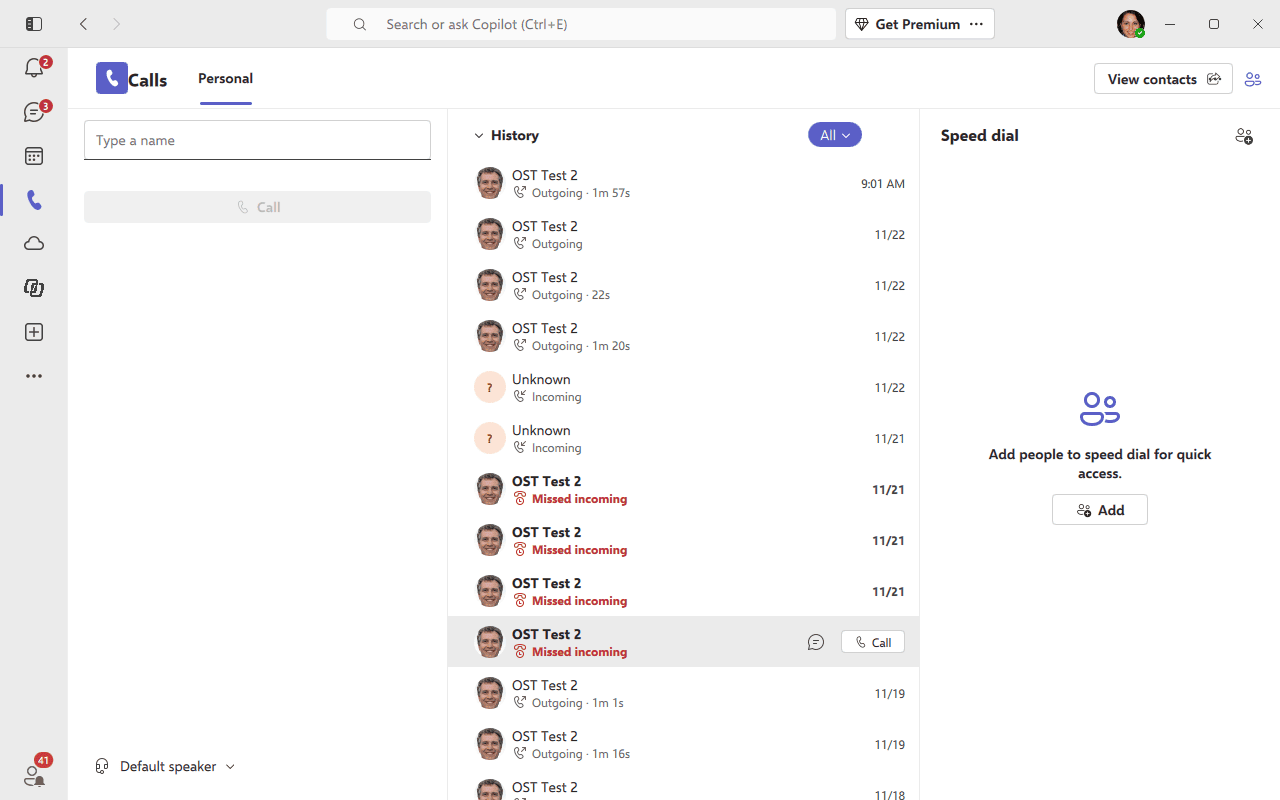
| Calls and voicemail | The Calls app, 1:1 and group calls, hold, transfer, park, consult and merge, end-to-end encryption, voicemail, Intelligent call delegation, the test call |
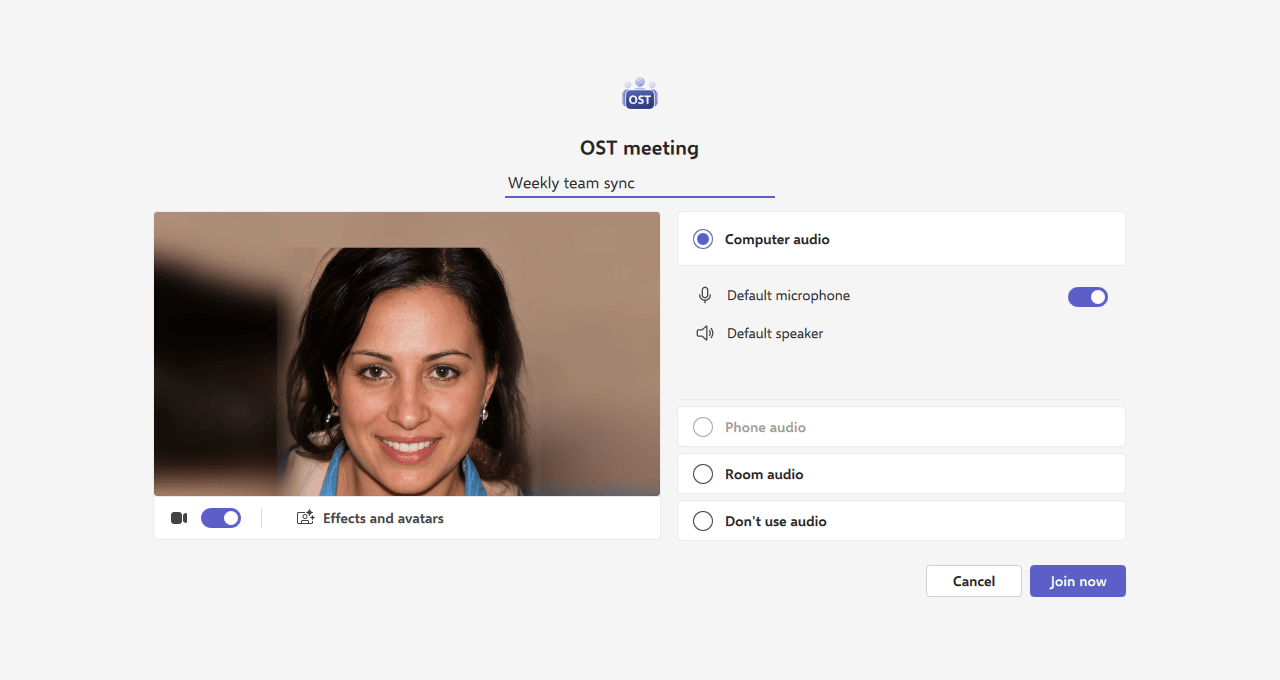
| Meetings | Joining, the pre-join screen, phone audio, the lobby, the meeting window, leaving |
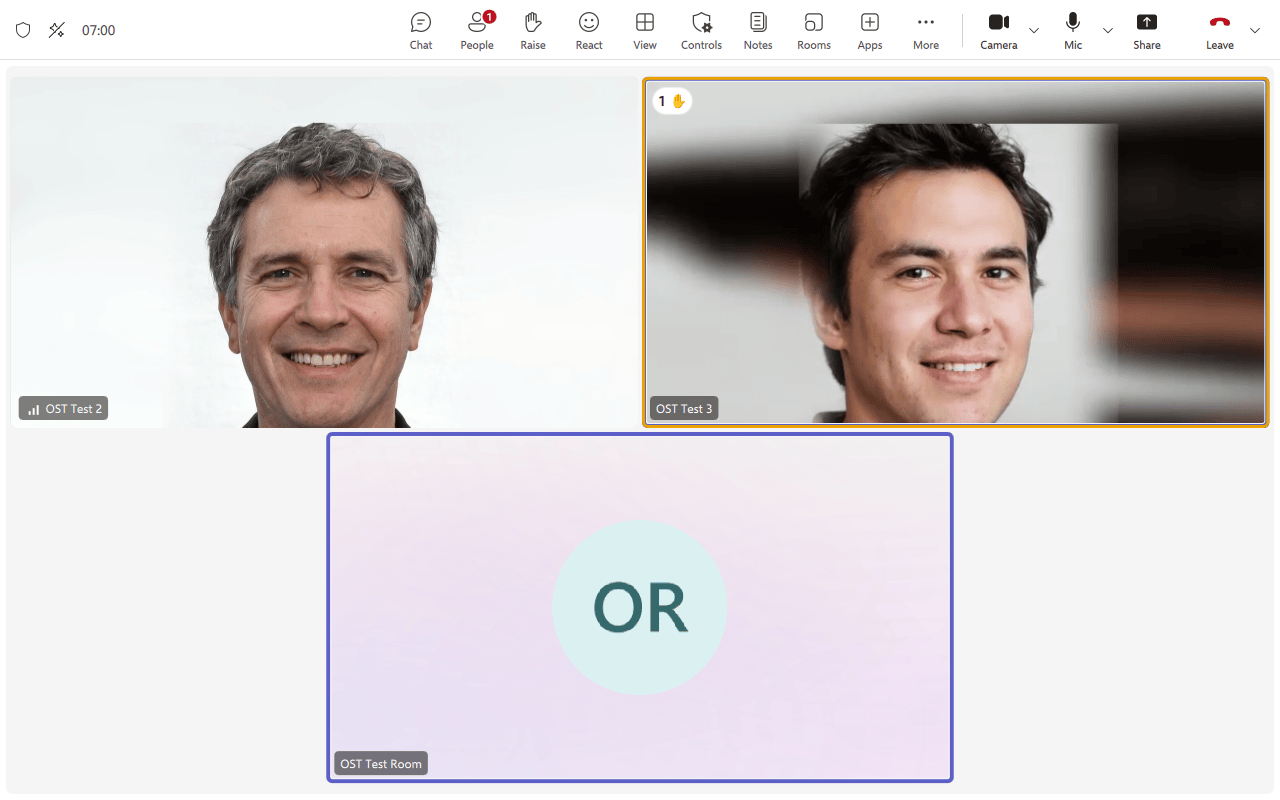
| Meeting controls | The toolbar and new meeting controls, Camera and Mic, Raise and React, People, View, More, organizer controls, timer and Facilitator, call health |
| Sharing and presenting | The share tray, presenter modes, give and take control, PowerPoint Live, Excel Live, Whiteboard, annotation, content from camera |
| Captions and transcripts | Live captions, caption styles, RTT, recording and transcription, Interpreter |
| Breakout rooms | Creating, assigning, opening and closing rooms; joining one |
| Town halls and webinars | The Events app, registration, green room, attendee view |
| Meeting recaps | The Recap tab and window, AI summary, attendance, Meeting Recaps and audio recaps |
| Video effects and clips | Backgrounds, filters, avatars, the video clip recorder |
| Devices | Speakers, microphones, cameras, headsets, room devices |
| Bluetooth headsets | Headset call buttons on Linux |
| Room mode | OST as a Teams Rooms device, and casting to a room |
- Calls: Video call and Audio call in a chat's header, the Calls app's dial pad and history, Teams' incoming call toast. In a 1:1 call: Hold, Transfer, Consult then transfer, Park, the dial pad, add people.
- Meetings: Join from Calendar, the meeting chat or its banner; the pre-join screen; the lobby; Teams' meeting controls (Chat, People, Raise, React, View, Notes, Apps, More, Camera, Mic, Share, Leave).
- During: screen and window sharing, PowerPoint Live, live captions, recording and transcripts, breakout rooms, the timer, call health, and Copilot, Facilitator and Interpreter with the matching licenses.
- After: the meeting chat's Recap tab and Meeting Recaps.