Repository navigation
Copilot
With a Microsoft 365 Copilot license, OST has Copilot where Teams has it. Without the license none of this shows, as in Teams. Copilot's answers come from Microsoft's service; OST hosts Microsoft 365 Copilot's own page where Teams does and draws the rest natively.
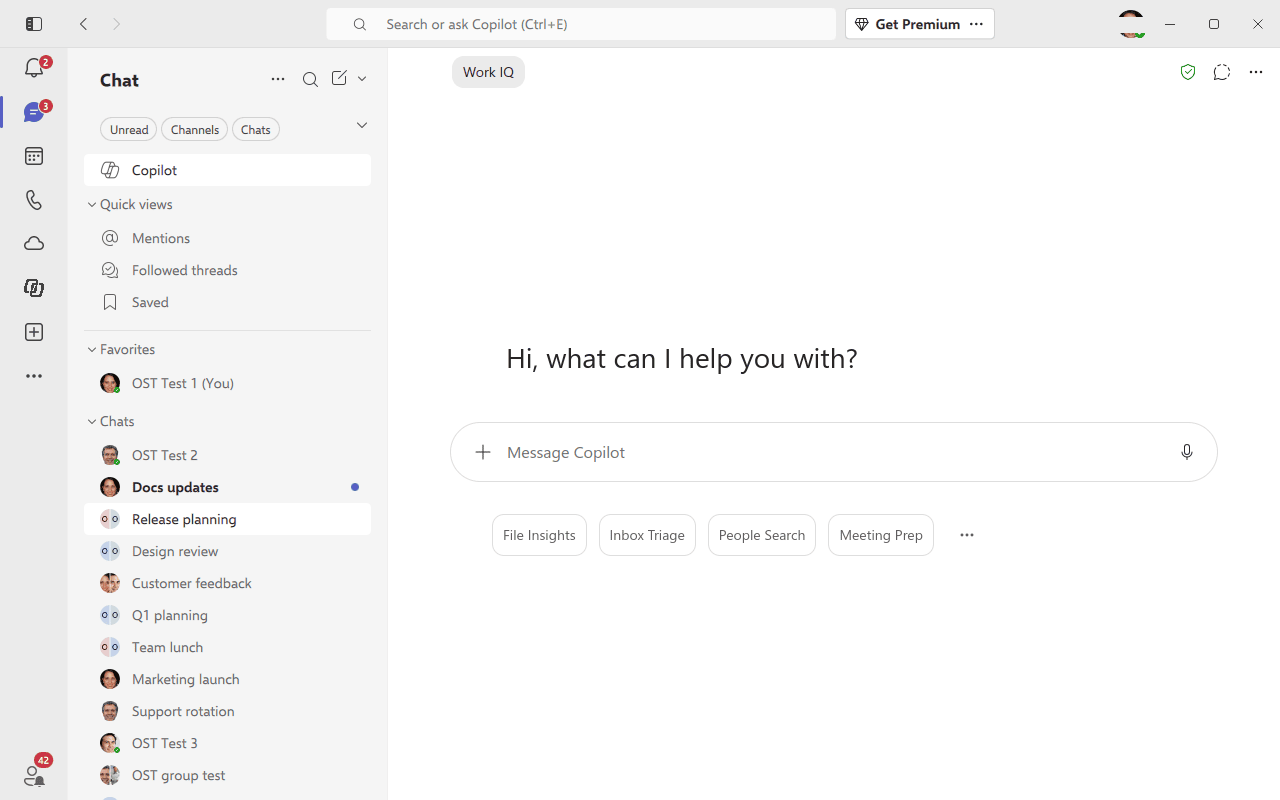
- Copilot sits in the app bar and at the top of the chat list (hide the chat list row with Settings ▸ Chats and channels ▸ Copilot). It opens Microsoft 365 Copilot chat: ask about your mail, meetings, chats and files.
- The title bar's search box reads Search or ask Copilot (Ctrl+E); focused, it says "Look for people, messages, files and more or ask Copilot". A question goes to Copilot, a name or keyword to search.
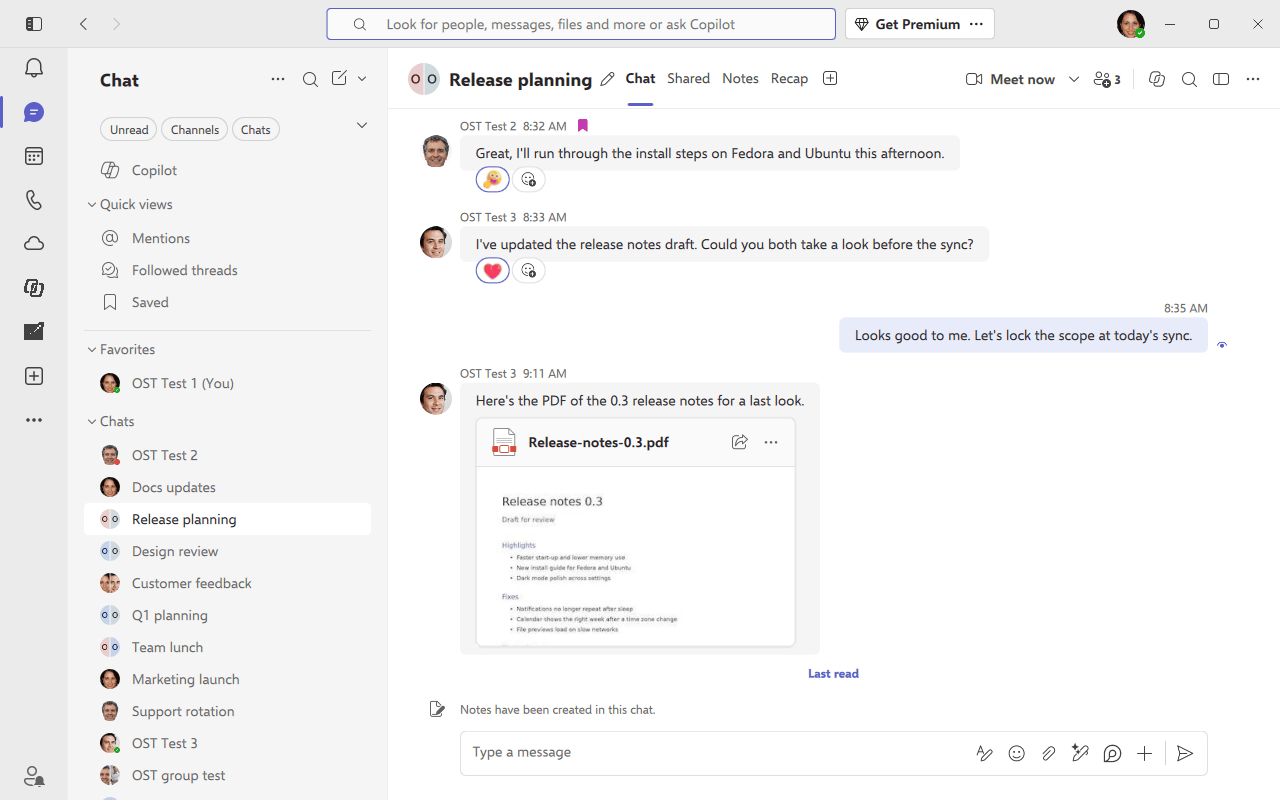
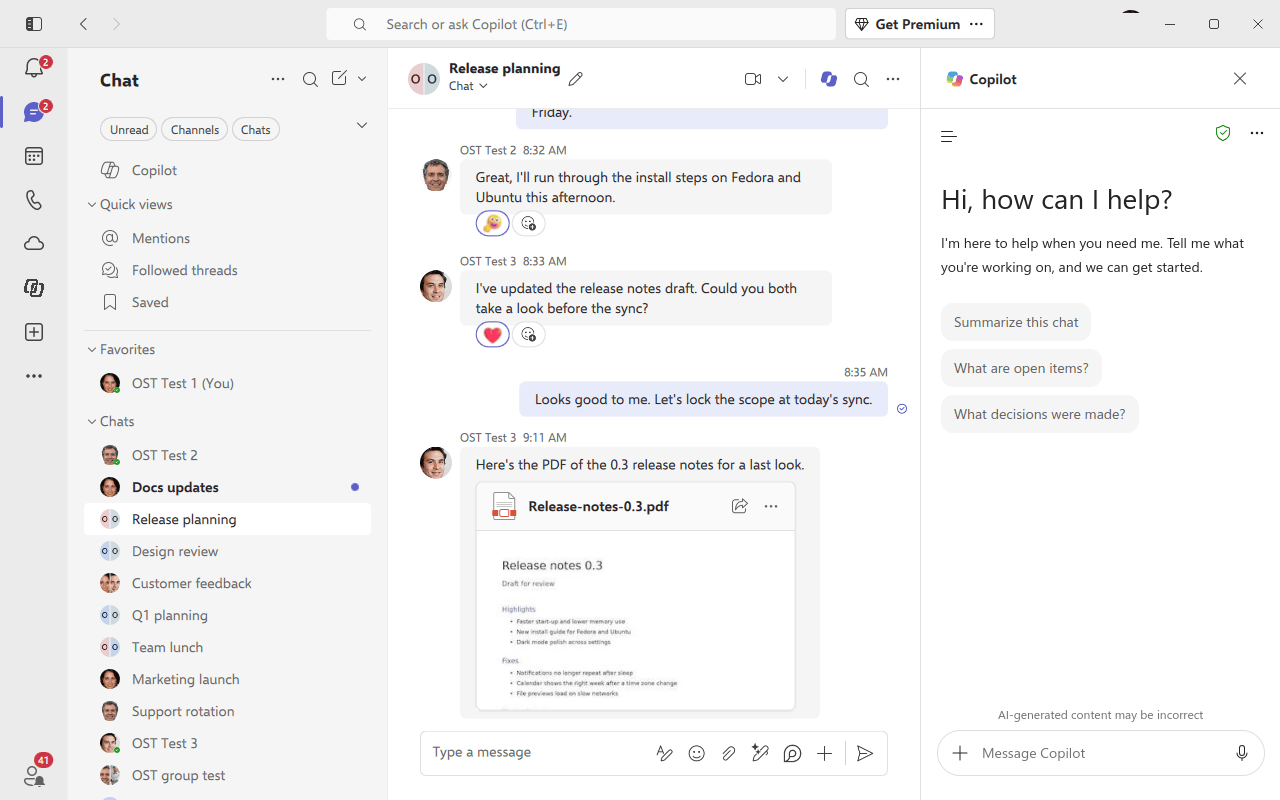
- Open Copilot (Alt+C) in a chat's, channel's or thread's header opens Copilot beside the conversation, told about it: ask it to summarize, list what was decided, or answer from the conversation. Its sources jump to the messages they came from. Meeting chats give Copilot the meeting (with its recap and transcript). Pop-out chat windows have it too. Close Copilot closes the pane.
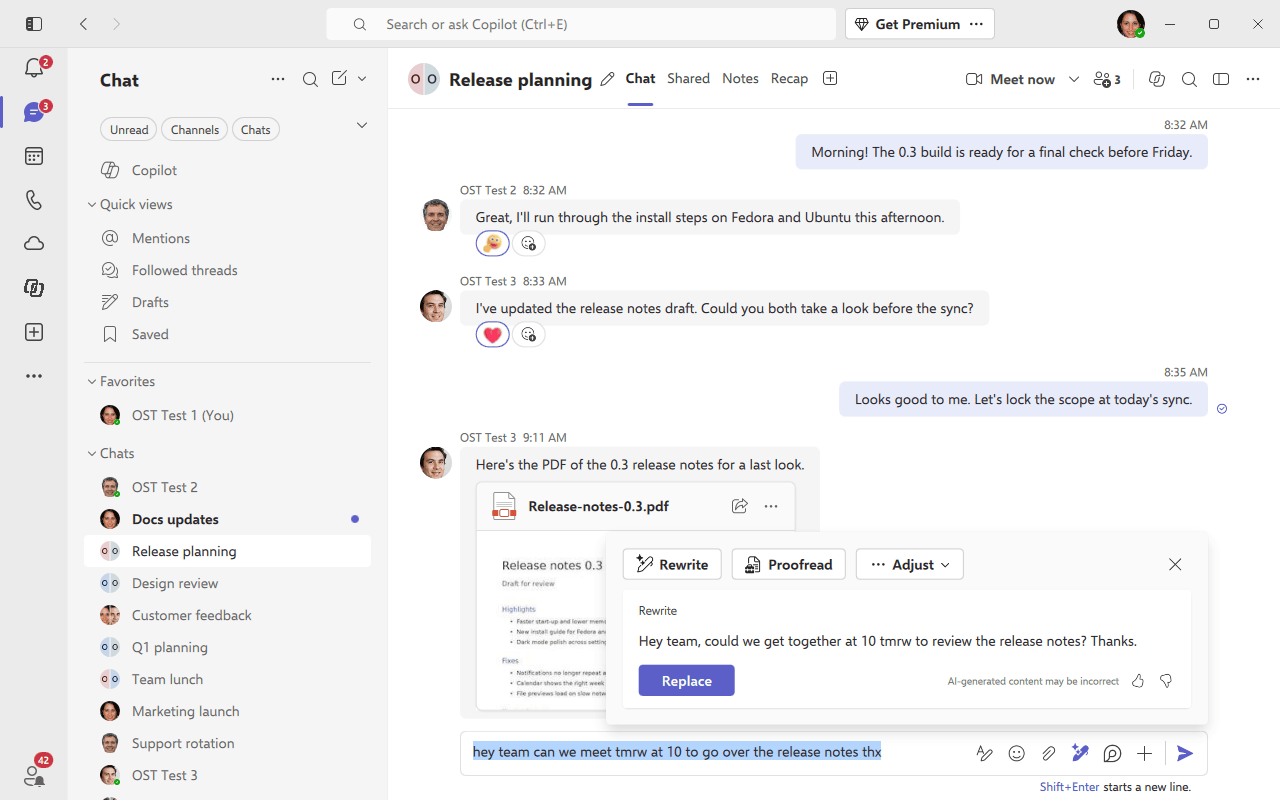
- Write with Copilot (the Copilot button in the compose box) works on your draft: Rewrite, Adjust (Make it concise, Make it longer, Make it sound professional, confident, enthusiastic or casual), Proofread this message and Custom rewrite (your own instruction). The result shows above the box with Previous response / Next response, Like / Dislike, and Replace to use it.
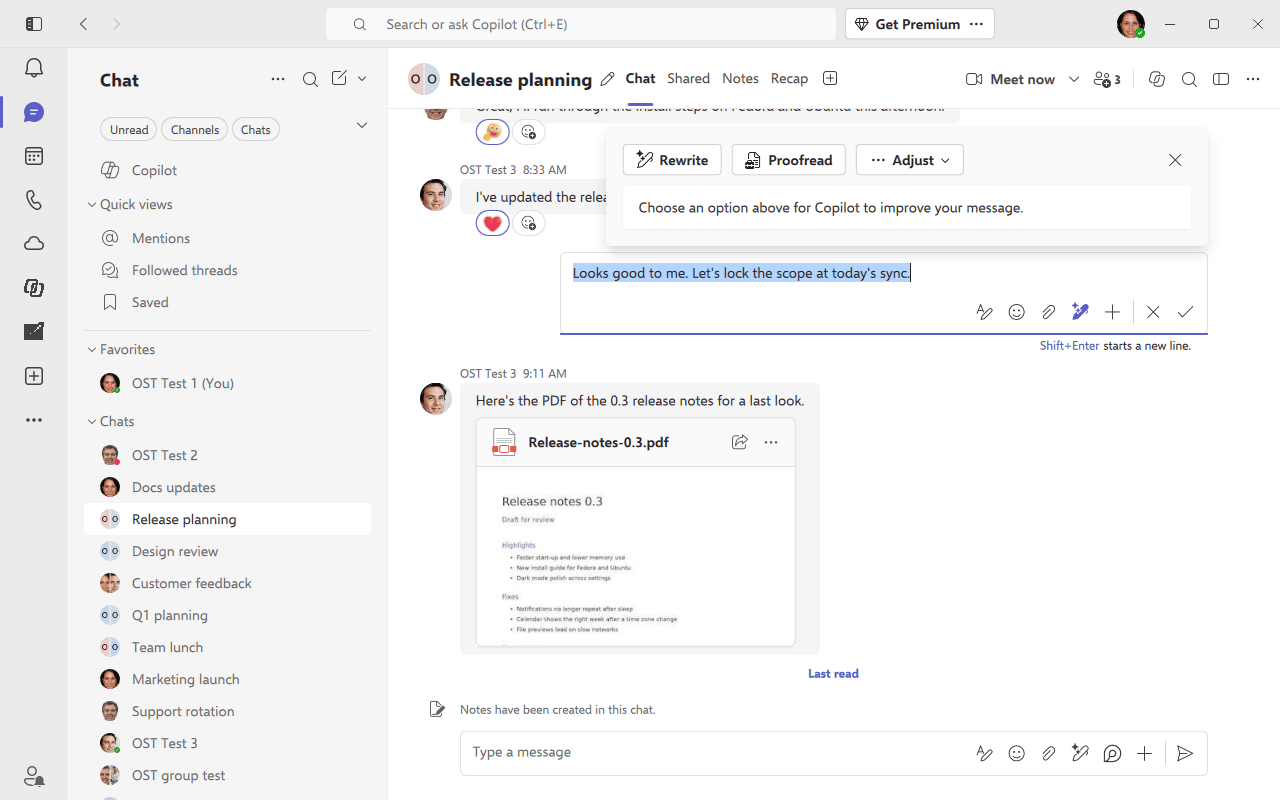
- Write with Copilot also works while you edit a sent message.
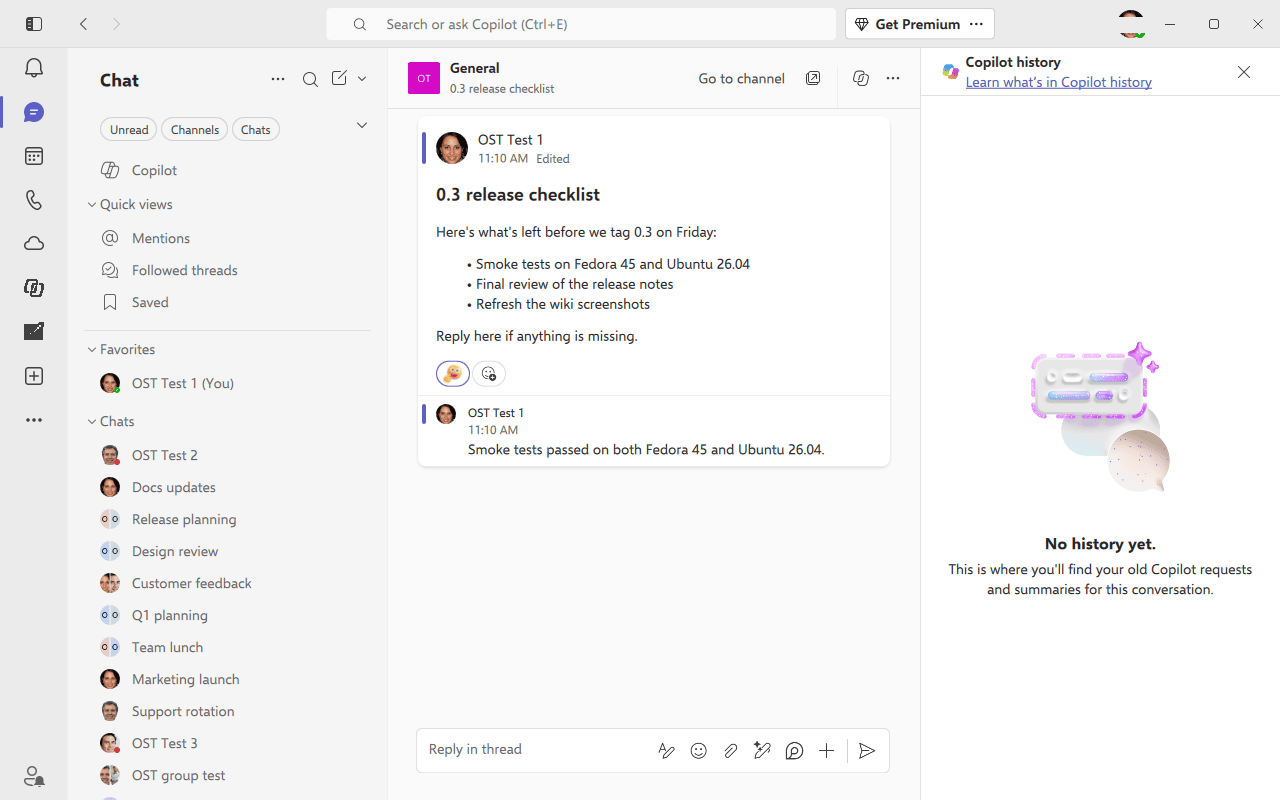
- A channel post's ··· has View Copilot history: your earlier Copilot requests and summaries for that conversation.
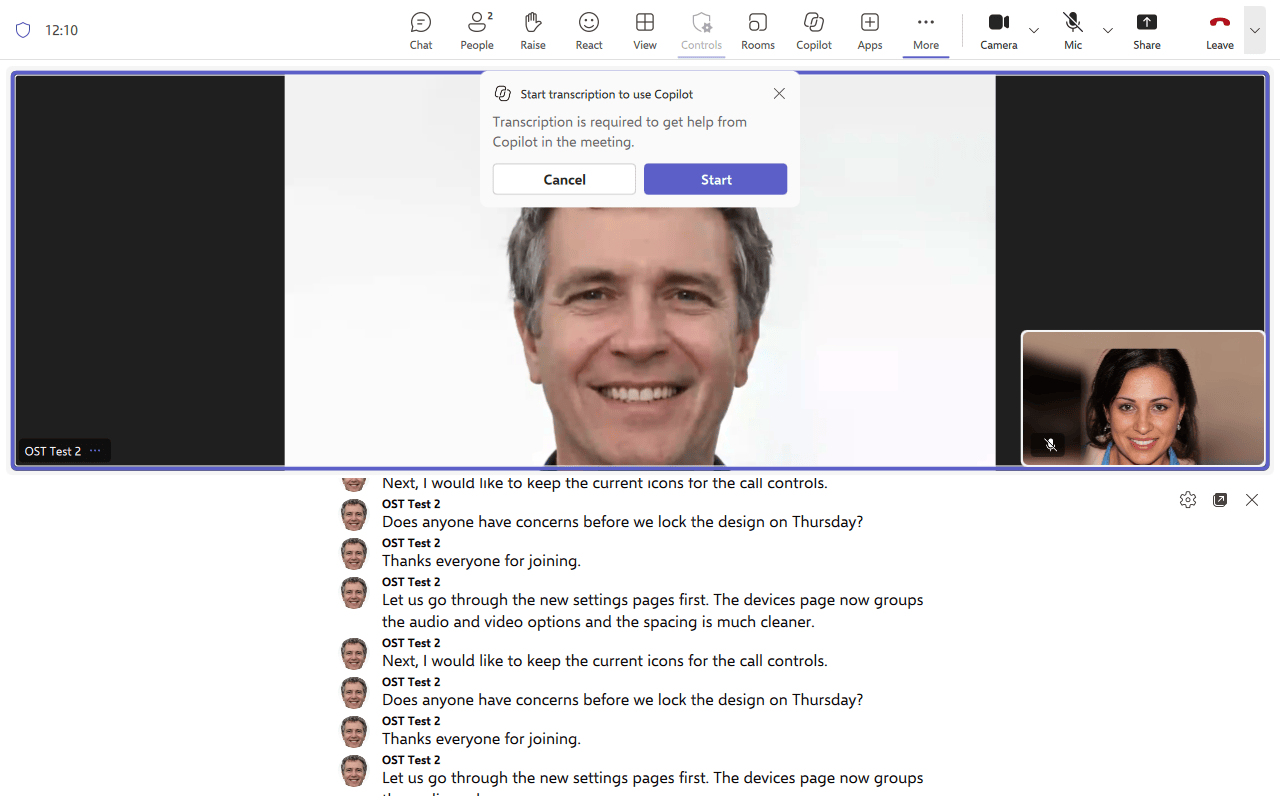
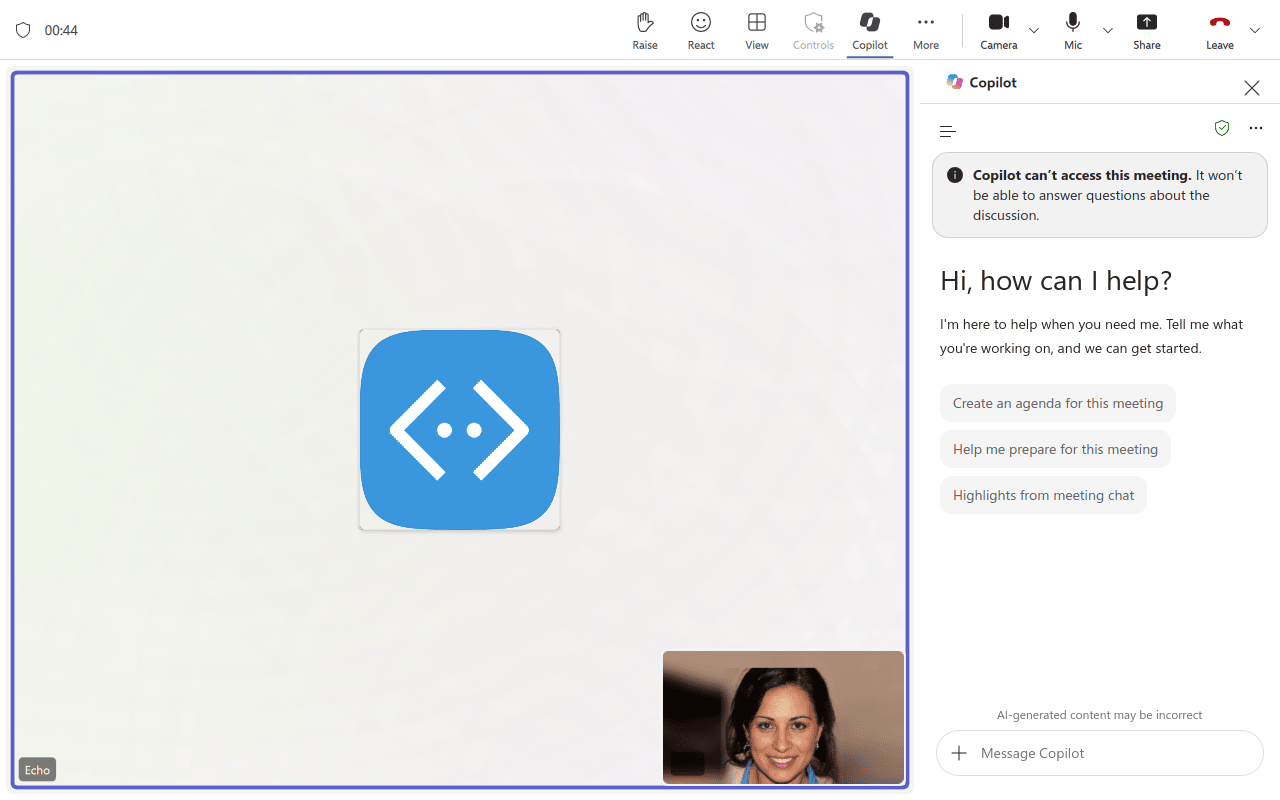
- Copilot in the meeting toolbar opens the meeting Copilot pane: ask what was said, for a recap so far, open questions or action items, from the live transcript.
- The test call (Settings ▸ Devices ▸ Make a test call) has Copilot as in Teams, so you can try it on your own voice.
- Recaps' AI summary, Facilitator and Interpreter also come with Copilot; see Meeting recaps, Meeting controls and Captions and transcripts.