Repository navigation
Activity
Activity (the bell) is Teams' activity feed: @mentions, replies, reactions, missed calls and voicemail, meeting invitations and updates, team and channel changes, and app notifications. It updates live, and what you read is marked read in Teams too.
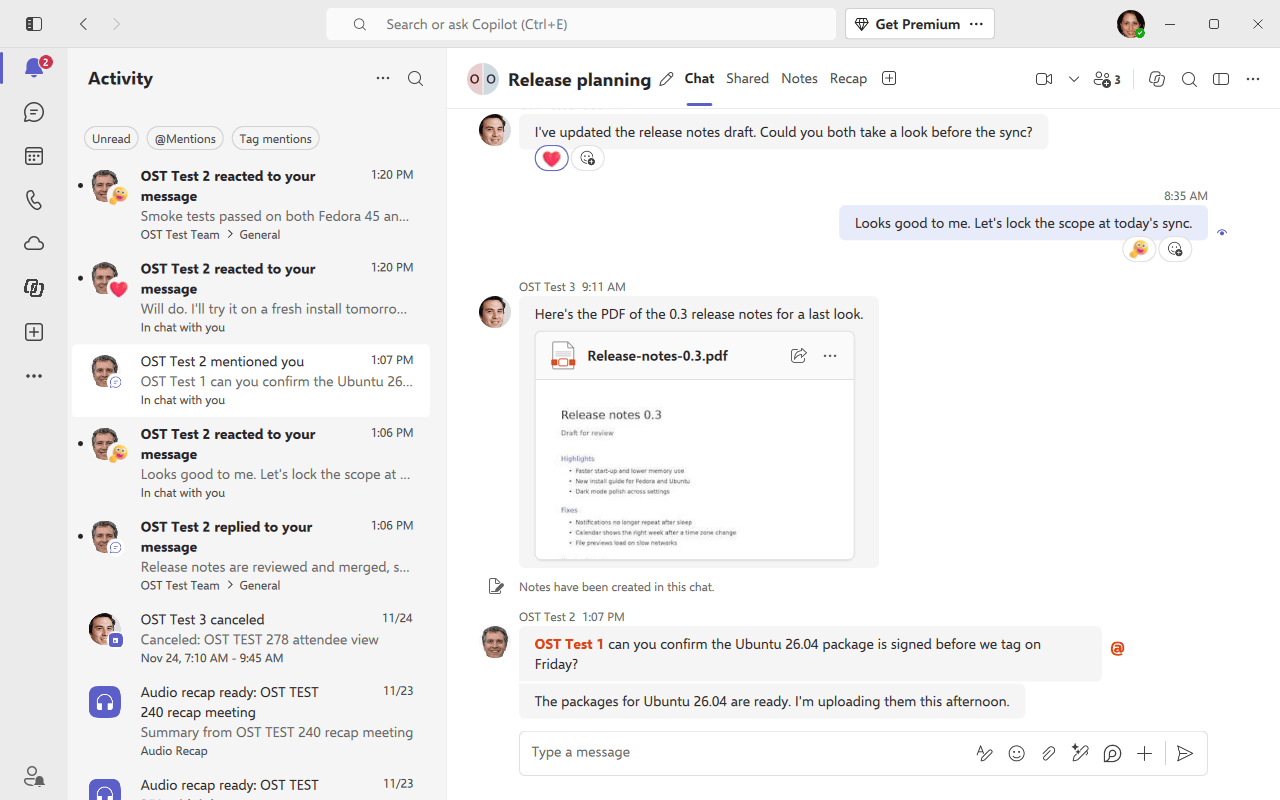
- Select an item to open it next to the feed, at the message it's about.
- Filters Unread, @Mentions and Tag mentions; ··· has Mark all as read and more filters; the search box filters the feed.
- Up and Down move through the feed; with Settings ▸ Accessibility's "Use Enter or Spacebar to show content" on, Enter opens the item.
- The bell's badge counts unread activity, as Teams' does.
What shows in Activity, and what also pops up as a banner, is set in Settings ▸ Notifications and activity (see Notifications).
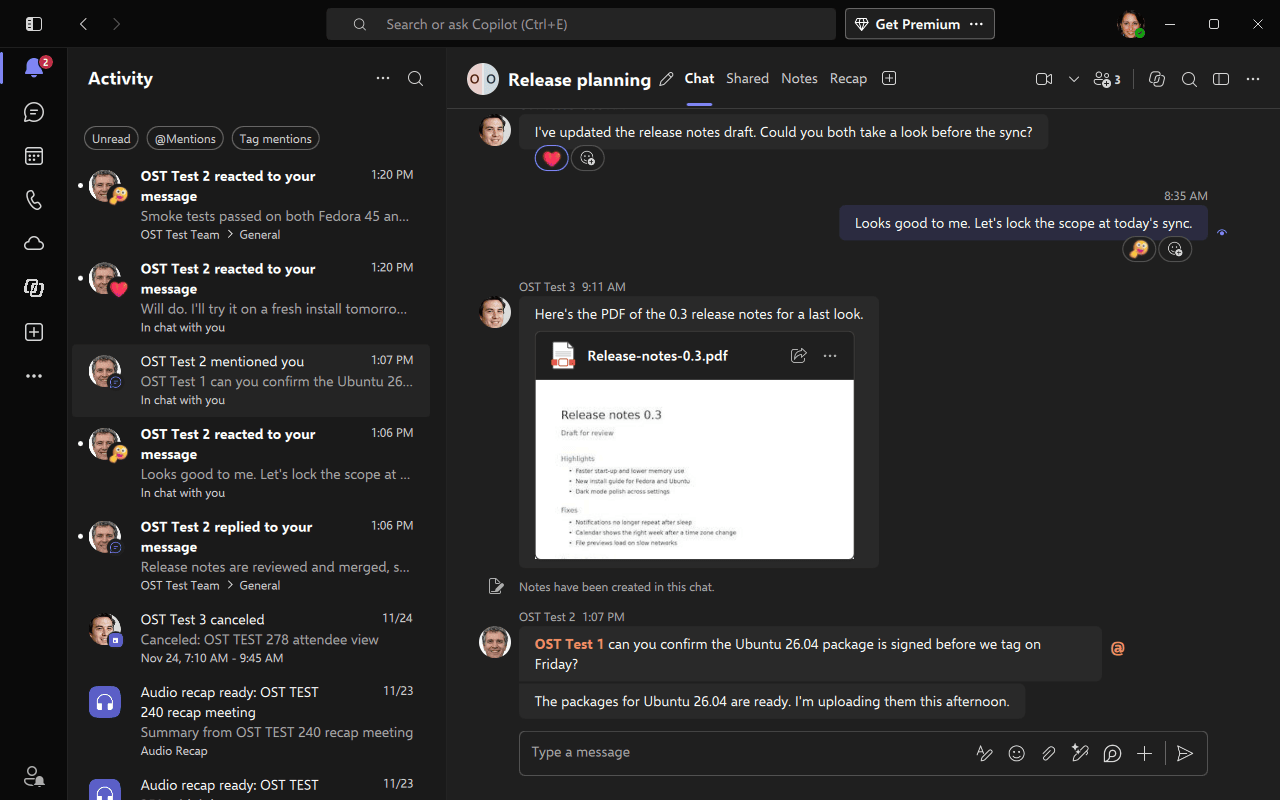
OST in the dark theme: