Repository navigation
Chat
Chat in the app bar holds your 1:1 and group chats, meeting chats, your own notes chat ("(You)"), and your teams and channels, as in Teams.
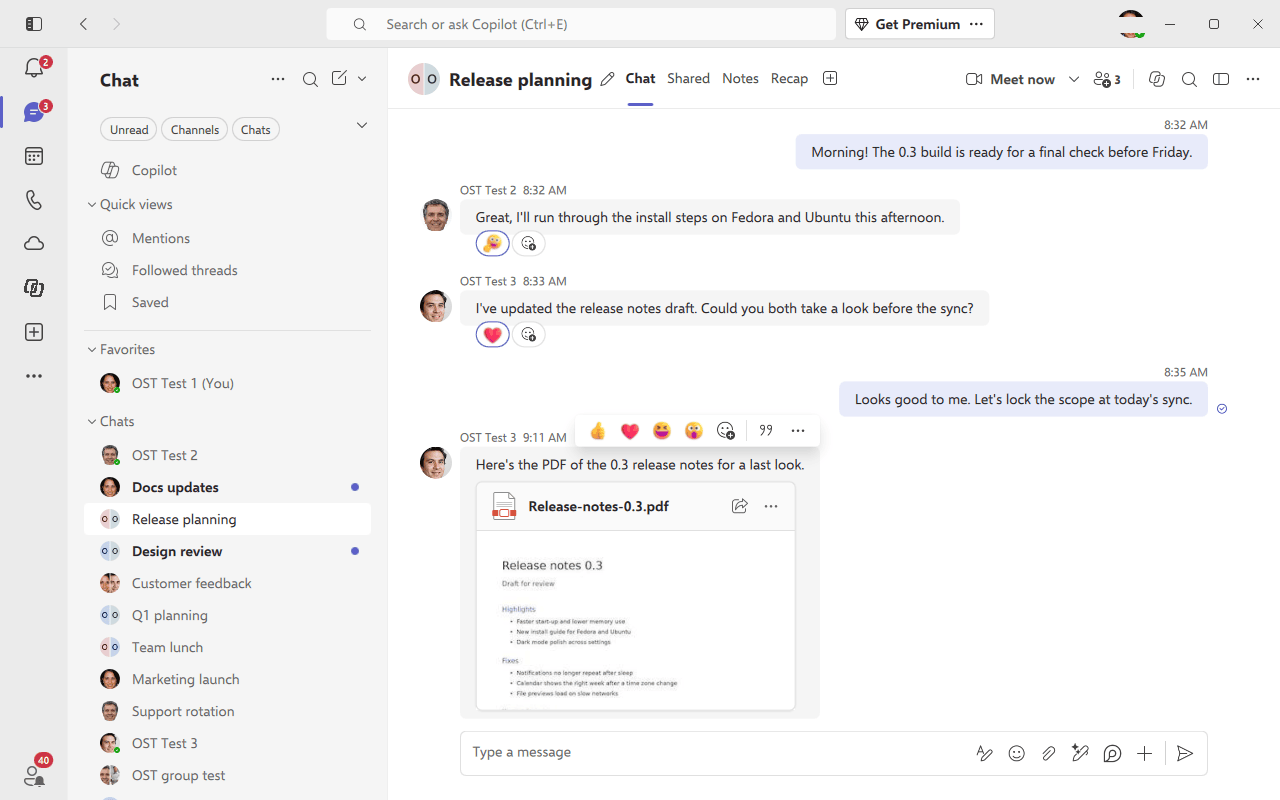
- Copilot (with a Microsoft 365 Copilot license), Quick views (Mentions, Followed threads, Saved, Drafts), Favorites, your own sections, Chats and Teams and channels.
- Filters Unread, Channels and Chats, and a name filter (Ctrl+Shift+F).
- Each chat's ··· menu: Mark as read or unread, Move to section, Mute or Manage notifications, Notify when available, Open in new window, Copy link, Hide, Leave and more.
- Drag chats between sections, or use Start reordering with the keyboard.
- New message (the pen, Ctrl+N) starts a 1:1 or group chat with a people picker; give a group chat a name if you like.
- Formatting: select Format under the box for bold, italic, underline, strikethrough, colors, headings, lists, quotes, links, inline code, code blocks (with syntax colors, the language detected as you type) and tables.
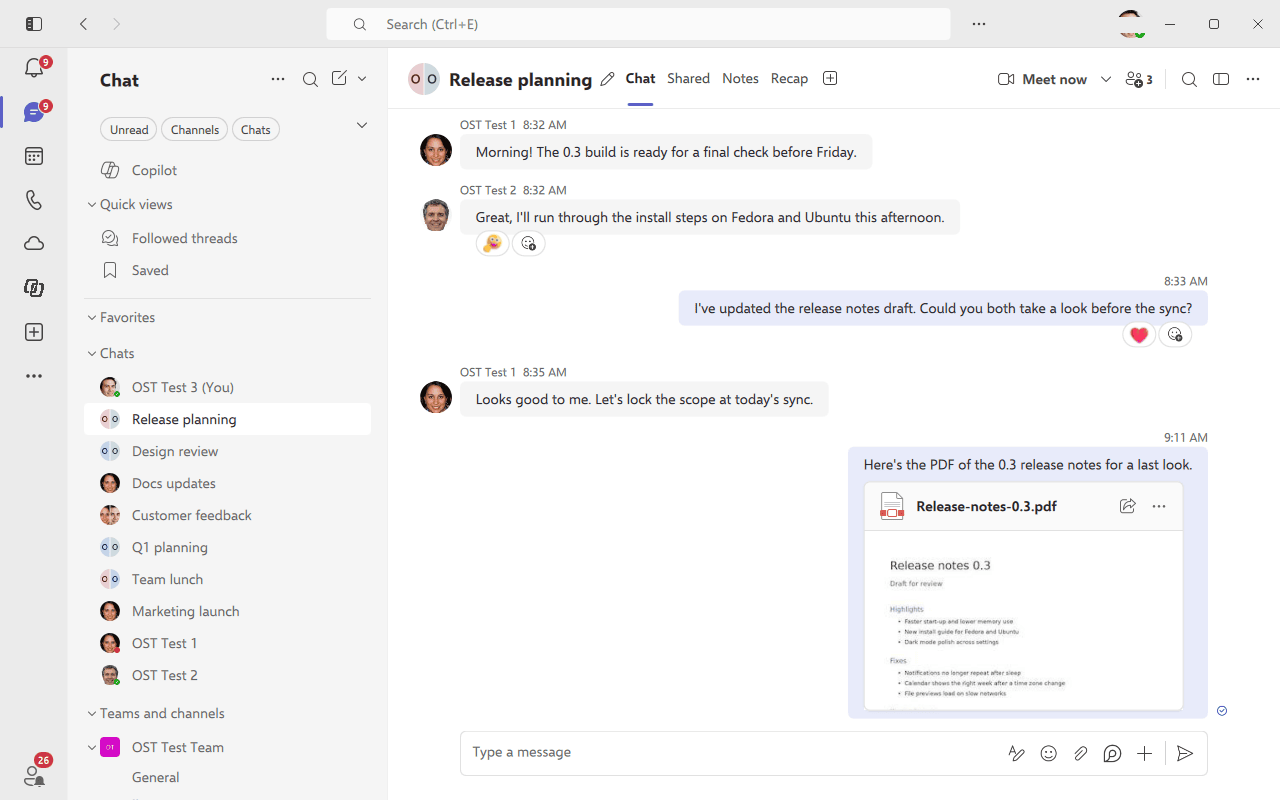
- Emoji, GIFs and stickers from the fun picker, custom emoji of your organization, and reactions (point at a message; select a reaction again to remove it).
- Files: Attach (Alt+Shift+O) a file from this computer or from OneDrive and SharePoint through Teams' cloud file picker, with Link settings. Pasted pictures go inline. Every file shared in a chat is in its Shared tab.
- Loop components: the Loop button puts a live Loop paragraph, table, checklist or task list into the message; everyone in the chat can edit it in place.
- Video clips: record a clip (camera or screen) with Teams' effects and send it.
- Reply with quote, Forward, Copy link, Save, Pin for everyone, Edit, Delete (with Undo), Mark as unread, Translate, Immersive Reader, Share to Outlook from a message's ··· menu.
- Schedule message from +: the message waits grayed in the chat until it goes; edit or delete it until then.
- Delivery options: Important and Urgent.
- @mentions of people, tags and @Everyone in group chats.
- Link previews and app cards for links, adaptive cards from bots and workflows, polls.
- Typing indicators, read receipts and the Last read line.
- Find in chat (Ctrl+F) with Teams' filters, and search (Ctrl+E) for people, chats, channels, messages and files.
- Drafts are kept per chat, with their formatting, until you send them.
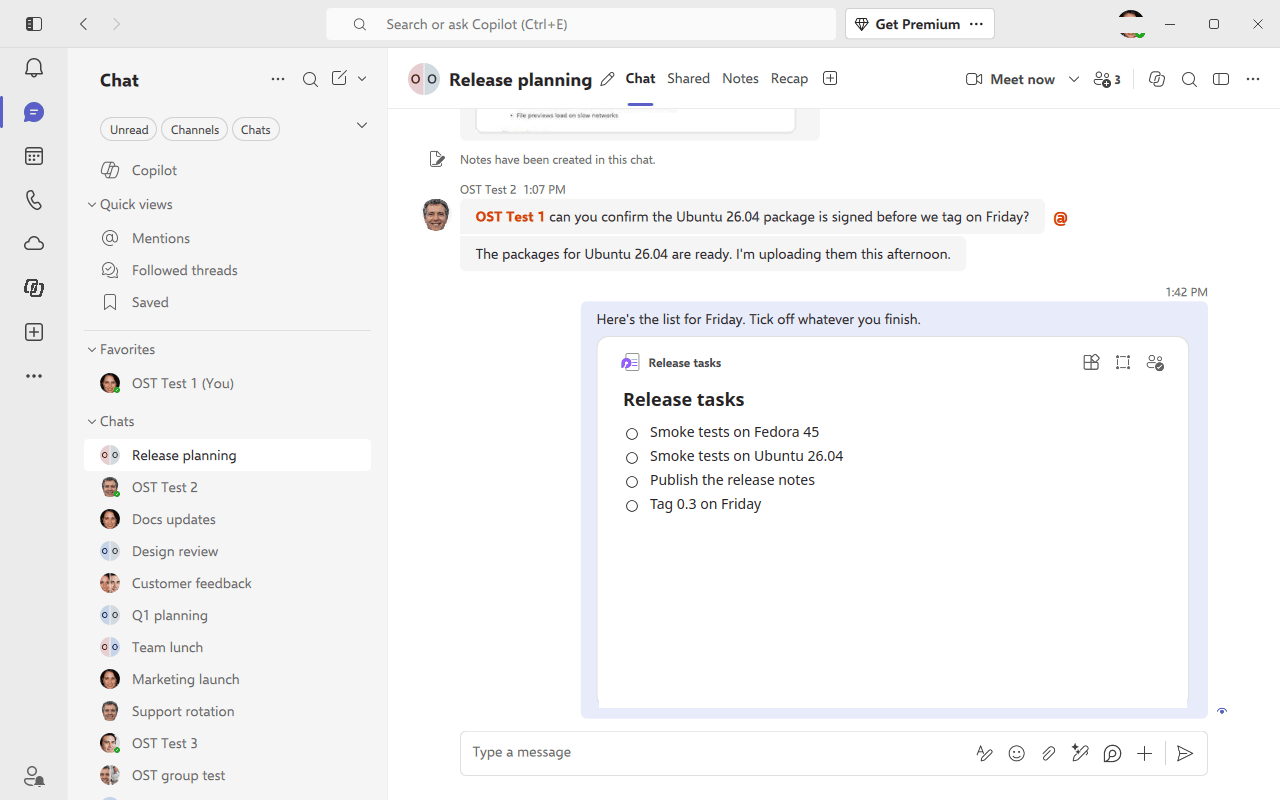
Tabs (Chat, Shared, Notes, Recap for meetings, and apps you add with +), Meet now or Video call / Audio call, the people in the chat (add and remove people), Find, the details pane (Alt+P) and ··· for more.
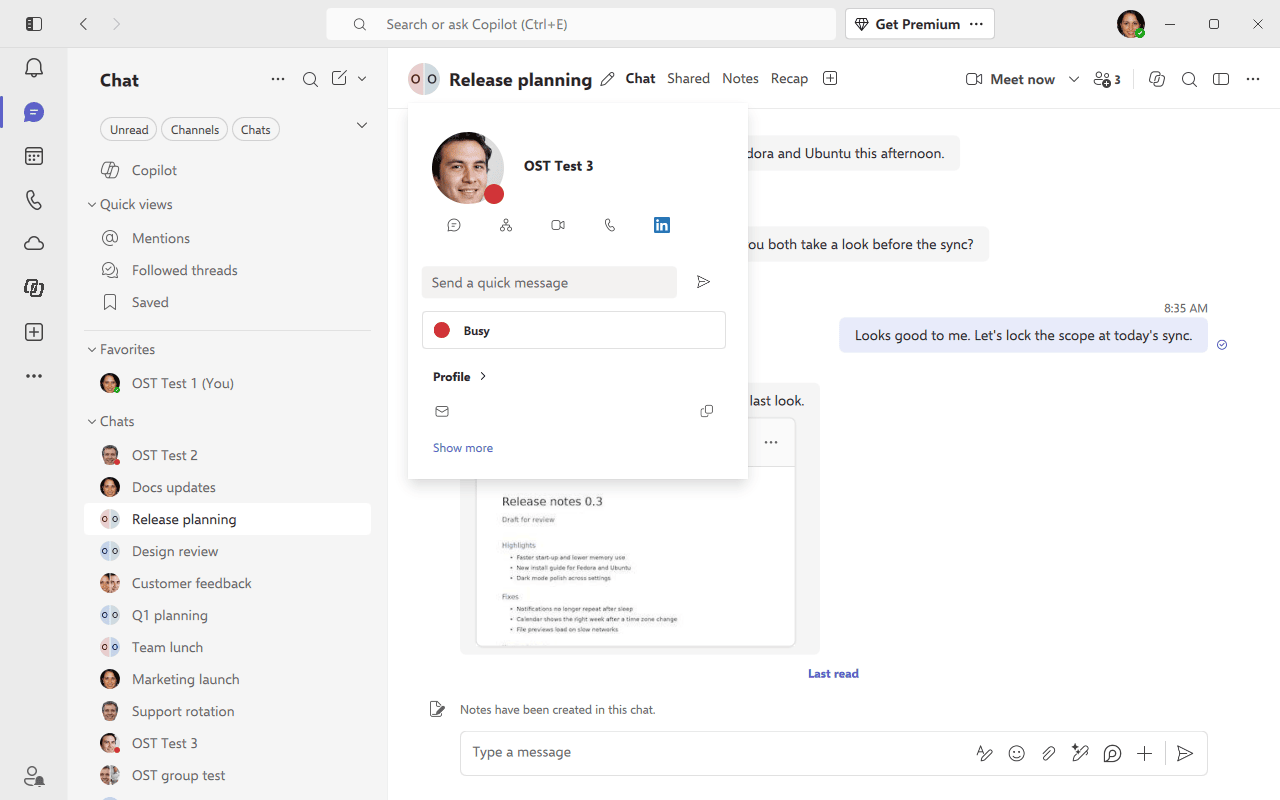
Point at someone's name or picture for their profile card; Profile › opens the full card with their contact details, organization chart and LinkedIn.
With a Microsoft 365 Copilot license, as in Teams:
- Copilot sits at the top of the chat list.
- A chat's header has Copilot (Alt+C), which opens Microsoft 365 Copilot beside the conversation, told about that chat: ask it to summarize, find what was decided, or answer from the chat. Its sources jump to the messages they came from. Meeting chats send Copilot the meeting (with its recap and transcript), and pop-out chat windows have it too.
- Write with Copilot in the message box rewrites, adjusts or proofreads your draft, also while you edit a sent message.