Drawer Adjustment Request
A drawer adjustment allows a cashier to request a correction to their drawer balance for a specific payment method (e.g. Cash, Card). The request goes through an approval workflow — a manager reviews and approves or rejects it before the balance is changed.
From the Cashier Index page:
- Expand the Drawer section in the left sidebar
- Click Request Drawer Adjustment
The Request Drawer Adjustment button calls
navigateToRequestAdjustment()which sets the target user to the currently logged-in cashier. Navigating directly to the URL without using this button will result in an error.
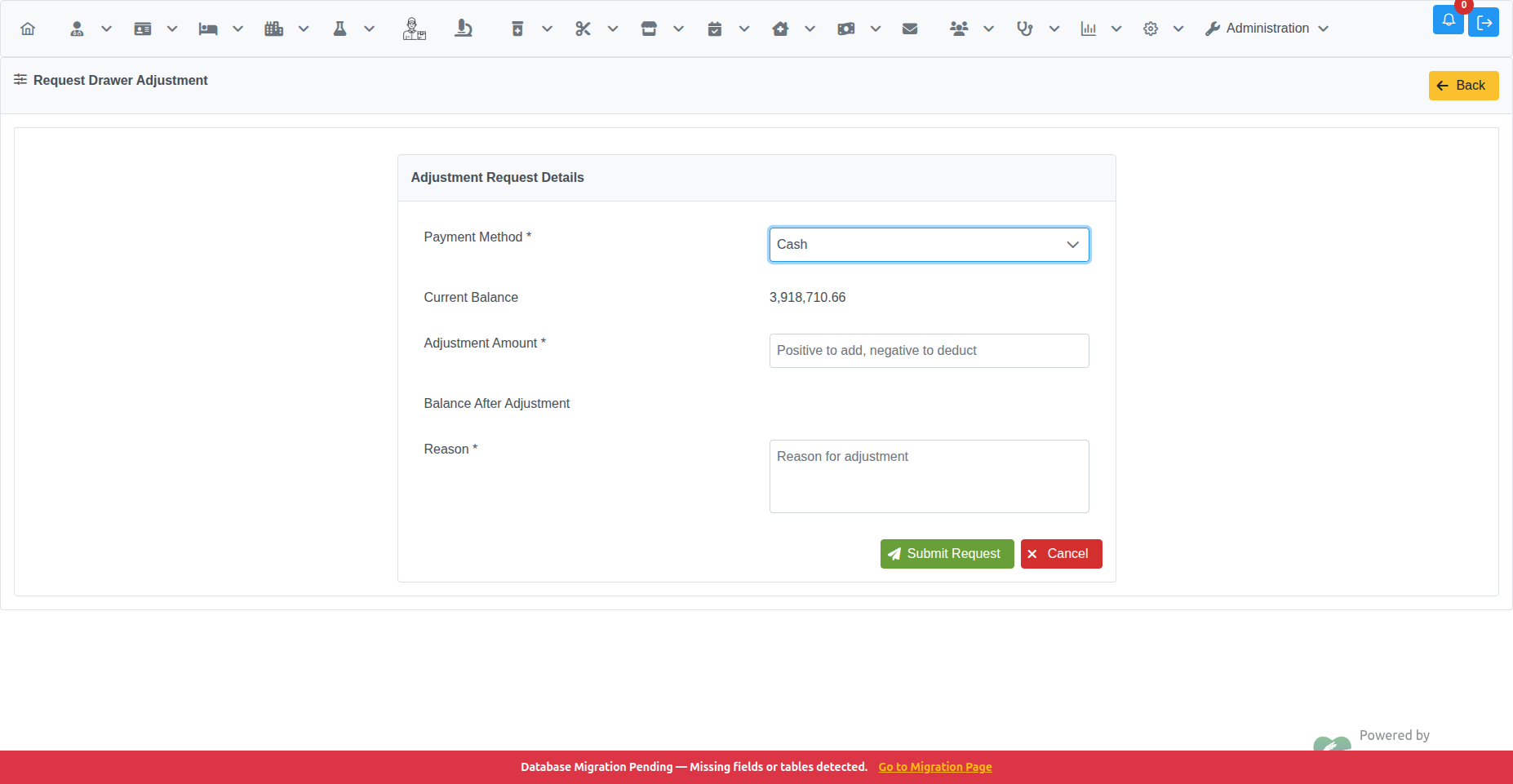
| Field | Required | Description |
|---|---|---|
| Payment Method | Yes | Select the payment method whose balance needs adjustment (Cash, Card, Cheque, etc.) |
| Current Balance | — | Auto-populated when you select a payment method. Shows the drawer's current balance for that method. |
| Adjustment Amount | Yes | Enter a positive number to add to the balance, or a negative number to deduct. |
| Balance After Adjustment | — | Auto-calculated preview of what the balance will be after approval. |
| Reason | Yes | Explain why the adjustment is needed (e.g. counting error, overpayment correction). |
Click Submit Request to send the request for manager approval. You will be returned to the Cashier Index.
Click Cancel to discard and go back without submitting.
If you already have a pending (unresolved) drawer adjustment request, the form is hidden and a warning is shown instead:
Pending Request Exists — You already have a pending drawer adjustment request. You cannot submit a new request until the existing one is approved or rejected.
Wait for the manager to approve or reject the current request before submitting a new one.
After submission, the request appears in the Request Manager with status Pending.
A manager with the Drawer Adjustment Approval privilege can then:
- Review the request details
- Approve it (balance is adjusted immediately)
- Reject it (balance is unchanged; a rejection reason is recorded)
See Drawer Adjustment Approval for the manager workflow.
- Drawer Adjustment Approval — manager approval/rejection workflow
- Request Manager — searching and tracking all request types