Repository navigation
Clip Extractor
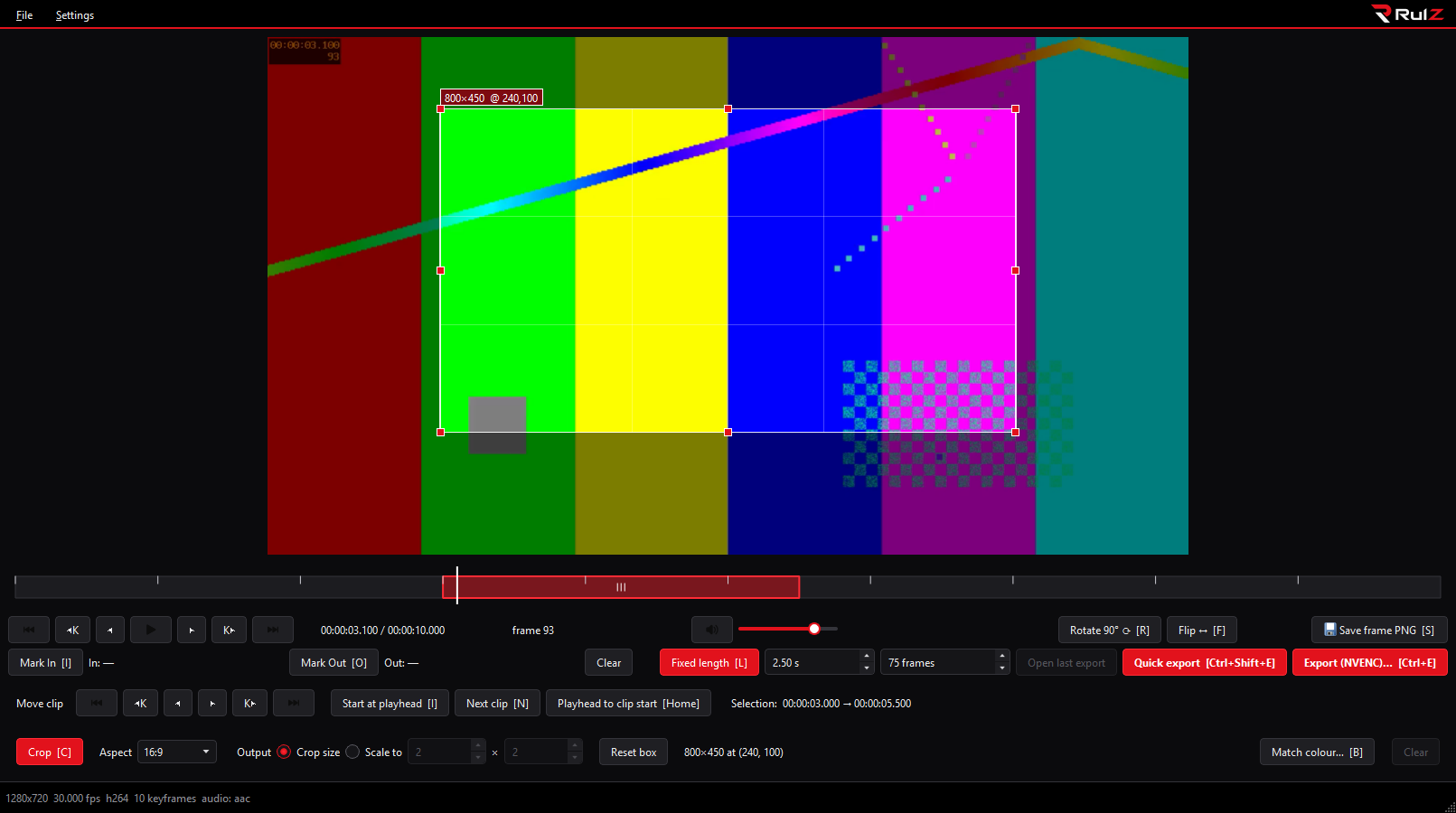
A small Windows app for cutting frame-accurate clips out of videos. Step frame by frame or keyframe by keyframe, mark a start and an end (or pick a fixed length), and export either a lossless copy or a re-encode with NVIDIA NVENC.
| I want to... | Go to |
|---|---|
| Install the app | Installation |
| Cut my first clip in a minute | Quick Start |
| Look up a key | Keyboard Shortcuts |
- Playback and Marks: stepping, keyframes, In/Out, saving a frame
- Fixed-Length Clips: pick a clip by length and slide it along the timeline
- Exporting: lossless vs NVENC, Quick export, frame rate, file names
- Crop, Rotate and Flip
- Colour Matching: match a person's skin tone to a reference photo
- Preferences and Themes
| Version | What changed |
|---|---|
| 1.2.0 | Stepping back a frame is nearly instant; NVENC exports decode on the GPU; cancelling an export deletes the half-written file without an error; if FFmpeg can't start you're told instead of the window locking up. |
- Latest release (Windows zip)
- Source code
- Report a problem
The source code is MIT licensed. The RulZ name and logo are not; see the license section of the README.