Repository navigation
Coding Agent Run and Share
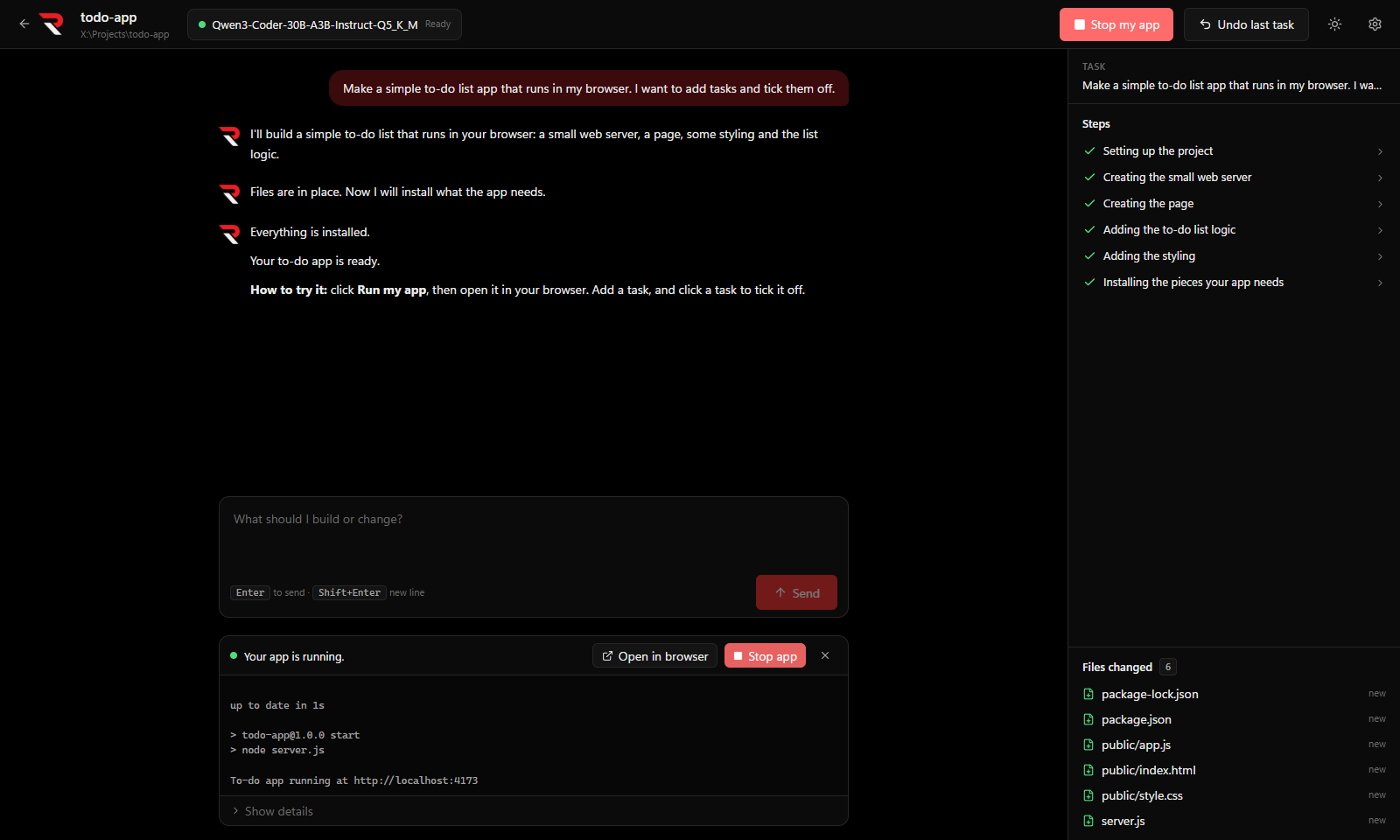
Run my app starts the project and shows its output in a panel:
- Node projects run
npm startornpm run dev(withnpm installfirst if the packages aren't installed yet). - Python projects run
main.py(orapp.py,gui.pyorrun.py), with the project's.venvif it has one. - Websites open
index.htmlin your web browser.
Web servers get an Open in browser button. Stop my app in the top bar (or Stop app in the panel) closes it.
If the app can't tell how to run the project, the panel says so and offers Ask the AI to work it out, which has the agent find the command and remembers it, or I know the command, where you type a PowerShell command and click Save and run. Show details in the panel shows the command in use, and Reset how to run forgets a saved one.
When the running app stops with an error, or prints one while it runs, Fix this appears in the panel. It stops the app and hands the error to the agent to find and fix. It's greyed out while a task is running.
Share my app packages the project into one file you can give to other people:
| Project | Result |
|---|---|
| Electron app | a single portable .exe (electron-builder) |
| Python app | a single .exe (PyInstaller, one file) |
| Website | a .zip
|
Click Package it to confirm. A running app is stopped first. The file goes in the project's dist folder, and the first time the agent may need to download packaging tools. When it's done, the conversation names the file and shows a Show in folder button. Packaging runs commands, so it asks first at your approval level, as usual.