Repository navigation
RulzTrainer
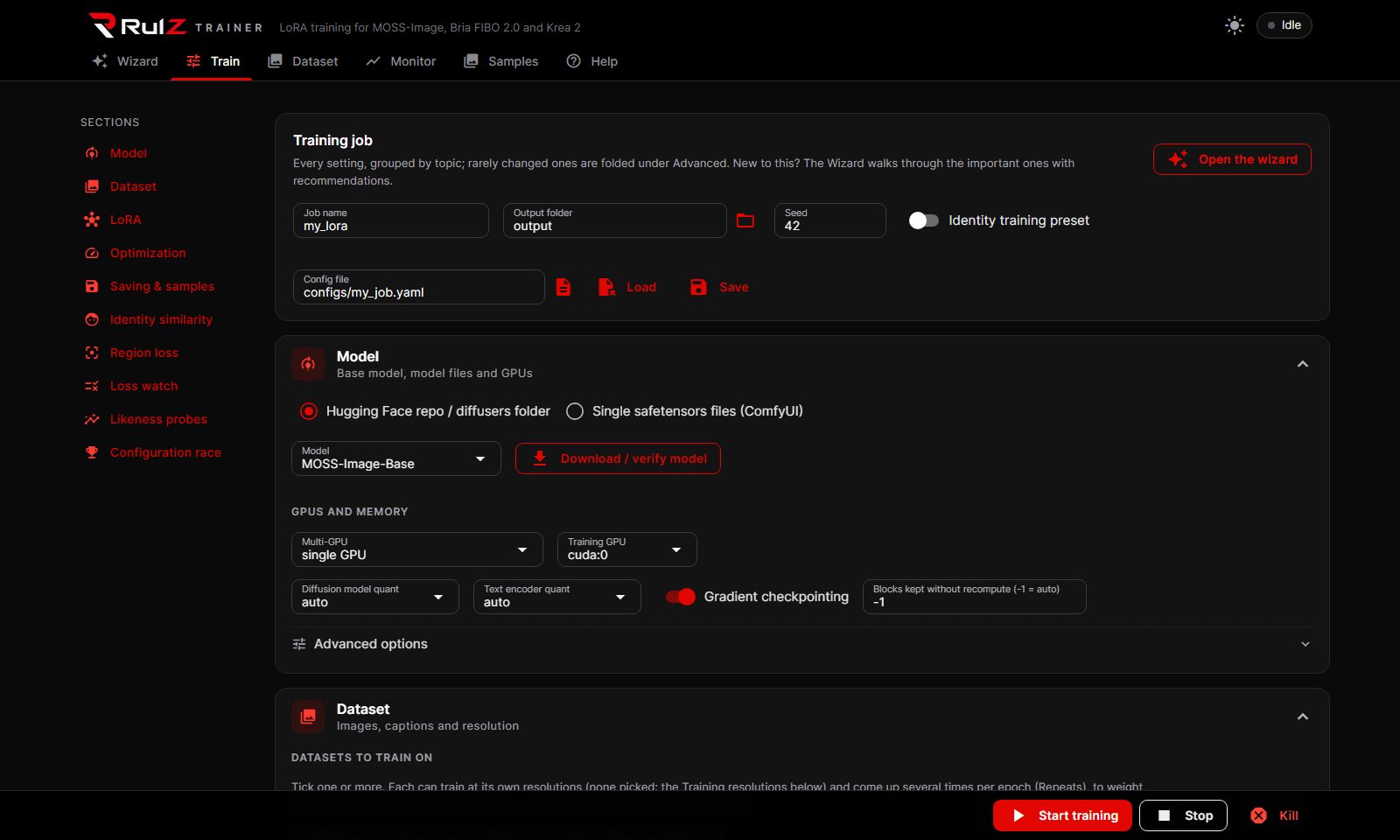
A LoRA / LoKr trainer with a WebUI for Krea 2, MOSS-Image, Bria FIBO 2.0, Qwen-Image 2.1, FLUX 3 Klein, Ideogram 4 and MiniMax H3 (experimental). The trained files load in ComfyUI.
| I want to... | Go to |
|---|---|
| Install it and train my first LoRA | Getting started |
| Fit a model on a 12-16 GB card, or use two GPUs | Models and memory |
| Train a person and measure how well it looks like them | Character LoRAs |
| Compare my past runs' likeness scores side by side | Previous runs |
| Clean up a dataset, or keep my subject off other people | Dataset tools |
| Compare settings, schedules, fine-tune, keep fewer saves | Training options |
| Use the LoRA, or score images, in ComfyUI | ComfyUI |
| Train on a rented GPU or from my phone | Cloud and remote |
| Fix an error | Troubleshooting |
| Version | What changed |
|---|---|
| 2.36.3 |
Hull fix, do not train Hull on 2.36.2: Hull's momentum is now always fp32. On 2.36.2 the factor rebalance multiplied bf16 momentum's rounding error, and a real run fell apart into wrong subjects and abstract noise within 300 steps. A saved hull_state_dtype: bf16 is ignored with a warning. It uses about 170 MB more memory. Tested in simulation, not yet on a real training run. |
| 2.36.2 |
Hull factor balance: Hull now rebalances lora_down and lora_up every 10 steps. In the first real run lora_down grew to 1e5 against lora_up at 0.04, so the saved LoRA lost up to all of a layer's change to bf16 rounding. This removes that precision damage but barely changes what Hull learns, so it may not stop instability late in a long run. Not yet tested on a real training run. |
| 2.36.1 |
Hull fix: the Hull step field could not be seen, so a run with optimizer: hull from the WebUI stopped asking for hull_rho. It now shows on the Train tab, under Optimization, when hull is selected. |
| 2.36.0 |
Hull optimizer, base rule: optimizer: hull is a first, experimental build of the optimizer planned in docs/hull-optimizer.md, for plain LoRAs. It takes evenly sized steps on each layer, set by the new Hull step field, which has no default or recommended value yet. Only the base rule exists: none of the body mechanisms do, it has not trained a real model or been raced, and nothing shows it beats AdamW. Settings it can't work with are refused when the run starts. See Training options. |
| 2.35.2 |
Hull optimizer design: docs/hull-optimizer.md plans a new optimizer written from scratch for body identity (build, proportions, structure, skin tone and detail, marks) with the face no worse: its update rule, region gains on body skin and the silhouette, a face guard, a skin path, the judges, validation on synthetic characters and consenting volunteers, and a staged build order. Design only: nothing in the trainer changes. |
| 2.35.1 |
Race fix: in a race decided at the end (drop the lowest each round off, or patience drops), the last configuration racing now keeps its best checkpoints in its own <job>_<name>_best.safetensors. Before, it saved them as <job>_best.safetensors, and when another configuration won, the winner's best was copied over that file, so the last racer's best after it raced alone was lost. <job>_best.safetensors is now written once, from the winner's file, when the race is decided. |
| 2.35.0 | Anchored body score and Score sample folders: a new Body score option, anchored (SigLIP 2 + DINOv2), measures how far the body has moved from the base model's people toward your body references: 0 = the step-0 probe's base-model renders (8 seeds), 100 = the references' mean, on a straight scale. It takes the photographic look (colour grade, exposure, sharpness) out first, and on a five-run test it told trained samples from the base model's in 96% of pairs, where the default appearance managed 80%. appearance stays the default until it is tested on more characters. Score sample folders on Previous Runs compares finished runs from any trainer (ai-toolkit, Fizgig, OneTrainer, this one) on face, gold face and anchored body, from folders of their sample pictures and a folder of base-model renders, into one spreadsheet with charts. |
| 2.34.0 |
Image downloads: Probe images (.zip) and Sample images (.zip) sit beside All LoRAs (.zip) and Logs and settings (.zip) on the Monitor (Log and saved files) and Previous Runs (Saved files): every probe or sample image of the run (every step, and each configuration of a race) in one archive, as the job folder's probes/ and samples/ hold them. |
| 2.33.0 | ComfyUI likeness nodes score the gold face: the Likeness References node can load the held-out FaceNet face recognizer the trainer's probes use (gold_face, on by default), and Likeness Score reports a gold face score on its own scale next to ArcFace's. overall_face picks which face counts in the overall score: gold as the trainer does when its gold scorer is on, arcface, or auto (follows the trainer run, else ArcFace). The details and the spreadsheet show both overalls, and the help text describes the current scale (a typical reference reads about 64). |
| 2.32.0 | Easier-to-read Previous Runs: the likeness charts have one legend entry per run (a click hides all of its lines) and the tooltip names each line. Probe images are grouped by test picture (Face probe 1, Face probe 2...) with every ticked run side by side in a square grid, scored face / body / combined; the full-size viewer's arrows step through them, and the tick-to-compare box sits in each image's corner. On a phone the table keeps the run, steps, adapter, combined and best scores, the images sit two across, and Compare puts the two images one above the other. |
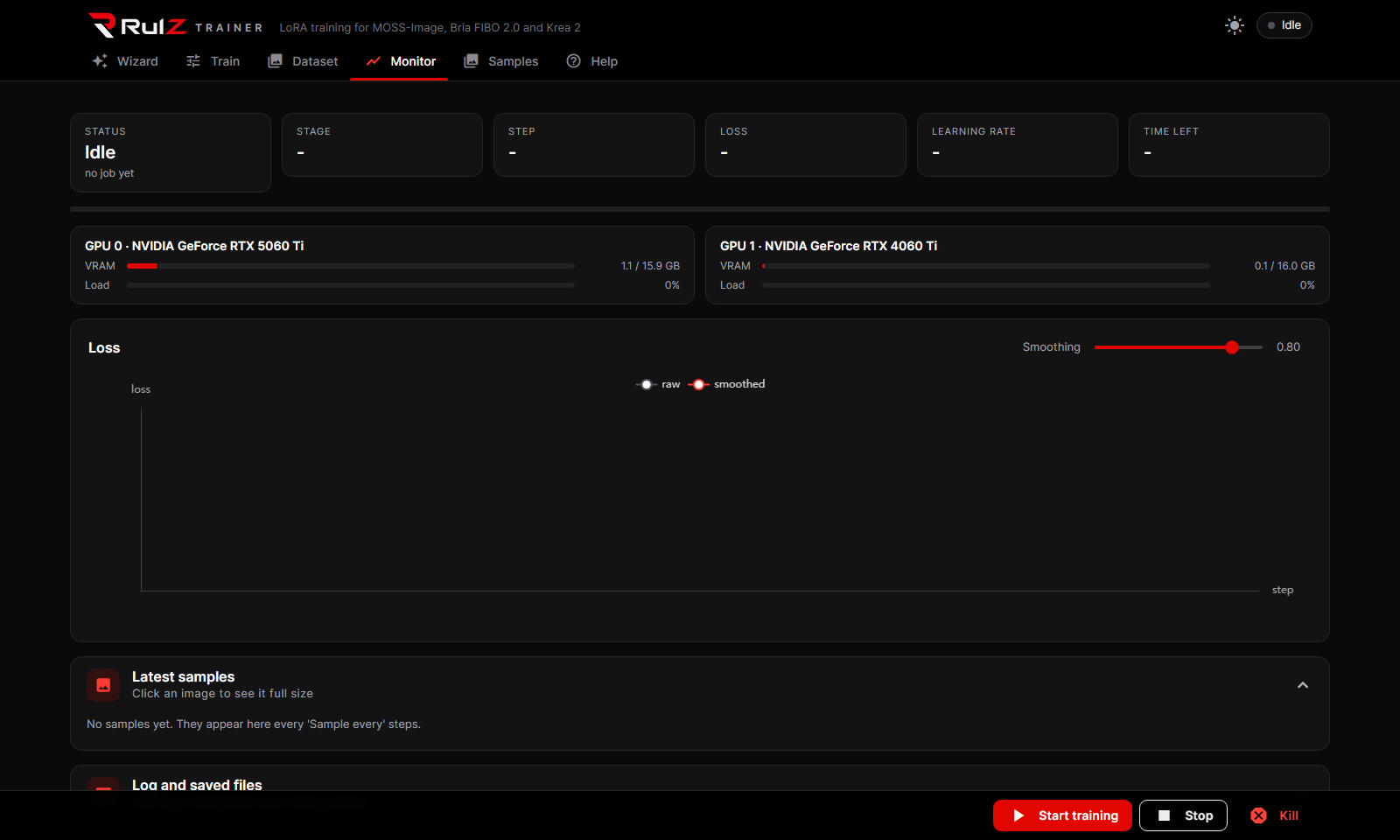
| 2.31.0 | Easier-to-read Monitor: likeness comes first (race, probes, sample images, identity similarity, then the loss charts). Probe and sample images sit in a square grid, one training step at a time, with a step picker and Newest; each has a short title and its scores, and in a race the configurations sit side by side under a heading per prompt or probe image. The full-size viewer has previous/next arrows (and the arrow keys). Scores show as labelled chips, chart legends wrap and fit the browser width, and Identity similarity has bold average lines. On a phone the tiles and images sit two across, charts grow taller instead of squeezing, and the bottom bar fits on one row. |
| 2.30.0 | Simpler Wizard: six pages for a character / person LoRA (Start, Model, Photos, Training, Samples & probes, Extras & start) defaulting to rank/alpha 32, AdamW 8-bit and a learning rate of 1e-4. An Advanced switch on the first page, shared with a new one on the Train tab, shows every setting; with it off the Train tab hides the advanced panels, experimental rows and tool sections (an experiment that is on stays visible). The last page asks whether to use experimental settings: each one has a badge for how well it is tested and a What is this? button with what testing found. The race is set up there too. |
| 2.29.0 | Tidier downloads: the Monitor's Log and saved files has one LoRA file dropdown and a Download button instead of a button per checkpoint, plus All LoRAs (.zip) and Logs and settings (.zip) archives. Previous Runs has the same downloads under Saved files while the run's job folder still holds it. During a race the likeness chart has Combined / Face / Body chips that hide that line for every configuration, and the Loss and Gradient norm charts fold away like the other sections. |
| 2.28.0 | A tidier Train tab: the list on the left now shows one settings section at a time (grouped into Basics, Likeness and Tools, with a Section dropdown on a phone), and every setting's explanation sits beside it instead of in a hover tooltip; click a long one to read all of it. The job name, output folder, seed, identity preset and config Save / Load are the first section, Job. |
| 2.27.0 | MOSS-Image Base previews use the SFT LoRA (Kijai's, downloaded automatically), so samples show SFT's look; the new Sampling LoRA setting (auto / none / a LoRA file) turns it off or swaps it. Fixed: after training Krea 2 and switching to MOSS-Image, the hidden "Preview with Krea 2 Turbo" model stayed set, so MOSS's turbo LoRA was skipped. Switching models now clears the other model's sampling files, and Start refuses a run that still names them. |
| 2.26.0 | From musubi-tuner: the Monitor's new Gradient norm chart shows how hard each step pushes, with the clip limit and how many recent steps were clipped. Timestep buckets spread each round of steps evenly over the noise levels instead of leaving it to chance (off by default). Post-hoc EMA on the Train tab blends a finished run's saved checkpoints into one smoothed LoRA. |
| 2.25.0 | From AI-Toolkit: faster text caching, encoding up to 16 captions per pass instead of one at a time, with the same features for every caption (all seven models). New experimental Loss type: band, which drops the fine detail the noise has buried at each step; plain mse stays the default, and band can be raced against it. |
| 2.24.0 | MOSS-Image's Slide clean-end schedule follows Fizgig's new default, 60:7:30:8:3 (about 5 points more likeness in Fizgig's test): after the slide the higher share, with every Nth epoch at the lower one at half the learning rate; full fine-tunes count rotations and get Slide FT (11:4:30:8:2). Start now warns about images with no caption, captions that already hold the trigger word, and a learning rate far outside the usual range, with Start anyway. |
| 2.16.0 | Three new models: FLUX 3 Klein (Black Forest Labs, 5.5B; one 16 GB card in bf16 or int8), Ideogram 4 (9.3B; JSON captions, non-commercial license) and MiniMax H3 (33B video model, experimental: image LoRAs trained as one-frame videos, two 16 GB cards or block swap). FLUX 3 Klein and Ideogram 4 first shipped in 2.15.1. None has been through a real training run yet. |
| 2.14.0 | Preview pictures need 1–2 GB less graphics memory and decode about 40% faster (MOSS-Image, FIBO and Krea 2); the text encoders load without their unused vision part (about 0.8 GB less); turbo-LoRA previews render faster; the two-GPU split works for FIBO and MOSS-Image; body scoring uses half the memory; a retry after running out of memory trains the same images. |
- Seven models, from ComfyUI's single safetensors files (int8 by default, downloaded on the first run), with each model's turbo LoRA (where one exists) for fast sample previews.
- LoRA, LoKr, OFT and DoRA adapters, or a full fine-tune that is then extracted into a LoRA.
- Self-tuning optimizers: Automagic 3 and 4 (ported from ai-toolkit, with v4's runaway learning rate fixed) find the learning rate themselves, per layer type if you like.
- Likeness probes: every few steps it renders a headshot and a full-body image and scores them against your reference photos, keeps the best checkpoint, can stop early and can steer the learning rate.
- Run history: every run's likeness scores are kept, and any number of runs can be overlaid on the Previous Runs tab to compare them.
- Configuration races: train several setups in one run and let the probes pick the winner, one contender per GPU if you have two, or run them as a relay where every racer continues from each round's winner (the best of several seeds at every probe).
- LoRA Isolation: keeps your character's look off everyone else in a picture.
- A dataset page to upload, caption, find face and body outliers and move them out without deleting anything.
- Small cards: int8 / nvfp4 weights, block swap, selective checkpointing, two-GPU data parallel or model split.
- Remote: a vast.ai template and Tailscale access.
The full reference, with every option and the measurements behind the defaults, is the README. New releases are on the Releases page.