pts current news rss feed
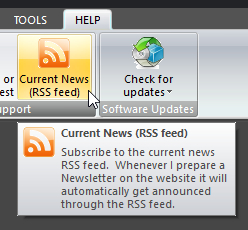 Click Current News (RSS feed) on the HELP ribbon panel. Note that there is also a link to the RSS feed on the website. Look for it in the Online Resources section of the footer area to find it: Click Current News (RSS feed) on the HELP ribbon panel. Note that there is also a link to the RSS feed on the website. Look for it in the Online Resources section of the footer area to find it: 
|
|---|
An RSS feed is a way to provide news and information to users and they are becoming more and more popular. My RSS feed is linked to my website (which is developed with WordPress).
Whenever I prepare a Newsletter on the website it will automatically get announced through the RSS feed too. So if you subscribe to the feed, you might find it an easier way to keep abreast of new versions and so forth.
There are several ways that you can subscribe to the RSS feed. In this help topic we show you a couple of them.
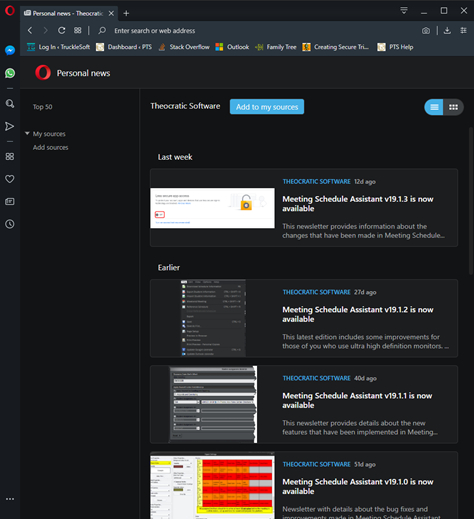 The Opera Browser has built-in support for RSS feeds. Paste the RSS feed URL into the Opera address bar: The Opera Browser has built-in support for RSS feeds. Paste the RSS feed URL into the Opera address bar:  Press the Enter key it should take you to the Personal news section. You should see the contents of the feed straight away in your browser. At the top you will see a button Add to my sources. Click it. Now you are subscribed and the feed will be listed. From now on you can click the Personal news icon and then the Theocratic Software feed to view the articles. Press the Enter key it should take you to the Personal news section. You should see the contents of the feed straight away in your browser. At the top you will see a button Add to my sources. Click it. Now you are subscribed and the feed will be listed. From now on you can click the Personal news icon and then the Theocratic Software feed to view the articles. 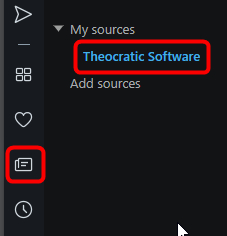
|
|---|
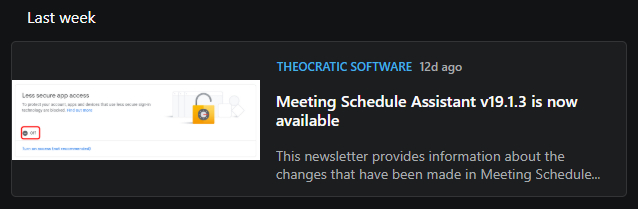
Just click on any article that you would like to read and it will take you to the website:
You can add as many RSS feeds as you like. For example, a few are provided on the official JW.ORG website.
 You can read more about the Personal News feature in the Opera Browser here: https://www.opera.com/computer/features/news-reader. Other browsers will behave differently and might require a plug-in to be be installed.
FeedDemon is the most popular RSS reader for Windows, with an easy-to-use interface that makes it a snap to stay informed with the latest news and information.
FeedDemon was discontinued in June 2013. You can still download it for free, but it won't be updated and support for it is no longer available.
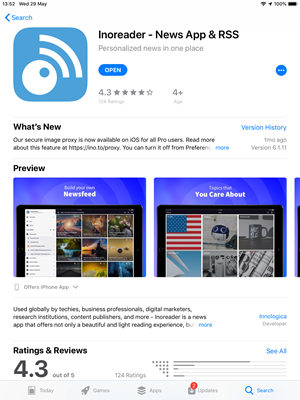 There are a number of RSS readers available for hand held devices too. Take for example Inoreader which is available in your App Store. You do not need to have a paid account and it is available on several platforms: iOS Android Windows Phone Locate Inoreader in your app store and then install it. There are a number of RSS readers available for hand held devices too. Take for example Inoreader which is available in your App Store. You do not need to have a paid account and it is available on several platforms: iOS Android Windows Phone Locate Inoreader in your app store and then install it. |
|---|
|
The screen shots provided here are all for Inoreader on the iPad. |
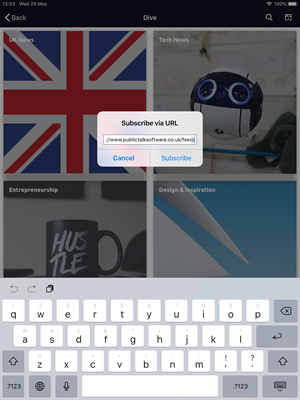 You should be able to add a feed and then paste in the RSS feed URL. You should be able to add a feed and then paste in the RSS feed URL. |
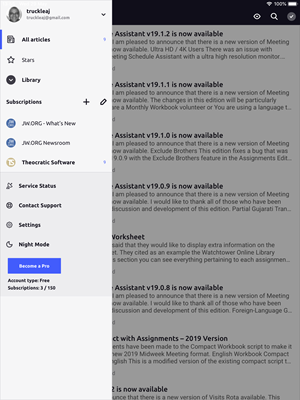 Theocratic Software will display in your list of subscriptions. Theocratic Software will display in your list of subscriptions. |
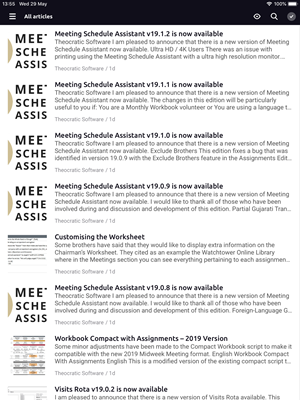 Click on any one of the articles to view them. Click on any one of the articles to view them. |
|---|