pts set new value
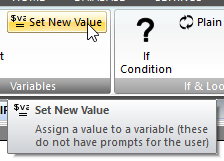 Click Set New Value on the SYSTEM ribbon panel to display the Set New Value window. Click Set New Value on the SYSTEM ribbon panel to display the Set New Value window. |
|---|
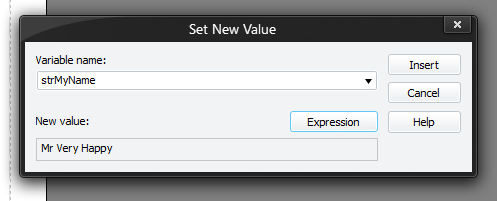
You must press Insert (or Update if editing an existing command) for your changes to be applied to the current script in the editor.
Setting a variable allows you to either change the value of an existing variable conveniently, or to actually declare and initialise a variable in one go.
Variables declared in this way will become available for inserting via the editor in later commands, and do not need to be declared with REQUIRES.It is implicit.
Variables appearing on the right-hand side of the equals must have previously been set, though. The value to assign to the variable is an expression, but it does not require curly braces { and } around it. These variables have similar properties to dynamic variables declared with REQUIRES.
 You should initialise and use variables this way unless you need input from the user (in which case you should use the REQUIRE command).
Example:
$iNumBrothersAvailable = $iNumSpeakers + $iNumReaders