pts insert text
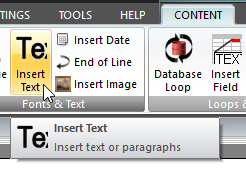 Click Insert Text on the CONTENT ribbon panel to display the Insert Text window. Read more: Command Syntax Click Insert Text on the CONTENT ribbon panel to display the Insert Text window. Read more: Command Syntax
|
|---|
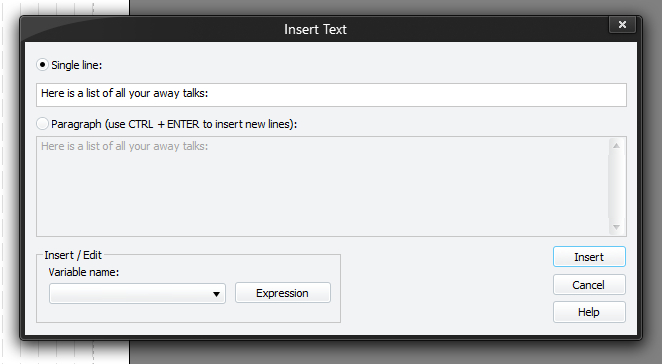
This adds the specified piece of text in the current font and colours to the report. Text added in this way (not paragraph mode) will not be seen on the screen / report until you issue an EOL command (unless an EOL is already there of course).
You must press Insert (or Update if editing an existing command) for your changes to be applied to the current script in the editor.
If you select the Paragraph option, then the text will be word wrapped. Use CTRL + Enter to insert a new line into the paragraph (new lines are represented with \r\n). The command syntax provides full details.
 If you want to include speech marks in the text, you must use a special text identifier: &speech. This must be in lowercase. Every occurrence of &speech will get converted into a speech mark.
You can also put variables into these TEXT commands. Select a variable from the drop-down list and the variable will get inserted into the text at the current cursor position.
You can also use expressions to perform a variety of operations (including formatting variables and text).
Please see the help topic: Literal Text, Variables & Quotes for examples.